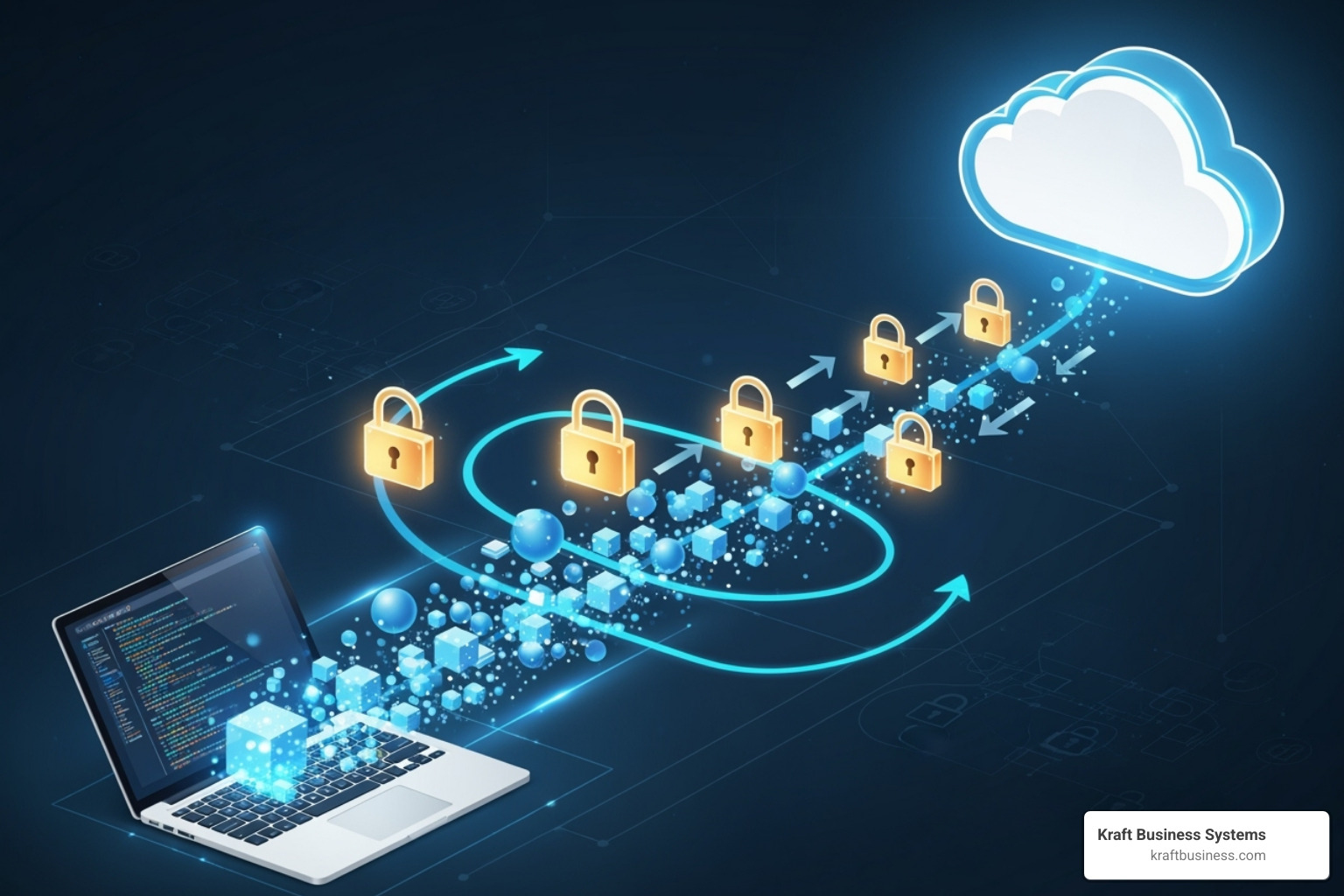
Why Is a Cloud or Computer More Secure? An In-Depth Comparison
When deciding whether local hardware or cloud infrastructure offers superior protection, the answer depends heavily on how resources are managed, configured, and updated. A cloud environment or a modern local computer can each achieve...
When deciding whether local hardware or cloud infrastructure offers superior protection, the answer depends heavily on how resources are managed, configured, and updated. A cloud environment or a modern local computer can each achieve high levels of security, but they secure data through fundamentally different operational models, resource allocations, and architectural designs.
Contents
To evaluate why a cloud or a computer can be more secure, it is essential to examine the layers of defense inherent to both systems. A standalone personal or enterprise computer relies on localized physical controls, user vigilance, and endpoint software. In contrast, cloud computing relies on centralized, large-scale infrastructure managed by dedicated security teams, advanced automated patching, and robust multi-tenant isolation protocols. Understanding these mechanisms helps organizations and individuals determine which environment best mitigates their specific threat models.
Understanding the Fundamentals of Modern Security
Before comparing cloud environments to local computers, we must define what makes any digital system secure. Cybersecurity rests on the classic CIA triad: Confidentiality, Integrity, and Availability.
- Confidentiality: Ensuring that sensitive data is accessible only to authorized individuals or processes.
- Integrity: Safeguarding the accuracy and completeness of data and systems from unauthorized modification or corruption.
- Availability: Ensuring that information and vital services are continuously accessible to legitimate users when needed.
Both local computers and cloud infrastructures strive to meet these three pillars, but their methods diverge significantly. A local computer puts the burden of security squarely on the end user or a small internal IT department. A cloud provider shifts this burden into a shared responsibility model, where the provider secures the underlying infrastructure while the customer manages their data and access controls.
The Security Architecture of a Local Computer
A local computer—whether a desktop, a laptop, or an on-premise workstation—offers distinct security advantages rooted in direct physical control and isolation from external networks.
Physical Control and Direct Ownership
One of the primary security benefits of a local computer is physical custody. If a machine is disconnected from the internet and locked in a secure room, the attack vector is reduced almost entirely to physical tampering or insider threats. Users have direct oversight over peripheral devices plugged into USB ports, internal storage drives, and hardware components. For highly classified environments, air-gapped local computers provide an absolute barrier against remote cyber espionage.
Endpoint Protection and User Configuration
Security on a local computer depends heavily on installed endpoint detection and response (EDR) software, antivirus programs, and operating system firewalls. When properly configured, a local computer can enforce strict security policies tailored to a single user. Administrators can deploy disk encryption tools like BitLocker or FileVault to ensure that even if the physical drive is stolen, the data remains unreadable without the proper credentials.
Inherent Vulnerabilities of Local Hardware
Despite these advantages, local computers face severe structural limitations regarding security at scale:
- Human Error: Users frequently delay software updates, click on malicious phishing links, or use weak passwords, creating easy entry points for malware and ransomware.
- Lack of Continuous Monitoring: Unlike enterprise-grade security operations centers (SOCs) that monitor networks 24/7, a local computer is often unmonitored when the user is away.
- Physical Vulnerability: Laptops and workstations are easily lost or stolen. Without robust full-disk encryption, physical theft instantly compromises data confidentiality.
The Security Architecture of Cloud Computing
Cloud computing environments—ranging from Infrastructure as a Service (IaaS) like Amazon Web Services and Microsoft Azure to Software as a Service (SaaS) platforms—rely on hyper-scale security economics and automated defense mechanisms that far exceed the capabilities of a single computer.
Centralized Expertise and Dedicated Security Teams
Major cloud providers employ thousands of cybersecurity professionals whose sole job is to defend the infrastructure. This level of specialized expertise is cost-prohibitive for small businesses or individual users. Cloud providers can afford advanced threat intelligence feeds, hardware-level security modules (HSMs), and dedicated red teams to test their defenses continuously.
Automated Patch Management and Scalable Defense
Vulnerabilities are an inevitable reality of software development. On a local computer, patching requires user action or automated updaters that can fail or be deferred. In the cloud, patches for hypervisors, foundational network equipment, and core infrastructure are applied at scale with minimal downtime. Furthermore, cloud environments use automated threat detection systems powered by machine learning to spot anomalous behavior and isolate compromised instances within milliseconds.
Redundancy, Data Integrity, and High Availability
Cloud platforms distribute data across multiple geographically diverse data centers. If a localized disaster, hardware failure, or localized cyber attack takes down one facility, redundant copies of the data ensure business continuity. Maintaining this level of redundancy on a local computer requires expensive, complex setups like RAID arrays and offsite tape backups that are prone to human oversight.
Comparing Local Computers and Cloud Environments
| Security Dimension | Local Computer / On-Premise | Cloud Computing Infrastructure |
|---|---|---|
| Physical Security | Relies entirely on the user or local facility controls; vulnerable to device theft. | Managed in heavily guarded, SOC 2 and ISO-certified data centers with biometric access. |
| Patch Management | Often manual or easily deferred by the user, leaving known exploits open. | Automated, centralized, and applied rapidly across infrastructure layers. |
| Threat Monitoring | Limited to installed local endpoint software; rarely monitored 24/7. | Continuous 24/7 automated monitoring using advanced AI and dedicated security teams. |
| Backup & Recovery | Requires manual user intervention, external drives, or complex local setups. | Built-in geographic redundancy, instant snapshots, and automated disaster recovery. |
| Access Control | Typically based on local user accounts; easily bypassed if physical access is gained. | Granular Identity and Access Management (IAM), multi-factor authentication, and encryption in transit/at rest. |
Why the Cloud Often Wins on Scale, But Loses on Configuration
While cloud infrastructure is fundamentally built with more robust security controls than an average consumer computer, cloud security is not foolproof. The primary vulnerability in cloud computing is misconfiguration.
Under the shared responsibility model, the cloud provider secures the cloud, but the customer is responsible for security in the cloud. Leaving storage buckets publicly accessible, using default administrative credentials, or failing to implement multi-factor authentication (MFA) can lead to massive data breaches. In these instances, a properly configured local computer running in an isolated environment can technically be more secure than a poorly managed cloud deployment.
However, when comparing an enterprise-grade cloud deployment to a standard local computer, the cloud wins on sheer defensive depth. Cloud environments utilize software-defined perimeters, micro-segmentation, and hardware root of trust that cannot be replicated on standard consumer-grade computer hardware.
Frequently Asked Questions
Is my data safer on my local hard drive or in cloud storage?
Data in cloud storage is generally safer against hardware failure, physical theft, and ransomware if managed with strong access controls and encryption. Local hard drives are vulnerable to physical damage, loss, and local malware infections unless the user rigorously maintains encrypted backups.
Can a hacker access my local computer more easily than a cloud server?
Yes, consumer computers are often targeted by opportunistic attackers via phishing, unpatched software, and weak home Wi-Fi networks. Cloud servers sit behind enterprise-grade firewalls, intrusion detection systems, and strict rate-limiting barriers that deflect automated scanning bots.
What is the shared responsibility model in cloud security?
It is a security framework dividing duties between the cloud provider and the customer. The provider protects the hardware, facilities, and global network, while the customer protects their operating systems, application configurations, and user data.
Does the cloud protect against ransomware better than a local PC?
Cloud environments offer superior protection because administrators can instantly restore uninfected file versions from automated snapshots or immutable backups. A local PC hit by ransomware often suffers permanent file encryption unless an external, offline backup exists.
When is a local computer more secure than the cloud?
A local computer is more secure when it is entirely disconnected from the internet (air-gapped) and housed in a physically secure facility, eliminating all remote attack vectors and reliance on third-party service providers.
Conclusion and Next Actions
Ultimately, neither a cloud nor a computer is secure by default; security is a product of architecture, configuration, and vigilance. For most individuals and organizations, modern cloud services offer vastly superior protection due to automated patching, expert oversight, and enterprise-grade infrastructure.
To maximize your security posture, audit your current digital assets. If you rely on local computers, ensure full-disk encryption is enabled, operating systems update automatically, and immutable backups are stored offline. If you utilize cloud services, enforce multi-factor authentication across all accounts, review access permissions regularly, and adhere strictly to the principle of least privilege.
Image Gallery