How to Turn Off Call Forwarding from a Landline
Turning off call forwarding from a landline typically involves dialing a specific vertical service code, such as *73 or #72, directly from your telephone keypad, or managing the setting through your digital voice provider's online port...
Turning off call forwarding from a landline typically involves dialing a specific vertical service code, such as *73 or #72, directly from your telephone keypad, or managing the setting through your digital voice provider's online portal. The exact sequence depends entirely on whether your service relies on traditional analog copper wires, a digital VoIP adapter, or a fiber-optic digital terminal.
Contents
Managing telecommunication features on a traditional or digital landline can sometimes feel opaque, especially if a feature like call forwarding was activated inadvertently or during an automated phone menu navigation. Call forwarding redirects incoming calls intended for your primary residential or business number to an alternative destination, such as a mobile phone or a secondary office. While this is an invaluable tool for mobile professionals or during temporary relocations, leaving it enabled indefinitely can disrupt your daily communications, cause missed calls at your primary location, or route sensitive communications to unintended numbers. Understanding how to deactivate this feature quickly ensures you regain total control over your voice network infrastructure.
Understanding Landline Call Forwarding Types
Before attempting to deactivate call forwarding, it is essential to recognize that landline services operate on fundamentally different technological architectures. The method required to disable the feature is dictated by the underlying network infrastructure powering your telephone service.
Traditional Analog (PSTN) Lines
Traditional landlines rely on the Public Switched Telephone Network (PSTN), utilizing physical copper pairs connected directly to a local telephone company central office (CO). These systems use standard vertical service codes—short strings of numbers and symbols entered via dual-tone multi-frequency (DTMF) signaling—to alter routing logic directly at the switch level.
Digital Voice over IP (VoIP) and Cable Digital Lines
Cable providers and internet service providers (ISPs) frequently deliver landline service via digital adapters (Analog Telephone Adapters, or ATAs) or fiber-optic network terminals (ONTs). While many of these systems support traditional vertical service codes for user convenience, they also offer network management features via an online subscriber portal or a dedicated mobile application.
Business PBX and Key Systems
Small business environments often utilize Private Branch Exchange (PBX) systems or multi-line key systems. On these platforms, call forwarding may be programmed on a per-extension basis using feature keys on specialized desktop handsets, or centrally managed through an administrative web dashboard.
Step-by-Step Guide to Deactivating Call Forwarding
The process of turning off call forwarding varies based on your network provider and whether you are using standard codes or digital portals. Review the following methods to identify the procedure matching your specific setup.
Method 1: Using Standard Vertical Service Codes (DTMF Codes)
The vast majority of traditional landline providers and digital voice adapters respond to standardized star (*) or pound (#) codes entered via the connected telephone keypad.
- Ensure a clear line: Lift the telephone handset and listen for a steady, continuous dial tone.
- Enter the deactivation code: Press the specific code corresponding to your service provider or technology standard. Common codes include:
*73: The most widely adopted North American standard for deactivating unconditional call forwarding on traditional PSTN and digital lines.#72: Used by several regional carriers and VoIP providers to cancel unconditional forwarding.#21#: Frequently utilized on digital, ISDN, and certain international or specialized VoIP networks.
- Listen for confirmation tones: After entering the code, listen closely for an audible confirmation. This typically consists of a series of rapid confirmation beeps, a stutter dial tone, or a recorded voice prompt stating that the feature has been successfully deactivated.
- Hang up: Place the handset back on the cradle.
- Verify the status: Test the line by calling your landline number from a mobile phone to ensure it rings at the primary location without forwarding.
Method 2: Disabling via Digital Voice Portals (VoIP and Fiber)
If your landline service is bundled with your cable internet or fiber-optic broadband subscription, physical keypad codes represent only one management avenue. Providers such as Comcast Xfinity, Spectrum, AT&T Fiber, and Verizon Fios supply web-based management dashboards.
- Access your account portal: Open a web browser on a computer or mobile device and navigate to your telecommunications provider's official customer login page.
- Log in securely: Enter your primary account username and password. Complete any required multi-factor authentication (MFA) prompts.
- Locate voice settings: Navigate to the dashboard section labeled Voice, Phone Settings, or Call Management.
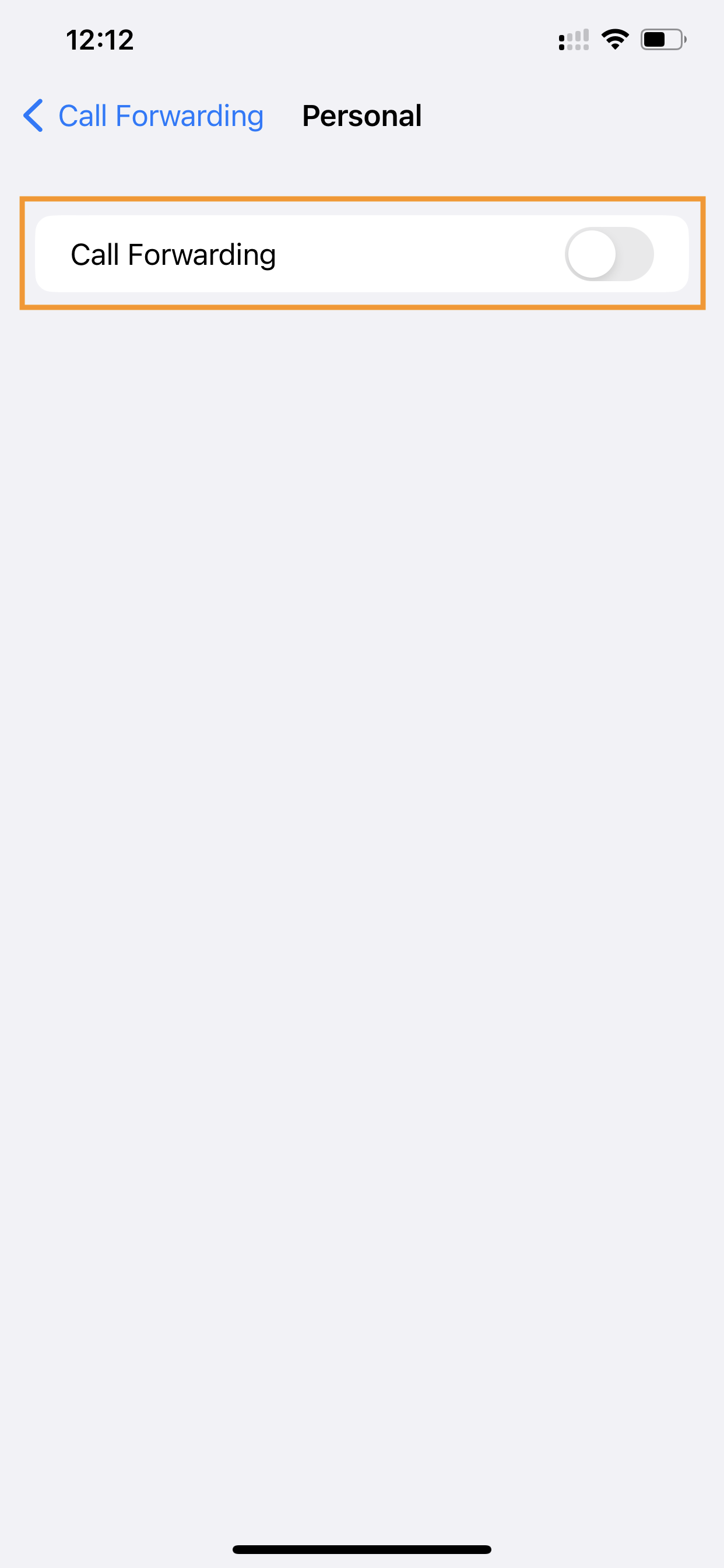
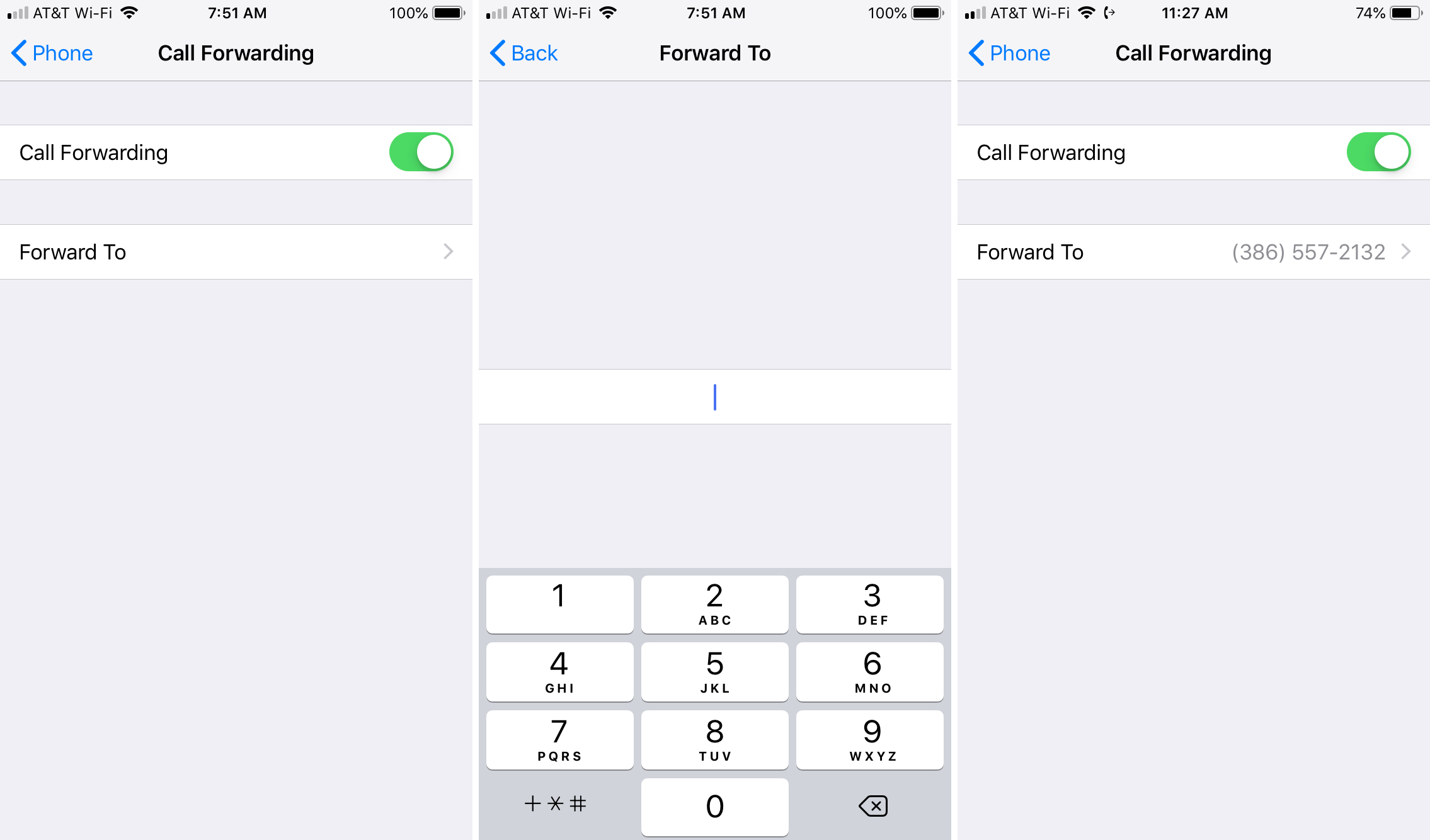
- Check call forwarding status: Look for a toggle switch or configuration menu dedicated to Call Forwarding. If the status is marked as active, locate the forwarding destination number displayed on screen.
- Toggle the feature off: Click the status switch or uncheck the activation box to disable the service. Save your changes if prompted by the interface.
Comparison of Landline Call Forwarding Deactivation Methods
To help determine the fastest approach for your specific telecommunications setup, review the comparison of methods below.
| Deactivation Method | Primary Infrastructure | Typical Action | Confirmation Type | Technical Complexity |
|---|---|---|---|---|
Keypad Code (*73) |
Analog PSTN, Basic VoIP | Dial code on connected phone | Beeps / Stutter Tone | Low (Immediate execution) |
| Provider Web Portal | Digital VoIP, Fiber (ONT) | Login to account dashboard | On-screen success banner | Medium (Requires login credentials) |
| Mobile Application | Digital VoIP, Cloud PBX | Tap toggle switch in app | Visual status update | Low-Medium (Requires app setup) |
| Administrative PBX | Business Key Systems | Feature button or admin console | Handset display prompt | High (Requires system familiarity) |
Troubleshooting Common Deactivation Issues
When attempting to turn off call forwarding, users occasionally encounter roadblocks where the feature remains active despite entering the proper code. Evaluating these common failure points helps resolve persistent forwarding loops.
Incorrect Dialing Sequences and Carrier Variations
Not all regional exchange carriers use identical vertical service codes. While *73 is standard across most major North American providers (such as CenturyLink, Verizon, and AT&T traditional lines), smaller independent telephone cooperatives or rural local exchange carriers (LECs) may utilize proprietary codes. Consult your monthly billing statement or the support section of your provider's official website to confirm the exact code assigned to your switch.
Tone-Pulse Settings on Older Telephones
Legacy rotary telephones or older dual-function handsets featuring a physical pulse/tone switch on the base must be set correctly. If the telephone is accidentally set to Pulse (decadic signaling) rather than Tone (DTMF), the central office switch will fail to register the asterisk or pound symbols, resulting in an unexecuted command. Verify that the physical switch on the bottom or side of the phone is toggled to Tone.
Equipment Hang-Ups and Power Cycles
For digital VoIP adapters and optical network terminals (ONTs), software glitches within the residential gateway can occasionally freeze feature sets. If entering the deactivation code yields no result or an error tone:
- Unplug the power cord from the back of your VoIP adapter or fiber terminal.
- Wait approximately 30 to 60 seconds to allow the internal capacitors to drain and network memory to clear.
- Reconnect the power supply and allow the device to re-establish connection with your provider's servers (indicated by steady status lights).
- Lift the receiver and attempt the deactivation sequence again.
Frequently Asked Questions
What is the universal code to turn off call forwarding on a landline?
The most widely recognized North American code to turn off unconditional call forwarding on traditional and digital landlines is *73. However, depending on your specific regional carrier or VoIP provider, alternative codes such as #72 or #21# may be required. Always verify your provider's specific instructions if *73 does not yield an audible confirmation tone.
Why do I keep hearing a fast busy signal when I dial the deactivation code?
A fast busy signal typically indicates that the central office switch did not recognize the entered sequence, or that call forwarding was not actually active on the line when the command was issued. Verify that your telephone is set to tone dialing, ensure you are using the correct code designated by your carrier, and check your provider's online portal to confirm whether the feature is currently enabled.
Will turning off call forwarding affect my voicemail settings?
No. Standard call forwarding redirects all incoming calls away from your primary line before it rings, bypassing your local or network voicemail box entirely. Deactivating call forwarding restores normal call progression, allowing incoming calls to ring your landline handset and roll over to your standard voicemail service after the designated number of rings.
Can I turn off call forwarding remotely if I am not at home?
If you are using a traditional analog landline, call forwarding can typically only be deactivated from the physical handset connected to the line, unless your carrier supports remote feature activation via a customer service telephone menu. Conversely, if you utilize a digital VoIP service or a fiber-optic provider, you can log into your account online portal from any internet-connected device to disable call forwarding remotely.
What should I do if my landline still forwards calls after entering the code?
If standard keypad commands and account portal toggles fail to deactivate the feature, contact your telecommunications provider's customer support department directly. Request that a technical representative perform a manual switch reset or clear active feature flags on your line at the central office or server level.
Summary and Next Actions
Successfully turning off call forwarding on a landline restores standard call routing and ensures you never miss important communications at your primary location. Begin by testing the standard deactivation code *73 from your handset. If your service utilizes a digital VoIP adapter or fiber-optic terminal and the keypad method fails, log into your provider's online customer portal to manage the setting digitally. For persistent routing issues, reach out directly to your telecommunications provider's customer service team for switch-level assistance.
Image Gallery