Does iPhone 13 Have Fingerprint Authentication?
The iPhone 13 does not have a fingerprint scanner. Apple transitioned away from Touch ID for its flagship devices starting with the iPhone X, and the entire iPhone 13 lineup—including the iPhone 13 mini, iPhone 13, iPhone 13 Pro, and i...
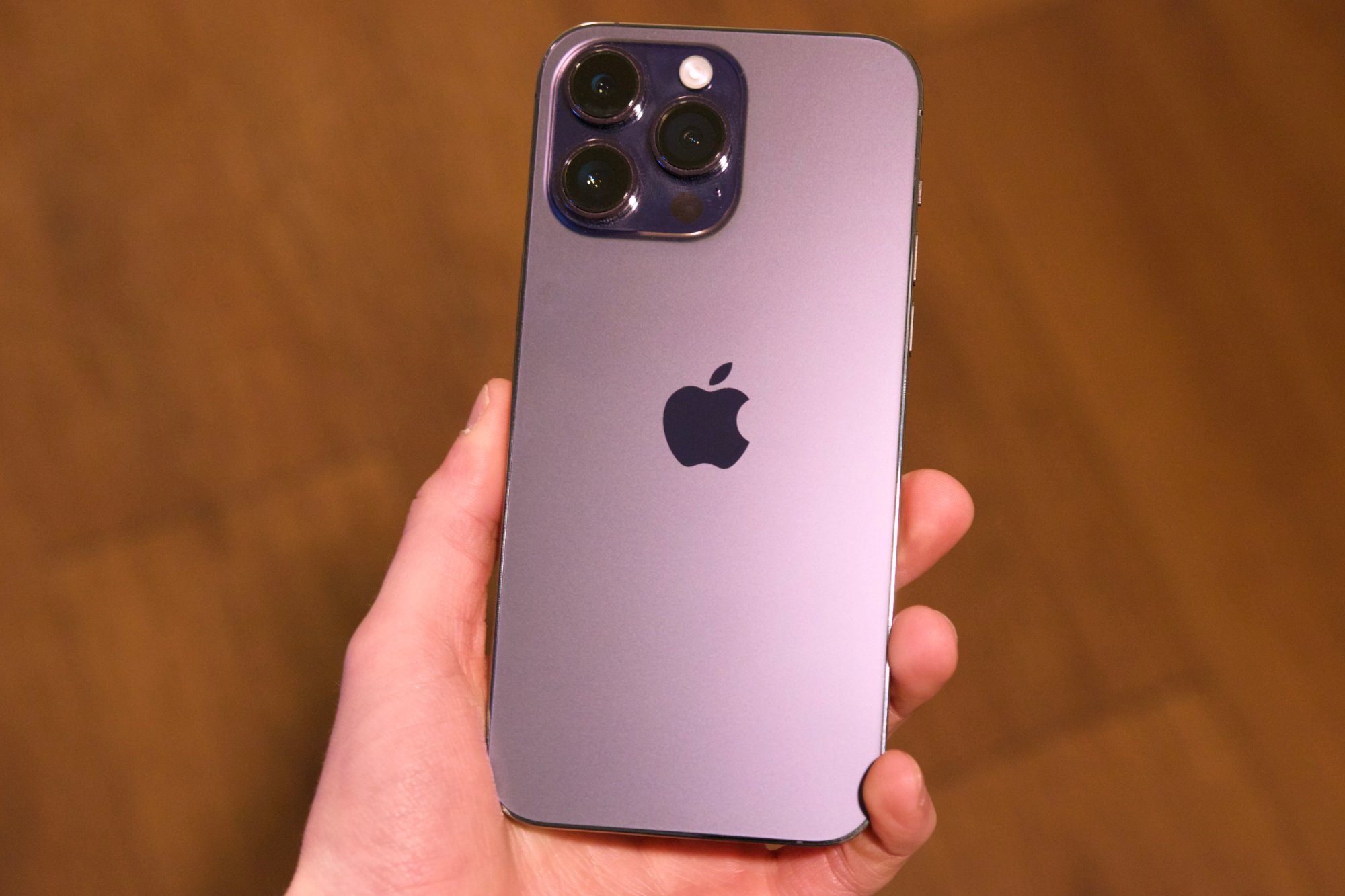
The iPhone 13 does not have a fingerprint scanner. Apple transitioned away from Touch ID for its flagship devices starting with the iPhone X, and the entire iPhone 13 lineup—including the iPhone 13 mini, iPhone 13, iPhone 13 Pro, and iPhone 13 Pro Max—relies exclusively on Face ID for biometric authentication and device security.
Contents
The Evolution of Apple Biometrics
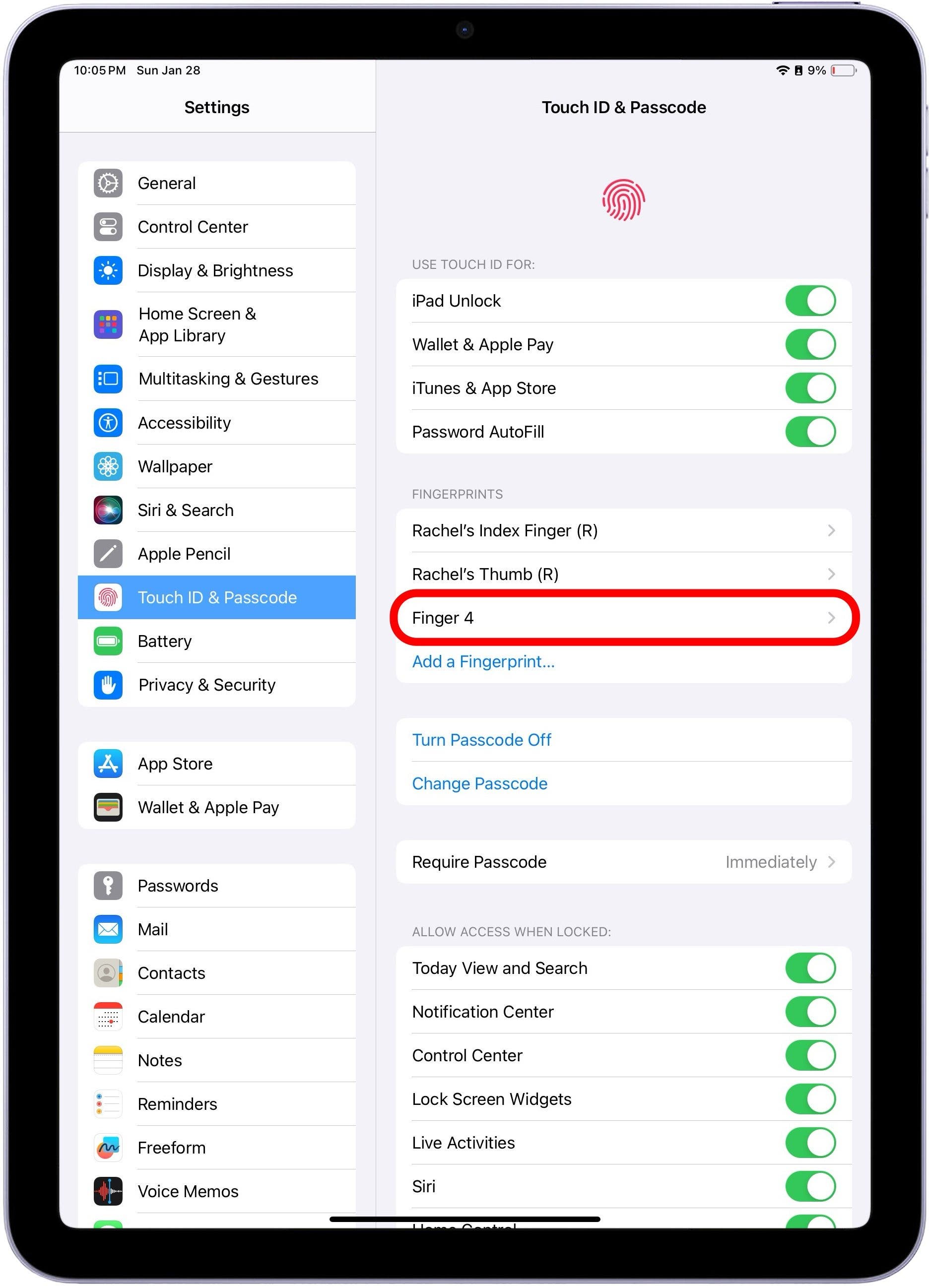
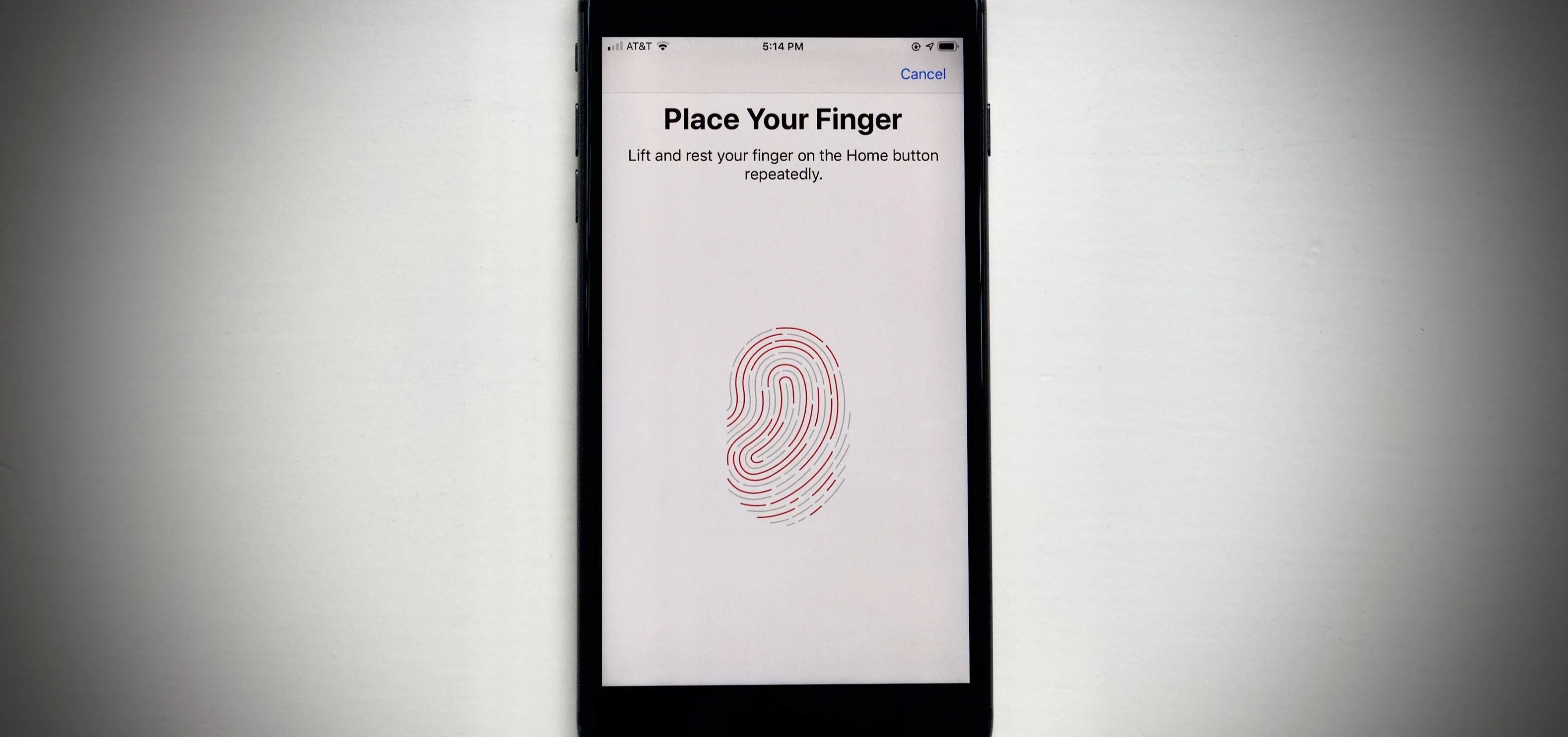
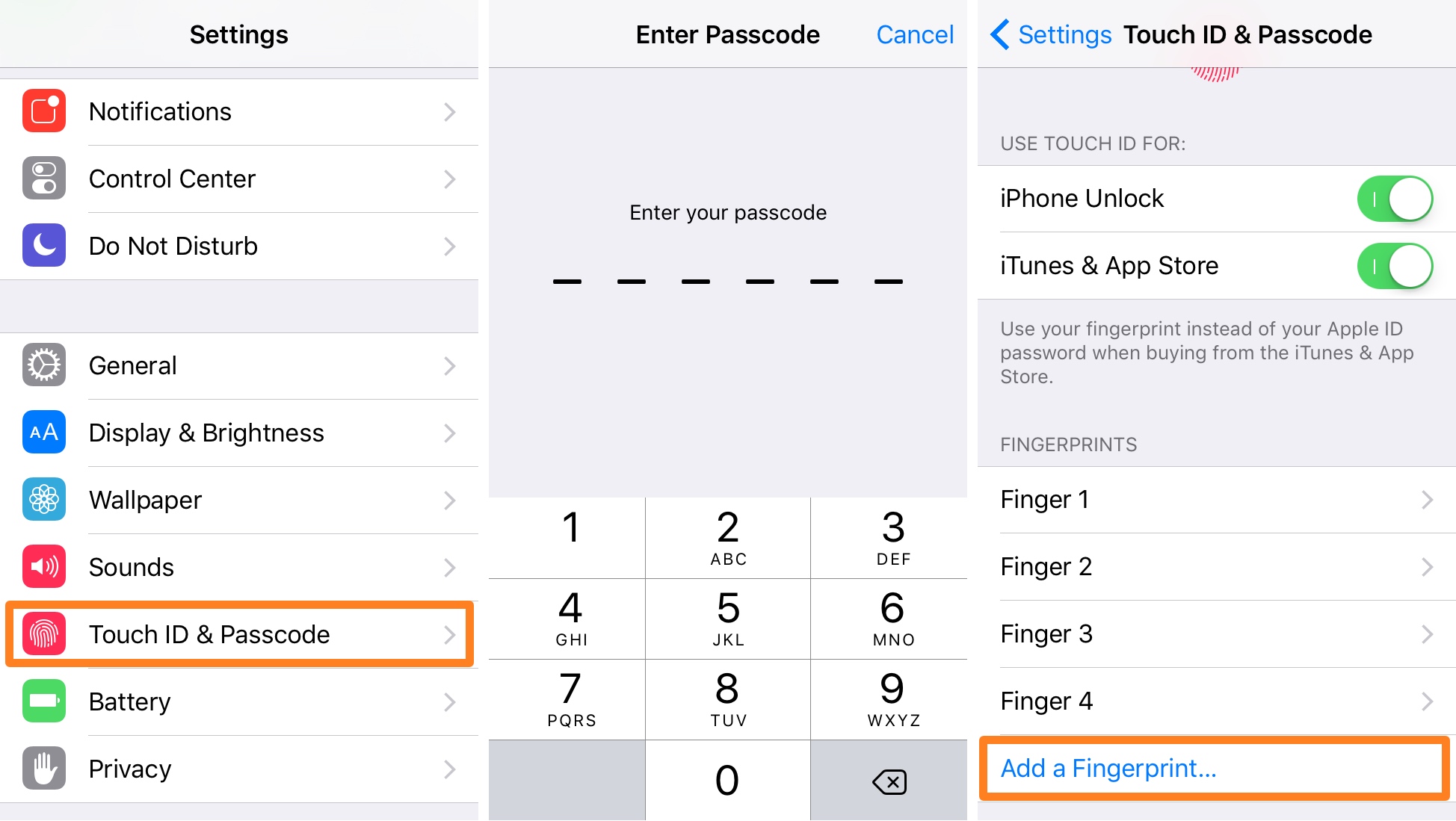
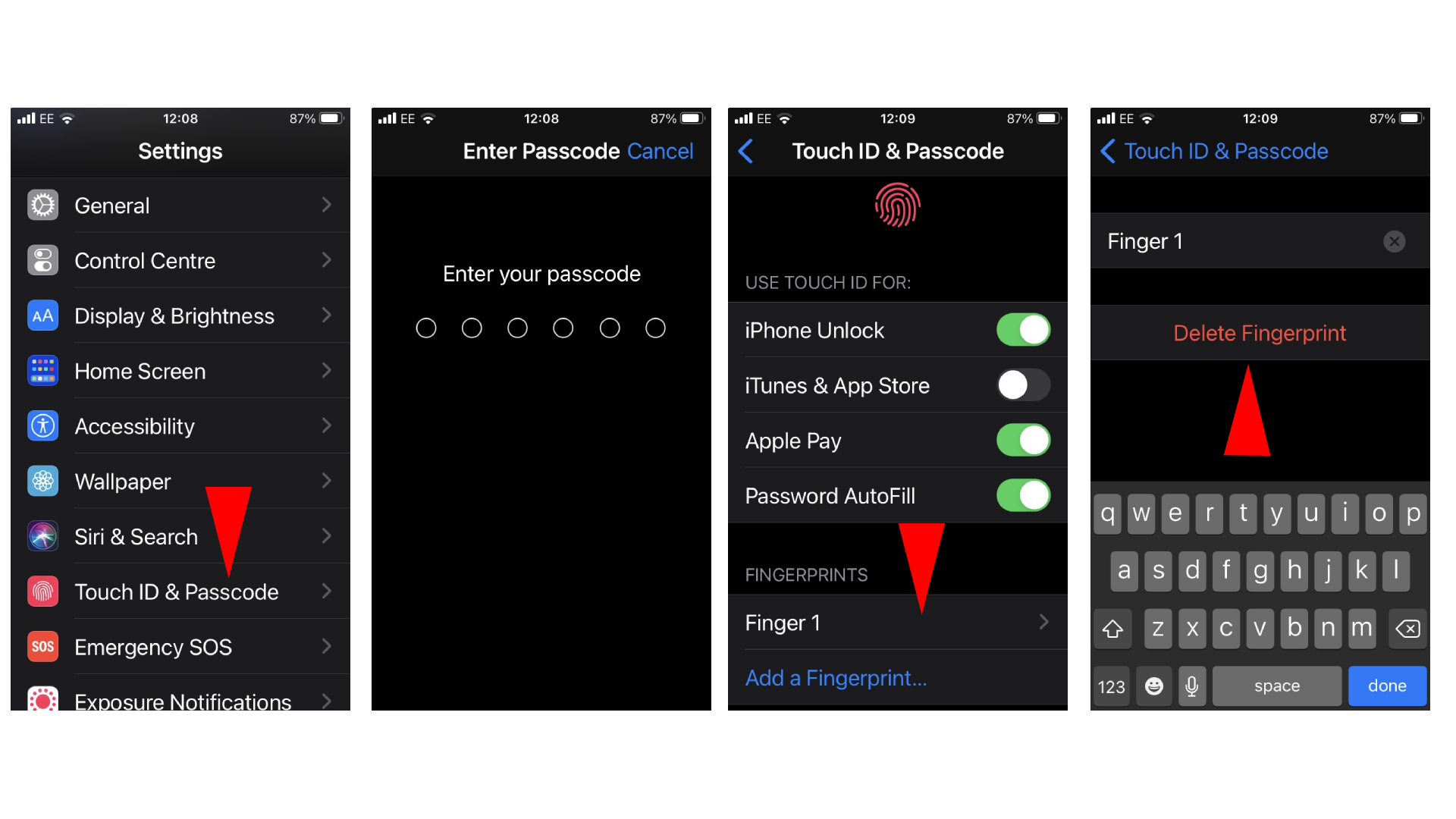
For many years, the signature security feature of the iPhone was Touch ID. Introduced with the iPhone 5s in 2013, this capacitive fingerprint sensor integrated into the Home button allowed users to unlock their devices, authorize App Store purchases, and authenticate Apple Pay transactions with a simple touch. It was widely praised for its speed, reliability, and ease of use in various lighting conditions.
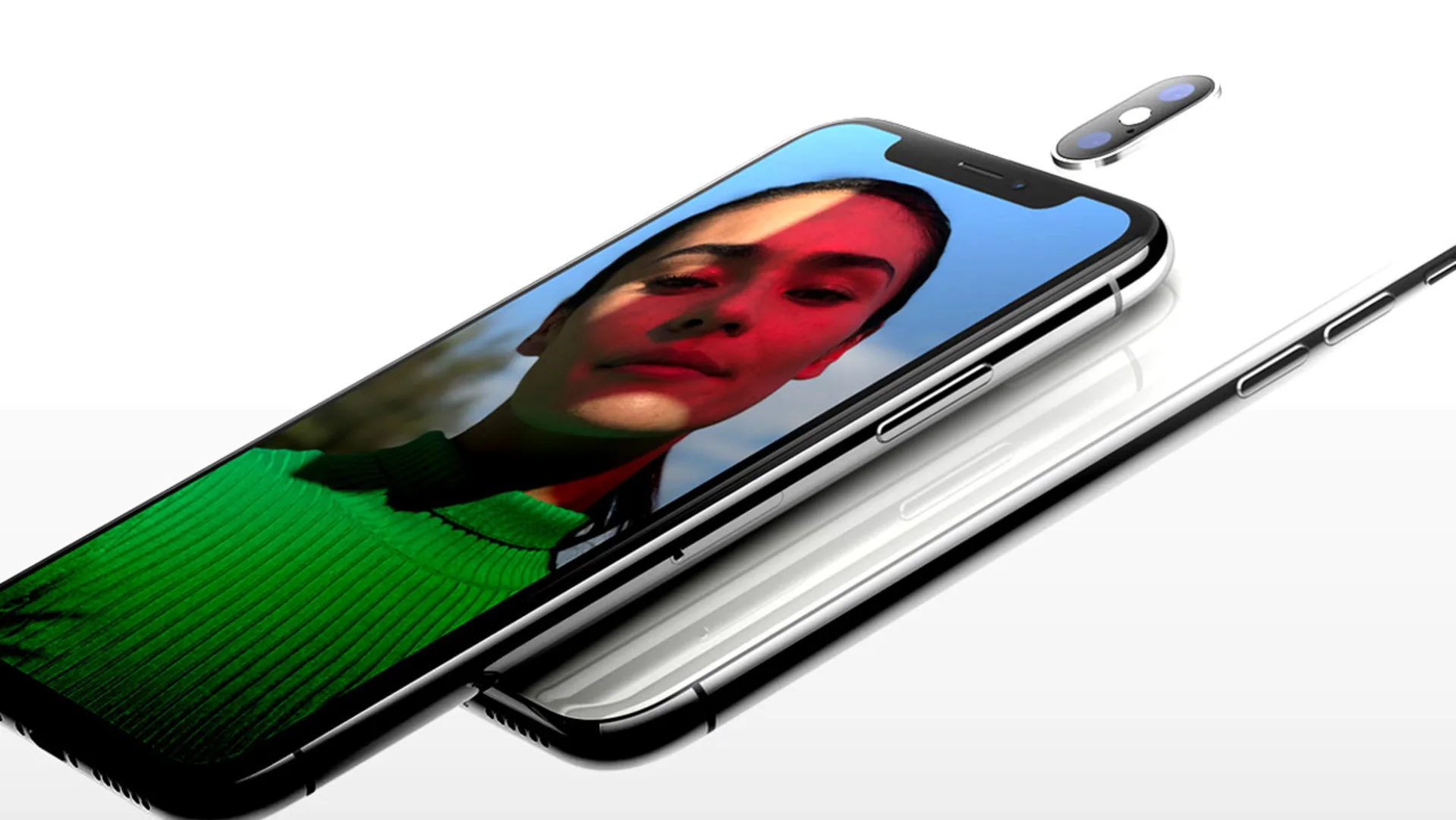
However, as Apple moved toward an edge-to-edge display design, the physical Home button—which housed the Touch ID sensor—had to be removed to maximize screen real estate. This design philosophy dictated the shift toward TrueDepth camera technology. Introduced in 2017 with the iPhone X, this system uses a combination of infrared projectors and sensors to map the user's face, providing a secure, hands-free authentication method known as Face ID. By the time the iPhone 13 was released in 2021, this technology had become the standard for the premium iPhone lineup, rendering traditional fingerprint sensors unnecessary for the device's design language.
Understanding Face ID on the iPhone 13
Face ID works by projecting thousands of invisible infrared dots onto the user’s face to create a precise, three-dimensional depth map. An infrared camera reads this pattern, and the device's A15 Bionic chip processes the data to verify the user’s identity. Because the system utilizes infrared light, it functions effectively in various lighting conditions, including total darkness.
Key Benefits of Face ID
- Seamless Integration: Face ID is integrated into iOS, allowing for rapid authentication when unlocking the phone, filling in passwords via iCloud Keychain, or accessing sensitive banking applications.
- Enhanced Security: The probability of a random person in the population unlocking your iPhone 13 via Face ID is approximately 1 in 1,000,000, which is significantly more secure than a standard fingerprint scan.
- Convenience: The system authenticates as soon as you lift your phone, often completing the verification process before you have even swiped up to reach the Home Screen.
Comparison: Touch ID vs. Face ID
While many users appreciated the tactile nature of Touch ID, Face ID offers a different set of functional advantages. The following table highlights the technical differences between these two biometric systems for users considering an iPhone 13.
| Feature | Touch ID | Face ID (iPhone 13) |
|---|---|---|
| Authentication Method | Capacitive Fingerprint | Infrared Facial Mapping |
| Hardware Requirement | Physical Home Button | TrueDepth Camera System |
| Primary Interaction | Physical Contact | Gaze/Proximity |
| Speed | Near-instant | Near-instant (with auto-wake) |
| Environmental Limits | Struggles with wet/dirty fingers | Requires line-of-sight to eyes/nose/mouth |
Handling Biometric Limitations
Users who have grown accustomed to Touch ID often ask how to manage their iPhone 13 if they prefer not to use facial recognition or if they encounter scenarios where Face ID is inconvenient.
Accessibility and Settings
If you find that Face ID is not meeting your needs, you can disable it entirely in the Settings menu. However, doing so requires you to rely on a passcode for all security tasks. For those concerned about accessibility or specific use cases (such as wearing medical masks or protective gear), Apple updated iOS to allow Face ID to recognize users even while wearing a mask. This feature uses the unique features around the eye area to authenticate the user, bridging the gap between facial recognition convenience and the flexibility previously offered by fingerprint sensors.
Troubleshooting Face ID
If your iPhone 13 is failing to recognize your face, consider the following steps to improve performance:
- Check for Obstructions: Ensure the TrueDepth camera array—located in the notch at the top of the display—is not covered by a screen protector, case, or debris.
- Reposition the Device: Hold the device at a natural arm's length or closer, directly in front of your face.
- Reset Face ID: If accuracy has degraded over time, navigate to Settings > Face ID & Passcode, select Reset Face ID, and re-register your face.
- Update iOS: Apple frequently releases software updates that refine the biometric algorithms used by the A15 Bionic processor to increase recognition speed and accuracy.
Will Apple Bring Back Fingerprint Sensors?
As of 2026, Apple has shown no indication of reintroducing Touch ID to its flagship iPhone lineup. While rumors have historically circulated regarding "under-display" fingerprint technology, Apple has invested heavily in the maturity of the Face ID ecosystem. The focus for recent and upcoming iPhone models has shifted toward enhancing the TrueDepth array, reducing the size of the camera housing (moving toward the "Dynamic Island" interface), and improving processing speeds, rather than splitting security resources between two different hardware authentication paths.
If you are an enthusiast of fingerprint-based security, you may be limited to specific older models, such as the second or third-generation iPhone SE, which retain the physical home button and Touch ID. However, those devices lack the advanced display technology, camera performance, and processor power found in the iPhone 13 series.
Frequently Asked Questions
Can I add a fingerprint scanner to my iPhone 13 using an accessory?
No. There are no reliable, secure, or supported ways to add a fingerprint scanner to an iPhone 13. External peripherals that claim to provide biometric security via the Lightning or USB-C ports do not interface with the iOS security architecture and cannot be used to unlock the device or verify Apple Pay.
Does the iPhone 13 support Apple Pay without a fingerprint?
Yes. Apple Pay on the iPhone 13 is fully supported and is authenticated via Face ID. When you initiate a payment, the device will prompt you to glance at the camera to verify your identity, after which the transaction proceeds just as it would with Touch ID.
Is Face ID secure enough for banking and private apps?
Yes. Face ID is considered a "Secure Enclave" protected feature. The mathematical representation of your face is encrypted and stored on the device's processor. It is never uploaded to Apple servers or shared with third-party applications, making it highly secure for banking and financial services.
What if I cannot use Face ID?
If you are unable or unwilling to use Face ID, you must rely on your device passcode. You can set a strong alphanumeric passcode in Settings > Face ID & Passcode to ensure that your device remains protected.
Why did Apple drop Touch ID for the iPhone 13?
The removal of Touch ID was driven by the evolution of the hardware design. To maximize the display area and provide a seamless, bezel-less screen experience, the physical Home button had to be removed. Replacing it with Face ID allowed for higher levels of security and a more futuristic design aesthetic.
Final Recommendation
The iPhone 13 is an excellent device, but it is strictly a Face ID-reliant smartphone. If your workflow or personal preference necessitates a fingerprint scanner, you must either reconsider your device requirements or look toward the iPhone SE series, which is the only current line that maintains the legacy Touch ID hardware. If you proceed with an iPhone 13, rely on the robust security of the Face ID system, ensure your software is updated to the latest version of iOS, and maintain a secure, memorable passcode as a reliable secondary authentication method.
Image Gallery