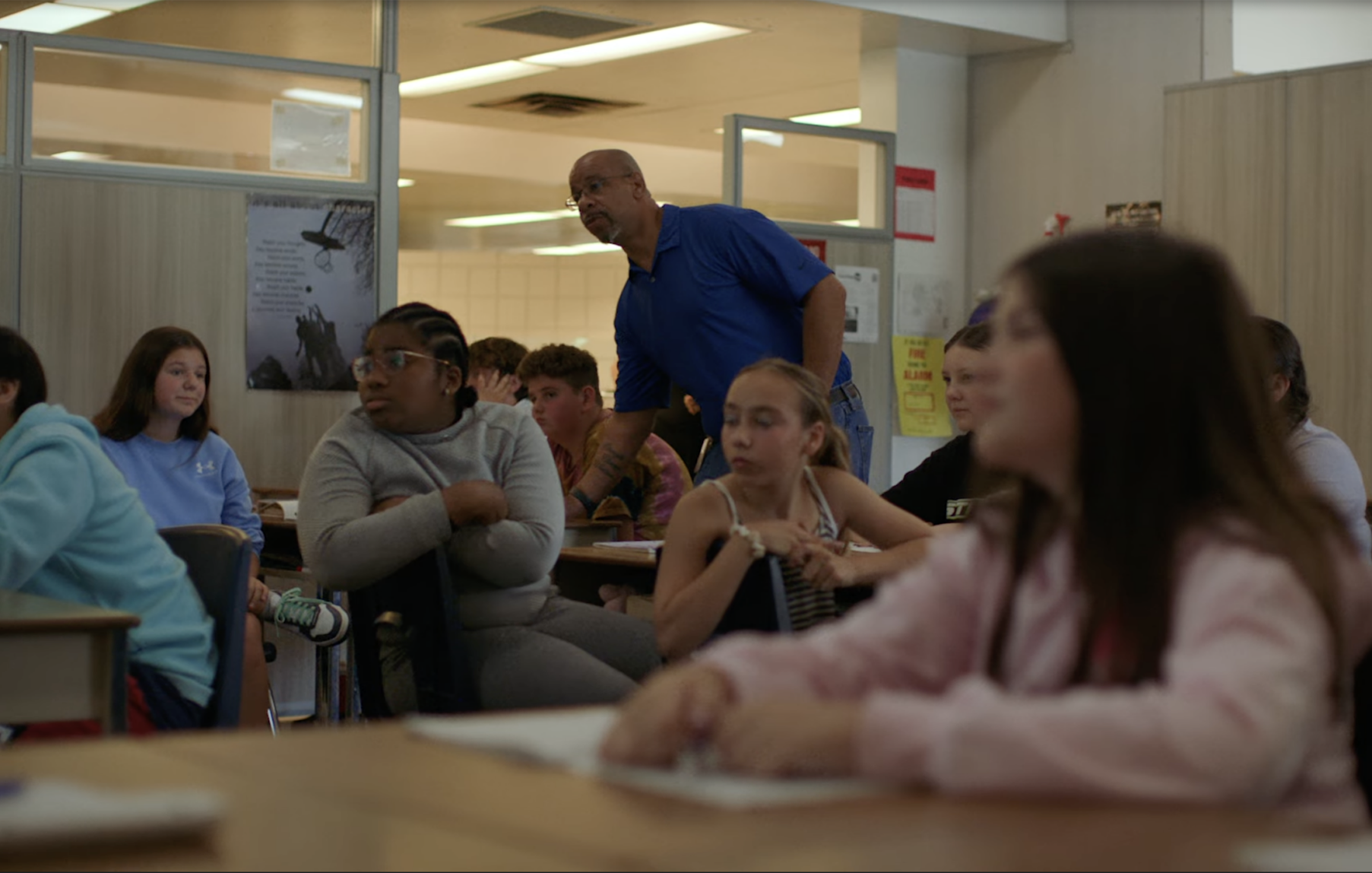
Why the Sothink Platform Reshapes Classroom Culture
The Sothink software suite reshapes classroom culture by shifting computer labs from passive instruction to project-based, collaborative digital creation. By simplifying complex vector animation, web navigation architecture, and visual...
The Sothink software suite reshapes classroom culture by shifting computer labs from passive instruction to project-based, collaborative digital creation. By simplifying complex vector animation, web navigation architecture, and visual design workflows, Sothink enables educators to foster interactive problem-solving, peer review, and hands-on technical literacy across diverse student skill levels.
Contents
Understanding the Sothink Digital Authoring Suite in Education
Educational technology often struggles to balance powerful professional capabilities with accessible learning curves. The Sothink suite of software tools—developed by SourceTec Software—occupies a unique position in digital media labs and vocational technology programs. Comprising specialized authoring applications such as Sothink SWF Decompiler, Sothink Logo Maker, Sothink DHTML Menu, and Sothink Tree Menu, the platform provides a structured environment for creating, analyzing, and modifying digital media assets.
When integrated into secondary and post-secondary educational settings, Sothink operates as more than just a set of utility software; it fundamentally alters classroom dynamics. Traditional computer science and media instruction frequently relied on heavy syntax memorization or overly complex industrial tools that overwhelmed beginning students. Sothink provides visual interfaces, rapid asset rendering, and transparent file decomposition. This architecture lowers administrative and cognitive friction, allowing educators to transition away from rigid lecture models toward active studio environments.
By democratizing digital design concepts—such as vector path manipulation, dynamic menu scripting, asset extraction, and web layout structure—the platform shifts the focus of the classroom from theoretical operations to immediate, tangible output. Students engage directly with visual assets and interactive logic, altering how they interact with course materials, their instructors, and their peers.
Key Drivers of Classroom Culture Transformation
The adoption of Sothink in educational lab environments drives measurable changes in classroom culture. These changes manifest across student interaction patterns, instructional delivery, and project ownership.
- Lower Technical Barriers: Accelerated Initial Output
- Structured Decomposition: Hands-on Reverse Engineering
- Interactive Peer Review: Collaborative Feedback Loops
- Portfolio Creation: Authentic Skill Ownership
1. Lowering Technical Barriers to Entry
Complex software suites often present steep learning curves that consume the first several weeks of an academic term purely on interface navigation and configuration. Sothink mitigates this friction by utilizing task-focused visual interfaces. Whether students are designing brand assets in Sothink Logo Maker or building hierarchical site navigation using Sothink DHTML Menu, the tools expose foundational design logic without requiring intricate coding environments upfront.
This accessibility ensures that students with varying baseline technical skills can reach practical execution quickly. When software friction decreases, student frustration drops, allowing classroom energy to concentrate on creative problem-solving, spatial organization, and structural design.
2. Deconstruction and Reverse Engineering as Pedagogical Tools
One of the platform’s distinguishing capabilities, particularly through Sothink SWF Decompiler, is the ability to parse compiled media files into their constituent elements, such as shapes, vector paths, sound snippets, fonts, and action scripts. In a pedagogical context, this transforms deconstruction into an active learning model.
Rather than reading static textbook descriptions of dynamic assets, students can inspect completed projects, extract functional components, and observe how experienced designers structured their work. This transparent reverse-engineering process encourages an analytical mindset:
- Students analyze how nested visual elements operate within interactive media.
- Instructors demonstrate code and design efficiency using real-world asset samples.
- Learners identify structural errors or inefficient keyframing by reviewing parsed components.
3. Fostering Peer-to-Peer Collaboration
Traditional technology instruction often isolates students behind individual monitors, working through static step-by-step laboratory workbooks. Sothink's visual output format naturally facilitates peer-to-peer interaction. Because visual assets, navigation trees, and dynamic elements can be rapidly rendered and previewed, students frequently share ongoing work with neighboring classmates.
This setup supports informal feedback loops within the classroom. Students compare design solutions, assist one another in troubleshooting navigation paths, and swap asset components. The instructor’s role shifts from a centralized source of technical troubleshooting to a mentor who guides design aesthetics, structural logic, and project optimization.
4. Transitioning from Passive Consumption to Active Production
Prior to the integration of rapid digital authoring platforms, technology courses often required extensive theory modules before producing functional projects. Sothink prioritizes rapid prototyping. Students generate working navigation menus, vector logos, or interactive animations within their initial lab sessions.
This immediate gratification establishes a sense of ownership over the learning process. Students see their conceptual ideas translated into working digital media, shifting their identity from passive software users to active digital creators.
Comparative Analysis: Traditional Computer Labs vs. Sothink Studio Environments
To understand how Sothink transforms instructional spaces, it is helpful to compare key operational factors between traditional teacher-led technology labs and Sothink-enabled studio environments.
| Assessment Dimension | Traditional Technology Lab Model | Sothink-Enabled Studio Environment |
|---|---|---|
| Primary Instructional Mode | Top-down teacher lectures; rigid step-by-step textbook exercises. | Project-based studio work; exploratory reverse engineering and rapid prototyping. |
| Student Interaction Patterns | Individual task isolation; minimal peer communication during lab hours. | Active peer consultation, design critique sessions, and collaborative asset sharing. |
| Interface Learning Curve | High initial software friction; multi-week orientation on interface syntax. | Low entry friction; immediate engagement with task-focused visual design tools. |
| Code & Structure Understanding | Abstract theoretical explanations of syntax and asset compilation. | Direct visual deconstruction of compiled assets using reverse-engineering tools. |
| Feedback Mechanism | Delayed evaluation via end-of-unit grading rubrics. | Real-time visual previews and continuous peer/instructor review cycles. |
| Output Capabilities | Basic static assignments or incomplete code frameworks. | Fully functional navigation structures, vector designs, and interactive media assets. |
Technical and Operational Implementation Framework
Successfully leveraging Sothink to modernize classroom culture requires deliberate infrastructure planning, clear curriculum alignment, and structured administrative management.
- Phase 1: Deployment & Network Licensing Setup
- Phase 2: Modular Curriculum Alignment (Design & Code Integration)
- Phase 3: Collaborative Repository & Shared Workspace Setup
- Phase 4: Structured Evaluation, Peer Review, & Portfolio Building
Infrastructure and System Prerequisites
Deploying the Sothink suite across institutional computer labs involves specific technical considerations to ensure smooth performance during simultaneous student sessions:
- Operating System Compatibility: Sothink applications run natively within Microsoft Windows environments (including Windows 10 and Windows 11 enterprise lab configurations). For macOS-based school labs, virtualized environments or compatibility layers must be provisioned.
- Network Deployment & Licensing: Educational institutions typically deploy Sothink using volume network licenses or site-wide lab deployment packages. System administrators should configure silent installation scripts (
.msipackages) via central management tools like Microsoft Endpoint Configuration Manager (SCCM) to push software updates uniform across lab stations. - Local Directory & Storage Management: Because Sothink tools handle file exports, extracted vector shapes, and source files (such as
.flaor.swfderivatives), student workstations require configured access to local scratch disks or mapped network drives with adequate read/write permissions.
Integrating Sothink into Curriculum Design
To maximize pedagogical impact, instructors should structure course modules around incremental technical complexity:
- Module 1: Visual Identity and Vector Mechanics: Utilizing Sothink Logo Maker, students explore vector pathing, layer hierarchy, color wheel theory, and asset export formats (PNG, SVG, vector graphics).
- Module 2: Navigation Architecture and UI/UX: Utilizing Sothink DHTML Menu or Tree Menu, students learn web site hierarchy, cross-browser DOM interactions, cascading style integration, and user interface responsiveness.
- Module 3: Asset Deconstruction and Code Analysis: Utilizing Sothink SWF Decompiler, students deconstruct existing interactive assets to understand action scripting, embedded sound compression, and vector frame management.
Addressing Operational Challenges and Ethical Considerations
While Sothink tools provide strong educational advantages, relying on authoring and decompilation software presents specific operational and ethical considerations that administrators and educators must manage.
Managing Legacy Formats Alongside Modern Web Standards
Historically, Sothink gained widespread adoption through its advanced SWF and Flash authoring tools. Given that modern web platforms have standardized on HTML5, CSS3, JavaScript, and WebGL, educators must position Sothink’s Flash-focused features appropriately.
When teaching with Sothink SWF Decompiler or legacy authoring modules, instructors should frame these tools as foundational exercises in asset structure, vector mathematics, and reverse-engineering methodology, rather than end-to-end modern web publishing formats. Supplemental instruction must connect Sothink's visual output with contemporary web standards like open vector formats (SVG) and native JavaScript animation frameworks.
Establishing Intellectual Property Guidelines
The powerful extraction features of Sothink SWF Decompiler make it easy to harvest visual assets, scripts, and media files from compiled binaries. Left unguided, students might depend on copied assets rather than creating original work.
Schools must establish clear ethical guidelines within their technology curricula:
- Attribution Rules: Any extracted code snippet or design element used for educational analysis must be properly cited in project documentation.
- Originality Requirements: Decompilation should be restricted to structural analysis and educational disassembly, while final project submissions require original visual design and logic construction.
- Fair Use Education: Instructors should use decompilation exercises to teach intellectual property law, copyright boundaries, and open-source licensing principles (such as Creative Commons and MIT licenses).
Strategic Implementation Roadmap for Educators
To systematically transition a school lab into a collaborative studio environment using Sothink tools, academic departments should follow a multi-phase implementation roadmap.
| Phase | Description |
|---|---|
| Phase 1: Environment Setup | Deploy volume licenses; establish local scratch directories and network permissions. |
| Phase 2: Foundation Modules | Introduce visual authoring (Logo Maker, DHTML Menu) to build baseline confidence. |
| Phase 3: Analytical Phase | Integrate SWF Decompiler for asset analysis and structural logic reviews. |
| Phase 4: Peer Studio Work | Implement peer critique sessions, group projects, and portfolio assembly. |
Step 1: Pre-Deployment Audit and Station Configuration
Inspect school lab hardware to ensure target machines meet system requirements. Configure network deployment scripts to install Sothink tools uniform across workstations. Ensure shared network folders or cloud storage directories are properly mapped to prevent asset loss between student sessions.
Step 2: Establish Studio Rules and Ethical Boundaries
Before launching software exercises, deliver an orientation on digital literacy, intellectual property rights, and peer review etiquette. Define clear rules regarding code extraction, graphic attribution, and collaborative feedback expectations.
Step 3: Launch Incremental Project Assignments
Begin with low-stakes visual design tasks (e.g., logo creation or basic tree navigation structures) before advancing to complex multi-layered assets. Use Sothink's built-in preview modes during class hours to display student work on central lab displays for real-time constructive feedback.
Step 4: Conduct Deconstruction Workshops
Organize specialized lab sessions focused on reverse engineering. Provide students with sample compiled assets and guide them through parsing the files using Sothink SWF Decompiler. Direct them to analyze asset organization, vector efficiency, and underlying scripting logic.
Step 5: Implement Portfolio-Based Assessments
Conclude instructional units by requiring students to compile an integrated digital portfolio. This portfolio should contain their original visual designs, structured navigation menus, and analytical reports detailing asset deconstructions performed throughout the course.
Frequently Asked Questions
What is the Sothink platform in an educational context?
The Sothink platform refers to a suite of digital authoring, visual design, and asset decompilation software tools developed by SourceTec Software. In educational settings, applications such as Sothink SWF Decompiler, Logo Maker, and DHTML Menu are used in computer science, web design, and digital arts classes to teach visual asset creation, site navigation logic, and media reverse engineering.
How does Sothink foster student collaboration in computer labs?
Sothink features intuitive interfaces and real-time visual rendering, allowing students to produce viewable digital assets rapidly. This immediate visual output encourages neighboring students to compare designs, exchange custom vector assets, troubleshoot navigation menus collectively, and engage in peer critique sessions during lab hours.
Can Sothink software be integrated into modern web development curricula?
Yes, provided instructors frame the tools correctly. While some legacy Sothink modules focus on SWF formats, the core concepts taught through the platform—such as vector graphics pathing, menu tree hierarchy, CSS layout planning, and file deconstruction—apply directly to modern HTML5, JavaScript, and SVG web development workflows.
What role does reverse engineering play in learning through Sothink tools?
Through applications like Sothink SWF Decompiler, reverse engineering acts as a practical learning tool. Students decompose compiled media files into raw shapes, action scripts, and audio assets. This process exposes the underlying engineering of complex digital media, allowing learners to analyze efficient coding practices and structural layouts without starting from scratch.
What are the key technical prerequisites for deploying Sothink in school labs?
Sothink applications require standard Windows operating system configurations, enterprise network deployment permissions for software installation, adequate local or mapped network storage for exporting source files, and administrative controls to manage shared media assets across multiple user profiles.
Summary and Next Steps
The Sothink platform reshapes classroom culture by removing visual design barriers, encouraging collaborative peer reviews, and using transparent asset deconstruction as a teaching tool. By moving away from static lecture formats toward dynamic project creation, schools can cultivate a hands-on learning culture that builds both technical capability and design confidence.
For educational institutions planning to upgrade their digital media lab environments:
- Review Hardware & Licensing Requirements: Assess existing lab stations to ensure system compatibility and obtain site-wide volume licensing for the required Sothink tools.
- Update Curriculum Guidelines: Align course outlines to combine hands-on authoring exercises with modern web standards and ethical reverse-engineering practices.
- Establish Asset Repositories: Configure secure network directories where students can store, share, and peer-review visual assets safely throughout the academic term.
Image Gallery