How FastAPI Annotated Improves API Design
FastAPI's adoption of typing.Annotated represents a fundamental shift toward more Pythonic, maintainable, and type-safe API development. By separating metadata and validation logic from functional code, it enables developers to create...
FastAPI's adoption of typing.Annotated represents a fundamental shift toward more Pythonic, maintainable, and type-safe API development. By separating metadata and validation logic from functional code, it enables developers to create reusable components, improve IDE support, and simplify the management of complex dependency injection systems in modern web applications.
Contents
Since its introduction in FastAPI version 0.95.0, the Annotated pattern has moved from an optional feature to the recommended standard for designing robust backend systems. In 2026, as Python's type-hinting ecosystem continues to mature, understanding the architectural advantages of Annotated is essential for senior developers and architects aiming to build scalable services. This approach resolves many of the friction points found in older FastAPI versions, particularly regarding how parameters are declared and how default values are handled by editors and linters.
The Evolution of Parameter Declaration in FastAPI
In the early days of FastAPI, the primary way to define query parameters, path variables, or body fields with extra validation was by assigning a FastAPI function—like Query(), Path(), or Body()—as the default value of a function parameter. While functional, this approach introduced a subtle conflict between the Python language's expected behavior and the framework's requirements.
The Legacy Default Value Approach
Traditionally, a developer would write:
def read_items(q: str = Query(None, max_length=50)):
In this example, Query(None, max_length=50) is technically the default value of the variable q. However, from a type-hinting perspective, this was always slightly problematic. Static analysis tools like Mypy or IDEs like PyCharm and VS Code might see the default value as an instance of fastapi.params.Query rather than a string or None. This often required developers to use workarounds or rely on the framework to "magically" handle the type casting at runtime.
The Shift to Metadata with PEP 593
Python 3.9 introduced PEP 593, which added the Annotated type to the typing module. This allowed developers to attach arbitrary metadata to a type hint without changing the type itself. The syntax Annotated[T, x] tells the Python ecosystem: "This variable is of type T, and here is some extra information x for libraries that know how to use it."
FastAPI leveraged this to separate the Type (what the data is) from the Metadata (how the data is retrieved or validated). By 2026, this has become the cornerstone of clean API design, allowing for a declaration like:
def read_items(q: Annotated[str | None, Query(max_length=50)] = None):
Improving Code Reusability and Modular Design
One of the most significant improvements brought by Annotated is the ability to define reusable, domain-specific types. In large enterprise applications, the same validation rules often apply across dozens of different endpoints.
Creating Domain-Specific Types
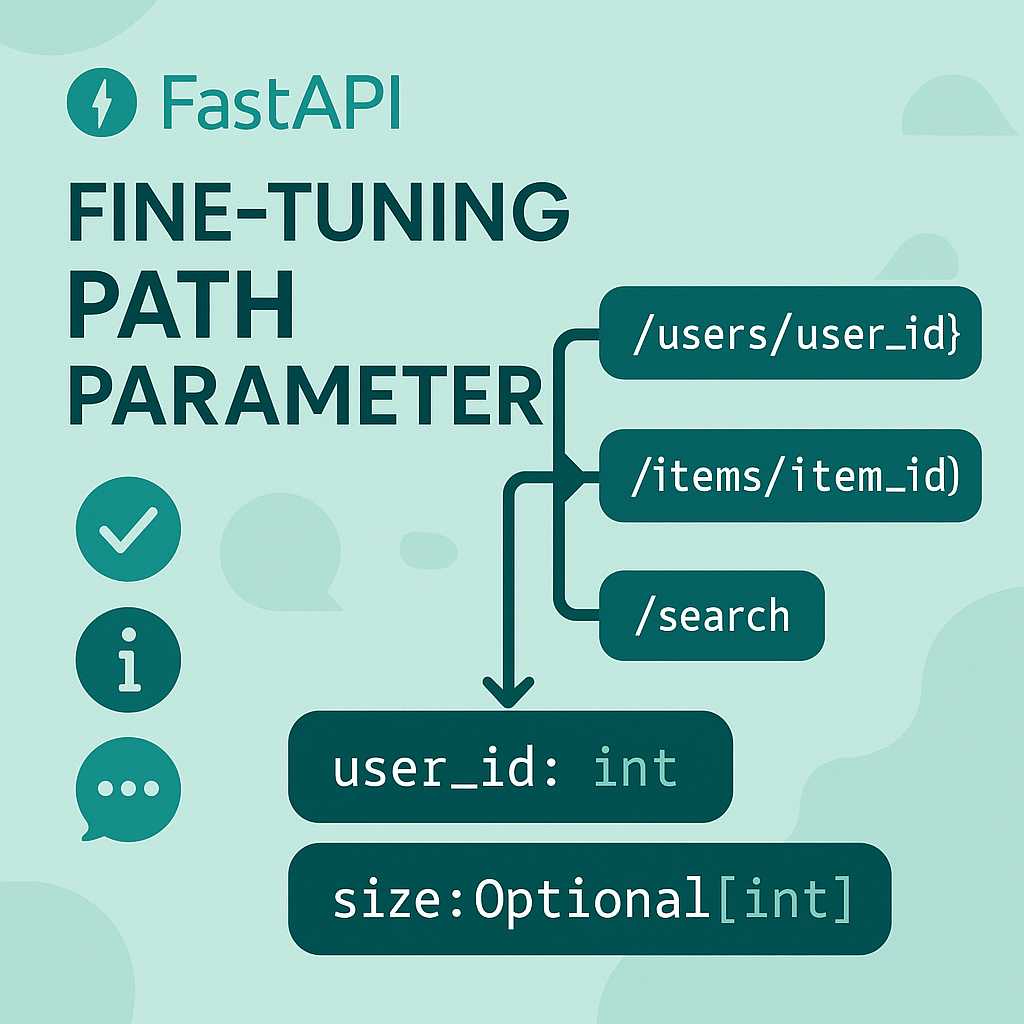
Before Annotated, if you wanted every user_id in your system to be a positive integer and part of the URL path, you had to repeat user_id: int = Path(..., gt=0) in every function. With Annotated, you can define this once in a central types.py file:
from typing import Annotated from fastapi import Path PositiveIntPath = Annotated[int, Path(gt=0, description="A positive integer identifier")]
Now, your path operations become much cleaner:
def get_user(user_id: PositiveIntPath):
def update_user(user_id: PositiveIntPath, data: UserUpdate):
This not only reduces boilerplate but also ensures consistency. If the business requirement changes—for example, if identifiers shift from integers to UUIDs—you only need to update the definition in one place.
Simplifying Dependency Injection
FastAPI's dependency injection system is perhaps its most powerful feature. However, using Depends() as a default value suffered from the same "default value" issues as Query(). By using Annotated, you can define a dependency once and use it throughout your application without repeating the Depends call.
For instance, a CurrentUser type can be defined that automatically handles authentication logic:
CurrentUser = Annotated[User, Depends(get_current_active_user)] @app.get("/profile") async def read_profile(user: CurrentUser): return user
This makes the signature of the path operation function significantly more readable and focuses on what the function needs (a User object) rather than how it gets it.
Enhancing Developer Experience and Tooling Support
The transition to Annotated wasn't just about cleaner code; it was a major win for the tools developers use every day. Because Annotated preserves the primary type hint as the first argument, static analysis tools can finally see the true nature of the variables.
Better IDE Autocompletion
When using the legacy syntax, IDEs occasionally struggled to provide accurate autocompletion because the "default value" was a complex FastAPI object. With Annotated[str, Query(...)], the IDE sees str as the type. This means string methods like .upper(), .split(), or .lower() are correctly suggested during development.
Linter and Type Checker Compatibility
Tools like Mypy and Ruff have much better support for the Annotated syntax. In 2026, standard linting configurations often flag the use of "magic" default values (like Query or Depends) as a code smell, encouraging the more explicit Annotated pattern. This leads to fewer "Type mismatch" errors and a smoother CI/CD pipeline, as the static analysis more accurately reflects the runtime behavior of the code.
Decoupling Validation from Business Logic
A core principle of good API design is the separation of concerns. Annotated allows developers to keep the function signature focused on business logic while delegating the "API-ness" (validation, headers, cookies, etc.) to the type annotations.
| Feature | Legacy Syntax (Default Value) | Annotated Syntax (Metadata-based) |
|---|---|---|
| Type Integrity | Default value obscures the real type. | Type is clearly defined as the first argument. |
| Reusability | Difficult; required manual repetition. | Highly reusable via type aliasing. |
| IDE Support | Inconsistent autocompletion. | Native support for standard Python types. |
| Testing | Requires mocking FastAPI params. | Can often pass raw types during unit tests. |
| Readability | Signatures become cluttered with logic. | Signatures stay lean and descriptive. |
Advanced Patterns: Multiple Metadata Elements
Because Annotated accepts multiple arguments after the type, it opens the door for even more sophisticated API designs. You can combine FastAPI's metadata with other libraries' metadata, such as Pydantic or specialized documentation tools.
For example, if you are using a library for automatic documentation that requires specific tags, you can include them alongside your FastAPI Query object:
Annotated[str, Query(max_length=10), DocTag("SensitiveData")]
FastAPI will ignore any metadata it doesn't recognize, while your other tools can pick it up. This extensibility ensures that your API design remains future-proof and compatible with an evolving stack of Python development tools.
Implementation Considerations and Best Practices
While Annotated is the superior choice for API design, there are a few practical considerations to keep in mind when refactoring older codebases or starting new projects in 2026.
- Python Version Requirements:
Annotatedwas introduced in Python 3.9. If you are supporting older environments, you would need to usetyping_extensions.Annotated. However, by 2026, Python 3.9 is considered the absolute minimum for most modern web development. - Consistency: Avoid mixing styles within the same project. If you decide to move to
Annotated, refactor the entire module to use it. This prevents confusion for developers who might wonder why some parameters use default values and others use type annotations. - Documentation: When creating reusable types like
PositiveIntPath, ensure they are well-documented in your internal style guide. Since the logic is now hidden behind a type name, other developers need to know what that type implies for the API's behavior. - Testing: One of the quiet benefits is that unit testing path operation functions directly (without using
TestClient) becomes easier. Since theAnnotatedpart is just metadata, you can callread_profile(user=my_mock_user)directly, and Python won't complain that you didn't provide aDependsobject.
Common Pitfalls to Avoid
While Annotated simplifies many things, it is not immune to misuse. A common mistake is forgetting that the "default value" of the function parameter still matters for optionality.
The Wrong Way:
def search(q: Annotated[str, Query()] ):
This makes q required because it has no default value, even though Query() is present.
The Correct Way:
def search(q: Annotated[str, Query()] = "default"):
OR
def search(q: Annotated[str | None, Query()] = None):
Always remember that Annotated handles the how of the parameter, but the standard Python = assignment still handles the whether (i.e., whether the parameter is required or has a fallback).
FAQs
Is Annotated required for FastAPI to work?
No, FastAPI still supports the legacy default-value syntax for backward compatibility. However, the documentation and the community have shifted toward Annotated as the primary best practice because it offers better type safety and code reusability.
Can I use Annotated with Pydantic models?
Yes, you can use Annotated within Pydantic models for field-level validation. For example, field: Annotated[int, Field(gt=0)]. This provides the same benefits of decoupling and reusability within your data schemas as it does in your API endpoints.
Does using Annotated impact performance?
There is no measurable performance hit at runtime. Python's typing.Annotated is designed to be lightweight. FastAPI inspects these annotations once during the application startup (to build the OpenAPI schema and validation logic), so request-time performance remains identical to the legacy method.
How does this affect the generated OpenAPI (Swagger) documentation?
The documentation generated is identical. FastAPI's engine extracts the same information from Annotated[str, Query(description="...")] as it does from Query(description="..."). The change is purely architectural and aimed at improving the developer's code quality and tooling experience.
What happens if I put multiple FastAPI dependencies in one Annotated?
FastAPI generally looks for the first relevant piece of metadata it understands (like Query, Path, or Depends). If you provide multiple, it may only use the first one or behave unexpectedly. It is best practice to use one FastAPI-specific annotation per type, though you can include other non-FastAPI metadata for different tools.
Strategic Recommendation
For teams operating in 2026, the transition to Annotated is no longer a matter of preference but a requirement for high-quality API design. It aligns your codebase with the broader Python ecosystem's movement toward strict type hinting and modularity.
Immediate Action: Begin by aliasing common dependencies and validation patterns in a central dependencies.py or types.py file. Replace complex function signatures with these clean, semantic types. This will immediately improve the readability of your controllers and make your system significantly easier to test and maintain.
Image Gallery