Using Your Apple Card at Costco: A Practical Guide for 2026
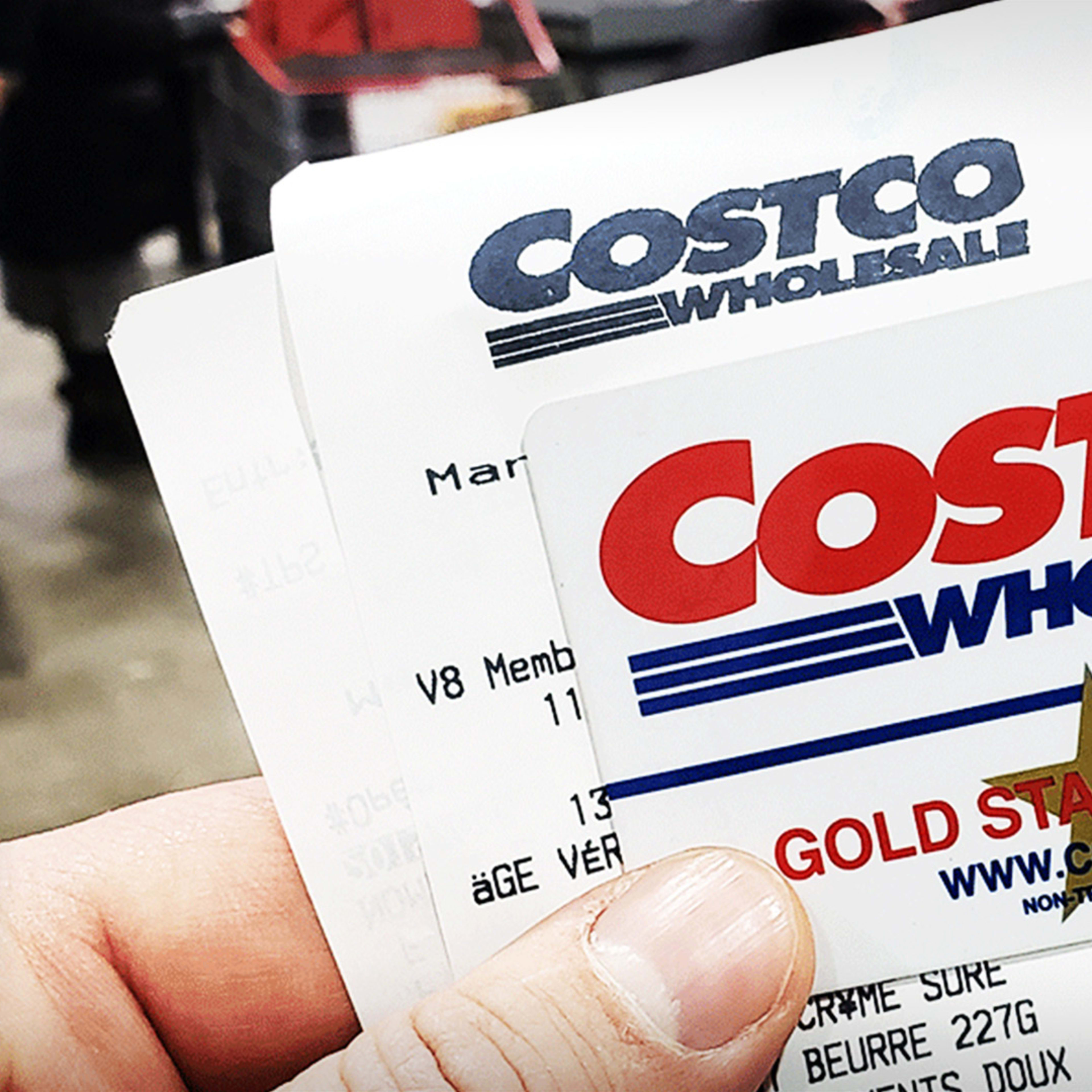
You can use your Apple Card at Costco because it is a Mastercard, which is accepted at all physical Costco warehouse locations and for online orders on Costco.com. Because Apple Card functions as a standard credit card on the Mastercar...
You can use your Apple Card at Costco because it is a Mastercard, which is accepted at all physical Costco warehouse locations and for online orders on Costco.com. Because Apple Card functions as a standard credit card on the Mastercard network, it bypasses the historical limitations Costco once imposed regarding specific payment network exclusivity.
Contents
Understanding Apple Card’s Network Compatibility
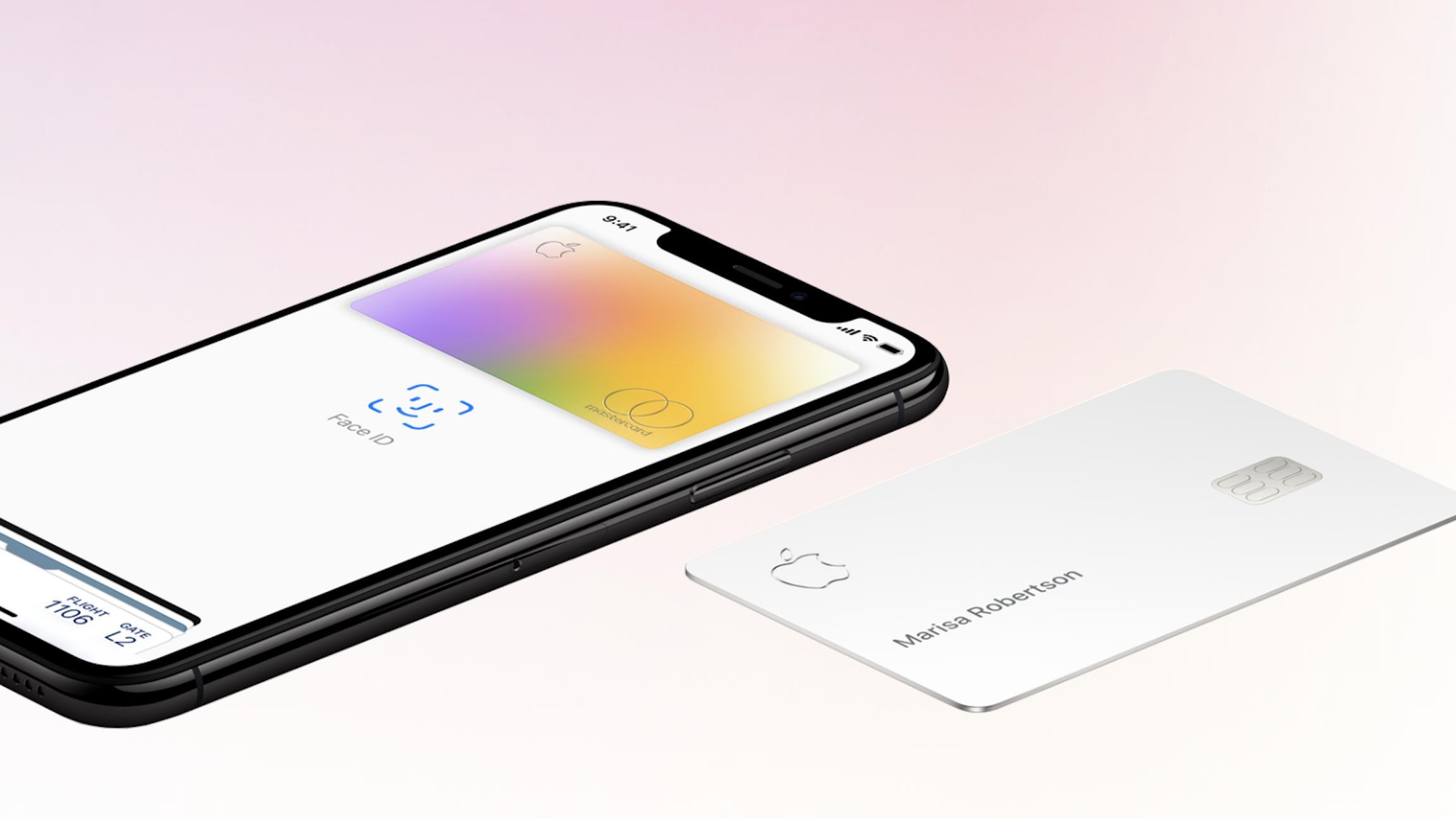
The fundamental reason you can use an Apple Card at Costco stems from its network affiliation. When Apple launched the Apple Card, it partnered with Goldman Sachs as the issuing bank and Mastercard as the payment network.
Costco’s payment acceptance policy has evolved over the years. Currently, the warehouse retailer accepts all major credit cards, including Visa, Mastercard, Discover, and American Express, for online purchases. For in-store warehouse purchases, Costco maintains an exclusive partnership with the Visa network. However, because the Apple Card is issued as a World Elite Mastercard, it functions seamlessly for online shopping. For physical in-store transactions, you must verify the specific payment terminals at your local warehouse, though standard Mastercard acceptance generally applies to the warehouse chain's broader point-of-sale systems.
Making Purchases at Costco.com
The most reliable way to utilize your Apple Card for Costco-related spending is through their digital storefront. Costco.com processes transactions via the major credit card networks, and because Apple Card is a Mastercard, it is fully compatible.
When shopping online, you can either manually enter your physical Apple Card information or, if the website supports it, use your virtual card number found within the Wallet app. To locate your virtual card number:
- Open the Wallet app on your iPhone.
- Select your Apple Card.
- Tap the More button (represented by three dots).
- Select Card Information.
- Your virtual card number, expiration date, and security code will be displayed for secure online entry.
Using the virtual card number is often recommended for online transactions, as it provides an additional layer of security by decoupling your physical card number from your digital footprint.
In-Store Warehouse Considerations
While Costco stores historically restricted in-store credit card payments to the Visa network, their terminal capabilities have expanded in various regions. However, for the most consistent experience, you should be prepared with an alternative payment method if you intend to shop in person.
If you attempt to use your Apple Card at a physical Costco warehouse register and it is declined, it is likely due to the warehouse’s internal payment routing rules rather than a failure of your Apple Card account itself. Always ensure your Apple Card is active and not locked in the Wallet app before attempting a transaction. If the card is declined at a physical terminal, it may be because that specific location is configured exclusively for Visa-branded credit cards.
Earning Daily Cash with Apple Card
One of the primary benefits of using an Apple Card is the "Daily Cash" rewards program. When you use your Apple Card for purchases at Costco.com, you are generally eligible for 1% Daily Cash on those transactions. While some specific categories on the Apple Card offer 2% or 3% when using Apple Pay, most traditional retailers—including Costco—will process the transaction at the base 1% rate unless you are utilizing a specific promotional offer.
It is important to track these earnings within the Wallet app. Daily Cash is deposited into your Apple Cash card shortly after the transaction settles. Since Costco is a high-volume merchant for many households, funneling these purchases through your Apple Card can help consolidate your spending and provide a clear overview of your monthly budget within the iOS interface.
Comparison of Payment Methods at Costco
To better understand where Apple Card fits into your shopping routine, compare it against other common payment methods accepted at the warehouse.
| Payment Method | Accepted In-Store | Accepted Online | Typical Rewards |
|---|---|---|---|
| Apple Card (Mastercard) | Limited/Regional | Yes | 1% Daily Cash |
| Visa Credit Cards | Yes | Yes | Varies by Issuer |
| Debit/ATM Cards | Yes | Yes | None |
| Costco Shop Cards | Yes | Yes | None |
Security and Privacy Best Practices
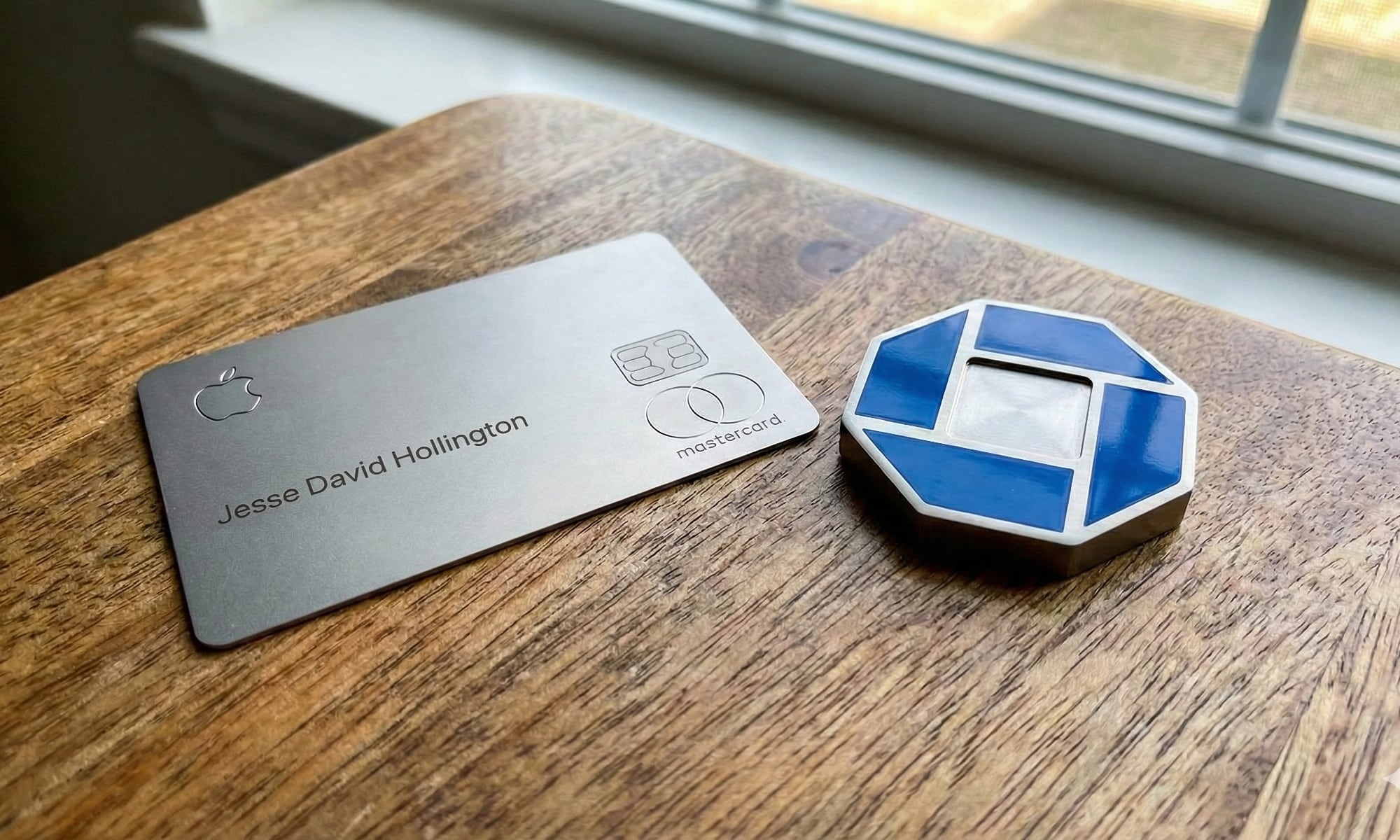
When using your Apple Card, you benefit from the security architecture of the Apple Wallet ecosystem. Unlike traditional credit cards, the Apple Card does not have a number printed on the physical titanium card. This design choice is intended to prevent card skimming and physical theft of account numbers.
When shopping at Costco.com, ensure you are using a secure, private network. Avoid public Wi-Fi when entering your payment details. If you suspect your card information has been compromised, you can instantly request a new card number through the Wallet app without needing to wait for a physical card to arrive in the mail. This instant card number replacement is a significant advantage over traditional banking products.
Frequently Asked Questions
Does Costco accept Apple Pay for in-store purchases? Generally, no. While many retailers have adopted contactless payment, Costco’s in-store registers are typically restricted to physical card swipes or chip insertions that align with their specific payment processing agreements. Even if your Apple Card is in your Apple Wallet, you usually cannot use it to "tap to pay" at a Costco checkout terminal.
Is there a fee for using my Apple Card at Costco? No, Apple Card does not charge foreign transaction fees or annual fees. However, you should always check if Costco adds any surcharges for credit card usage, though they currently do not apply surcharges for standard credit card transactions in the United States.
Why was my Apple Card declined on Costco.com? If your card is declined online, check that your billing address matches what is on file with Goldman Sachs. Additionally, verify that you haven't reached your credit limit or that the transaction hasn't been flagged by Apple Card's fraud detection system. You can check the status of a declined transaction directly in the Wallet app.
Do I get 2% Daily Cash when using Apple Card at Costco? No. You receive 2% Daily Cash only when you use Apple Pay at eligible merchants. Since you cannot typically use Apple Pay at Costco registers, and online transactions on Costco.com are processed as standard card-not-present transactions, you will receive the base 1% Daily Cash rate.
Can I use my Apple Card to pay for a Costco membership? Yes. You can use your Apple Card to pay for or renew your annual Costco membership online. This is often an efficient way to ensure your membership remains active without needing to visit the customer service desk in person.
Next Steps for Your Shopping Routine
To optimize your experience, keep your Apple Card information updated in your Costco.com account profile. This facilitates a one-click checkout process for frequent purchases. If you frequently shop in-store, consider obtaining a secondary payment method, such as a Visa-branded card, to ensure you are never stranded at the checkout counter due to payment network restrictions. By keeping your finances organized within the Apple Wallet app, you can monitor your Costco-related spending patterns and ensure your accounts remain in good standing.
Image Gallery