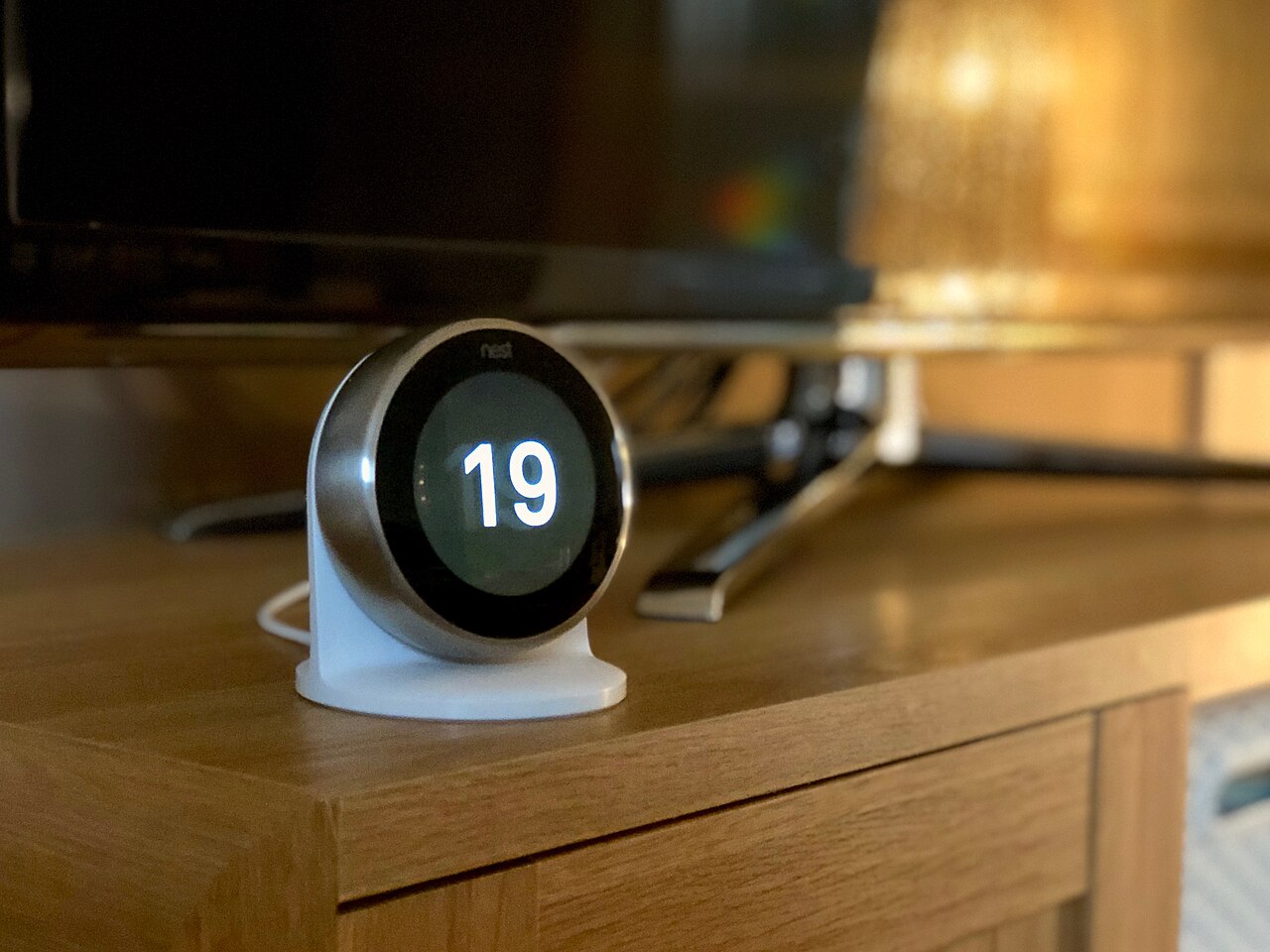
How to Manage Nest Stage Two Heat in Your Home
To manage Nest Stage 2 heat, verify your W2 or AUX wiring is correctly installed in the thermostat base and identified in the equipment settings. Use the Nest App or Google Home App to adjust "Heat Pump Balance" or "Early-On" settings,...
To manage Nest Stage 2 heat, verify your W2 or AUX wiring is correctly installed in the thermostat base and identified in the equipment settings. Use the Nest App or Google Home App to adjust "Heat Pump Balance" or "Early-On" settings, which determine when the high-output second stage activates for faster warming or efficiency.
Contents
Managing a multi-stage heating system with a Nest thermostat requires a clear understanding of how smart logic interacts with physical HVAC hardware. Unlike traditional thermostats that rely on simple temperature differentials to kick in a second stage of heat, Nest employs complex algorithms to balance energy savings with user comfort. As of 2026, these systems have become even more adept at learning home thermal profiles, but manual intervention is often necessary to optimize performance for specific seasonal needs or energy costs.
Understanding the Mechanics of Stage Two Heating
Multi-stage heating is designed to provide varying levels of heat output based on demand. In a standard two-stage furnace, Stage 1 (low heat) typically runs at about 60% to 70% of the unit’s full capacity. This stage is quieter, more energy-efficient, and runs for longer cycles to provide even heat distribution. Stage 2 (high heat) utilizes the furnace's full 100% capacity. It is intended for rapid recovery when the indoor temperature is significantly lower than the setpoint or when outdoor temperatures drop so low that Stage 1 cannot maintain the desired warmth.
Nest thermostats manage these stages through a feature called System Match. When you first install the device, it identifies the wires connected to the backplate. If a wire is detected in the W2/AUX terminal, the Nest recognizes the system as multi-stage. It then uses "Time-to-Temperature" logic to decide when to engage that second stage. If the thermostat calculates that it will take too long to reach the target temperature using Stage 1 alone, it will trigger Stage 2 to bridge the gap quickly.
The Difference Between Stage 2 and Auxiliary Heat
It is vital to distinguish between a two-stage furnace and a heat pump with auxiliary heat, as Nest treats them differently in the software.
- Stage 2 Heat: Usually refers to a secondary, more powerful burner level in a gas or electric furnace.
- Auxiliary (AUX) Heat: Refers to a secondary heat source (often electric heat strips) used when a heat pump can no longer efficiently pull heat from the cold outdoor air.
While the management steps are similar, Nest’s "Heat Pump Balance" settings specifically target AUX heat, whereas standard furnace "Stage 2" is managed primarily through the general heating algorithm and "Early-On" features.
Step-by-Step Configuration and Management
To effectively manage Stage 2 heat, you must first ensure the software correctly mirrors your hardware configuration.
1. Verify Wiring and Equipment Detection
Before making software adjustments, confirm the physical connection. Remove the Nest display and ensure a wire is securely fastened to the W2 terminal. In the Nest app or on the thermostat itself:
- Navigate to Settings.
- Select Equipment.
- View the Wiring diagram to see if the W2/AUX wire is highlighted in green (detected).
- Check the Pro Setup or Equipment Type to ensure it is labeled as "Stage 2" and not misidentified as a single-stage system.
2. Adjusting Nest Sense and Early-On
Nest uses a feature called Early-On to manage when Stage 2 initiates. If Early-On is enabled, the thermostat calculates how long it takes to heat your home and may start the process early so the house is warm by your scheduled time.
- If you want to prioritize efficiency, keep Early-On active but set a conservative schedule. This allows the system to use the more efficient Stage 1 for a longer period.
- If you want to minimize Stage 2 usage, you can adjust the "Max Duration" if your specific Nest model/firmware allows, though most management is handled by the algorithm’s learning of your home’s "thermal mass."
3. Managing Stage 2 via Heat Pump Balance
For those with heat pumps, managing Stage 2 (AUX) is more granular. Under the Nest Sense settings, look for Heat Pump Balance. You have three primary options:
- Max Savings: Nest will use the heat pump (Stage 1) as much as possible, only engaging Stage 2/AUX when the outdoor temperature drops below a very low "lockout" point.
- Balanced: The default setting. Nest balances comfort and cost, using Stage 2 when the indoor temperature is trailing significantly behind the setpoint.
- Max Comfort: Nest will engage Stage 2 more frequently to ensure the target temperature is reached as quickly as possible, regardless of the higher energy cost.
Technical Comparison of Heating Stages
Understanding the operational differences helps in deciding how to toggle your settings. The following table outlines the typical performance metrics for a residential HVAC system in 2026.
| Feature | Stage 1 (Low) | Stage 2 (High) | Auxiliary (AUX) |
|---|---|---|---|
| Capacity | 60–70% of Max | 100% of Max | Supplemental Source |
| Energy Efficiency | Highest | Moderate | Lowest (if Electric) |
| Noise Level | Low/Whisper | Noticeable Fan/Burner | Varies (often High Fan) |
| Optimal Use Case | Maintaining Temperature | Rapid Recovery/Extreme Cold | Below Heat Pump Lockout |
| Nest Activation | Standard Cycle | Time-to-Temp Logic | Heat Pump Balance Logic |
Troubleshooting Common Stage 2 Issues
Even with correct settings, you may find that Stage 2 is either running too often or not at all. Managing these anomalies is key to maintaining HVAC longevity.
Stage 2 Never Activates
If your home is not reaching the target temperature and Nest remains in Stage 1, the problem is often a configuration error. Re-run the Setup and ensure that "Dual Fuel" or "Multi-Stage" is selected. If the system thinks it is single-stage, it will never send a signal to the W2 wire. Additionally, check for a blown fuse on the HVAC control board, as the W2 circuit is independent of W1.
Frequent Cycling (Short Cycling)
If Stage 2 kicks on and off rapidly, it can cause significant wear on the blower motor and heat exchanger. This often happens if the thermostat is located near a draft or a heat source (like a lamp or kitchen appliance), tricking the sensors. In the Nest settings, ensure the Temperature Offset is not interfering and that the thermostat is not set to "Safety Temp" limits that conflict with your regular schedule.
High Energy Bills
If you notice a spike in energy consumption, Stage 2 may be engaging too early. This is common in 2026 as outdoor sensors integrated with smart grids might trigger Stage 2 based on forecasted cold snaps. To mitigate this, manually set a Lockout Temperature in the Nest Pro settings (if available) or the Home app. This prevents Stage 2/AUX from turning on unless the outdoor temperature falls below a specific threshold (e.g., 35°F or 1.5°C).
Optimization for Different Climates
The way you manage Stage 2 should change based on your geographic location. In milder climates, you might rarely need Stage 2. You can essentially "soft-disable" it by setting your Nest schedule to increase the temperature in small, 1-degree increments. Because the temperature gap is small, the Nest logic will likely stay in the more efficient Stage 1.
In extremely cold climates, Stage 2 is a necessity for safety. Ensure that your True Radiant settings (for boilers or underfloor heating) or System Match settings are optimized to allow Stage 2 to run long enough to thoroughly warm the home's structure, preventing the "cycling" effect where the air is warm but the walls remain cold.
Frequently Asked Questions
Does Stage 2 heat use more gas or electricity?
Yes, Stage 2 uses more fuel or electricity because it operates the furnace at 100% capacity and often increases the blower fan speed. While it is less efficient per hour of operation, it runs for a shorter duration to achieve the same temperature rise. However, for maximum savings, it is generally better to let Stage 1 run for longer periods.
Can I manually force my Nest to stay in Stage 1?
There is no "Lock in Stage 1" button in the standard Nest interface. To achieve this, you must set your temperature changes to be very gradual (no more than 1-2 degrees at a time). If the Nest sees a large gap (e.g., jumping from 62°F to 70°F), it will almost always engage Stage 2 to satisfy the "Time-to-Temperature" requirement.
Why does my Nest display "Heating Stage 2" when it’s not that cold outside?
This usually happens because of the "Early-On" feature. If you have a schedule set to 72°F at 7:00 AM and the house is 65°F at 6:30 AM, Nest calculates it cannot reach the goal in 30 minutes using Stage 1 alone. It will engage Stage 2 to ensure the house is exactly 72°F by the time you wake up.
Is Stage 2 the same as "Emergency Heat"?
No. Stage 2 is a standard part of a multi-stage system's operation. Emergency Heat (EMER) is a manual setting for heat pump users that bypasses the heat pump entirely and relies solely on the backup (usually electric) heat source. You should only use Emergency Heat if your outdoor unit is physically damaged or frozen over.
Does the Nest Thermostat E support Stage 2 heating?
The Nest Thermostat E supports multi-stage heating, but its terminal block is more limited than the 3rd Gen Learning Thermostat. It has a *** (star)** terminal that can be configured for W2 (Stage 2) during the initial setup. If you are using that terminal for a humidifier or dehumidifier, you cannot use it for Stage 2 heat.
Final Recommendation for Homeowners
To manage Nest Stage 2 heat effectively, prioritize the Balanced setting within the app’s Nest Sense menu. This provides the most reliable middle ground for most households in 2026, preventing excessive utility bills while ensuring the home stays comfortable during sudden temperature drops. For those looking to maximize their HVAC lifespan, regular maintenance of the secondary heat exchanger and ensuring the W2 wiring is clean and corrosion-free are essential annual tasks. If you find that Stage 2 is engaging constantly despite mild weather, it may be time to consult a professional to check if your furnace's gas pressure or limit switches are functioning correctly.
Image Gallery