Best Teleprompter Apps for iPhone in 2026: The Ultimate Video Content Creator's Guide
Content creation on mobile devices has reached unprecedented levels of professional polish, and selecting the right tool is critical for modern creators. As mobile-first video production dominates platforms like TikTok, Instagram Reels...
Content creation on mobile devices has reached unprecedented levels of professional polish, and selecting the right tool is critical for modern creators. As mobile-first video production dominates platforms like TikTok, Instagram Reels, YouTube Shorts, and corporate communications in 2026, finding reliable teleprompter software for the iPhone is essential for maintaining natural eye contact while delivering scripted content seamlessly. Modern iOS teleprompter applications have evolved past basic scrolling text overlays, incorporating advanced AI voice-tracking, remote control integration, and professional camera control features that rival dedicated studio equipment.
Contents
Understanding Core Technical Requirements for iOS Teleprompters
Professional video production on an iPhone requires software capable of interfacing natively with Apple's AVFoundation framework. Modern iOS teleprompters must balance script readability with proper camera framing, ensuring that the presenter's eyes remain as close to the camera lens as possible to maintain audience engagement.
When evaluating teleprompter software for the iPhone, several technical and practical performance indicators dictate workflow efficiency:
- Scroll Engine Smoothness: The application must maintain a consistent frame rate (60 FPS) during scrolling to prevent stuttering or motion blur, which can induce eye fatigue and camera jitter.
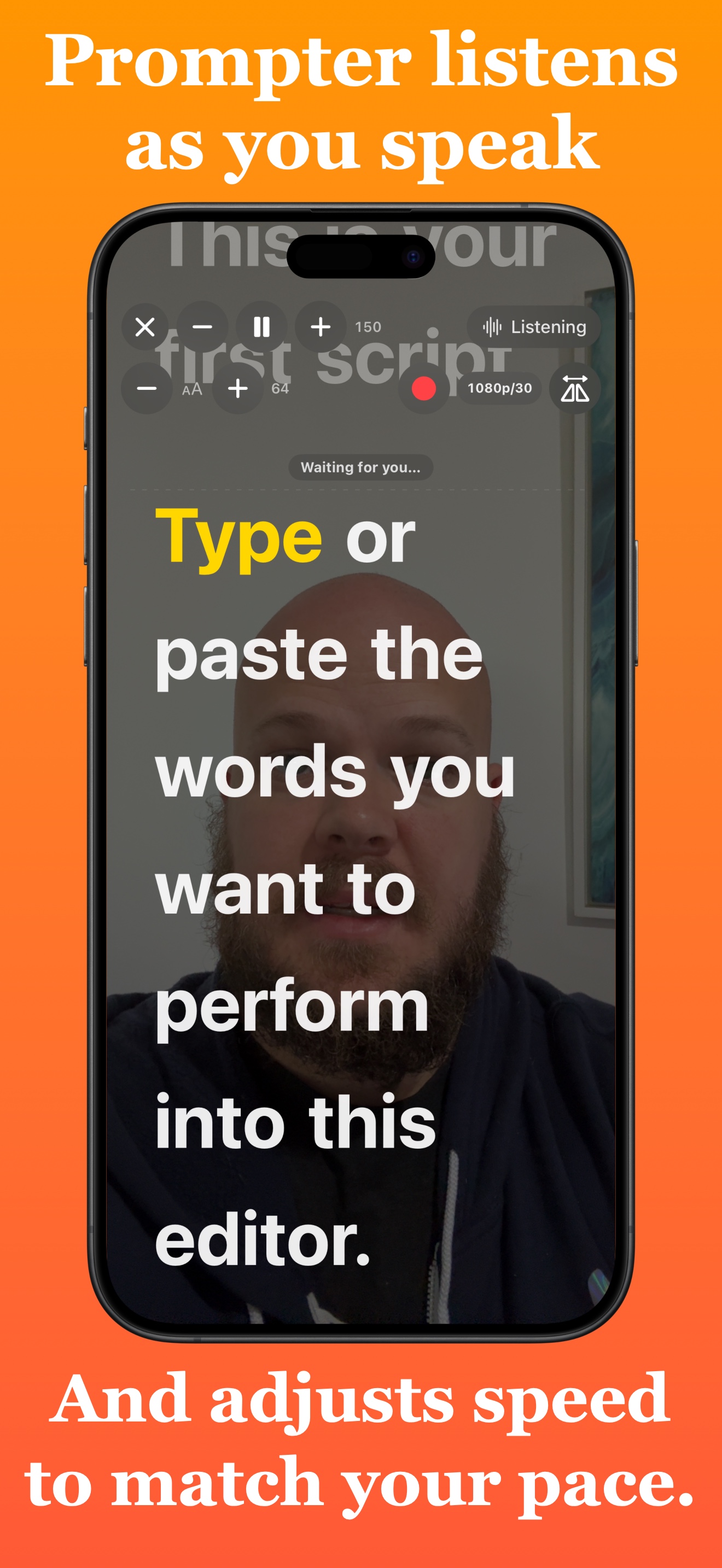
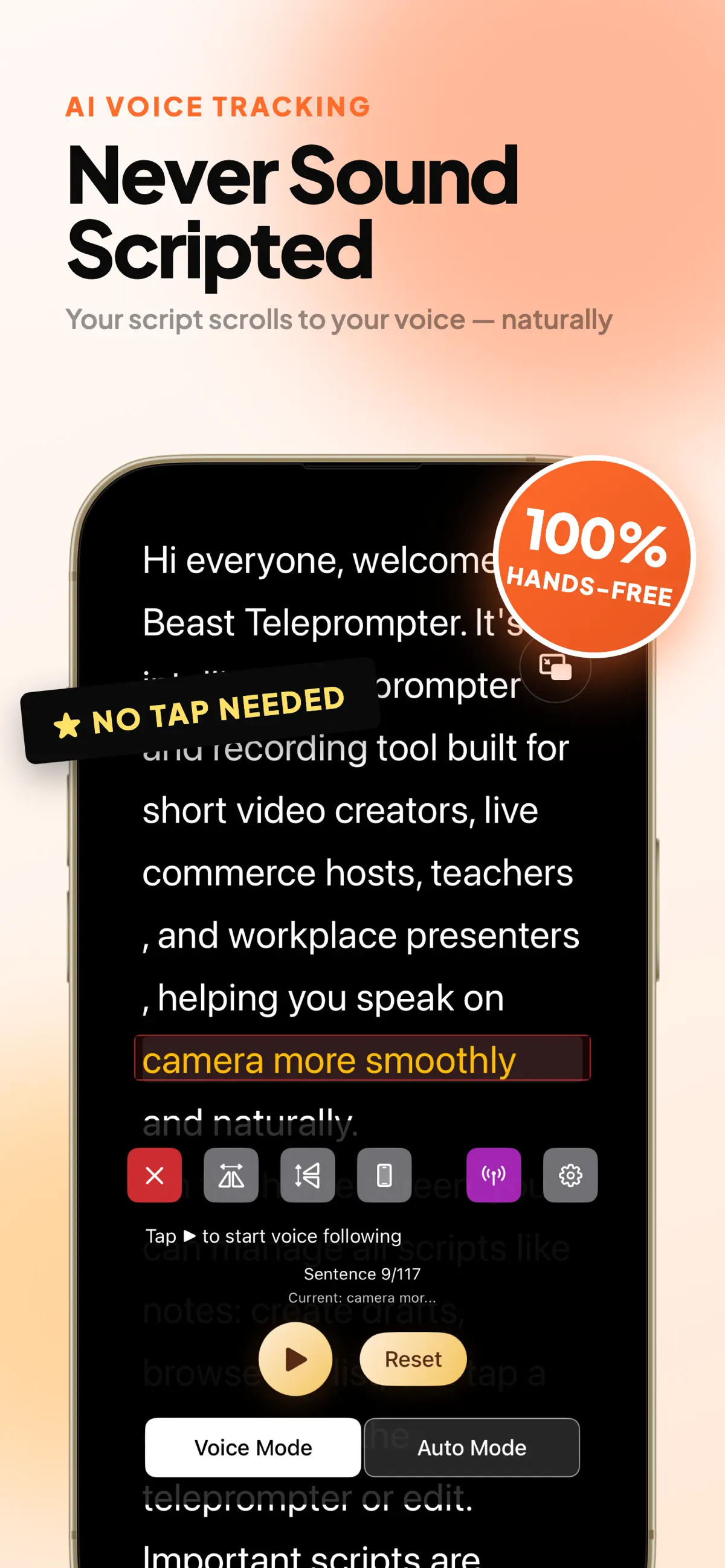
- AI Voice-Sync Technology: Modern speech-recognition engines listen to the speaker's cadence and automatically scroll the script forward or backward in real time, eliminating the need for manual speed calibration.
- Camera Resolution and Frame Rate Support: Top-tier apps support native 4K recording at 60fps, Dolby Vision, and Apple ProRes encoding without dropping frames or crashing during extended recording sessions.
- Hardware Remote Integration: Seamless Bluetooth connectivity with standard presentation clickers, game controllers, or dedicated foot pedals allows hands-free control over start, stop, pause, and scroll speed adjustments.
- Script Management and Cloud Sync: Cross-platform syncing via iCloud or dedicated cloud storage ensures scripts edited on a Mac or iPad are instantly available on the iPhone field device.
Comparative Breakdown of Leading iOS Teleprompter Solutions
Choosing the correct application depends heavily on your specific production style, budget, and post-production workflow. The following table provides a technical comparison of the top-rated teleprompter applications available for the iPhone in 2026.
| Application Name | Primary Strengths | AI Voice Tracking | Remote Control Support | Pricing Model | Best Suited For |
|---|---|---|---|---|---|
| PromptSmart Pro | Advanced voice-recognition scrolling that matches human pacing. | Yes (Advanced Voice Rec) | Bluetooth remotes supported | Subscription / One-time purchase | Solo creators, educators, and live-read presenters. |
| Teleprompter Premium | Comprehensive camera controls, mirroring, and remote web browser control. | Yes | Bluetooth & Web Browser | Freemium / In-App Purchase | Multi-camera setups and remote interviewers. |
| BigVu | Complete video creation suite with automated captioning and social formatting. | Yes | Bluetooth remotes | Subscription | Social media marketers and corporate communications teams. |
| Parrot Prompter | Clean, minimalist interface designed specifically for hardware teleprompter glass rigs. | No (Manual / Timed) | Dedicated Bluetooth hardware | Free / Pro upgrade | Traditional teleprompter glass hardware setups. |
Essential Features to Evaluate Before Downloading
Investing time into mastering a teleprompter application requires understanding the underlying feature sets that differentiate amateur tools from professional production suites.
Customizability of Display Settings
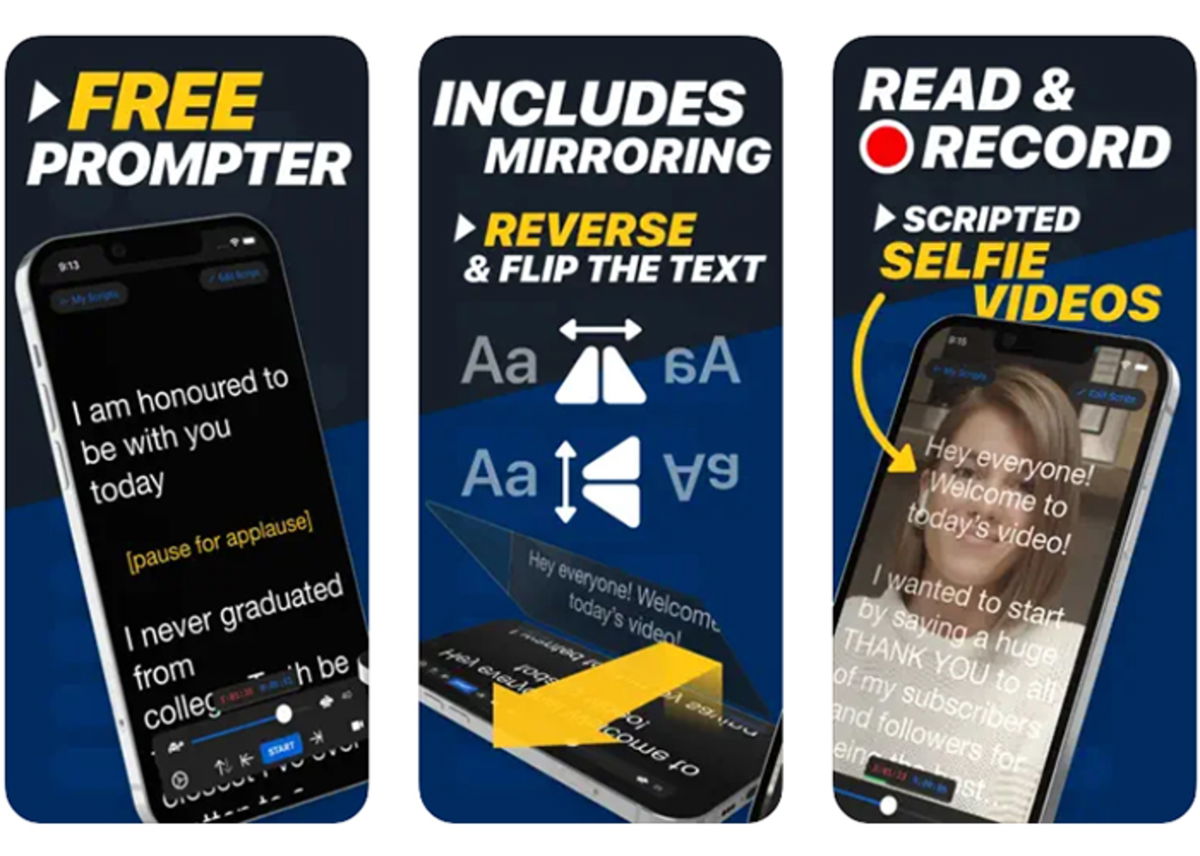
Reading text off a mobile screen mounted to a camera rig or held in hand demands robust display adjustments. Look for applications that allow deep customization of text size, font selection, high-contrast background coloring, and adjustable margin widths. The ability to mirror text horizontally and vertically is non-negotiable if you are using physical beamsplitter glass hardware.
Audio Integration and Monitoring
High-quality video requires pristine audio capture. Premium iPhone teleprompter applications provide real-time audio level meters, Bluetooth microphone compatibility (such as DJI Mic or Rode Wireless Pro), and background noise reduction toggles. Monitoring audio directly within the teleprompter interface prevents disastrous sound clipping or low-input issues before publishing.
Script Export and Teleprompter-to-Post Integration
Efficient workflows minimize friction between recording and editing. The best applications allow you to export footage directly to your photo library with embedded subtitles, or transfer raw video files alongside timed transcript files to desktop non-linear editing (NLE) software like Adobe Premiere Pro or DaVinci Resolve.
Step-by-Step Workflow: Setting Up Your iPhone for Professional Prompter Delivery
Achieving a natural, conversational delivery while reading a script requires a structured approach to hardware setup and software calibration.
- Secure Your iPhone and Align the Lens: Mount your iPhone securely to a tripod or a dedicated teleprompter rig. Ensure the recording lens is positioned directly behind or immediately adjacent to the scrolling text window to eliminate noticeable eye-wandering.
- Configure Camera and Exposure Lock: Open your chosen teleprompter app, switch to manual camera mode if available, and lock your focus (AF) and exposure (AE). This prevents the iPhone camera from hunting for focus or adjusting exposure levels dynamically if lighting shifts slightly during your take.
- Import and Format Your Script: Paste your script into the application. Break dense paragraphs into short, digestible conversational phrases. Use bold formatting on key emotional trigger words or technical terms to guide your vocal inflection.
- Calibrate Scroll Speed or Enable AI Tracking: Run a practice read-through. If using a manual speed setting, adjust the frames-per-second scroll rate to match your natural speaking pace (typically between 130 and 160 words per minute). If using AI voice-tracking, test the sensitivity in your recording environment to ensure background noise does not interfere with tracking accuracy.
- Record and Review: Execute your take while focusing on direct eye contact with the lens rather than individual words. Review the footage immediately to verify that eye movement remains minimal and audio levels are clean.
Expert Production Tip: Never read word-for-word in a monotone voice. Treat your teleprompter script as a structural outline rather than an absolute prison. Adding natural pauses, hand gestures, and unscripted conversational asides enhances viewer connection and masks the fact that you are reading from a screen.
Frequently Asked Questions
What is the best teleprompter app for iPhone with voice-tracking capabilities?
PromptSmart Pro is widely regarded as the industry standard for voice-activated scrolling on iOS, utilizing patented voice-recognition technology that stops and starts the text based on your actual speaking pace. BigVu and Teleprompter Premium also offer robust AI-driven speech-tracking alternatives suited for social media workflows.
Can I use a Bluetooth remote control with iPhone teleprompter apps?
Yes, nearly all major iOS teleprompter applications support standard Bluetooth presentation clickers, media remotes, and wireless keyboards, allowing you to pause, resume, and adjust scroll speed without touching your iPhone screen.
Do teleprompter apps record in 4K resolution?
Most premium teleprompter apps leverage the native iPhone camera APIs to record in full 4K resolution at 30fps or 60fps, alongside support for HDR and Apple ProRes formats depending on your specific iPhone model capabilities.
How do I stop my eyes from looking back and forth while reading a teleprompter?
To minimize noticeable eye movement, place your iPhone as close to eye-level as possible, increase the text margin width so words appear centered near the lens, and step back slightly from the camera if you are using a wider focal length.
Are there free teleprompter apps available for iOS?
Yes, applications like Parrot Prompter and free tiers of Teleprompter Premium offer basic scrolling and recording features at no cost, though advanced features such as AI voice-tracking, unlimited script storage, and remote web control typically require an in-app purchase or subscription.
Maximizing Your Video Content Strategy
Integrating a teleprompter application into your mobile video production pipeline bridges the gap between structured, error-free messaging and authentic, engaging delivery. By selecting an application that matches your technical requirements, practicing proper eye-line placement, and leveraging hardware remotes, you can produce broadcast-quality content directly from your iPhone with total confidence and efficiency.
Image Gallery