Understanding How Robux Gift Cards Work: A Comprehensive Guide
Robux gift cards are prepaid digital or physical vouchers used to add Robux—the virtual currency of the Roblox platform—to a user account. When redeemed, these cards convert into a specific monetary value or quantity of Robux, which ca...
Robux gift cards are prepaid digital or physical vouchers used to add Robux—the virtual currency of the Roblox platform—to a user account. When redeemed, these cards convert into a specific monetary value or quantity of Robux, which can then be spent on in-game items, avatar accessories, or private server subscriptions within the Roblox ecosystem.
Contents
What Are Robux Gift Cards?
Robux gift cards serve as an intermediary financial product between traditional fiat currency and the Roblox platform’s closed-loop economy. They function similarly to store-specific gift cards (like those for Amazon or Apple), but their utility is strictly confined to the Roblox environment.
These cards are issued by Roblox Corporation and are sold through authorized retailers, both physical and digital. They do not function as a general-purpose credit card or a digital wallet for external purchases; they are strictly a mechanism for pre-funding a Roblox account balance. Because they represent a stored value, they are treated as cash equivalents within the platform's security framework.
The Mechanism of Redemption
Redeeming a Robux gift card is a straightforward process, but it requires adherence to specific protocols to ensure the funds are correctly allocated to the intended account. Users must have a registered account on the Roblox platform to use a gift card.
- Account Authentication: Log in to your Roblox account through a web browser. Gift card redemption is generally more reliable via the web portal than through mobile application interfaces, which may redirect to external payment gateways.
- Navigation to the Redemption Portal: Navigate to the official Roblox "Redeem" page. This page is the only authorized destination for entering PIN codes found on gift cards.
- Entering the PIN: Every physical card features a scratch-off panel concealing a unique alphanumeric PIN. Digital cards provide this PIN via email or a secure portal. Carefully enter this code into the redemption box.
- Verification and Crediting: Once the system validates the PIN against its database, the value associated with the card is automatically credited to the user's account balance. If the card was purchased in a different currency than your account’s default, Roblox typically performs a conversion based on current exchange rates at the time of redemption.
Types of Robux Gift Cards
Understanding the distinction between different card types is critical for users, as the redemption process and benefits can vary based on the format and the retailer.
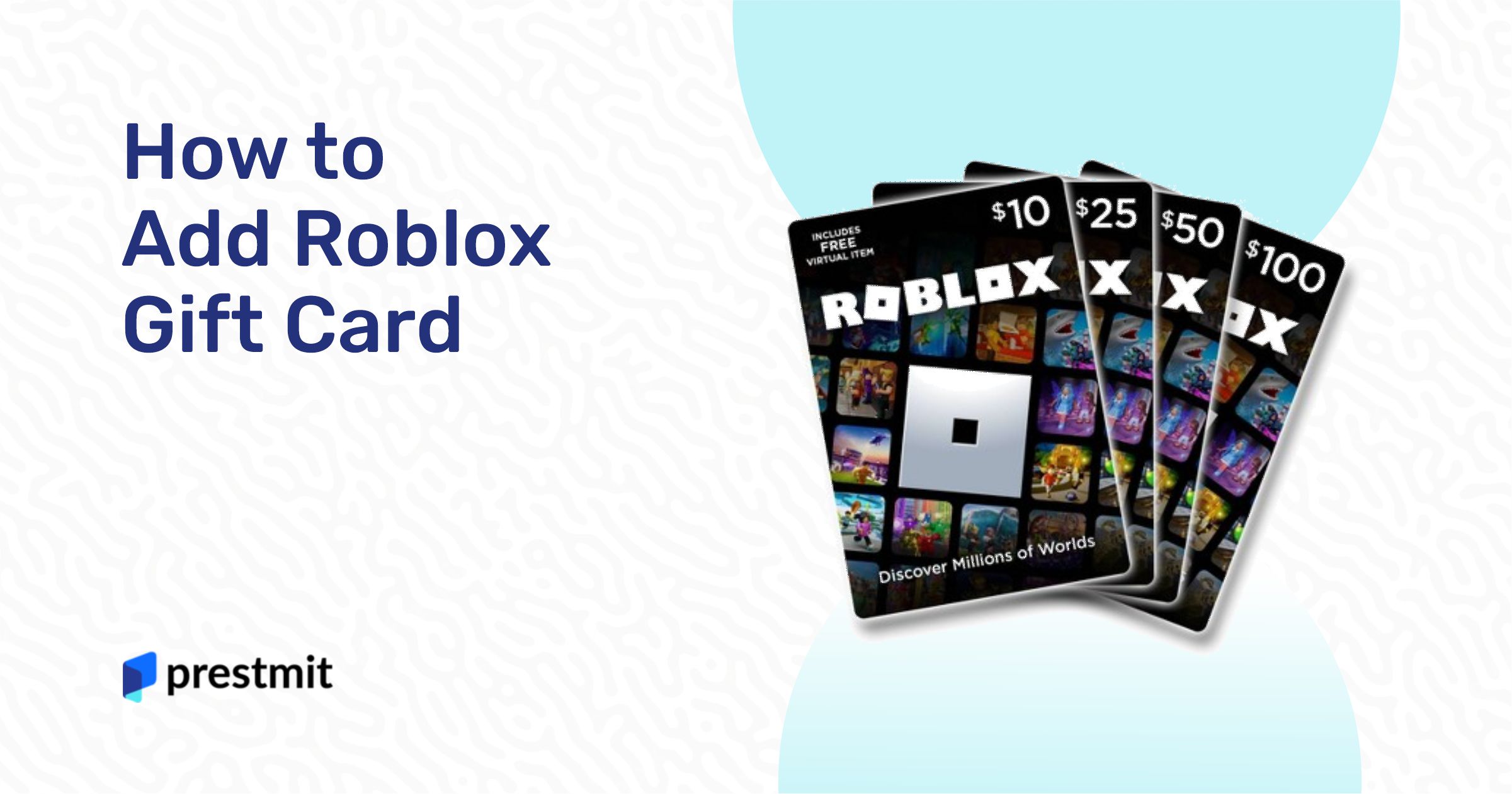
- Physical Gift Cards: These are sold in brick-and-mortar retail stores. They often come in fixed denominations (e.g., $10, $25, $50). They are secured with a tamper-evident scratch-off strip.
- Digital Gift Cards: These are purchased online through authorized retailers. They are delivered via email as a digital code. These are often preferred for their instant delivery and the absence of physical logistics.
- Credit Cards vs. Robux Cards: It is important to note that while some regions offer "Robux" specific cards, most gift cards are sold as "Credit" cards. Credit cards allow the user to choose whether to spend the funds on Robux or a Roblox Premium subscription, providing greater flexibility.
Comparison of Gift Card Features
| Feature | Physical Gift Card | Digital Gift Card |
|---|---|---|
| Delivery Method | Physical Store Purchase | Email / Digital Link |
| Redemption Speed | Requires physical access | Near-instant |
| Flexibility | Fixed amounts | Variable (often customizable) |
| Security | Risk of physical theft/damage | Risk of email interception |
| Usage | Valid for Robux or Premium | Valid for Robux or Premium |
Financial Safety and Anti-Fraud Measures
Because Robux gift cards are essentially digital currency, they are frequent targets for scams. It is essential to understand that Roblox Corporation will never ask you to pay for taxes, fines, or external services using Robux gift cards.
- Authorized Retailers Only: Only purchase gift cards from recognized, reputable retailers. Avoid third-party websites offering "discounted" or "free" Robux cards, as these are almost invariably phishing attempts or fraudulent schemes designed to steal your credentials or card codes.
- Scratch-Off Integrity: For physical cards, verify that the silver scratch-off panel is intact. If it appears to have been tampered with or already scratched, do not purchase the card, as the code may have already been redeemed by another party.
- The "One-Way" Nature of Transactions: Once a gift card is redeemed, the transaction is permanent. Roblox does not offer refunds for redeemed gift cards. If you believe your card code has been compromised, contact official Roblox Support immediately with your purchase receipt.
Troubleshooting Common Issues
Despite the simplicity of the system, users may occasionally encounter errors during redemption. Below are the most common technical hurdles:
- "Invalid Code" Errors: This usually occurs due to a typo. Check for common character substitutions, such as confusing the letter "O" with the number "0," or the letter "I" with the number "1."
- "Card Already Redeemed": If you receive this error, ensure that you did not accidentally redeem the card on a different account. If you are certain you have not used the card, and you purchased it from an authorized retailer, retain your receipt and contact Roblox Support.
- Regional Restrictions: Some gift cards are currency-locked or region-locked. A card purchased in one country may not be redeemable in a country with a different currency. Always ensure the card's currency matches the account's settings.
- Browser Issues: Occasionally, browser extensions or outdated cache data can interfere with the redemption portal. If the page fails to load or process, try using an Incognito or Private window.
Frequently Asked Questions
Can I use a gift card to purchase a Roblox Premium subscription? Yes. If you have a credit-based gift card, you can use the balance to pay for a Roblox Premium subscription. During the checkout process for the subscription, select "Roblox Credit" as your payment method.
Do Robux gift cards expire? No, Roblox gift cards do not have an expiration date. Once you have purchased a card, the value remains valid until it is redeemed on an account.
Can I transfer Robux from one account to another after redemption? No. Once a gift card is redeemed, the balance is locked to that specific account. Roblox does not provide a feature to transfer funds or Robux between accounts.
What should I do if I lost my physical gift card before redeeming it? If you have the purchase receipt, you may be able to contact the retailer for assistance. However, once a card is lost or stolen, it is functionally equivalent to lost cash. Roblox cannot replace or track a card without proof of the unique PIN.
Are there hidden fees associated with using a gift card? No. There are no service fees, activation fees, or dormancy fees associated with using a Roblox gift card. The amount printed on the card is the exact amount of credit you will receive in your account.
Final Recommendation
To ensure the safest experience, purchase your Robux gift cards exclusively from major retailers or official online storefronts. When redeeming, ensure you are logged into the correct account and are using the official web portal. Keep your receipt until the funds are successfully verified in your account balance to provide documentation in the event of a transaction error.
Image Gallery