How to Use a Change Management Log Effectively for Project Success
Using a change management log effectively involves systematically documenting every requested modification to a project’s scope, timeline, or resources. By centralizing these requests, assessing their impacts, and tracking their approv...
Using a change management log effectively involves systematically documenting every requested modification to a project’s scope, timeline, or resources. By centralizing these requests, assessing their impacts, and tracking their approval status, teams maintain transparency, prevent scope creep, and ensure that every adjustment aligns with the broader strategic objectives and compliance requirements of the organization.
Contents
The change management log, often referred to as a change control log, is the "black box" of project management. Just as a flight data recorder provides a definitive account of a journey, the change log tracks the evolution of a project from its baseline to its final delivery. In 2026, where agile-waterfall hybrids and AI-driven workflows dominate the enterprise landscape, the ability to maintain a rigorous, real-time record of changes is the difference between a controlled delivery and a chaotic failure. An effective log does not just record what happened; it facilitates decision-making, protects the project budget, and ensures stakeholder accountability.
The Essential Components of a Change Management Log
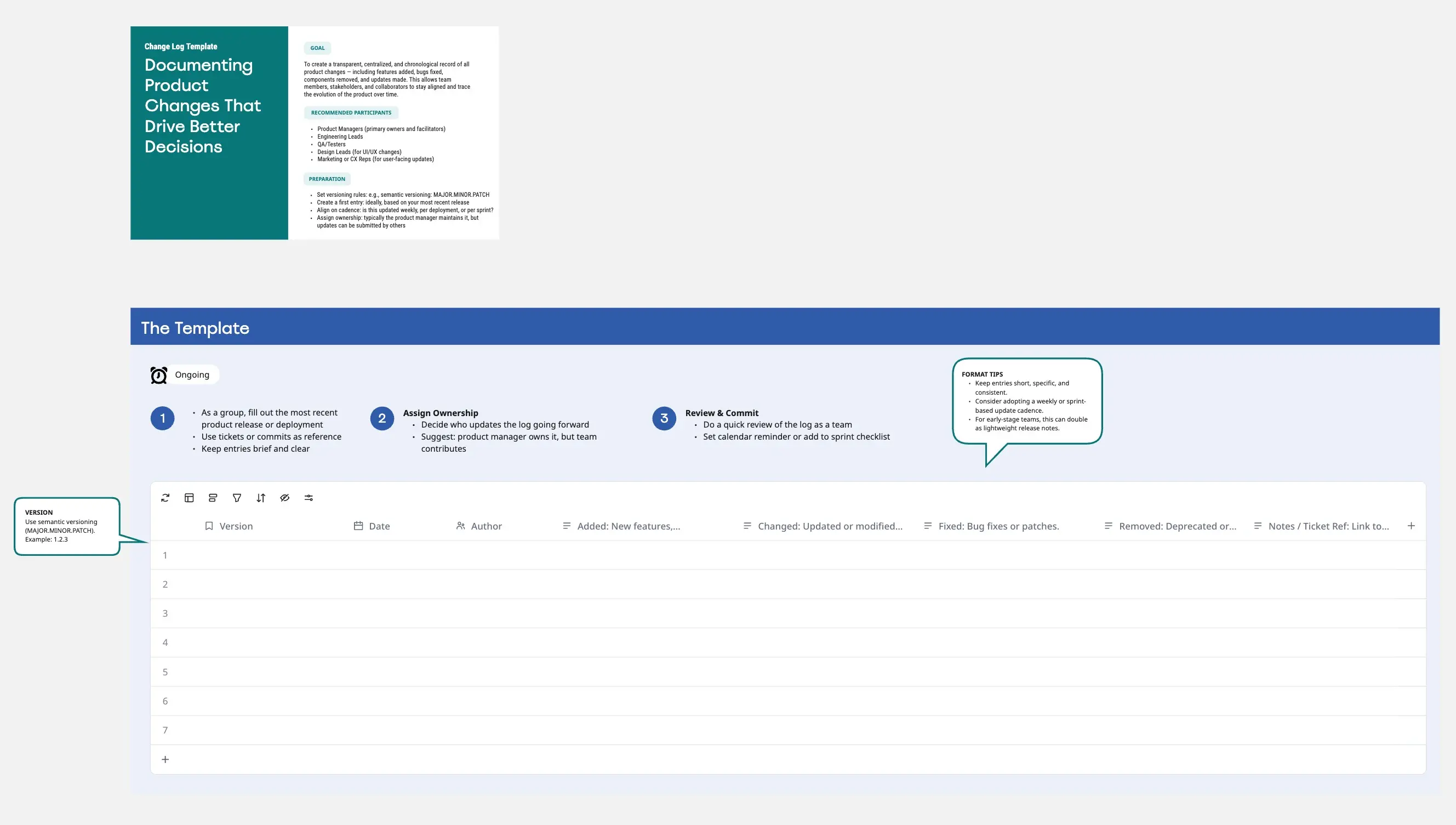
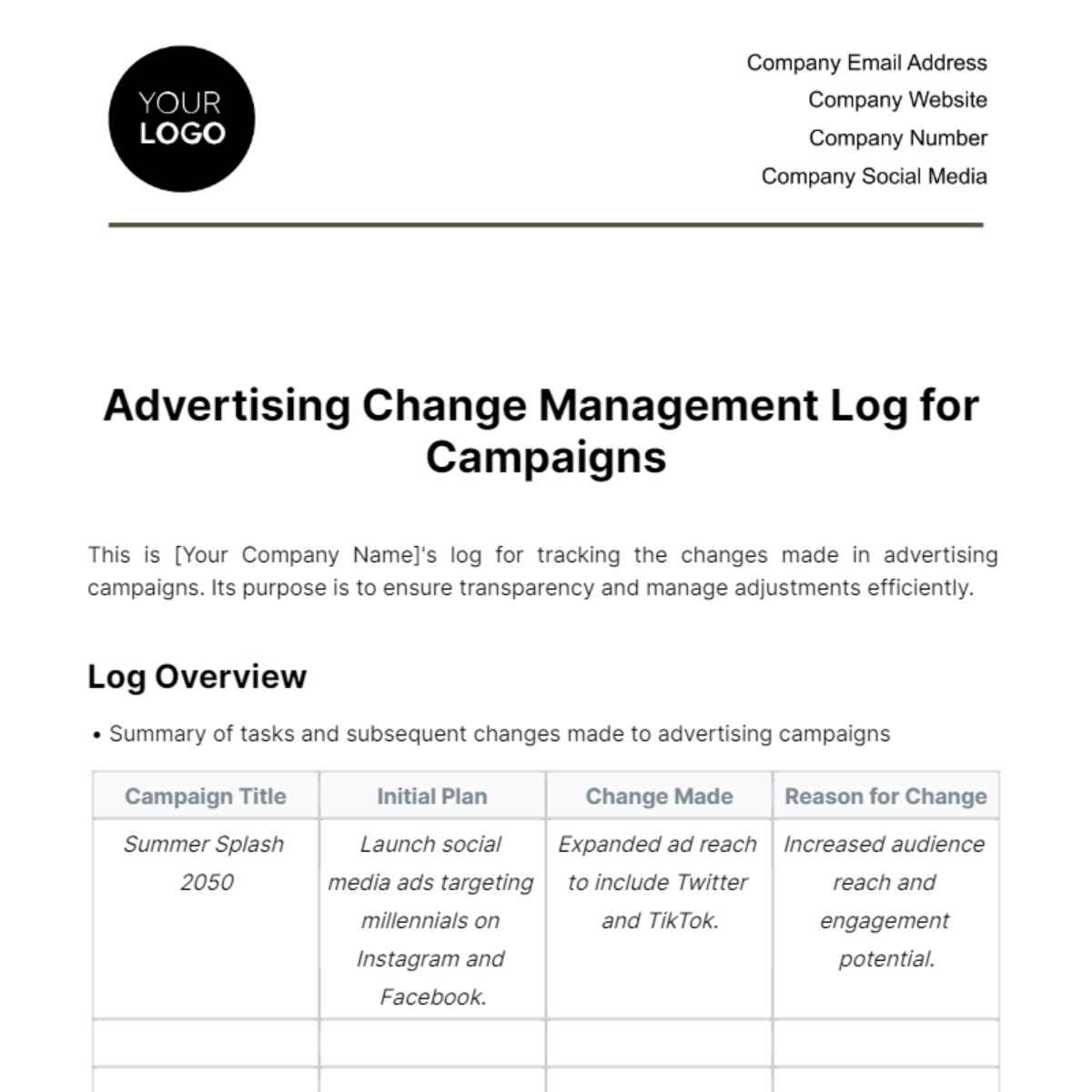
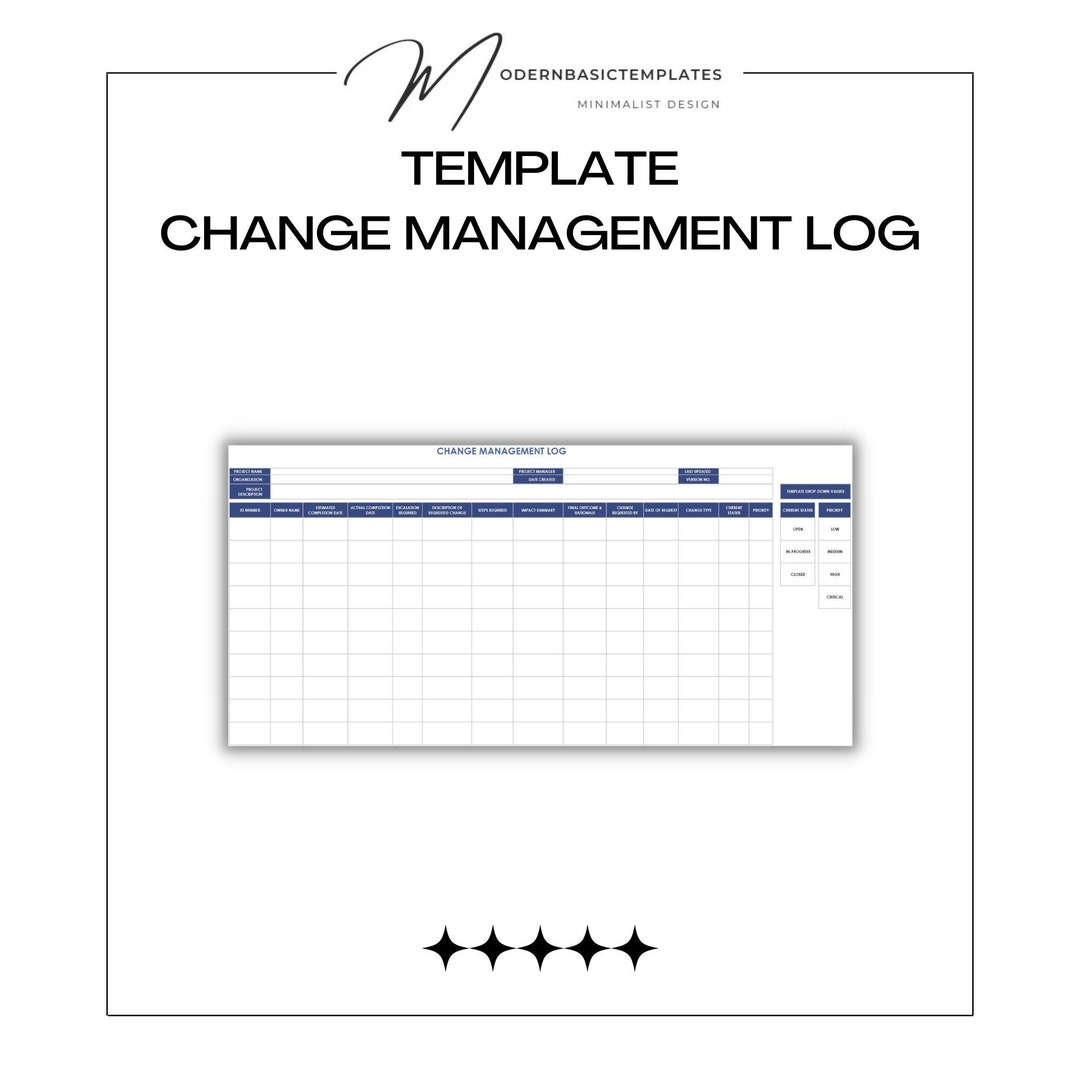
To use a change management log effectively, one must first understand the data points that make it functional. A log is only as useful as the quality of the information entered into it. In modern project environments, a basic spreadsheet often falls short; however, whether you use a dedicated SaaS tool or a sophisticated database, the following components are mandatory for comprehensive tracking.
Unique Identifier and Request Details
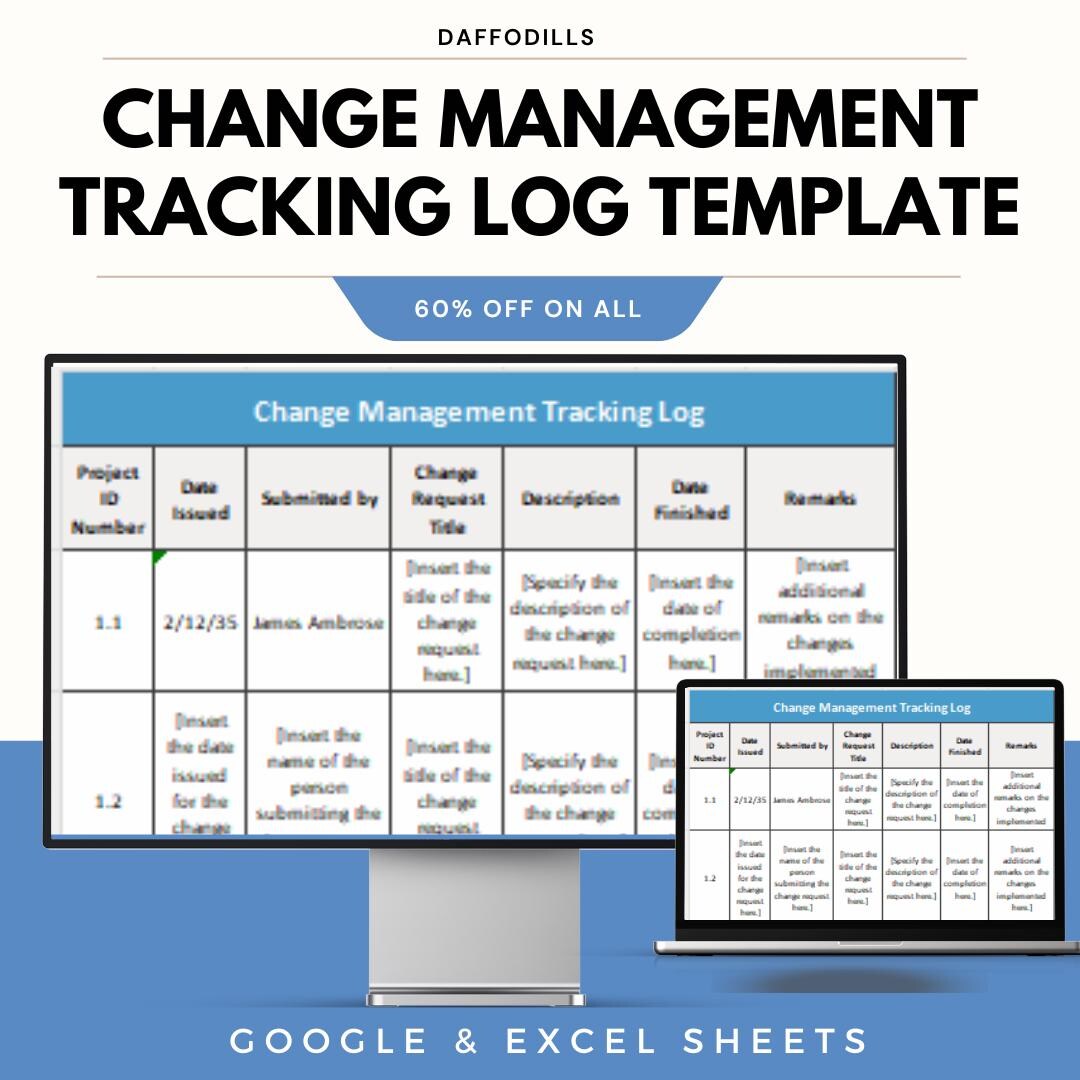
Every change must begin with a Unique Change ID. This allows team members to reference specific requests in meetings, emails, and documentation without ambiguity. Alongside the ID, the log must capture the Date of Request and the Name of the Requester. Capturing the requester is vital because it establishes a point of contact for the impact analysis phase. A "Change Description" field should follow, providing a clear, concise explanation of what is being proposed and why. It is helpful to distinguish between the "current state" and the "proposed future state" within this description to avoid misunderstandings.
Categorization and Priority
Effective logging requires sorting changes into categories such as "Scope," "Resource," "Technical," or "Schedule." This categorization helps project managers identify patterns—for instance, if 80% of changes are technical, it may indicate a flaw in the initial requirements-gathering phase. Priority levels (Low, Medium, High, Emergency) are equally important. They signal to the Change Advisory Board (CAB) or the Project Manager which items require immediate attention and which can be deferred to later phases or subsequent releases.
Impact Analysis and Disposition
This is the most critical section of the log. It should include fields for Estimated Cost, Schedule Impact (in days or weeks), and Resource Requirements. Without these data points, the log is merely a list of ideas rather than a management tool. Finally, the Status/Disposition field tracks the lifecycle of the request: "Pending," "Under Review," "Approved," "Rejected," or "Deferred." Each status change must be accompanied by the Date of Decision and the Approver’s Name to maintain a clear audit trail.
The Lifecycle of a Change Entry: A Step-by-Step Workflow
Simply having a log is not enough; the effectiveness of the tool depends on the process surrounding it. In 2026, the standard for organizational agility requires a streamlined workflow that moves a change from "Idea" to "Implementation" without unnecessary friction.
Step 1: Formal Submission
Effective change management begins with a rule: if it is not in the log, it does not exist. All stakeholders must be trained to submit changes through a formal Change Request Form (CRF) that feeds directly into the log. This prevents "shadow changes" or "handshake agreements" between developers and clients that can lead to budget overruns. The submission should clearly state the justification for the change, whether it is driven by a regulatory requirement, a market shift, or a technical necessity.
Step 2: Technical and Business Evaluation
Once logged, the change must undergo an evaluation. This is where the project manager and technical leads assess the "ripple effects" of the request. For example, a change in a software’s database schema might seem minor but could require rewriting dozens of API calls. The effective use of the log during this stage involves updating the "Impact Analysis" column with specific, quantified data. If a change will cost $15,000 and delay the launch by two weeks, those figures must be visible to all decision-makers.
Step 3: The Change Advisory Board (CAB) Review
For significant enterprise projects, the log serves as the primary agenda for the CAB. During these meetings, the board reviews the "Pending" items in the log. Using the log effectively here means filtering for high-priority items and ensuring that every decision—whether it is an approval or a rejection—is recorded immediately. If a change is rejected, the "Comments" field should be used to document the reasoning. This prevents the same request from being submitted repeatedly by different stakeholders who may not be aware of previous decisions.
Step 4: Implementation and Verification
After approval, the log tracks the progress of the change. It is a common mistake to stop using the log once a change is approved. Instead, the status should transition to "In Progress" and eventually "Completed." Once implemented, a Post-Implementation Review (PIR) should be noted in the log to confirm that the change achieved its intended goal without introducing new defects.
Comparing Manual vs. Automated Change Management Logs
While the principles of change management remain constant, the tools used to implement them vary significantly in their effectiveness and scalability.
| Feature | Manual Log (Spreadsheets) | Automated Change Management Software |
|---|---|---|
| Data Integrity | High risk of accidental deletion or overwriting. | Immutable audit trails and version history. |
| Collaboration | Difficulty with concurrent users; version control issues. | Real-time updates with multi-user access and notifications. |
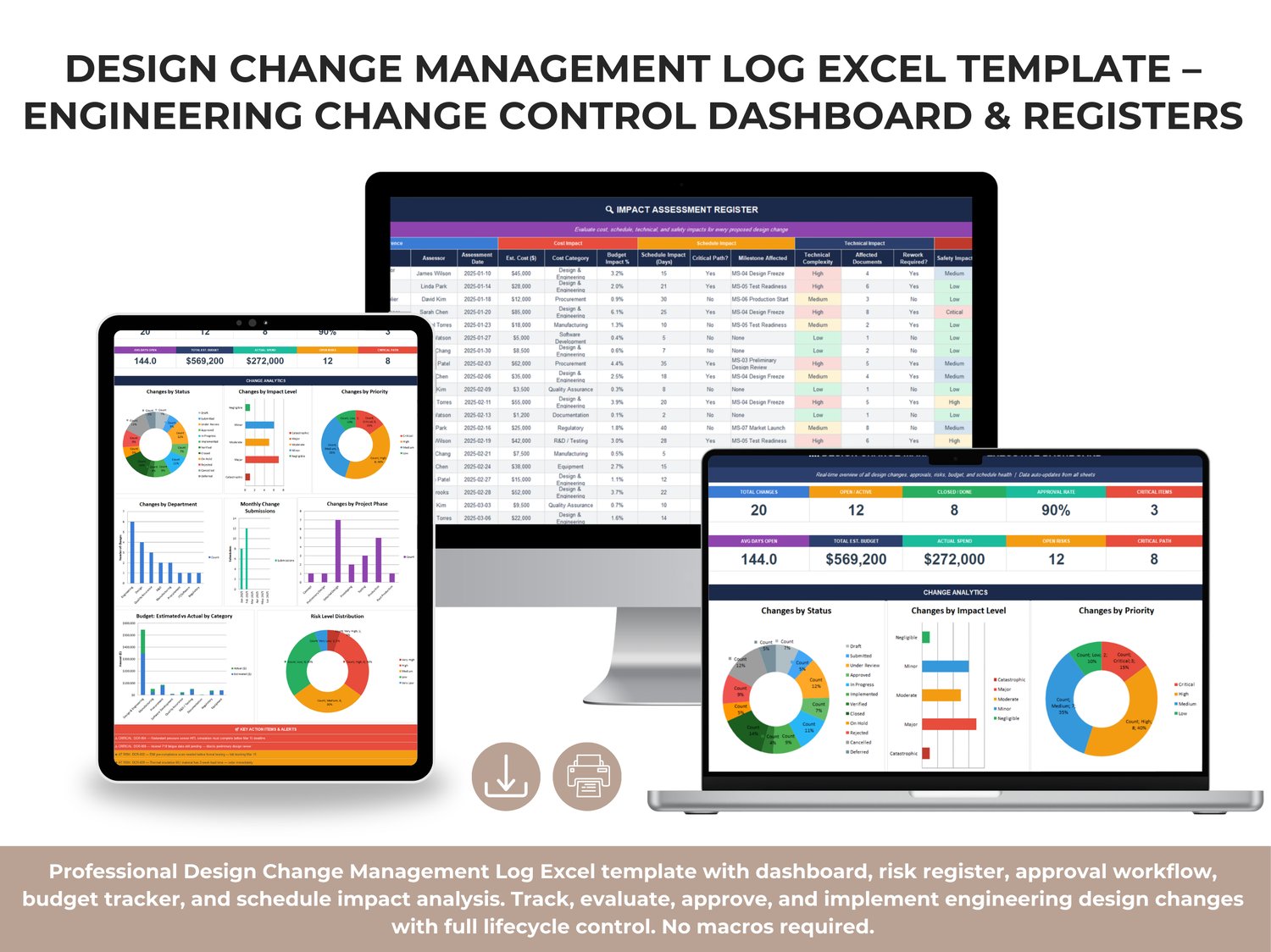
| Reporting | Manual creation of charts and summaries is time-consuming. | One-click dashboards and automated KPI tracking. |
| Integration | Isolated from task management and code repositories. | Direct integration with Jira, GitHub, or ERP systems. |
| Efficiency | Requires manual follow-ups and email reminders. | Automated workflows and approval triggers. |
| Scalability | Becomes unwieldy after 50–100 entries. | Capable of managing thousands of changes across portfolios. |
Managing Emergency Changes and "Break-Glass" Scenarios
Not every change can wait for a weekly board meeting. Effective change management logs must account for Emergency Changes—those required to fix a critical system failure or address a legal compliance emergency.
In these instances, the "log first" rule is often temporarily suspended in favor of a "fix first, log immediately after" approach. However, for the log to remain effective, the entry must be backfilled within 24 hours. The log should have a specific flag for "Retrospective Entries" to distinguish them from standard requests. This ensures that even in a crisis, the organization maintains its audit trail. Using the log this way allows for a "blameless post-mortem," where teams can analyze why the emergency occurred and whether the quick fix needs to be replaced by a more permanent, standard change later.
Common Pitfalls in Change Logging and How to Avoid Them
Even with the best tools, many organizations fail to use their change logs effectively due to a few common mistakes.
Neglecting the "Deferred" Category
Many project managers feel pressured to either approve or reject a change. However, an effective log makes heavy use of the "Deferred" status. This is for changes that have merit but are not feasible within the current project phase or budget. By keeping these in the log rather than deleting them, you create a "Product Backlog" for future versions, ensuring that valuable stakeholder input is preserved without distracting from the current delivery goals.
Lack of Regular Maintenance
A change log is a living document. If it is only updated once a month, it becomes a historical artifact rather than a management tool. Effective usage requires a "rhythm of business" where the log is reviewed at the start of every weekly status meeting. Stale entries—requests that have been pending for weeks without action—should be addressed or closed to keep the log lean and actionable.
Over-Complicating the Intake Process
If the process for logging a change is too cumbersome, stakeholders will bypass it. An effective log strikes a balance between requiring enough data to make a decision and being simple enough to encourage participation. Using tiered logging—where minor changes require less documentation than major architectural shifts—is a sophisticated way to maintain rigor without stifling speed.
Frequently Asked Questions
Who should be responsible for maintaining the change management log?
The Project Manager (PM) or a designated Project Coordinator is typically the "owner" of the log. While many people may contribute to it or request changes, the PM is responsible for ensuring the data is accurate, statuses are updated, and the log is ready for review during governance meetings. In larger IT environments, a Change Manager specifically assigned to the ITIL process may hold this responsibility.
How often should the change management log be audited?
A formal audit should occur at the end of every project phase or at least quarterly. During an audit, the team verifies that every "Approved" change was actually implemented and that every "Completed" change has a corresponding record of testing and sign-off. This ensures compliance with standards like ISO 9001 or SOC2, which are often critical for enterprise operations in 2026.
Can a change log be used for Agile projects?
Yes, though the terminology may differ. In Agile, the Product Backlog serves as a form of change log. However, for significant changes that impact the "Definition of Done" or the overall project contract, a formal change log is still necessary to track the business-side approvals and budget adjustments that sit outside the daily Scrum cycle.
What is the difference between a Change Log and an Issue Log?
An Issue Log tracks current problems that are impacting the project right now (e.g., a server is down). A Change Log tracks planned deviations from the original plan (e.g., adding a new feature). Sometimes an issue will result in a change request to fix the root cause, at which point the item is referenced in both logs.
Should all rejected changes stay in the log?
Yes. Rejected changes should never be deleted. Keeping them in the log provides a historical record of why certain paths were not taken. This is invaluable when new stakeholders join a project and ask why a certain feature wasn't included; the PM can point to the log entry from six months prior to show the decision and the rationale behind it.
Practical Recommendation for Next Actions
To implement these strategies effectively, start by auditing your current change management process. If you are using a spreadsheet, ensure it contains the minimum fields: ID, Requester, Impact, Status, and Approver. If your project exceeds six months in duration or involves more than ten stakeholders, transition to a dedicated management tool that offers automated notifications.
Set a "Zero-Tolerance Policy" for undocumented changes starting with your next sprint or work cycle. By ensuring that every modification—no matter how small—is captured in the log, you create a culture of accountability and precision that protects both the project's health and your professional reputation. Finally, schedule a recurring 15-minute "Log Scrub" session every Friday to close out completed items and follow up on pending ones, ensuring your log remains a reliable "single source of truth" for the duration of the project lifecycle.
Image Gallery