What CenturyLink (Centurylinl) Means on Education Forms
On school enrollment and education forms, "CenturyLink" (frequently misspelled as "centurylinl") refers to your household’s home internet or telephone service provider. School districts ask for this information to assess student digita...
On school enrollment and education forms, "CenturyLink" (frequently misspelled as "centurylinl") refers to your household’s home internet or telephone service provider. School districts ask for this information to assess student digital access, verify emergency contact landlines, determine eligibility for subsidized internet programs, or satisfy federal and state technology reporting guidelines.
Contents
Resolving the Typo: Why "Centurylinl" Appears on Forms
When filling out annual school registration packets, digital equity questionnaires, or online student portals, parents and guardians occasionally encounter the term "centurylinl." This is almost always a typographical error or an Optical Character Recognition (OCR) scanning glitch for CenturyLink, a major American telecommunications company operating under Lumen Technologies.
Because standard school administration platforms often import database lists or scan legacy paper documents into digital drop-down menus, minor typographical mistakes can persist across administrative portals.
If you see "centurylinl" on a physical or digital document, the school system is simply inquiring about your household's telecommunications provider, local landline operator, or high-speed home internet service provider (ISP).
Common Contexts Where CenturyLink Appears on Education Forms
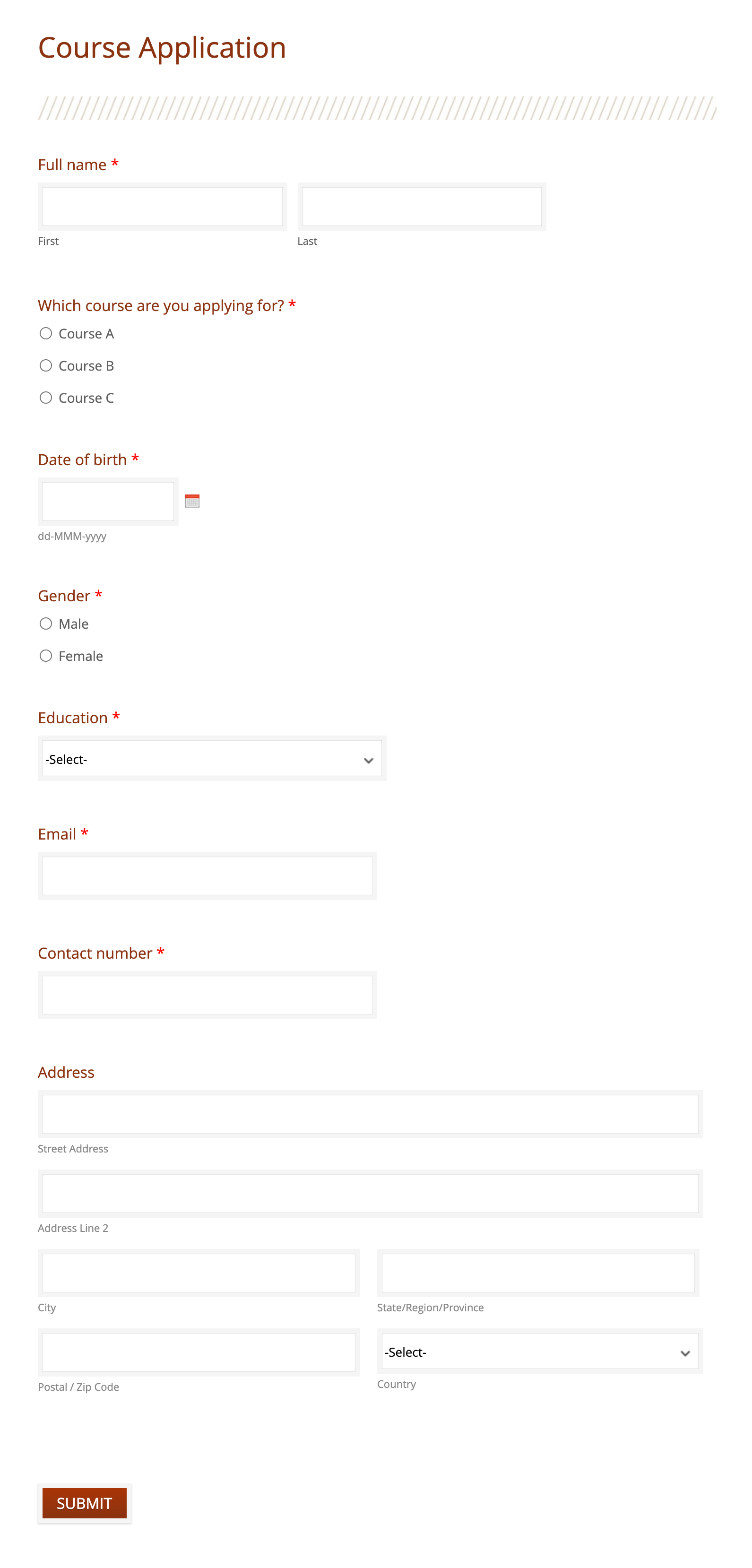
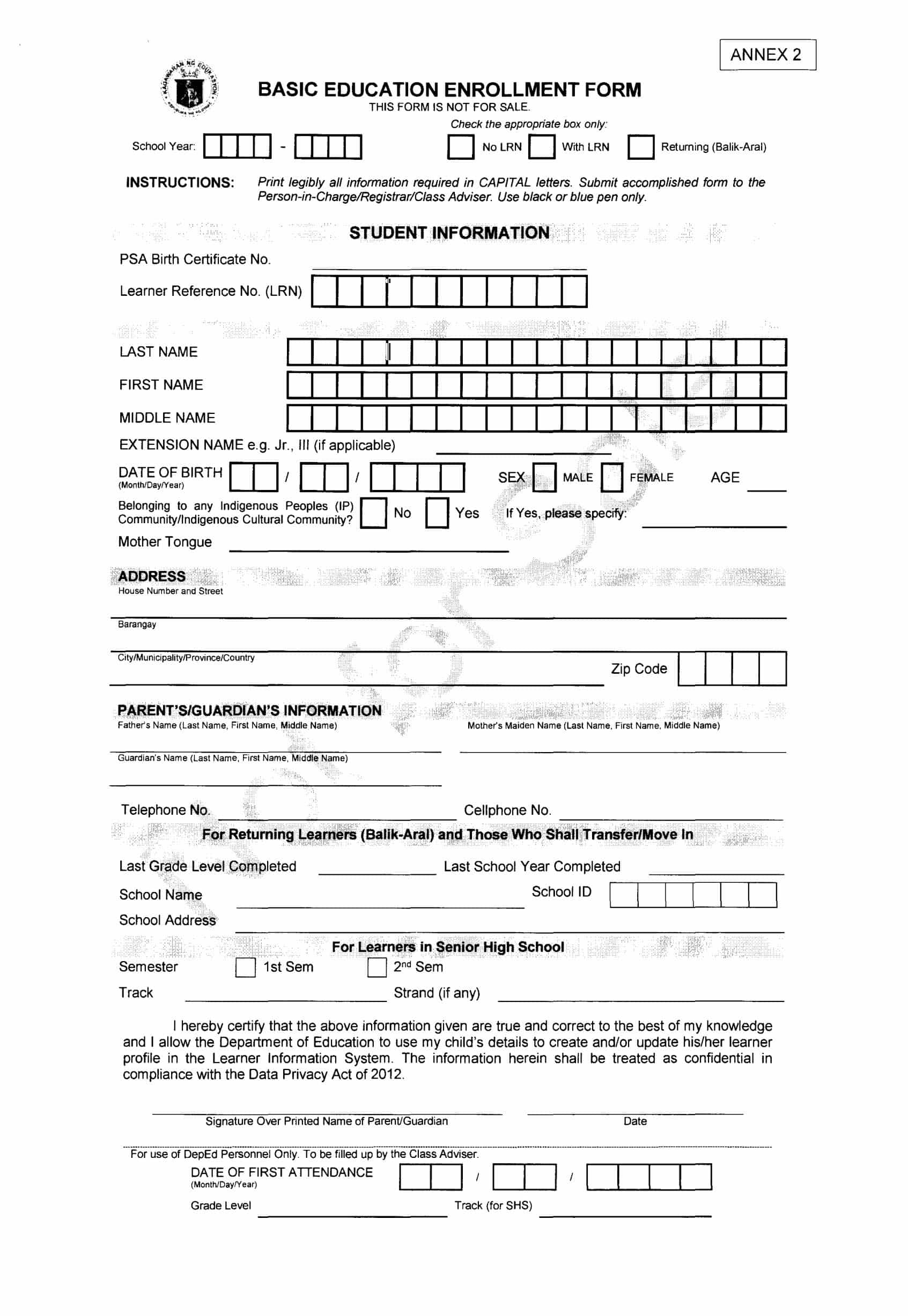
School districts collect information about telecom services for several distinct operational and administrative reasons. Depending on the specific section of the education form you are completing, the entry serves one of the following four main purposes.
| Primary Contexts on School Forms |
|---|
| 1. Student Digital Equity & Access Surveys |
| 2. Emergency Communication & Landline Verification |
| 3. Subsidized Broadband & Low-Income Assistance Programs |
| 4. School-Issued Device & Remote Learning Network Setup |
1. Student Digital Equity & Access Surveys
State departments of education and local school districts routinely distribute annual Household Technology Surveys. These questionnaires evaluate whether students have adequate computing devices and reliable broadband internet at home to complete homework, access learning management systems (like Canvas or Google Classroom), and participate in remote learning.
On these surveys, forms often provide a checklist or drop-down menu of local internet service providers (ISPs). CenturyLink is frequently listed alongside competitors like Comcast Xfinity, Spectrum, Cox, or T-Mobile Home Internet. Selecting CenturyLink indicates to the district that your home relies on DSL (Digital Subscriber Line), fiber-optic broadband, or legacy copper telephone lines provided by CenturyLink for internet access.
2. Emergency Contact & Landline Phone Service Fields
In emergency contact sections, school forms frequently ask for your primary residential telephone carrier or landline operator. CenturyLink historically provided traditional landline telephone services across vast regions of the United States.
Schools request carrier details to ensure their automated notification networks (such as robocall emergency systems or text broadcast services) route mass communications properly. Landline numbers registered through traditional wireline carriers like CenturyLink cannot receive SMS text messages, so identifying the carrier helps the school system select the appropriate delivery method (voice call vs. text message).
3. Subsidized Internet & Technology Assistance Verification
Under federal initiatives like the Federal Communications Commission (FCC) E-Rate program, school districts receive federal funding and grants to improve technology infrastructure. To justify grant funding, districts must demonstrate community technology needs and track which local telecommunications providers serve their student population.
Additionally, districts partner with telecommunications vendors—including CenturyLink, Quantum Fiber, and Brightspeed—to offer discounted or subsidized home broadband for families qualifying for National School Lunch Program (NSLP) benefits or Title I assistance. Indicating your provider helps the school determine if your household qualifies for district-sponsored broadband upgrades or monthly service bill credits.
4. Remote Learning & School-Issued Laptop Configuration
When schools issue Chromebooks, iPads, or Windows laptops to students, the district's IT department may ask for your home internet type and provider. Certain security filters, VPN setups, or domain name settings on school-managed hardware require specific network configurations depending on whether your home network uses fiber broadband, DSL, or cellular hotspots.
How to Answer the Internet and Telecom Field Correctly
Knowing what to enter in a form field labeled "CenturyLink," "centurylinl," or "Telecommunications Provider" depends on your actual household setup.
Flowchart: How to Complete the Provider Field
- Do you currently subscribe to home internet or landline service?
- YES: Is CenturyLink (or Quantum Fiber / Brightspeed) your provider?
- YES: Select "CenturyLink" (or correct typo to CenturyLink)
- NO: Select or write your actual provider (e.g., Xfinity, Spectrum, T-Mobile)
- NO: Select "None", "No Home Internet", or check the box requesting a school hotspot
- YES: Is CenturyLink (or Quantum Fiber / Brightspeed) your provider?
Scenario A: CenturyLink Is Your Active Home Internet or Phone Provider
If you pay a monthly bill to CenturyLink for high-speed fiber internet, DSL internet, or home phone service:
- Select CenturyLink from the drop-down menu (even if misspelled as "centurylinl").
- If asked for service speed or connection type, check Fiber, DSL, or High-Speed Broadband based on your billing statement.
- If the form asks for your account reference (rare, but used in district-funded broadband subsidy programs), provide the 9- or 10-digit account number shown on your CenturyLink bill.
Scenario B: You Use a Different Provider (e.g., Xfinity, Spectrum, Brightspeed, Quantum Fiber)
If CenturyLink is listed as a fixed text prompt or default selection by mistake:
- Do not leave it selected if CenturyLink is not your provider.
- Change the selection to your actual provider (e.g., Comcast Xfinity, Charter Spectrum, AT&T, Verizon, Cox, or T-Mobile).
- Note on Corporate Name Changes: In late 2022, CenturyLink transferred its local wireline operations in 20 U.S. states to Brightspeed. Meanwhile, CenturyLink’s fiber internet services in remaining regions are often marketed under Quantum Fiber (a brand of Lumen Technologies). If your bill says Brightspeed or Quantum Fiber, select those options if available; otherwise, select CenturyLink if prompted as the parent network category.
Scenario C: You Do Not Have Home Internet Access
If your household relies solely on cellular smartphone data or lacks home internet:
- Select "No Home Internet Access" or "Cellular Data Only."
- Avoid selecting CenturyLink just to fill the blank. Choosing an incorrect provider flags your household as having broadband access, which may prevent your student from receiving school-issued Wi-Fi hotspots, free cellular-enabled devices, or state-funded internet subsidies.
Comparison Matrix: Common School Form Telecom Fields
School administrative platforms use varied terminology. The table below outlines standard questions found on student registration forms, what they mean, typical answer choices, and why the school district requests the information.
| Form Field / Question Label | What the School Is Asking | Standard Answer Choices | Purpose of Collection |
|---|---|---|---|
| Primary ISP / Broadband Provider | Name of the company providing home internet. | CenturyLink, Xfinity, Spectrum, AT&T, None | Measures home internet availability for online homework assignments. |
| Connection Type | The physical technology delivering your internet. | Fiber, DSL, Cable, Satellite, Mobile Hotspot | Identifies bandwidth constraints (e.g., slow DSL vs. gigabit fiber). |
| Landline Phone Service Provider | The carrier handling your traditional home telephone line. | CenturyLink, Frontier, Windstream, N/A | Ensures emergency call systems route voice notifications correctly. |
| District Internet Subsidy Program | Whether you participate in a district broadband grant. | Opt-in, Opt-out, Currently Enrolled | Verifies eligibility for subsidized or free student home connectivity. |
| Digital Device Access at Home | Whether the student shares a computer and internet. | Dedicated Device, Shared Device, No Device | Determines if the district must supply a dedicated laptop or Wi-Fi hotspot. |
Why School Districts Collect Telecom Data
Understanding the broader regulatory and financial landscape helps explain why school administration portals place so much emphasis on collecting ISP data like CenturyLink.
1. Federal E-Rate Program & Universal Service Fund
The federal E-Rate Program, managed by the Universal Service Administrative Company (USAC) under the direction of the FCC, provides discounts to assist U.S. schools and libraries in obtaining affordable telecommunications and internet access.
To maintain eligibility for high-tier funding discounts (which range from 20% to 90%), school districts must collect data proving the socio-economic status and technological connectivity needs of their student population. Aggregated, anonymous data showing how many student households rely on providers like CenturyLink helps districts secure federal tech grants.
E-Rate & Broadband Impact Chain
- Parent completes technology survey on registration form
- District aggregates broadband access metrics (e.g., ISP distribution)
- District submits connectivity profiles for E-Rate & Title I grants
- Federal & state funds disbursed for school Wi-Fi & student hotspots
2. Homework Gap and Title I Funding Allocation
The disparity between students who have sufficient home internet and those who do not is known in educational policy as the "Homework Gap." Under Title I of the Elementary and Secondary Education Act (ESEA), school districts serving high percentages of low-income families receive federal funds to narrow educational achievement gaps.
By identifying neighborhoods or student populations that lack fiber broadband or rely on outdated DSL connections, school boards can allocate capital effectively—deploying mobile LTE hotspots, extending mesh Wi-Fi from school buildings into surrounding neighborhoods, or partnering directly with local ISPs like CenturyLink to upgrade community infrastructure.
3. Emergency Communication Routing Protocols
Schools utilize automated notification software (such as SchoolMessenger, BlackBoard Reach, or Remind) to send weather closing alerts, security lockdown notifications, and attendance warnings.
These automated systems handle voice calls and SMS text messages differently based on the receiving network carrier. Traditional copper landline networks operated by CenturyLink cannot receive text messages. Identifying your carrier ensures that urgent notifications reach parents via direct voice call rather than failing via undeliverable text message.
Data Privacy and Legal Safeguards under FERPA
Parents often hesitate to share utility provider names or home internet details on educational documents due to privacy concerns.
In the United States, all information collected on school registration packets—including responses regarding your home internet provider, telephone carrier, and utility access—is protected under the Family Educational Rights and Privacy Act (FERPA) (20 U.S.C. § 1232g; 34 CFR Part 99).
| FERPA Data Protections |
|---|
| Telecom and internet provider data is strictly educational record |
| Cannot be sold or shared for commercial telemarketing |
| Shared only in anonymized, aggregate formats for grant compliance |
| Protected against unauthorized third-party disclosure |
- No Commercial Sharing: School districts are legally prohibited from selling or sharing your household utility details with telemarketing firms, broadband sales reps, or commercial entities.
- Aggregated Reporting: When districts report technology metrics to state education agencies or the FCC for grant funding, individual student names and addresses are stripped out. Reports show only statistical totals (e.g., "65% of district families utilize high-speed fiber via CenturyLink/Quantum, while 8% lack home internet").
Frequently Asked Questions
What should I do if "centurylinl" is auto-selected on my online form and I cannot change it?
If a software glitch or form drop-down freezes on "centurylinl" and prevents you from choosing your actual internet provider, select the nearest available option or leave a note in the form's "Additional Comments" or "Special Instructions" box. You can also contact your school district's registrar or IT helpdesk to manually correct your student record.
Does selecting CenturyLink mean the school will pay for my home internet?
No. Simply indicating that you use CenturyLink does not automatically make your internet free or billable to the district. However, if your school district offers a subsidized internet program or participates in regional broadband equity partnerships, identifying your provider allows the school counselor or administrative office to send you enrollment vouchers or direct discount applications.
What if CenturyLink recently changed its name in my city to Brightspeed or Quantum Fiber?
During 2022 and subsequent operational realignments, CenturyLink's parent organization (Lumen Technologies) spun off residential copper/DSL operations in 20 states to Brightspeed, while upgrading urban/suburban fiber networks to Quantum Fiber. If your monthly statement now says Brightspeed or Quantum Fiber but the school form only lists CenturyLink, select CenturyLink. School systems update form drop-down menus slowly, and administrators treat these related brands as part of the same telecommunications category.
Will my student be penalized if we do not have CenturyLink or any home internet service?
Absolutely not. Schools collect digital access information specifically to assist families, not to penalize them. If you check "No Internet" or indicate inadequate home connectivity, the school district is required under digital equity policies to provide reasonable accommodations—such as issuing a cellular LTE mobile hotspot, providing offline digital learning materials, or granting extended access to school library media centers.
Why does a school lunch or economic survey ask about my telecommunications company?
Free and Reduced-Price Lunch forms or Title I Household Income Data forms use telecommunications access as a secondary indicator of household economic infrastructure. Furthermore, eligibility for federal lunch programs automatically qualifies your household for state and federal low-income broadband assistance initiatives. Capturing your internet provider allows the district to streamline application processes for emergency student connectivity grants.
Practical Action Plan for Parents and Guardians
When completing enrollment packets, technology surveys, or emergency contact forms containing fields for CenturyLink or telecommunications providers, follow these straightforward steps:
- Verify Your Current Utility Bill: Check your most recent home internet or landline bill to confirm your exact service provider name (e.g., CenturyLink, Quantum Fiber, Brightspeed, Xfinity, Spectrum, or AT&T).
- Correct Typos Mental or Written: Recognize that "centurylinl" is simply a typo for CenturyLink. Treat the field as an inquiry about your main home phone line or internet connection.
- Select Accurately:
- If you use CenturyLink (or its successor brands like Brightspeed/Quantum), select CenturyLink.
- If you use a different provider, select your actual ISP.
- If you lack home internet, select "None" or "Cellular Data Only."
- Request Internet Assistance If Needed: If your home internet is too slow for video streaming and homework, contact your school’s main office or technology coordinator. Ask if the district provides free Wi-Fi hotspots or subsidized home broadband partnerships for students enrolled in the school.
By accurately reporting your telecom provider, you help your school district secure vital federal funding, improve district-wide emergency response systems, and ensure your student receives the digital tools needed for modern learning.
Image Gallery