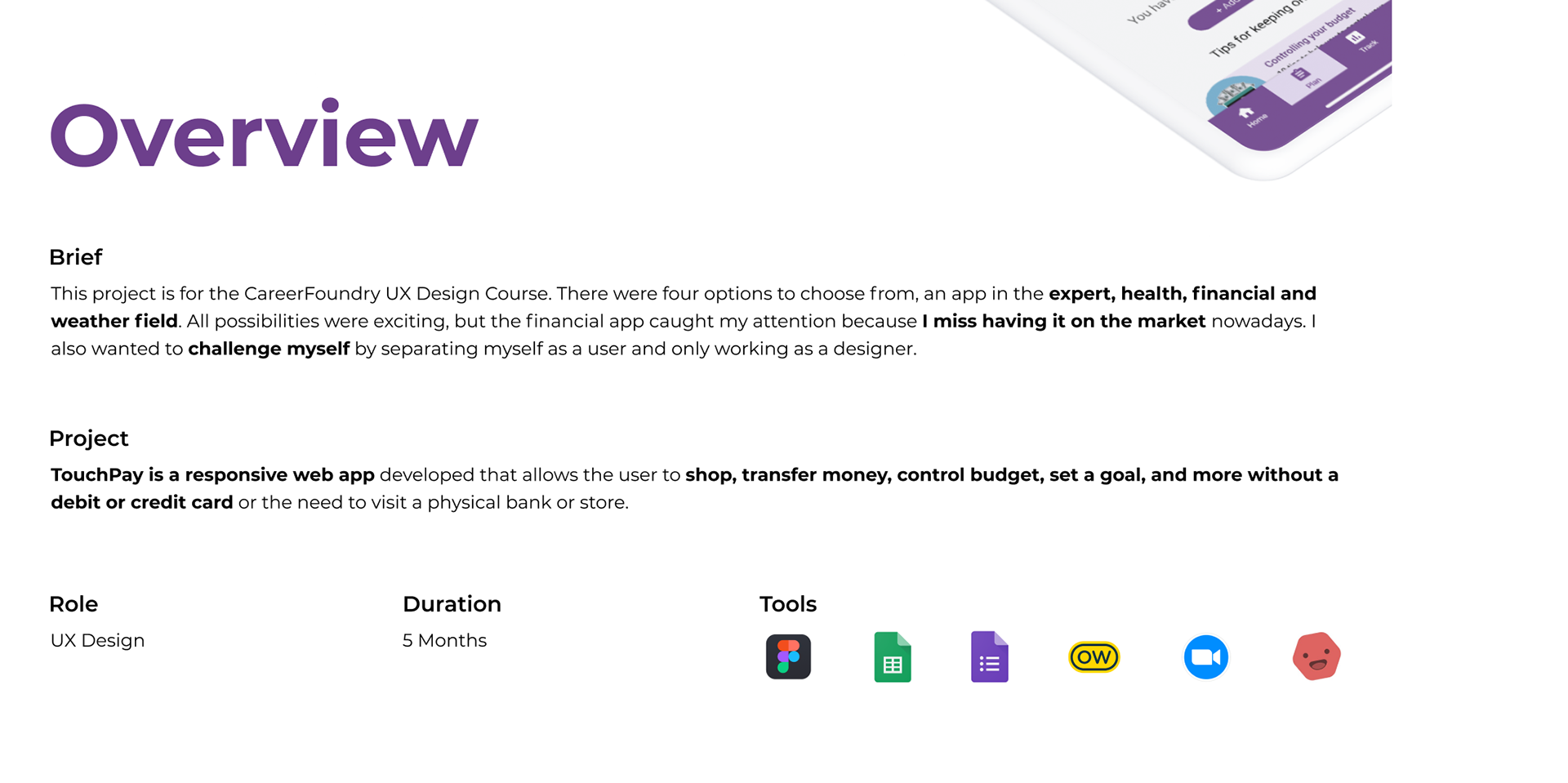
Complete Guide to the TouchPay Portal for 2026 Transactions
(Note: This guide focuses on the TouchPay electronic payment and kiosk network utilized extensively for secure utility, government, and correctional facility financial transactions.) Navigating digital payment ecosystems requires a rel...
(Note: This guide focuses on the TouchPay electronic payment and kiosk network utilized extensively for secure utility, government, and correctional facility financial transactions.)
Contents
Navigating digital payment ecosystems requires a reliable infrastructure, and the TouchPay portal stands as a primary mechanism for secure, automated financial transactions. Whether managing utility bills, municipal fees, or managing commissary deposits for correctional facilities, understanding how to securely interact with this ecosystem is vital. As payment security protocols evolve, staying informed on operational procedures, system requirements, and security best practices ensures seamless financial execution.
Understanding the TouchPay Payment Architecture
The TouchPay portal operates as an advanced transaction gateway engineered to bridge the gap between consumers and service providers, particularly in sectors requiring high-security verification. The system integrates point-of-sale hardware, dedicated self-service kiosks, and a responsive web-based portal.
At its core, the platform utilizes tokenization and end-to-end encryption to protect sensitive data during transit. When a user initiates a transaction, whether through a web browser or a physical terminal, the system validates the account identifier against the target agency's database in real time. This immediate verification minimizes misdirected payments and prevents ledger discrepancies.
- Real-Time Posting: Most partner agencies receive transaction updates instantly or within a designated batch window, reducing the risk of service disconnection or delayed account crediting.
- Multi-Channel Access: Users can complete transactions via desktop browsers, mobile-optimized web portals, or physical walk-up kiosks located in designated partner facilities.
- Data Redundancy: The backend infrastructure employs multi-region server redundancy to maintain uptime during peak processing hours.
Step-by-Step Guide to Navigating the Portal
Executing a transaction through the online portal requires careful attention to detail to ensure funds reach the intended recipient without delay. Follow this standardized procedure to complete a transfer or bill payment successfully.
- Access the Official Gateway: Navigate to the authorized TouchPay portal URL using an updated, secure web browser. Verify that the browser displays a valid SSL certificate indicator (the padlock icon) to confirm you are on the legitimate domain.
- Select the Recipient Agency: Choose the specific utility, municipality, or institution you need to pay from the searchable directory. Avoid selecting generic categories; ensure the exact sub-agency or facility code matches your billing statement.
- Input Account Identifiers: Enter your unique account number, customer ID, or inmate identification number as requested. Double-check these digits against your physical bill or documentation, as incorrect identifiers will result in processing failures or misapplied funds.
- Choose Payment Instrument: Select your preferred funding source. The portal typically accepts major credit cards, debit cards, and, in specific configurations, electronic check (ACH) transfers.
- Review Fees and Total: Examine the itemized breakdown, which includes the base payment amount, convenience fees, and processing charges. Confirm the total before authorizing.
- Authorize and Save Confirmation: Complete the authentication step (such as 3D Secure for credit cards) and record the transaction confirmation number provided on the final screen. Retain this digital receipt for your financial records.
Comparative Analysis of TouchPay Transaction Channels
Choosing the right channel depends on urgency, accessibility, and preferred payment methods. The following matrix compares the primary modes of interaction available within the ecosystem.
| Transaction Channel | Typical Processing Speed | Accepted Payment Methods | Primary Use Cases | Associated Convenience Fees |
|---|---|---|---|---|
| Web Portal | Immediate to Real-Time | Credit Card, Debit Card, ACH | Routine bill pay, scheduled deposits | Moderate, dependent on biller rules |
| Physical Kiosk | Immediate | Cash, Credit Card, Debit Card | Walk-in payments, cash-to-account | Variable, often includes hardware surcharge |
| Mobile Interface | Immediate to Real-Time | Credit Card, Debit Card | On-the-go utility or account management | Standard portal processing fee |
| Phone IVR System | Real-Time | Credit Card, Debit Card | Automated assisted payments | Standard fee plus potential carrier charges |
Security Protocols and Fraud Prevention Strategies
Financial portals representing public utilities and correctional facilities are frequent targets of sophisticated cyber threats. Protecting sensitive financial credentials requires adherence to strict operational security standards. The platform employs multi-factor authentication (MFA) frameworks and complies with Payment Card Industry Data Security Standard (PCI-DSS) Level 1 requirements.
Security Best Practice: Never access the portal via unsolicited links received in text messages or emails. Always type the verified URL directly into your address bar to prevent falling victim to phishing campaigns designed to mimic the payment interface.
Users should regularly audit their linked financial statements for unauthorized activity. If a transaction fails midway, check your banking application to see if a pending authorization exists before attempting a duplicate payment. Duplicate submissions require formal dispute resolution through your financial institution, which can delay fund recovery.
Advantages and Disadvantages of Using the Platform
Evaluating the operational utility of the payment portal involves weighing its accessibility against its cost structure.
Pros
- Accessibility: 24/7 availability of the digital portal ensures payments can be initiated outside of standard business hours.
- Speed: Instantaneous or near-instantaneous posting prevents administrative delays in service restoration or account crediting.
- Transparency: Itemized fee disclosures appear prior to final authorization, eliminating hidden charges.
Cons
- Convenience Fees: Using electronic payment rails often incurs non-refundable service fees that increase the overall cost of the transaction.
- System Dependency: Internet outages or scheduled server maintenance can temporarily halt digital transaction capabilities.
- Strict Validation Rules: Typos in account numbers or facility codes can cause significant delays in fund redirection, requiring manual intervention from customer support.
Troubleshooting Common Portal Errors
Encountering technical hurdles can disrupt time-sensitive financial transactions. Systematic troubleshooting resolves the vast majority of user-side errors without requiring escalation to support desks.
- Payment Declined Errors: Verify that the billing address entered matches the address on file with your issuing bank exactly. Check if your card has daily transaction limits enabled that restrict high-value transfers.
- Account Not Found Messages: Ensure you have selected the correct facility or utility district. Many regional districts share similar naming conventions, leading to misrouted queries.
- Browser Timeout Issues: Clear your browser cache and cookies, disable aggressive ad-blockers, or switch to an alternate modern browser like Google Chrome, Mozilla Firefox, or Microsoft Edge.
Frequently Asked Questions
What should I do if my payment does not post immediately?
Verify the transaction status using your confirmation number and contact the recipient agency's customer service department to check their internal batch posting schedule. Processing times can occasionally vary depending on the specific institution's ledger cycle.
Are my credit card details stored on the TouchPay servers?
The platform adheres to strict PCI-DSS standards, utilizing tokenization so that raw card data is securely tokenized rather than stored in plain text databases.
Can I use cash to fund a transaction through the portal?
Digital web browsers cannot accept physical cash, but you can utilize physical TouchPay cash kiosks located at authorized retail partner sites or facility lobbies to complete cash-based transactions.
What are the typical fees associated with a transaction?
Fees vary depending on the destination agency, the payment amount, and the chosen funding instrument (credit versus debit or ACH), and are always displayed prior to final checkout confirmation.
How can I verify that a payment portal link is authentic?
Ensure the URL begins with HTTPS, look for the valid SSL certificate security padlock, and cross-reference the web address directly with official correspondence from the billing institution.
What steps are necessary if I make a payment to the wrong account?
Contact the billing institution's support desk immediately with your transaction receipt and confirmation number to request an internal account transfer or formal refund investigation.
Optimizing Your Payment Experience
Effectively managing your financial obligations through electronic portals relies on proactive planning and strict security hygiene. By double-checking account identifiers, understanding fee structures, and utilizing official access channels, you ensure your funds are applied accurately and securely. Always retain digital or printed receipts until the receiving agency reflects the cleared balance on your statement.
Image Gallery