Mastering Multiple Stop Directions: The Ultimate Routing Strategy for 2026
Planning a route with multiple destinations requires more than simply plugging sequential addresses into a consumer mapping app. Whether you are dispatching a fleet of field service technicians across metropolitan sectors, organizing a...
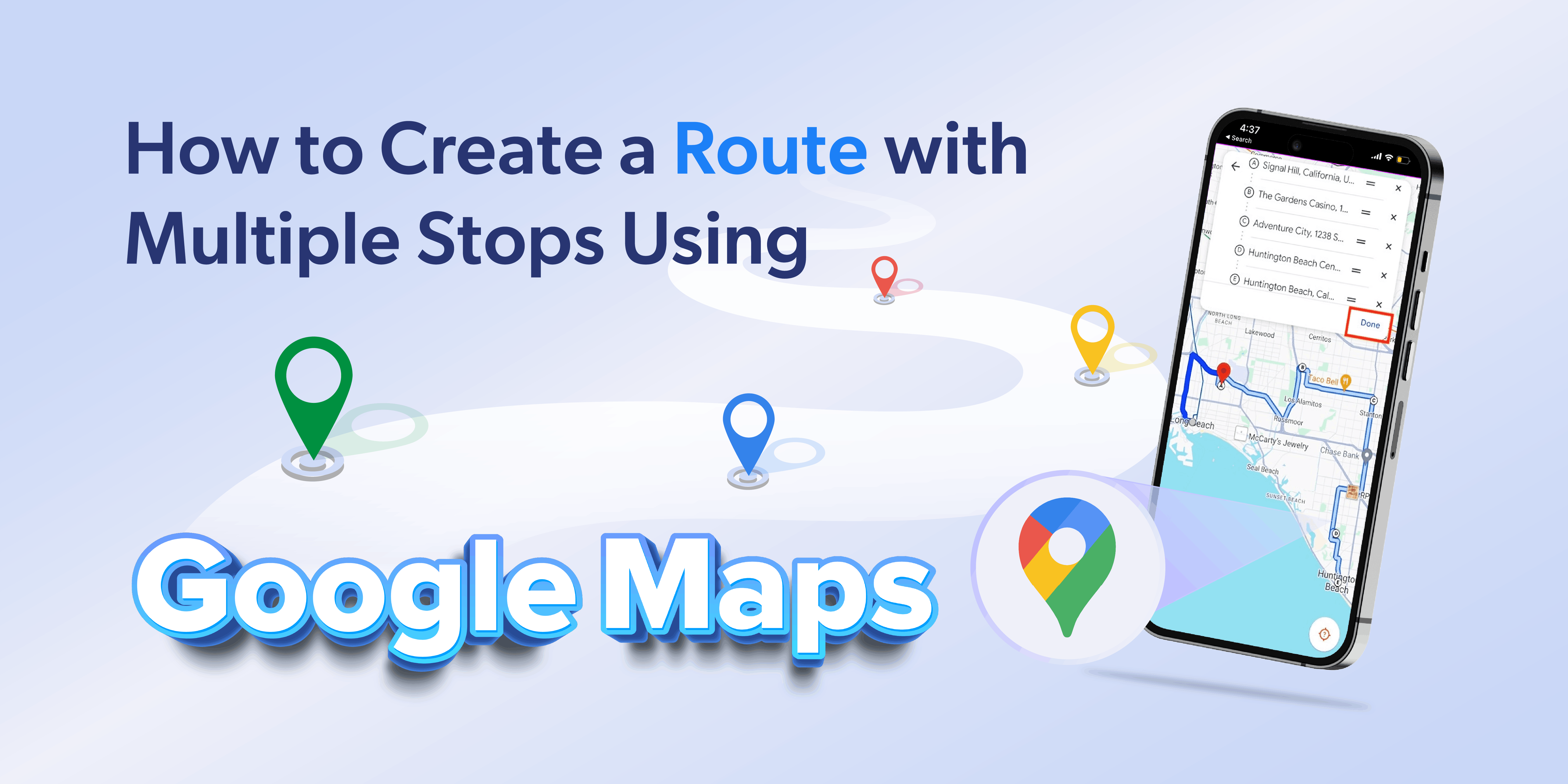
Planning a route with multiple destinations requires more than simply plugging sequential addresses into a consumer mapping app. Whether you are dispatching a fleet of field service technicians across metropolitan sectors, organizing a complex regional sales tour, or planning an efficient multi-errand weekend, mastering multi-stop navigation prevents wasted fuel, eliminates backtracking, and preserves valuable operational hours. As routing algorithms and vehicle telemetry evolve through 2026, understanding how to construct, optimize, and execute multi-stop directions is an essential technical skill for both logistics professionals and everyday drivers.
Contents
Understanding Multi-Stop Routing Architecture
At its core, a multi-stop itinerary introduces the Traveling Salesperson Problem (TSP) to consumer and enterprise navigation frameworks. Standard mapping applications are traditionally optimized to calculate the most efficient path between point A and point B. When a third, fourth, or tenth destination is introduced, the computational complexity scales exponentially.
Modern routing software relies on advanced graph theory and heuristics to sequence destinations. Instead of forcing manual drag-and-drop sequencing—which frequently results in suboptimal geometry—advanced platforms compute distance matrices, factoring in real-time traffic telemetry, historical congestion profiles, historical turn restrictions, and vehicle weight classes.
The Evolution of Route Optimization Algorithms in 2026
Routing engines deployed by major navigation providers in 2026 utilize predictive artificial intelligence to anticipate bottleneck formation before the vehicle enters a specific corridor. Key technological advancements include:
- Dynamic Re-sequencing: Real-time adjustment of remaining stops based on sudden highway incidents or weather events.
- Turn-by-Turn Telemetry Integration: Synchronization with commercial fleet management hardware to monitor driver behavior and fuel consumption metrics continuously.
- Time-Window Constraints: Algorithms designed to respect strict arrival windows, ensuring delivery or service appointments are met without premature arrivals or costly delays.
Step-by-Step Guide to Building and Executing Multi-Stop Routes
Constructing an efficient multi-stop itinerary demands a disciplined workflow. Skipping foundational preparation steps often leads to routing errors, missed appointments, and excessive mileage.
- Audit and Validate All Addresses: Compile your complete list of destinations, ensuring every entry includes accurate postal codes, suite numbers, and precise geographic coordinates if servicing remote or newly developed zones.
- Determine Hard Time Constraints: Identify any stops that must occur at exact times, such as client meetings or scheduled deliveries, and lock these into your routing engine as fixed waypoints.
- Input and Sequentially Optimize: Enter your flexible stops into an advanced mapping tool and execute the optimization algorithm to generate the most geometrically sound route structure.
- Export and Test Telemetry: Push the finalized route to your primary in-cabin navigation device or mobile interface, verifying that voice prompts and offline maps are fully functional before departure.
- Monitor and Adapt: Track your progress against estimated times of arrival (ETAs) throughout the journey, allowing the navigation software to dynamically update subsequent legs if delays occur.
Feature Comparison of Leading Multi-Stop Navigation Platforms
Selecting the correct routing tool depends entirely on your operational scale, whether you are managing a commercial fleet of fifty vehicles or running personal errands across town. The following matrix compares leading navigation tools available in 2026 based on essential technical parameters.
| Platform / Tool | Max Stops Per Route | Real-Time Optimization | Cost Structure | Best Suited For |
|---|---|---|---|---|
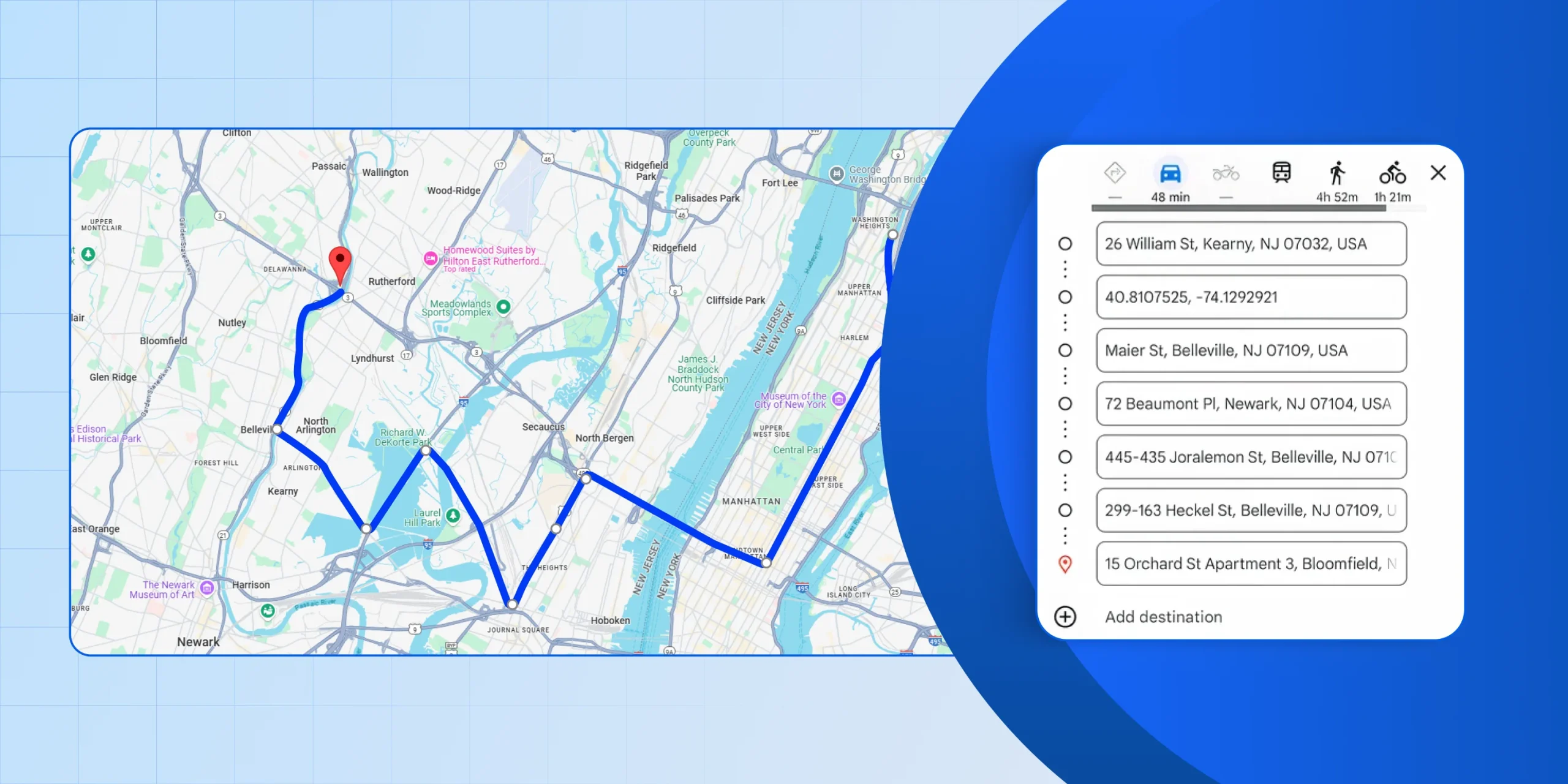
| Google Maps | Up to 10 stops | Manual re-ordering; basic dynamic rerouting | Free (Consumer Tier) | Casual drivers, simple multi-errand trips |
| Apple Maps | Multiple via Siri/Manual | Basic sequential routing | Free (iOS Ecosystem) | Apple-centric individual users |
| RouteXL | Up to 20 stops (Free tier) / Unlimited (Paid) | Advanced TSP algorithm integration | Freemium / Tiered Subscription | Small couriers, independent delivery drivers |
| RoadWarrior | 100+ stops per route | Automated traffic & time-window optimization | Subscription-based | Field service technicians, sales representatives |
| Upper Route Planner | Enterprise scale | Advanced scheduling and dispatch analytics | Enterprise Pricing | Commercial fleets, multi-vehicle logistics |
Maximizing Efficiency: Pros and Cons of Consumer vs. Enterprise Routing Tools
Choosing between standard consumer mapping apps and dedicated multi-stop routing software requires a careful analysis of operational needs and financial investments.
Consumer Applications (Google Maps, Apple Maps)
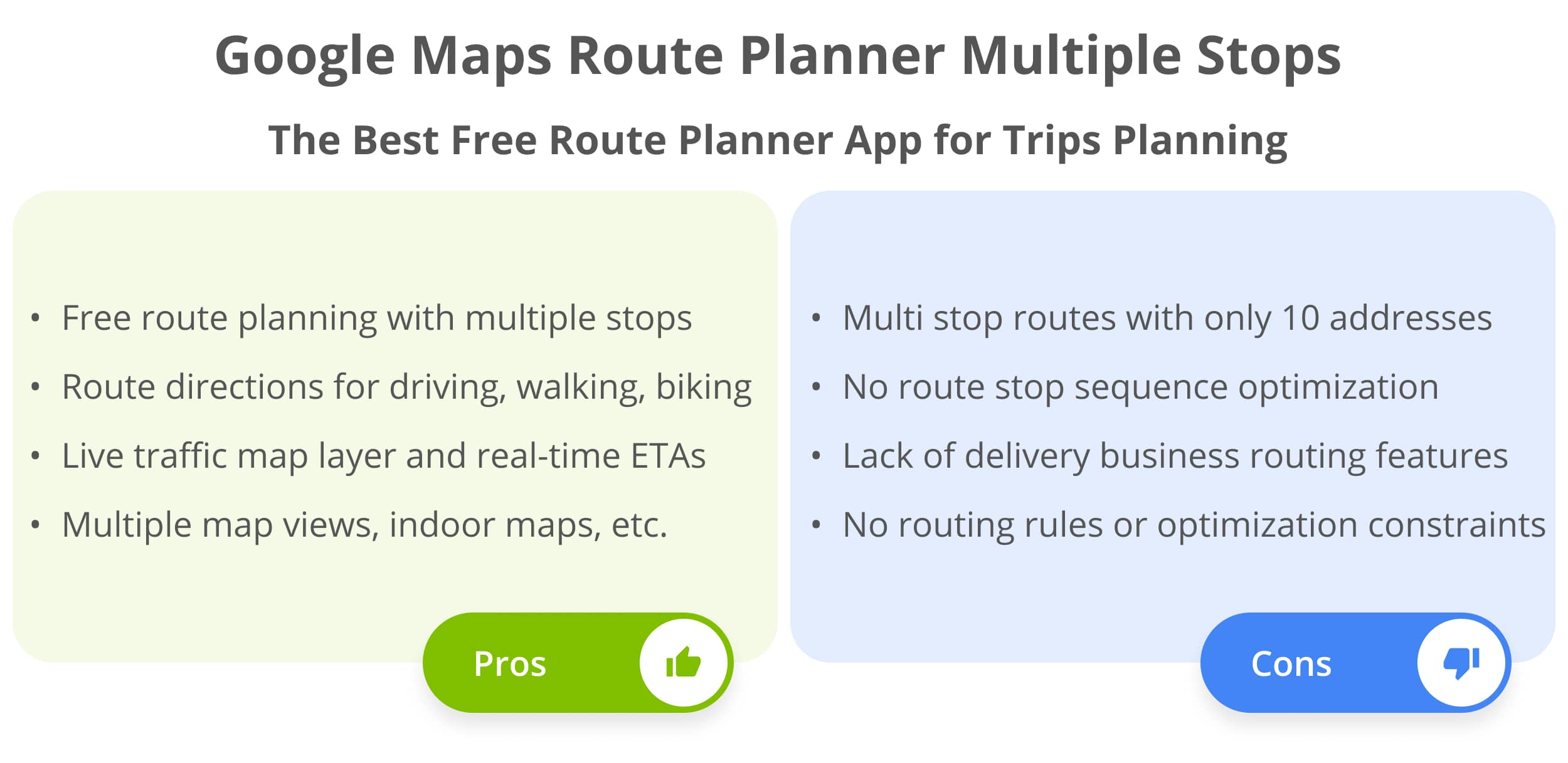
- Pros: Highly accessible, zero upfront financial cost, familiar user interfaces, and robust live traffic data coverage derived from massive user bases.
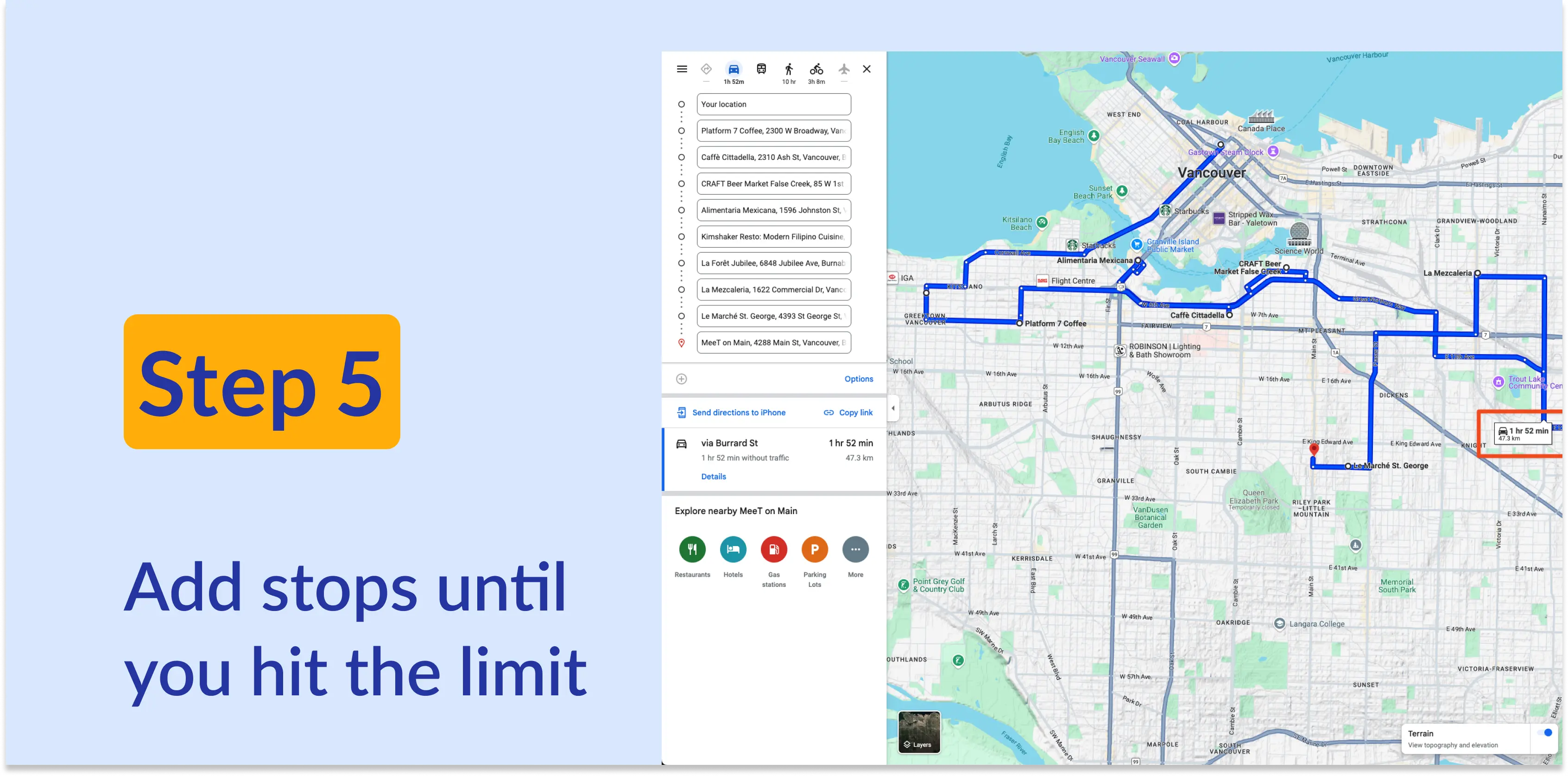
- Cons: Strict limits on the total number of destinations per route (typically capped at 10), lack of advanced time-window constraints, and minimal capability to handle multi-vehicle fleet coordination.
Dedicated Multi-Stop Platforms (RouteXL, RoadWarrior, Upper)
- Pros: Support for dozens or hundreds of stops simultaneously, automated route optimization that eliminates human error, detailed proof-of-delivery tracking, and comprehensive fuel-saving analytics.
- Cons: Requires a paid subscription for full feature access, steeper learning curve for team members, and potential data migration overhead when integrating with existing enterprise resource planning (ERP) software.
Expert Strategies to Troubleshoot Common Routing Failures
Even the most advanced routing software can encounter real-world anomalies. Implementing these tactical recommendations prevents common navigation failures during active trips.
- Account for Parking and Loading Zones: Mapping software guides vehicles to street addresses, not specific loading docks or visitor parking garages. Always cross-reference complex urban destinations with satellite imagery to identify the nearest legal parking infrastructure before departure.
- Manage Offline Contingencies: Cellular dead zones can disrupt dynamic route optimization. Always download offline maps for your entire service territory to ensure uninterrupted turn-by-turn guidance.
- Avoid Over-Optimization Traps: When an algorithm strictly prioritizes mathematical distance, it may route a vehicle through residential side streets with multiple stop signs rather than a fluid arterial road. Manually override routes that introduce excessive friction through dense neighborhoods.
Frequently Asked Questions About Multi-Stop Navigation
How many stops can I add to a single route in standard mapping apps?
Consumer navigation tools like Google Maps typically limit users to 10 stops per route, whereas dedicated commercial routing software can handle dozens or hundreds of stops in a single optimized itinerary. Exceeding consumer limits requires breaking your journey into multiple separate routes or upgrading to specialized multi-stop software.
What is the best way to organize a route with strict time windows?
Enter your time-sensitive appointments into a routing application as fixed waypoints first, then allow the optimization engine to sequence your remaining flexible stops around those rigid anchor points. This prevents missed appointments caused by traffic delays on earlier legs of the journey.
Do multi-stop directions factor in live traffic and road closures?
Modern routing platforms continuously ingest real-time traffic telemetry and municipal data feeds to dynamically adjust routes around accidents, construction zones, and severe weather disruptions. However, consumer apps require manual intervention or accept automated rerouting based entirely on minor time savings rather than total stop efficiency.
Can I share my multi-stop route with other drivers?
Yes, dedicated routing platforms and advanced mapping tools allow dispatchers to generate shareable links or push routes directly to a driver's mobile device via cloud synchronization. Ensure all receiving devices run the same software version to prevent waypoint translation errors.
Why does my mapping app sometimes suggest backtracking?
Backtracking usually occurs when a consumer mapping app follows your manually inputted stop sequence rather than applying an automated traveling salesperson optimization algorithm. Re-ordering your destinations or utilizing a dedicated optimization tool eliminates unnecessary reverse travel.
How can I reduce fuel consumption during a multi-stop delivery run?
Utilize a routing platform that incorporates elevation profiles, traffic density, and left-turn minimization algorithms, as reducing complex left turns across oncoming traffic significantly lowers idling time and fuel burn.
Optimize your next journey today by auditing your destination list, utilizing advanced route optimization software, and eliminating wasted mileage from your daily workflow.
Image Gallery