Comprehensive Guide to Security Programs for Computers
Security programs for computers are specialized software applications designed to detect, prevent, and remove malicious software, unauthorized access, and other cyber threats. These tools protect operating systems, user data, and netwo...
Security programs for computers are specialized software applications designed to detect, prevent, and remove malicious software, unauthorized access, and other cyber threats. These tools protect operating systems, user data, and network connections from evolving digital vulnerabilities like viruses, ransomware, spyware, and phishing attacks.
Contents
Navigating the landscape of cybersecurity tools can be challenging for both individual users and enterprise administrators. With countless options available ranging from basic built-in utilities to comprehensive enterprise suites, understanding how these programs function, what features to look for, and how to deploy them effectively is essential for maintaining digital health. This guide explores the core categories of computer security software, evaluates essential protective features, compares deployment models, and offers practical strategies for selecting the right defense mechanisms.
Understanding the Core Architecture of Computer Security Programs
Modern computer security is rarely handled by a single application. Instead, it relies on a layered defense model where multiple tools work in tandem to intercept threats at different stages of an attack chain. To appreciate how these programs protect systems, one must examine the foundational technologies that drive them.
Signature-Based Detection vs. Heuristic Analysis
Traditional security programs rely heavily on signature-based detection. This method compares files on a computer against a vast database of known malware signatures—unique strings of code associated with specific viruses or trojans. While highly effective against known threats, signature-based tools struggle against zero-day exploits (newly launched attacks that have not yet been cataloged).
To counter unknown threats, modern security suites employ heuristic analysis and behavioral monitoring. Instead of looking for a specific signature, heuristics analyze the structure and intent of code, watching for suspicious behaviors like attempting to modify core system files, encrypting large batches of documents without authorization, or establishing hidden outbound network connections. If a program acts like ransomware, behavioral engines will block it instantly, even if the specific strain is entirely new.
Endpoint Protection Platforms (EPP) vs. Endpoint Detection and Response (EDR)
In professional and enterprise environments, terminology shifts from consumer "antivirus" to more advanced classifications:
- Endpoint Protection Platforms (EPP): These are foundational agent-based security tools installed on devices to prevent malware entry. They combine signature scanning, firewalls, device control, and web filtering into a single management console.
- Endpoint Detection and Response (EDR): EDR solutions go beyond prevention by continuously recording system activities and hunting for advanced threats that bypass perimeter defenses. They provide deep forensic data, allowing security teams to investigate how an incident occurred and automate containment protocols.
Essential Features to Evaluate in Computer Security Software
When assessing security programs for computers, certain features distinguish basic utilities from comprehensive protection suites. Selecting the right combination depends on user behavior, operating system architecture, and risk tolerance.
Real-Time Protection and Sandbox Environments
Real-time protection is the backbone of any security program. It runs continuously in the background, scanning downloaded files, inspecting email attachments, and monitoring memory allocation the moment applications launch.
Advanced suites also incorporate sandboxing technology. A sandbox is an isolated, virtual environment where suspicious programs can be executed safely. If a downloaded application contains malicious code, it runs inside the sandbox without having access to the host operating system, preventing permanent damage or data theft.
Integrated Firewalls and Network Security
While operating systems often include basic packet-filtering firewalls, dedicated security suites offer bidirectional firewall management. This ensures that unauthorized incoming connection attempts are blocked while also monitoring outbound traffic. Monitoring outbound traffic is critical for stopping malware that attempts to communicate with Command and Control (C&C) servers to exfiltrate stolen data.
Ransomware Rollback and Cloud Backup Integration
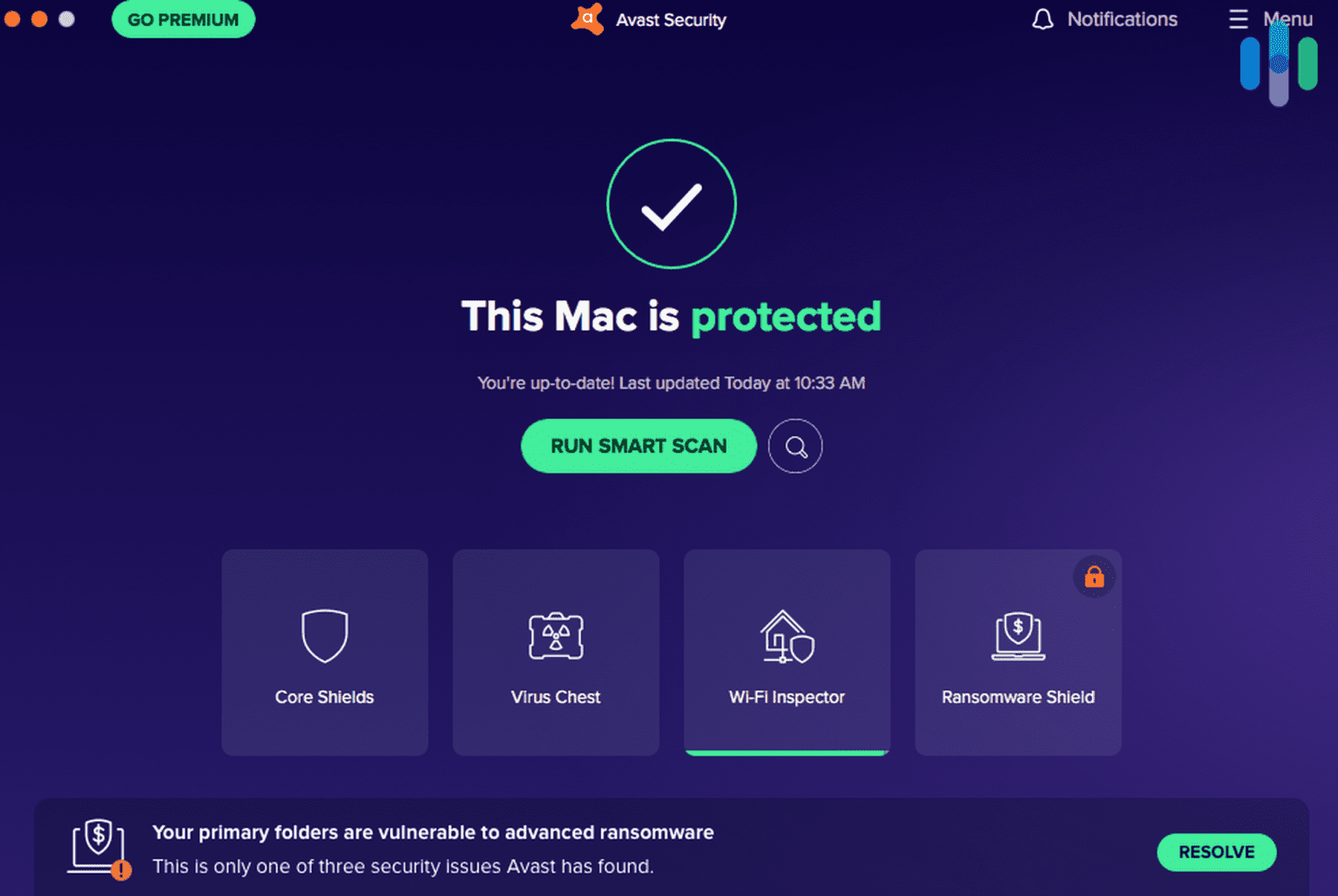
Ransomware remains one of the most destructive threats facing computer users. Top-tier security programs now feature dedicated anti-ransomware shields capable of identifying unauthorized file encryption in real time. Many of these tools include automated rollback capabilities, which maintain shadow copies of critical files, allowing users to restore data to a pre-attack state without paying a ransom.
Comparative Overview of Computer Security Solutions
Different computing environments demand distinct security strategies. The following comparison outlines the primary categories of computer security programs, their ideal use cases, and their operational scopes.
| Security Program Category | Primary Function | Ideal Target Audience | Key Advantages | Potential Limitations |
|---|---|---|---|---|
| Built-In OS Defenders (e.g., Windows Defender) | Baseline malware protection and firewall management | Casual home users, budget-conscious setups | Zero additional cost, seamless system integration, low resource overhead | Limited advanced behavioral analysis, minimal centralized management |
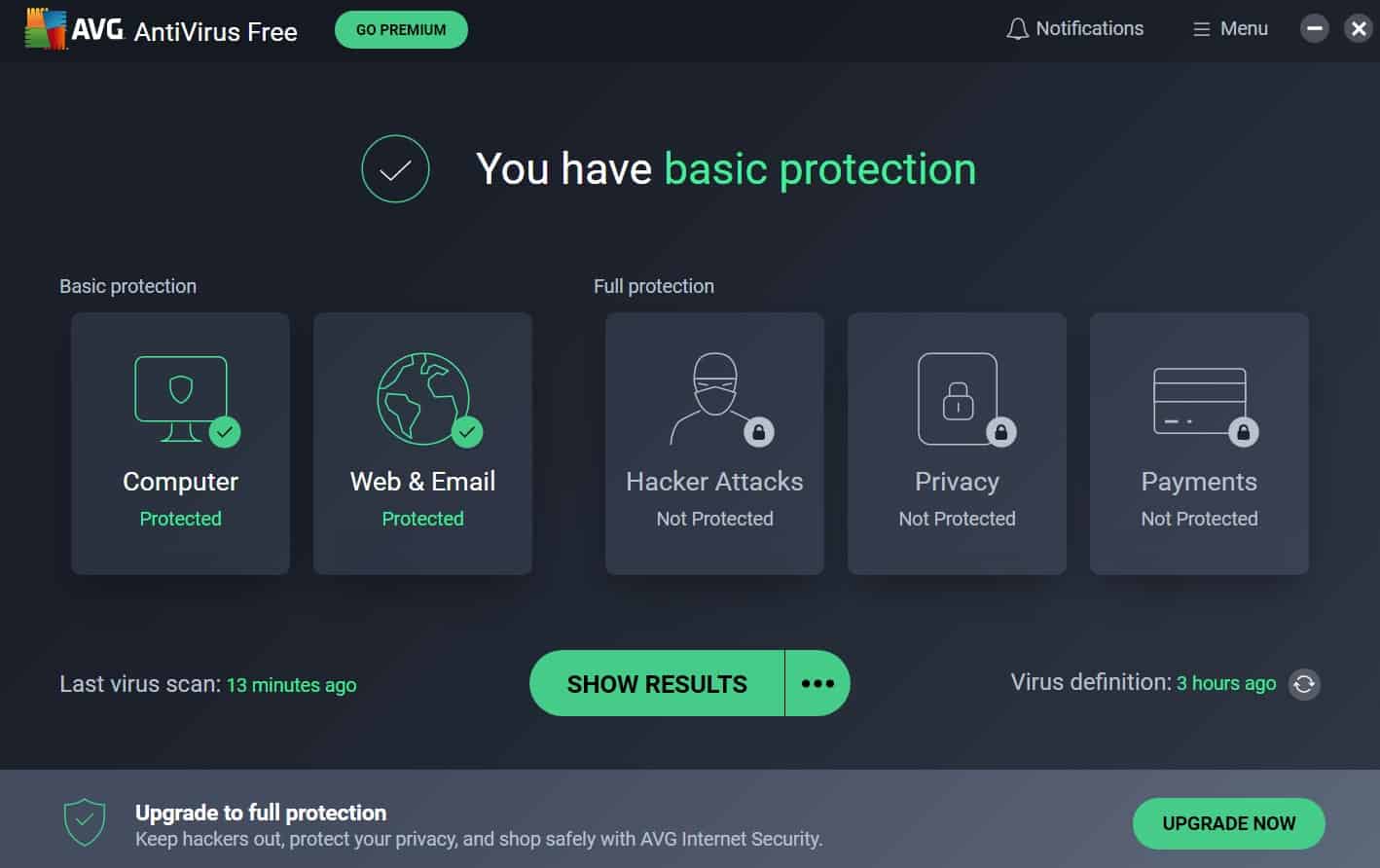
| Consumer Antivirus Suites | Comprehensive threat prevention, privacy tools, and web filtering | Families, remote workers, personal device owners | User-friendly interfaces, password managers, VPN bundles, phishing protection | Can be resource-heavy, subscription renewal costs |
| Enterprise EPP/EDR Solutions | Advanced threat hunting, behavioral monitoring, and incident response | Businesses, educational institutions, IT administrators | Deep forensic visibility, centralized policy enforcement, rapid containment | Requires specialized IT knowledge to configure and manage |
| Open-Source / Linux Security Tools (e.g., ClamAV, OSSEC) | Specific scanning and integrity monitoring for Unix-like systems | Developers, system administrators, homelab enthusiasts | Highly customizable, no licensing fees, transparent codebase | Often lack automated real-time GUI interfaces for desktop users |
Implementation and Operational Best Practices
Installing a security program is only the first step toward robust digital defense. Proper configuration, ongoing maintenance, and adherence to security hygiene ensure that these programs perform at their highest capacity.
Avoiding Software Conflicts
A common mistake users make is installing multiple real-time security programs simultaneously. Running two active antivirus engines on the same machine often results in software conflicts, where each program flags the other’s processes as malicious. This causes system instability, severe performance degradation, and system crashes. Users should select one primary, comprehensive security suite and rely on on-demand scanners (such as Malwarebytes) for secondary verification when needed.
Maintaining Routine Updates
Cyber threats evolve daily, meaning security programs are only as effective as their latest update. Automatic updates should always be enabled for virus definition databases, behavioral detection models, and the security software itself. Furthermore, operating system updates must be applied promptly, as security programs often rely on OS-level patches to close vulnerabilities that malware could exploit.
Frequently Asked Questions
Do modern computers still need third-party security programs?
While modern operating systems include capable built-in defenses, third-party security suites often provide broader protection layers. These include advanced behavioral monitoring, integrated virtual private networks (VPNs), password managers, secure browsers, and specialized ransomware recovery tools that exceed baseline OS capabilities.
How do security programs impact computer performance?
Security programs require system resources to scan files and monitor memory in real time. High-quality modern suites are optimized to run quietly in the background with minimal impact on CPU and RAM usage. However, running heavy full-system scans during resource-intensive tasks like video rendering or gaming can cause temporary slowdowns.
What is the difference between a virus and other types of malware?
A virus is a specific type of malware that attaches itself to clean files and spreads across a computer system. Malware is a broader umbrella term encompassing viruses, trojans, ransomware, spyware, adware, and rootkits, all of which security programs are designed to detect and neutralize.
Can security programs completely guarantee safety from cyber threats?
No security program can offer 100% protection. Cybersecurity relies on a defense-in-depth approach that combines reliable software, cautious user behavior (such as avoiding suspicious links and phishing emails), strong passwords, and regular offline backups of critical data.
How often should a full computer security scan be performed?
If real-time protection is continuously enabled, automated background scans will catch most threats as they enter the system. However, scheduling a comprehensive full-system scan once a week or bi-weekly ensures that dormant or deeply embedded files are thoroughly inspected.
Conclusion and Next Actions
Selecting and maintaining appropriate security programs for computers is a foundational requirement for safeguarding personal data and enterprise assets. Begin by auditing your current setup to ensure real-time protection is active and up to date. If your digital activities involve handling sensitive financial data, remote work, or multi-user access, consider upgrading from basic built-in tools to a robust, comprehensive security suite. Pair your software defenses with safe browsing habits and automated data backups to achieve a resilient, multi-layered security posture.
Image Gallery