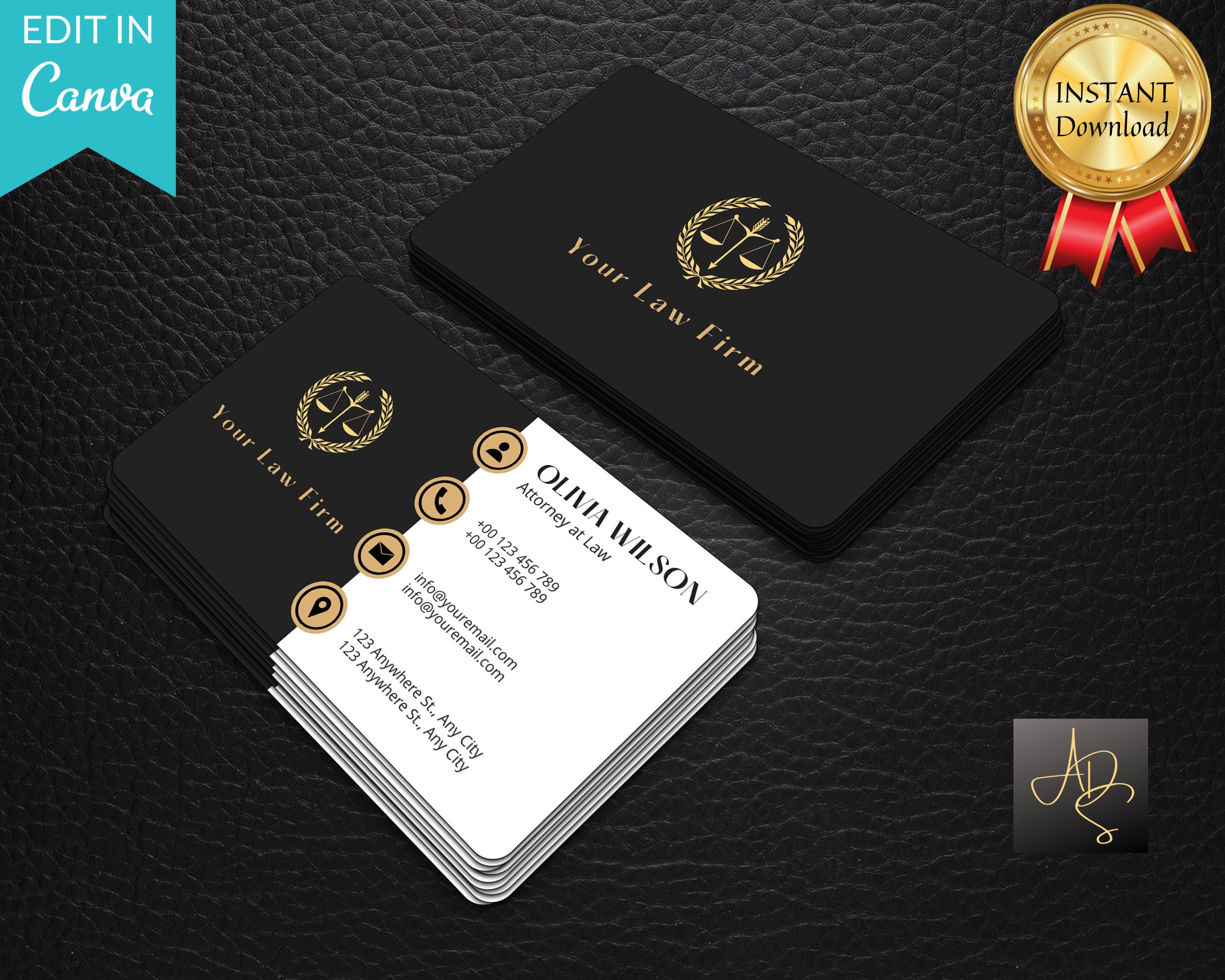
The Complete Guide to Designing and Printing Black Background Business Cards
Black background business cards offer a sophisticated, minimalist alternative to traditional white cardstock, instantly signaling modern luxury, exclusivity, and professional poise. Choosing a dark aesthetic requires careful attention...
Black background business cards offer a sophisticated, minimalist alternative to traditional white cardstock, instantly signaling modern luxury, exclusivity, and professional poise. Choosing a dark aesthetic requires careful attention to material science, contrast, print finishes, and typography to ensure legibility and structural durability.
Contents
Creating a striking dark-themed card requires moving beyond standard digital design principles. Because traditional printing processes use transparent CMYK inks on white paper, printing a solid black background on white cardstock often results in unsightly white edges when cut, or muted, washed-out dark tones. Achieving a truly premium look demands specialized printing techniques such as heavy-weight dyed core papers, spot UV coatings, metallic foils, and precise typography scaling to guarantee your contact information remains legible under any lighting condition.
Understanding the Material Science of Dark Cardstock
The foundation of any exceptional black business card lies in the choice of substrate. Standard digital printing presses achieve dark backgrounds by flooding a white sheet of paper with black ink or toner. This method presents two distinct disadvantages: first, the edges of the card reveal the white paper core as soon as the sheet is trimmed; second, heavy ink coverage can lead to scuffing, fingerprint smudges, and cracking along folded or handled edges.
Professional print production utilizes colored-core or dyed-through cardstock. In this manufacturing process, the paper pulp is dyed black before it is pressed and dried. When the cards are trimmed, the edges remain a deep, uniform black, maintaining a clean appearance. Furthermore, these papers are typically much heavier—often ranging from 400 GSM (grams per square meter) up to an ultra-thick 600 GSM or higher—providing a rigid, tactile heft that immediately communicates quality.
Another advanced substrate option is synthetic plastic or PVC, which offers complete opacity, water resistance, and absolute immunity to edge-whitening. However, plastic stocks limit certain tactile finishes like letterpress debossing, making paper-based dyed stocks the preferred choice for traditional elegance.
Critical Design Elements for Black Backgrounds
Designing for a dark canvas requires a complete inversion of standard graphic design habits. On a white background, dark text provides natural contrast. On a black background, thin dark fonts become completely invisible, and poorly chosen colors can blend directly into the void.
Typography and Weight
Legibility is the primary functional requirement of any business card. When utilizing dark backgrounds, typefaces must be chosen with deliberate care:
- Weight and Scale: Avoid ultra-thin or hairline fonts for essential contact details. Opt for medium or bold font weights to give letters enough visual mass to stand out against the dark backdrop.
- Serif vs. Sans-Serif: Clean sans-serif typefaces (such as Helvetica, Montserrat, or Futura) excel in smaller point sizes on dark backgrounds, while sharp, high-contrast serif fonts can add a timeless, authoritative feel to executive names and titles.
- Tracking and Kerning: Slightly increase the tracking (letter-spacing) on smaller text blocks to prevent characters from bleeding together under reflective light.
Color Theory and Contrast
Pure white text on a deep matte black background provides the highest possible contrast ratio, ensuring immediate readability. However, monochrome designs are not the only option:
- Metallic Foils: Stamped metallic foils in gold, silver, rose gold, or copper catch ambient light, adding dynamic visual depth that flat ink cannot replicate.
- Muted Tones: Subdued pastel or cool gray tones can create a sophisticated, understated aesthetic, though they must be tested for contrast before mass production.
- CMYK Limitations: Standard CMYK printing cannot produce true opaque white ink in a single pass. Printers often require specialized white ink layers or foil stamping to achieve crisp, solid white typography.
Premium Print Finishes and Techniques
Because traditional ink sits flat on a dark surface, premium black background business cards rely heavily on tactile and light-reactive print finishes to create visual hierarchy and interest.
| Finish Technique | Description | Best Used For |
|---|---|---|
| Spot UV Coating | A clear, glossy varnish applied selectively over specific areas of a matte black card. | Subtly highlighting logos, background patterns, or geometric borders against a flat matte field. |
| Foil Stamping | Heat-pressing metallic or pigmented foil films onto the card stock under high pressure. | Executive names, primary branding elements, and borders requiring a reflective, luxurious sheen. |
| Debossing / Embossing | Pressing metal dies into the paper to create a recessed impression (deboss) or raised relief (emboss). | Creating tactile brand marks and minimalist typography without relying on contrasting ink colors. |
| Edge Painting | Applying a vibrant neon, metallic, or solid color to the outer trimmed edges of thick cardstock. | Adding a hidden splash of brand color that is visible only when the stack of cards is viewed from the side. |
Comparing Production Methods and Cost Factors
Choosing the right printing method involves balancing aesthetic aspirations with budgetary constraints. The table below outlines common production tiers for dark-themed cards.
| Production Tier | Typical Stock Weight | Best Features | Cost Profile & Suitability |
|---|---|---|---|
| Standard Digital | 300–350 GSM White Stock | Full-color CMYK flood print with matte finish. | Budget-friendly; prone to edge-wear and white chipping over time. |
| Premium Dyed Core | 500–600 GSM Black Cotton/Paper | True black edges, ultra-thick tactile feel, foil stamping compatible. | Moderate to high; ideal for established professionals and luxury brands. |
| Ultra-Luxury Custom | 700+ GSM or Multi-Layer Sandwich | Combined edge painting, multi-level debossing, and dual foil applications. | Highest investment; tailored for executive leadership, high-net-worth services, and boutique firms. |
Common Mistakes to Avoid
Even experienced designers can encounter pitfalls when transitioning from digital mockups to physical print production on dark stocks. Avoiding these common errors ensures a flawless final product:
- Ignoring the "Digital Glow" Trap: Computer monitors emit light, making dark gray or murky black look rich and deep on screen. In physical print, insufficient ink coverage or low-quality toner results in a faded, charcoal-gray appearance. Always request a physical sample or printer's proof.
- Overcrowding Information: A black background absorbs visual clutter much faster than white space. Keep layouts clean, leaving ample negative space around the logo and core contact details.
- Forgetting Tactile Smudge Resistance: Standard matte black cardstock is notoriously prone to showing fingerprint oils. Selecting a soft-touch velvet lamination or an uncoated dyed cotton stock significantly minimizes smudging during handling.
- Using Low-Resolution Vector Assets: Any imperfections, jagged edges, or rasterized artifacts in logos become glaringly obvious when paired with high-end finishes like metallic foil or spot UV. Ensure all design files are strictly vector-based.
Frequently Asked Questions
Can I print black background business cards at home using an inkjet printer?
Standard home inkjet printers use water-based dye or pigment inks that absorb into paper rather than sitting on top of it. Flooding a standard sheet of paper with black ink at home will cause the paper to warp, curl, and bleed, while text printed in standard white ink is virtually impossible because consumer printers lack white ink cartridges. Professional offset or digital presses with specialized finishing capabilities are required.
How do I prevent black business cards from showing edge wear?
The most effective way to eliminate white edge wear is to select a dyed-through black cardstock where the paper core is manufactured in a solid black color. Additionally, applying a soft-touch matte lamination protects the surface fibers from fraying and resists scuffing during daily pocket or cardholder transport.
What font size is recommended for text on dark backgrounds?
Body text and contact details should generally be set no smaller than 8 to 9 points, utilizing a medium or bold font weight. Anything smaller risks becoming illegible, particularly under dim restaurant or conference lighting conditions.
Are black background business cards more expensive than standard white cards?
Yes. Because they require specialized materials—such as heavy-weight dyed-through cardstock, premium coatings, foil stamping dies, or white ink passes—production costs are inherently higher than standard gang-run white card printing. However, the investment is offset by the elevated, memorable impression they leave with prospective clients.
How can I make my logo stand out on a black card without using color?
Contrast can be achieved entirely through texture and finish rather than color. Utilizing a gloss spot UV varnish over a matte black background creates a sophisticated "tonal" contrast, where the logo is only visible when light catches the surface at an angle. Combining this with a deep deboss adds physical depth that commands attention.
Next Actions for Your Project
Begin your project by defining your brand identity and budget threshold. Request physical sample packs from specialized print vendors to evaluate stock thickness, paper texture, and foil reflectivity firsthand. Once you have selected your preferred substrate, convert all text to vector paths, verify your contrast ratios, and order a single physical proof before committing to a full production run.
Image Gallery