Best Offline Games for iPhone in 2026: The Ultimate No-Wi-Fi Gaming Guide
Finding the right entertainment when you are completely disconnected can be a challenge, especially with modern mobile titles relying heavily on cloud connectivity. Whether you are on a long-haul flight, traveling through remote areas...
Finding the right entertainment when you are completely disconnected can be a challenge, especially with modern mobile titles relying heavily on cloud connectivity. Whether you are on a long-haul flight, traveling through remote areas with zero cellular service, or simply trying to conserve your mobile data plan, having a reliable library of the best offline games for iPhone in 2026 is essential. Apple's iOS ecosystem continues to push the boundaries of mobile hardware, allowing developers to craft console-quality experiences that run natively on your device without needing an internet handshake.
Contents
Understanding iOS Offline Gaming Architecture in 2026
Modern iPhone hardware, powered by the latest A-series processors and optimized Metal graphics APIs, enables seamless execution of resource-intensive games without network dependency. When evaluating offline titles, players look past the superficial marketing and focus on core technical performance metrics.
- Local Asset Storage: True offline games store all audio, textures, and level data locally on your device storage, avoiding background asset streaming that triggers loading errors when Wi-Fi drops.
- Battery Optimization: Titles engineered for offline play intelligently throttle GPU and CPU clock speeds during static screens, minimizing thermal throttling and preserving battery life during extended travel.
- Data Privacy and Tracking: Many standalone offline games feature zero telemetry demands, meaning they do not constantly ping third-party ad servers or harvest device data in the background.
- Controller Compatibility: High-tier offline releases in 2026 feature native MFi (Made for iPhone) controller and Bluetooth gamepad integration, turning your iOS device into a portable console.
Top-Tier Offline iPhone Genres and Title Breakdown
Navigating the App Store for titles that do not require an active internet connection can yield frustrating results due to hidden online checks. The following breakdown categorizes the finest offline releases available for iOS, structured across distinct genres to match your specific playstyle.
Immersive RPGs and Deep Narrative Adventures
Role-playing games traditionally demand significant storage overhead, but they reward the player with dozens of hours of standalone gameplay.
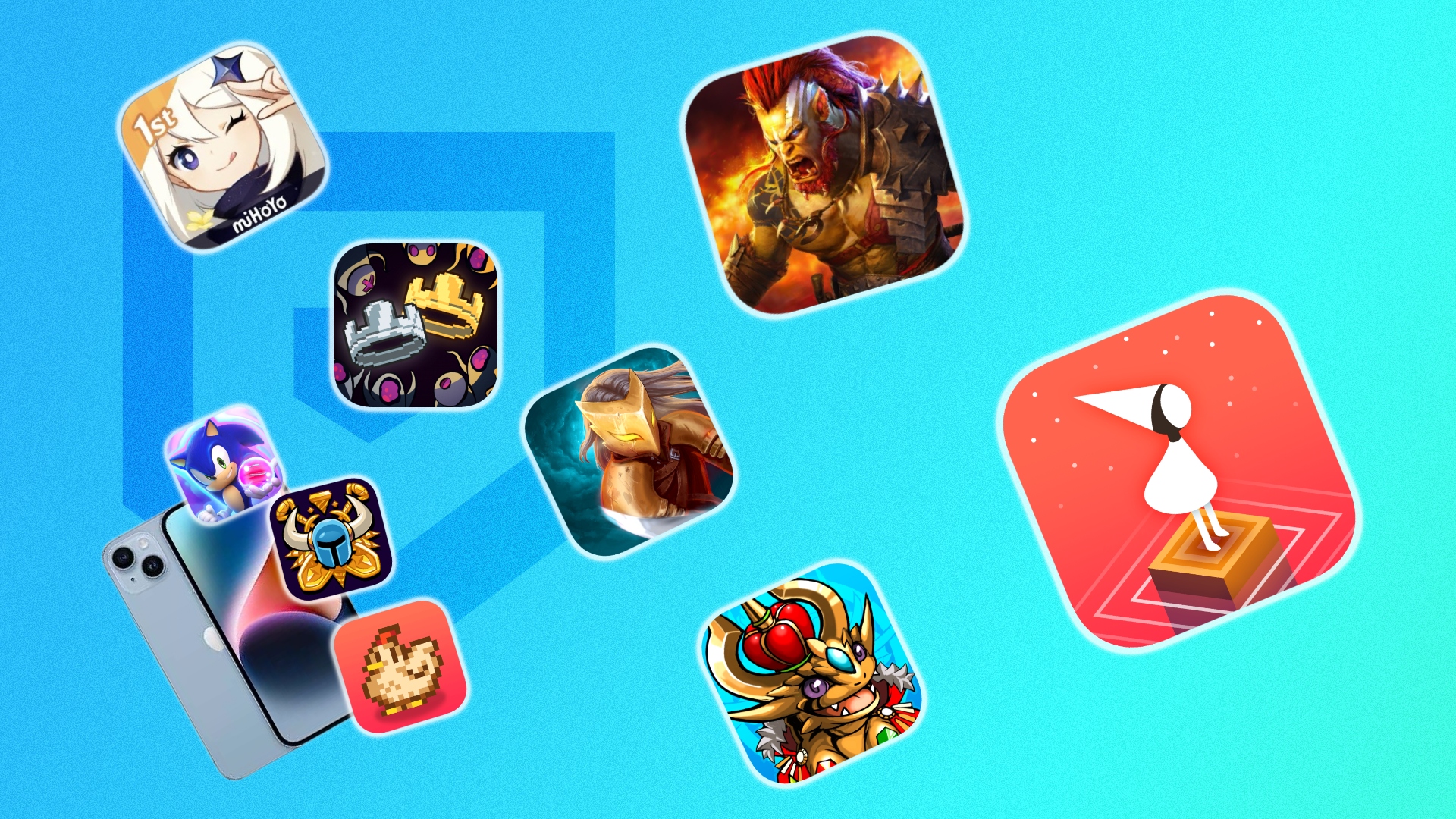
- Genshin Impact (Note: Requires internet): Avoid this common trap; instead, invest your time in true single-player masterpieces.
- Pascal's Wager: A dark fantasy action RPG featuring demanding combat, intricate level design, and a fully realized offline campaign that rivals console offerings.
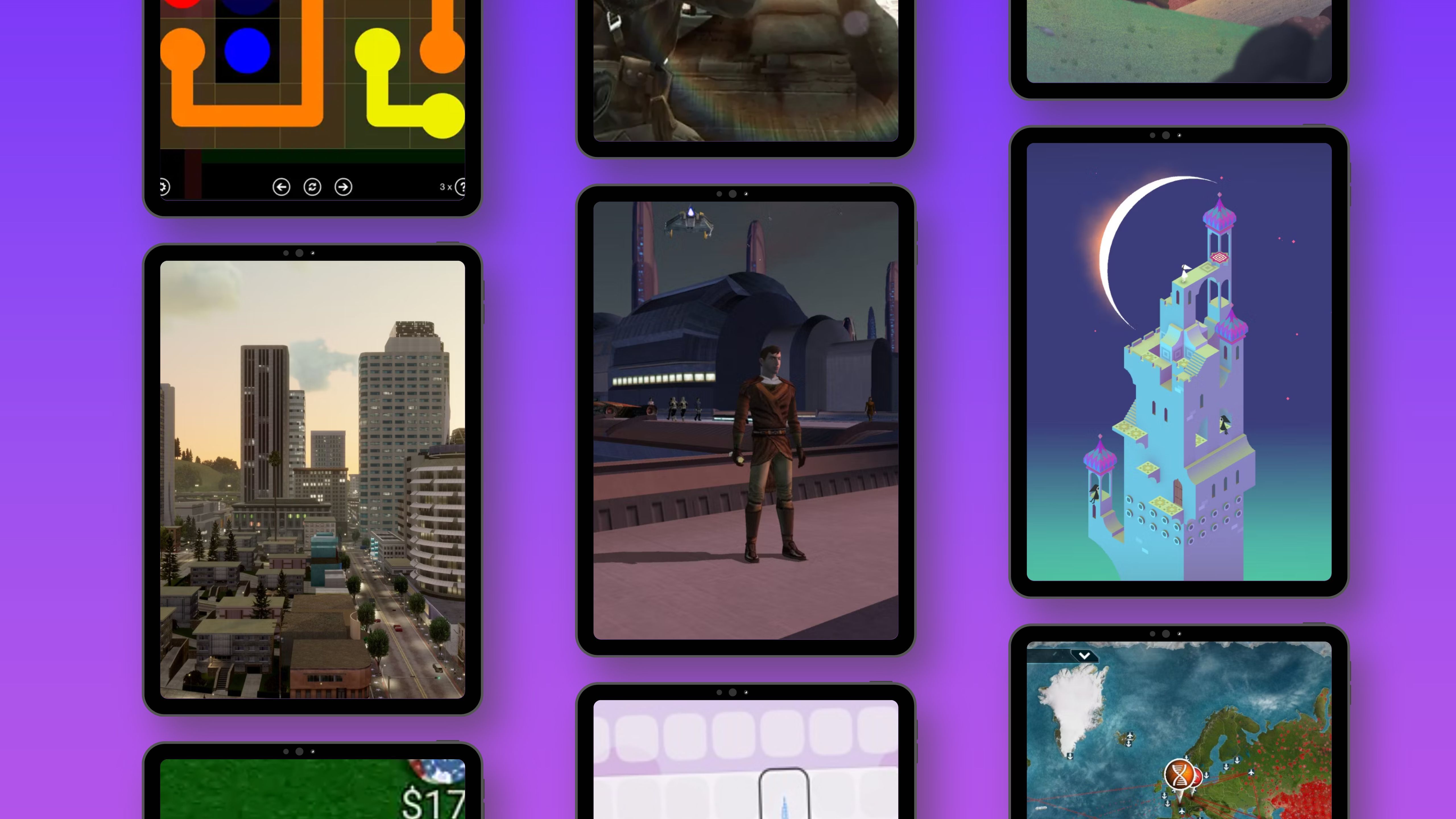
- Stardew Valley: The gold standard of cozy simulation gaming. Farming, mining, socializing, and exploring operate entirely locally with zero server dependency.
- Titan Quest: Legendary Edition: An expansive hack-and-slash action RPG set in mythological ancient worlds, fully optimized for touch controls and offline progression.
Strategic Puzzles and Brain Teasers
For quick bursts of engagement without heavy narrative weight, puzzle games provide frictionless offline entertainment.
- Monument Valley Trilogy: Stunning geometric optical illusions paired with ambient soundscapes. The entire journey requires no network connection.
- Threes!: A minimalist numerical puzzle game that remains endlessly replayable on long commutes.
- Mini Metro: A minimalist subway layout strategy game that challenges your urban planning skills entirely offline.
Action, Platformers, and Arcade Thrills
When you need rapid response times and high-octane gameplay, action platformers deliver pure mechanics without server lag.
- Dead Cells: A rogue-lite metroidvania action platformer with visceral combat and zero internet requirements once downloaded.
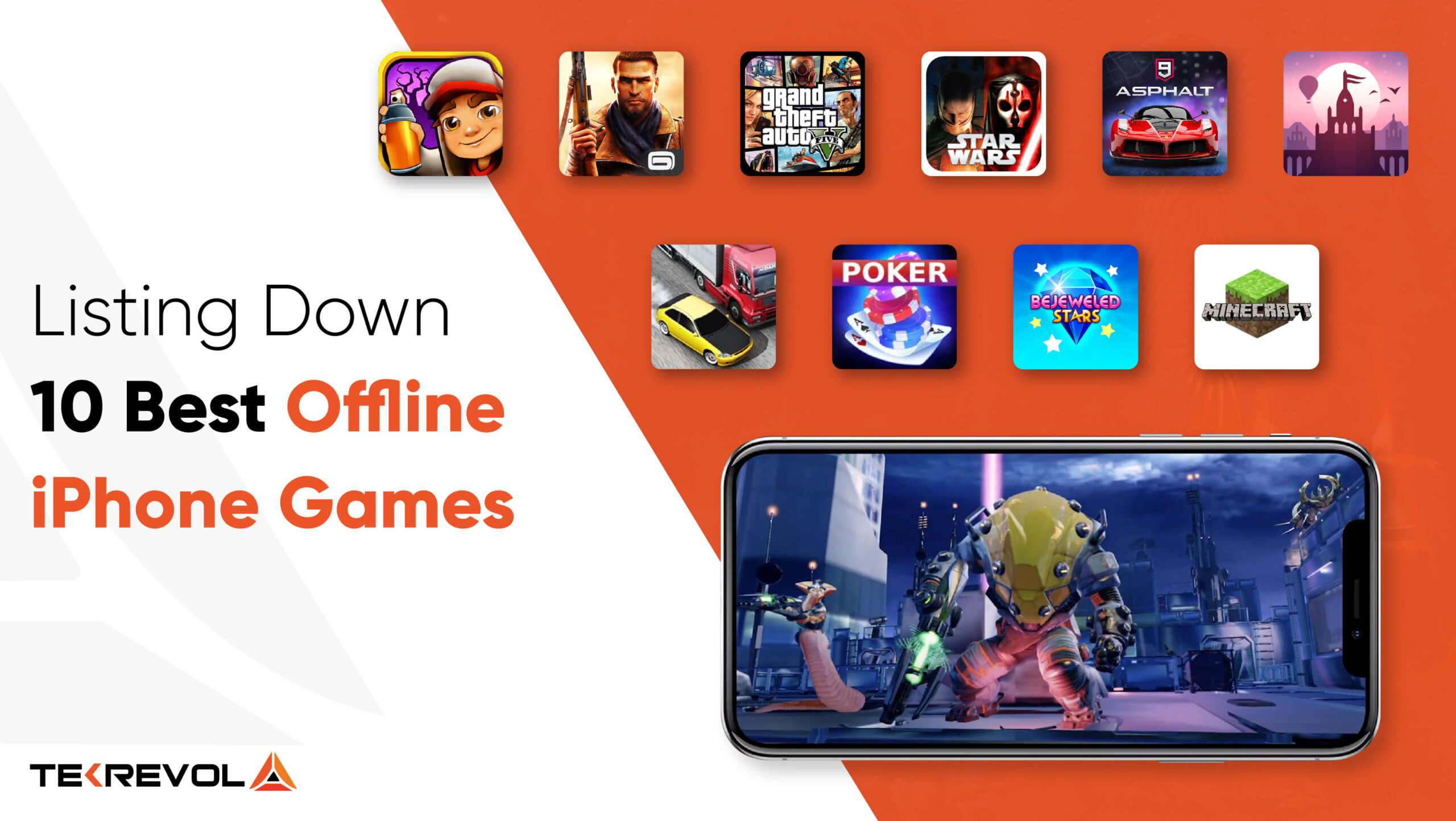
- Grand Theft Auto: The Trilogy - The Definitive Edition: Classic open-world crime sagas optimized for iOS touchscreen hardware and physical controllers for completely offline urban exploration.
- Alto's Odyssey: An endless snow-boarding journey featuring fluid physics, dynamic weather, and an ambient soundtrack that plays anywhere.
Comprehensive Comparison of Premium Offline iPhone Games
To help you choose the right title based on storage requirements, pricing model, and genre, review the technical comparison matrix below.
| Game Title | Genre | Pricing Model | Approx. Storage Size | Controller Support | Offline Requirement Status |
|---|---|---|---|---|---|
| Stardew Valley | Simulation / RPG | Premium ($4.99) | 800 MB | Yes (Full MFi) | 100% Offline (No checks) |
| Dead Cells | Rogue-lite Action | Premium ($8.99) | 2.5 GB | Yes (Full MFi) | 100% Offline |
| Pascal's Wager | Action RPG | Premium ($6.99) | 5.5 GB | Yes (Full MFi) | 100% Offline |
| Alto's Odyssey | Endless Runner | Free / Ad-free tier | 300 MB | Partial | 100% Offline |
| Monument Valley | Puzzle | Premium ($3.99) | 650 MB | No (Touch optimal) | 100% Offline |
| Mini Metro | Strategy / Puzzle | Premium ($3.99) | 250 MB | No (Touch optimal) | 100% Offline |
Storage and Cache Warning: Always ensure your iPhone has at least 20% free storage overhead beyond the listed game size. iOS requires temporary scratch disk space for decompression during initial asset verification and regular gameplay caching.
Step-by-Step Guide to Preparing Your iPhone for Offline Gaming
Downloading a game is only the first step. Many modern developers include stealth online checks during the initial launch sequence. Follow this strict protocol to guarantee your games work seamlessly when you are completely off the grid.
- Download over Stable Wi-Fi: Ensure complete installation and package verification while connected to a high-speed router. Large games often download base installers followed by secondary asset packs.
- Perform the First Launch Authentication: Open every newly downloaded game while still connected to the internet. This allows the app to verify licenses, complete cloud-save handshakes, or download initial security tokens.
- Toggle Airplane Mode for Testing: Before leaving home or boarding a flight, turn on Airplane Mode, disable Wi-Fi manually, and launch each game. If a popup demands an internet connection or sign-in, keep the game open for 5 minutes to let it timeout to offline mode, or check settings for an offline toggle.
- Manage Background App Refresh: Go to iPhone Settings, locate General, and disable Background App Refresh for heavy games to prevent them from attempting network synchronization while you are trying to play offline.
- Secure Power Delivery: Pack a certified MFi power bank. High-end offline 3D games consume substantial battery amperage; keeping your device charged prevents unexpected shutdowns mid-save.
Pros and Cons of Playing Offline Games on iOS
Evaluating the trade-offs of offline mobile gaming helps set realistic expectations regarding your device performance and gaming experience.
- Pros:
- Zero reliance on cellular data caps or unstable public Wi-Fi networks.
- Uninterrupted gameplay free from intrusive server-side maintenance notices or sudden disconnection errors.
- Significantly enhanced device privacy due to reduced background data telemetry.
- Smoother performance in areas with weak carrier reception where online games suffer from ping spikes.
- Cons:
- Lack of real-time multiplayer synchronization or live competitive leaderboards.
- Substantially larger local storage footprints required on your iPhone internal flash memory.
- Manual update requirements; you must connect to the internet periodically to patch bugs and download content updates.
- Absence of cloud-save synchronization while operating exclusively offline, risking save loss if the device is reset.
Expert Troubleshooting and Maintenance Tips
Even the most robust offline setups can occasionally encounter errors. Utilize these practical maintenance tips to resolve common issues:
- Infinite Loading Screens: If an offline game hangs on launch, completely swipe up to force-close the application from the app switcher. Toggle Airplane Mode off and on to reset network socket states, then relaunch.
- Save File Desynchronization: If you frequently switch between online and offline play, always make a manual save inside the game menu before terminating your internet connection to avoid rollback loops.
- Storage Optimization Conflicts: If iOS automatically uninstalls unused apps to save space, lock your critical offline games by turning off "Offload Unused Apps" in your iPhone App Store settings.
Frequently Asked Questions About iPhone Offline Games
Do offline games on iPhone drain the battery faster than online games?
Offline games do not inherently drain more battery than online games; in fact, avoiding constant cellular radio handshakes often saves power. However, high-end 3D offline titles push the GPU to its limits, requiring efficient thermal management and lower screen brightness settings to maintain battery longevity.
Can I earn achievements and save progress while offline?
Yes, most single-player offline games save progress locally to your device storage. Game Center achievements may remain pending while offline and will automatically sync and upload to your Apple profile the next time your iPhone establishes a secure internet connection.
Why do some offline games still ask for an internet connection on startup?
Certain titles perform a minor license verification check or cloud entitlement sync upon initial boot. Launching the game once with an active connection usually clears this requirement for several days of subsequent offline play.
Are there free offline games available on the App Store?
Many free-to-play puzzle, runner, and indie arcade games offer functional offline modes, though free titles often rely on interstitial ads that will not load without a connection, sometimes resulting in blank spaces or minor UI stutters. Premium paid titles generally provide the cleanest, ad-free offline experience.
How do I update offline games without losing my local save data?
App Store updates preserve local container data by default. Simply connect to Wi-Fi, open the App Store, and tap update. Your local save files remain untouched within the application sandbox directory.
Building a reliable portfolio of offline games transforms your iPhone into a dependable entertainment device regardless of your location. Prioritize premium single-player titles, verify your local asset installations before traveling, and manage your device storage proactively for an uninterrupted gaming experience throughout 2026 and beyond.
Image Gallery