How to Search OnlyFans by State: Understanding Platform Capabilities and Limitations
OnlyFans does not provide an integrated, site-wide search filter that allows users to browse or search for creators specifically by their state, region, or city. Because the platform prioritizes user privacy and global accessibility, i...
OnlyFans does not provide an integrated, site-wide search filter that allows users to browse or search for creators specifically by their state, region, or city. Because the platform prioritizes user privacy and global accessibility, its native search functionality is limited to keywords, profile names, and content categories. Users seeking to identify creators based on their geographic location must rely on alternative discovery methods or platform-specific tools, as there is no official geographic database available within the site’s interface.
Contents
The Architecture of OnlyFans Search Functionality
To understand why searching by state is not a native feature, one must recognize how the OnlyFans platform categorizes user data. When a creator signs up for the platform, they undergo identity verification, which includes submitting legal documentation that confirms their identity and residency. However, this information is strictly siloed within the platform’s security and compliance infrastructure. It is not exposed to the public-facing directory or the search algorithm.
The OnlyFans search engine is built primarily for discoverability via creator handles, display names, and descriptive keywords that a creator manually inputs into their biography or post captions. Because the platform operates on a global scale, it treats geographic data as private user information. Consequently, the internal search bar ignores location-based metadata. If you enter a state name into the search bar, the platform will only return results if that state name happens to be included in a creator’s display name or their written biography.
Understanding Platform Privacy and Discovery
The absence of a location-based filter is a deliberate design choice rather than a technical oversight. OnlyFans places a high premium on user and creator privacy. By preventing users from filtering creators by state or city, the platform limits the ability of bad actors to map or track the location of individuals based on their digital footprint.
This creates a significant disconnect for users who are accustomed to location-based discovery on social media platforms like Instagram or Twitter. On those platforms, geotagging is an opt-in feature that users can enable on individual posts. In contrast, OnlyFans does not utilize a global geotagging system. Even if a creator mentions their state in a post, that post remains confined to their profile unless a user is already following them or finds them via external discovery methods.
Alternative Discovery Methods
Since the platform itself does not support geographic filtering, users looking for creators in specific regions must utilize third-party methods. These approaches often involve searching social media platforms that allow for location-based discovery and finding links to an OnlyFans account.
Social Media Integration
Most OnlyFans creators utilize secondary social media platforms—such as X (formerly Twitter), Instagram, or TikTok—to drive traffic to their OnlyFans pages. Unlike OnlyFans, these platforms have sophisticated location and hashtag discovery tools.
- Hashtag Research: Creators often use location-specific hashtags (e.g., #NYCmodel or #TexasInfluencer) on their public social media accounts. Searching these tags can lead you to a creator’s profile.
- Bio Links: Once you locate a creator’s primary social media profile, their link-in-bio service (such as Linktree or direct OnlyFans URLs) will typically point toward their OnlyFans page.
- Geotagged Content: On platforms like Instagram, checking the location tag of a post can reveal accounts that are physically located in or frequent a specific area.
Third-Party Directories and Search Engines
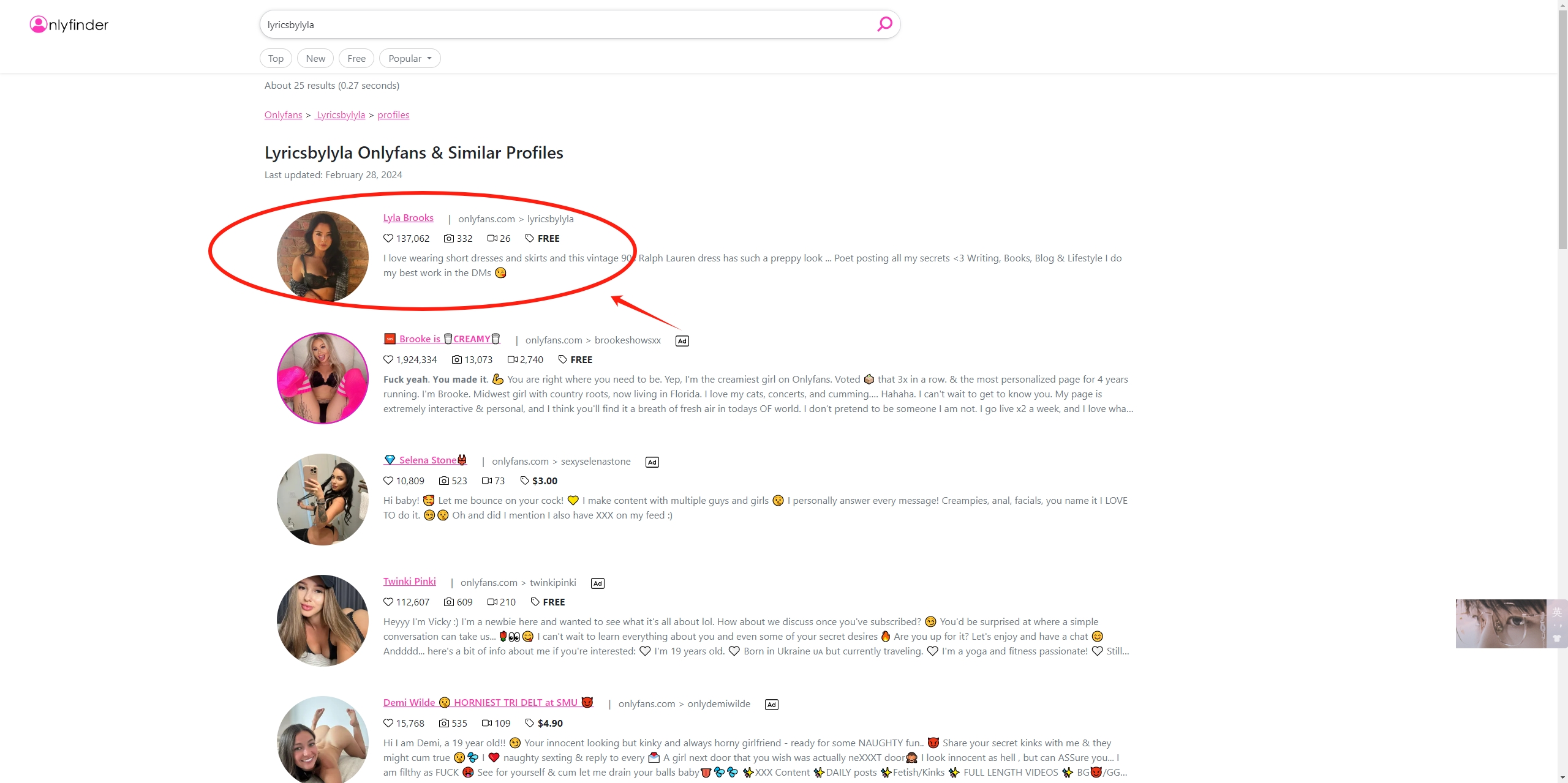
There are independent, third-party directories that claim to index OnlyFans accounts by location. It is important to approach these tools with caution. These directories are not affiliated with, endorsed by, or managed by OnlyFans. They function by scraping public social media data or relying on creators to voluntarily submit their profiles for listing.
When using these directories, be aware of the following:
- Accuracy: Because these sites rely on user-submitted or scraped data, the location information is frequently outdated or inaccurate.
- Security Risks: Many unofficial directory sites use aggressive advertising, invasive tracking, or potentially malicious pop-ups.
- Data Privacy: Using these sites can expose you to tracking, and the quality of the information is rarely verified by an objective party.
Comparison of Discovery Methods
| Method | Accuracy | Privacy Level | Effort Required |
|---|---|---|---|
| Internal Search | N/A (None) | High | Low |
| Social Media Tags | Moderate | High | Moderate |
| Third-Party Directories | Low | Low | Low |
| Direct Networking | High | High | High |
Legal and Ethical Considerations
When searching for content, users should respect the boundaries of platform terms of service. Engaging in "doxing" or attempting to verify the physical address of a creator is a violation of community guidelines and often a violation of personal privacy laws. Always ensure that the methods you use to discover content remain within the bounds of the platform's terms of service and relevant local laws regarding online harassment and stalking.
Furthermore, creators may choose to hide their location for safety reasons. If a creator does not explicitly state their location, it is generally considered respectful to refrain from digging into their private records or using invasive software to ascertain where they live.
Frequently Asked Questions
Can I use a VPN to change my location and find creators in a specific state?
No. A Virtual Private Network (VPN) changes your IP address, which might influence which advertisements you see or regional restrictions, but it does not change the search parameters of the OnlyFans platform. Searching for creators by state will remain ineffective regardless of your IP location.
Are there any official lists of creators by location?
There are no official, platform-sanctioned lists of creators organized by geography. Any website claiming to provide an "official" list by state is likely engaging in deceptive marketing or data scraping.
Why do some creators list their state in their bio?
Many creators choose to include their general location in their biography to build a local following or to specify their availability for collaborations. This is done voluntarily for personal branding purposes, not because the platform requires geographic metadata for searchability.
Is it safe to use third-party directories to find creators?
Generally, no. Third-party directories often lack security protocols and may expose users to malware or phishing attempts. It is safer to rely on official social media channels where a creator links to their OnlyFans page directly.
Can I search for creators by city instead of state?
The limitations regarding searching by city are identical to searching by state. The platform’s internal search architecture does not recognize or filter by geographic units, whether they are cities, states, or countries.
Next Steps for Discovery
If your goal is to support local creators or find content creators within a specific region, the most effective and secure method is to leverage the creator's presence on other social media platforms. Monitor local hashtags and hashtags related to specific industries or content categories. If a creator is in your area, they will frequently include location-specific tags in their public-facing social media content. Verify these links through the creator’s verified Instagram, X, or TikTok account to ensure you are reaching their official, legitimate OnlyFans page.
Image Gallery