How to Manage iOS Devices for Sustainable Workplaces
Managing iOS devices for a sustainable workplace requires a strategic alignment of Mobile Device Management (MDM) protocols, circular economy hardware lifecycles, and energy-efficient deployment practices. By extending the utility of h...
Managing iOS devices for a sustainable workplace requires a strategic alignment of Mobile Device Management (MDM) protocols, circular economy hardware lifecycles, and energy-efficient deployment practices. By extending the utility of hardware through robust software oversight and responsible end-of-life disposal, organizations can significantly reduce their carbon footprint while maintaining high-security standards for corporate data and employee productivity.
Contents
Establishing the Sustainable Framework
The transition to a sustainable iOS fleet is not merely a matter of hardware procurement; it is a lifecycle management philosophy. To achieve true sustainability, IT administrators must pivot from the traditional "refresh-and-discard" cycle toward a model that emphasizes device longevity, remanufacturing, and energy-efficient configuration.
In 2026, the baseline for corporate sustainability involves optimizing the Apple ecosystem to operate at peak efficiency for 4–5 years rather than the standard 3-year refresh cycle. This approach requires rigorous MDM oversight, as prolonged device usage relies heavily on the ability to push security patches and manage thermal performance to prevent premature hardware degradation.
Strategic Device Lifecycle Management
The backbone of a sustainable iOS workplace is the lifecycle strategy. Managing these devices necessitates a structured approach that encompasses procurement, utilization, and retirement.
- Procurement and Energy Standards: Prioritize refurbished or certified pre-owned devices for non-essential roles. When purchasing new units, ensure they align with Apple’s internal carbon neutrality goals for 2030, favoring models manufactured with recycled aluminum, cobalt, and rare earth elements.
- Standardizing Configurations: Implement "Power-Sparing" profiles via MDM. By automating settings such as Auto-Brightness, Optimized Battery Charging, and Background App Refresh, IT administrators can significantly reduce the energy consumption of each device across the entire fleet.
- Software Longevity: Utilize MDM to delay OS updates only when necessary for compatibility, ensuring that older hardware remains secure and functional for as long as Apple provides security patches. This software-first mentality prevents the "forced obsolescence" caused by hardware that is still functional but deemed "incompatible" due to bloated software overhead.
Mobile Device Management (MDM) for Longevity
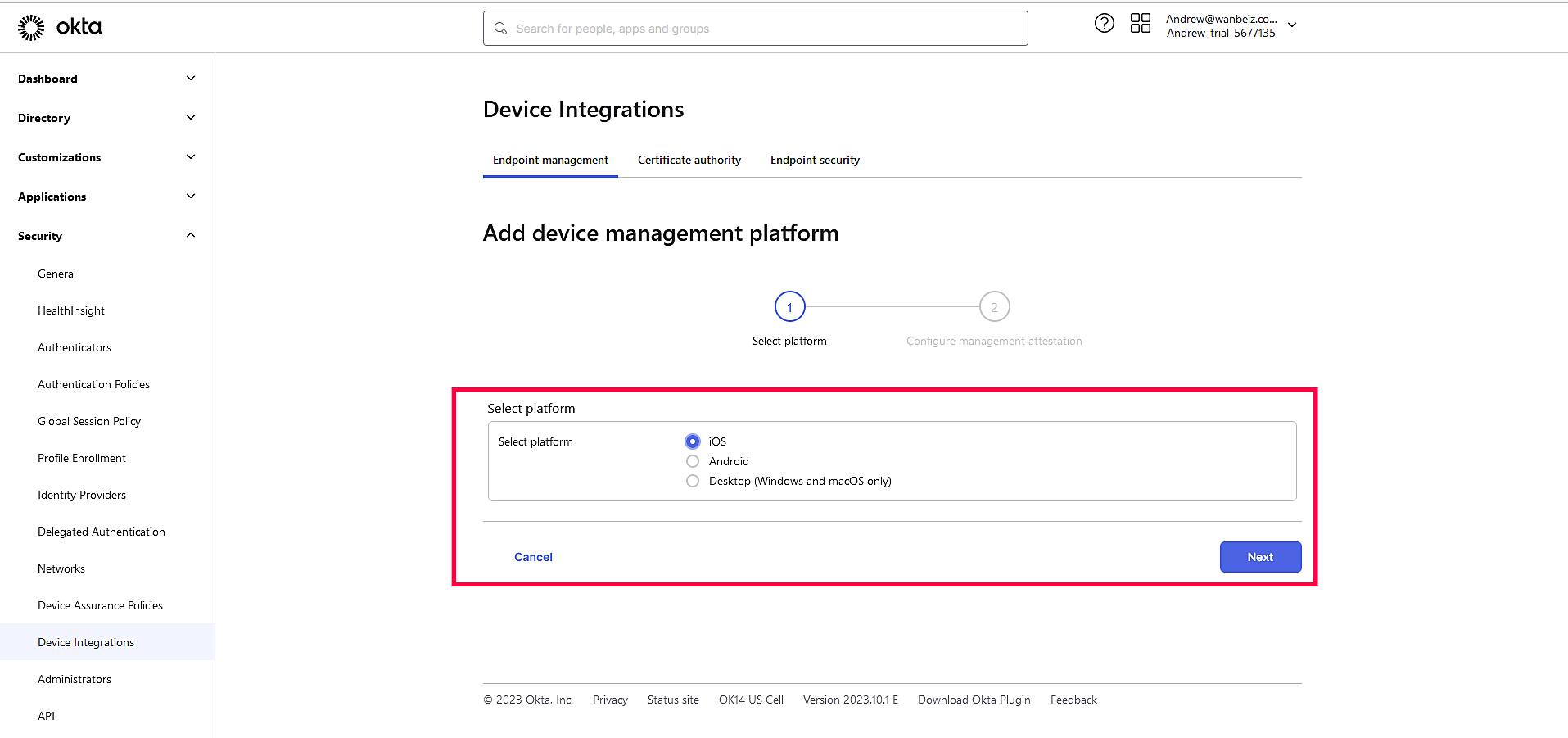
Effective MDM is the most powerful tool for sustainability. Through tools like Apple Business Manager (ABM), administrators can exert granular control over device behavior to optimize energy efficiency and extend functional life.
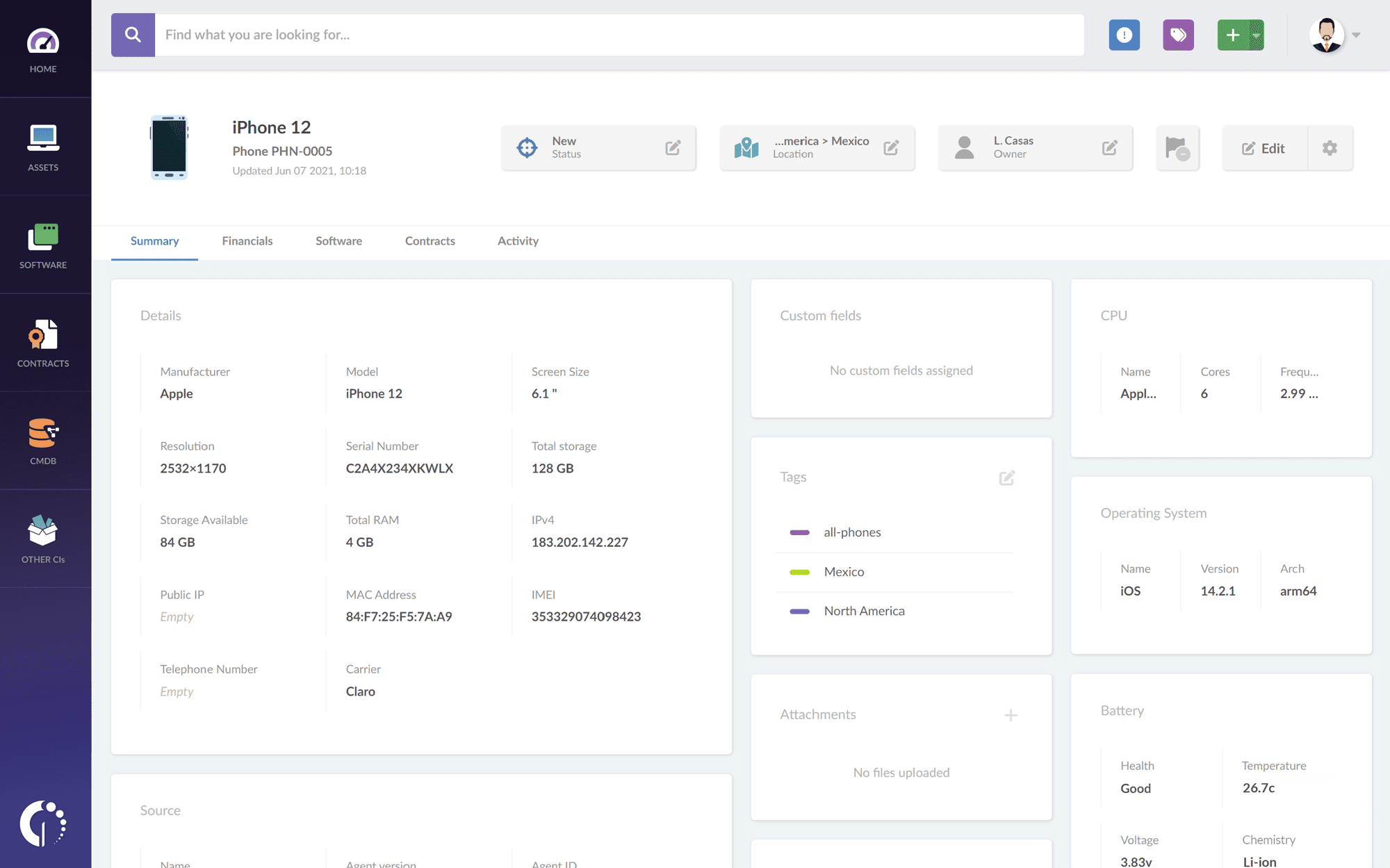
- Battery Health Management: Use MDM to enforce "Optimized Battery Charging" across all devices. This feature learns daily routines to wait for the final 20% charge until shortly before the device is needed, reducing chemical aging in lithium-ion batteries.
- Network Optimization: Standardize VPN and Wi-Fi configurations to prevent devices from constantly searching for signals or maintaining high-power radio states unnecessarily.
- Application Governance: Use MDM to restrict the installation of power-hungry, non-essential applications that place unnecessary strain on CPU and memory, which in turn leads to faster battery degradation and lower resale value.
Comparing Lifecycle Strategies
| Strategy | Traditional Lifecycle | Sustainable Lifecycle |
|---|---|---|
| Refresh Interval | 24–36 Months | 48–60 Months |
| Hardware Source | New units only | Refurbished / New mixed |
| Power Management | User-defined | MDM-enforced (optimized) |
| Battery Policy | Replacement at 85% health | Calibration & software limiting |
| End-of-Life | E-waste recycling | Tiered resale / Internal reuse |
Mitigating E-Waste: Circularity and Retirement
When an iOS device reaches the end of its useful life for one employee, it should not automatically be earmarked for recycling. True sustainability mandates a circular transition.
- Internal Repurposing: Devices retired from high-performance roles (such as executive or development tasks) can often serve as perfect tools for kiosk functions, inventory management, or testing environments. MDM allows for the rapid wiping and re-provisioning of these devices for lower-demand roles.
- Certified Resale Programs: If the device is no longer required internally, utilize Apple-authorized trade-in programs or certified secondary market partners. These entities ensure that components are harvested for parts, keeping materials within the loop and preventing them from reaching landfills.
- Auditable Disposal: For devices that are physically damaged or at the end of their viable cycle, utilize vendors who provide documentation of ethical recycling processes that adhere to international environmental standards.
Overcoming Technical Limitations
Sustainability in IT is often hindered by the fear of security risks associated with older hardware. However, Apple’s security updates remain available for many years after a device's initial release. Administrators can mitigate the risks of using older devices by:
- Removing Unsupported Versions: Use MDM to audit the fleet and identify devices that are nearing the end of their security patch cycle. These devices should be the first to be rotated out of sensitive, data-rich environments.
- Containerization: Implement user-enrollment and containerization for work data on BYOD (Bring Your Own Device) setups. This allows employees to contribute to the company's sustainability goals by using their personal, existing hardware while maintaining a strict, encrypted wall between professional and personal data.
Frequently Asked Questions
1. Does extending the life of an iOS device compromise security? Not if the device remains within the Apple support window. By using MDM to monitor OS versions, you can ensure all devices in your fleet are running supported versions of iOS/iPadOS. Sustainability is achieved by replacing devices only when they no longer receive security updates, rather than when the hardware is technically "obsolete" by speed standards.
2. How does MDM impact energy usage? MDM allows for centralized control over power-draining features. By enforcing settings like Wi-Fi power-saving modes, disabling background app refresh for non-essential tools, and ensuring brightness is managed, the energy consumption per device can be reduced by 10% to 15% across a large fleet.
3. Is it cost-effective to repair devices instead of replacing them? In a sustainable workplace, repair is preferred over replacement. Apple’s "Self Service Repair" program and authorized service providers make it feasible to replace components like screens and batteries. This is significantly more sustainable than electronic recycling and usually cheaper than new procurement.
4. What is the role of BYOD in workplace sustainability? Bring Your Own Device (BYOD) is highly sustainable because it eliminates the carbon cost of manufacturing new hardware for employees. With modern iOS management, you can keep work data secure via User Enrollment, which preserves user privacy while ensuring corporate data remains encrypted and manageable.
5. How do I track the carbon impact of my iOS fleet? Organizations can use Apple’s Environmental Reports and their own internal asset management data. By calculating the total energy saved through optimized power profiles and subtracting the carbon expenditure of new device manufacturing, you can generate a sustainability KPI for your IT department.
Final Recommendation
To begin your journey toward a sustainable iOS workplace, start by auditing your current fleet age and battery health statistics via your MDM console. Implement a mandatory "Optimized Battery Charging" profile for all devices immediately, and establish a tiered hardware policy that prioritizes internal repurposing before considering external disposal. Sustainability is an ongoing process of monitoring and optimization; by treating your iOS devices as long-term assets rather than disposable consumables, you satisfy both environmental objectives and operational efficiency.
Image Gallery