How to Use an Unlocked Phone Safely: A Comprehensive Security Guide
Using an unlocked phone—a device not restricted to a single carrier’s network—is common in 2026, offering consumers the flexibility to switch providers or travel internationally without carrier-imposed hardware locks. While an unlocked...
Using an unlocked phone—a device not restricted to a single carrier’s network—is common in 2026, offering consumers the flexibility to switch providers or travel internationally without carrier-imposed hardware locks. While an unlocked device is functionally identical to a carrier-locked model, its security is entirely in your hands rather than managed by a service provider’s firmware restrictions. Operating these devices safely requires a systematic approach to software maintenance, network configuration, and data hygiene to ensure that the removal of carrier restrictions does not compromise your personal privacy or device integrity.
Contents
Understanding the Security Profile of Unlocked Devices
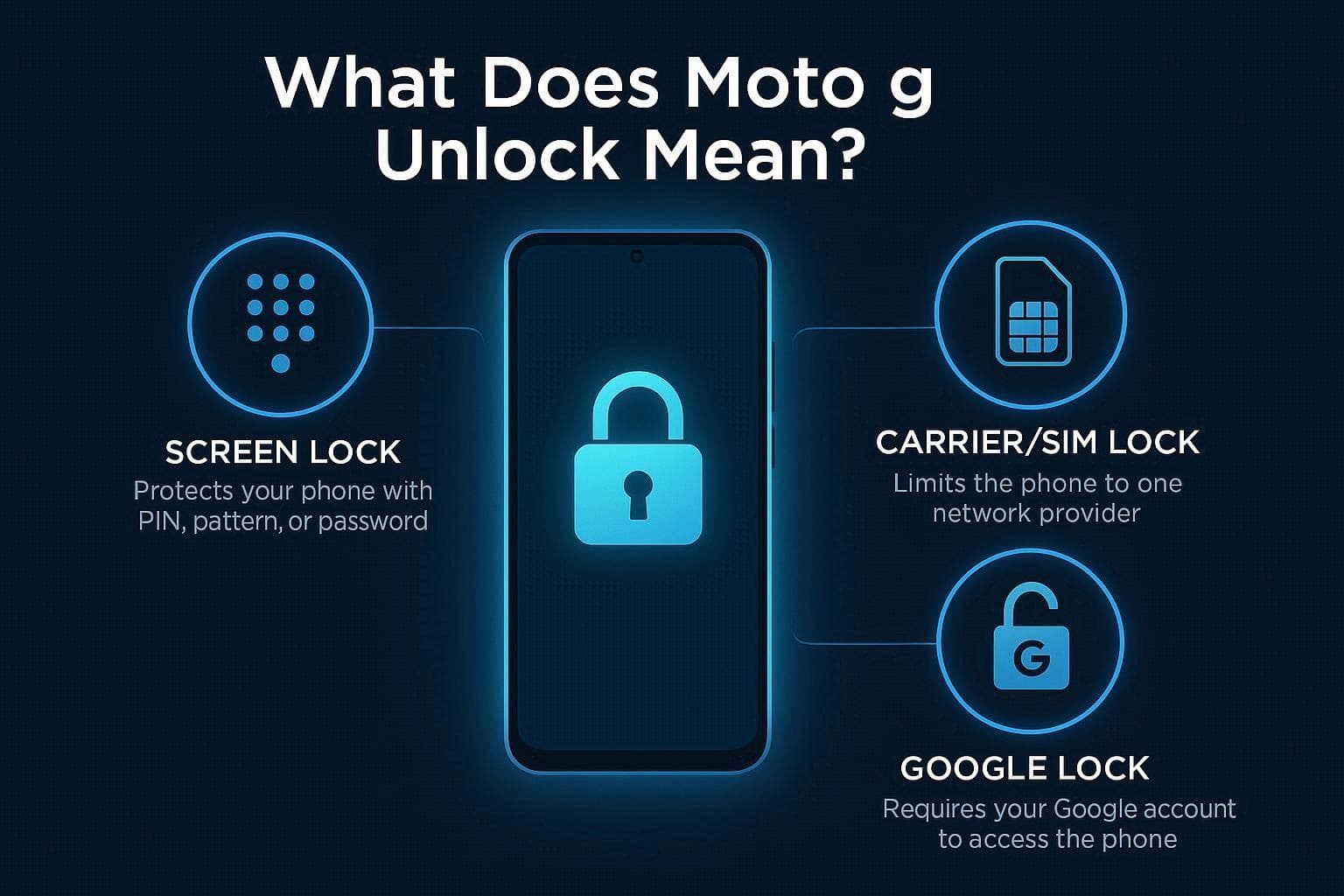
An unlocked phone is simply a device whose SIM (Subscriber Identity Module) locking mechanism has been disabled, either by the manufacturer or by the carrier upon request. Contrary to some misconceptions, an unlocked phone does not come with "less" security software or inherently weaker encryption than a carrier-locked model. The hardware architecture and the operating system remain the same; the only difference is the absence of a software gatekeeper preventing the use of competing SIM cards.
However, the security responsibility shifts significantly. With carrier-locked devices, providers often push mandatory updates or pre-load security configurations. On an unlocked device, you must ensure that you are receiving legitimate updates directly from the manufacturer (such as Apple, Samsung, or Google) and that you are not installing unauthorized modifications or "jailbroken" software. The primary risk associated with unlocked phones is not the lack of a carrier lock, but rather the potential for user error in managing software integrity and third-party applications.
Essential Prerequisites for Secure Operation
Before you begin using an unlocked phone, you must verify the device's origin and software status to ensure it has not been compromised by previous owners or third-party resellers.
1. Verify Software Integrity
Ensure your phone is running an official, stock version of the manufacturer’s operating system. If you purchased an unlocked phone secondhand, it is highly recommended to perform a factory reset. This clears any persistent malware, unauthorized accounts, or modified software (like custom ROMs) that might have been installed.
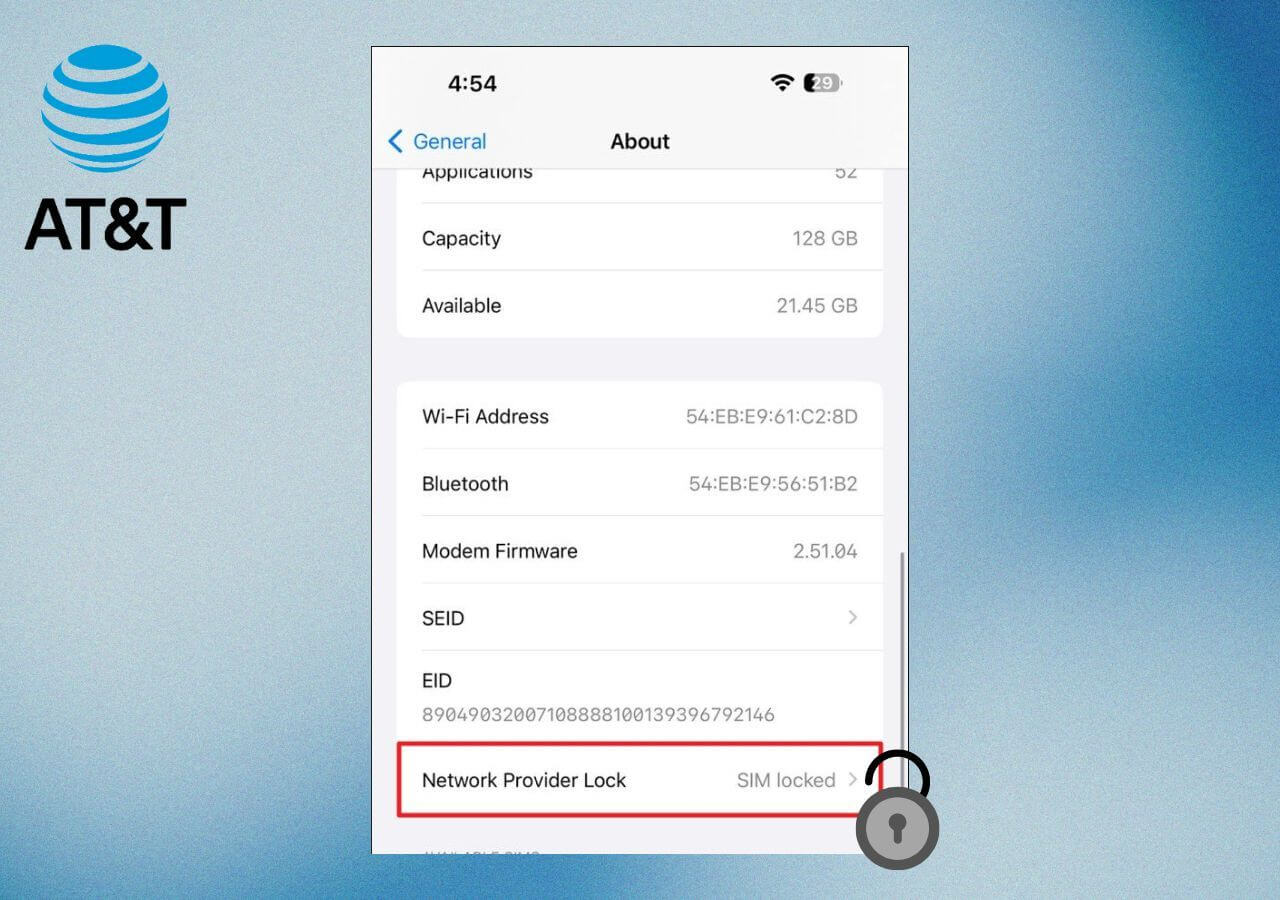
- iOS: Go to Settings > General > About. Ensure the version matches the official releases and that the device is not "jailbroken."
- Android: Check Settings > About Phone. Look for the "Software Information" section to confirm the build number matches official documentation from the manufacturer.
2. Secure Your Network Access
Unlocked phones allow you to swap SIM cards easily, which is an advantage but also a vector for "SIM swapping" attacks. Ensure that your mobile provider has a secondary layer of authentication (such as a PIN or security word) required for any changes to your SIM card or account information.
Best Practices for Ongoing Security
Once your device is verified, maintaining its security requires consistent habits. The following strategies are critical for all unlocked smartphone users in 2026.
Regular Firmware Updates
Manufacturers release security patches to address newly discovered vulnerabilities. Because your device is not tied to a carrier's update schedule, you may receive these updates sooner. Never ignore a notification for a system update. These updates often include critical patches for baseband processors—the component that handles your cellular connectivity—which is particularly relevant for unlocked phones that connect to diverse network infrastructures.
App Store Hygiene
Only download applications from official sources: the Apple App Store for iPhones or the Google Play Store for Android devices. Avoid "sideloading" apps from unverified websites or third-party app stores. If you must sideload for specific development purposes, ensure the source is trusted and verified, and that you have a mobile security suite installed to scan for malicious code.
Secure Public Connectivity
Unlocked phones are often used for international travel and frequent switching between networks. When using a new network provider, be mindful of "Public Wi-Fi." Always use a reputable Virtual Private Network (VPN) when connecting to open networks in airports, hotels, or cafes to prevent man-in-the-middle attacks where an adversary might intercept your unencrypted data traffic.
Comparison of Security Risks: Carrier-Locked vs. Unlocked
| Feature | Carrier-Locked Phone | Unlocked Phone |
|---|---|---|
| Software Updates | Controlled/Delayed by Carrier | Direct from Manufacturer |
| Bloatware Risk | Higher (Carrier-installed apps) | Lower (Stock software) |
| SIM Flexibility | Restricted to one provider | Open to all compatible networks |
| Firmware Integrity | Managed by Carrier | Managed by User/Manufacturer |
| Security Responsibility | Shared (Carrier/Manufacturer) | User-centric |
Managing SIM and Network Security
Because an unlocked phone is designed for easy network switching, you will likely interact with multiple APN (Access Point Name) settings. APN settings inform your phone how to connect to a specific carrier's data network.
- Only use settings provided by your carrier: Manually inputting incorrect or malicious APN settings can redirect your traffic through unauthorized gateways, potentially exposing your data.
- Disable auto-join: Turn off "Auto-Join" for unknown Wi-Fi networks in your connectivity settings. This prevents your phone from broadcasting requests to connect to rogue access points that might be impersonating trusted networks.
Frequently Asked Questions
Is an unlocked phone more susceptible to hackers?
No. An unlocked phone is not inherently less secure. The risks usually arise from the user installing unauthorized third-party software or failing to apply system security updates. As long as you maintain the official operating system and use strong authentication, your security posture is identical to a locked device.
Do I need special antivirus software for an unlocked phone?
Modern mobile operating systems have robust built-in security. For most users, avoiding unverified apps and keeping the OS updated is sufficient. If you frequently download files or use public networks, a reputable security application from a known cybersecurity firm can provide an additional layer of heuristic scanning and web protection.
Does "unlocking" a phone void the warranty?
Legally, having an unlocked phone—or unlocking a phone that has reached the end of its service contract—is a standard consumer right in many jurisdictions. However, attempting to bypass software locks via "rooting" or "jailbreaking" to modify the core system often voids the manufacturer's warranty and leaves your device exposed to security vulnerabilities that are no longer patched by the manufacturer.
What should I do if my unlocked phone was previously used?
Perform a full factory reset. This process wipes all data and reverts the phone to its original state. In 2026, both iOS and Android have advanced "Factory Reset Protection" (FRP) that ensures you must be the owner of the device’s associated cloud account to reactivate it, preventing the use of stolen hardware.
Recommended Next Action
If you are currently using an unlocked phone, take five minutes to verify your current Security Patch Level. Navigate to your phone’s "About Phone" or "Software Update" menu. If your patch level is older than three months, perform a manual check for updates. If an update is available, install it immediately to ensure your device is protected against the most recent documented exploits.
Image Gallery