Skype Conferencing: How It Shapes and Enhances Remote Collaboration in 2026
Skype conferencing remains a cornerstone of remote collaboration by providing a high-accessibility, low-cost platform for synchronized communication. In 2026, it shapes the workforce through decentralized "Meet Now" functionality, real...
Skype conferencing remains a cornerstone of remote collaboration by providing a high-accessibility, low-cost platform for synchronized communication. In 2026, it shapes the workforce through decentralized "Meet Now" functionality, real-time AI translation, and cross-platform integration, allowing small teams and freelancers to maintain enterprise-level connectivity without the complexity of heavy corporate infrastructure.
Contents
The Evolution of Skype in the Professional Landscape
Since its inception, Skype has undergone a significant transformation from a peer-to-peer (P2P) voice-over-IP service to a sophisticated, cloud-based communication hub. While Microsoft Teams has captured the large-scale enterprise market, Skype has solidified its position in 2026 as the primary tool for agile collaboration, flexible workgroups, and individual professional use. Its survival and relevance are rooted in its simplicity; it bypasses the extensive tenant management required by other platforms, making it the preferred choice for external client meetings and rapid-response projects.
The platform’s impact on remote collaboration is most visible in how it lowers the barrier to entry. In a global economy where high-speed internet is the baseline, Skype provides the software layer that bridges geographical divides. By removing the requirement for participants to have a dedicated account through guest link access, Skype has democratized professional video conferencing, ensuring that technical friction does not impede business momentum.
Key Features Driving Remote Collaboration in 2026
To understand how Skype shapes the modern remote environment, one must look at the specific technical features that facilitate productive interaction. These tools are not merely decorative; they are functional necessities for a workforce that operates across multiple time zones and languages.
Meet Now: The Engine of Ad-Hoc Connectivity
The "Meet Now" feature is arguably the most influential component of Skype’s current architecture. It allows a host to generate a unique, non-expiring link that can be shared via email, social media, or calendar invite. Participants can join the conference through a web browser with one click, bypassing the need to download software or navigate a complex login process. This feature has fundamentally changed how freelancers interact with clients, allowing for "frictionless onboarding" that mimics the ease of a physical walk-in meeting.
AI-Powered Real-Time Translation
In 2026, the language barrier is effectively neutralized within the Skype ecosystem. Skype’s Voice Translator utilizes deep learning to provide near-instantaneous translation of spoken words into subtitles or a synthesized voice in another language. This capability has opened up global labor markets, allowing a developer in Berlin to collaborate seamlessly with a project manager in Tokyo. This shaping of remote work is profound; it shifts the focus from linguistic proficiency to technical skill and creative output.
Advanced Content Sharing and Interaction
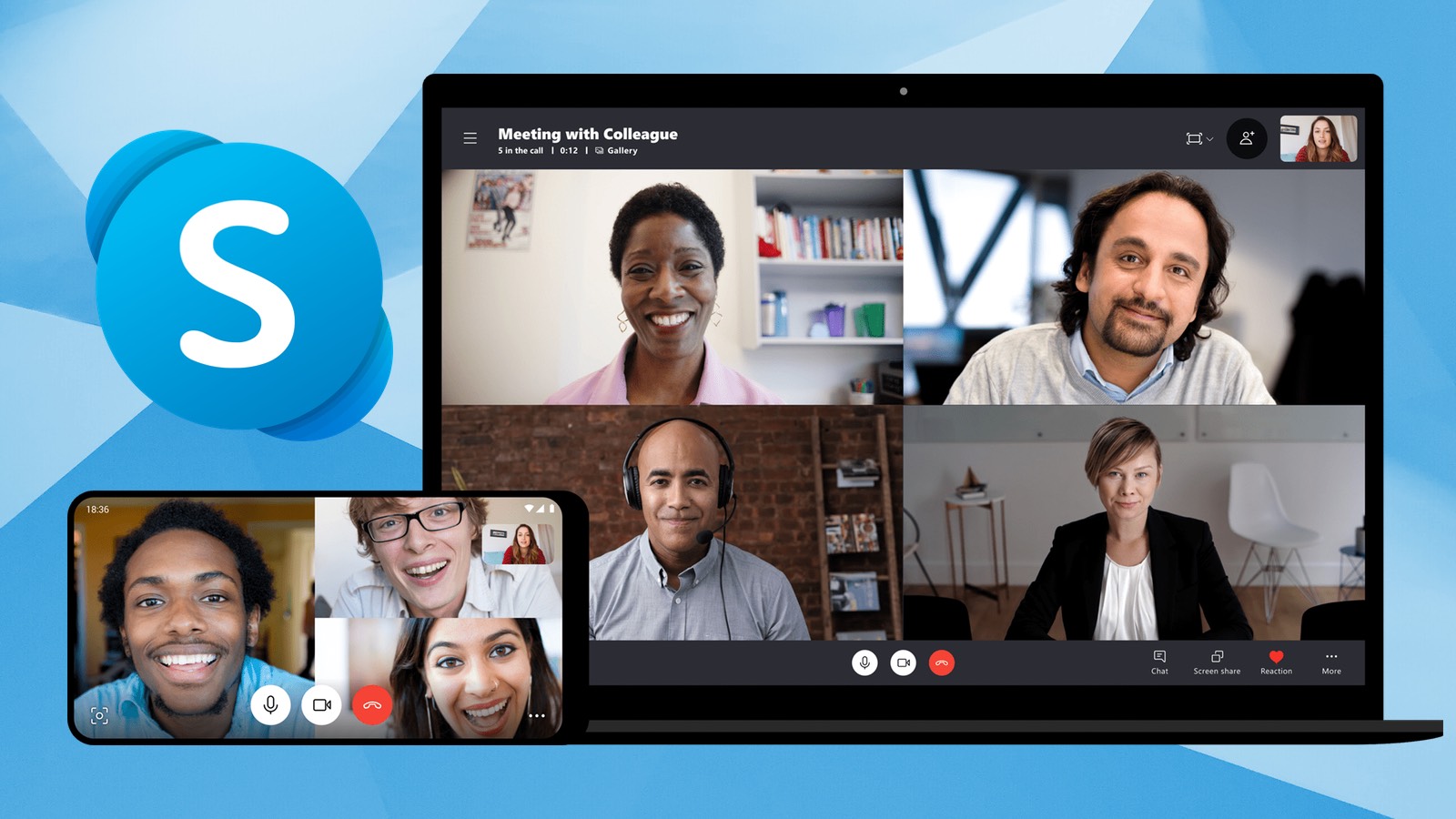
Skype conferencing is no longer limited to "talking heads." The platform supports high-definition screen sharing, allowing participants to present spreadsheets, design mockups, or software demonstrations in real-time. The addition of "Together Mode" uses AI to place participants in a shared digital space, such as a coffee shop or boardroom, which reduces "video call fatigue" and fosters a sense of communal presence that is often lost in remote settings.
Technical Specifications and Requirements for Professional Use
For remote collaboration to be effective, the underlying technology must be reliable. In 2026, Skype’s infrastructure is optimized for a variety of network conditions, ensuring that users in emerging markets can participate as effectively as those in urban hubs.
Connectivity and Bandwidth
Skype utilizes dynamic codec adjustment to maintain call quality. For a standard high-definition (HD) video conference, the platform requires a minimum of 1.5 Mbps upload and download speed. However, for large-group conferences involving up to 100 participants, a stable connection of 4-8 Mbps is recommended to ensure that screen sharing and multi-user video feeds remain fluid.
Device Compatibility
Skype remains one of the most cross-platform tools available. It supports:
- Desktop: Windows 10/11/12, macOS, and Linux (including various distributions via Snap or Flatpak).
- Mobile: iOS and Android, with optimizations for foldable screens and tablets.
- Web: Full functionality on Chromium-based browsers (Edge, Chrome) and Safari.
Hardware Integration
The platform’s support for professional-grade hardware, such as 4K webcams and XLR microphones via USB interfaces, allows users to scale their professional image. Skype’s background blur and noise cancellation features—powered by local machine learning—ensure that even a home office environment can meet professional standards of presentation.
Comparison of Communication Tiers in 2026
Choosing the right tool depends on the scale of the collaboration. The following table compares Skype’s core conferencing capabilities with its enterprise-focused sibling, Microsoft Teams.
| Feature | Skype (Standard) | Skype Number / Pro | Microsoft Teams (Enterprise) |
|---|---|---|---|
| Max Participants | Up to 100 | Up to 100 + PSTN | 300 to 10,000+ |
| Meeting Duration | Up to 24 hours | Unlimited | Unlimited |
| Guest Access | One-click link (No login) | One-click link | Required or Guest Tenant |
| Cost | Free | Monthly Subscription | Per User / Per Month |
| File Storage | 30-day cloud cache | Integrated OneDrive | Full SharePoint Integration |
| Recording | Cloud-based (30 days) | Cloud-based (30 days) | Permanent Enterprise Storage |
Security and Privacy Protocols in Skype Conferencing
Security is a primary concern for remote teams handling sensitive data. In 2026, Skype employs industry-standard encryption to protect communication. All Skype-to-Skype voice, video, file transfers, and instant messages are encrypted using Advanced Encryption Standard (AES) 256-bit encryption.
For highly sensitive discussions, Skype offers "Private Conversations." This feature utilizes the Signal Protocol to provide end-to-end encryption (E2EE) for audio calls and text messages. When this mode is active, the content of the communication is visible only on the devices of the participants, ensuring that even Microsoft’s servers cannot access the data. This level of security is vital for legal consultations, financial planning, and proprietary business strategy sessions conducted remotely.
Strategic Recommendations for Effective Remote Meetings
To leverage Skype conferencing effectively, teams should move beyond just "turning on the camera." Strategic use of the platform's features can significantly increase productivity.
- Utilize the Recording Feature for Asynchronous Work: Not every stakeholder can attend every meeting. By recording sessions directly to the cloud, teams create a searchable library of decisions and demonstrations. These recordings are available in the chat for 30 days, allowing absent members to catch up without requiring a separate briefing.
- Implement Moderate Chat Protocols: Skype’s integrated chat allows for "sidecar" conversations during a video call. This is ideal for sharing links, technical terms, or questions without interrupting the speaker.
- Optimize the "Blur Background" Feature: To maintain a professional atmosphere regardless of the physical location, always enable background blur or a custom professional image. This minimizes distractions and keeps the focus on the speaker.
- Leverage Skype Numbers for Hybrid Connectivity: For team members who may be traveling or in areas with poor data coverage, a Skype Number allows them to join conferences via traditional cellular networks while still appearing as a local participant.
Common Obstacles and Troubleshooting
Despite its robustness, users may occasionally encounter technical hurdles. Most issues in 2026 stem from local hardware configurations or network congestion.
- Audio Dropout: Often caused by "Exclusive Mode" settings in Windows sound properties or background applications hogging bandwidth. Ensure Skype is prioritized in the OS settings.
- Video Lag: Usually a symptom of high CPU usage. Closing unnecessary browser tabs or background updates can free up resources for video encoding.
- Connection Dropping: In many cases, switching from a 2.4GHz Wi-Fi band to a 5GHz or 6GHz band (Wi-Fi 6E/7) or using an Ethernet cable resolves stability issues instantly.
Skype’s role in 2026 is defined by its reliability. As remote work continues to evolve into a permanent fixture of the global economy, the platform's ability to provide high-quality, secure, and accessible conferencing ensures it remains an indispensable tool for individual professionals and collaborative teams alike.
Frequently Asked Questions
Is Skype still free for business conferences in 2026? Yes, Skype remains free for video and voice conferences between Skype users. The "Meet Now" feature allows up to 100 people to join a call for up to 24 hours at no cost. Fees only apply when calling traditional landlines or mobile numbers using Skype Credit or a subscription.
How does Skype compare to Zoom for remote collaboration? While Zoom is often used for large webinars and formal corporate events, Skype is frequently preferred for its "always-on" nature and lack of time limits on free one-on-one and group calls (up to 24 hours). Skype’s integration with the broader Microsoft ecosystem also provides a smoother experience for users already utilizing Windows or OneDrive.
Can I use Skype for conferences without a Microsoft account? Yes. The host must have an account to generate the meeting link, but participants can join as "Guests" via a web browser. They simply enter their name and join the conversation without needing to sign up or provide personal information.
What is the maximum number of participants in a 2026 Skype call? Skype currently supports up to 100 participants in a single video conference. This makes it suitable for most small-to-medium business meetings, team huddles, and collaborative workshops.
How long are Skype call recordings kept? Skype saves your call recordings in the cloud for 30 days. During this window, any participant can download the recording to their local device or save it to OneDrive for permanent storage. After 30 days, the recording is automatically deleted from Skype’s servers.
Practical Recommendation: To maximize the value of Skype for your remote team, set up a dedicated "Skype Room" by creating a persistent group chat with a "Meet Now" link pinned to the top. This allows team members to jump into a video call instantly for quick huddles without the need to generate new invitations every time.
Image Gallery