Why Is Discord Down Right Now? Status, Fixes, and Troubleshooting Guide (2026)
If Discord is not loading, messages are stuck in "sending" status, or you are seeing the dreaded "well, this is awkward" screen, the platform is likely experiencing an API outage or a regional infrastructure failure. To determine if th...
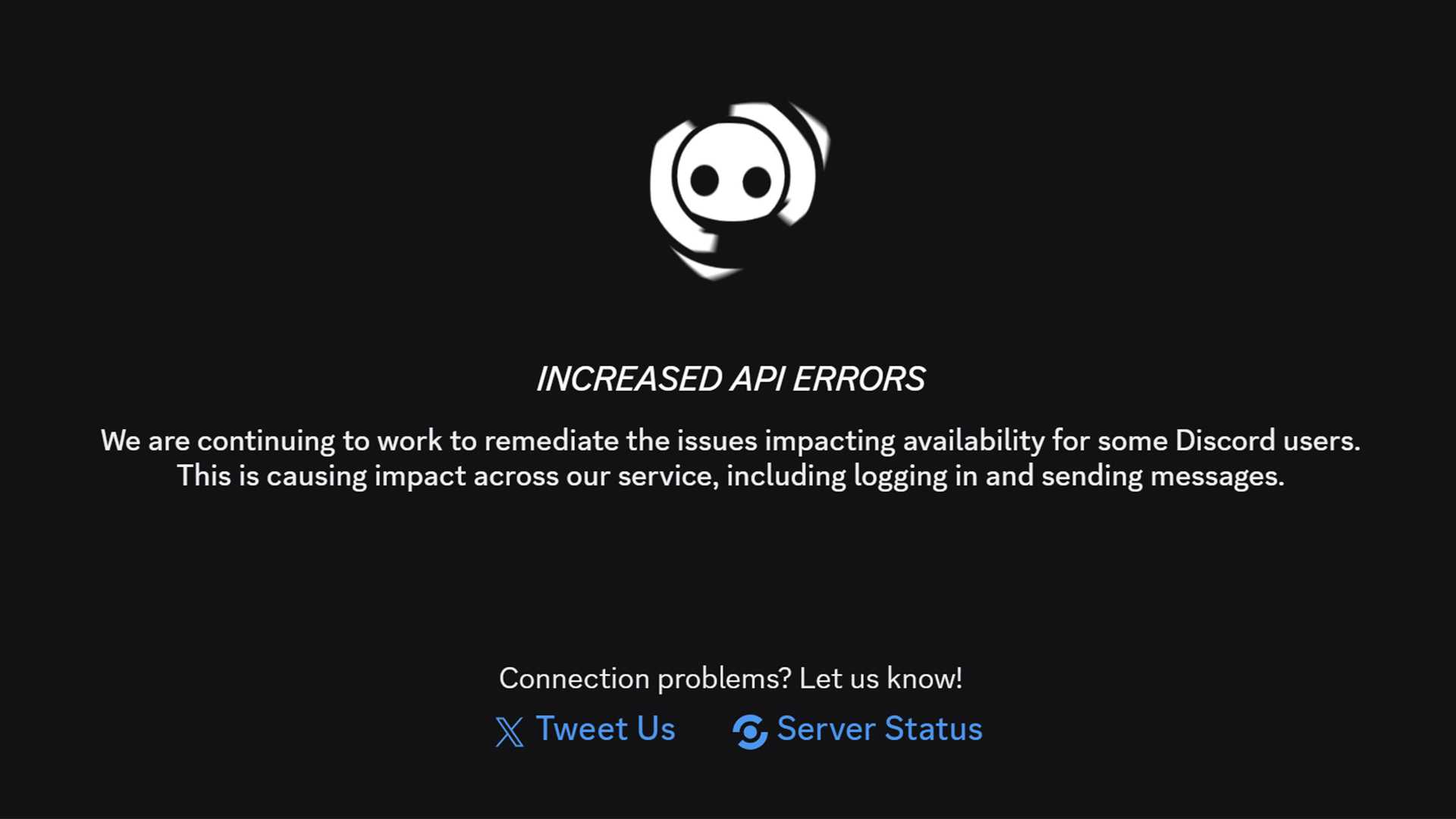
If Discord is not loading, messages are stuck in "sending" status, or you are seeing the dreaded "well, this is awkward" screen, the platform is likely experiencing an API outage or a regional infrastructure failure. To determine if the issue is global or local, check the official Discord Status page or Downdetector to see if other users are reporting similar disruptions.
Contents
How to Verify Discord’s Current Status
Before attempting complex technical fixes on your own device, it is essential to determine whether the problem lies with Discord’s servers or your personal internet connection. In 2026, Discord remains one of the most stable communication platforms, but its massive scale means that even minor infrastructure hiccups can affect millions of users simultaneously.
The Official Discord Status Page
The most reliable source of information is the official Discord Status website. This dashboard provides real-time updates on several key components:
- API: The core system that allows the app to communicate with servers. If this is down, messages won't send.
- Gateway: This handles the real-time "presence" of users (who is online, typing, or playing a game).
- Media/Voice: Specific clusters that handle voice chat and video streaming. Sometimes text works, but voice is offline.
- Push Notifications: The service that sends alerts to your mobile device.
Third-Party Outage Monitors
If the official status page shows "All Systems Operational" but you still cannot connect, the status page might not have been updated yet. Third-party sites like Downdetector rely on user-submitted reports. If you see a sudden spike in the graph—often referred to as a "mountain"—it is a guaranteed sign that a widespread outage is occurring, regardless of what the official status says.
Social Media Verification
Checking the official @Discord or @Discord_Support accounts on X (formerly Twitter) can provide context. During major outages, the engineering team often posts acknowledgments and estimated times for a fix. Additionally, searching for the hashtag #DiscordDown will show you if the issue is regional (e.g., only affecting Europe or the US East Coast) or global.
Common Reasons Why Discord Goes Offline
Understanding why Discord is down can help you decide whether to wait it out or try a fix. As of 2026, the primary causes for downtime generally fall into three categories:
1. Cloud Infrastructure and CDN Failures
Discord does not run on a single giant computer; it relies on massive cloud providers like Google Cloud and content delivery networks (CDNs) like Cloudflare. If Cloudflare experiences a "Route Leak" or a major data center failure, Discord often goes down with it. These outages are usually out of Discord’s direct control and require the infrastructure provider to resolve the underlying networking issue.
2. API Rate Limiting and Database Scaling
Discord handles billions of messages every day. Occasionally, when a major event happens (like a high-profile game launch or a global news event), the influx of users can overwhelm the database clusters. In 2026, Discord uses advanced microservices to prevent total failure, but "API Latency" can still occur, leading to slow message delivery or "failed to load" errors in specific channels.
3. Regional ISP Blockages or DNS Issues
Sometimes, the problem isn't Discord or the cloud; it is the "pipes" in between. Internet Service Providers (ISPs) occasionally misconfigure their routing tables, making it impossible for your traffic to reach Discord’s servers. Similarly, if your DNS (Domain Name System) provider is having trouble, your computer won't be able to translate "discord.com" into the correct IP address.
Troubleshooting Discord on Your End
If the status pages are green and your friends are chatting without issue, the problem is likely on your device. Follow these steps in order to restore your connection.
Step 1: Perform a "Hard" Restart
Simply closing the window isn't enough.
- On Windows: Press
Ctrl + Shift + Escto open Task Manager, find Discord, right-click it, and select "End Task." Then relaunch. - On Mac: Press
Command + Option + Esc, select Discord, and click "Force Quit." - On Mobile: Swipe up to see your open apps and flick Discord off the screen to close it completely.
Step 2: Clear the Discord Cache
Corrupted temporary files can prevent the app from fetching new data from the servers.
- Desktop: Press
Win + R, type%appdata%, and hit Enter. Find the "discord" folder and delete the "Cache," "Code Cache," and "GPUCache" folders inside. - Mobile: Go to Settings > Apps > Discord > Storage and tap "Clear Cache."
Step 3: Flush Your DNS
If your computer is trying to connect to an old, cached IP address for Discord, flushing your DNS can force it to find the current path.
- Open the Command Prompt (type "cmd" in the Windows search bar).
- Type
ipconfig /flushdnsand press Enter. - Restart your browser or Discord app.
Step 4: Switch to the Browser Version
If the desktop client is stuck in an update loop, try logging in via discord.com/login. The web version often bypasses local app bugs and can help you stay connected while you troubleshoot the desktop software.
| Indicator | Official Status Page | Downdetector | Social Media (#DiscordDown) |
|---|---|---|---|
| Accuracy | High (Official) | Moderate (User-driven) | High (Real-time) |
| Speed of Update | Slow (Manual update) | Very Fast (Automatic) | Instant |
| Technical Detail | High (Specific API nodes) | Low (General "Down") | Moderate (Varies by user) |
| Best For | Confirmation of a fix | Spotting a new outage | Regional info and memes |
Advanced Network Fixes for 2026
If basic troubleshooting fails, you may be facing a more complex networking conflict. In 2026, many home networks use IPv6 by default, which can occasionally cause handshake issues with Discord’s older gateway protocols.
Changing Your DNS Provider
Default ISP DNS servers are notoriously slow and prone to outages. Switching to a public DNS can often resolve "stuck on connecting" issues.
- Google DNS: 8.8.8.8 and 8.8.4.4
- Cloudflare DNS: 1.1.1.1 and 1.0.0.1 By changing these settings in your router or Windows Network Settings, you ensure a more direct and reliable path to Discord's infrastructure.
Checking for Discord "Update Loops"
Discord checks for updates every time it starts. If your firewall or antivirus is blocking the update server, the app will hang indefinitely on the "Starting" screen. Temporarily disable your firewall or add Discord as an "Exclusion" in your security software to see if the connection is restored.
Virtual Private Networks (VPNs)
If your ISP is experiencing a regional routing failure, a VPN can reroute your traffic through a different part of the country or world, bypassing the "broken" leg of the internet. However, be aware that Discord sometimes flags certain VPN IP addresses as "suspicious," which might trigger a "Verify your login" email.
Discord Nitro and Outages: What You Should Know
A common concern during downtime is whether Nitro subscriptions or boosted server perks are affected.
- Subscription Time: Discord does not typically extend Nitro subscriptions for short outages (under 24 hours). If a catastrophic multi-day outage occurs, they usually issue a public statement regarding compensation.
- Server Boosts: Boosts remain active even if the server is inaccessible. Your server level will not drop because of a platform-wide outage.
- Billing Security: Outages generally affect the "Gateway" and "API," not the underlying payment processing systems. Your credit card data remains secure even if the chat interface is offline.
Frequently Asked Questions
Why is Discord stuck on the "Connecting" screen?
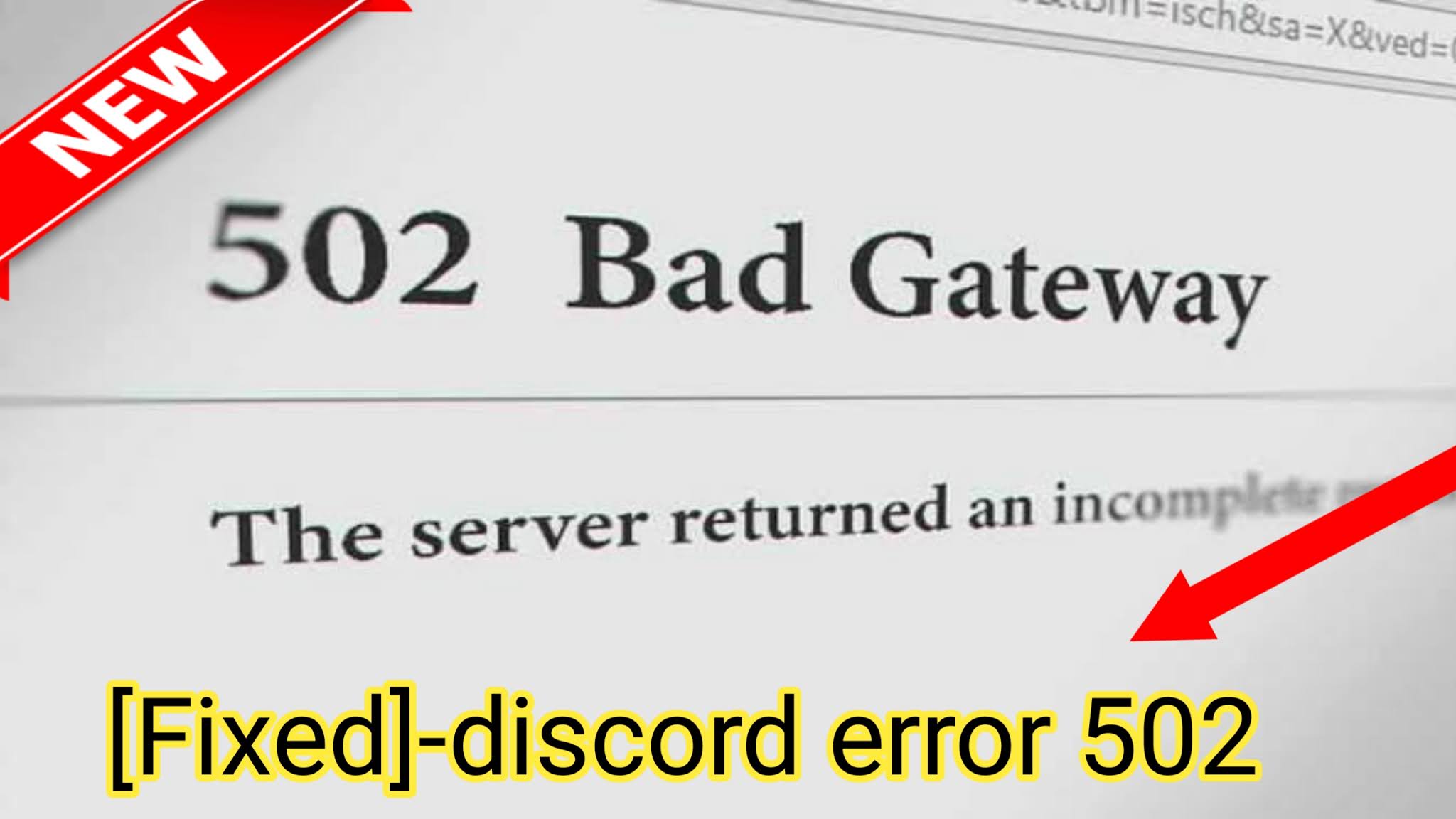
This is usually a sign of a network handshake failure. It means your app can "see" the internet but cannot establish a secure connection with Discord’s specific gateway. Try restarting your router and flushing your DNS as described above.
Can I use Discord if the API is down?
No. The API is the brain of the operation. Without it, the app cannot send or receive data. You might be able to see old messages that were cached on your device, but you will not be able to interact with anyone until the API service is restored.
Is Discord being shut down in 2026?
No. Despite occasional rumors on social media, Discord remains a highly profitable and growing platform. Outages are a result of technical scaling challenges, not a sign of the service closing.
Why can my friends get on Discord but I can't?
Discord uses "clusters" of servers. You and your friends might be connected to different clusters based on your geographic location. If one cluster in the US West region fails, users in Europe or the US East might remain completely unaffected.
How long do Discord outages usually last?
Most Discord outages are resolved within 30 to 90 minutes. Major infrastructure failures involving providers like Cloudflare can take longer, sometimes lasting 3 to 4 hours, depending on the complexity of the routing issue.
Recommended Next Steps
If you have verified that Discord is down globally, the best course of action is to wait. Continually restarting your app or reinstalling the software will not fix a server-side issue and may actually result in a temporary "Rate Limit" IP ban if you attempt to login too many times in a short window. Follow the Discord Status page for the official "All Clear" before trying to log back in.
Image Gallery