Comprehensive Analysis of the Barry Wood Prank Link Phenomenon in 2026
The Barry Wood prank link remains one of the most enduring, disruptive, and widely recognized internet memes in digital culture. Originally surging in popularity across forums, social media channels, and communication apps, this specif...
The Barry Wood prank link remains one of the most enduring, disruptive, and widely recognized internet memes in digital culture. Originally surging in popularity across forums, social media channels, and communication apps, this specific URL-based prank utilizes psychological misdirection to trick unsuspecting users into clicking an unexpected image. As internet security protocols, link-preview features, and enterprise phishing training programs have evolved through 2026, understanding the mechanics, cultural impact, and cybersecurity implications of such viral phenomena is essential for both casual web users and digital administrators.
Contents
Understanding the Mechanics of URL-Based Internet Pranks
Internet pranks have evolved from simple pop-up windows of the early web era to sophisticated social engineering tricks relying on masked hyperlinks, URL shorteners, and rich-media previews. The mechanics behind the typical viral media link rely heavily on human curiosity and the inherent trust users place in peer-to-peer communication channels. When an individual receives a hyperlink via a chat application, forum post, or email thread, they routinely rely on contextual cues to determine whether the destination is safe or relevant.
Prank links weaponize this reliance by pairing benign anchor text or deceptive conversational setups with a destination URL that resolves to unexpected content. In the context of modern web architecture, understanding how these URLs propagate requires a breakdown of how browsers, messaging apps, and link preview scrapers interact with media assets hosted on public content delivery networks.
- URL Masking and Shortening: Attackers and pranksters utilize URL redirection services to obscure the ultimate destination of a hyperlink, forcing the browser to follow a redirect chain.
- Social Engineering Context: The sender typically frames the link as a news article, a funny video, a login portal, or a shared document to prompt an immediate, uncritical click.
- Media Scraping Dynamics: Modern chat platforms automatically generate thumbnail previews by scraping the target webpage, which can sometimes be manipulated or completely unexpected if the source URL changes its payload.
Evolution of Viral Media Pranks Through 2026
As the internet enters 2026, viral humor has adapted to stricter content moderation algorithms, advanced spam filters, and heightened user awareness regarding cybersecurity threats. While classic shock-humor memes of the past decade relied on sudden loud noises or startling visual imagery, modern internet culture favors surrealism, repetition, and ironic misdirection.
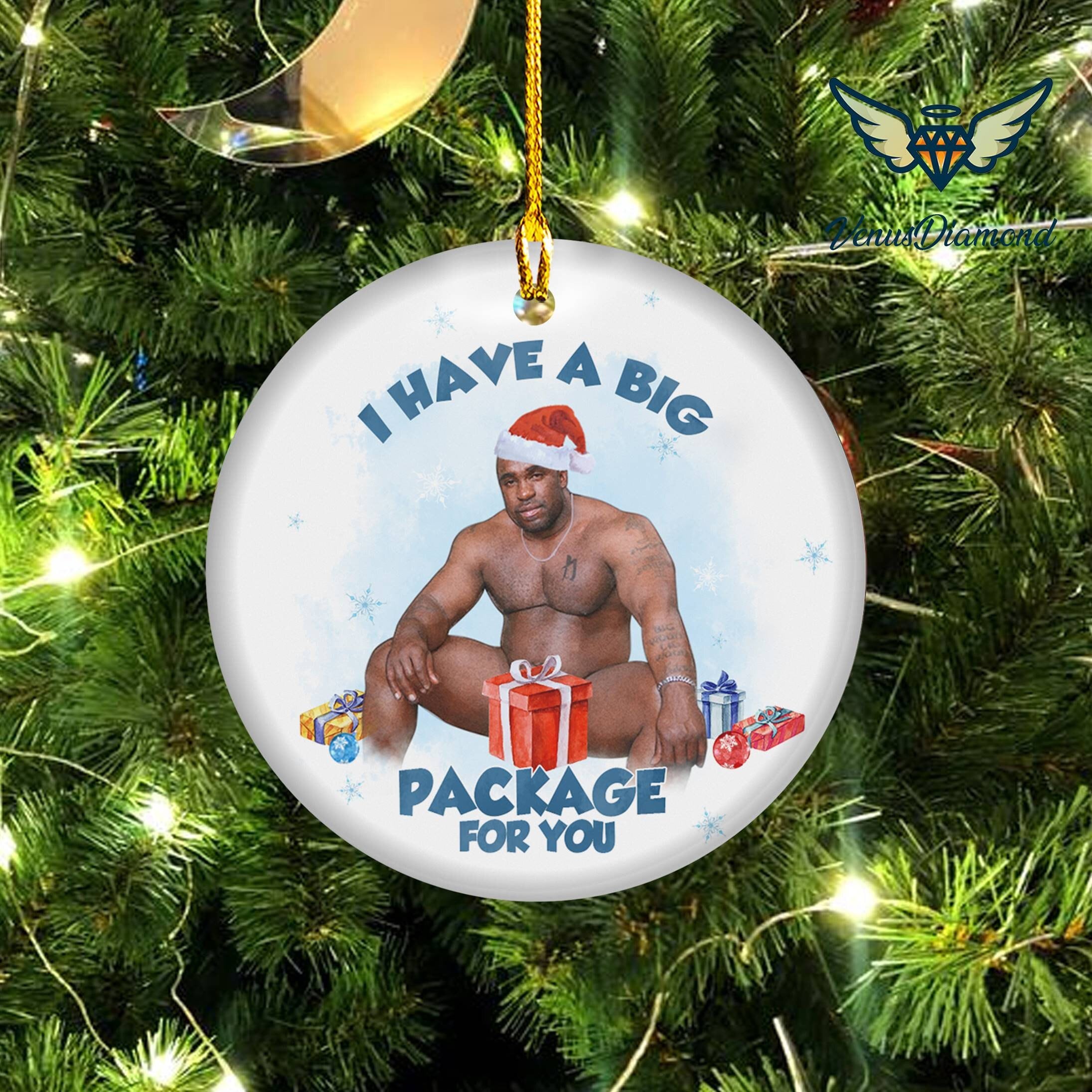
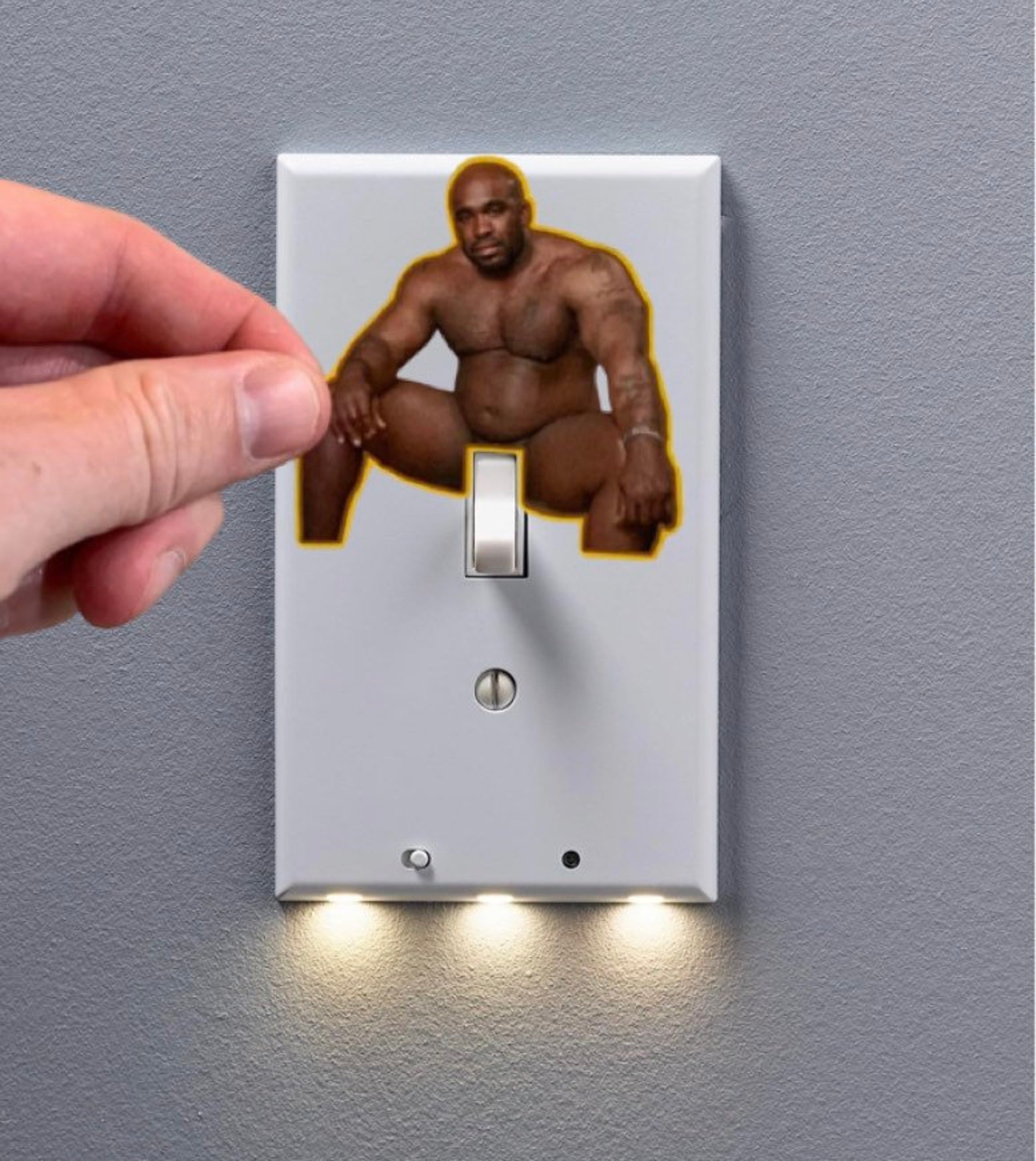
The enduring legacy of the specific image associated with this viral link stems from its unexpected juxtaposition within professional, academic, or casual digital environments. When deployed in workplace chat rooms or live-stream chat feeds, the shock value relies entirely on the subversion of digital etiquette and the sudden disruption of standard communication flows.
Digital Culture Shift: The tolerance for disruptive hyperlinks has declined significantly in professional environments. Modern web filters and secure communication platforms now employ automated URL scanning to neutralize untrusted external links before they reach the end user.
Cybersecurity Implications and Enterprise Risk Management
While internet pranks are often viewed as harmless workplace humor, they cross a distinct line regarding enterprise cybersecurity and digital hygiene. From the perspective of a Chief Information Security Officer (CISO) or an IT support desk, an unauthorized, untrusted hyperlink represents an unknown security vector.
Security awareness training programs utilize incidents involving unexpected link-clicking to educate employees on the dangers of phishing and social engineering. Because users are conditioned to blindly trust links sent by colleagues or friends, prank links inadvertently highlight vulnerabilities that malicious actors could exploit with credential-harvesting pages or malware payloads.
Security Vector Comparison: Prank Links vs. Malicious Phishing | Metric | Viral Prank Links | Credential Phishing Links | Malware Distribution Links | |---|---|---|---| | Primary Intent | Humor / Shock Value | Data Theft / Espionage | System Compromise | | Payload Type | Unfiltered Image / Video | Fake Login Portal | Executable / Script | | Enterprise Risk | Low (Productivity Loss) | High (Data Breach) | Critical (Network Compromise) | | Detection Rate | Moderate via Scrapers | High via Threat Intel | High via Endpoint Protection |
Platform Defenses and Anti-Abuse Protocols
Major digital platforms, messaging services, and social networks have implemented stringent anti-abuse frameworks to combat the unauthorized distribution of unwanted, explicit, or misleading hyperlinks. These technical measures protect user experience and maintain network integrity across global communication channels.
- Heuristic URL Analysis: Automated engines scan destination web servers for known malicious payloads, offensive imagery, or redirected content signatures.
- Domain Reputation Scoring: Communication platforms track the outbound frequency and report history of domains commonly associated with spam or prank redirection.
- User Reporting Mechanisms: Integrated flagging tools allow recipients to report abusive or misleading links instantly, triggering temporary domain blocks across the hosting provider.
Best Practices for Digital Safety and Link Verification
Navigating the modern web safely requires adopting proactive habits regarding URL inspection and digital communication security. Whether browsing personal social feeds or managing corporate communications, adhering to foundational verification protocols prevents accidental exposure to unwanted content or security risks.
- Inspect Before Clicking: Hover over hyperlinks to preview the true destination URL in the bottom corner of your browser window before initiating a navigation request.
- Avoid Unverified Shorteners: Exercise caution when interacting with anonymous or untrusted URL shortening services distributed by unknown senders.
- Leverage Security Extensions: Utilize browser extensions and enterprise-grade endpoint security solutions that flag suspicious redirects and block known malicious domains.
- Report and Restrict: Immediately report recurring spam links to platform moderators or internal IT security teams to prevent wider dissemination.
Frequently Asked Questions
What is a Barry Wood prank link?
It is a viral internet hyperlink that directs unsuspecting users to an unexpected, humorous, and explicit image of a man named Barry Wood, often shared as a form of digital shock humor or social misdirection. While widely treated as an internet joke, encountering it in professional settings violates standard workplace digital conduct.
Are prank links dangerous to click?
In most cases, the link itself directs to a static image hosting server and does not inherently install malware or harvest credentials. However, clicking unverified links always carries an inherent risk of leading to malicious tracking scripts, phishing landing pages, or compromising digital privacy.
How do security systems block these types of URLs?
Enterprise web gateways and chat applications utilize URL reputation scoring, automated browser sandboxing, and real-time content inspection to detect and block redirection chains linked to known prank or spam domains.
Can URL previews prevent unexpected surprises?
Yes, modern messaging platforms generate rich-media link previews that display the title, description, and thumbnail of the destination page, allowing users to identify unexpected content before opening the link. However, advanced pranksters sometimes manipulate metadata to bypass these visual checks.
What should an employee do if they accidentally click a prank link at work?
If the link only opened a harmless image, no further action is typically required beyond closing the tab and exercising greater caution in the future. If the link redirected to an unfamiliar login portal or prompted a file download, the user should immediately disconnect from the corporate network and notify their IT security department.
How has internet culture adapted to URL prank links over time?
Users and communities have developed higher skepticism toward unsolicited hyperlinks, utilizing specialized bot commands, warning tags, and automated meme filters to neutralize the shock value of recurring viral pranks across major social platforms.
Secure Your Digital Environment Today
Protecting personal devices and enterprise networks from deceptive hyperlinks requires continuous vigilance, advanced technical filtering, and proactive digital hygiene. Evaluate your organization's security awareness training protocols today to ensure your team remains resilient against all forms of social engineering and unexpected digital disruptions.
Image Gallery