Understanding the QuickBooks ProAdvisor Exam: Your 2026 Guide to Certification
The QuickBooks ProAdvisor exam is a professional certification assessment provided by Intuit to validate a bookkeeper’s or accountant’s proficiency within the QuickBooks ecosystem. Accessible for free through a QuickBooks Online Accoun...
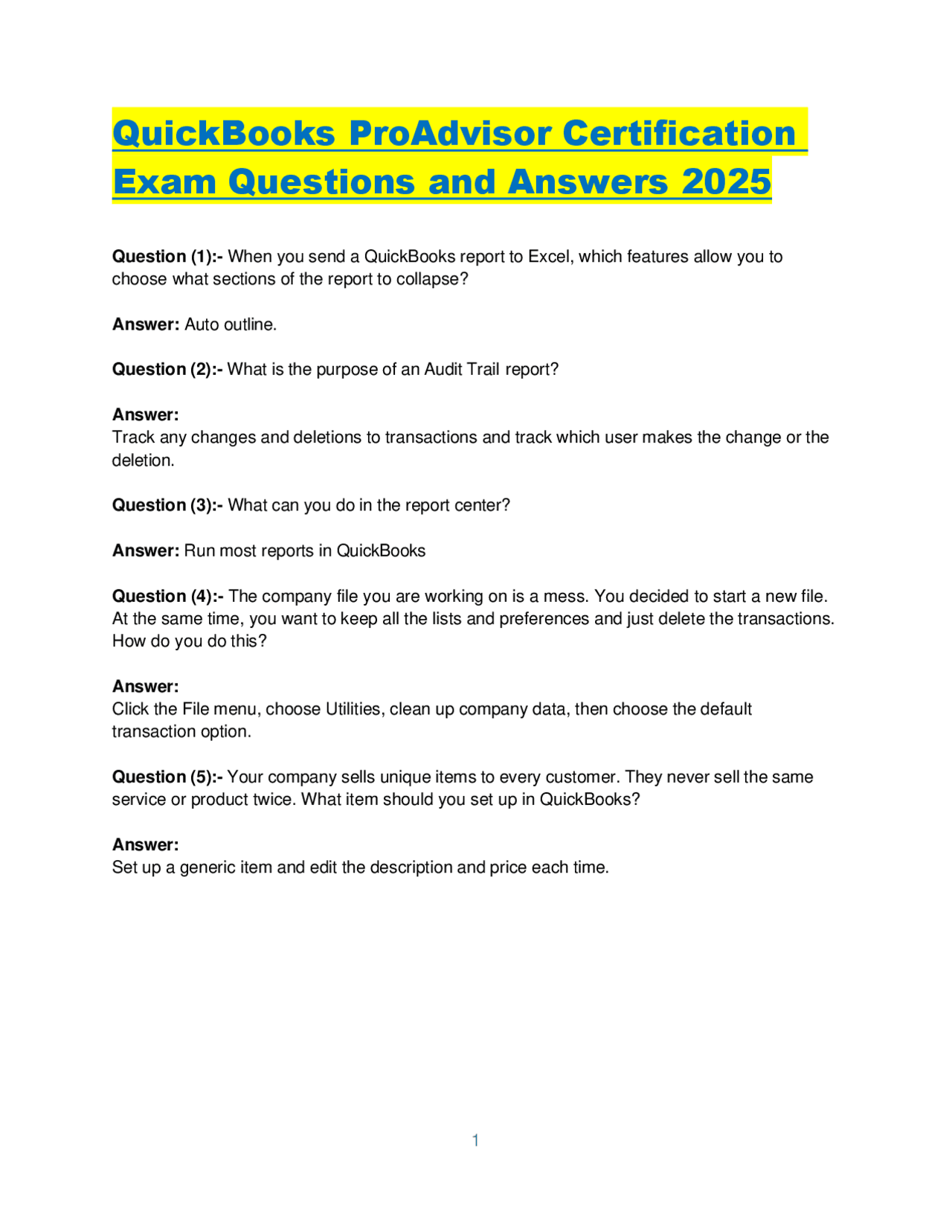
The QuickBooks ProAdvisor exam is a professional certification assessment provided by Intuit to validate a bookkeeper’s or accountant’s proficiency within the QuickBooks ecosystem. Accessible for free through a QuickBooks Online Accountant account, the exam requires a minimum score of 80% per section. Successful completion grants official certification, inclusion in the Find-a-ProAdvisor directory, and continuing professional education (CPE) credits.
Contents
Navigating the path to becoming a Certified QuickBooks ProAdvisor involves more than just answering a series of multiple-choice questions. In 2026, the accounting landscape continues to shift toward automation and cloud-based advisory services, making this certification a baseline requirement for professionals looking to demonstrate technical competence to potential clients. Whether you are a solo bookkeeper or part of a larger accounting firm, understanding the nuances of the exam—from its structure and technical requirements to the specific logic Intuit uses for its questions—is essential for success.
What is the QuickBooks ProAdvisor Program?
The QuickBooks ProAdvisor Program is Intuit’s flagship partnership initiative designed for accounting professionals who provide services to small businesses. It is structured to provide the tools, software, and support necessary for accountants to master QuickBooks products. While anyone can use QuickBooks, a "ProAdvisor" is someone who has gone through the formal training and testing process sanctioned by Intuit.
As of 2026, the program is divided into several tiers: Silver, Gold, Platinum, and Elite. Your status within these tiers is determined by a point system. Points are earned by completing certifications, adding clients to your QuickBooks Online Accountant (QBOA) portal, and utilizing advanced features like QuickBooks Payroll or Bill Pay. The ProAdvisor exam is the primary gateway to these points and the prestigious "Certified" badge that many clients look for when hiring a financial professional.
The Different Types of ProAdvisor Certifications
The term "QuickBooks ProAdvisor exam" often refers to the QuickBooks Online (QBO) certification, but there are actually several distinct exams available depending on your specialization.
QuickBooks Online Certification (The Core Exam)
This is the foundational certification that most professionals start with. It covers the essential workflows of QuickBooks Online, including setting up a company file, managing the chart of accounts, processing transactions, and reconciling bank feeds. In 2026, this exam also places a heavy emphasis on AI-driven categorization and the "Books Review" feature.
QuickBooks Online Advanced Certification
Once you have passed the basic QBO exam, you become eligible for the Advanced Certification. This exam is significantly more difficult and tests your ability to handle complex accounting scenarios. Topics include advanced reporting, multi-currency transactions, inventory management, and sophisticated data migration techniques. It is designed for those who want to position themselves as high-level consultants rather than just data-entry bookkeepers.
Specialized Certifications (Payroll and Desktop)
- QuickBooks Online Payroll: Focuses on employee onboarding, tax filings, benefits management, and compliance. Given the regulatory complexities of payroll in 2026, this certification is highly valued.
- QuickBooks Desktop: While Intuit has pivoted strongly toward the cloud, the Desktop ProAdvisor certification remains relevant for those serving clients in specific industries like construction or manufacturing that still rely on the robust features of the desktop software. Note that the Desktop certification often requires a paid ProAdvisor membership, unlike the Online version which is free.
Eligibility and Technical Prerequisites
Before you can sit for the exam, you must meet specific technical and professional criteria. The most important requirement is owning a QuickBooks Online Accountant (QBOA) account. This is a specific version of QuickBooks designed for firm owners and independent practitioners; it is free to sign up for and serves as the hub for your training and testing.
System Requirements
Because the exam is taken within a web browser, you need a stable internet connection. It is highly recommended to use the latest version of Google Chrome or Microsoft Edge. A common technical hurdle involves browser cookies and cache; if the exam portal stalls, clearing your cache or using an Incognito/Private window often resolves the issue.
The Training Portal
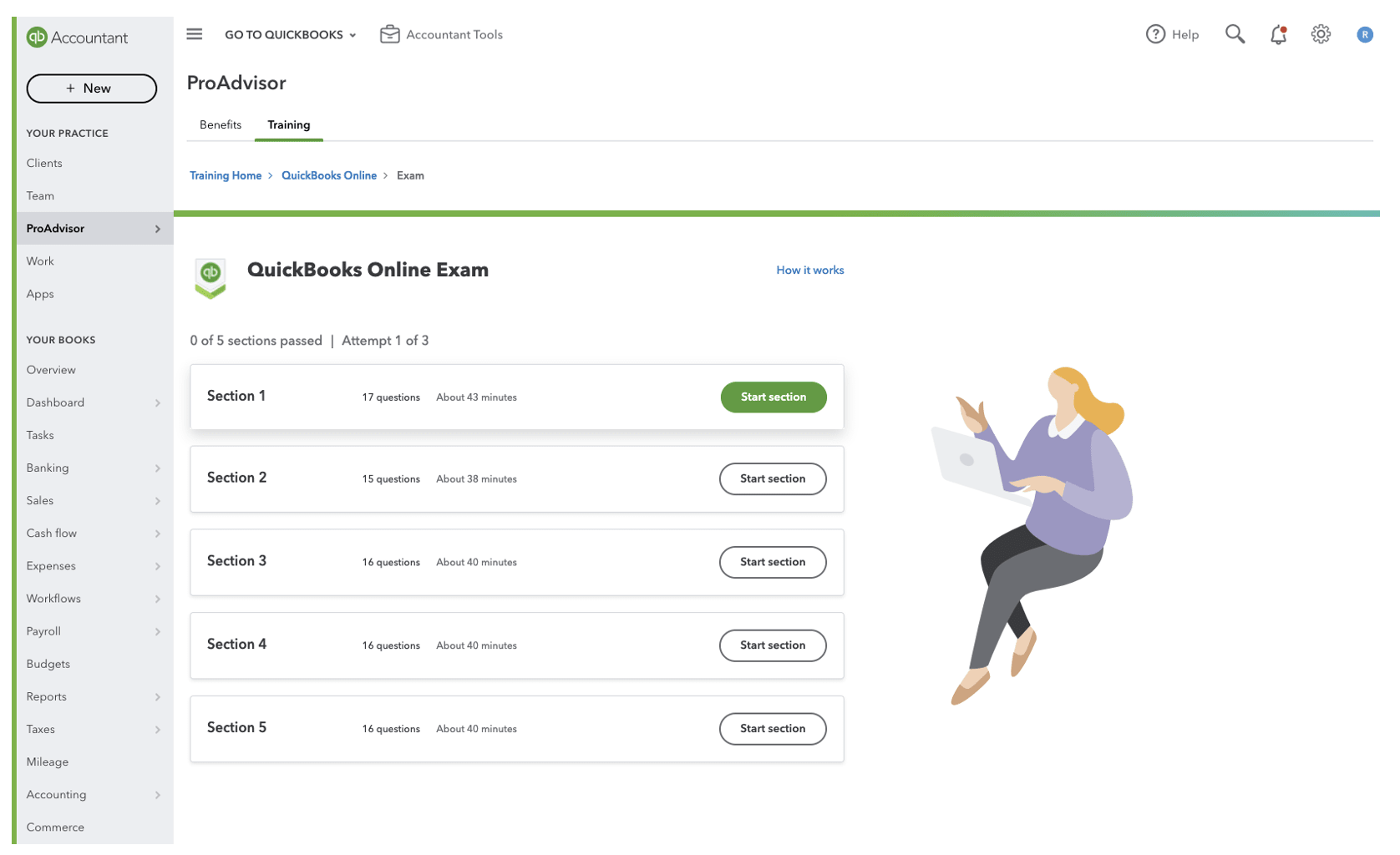
Inside your QBOA account, you will find the "ProAdvisor" tab, which houses the "Training" section. Intuit provides a comprehensive curriculum of self-paced modules, webinars, and PDF study guides. While you are not strictly required to complete the training modules before taking the exam, it is highly recommended. The modules are designed to mirror the logic found in the actual test questions.
Detailed Breakdown of the Exam Structure
The 2026 version of the QuickBooks Online ProAdvisor exam is modular. This structure is designed to be more user-friendly than the monolithic exams of the past, allowing candidates to tackle the material in bite-sized segments.
| Feature | QuickBooks Online (Core) | QuickBooks Online Advanced |
|---|---|---|
| Number of Sections | 5 to 8 Sections | 10+ Sections |
| Passing Score | 80% per section | 80% per section |
| Format | Multiple Choice / Multiple Select | Case Study / Scenario-based |
| Cost | Free (with QBOA) | Free (with QBOA) |
| CPE Credits | Typically 12-16 credits | Typically 10-14 credits |
| Retake Policy | 3 attempts, then 60-day lockout | 3 attempts, then 60-day lockout |
Question Types and Logic
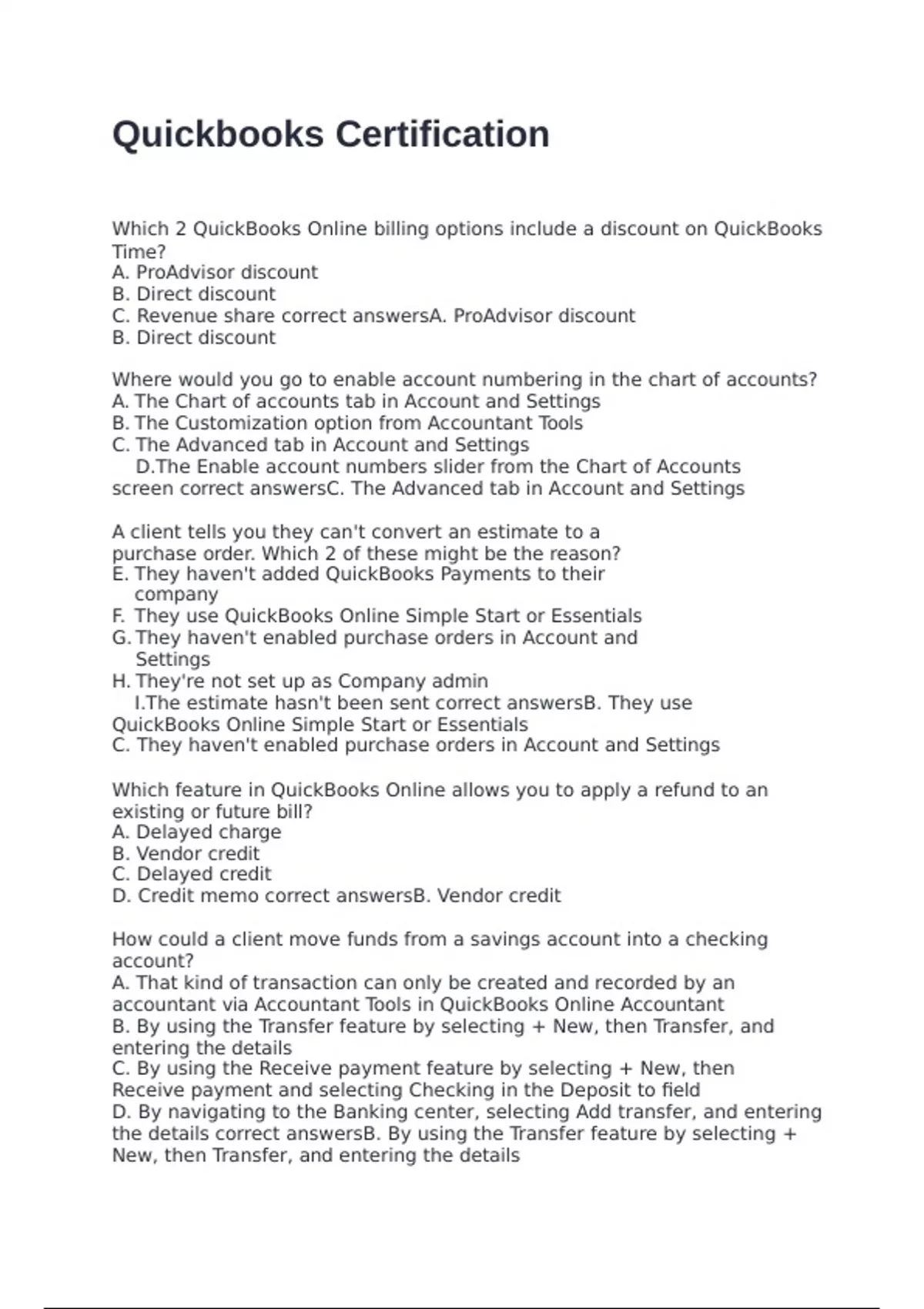
The exam uses a mix of multiple-choice and "multiple-select" questions (where you must choose all correct answers). One of the most challenging aspects is that Intuit often tests for the "Intuit Way" of doing things. This means that even if a workflow is technically possible in multiple ways, the exam seeks the most efficient or recommended path within the software's native features.
Open-Book Nature
The exam is technically "open-book." You are permitted (and encouraged) to have your QuickBooks Online Accountant portal open in a separate tab or window while taking the test. Many questions are "hands-on," requiring you to navigate to a specific menu or run a report to find the answer.
Strategies for Passing the Exam
Passing the ProAdvisor exam requires a blend of software familiarity and test-taking strategy. Because you must pass every section with at least an 80%, a single weak area can prevent you from achieving certification.
1. Leverage the "Books Review" Feature
In 2026, Intuit focuses heavily on the "Books Review" and "Transaction Pro" tools. Ensure you understand how to use these to find unclassified transactions or duplicate entries. Many exam questions are framed around a client having a "messy" set of books that you need to clean up.
2. Don't Rush the Multiple-Select Questions
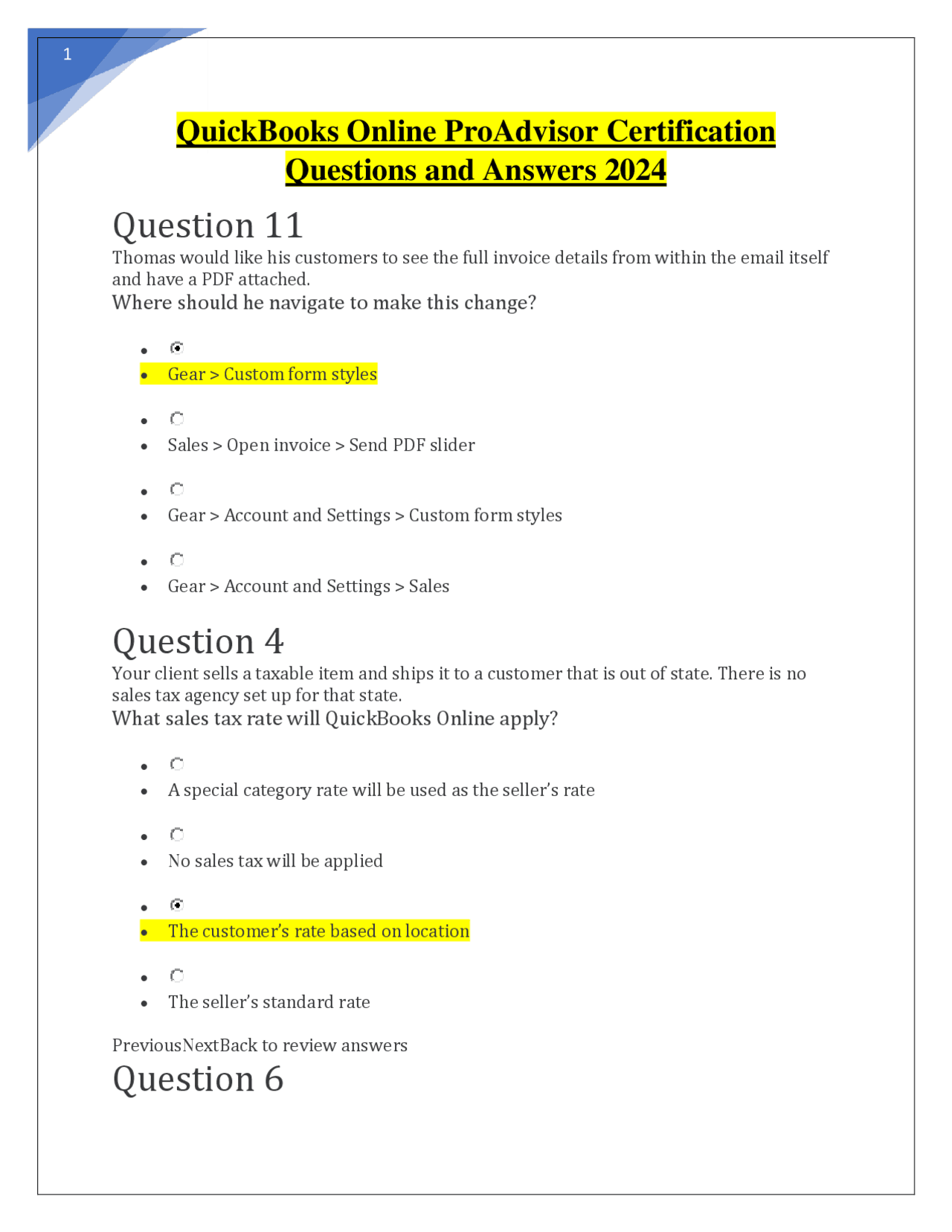
These are the primary reason candidates fail sections. If a question asks you to "Select all that apply," and you miss one correct option or select one incorrect option, the entire question is marked wrong. There is no partial credit. Take your time to verify every single checkbox against the software.
3. Use the Training PDFs
Each training module has an accompanying PDF. These documents are searchable. If you encounter a question about a specific limit (e.g., "How many custom fields are allowed in QBO Advanced?"), using a keyword search (Ctrl+F) in the training PDF is the fastest way to find the factual answer.
4. Manage Your Retakes Wisely
If you fail a section, the system will tell you which section it was, but it will not tell you which specific questions you missed. You have three attempts to pass all sections. If you fail a third time, you are locked out of the exam for 60 days. This cooling-off period is strictly enforced to ensure candidates actually learn the material rather than just guessing.
The Value of Certification in 2026
Is the effort worth it? In a competitive market, the QuickBooks ProAdvisor certification serves several critical functions:
- Marketplace Visibility: Once certified, you can publish a profile on the Find-a-ProAdvisor directory. This directory is a significant lead generator, and appearing at the top of the search results is directly tied to your certification level and client reviews.
- Software Discounts: ProAdvisors often get access to "ProAdvisor Preferred Pricing," allowing them to offer their clients better rates on QuickBooks subscriptions than the clients could get on their own.
- Professional Credibility: Using the QuickBooks Certified logo on your website and LinkedIn profile provides an immediate signal of trust to small business owners who may not have the technical knowledge to vet your skills otherwise.
- Continuing Education: For CPAs and Enrolled Agents, the CPE credits earned from the training and exam are a cost-effective way to meet annual licensing requirements.
Common Pitfalls and Troubleshooting
Many candidates struggle with the exam not because of a lack of accounting knowledge, but because of specific exam hurdles.
- Scenario Ambiguity: Some questions present a client scenario that seems to have two "right" answers. In these cases, always choose the answer that utilizes a built-in QuickBooks automation (like Bank Rules) over a manual entry method.
- Browser Timeouts: If you leave the exam window open for several hours without activity, the session may time out. Always save your progress or complete a full section before stepping away.
- Updated Features: QuickBooks updates its interface frequently. If the exam question describes a button that you can't find, it may have moved to the "Gear" icon or the "Accountant Tools" menu. Being familiar with the 2026 interface is vital.
FAQs
How much does the QuickBooks ProAdvisor exam cost?
The QuickBooks Online, Advanced, and Payroll certification exams are free for accounting professionals. You simply need to sign up for a free QuickBooks Online Accountant account. The only costs associated with the program usually involve the Desktop version, which requires a paid annual subscription.
How long does the exam take to complete?
While there is no strict time limit for the entire exam, most candidates spend between 2 and 4 hours completing all sections of the Core certification. The Advanced certification can take longer due to the complexity of the scenarios. Because it is modular, you can complete one section, log out, and return later to finish the rest.
What happens if I fail the exam?
You are allowed three attempts to pass each section. If you fail a section, you only need to retake that specific section, not the entire exam. However, if you fail a section three times, you will be locked out of the testing portal for 60 days. This is designed to encourage further study and practice.
Is the ProAdvisor certification valid forever?
No. To maintain your "Certified" status, you must complete a recertification exam every year. This "update" exam is usually shorter than the original and focuses on new features and changes introduced in the previous 12 months. The recertification window typically opens in the spring and must be completed by June 30th.
Do I need to be a CPA to take the exam?
No. The ProAdvisor program is open to anyone providing bookkeeping, accounting, or consulting services to small businesses. While many CPAs hold the certification, it is equally popular among independent bookkeepers and virtual assistants.
Moving Forward with Your Certification
Understanding the QuickBooks ProAdvisor exam is the first step toward elevating your professional standing. The exam is not merely a hurdle to clear; it is a comprehensive training exercise that ensures you can handle the real-world challenges your clients will face.
Your next action should be to log into your QuickBooks Online Accountant portal and navigate to the ProAdvisor Training tab. Start by downloading the supplemental PDF guides for the Core Certification. Review the "Banking" and "Reporting" sections first, as these are the most heavily weighted areas of the exam. By combining hands-on practice in a "Sample Company" file with the theoretical knowledge from the training modules, you will be well-positioned to pass the exam on your first attempt and join the ranks of elite accounting professionals in 2026.
Image Gallery