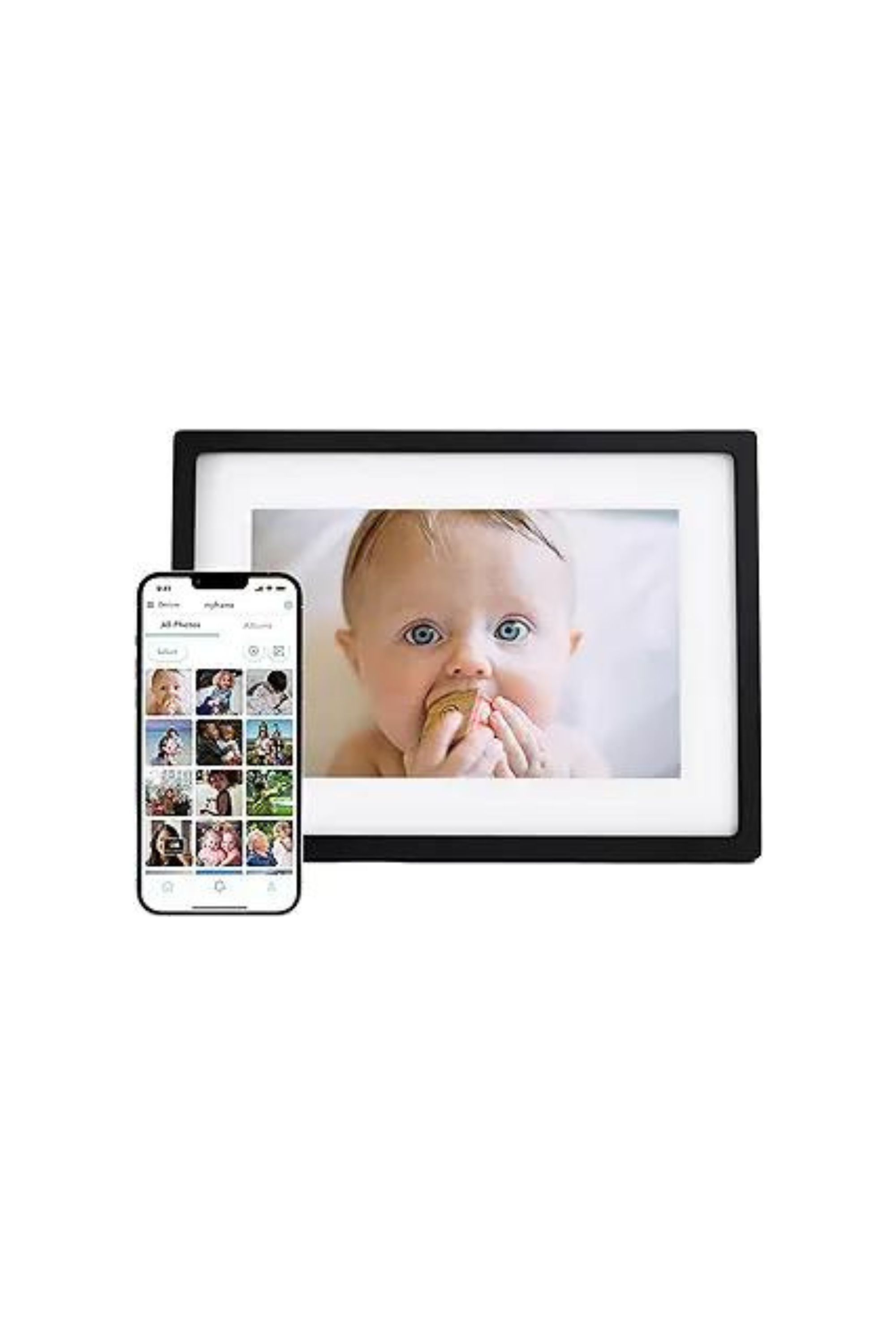
The Best Digital Photo Frame for Everyday Use: A Comprehensive Guide
For most households, the best digital photo frame for everyday use balances high-resolution display quality with a seamless, cloud-based content management system that allows family members to upload images remotely. An ideal device fe...
For most households, the best digital photo frame for everyday use balances high-resolution display quality with a seamless, cloud-based content management system that allows family members to upload images remotely. An ideal device features intuitive mobile app integration, sufficient internal storage, and a reliable motion sensor to ensure the frame remains energy-efficient without requiring manual interaction.
Contents
Defining Everyday Use in Digital Displays
"Everyday use" implies a device that is essentially "set and forget." Unlike high-end, color-calibrated displays intended for professional photography galleries, an everyday digital photo frame is a consumer-grade appliance designed to integrate into a living space. It should function like a physical frame, where the content changes periodically to keep the environment fresh.
For a device to qualify for this designation, it must remove the friction often associated with legacy digital frames. In the past, users were tethered to SD cards or USB flash drives that required physical removal and manual file management. Modern everyday frames rely on Wi-Fi connectivity and dedicated cloud platforms. This shift is critical because it enables multi-user access—where grandparents, parents, and friends can send photos directly to a central frame from anywhere in the world.
Essential Technical Specifications
When evaluating potential hardware for your home or as a gift, prioritize the following technical markers. These are not merely luxury features; they determine the longevity and satisfaction of your purchase.
- Display Resolution: Aim for a minimum of 1280 x 800 pixels for frames under 10 inches, and 1920 x 1080 (Full HD) for anything larger. Anything less will result in pixelation, especially with modern smartphone photography.
- Aspect Ratio: This is a common point of frustration. Smartphones primarily shoot in 4:3 or 16:9. If your frame's aspect ratio does not match your primary image format, you will suffer from either significant cropping or distracting black bars. Choose a frame that matches your typical shooting style.
- Cloud Integration: The software ecosystem is often more important than the hardware. A frame is only as good as its app. Ensure the device supports "email-to-frame" functionality, which allows non-technical users to contribute photos without needing to download a proprietary application.
- Sensors: An ambient light sensor is vital. It allows the frame to dim automatically at night, preventing the screen from becoming a harsh light source in a dark room. An occupancy or motion sensor is a secondary, highly desirable feature that powers the screen off when no one is in the room.
Comparison of Core Frame Categories
| Feature | Cloud-Connected Frames | Offline/Media-Centric Frames |
|---|---|---|
| Data Source | Wi-Fi / Cloud App | SD Card / USB Drive |
| Ease of Updates | Automatic/Remote | Manual (Requires physical media) |
| Multi-User Access | Yes (Collaborative Albums) | No |
| Connectivity | Active Internet Required | None |
| Best For | Families, Gift-Giving | Privacy-Focused / Offline Users |
The Role of User Experience and Software
The "best" frame is often defined by the experience of adding content. The most successful models in the current market offer "collaborative albums." This feature allows a group of people to create a shared space where images automatically sync to the frame as they are uploaded.
Software stability is a major factor in 2026. Prioritize brands that provide regular firmware updates to patch security vulnerabilities and improve app compatibility. If the software is buggy—resulting in connection drops or frequent crashes—the hardware becomes an expensive paperweight. Before purchase, check user reviews specifically for app stability rather than just the physical build quality.
Overcoming Common Operational Challenges
Even with the best hardware, users often encounter common issues. Understanding these helps in selecting a device that minimizes frustration.
1. The Cropping Problem: Most frames attempt to "Auto-Fit" images to the screen. If you have a portrait-oriented photo (tall) and a landscape-oriented frame (wide), the software will zoom in significantly to fill the frame, often cutting off heads or key subjects. Some high-end frames offer "smart cropping," which uses basic facial recognition to center the subject, but it is rarely perfect. Always check if the frame allows you to manually adjust the crop within the app.
2. Connectivity Limitations: Digital photo frames typically operate on 2.4GHz Wi-Fi bands. If your home network is exclusively 5GHz, you may encounter pairing issues. Additionally, many frames struggle with enterprise-grade networks that require a web-portal login (common in dorms or offices). These frames are best suited for standard residential networks.
3. Privacy and Data Security: Because these devices live on your network and store images in the cloud, evaluate the manufacturer's privacy policy. A reputable company should offer clear data encryption in transit and the ability to delete photos from the cloud server immediately when you remove them from the frame.
Setting Up for Success: A Step-by-Step Approach
To ensure your digital photo frame serves its purpose for years to come:
- Placement: Select a location with consistent power and a strong Wi-Fi signal. Avoid direct sunlight, which can wash out the display and accelerate panel degradation.
- Account Management: Assign one primary administrator who controls the settings, but invite secondary users (family members) as contributors. This prevents unauthorized changes to the display settings.
- Scheduled Power: Utilize the sleep/wake timer. Running the backlight 24/7 is unnecessary and reduces the lifespan of the LED components. Configure the frame to power down during typical sleep hours.
- Routine Maintenance: Once a quarter, wipe the screen with a dry, microfiber cloth. Avoid glass cleaners, which can strip anti-glare coatings or seep into the frame housing.
Frequently Asked Questions
Do digital photo frames require a subscription fee? Most current frames do not require a subscription for basic functionality. Some premium models offer optional subscriptions that unlock extra cloud storage for videos or higher-resolution photo uploads. Always check if the base model includes enough storage for your needs.
Can I display videos on my digital frame? Yes, most modern cloud-connected frames support short video clips (usually under 30 seconds). However, because they are frames rather than media players, the audio is often low-quality or muted by default. Treat video support as an enhancement to your slideshow, not as a replacement for a television or monitor.
What happens if my Wi-Fi goes down? Most frames will continue to cycle through the photos currently stored in their local internal cache. You simply cannot add new photos or sync albums until the connection is restored. The device remains fully functional as a display.
How do I give a digital frame as a gift? The most effective method is to pre-configure the frame before gifting. Set it up on your own Wi-Fi, upload a few test photos, and then reset the Wi-Fi settings or provide the recipient with the simple "pairing code" instructions included in the box. This prevents the recipient from having to perform complex technical setup on day one.
Recommendation for Selection
For the average user, the "best" choice is the one that prioritizes the simplest mobile app experience. Look for frames that support wide-angle viewing panels (IPS displays), which ensure the image looks accurate regardless of your position in the room. If your priority is family connectivity, choose a model that emphasizes ease-of-use for non-tech-savvy contributors, as the frame is only as valuable as the number of photos being sent to it regularly.
Image Gallery