What Does the S in HTTPS Stand For?
The "S" in HTTPS stands for Secure. It indicates that the connection between your web browser and the website you are visiting is encrypted using Transport Layer Security (TLS), protecting the data exchanged from being intercepted, tam...
The "S" in HTTPS stands for Secure. It indicates that the connection between your web browser and the website you are visiting is encrypted using Transport Layer Security (TLS), protecting the data exchanged from being intercepted, tampered with, or forged by unauthorized third parties.
Contents
Understanding the Protocol: HTTP vs. HTTPS
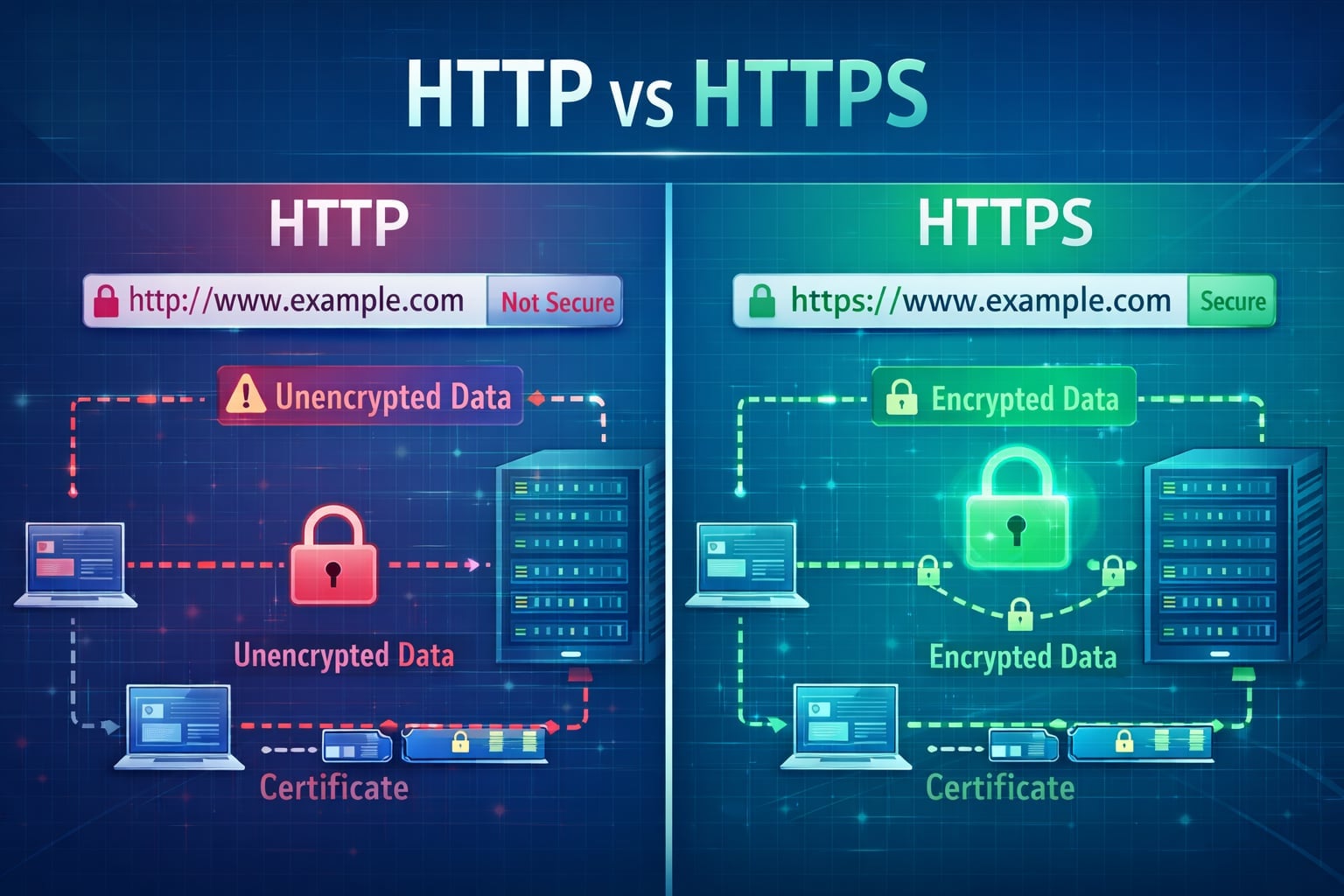
To understand why the "S" is critical, one must first understand the foundation: HTTP, or Hypertext Transfer Protocol. HTTP is the standard set of rules that allows web browsers and servers to communicate. When you type a web address into your browser, your computer sends an HTTP request to the server hosting that site, and the server responds by sending the data back to your screen.
In its original, unencrypted form, HTTP transmits data in "plaintext." This means that any information traveling between your device and the server—such as passwords, credit card numbers, or personal messages—could theoretically be intercepted by anyone positioned between you and the destination, such as on a compromised public Wi-Fi network or through malicious network monitoring.
HTTPS (Hypertext Transfer Protocol Secure) serves as the secure evolution of this process. By adding a layer of encryption, HTTPS ensures that even if data is intercepted during transmission, it remains unreadable gibberish to anyone who does not possess the unique cryptographic keys required to decrypt it.
The Role of TLS in HTTPS
The "S" in HTTPS relies entirely on a protocol called Transport Layer Security (TLS). Many people still refer to the older version of this technology, Secure Sockets Layer (SSL), but SSL has been deprecated and replaced by TLS, which is significantly more robust.
When your browser initiates a connection to an HTTPS-enabled website, a process called a "TLS handshake" occurs. This involves three primary objectives:
- Authentication: The server presents a digital certificate to your browser. This certificate is issued by a trusted third party known as a Certificate Authority (CA). It confirms that the website is who it claims to be and that it is not an imposter site designed to steal your data.
- Encryption: Once the server’s identity is verified, the browser and the server agree on a temporary, unique "session key." All information sent thereafter is encrypted using this key.
- Integrity: HTTPS includes mechanisms to ensure that data has not been altered during transit. If an attacker attempts to inject malicious code or modify a file while it is traveling over the network, the browser will detect the discrepancy and alert the user or refuse to load the page.
Why HTTPS is Mandatory in 2026
In the early days of the internet, encryption was reserved for sensitive areas like online banking or e-commerce checkouts. Today, however, the digital landscape has shifted. Browser vendors, search engines, and privacy advocates have standardized HTTPS as the default for all web traffic.
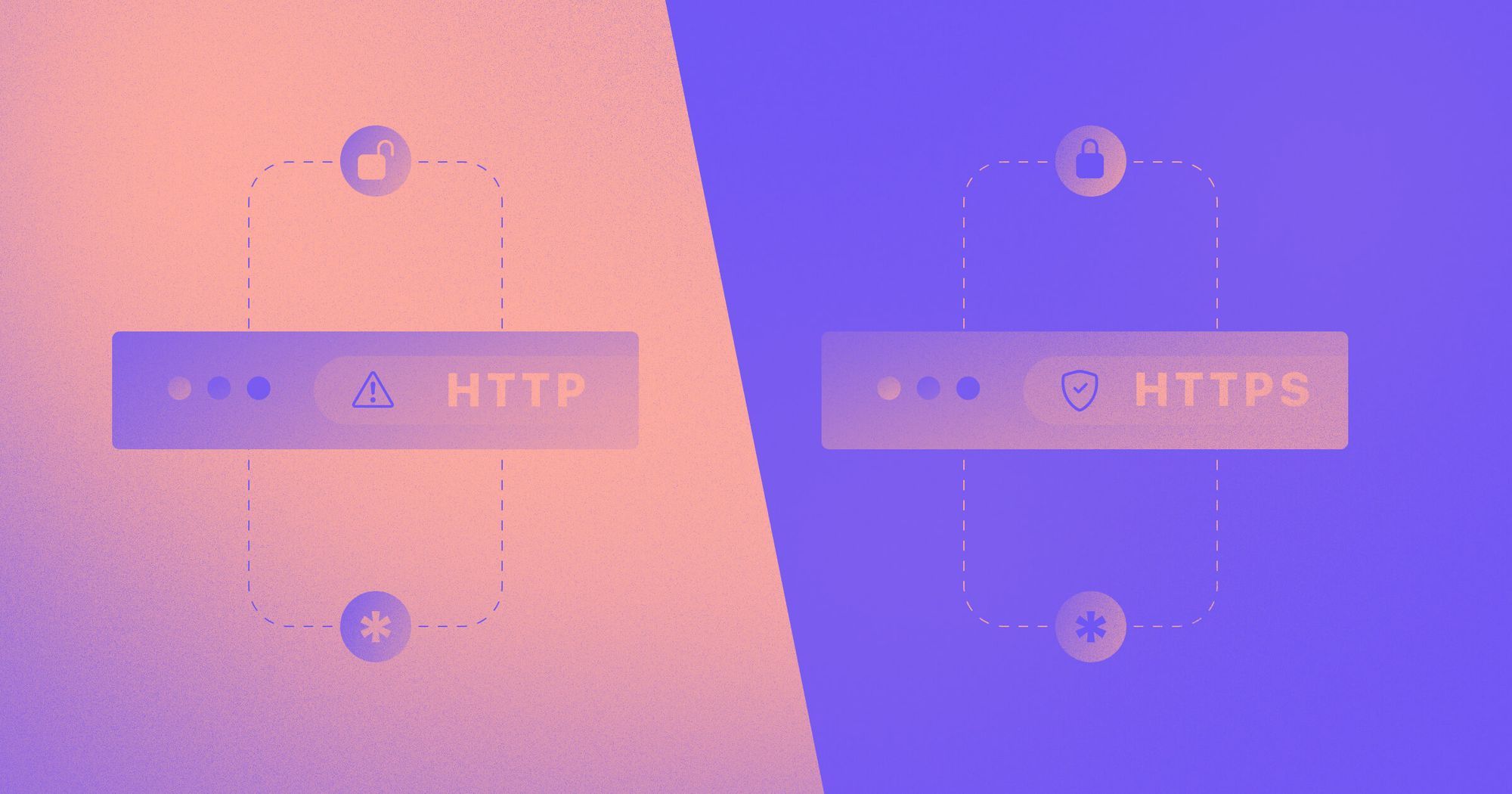
In 2026, web browsers like Chrome, Firefox, and Safari utilize visual indicators to inform users about the state of their connection. If a site lacks the "S," browsers often label the connection as "Not Secure." This warning serves as a deterrent to users and can significantly damage a website's reputation and search engine rankings.
Primary Benefits of Implementing HTTPS
- Data Privacy: Protecting user information from eavesdropping.
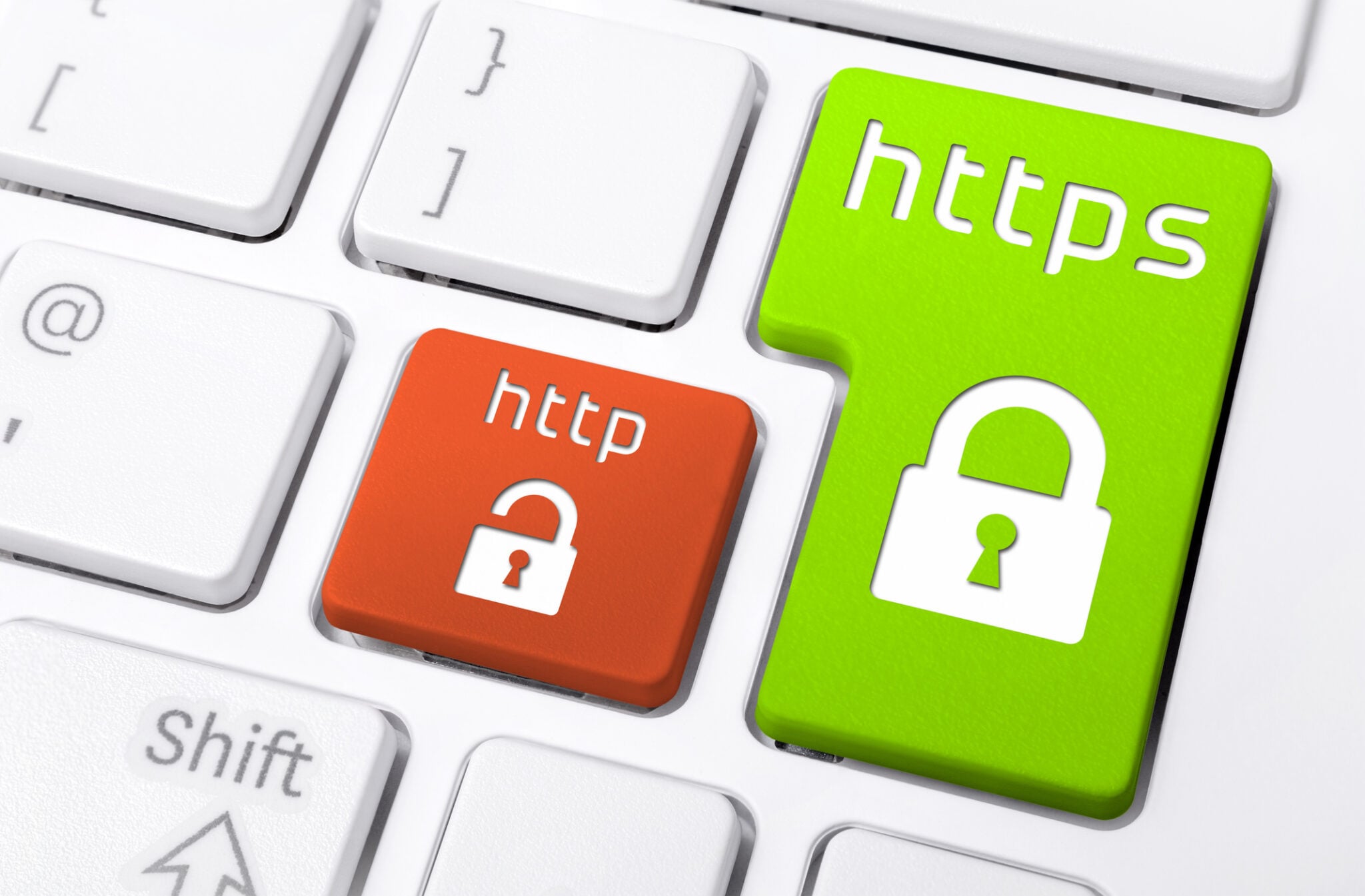
- Trust and Brand Reputation: Showing a lock icon in the address bar signals to users that the organization takes security seriously.
- Search Engine Optimization (SEO): Major search engines prioritize HTTPS-secured websites in their rankings.
- Functional Requirements: Many modern web features, such as geolocation services, camera access, and Progressive Web App (PWA) capabilities, only function when a secure context (HTTPS) is present.
Comparing HTTP and HTTPS
The following table summarizes the fundamental differences between an unencrypted HTTP connection and a secure HTTPS connection.
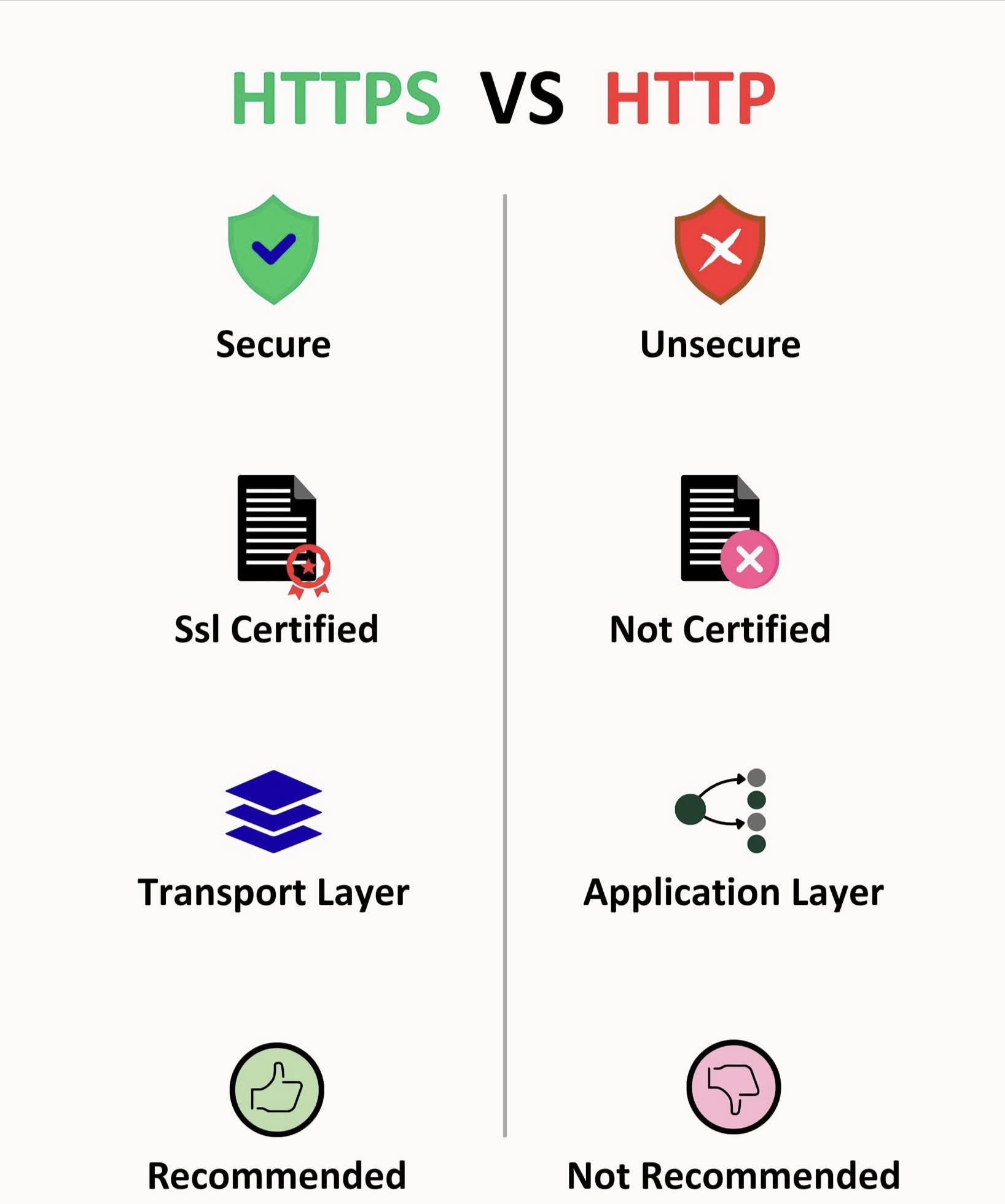
| Feature | HTTP (Unsecure) | HTTPS (Secure) |
|---|---|---|
| Data Privacy | None (Plaintext) | High (Encrypted) |
| Authentication | None | Yes (Via Digital Certificates) |
| Data Integrity | Vulnerable to tampering | Protected against tampering |
| Browser Indicator | "Not Secure" warning | Lock icon |
| SEO Impact | Negative | Positive |
| Protocol Foundation | Standard TCP/IP | TLS / SSL |
How Websites Obtain the "S"
For a website owner to provide an HTTPS connection, they must install an SSL/TLS certificate on their web server. This process involves the following steps:
- Certificate Acquisition: The website owner requests a certificate from a Certificate Authority (CA). Some CAs offer these for free (such as Let's Encrypt), while others charge fees for extended validation or higher levels of business assurance.
- Verification: The CA verifies that the entity requesting the certificate actually owns or manages the domain in question.
- Installation: The digital certificate is installed on the server hosting the website.
- Configuration: The server is configured to force all incoming traffic through the HTTPS port (port 443) rather than the default HTTP port (port 80).
Common Misconceptions About HTTPS
A frequent error in judgment is the belief that HTTPS makes a website "unhackable." It is essential to clarify that the "S" in HTTPS protects data in transit—that is, while it is moving across the internet between the user and the server.
It does not protect data at rest on the server, nor does it prevent a website from being malicious. A phishing site can also obtain an HTTPS certificate. The "S" confirms that the connection is secure and that the server's identity is verified, but it does not serve as an endorsement of the content or the trustworthiness of the company operating the site. Users should always remain vigilant regarding the content they interact with, regardless of the protocol.
Frequently Asked Questions
Does using HTTPS make my computer slower? Historically, encryption required significant processing power, which could slightly delay page loads. However, in 2026, modern hardware and optimized versions of the TLS protocol mean the performance impact is negligible for the vast majority of users.
What is a Certificate Authority (CA)? A CA is a trusted organization that verifies the identity of website owners and issues digital certificates. If your browser recognizes the CA, it will trust the certificate issued by them, establishing a secure connection.
If I see a lock icon, is the website 100% safe? No. The lock icon confirms that your connection to the site is encrypted and the server identity is verified. It does not mean the website itself is safe from malware or that the company running the site is legitimate. Always exercise caution when providing sensitive information.
How do I check if a site is using HTTPS? Look at the address bar in your web browser. You will see "https://" at the beginning of the URL, usually accompanied by a small padlock icon. If the connection is HTTP, the "s" will be missing, and the browser will often display a "Not Secure" warning.
Is there any reason to use HTTP instead of HTTPS? In modern web development, there is virtually no scenario where HTTP is preferable to HTTPS. Using HTTP leaves users vulnerable and creates a poor experience. HTTPS is the global standard for all web traffic.
Next Steps for Users and Site Owners
For general internet users, the "S" is a vital signal of a modern, standard-compliant website. When browsing, ensure your connection is secure, especially when inputting personal data. If a site lacks the secure connection, consider avoiding it for any transaction involving sensitive information.
For website owners or administrators, migrating to HTTPS is no longer optional. Beyond the security advantages, it is a prerequisite for modern search visibility and user trust. If your site currently operates on HTTP, coordinate with your hosting provider or technical team to acquire a TLS certificate and configure your server for forced HTTPS redirection. This transition is essential for maintaining the integrity and professional standing of any digital presence in the current landscape.
Image Gallery