How to Perform a Liberty Mutual Quote Lookup: Retrieve and Manage Your Insurance Quotes
To perform a Liberty Mutual quote lookup, visit the official Liberty Mutual website and navigate to the "Retrieve a Quote" or "Resume Application" section. You will typically need to provide your email address, ZIP code, or a unique 10...
To perform a Liberty Mutual quote lookup, visit the official Liberty Mutual website and navigate to the "Retrieve a Quote" or "Resume Application" section. You will typically need to provide your email address, ZIP code, or a unique 10-digit quote ID. This allows you to access previously saved progress and complete your insurance purchase.
Contents
Understanding the Liberty Mutual Quote Retrieval System
In 2026, the insurance landscape continues to prioritize digital self-service, making the liberty mutual quote lookup process a vital tool for consumers who are comparison shopping or finalizing their coverage. Liberty Mutual, a major global insurer, utilizes a sophisticated lead-management system that caches user data for a specific period. This system is designed to reduce "friction"—the technical term for the effort a user must exert to complete a task—by preventing the need for redundant data entry.
When you start an insurance quote for auto, home, or renters insurance, the platform generates a unique identifier. This identifier links your personal details, vehicle identification numbers (VINs), and property specifications to a temporary file. If you navigate away from the page or close your browser, the "lookup" functionality acts as a bridge, allowing you to pick up exactly where you left off. This is particularly useful for complex quotes where you might need to find your vehicle’s safety features or your home’s roof age before finishing.
It is important to distinguish between a "saved quote" and a "binding policy." A quote lookup simply retrieves an estimate based on the information provided at that moment. It does not mean you are covered, nor does it guarantee that the price will remain static if you wait several weeks to return to the application.
Prerequisites for a Successful Quote Lookup
Before attempting to retrieve a saved quote, you should gather specific pieces of information to ensure the system can locate your file. Because insurance companies handle sensitive personally identifiable information (PII), their security protocols require exact matches.
To ensure a smooth lookup process in 2026, have the following ready:
- The Original Email Address: Use the exact email address you entered when you first requested the quote. Even a small typo during the initial entry will prevent the system from finding your record later.
- Quote Reference Number (Quote ID): Typically a 10-digit alphanumeric code, this is often sent to your email immediately after you start a quote. It is the most reliable way to bypass general search filters.
- ZIP Code: Since insurance rates are highly localized and regulated at the state level, the ZIP code is a primary key in the Liberty Mutual database.
- Date of Birth: For security verification, the system may ask for the primary applicant’s date of birth to confirm identity before displaying sensitive premium data.
If you are a current Liberty Mutual customer looking for a new quote (for example, adding a second vehicle), the lookup process is even simpler. You can log into your existing customer portal, where any "in-progress" quotes are usually highlighted on the main dashboard.
Step-by-Step Guide: How to Find Your Saved Quote
The methods for retrieving a quote vary slightly depending on whether you are using a desktop browser, the mobile app, or seeking assistance via telephone.
Method 1: The Online Web Portal
This is the most common method used by consumers.
- Navigate to the official Liberty Mutual homepage.
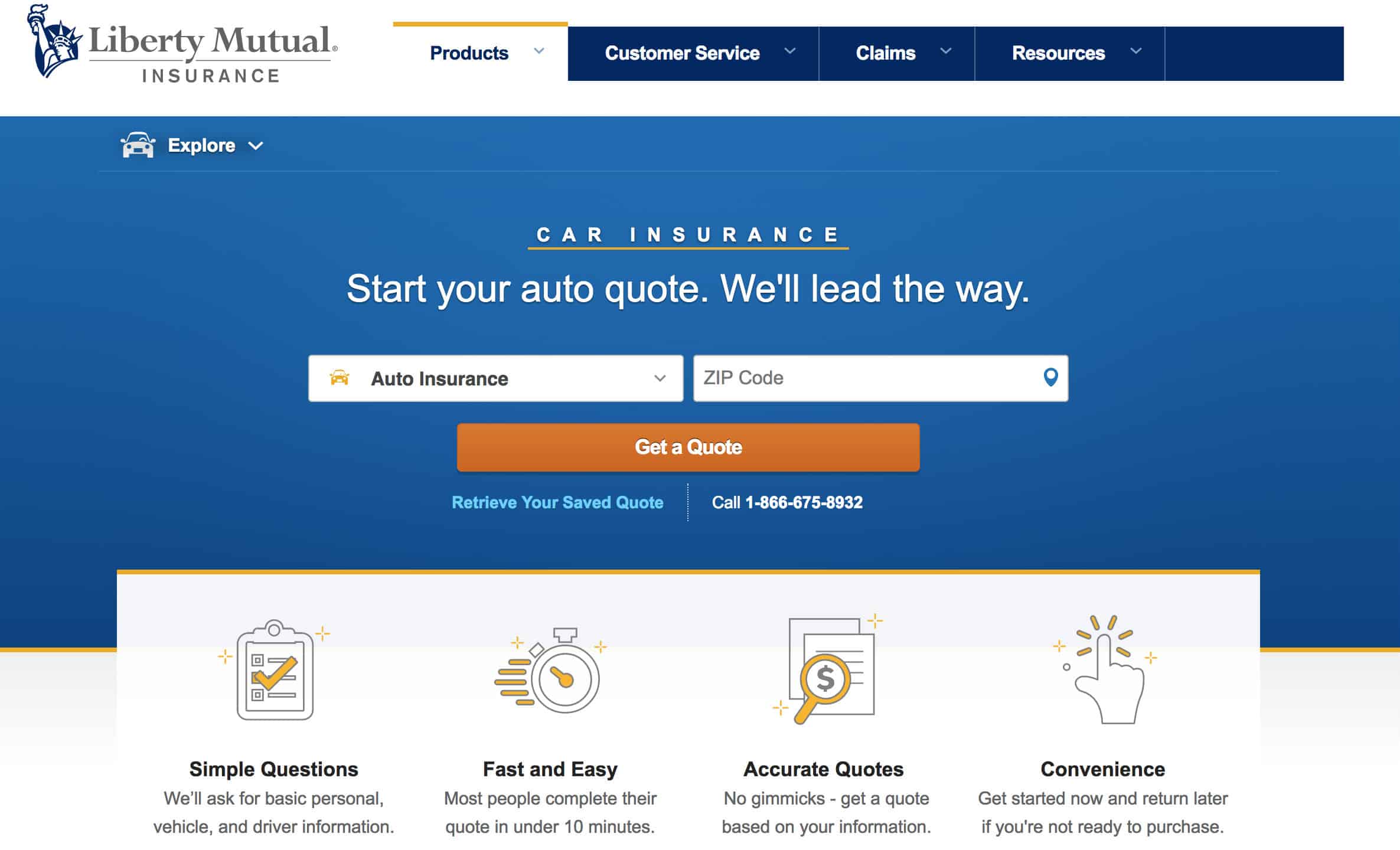
- Look for a button or link labeled "Resume a Quote" or "Retrieve Saved Quote." This is usually located near the top navigation bar or within the insurance product sub-menu.
- Choose your retrieval method: either "Email and ZIP Code" or "Quote ID."
- Enter the required credentials and click "Find My Quote."
- Verify the details on the summary page to ensure you are looking at the most recent version of your estimate.
Method 2: The Liberty Mutual Mobile App
For users who prefer managing their finances on the go, the mobile app offers a streamlined lookup experience.
- Open the Liberty Mutual app on your smartphone.
- If you have an account, log in. If not, look for the "Guest" or "Shopping" section.
- The app often uses "cookies" or device ID recognition to suggest "Continue your quote for [Vehicle/Property]."
- If the suggestion doesn't appear, use the search or menu icon to find "Retreive Quote."
Method 3: Telephone Assistance
If digital methods fail, Liberty Mutual’s licensed agents can perform a manual lookup.
- Call the dedicated sales or customer service line (1-800-290-8206 is the historical standard for sales inquiries).
- Provide the agent with your name and the phone number or email associated with the quote.
- The agent can "pull" the quote into their system, answer specific coverage questions, and even finalize the purchase over the phone.
| Feature | Online Portal | Mobile App | Phone Agent |
|---|---|---|---|
| Availability | 24/7 | 24/7 | Standard Business Hours |
| Verification Needed | Email/ZIP or Quote ID | Biometrics or Login | Name/Phone/SSN |
| Ability to Modify | High | Medium | High |
| Ideal For | Quick updates | Frequent checking | Complex questions |
Troubleshooting Common Issues During Quote Retrieval
Sometimes, a liberty mutual quote lookup returns an error or fails to find a record. Understanding why this happens can save significant time.
1. The Quote Has Expired
Insurance quotes are not permanent. In 2026, most Liberty Mutual quotes are valid for 30 to 90 days. If you started a quote six months ago, the system may have purged the data or the underlying actuarial rates may have changed so significantly that the old quote is no longer legally valid. In this case, you will need to start a new application.
2. Information Mismatch
The lookup tool is sensitive to formatting. Ensure there are no extra spaces in your email address and that your ZIP code matches the one used for the "garaging address" of the vehicle or the location of the property. If you moved recently and started the quote using your old address, try searching with that previous ZIP code.
3. Browser Cache and Cookies
If you are certain your information is correct but the site keeps looping back to the start page, your browser's cache may be interfering with the portal’s scripts. Try clearing your browser's cookies or opening the "Retrieve a Quote" page in an Incognito or Private window. This forces the site to establish a fresh connection to the database.
Managing and Modifying Your Retrieved Quote
Once you have successfully performed a lookup, you are not locked into the initial selections you made. The "Resume" feature is intended to be dynamic.
Adjusting Coverage Limits
After retrieving your quote, you can use the interactive sliders or drop-down menus to see how different deductibles and coverage limits affect your premium. For example, increasing your collision deductible from $500 to $1,000 may lower your monthly payment. The lookup tool allows you to see these "what-if" scenarios in real-time.
Adding Drivers and Vehicles
If you initially quoted only one driver but realize you need to include a spouse or teenager, you can add them during the retrieval phase. Note that adding a driver will trigger a new "mvr" (Motor Vehicle Record) check, which may change the price instantly.
Applying Discounts
Liberty Mutual offers various discounts, such as those for military members, alumni of specific universities, or employees of partner companies. When you look up your quote, check the "Discounts" section to ensure you have selected every category for which you are eligible. In 2026, telematics programs like RightTrack remain a primary way to lower costs, and you can often opt-in during the quote retrieval process.
Security and Privacy Considerations
Performing a quote lookup involves accessing sensitive data, including potentially your Social Security Number (if previously entered for credit-based insurance scoring) and your home address. Liberty Mutual utilizes industry-standard encryption (SSL/TLS) to protect this data.
When performing a lookup:
- Avoid Public Wi-Fi: Do not retrieve insurance quotes on unsecured public networks (like those in coffee shops) where your data could be intercepted.
- Check the URL: Ensure the website address starts with
https://www.libertymutual.com. Beware of phishing sites that mimic the look of the insurer to steal your PII. - Log Out: If you are using a shared or public computer, always log out of the session and clear the browser history after you finish your lookup.
Liberty Mutual’s privacy policy, updated for 2026 standards, outlines how your data is used during the quoting process. Generally, the information is used to calculate risk and may be shared with consumer reporting agencies to verify your driving and credit history.
FAQ
How long does a Liberty Mutual quote stay saved?
Generally, a Liberty Mutual quote is saved in their system for up to 90 days. However, this can vary based on state regulations and the specific type of insurance (auto vs. life). If the insurer updates their rate filings with the state during that time, the price of your saved quote may be updated automatically when you retrieve it.
Can I retrieve a quote if I lost my Quote ID?
Yes. While the 10-digit Quote ID is the fastest way to look up a quote, you can also use the email address and ZIP code you provided during the initial session. If both methods fail, contacting a Liberty Mutual representative by phone is the best alternative, as they can search for your profile using your full name and phone number.
Does performing a quote lookup affect my credit score?
Looking up a previously saved quote does not impact your credit score. When you first requested the quote, Liberty Mutual may have performed a "soft pull" of your credit information (in states where this is allowed). Soft pulls do not affect your credit score or appear to other lenders. Retrieving the quote later does not trigger a new inquiry.
Why is the price different when I look up my saved quote?
Several factors can cause a price change upon retrieval. The most common reasons include an update in the company’s base rates, the expiration of a limited-time promotional discount, or a change in your consumer report data (such as a recent claim or ticket that was processed after your initial quote). Always review the "Rate Change" notification if the premium has moved.
Can I look up a quote for someone else?
For privacy and legal reasons, you should only look up quotes where you are the primary applicant or a named insured. Accessing someone else's insurance data without their explicit permission may violate privacy laws and the insurer's terms of service.
Final Recommendation
When utilizing the liberty mutual quote lookup tool, the most effective strategy is to have your 10-digit Quote ID ready. This avoids the common pitfalls of email typos and ensures you are viewing the exact coverage configuration you previously designed. If you find that your quote has expired or the price has significantly changed, it is often beneficial to call an agent directly to see if new discounts or "bundling" options (combining auto and home insurance) can be applied to lower your premium.
Image Gallery