How a PayPal Card Works for Everyday Spending: A Complete Guide
A PayPal card allows you to spend your PayPal balance, linked bank funds, or credit line directly at retail stores, online checkout, and ATMs. Operating on major payment networks like Mastercard, it processes transactions instantly jus...
A PayPal card allows you to spend your PayPal balance, linked bank funds, or credit line directly at retail stores, online checkout, and ATMs. Operating on major payment networks like Mastercard, it processes transactions instantly just like a standard bank debit or credit card while integrating directly with your digital PayPal account management tools.
Contents
Understanding the PayPal Card Ecosystem
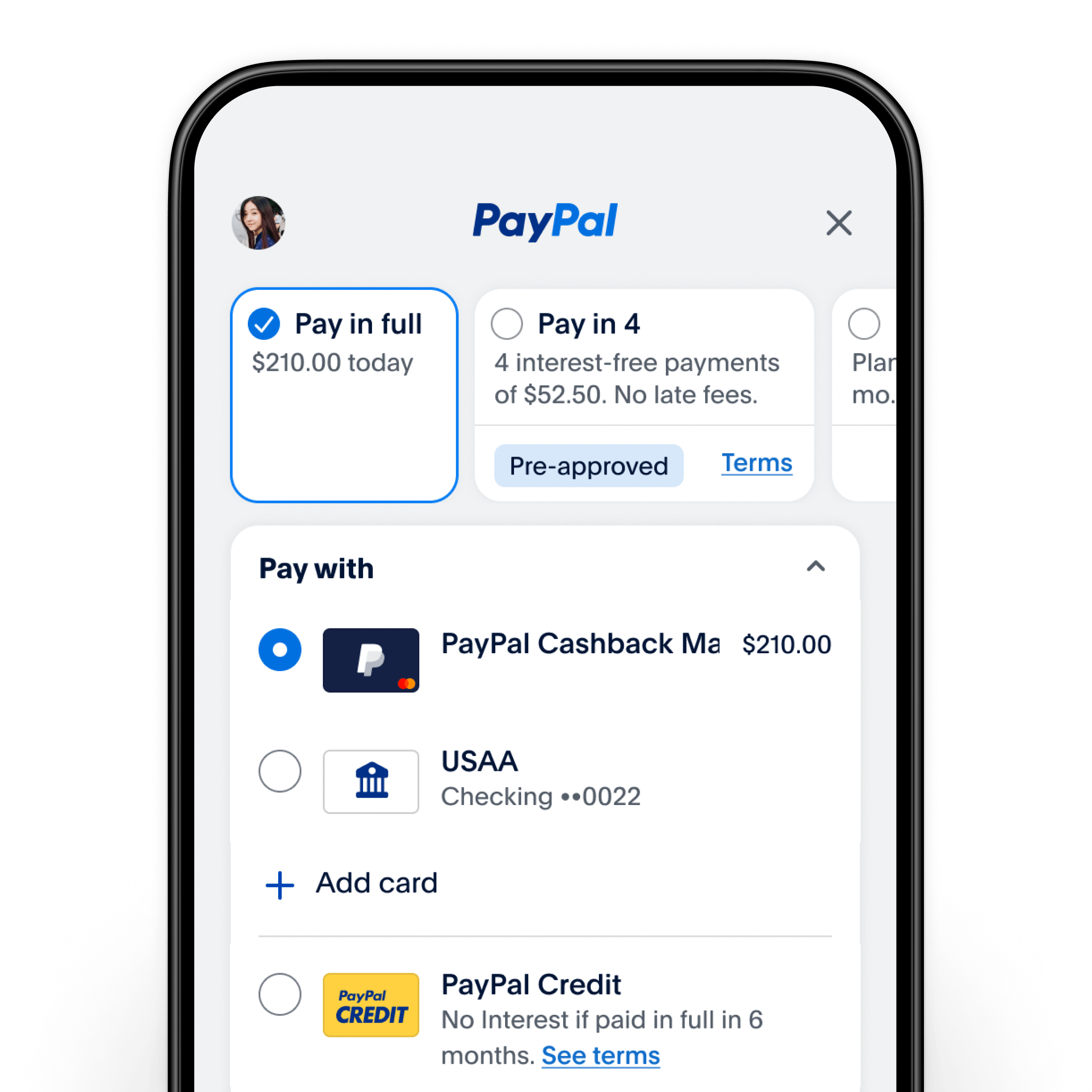
Using digital funds for daily purchases requires a bridge between electronic account balances and physical point-of-sale terminals. PayPal bridges this gap by offering card products designed for different financial habits. Choosing the right card depends on whether you prefer spending existing funds, building credit, or managing a strict budget.
Disclaimer: This article is for informational purposes only and does not constitute financial, investment, or legal advice. Account terms, fee structures, and card features are subject to change by PayPal and its partner issuing banks.
- PayPal Account Funds
- PayPal Debit Mastercard: Uses PayPal balance & linked backup sources
- PayPal Cashback Mastercard: Revolving credit line with cash back rewards
- PayPal Prepaid Mastercard: Separate balance reloaded via direct deposit or retail
- Everyday In-Store, Online, & ATM Transactions
The PayPal Debit Mastercard
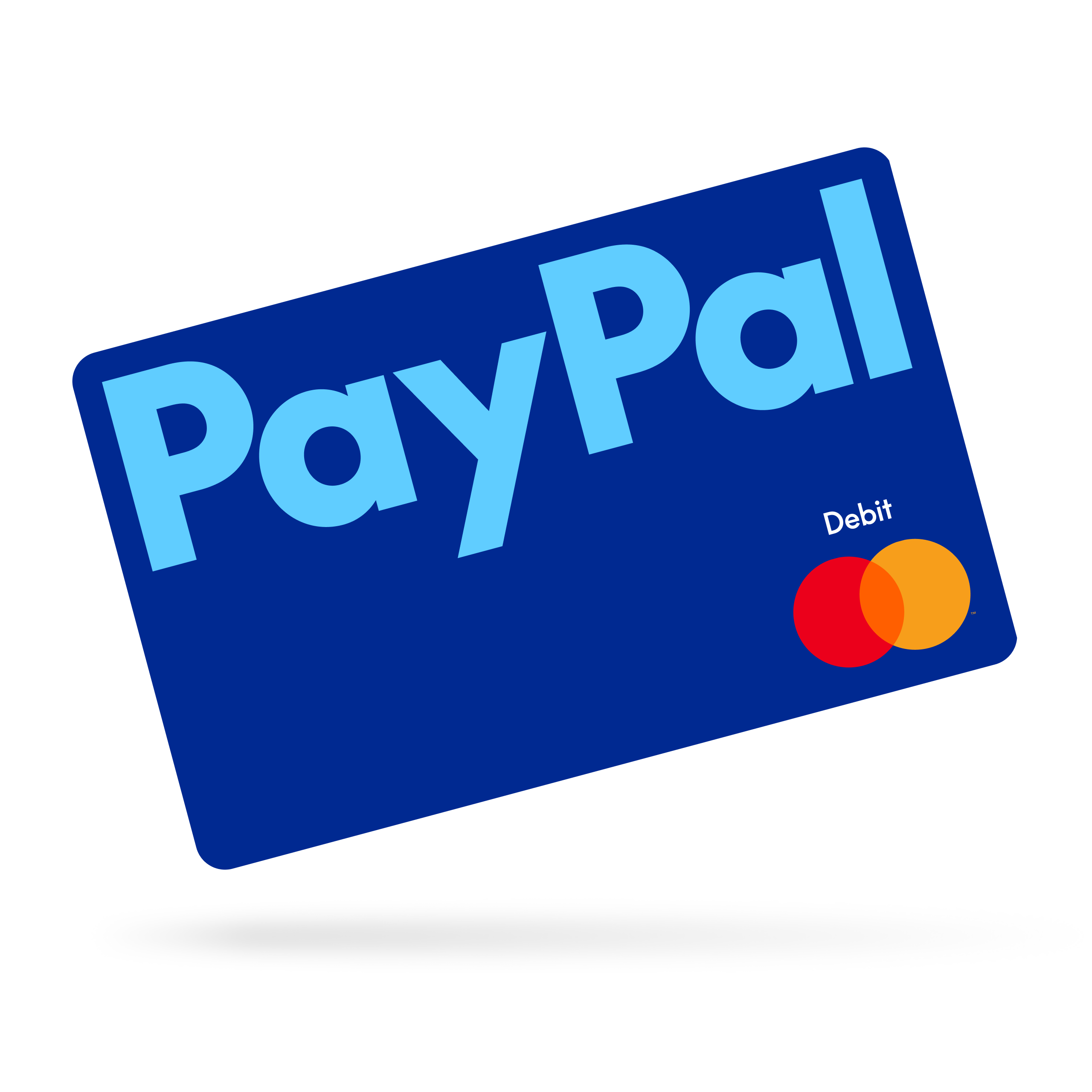
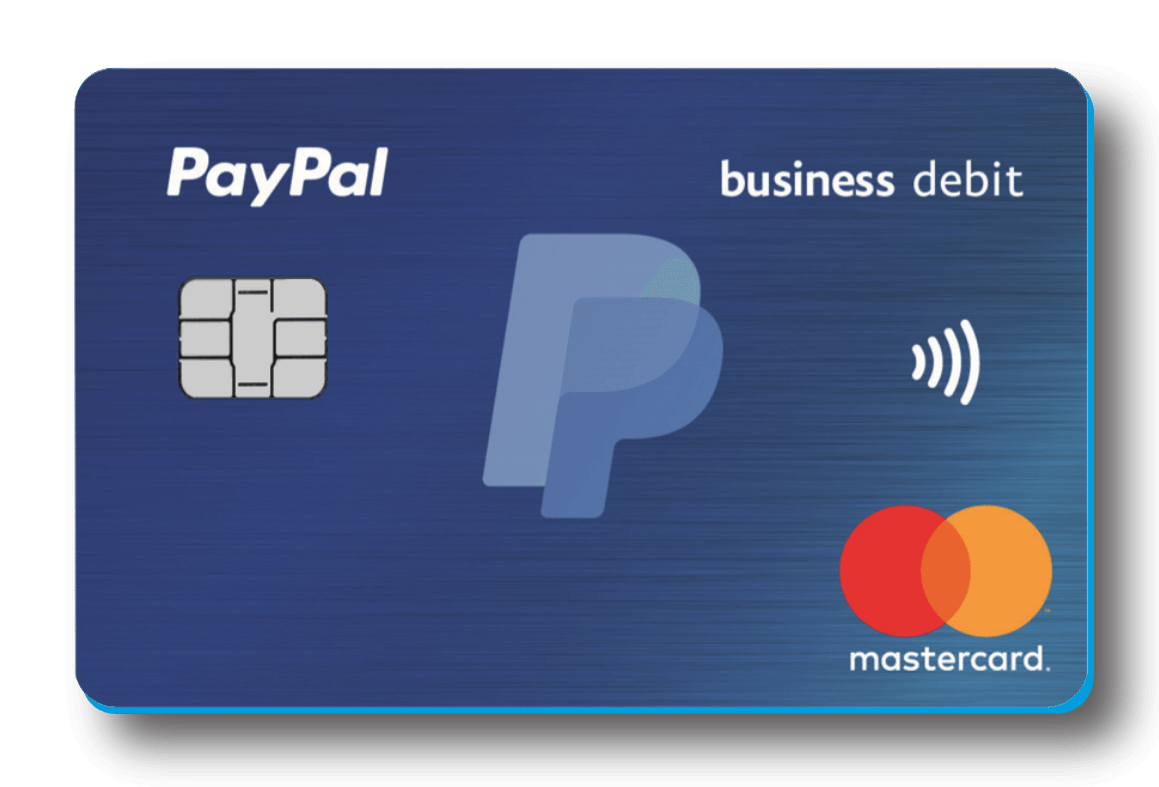
The PayPal Debit Mastercard is the primary card used for daily spending directly from your PayPal balance. Because it is a debit card rather than a credit card, approval does not require a hard credit inquiry. The card pulls funds directly from your available PayPal balance at the moment of purchase. If your balance is lower than the transaction amount, PayPal can pull the remaining funds from a designated backup funding source, such as a linked checking account or traditional bank debit card.
The PayPal Cashback Mastercard
For consumers seeking a traditional credit arrangement, the PayPal Cashback Mastercard operates as a standard revolving credit card issued by a partner financial institution (such as Synchrony Bank). Instead of deducting money immediately from a liquid balance, transactions accumulate on a monthly credit statement. Users earn rewards on everyday purchases, which can then be transferred into their PayPal balance or applied against their monthly bill.
The PayPal Prepaid Mastercard
The PayPal Prepaid Mastercard functions independently from the main PayPal balance, operating as a distinct reloadable prepaid account issued by partner banks like The Bancorp Bank. Cardholders transfer money from their main PayPal account to the prepaid card account, or reload cash at participating retail locations. This card is often preferred by individuals who wish to keep their daily spending strictly segregated from their primary digital wallet balance.
Daily Mechanics: Spending, Withdrawals, and Funding
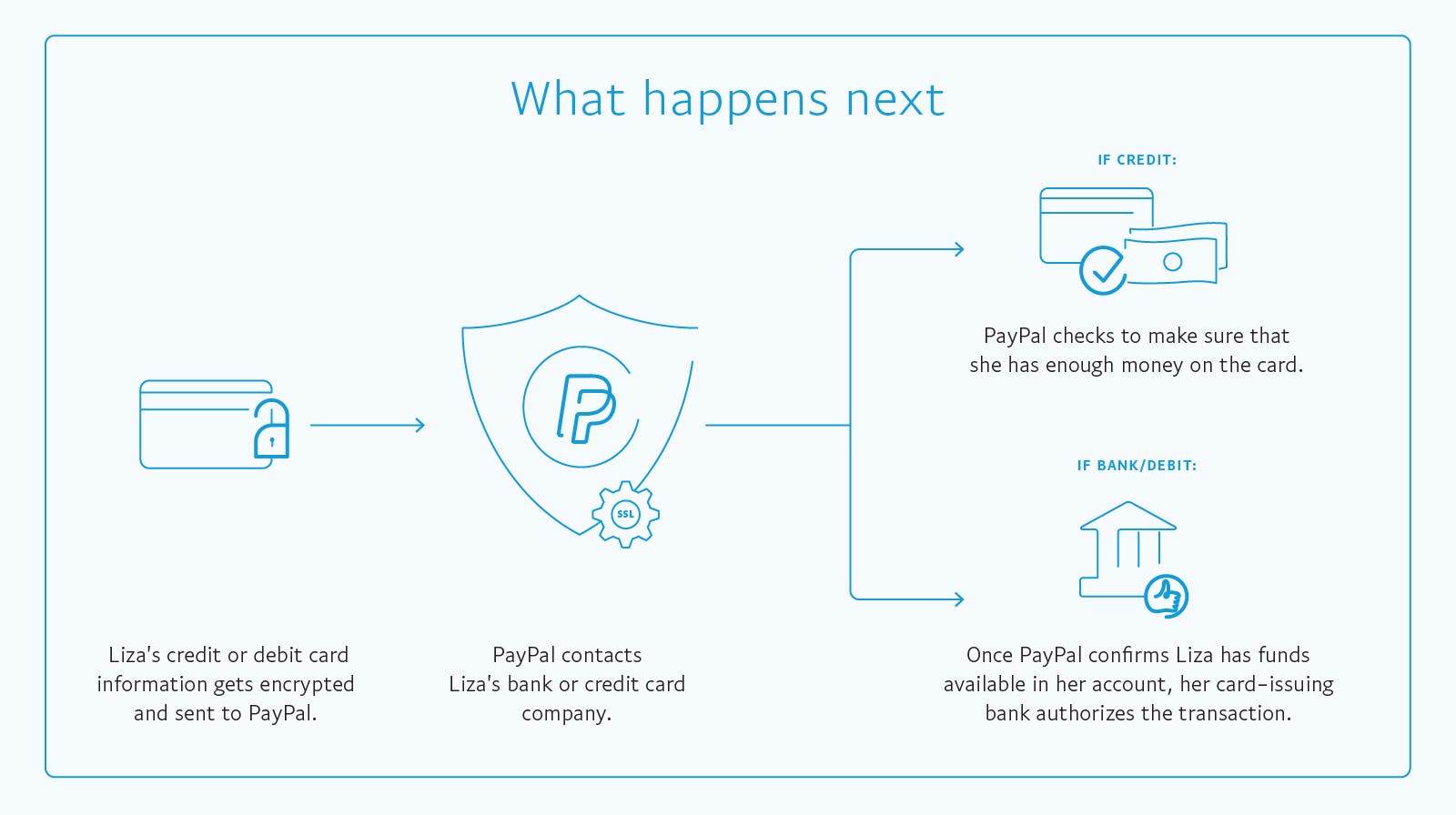
Using a PayPal debit card for routine expenses requires understanding how transactions settle behind the scenes. When you present your card at a store register or insert it into an online checkout portal, the transaction request travels through the payment network to verify funds in real time.
- Merchant Terminal (Authorization Request)
- Mastercard Network (Verification Query)
- PayPal Account Balance
- Sufficient Funds: Transaction Approved
- Insufficient Funds: Check Backup Source (Bank / Debit Card)
- Backup Valid: Pull Funds & Approve
- No Backup: Transaction Declined
Funding Transactions and Backup Payment Sources
The primary engine behind the PayPal Debit Mastercard is its multi-tiered funding mechanism. When you buy groceries, pay for gas, or purchase coffee, PayPal checks your liquid balance first.
- Primary Funding: If your available PayPal balance covers the entire transaction cost, the funds are instantly placed on hold and deducted.
- Secondary (Backup) Funding: If your balance falls short, PayPal’s automatic top-up system triggers. If enabled, PayPal draws money from your primary linked bank account or debit card in designated increments to cover the difference.
- Declined Transactions: If backup funding is turned off or has insufficient funds, transactions that exceed your PayPal balance are automatically declined at the register to prevent overdraft fees.
In-Store, Online, and Mobile Wallet Integration
Everyday usability depends heavily on broad merchant acceptance. Because PayPal cards carry the Mastercard logo, they are accepted at millions of retail locations worldwide.
You can use a physical PayPal card via chip insertion, magnetic stripe swipe, or contactless tap-to-pay terminals. Furthermore, the card can be added to mobile wallets such as Apple Pay, Google Pay, and Samsung Pay. Adding your card to a smartphone wallet allows you to pay for daily essentials using biometric authentication (Facial Recognition or Fingerprint) without pulling out a physical wallet.
Cash Access and ATM Usage
Accessing physical cash remains a requirement for many everyday spenders. PayPal debit cardholders can withdraw cash at ATMs, receive cash back at point-of-sale terminals in retail stores, or request teller withdrawals at participating financial institutions.
- In-Network ATMs: PayPal partners with surcharge-free ATM networks (such as Moneypass). Withdrawing cash within these networks avoids third-party operator fees, though PayPal standard service charges may still apply depending on account terms.
- Out-of-Network ATMs: Using an unverified ATM subjects the user to both an out-of-network fee from PayPal and an operator surcharge from the ATM owner.
- Point-of-Sale (POS) Cash Back: When purchasing everyday goods at supermarkets or pharmacy chains, choosing the "Debit" option on the card terminal allows you to request cash back at checkout without incurring cash-advance or extra ATM fees.
Financial Protections, Security, and Account Limits
Security and regulatory safeguards are critical considerations when replacing a traditional bank debit card with a fintech spending card.
Pass-Through FDIC Insurance
A common concern with non-bank digital wallets is whether funds are safe if the platform faces financial instability. For PayPal account holders who maintain a balance through verified personal accounts or enrolled direct deposit programs, PayPal partners with FDIC-insured banks (such as Wells Fargo, N.A. or The Bancorp Bank, N.A.).
Through these arrangements, eligible user funds held in PayPal balances are eligible for pass-through FDIC insurance up to standard statutory limits ($250,000 per depositor). This protection safeguards your stored spending money against bank failure, provided your identity has been verified in compliance with federal Customer Identification Program (CIP) guidelines.
Card Security Controls and Zero Liability
Everyday spending cards face risks from lost physical cards, skimmed terminals, and online data breaches. PayPal provides real-time digital management through its mobile app:
- Instant Card Freezing: If you misplace your card while running errands, you can instantly lock it through the app. This blocks all new authorization requests while keeping your main account active for online transfers.
- Push Notifications: The PayPal app sends immediate push alerts for every authorization attempt, detailing the merchant name, dollar amount, and location.
- Mastercard Zero Liability Protection: Subject to program terms, cardholders are protected against unauthorized transactions if the card is lost or stolen, provided the loss is reported promptly.
Transaction and Withdrawal Limits
To manage risk, PayPal enforces daily spending and cash access caps. These limits protect account balances in the event of unauthorized access.
| Limit Type | Standard Daily Cap (Approximate) | Account Variables Impacting Limits |
|---|---|---|
| Daily Store Purchases | $3,000.00 USD | Account verification status, account age, recent volume |
| Daily ATM Withdrawals | $400.00 USD | Risk history, identity confirmation, balance stability |
| Over-the-Counter Cash | $400.00 USD | Bank teller availability, identity verification |
Note: Individual account caps may be adjusted higher or lower within the PayPal app security settings based on verified account standing.
Comparing PayPal Spending Options with Traditional Bank Cards
Understanding how a PayPal debit card fits into your daily routine requires comparing its capabilities against legacy checking account debit cards and standard cash-back credit cards.
| Feature | PayPal Debit Mastercard | Traditional Bank Debit Card | PayPal Cashback Credit Card |
|---|---|---|---|
| Primary Funding Source | PayPal Balance / Linked Bank | Linked Checking Account | Revolving Line of Credit |
| Credit Check Required | No | No (Soft ChexSystems check) | Yes (Hard Credit Inquiry) |
| Monthly Service Fees | $0 | $0–$15 (Unless waived) | $0 |
| Everyday Rewards | Select categories/offers | Rare (varies by bank) | Fixed percentage on purchases |
| Backup Payment Options | Yes (Links external bank/card) | No (Overdraft lines vary) | N/A (Credit Limit Based) |
| FDIC Coverage | Pass-through (Verified users) | Direct FDIC Insurance | N/A (Credit Protection) |
| Mobile Wallet Support | Apple Pay, Google Pay | Apple Pay, Google Pay | Apple Pay, Google Pay |
Maximizing Rewards and Managing Costs
Using a PayPal debit card for everyday expenses can yield cash-back rewards, but cardholders must remain mindful of potential transaction fees.
Cash Back Programs on Daily Purchases
Unlike legacy bank debit cards, which rarely offer purchase rewards, the PayPal Debit Mastercard often features targeted cash-back promotions. Users can select specific everyday spending categories—such as groceries, gas, dining, or clothing—to earn cash back up to monthly threshold limits.
Rewards accrued through daily purchases are typically deposited directly into your PayPal account balance at the close of each billing period or eligible rewards cycle. These earned rewards can then be spent immediately on future purchases or transferred to an external bank account.
Avoiding Common Spending Fees
While the PayPal Debit Mastercard carries no annual fee and no monthly maintenance fee, specific actions can incur costs. Managing your card effectively means knowing how to avoid these charges:
- Foreign Transaction Fees: Spending money outside your home country or purchasing from overseas online vendors may trigger a currency conversion fee (typically 3% of the transaction amount).
- Out-of-Network ATM Surcharges: To avoid paying $2.50 or more per withdrawal, use the in-app ATM locator to find fee-free partner network locations.
- Paper Statement Charges: Opt into electronic statements within your online account settings to avoid manual mailing fees.
Step-by-Step: Requesting and Activating Your Card
Getting started with a PayPal card for everyday spending involves a straightforward digital setup process.
- Verify Account Identity (CIP Requirements)
- Request PayPal Debit Mastercard via App or Web
- Receive Physical Card via Mail (7–10 Business Days)
- Activate Card & Set Secure 4-Digit PIN
- Link Card to Apple Pay / Google Pay & Enable Backup
1. Identity Verification Requirements
Before applying for a PayPal debit card, federal financial regulations require identity confirmation. You must provide:
- Full legal name and Residential address (P.O. Boxes are generally restricted for identity validation).
- Date of birth.
- Social Security Number (SSN) or Individual Taxpayer Identification Number (ITIN).
2. Requesting and Activating the Card
Once your account is verified:
- Log into the PayPal app or website and navigate to the Cards section.
- Select PayPal Debit Card and submit your request.
- The physical card typically arrives in the mail within 7 to 10 business days.
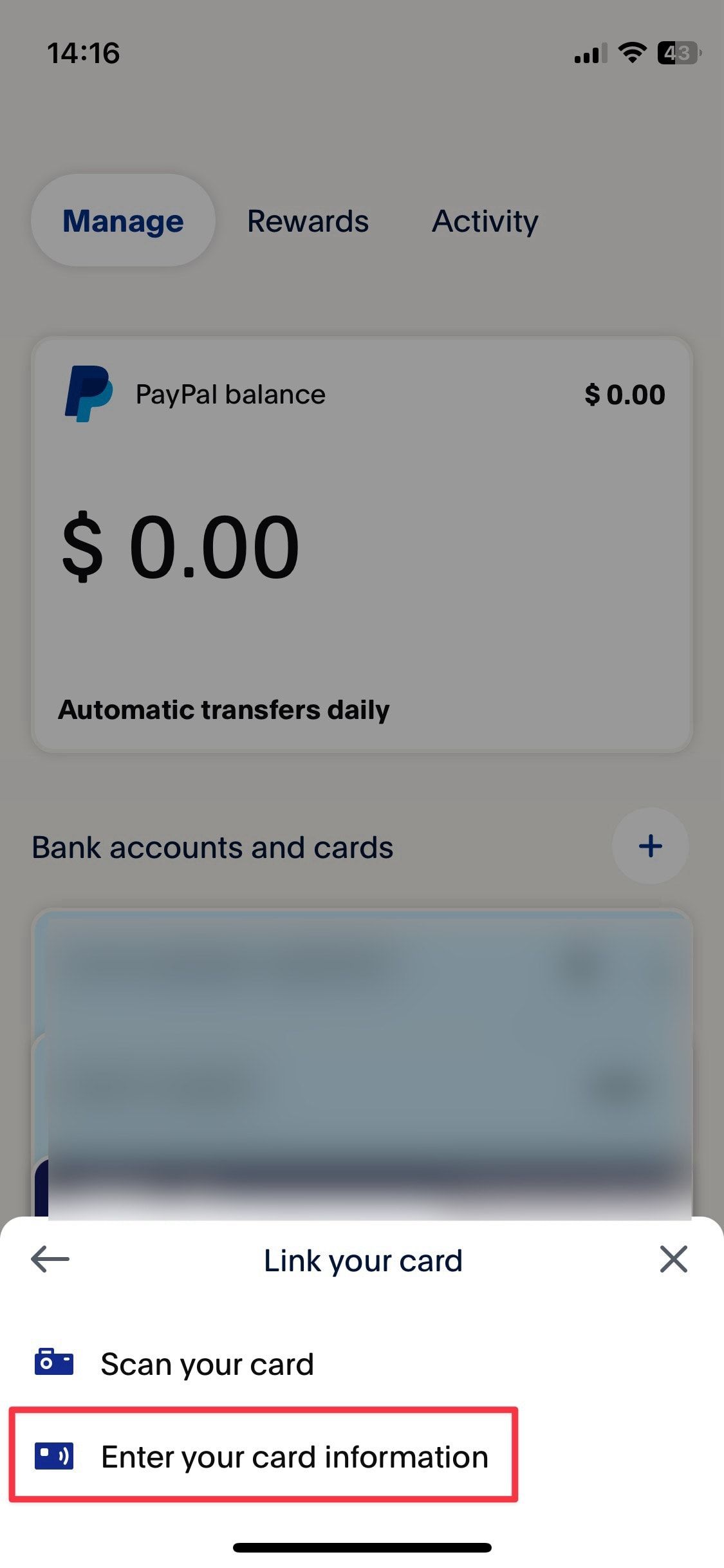
- Upon arrival, activate the card by scanning the QR code on the sticker or entering the card details into the app.
- Create a secure 4-digit PIN for ATM access and debit transactions.
3. Setting Up Digital Wallets and Backup Funding
To optimize the card for immediate daily use, navigate to your card settings in the PayPal app:
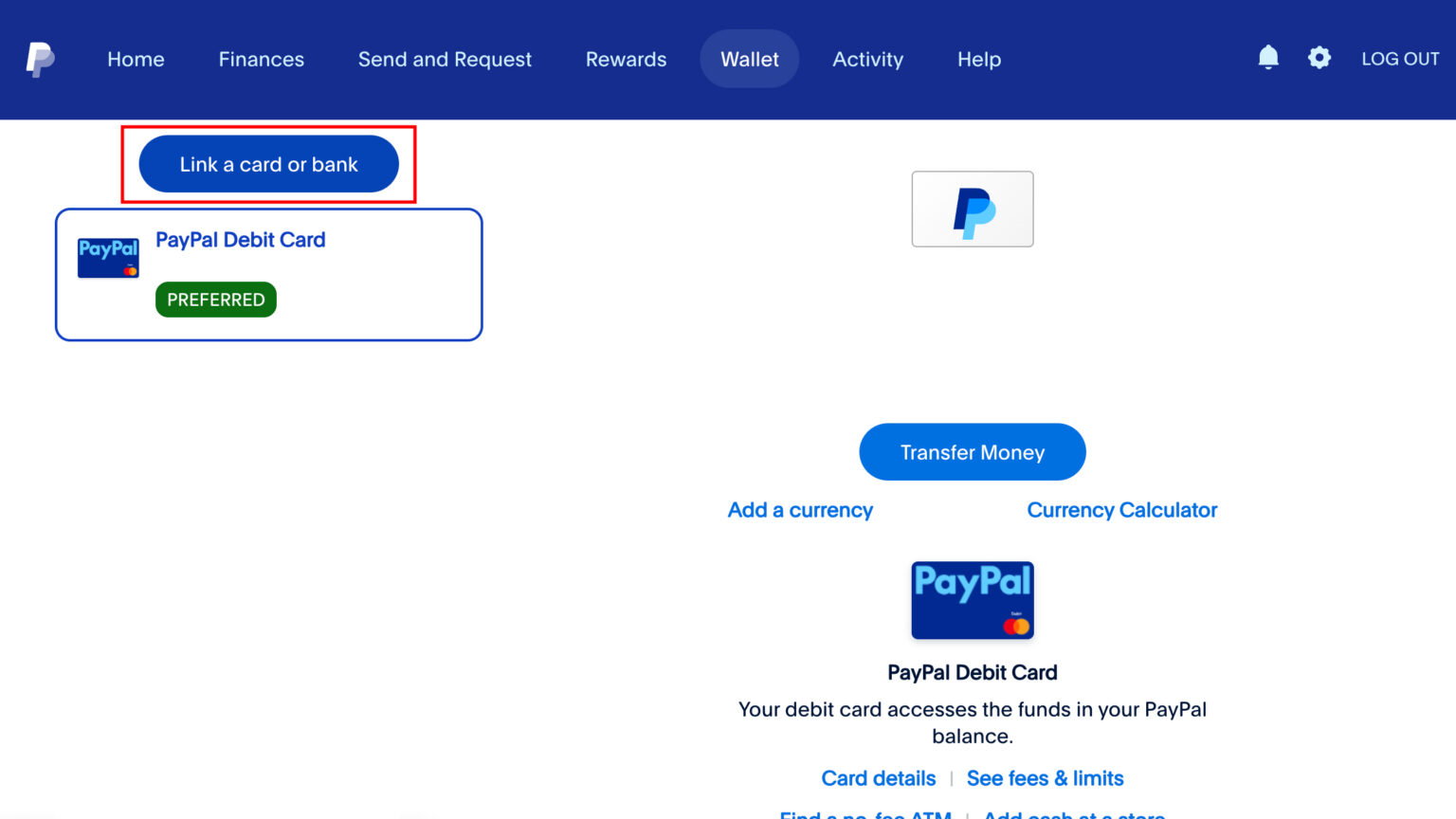
- Turn on Auto Top-Up / Backup Funding and select your preferred secondary bank account.
- Tap Add to Apple Wallet or Add to Google Wallet to enable contactless payments immediately without carrying the physical card.
Practical Troubleshooting for Common Card Issues
Even routine card payments can occasionally hit roadblocks. Understanding how to resolve common spending disruptions ensures seamless daily operation.
Declined Transactions with Available Balance
If your card is declined despite having adequate funds in your PayPal account, check the following potential causes:
- Pending Transfers: Funds recently transferred into your PayPal account might still be in a pending state and unavailable for immediate debit authorization.
- Pre-Authorization Holds: Gas stations, hotels, and rental car agencies often place pre-authorization holds (ranging from $50 to $150) on debit cards. If your available balance is less than the hold requirement, the transaction will be declined.
- Security Locks: Unexpected spending patterns or large purchases outside your geographic area can trigger automated fraud protection locks. Check your mobile app for security alerts to confirm the charge.
Managing Merchant Refunds
When returning an item purchased with your PayPal debit card, merchant credit transactions pass back through the Mastercard network to your account:
- Refund Timelines: Merchant refunds generally take 3 to 5 business days to clear and show up in your available balance.
- Original Payment Source: If a purchase was split between your PayPal balance and a backup bank account, refunded amounts are typically credited directly back to your liquid PayPal balance first.
Frequently Asked Questions
Can I use a PayPal debit card if my PayPal balance is zero?
Yes. If you have enabled a backup funding source (such as a linked bank checking account or external debit card), PayPal will automatically draw funds from that source to complete your purchase. If backup funding is disabled and your balance is zero, the transaction will be declined.
Is there a monthly fee to maintain a PayPal debit card?
No. The PayPal Debit Mastercard has no monthly maintenance fee, no minimum balance requirement, and no inactive account fees. However, standard fees for foreign transactions, out-of-network ATM usage, and cash cash-backs may apply depending on how you use the card.
How does the PayPal card work when traveling internationally?
The PayPal Debit Mastercard works internationally anywhere Mastercard is accepted. However, purchases made in foreign currencies incur a foreign exchange transaction fee (typically 3%). Additionally, out-of-network international ATM cash withdrawals will carry processing fees.
Does applying for a PayPal debit card impact my credit score?
No. Requesting a PayPal Debit Mastercard does not involve a credit check or hard inquiry into your credit report. Because it is a debit card linked to your available balance, approval is based on account identity verification rather than creditworthiness.
How long does it take for money spent on the card to update in the app?
Transactions made with the card reflect in your PayPal account activity immediately. You will receive a push notification within seconds of swiping or tapping your card, detailing the merchant name and updated balance.
Recommended Next Actions
To set up your PayPal card for everyday spending:
- Verify Your Profile: Open the PayPal mobile app and confirm that your identity details (legal name, home address, SSN/ITIN) are fully verified under profile settings.
- Review Account Funding Links: Ensure your linked checking account or primary bank card is active and designated as your backup payment method to avoid transaction declines at retail checkouts.
- Request Your Physical Card: Order the PayPal Debit Mastercard through the cards dashboard and link it to Apple Pay or Google Pay as soon as it is approved.
- Configure Real-Time Security: Enable push notifications on your smartphone and familiarize yourself with the in-app card lock toggle so you can react immediately if your card is ever misplaced.
Image Gallery