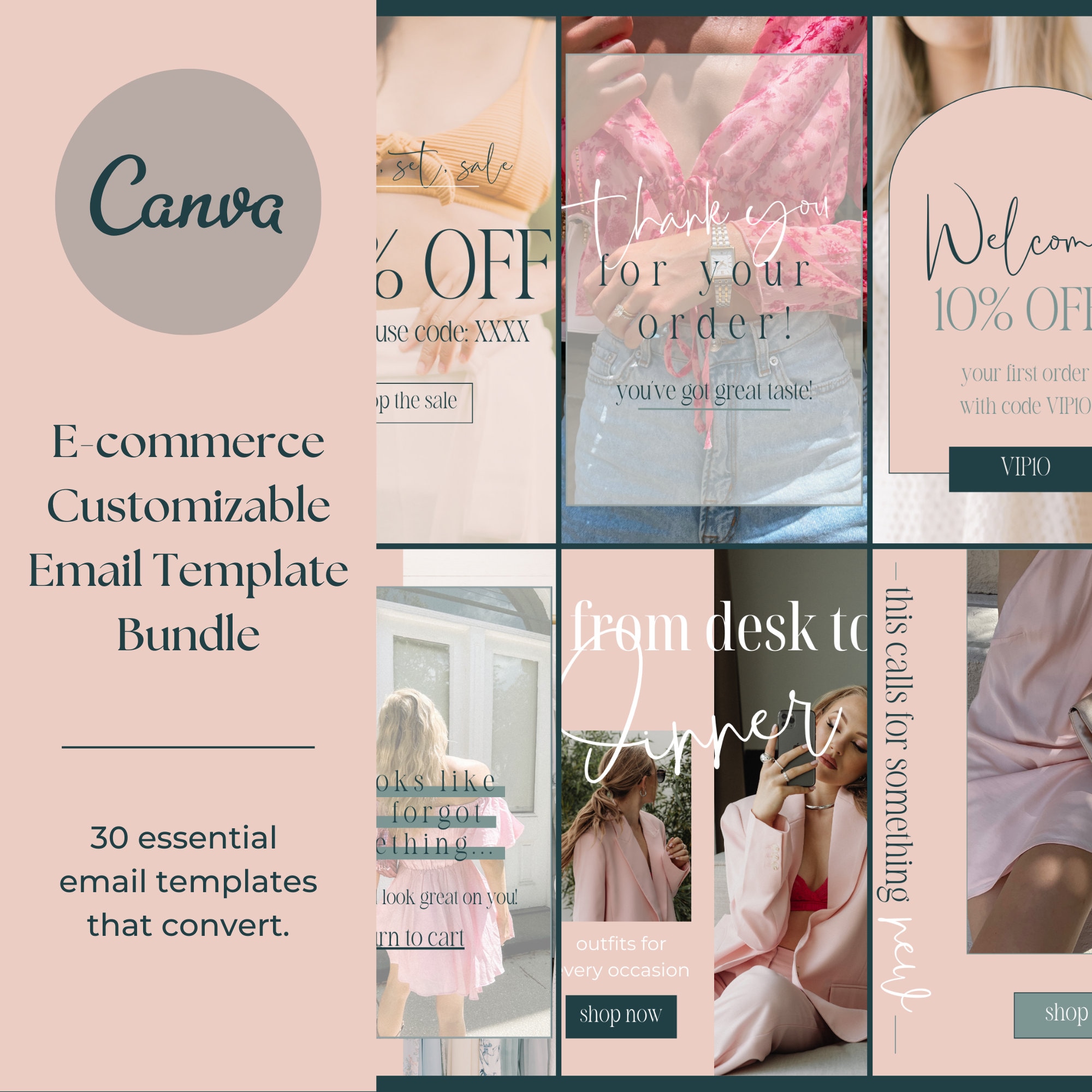
E-commerce Email Templates: A Comprehensive Guide for High-Converting Customer Journeys
In 2026, e-commerce email templates serve as the essential architecture for automated and manual marketing, designed to drive immediate conversions and long-term customer loyalty. These templates provide a standardized framework for tr...
In 2026, e-commerce email templates serve as the essential architecture for automated and manual marketing, designed to drive immediate conversions and long-term customer loyalty. These templates provide a standardized framework for transactional updates, abandoned cart recovery, and promotional campaigns, ensuring brand consistency while utilizing dynamic data to personalize the shopping experience for every recipient.
Contents
The Strategic Importance of Email Templates in 2026
Email marketing continues to yield one of the highest returns on investment (ROI) in the digital commerce landscape. However, the effectiveness of a campaign is heavily dictated by its structural integrity. E-commerce email templates are not merely visual layouts; they are technical assets that must balance aesthetic appeal with deliverability and functional responsiveness.
Using a well-engineered template ensures that a brand’s messaging is accessible across various devices and mail clients. As of 2026, email clients have become more sophisticated, yet the underlying HTML rendering remains fragmented. Templates help developers and marketers bypass these inconsistencies by using "fluid hybrid" design principles. These principles allow emails to scale seamlessly between high-resolution desktop monitors and mobile devices without sacrificing clarity or button clickability.
Furthermore, templates facilitate speed to market. Instead of designing a new layout for every flash sale or product launch, marketing teams can utilize pre-tested modules. This modular approach allows for rapid experimentation through A/B testing, where variables like CTA (Call to Action) placement, image-to-text ratios, and header configurations can be optimized based on real-time performance data.
Core Categories of E-commerce Email Templates
To build a robust communication strategy, an e-commerce store must deploy a variety of template types, each serving a distinct phase of the customer lifecycle. Understanding the nuances of these categories is vital for maintaining high engagement rates.
Transactional Templates
Transactional emails are non-negotiable. They are triggered by specific user actions and carry high open rates because they contain essential information. In 2026, these are no longer dry, text-only receipts; they are opportunities for brand reinforcement.
- Order Confirmation: This template must include the order number, itemized list of products, individual prices, tax breakdown, and shipping address. It is also a prime location to include "recommended products" based on the purchase.
- Shipping Notification: These templates focus on transparency. They should feature a prominent "Track My Package" button that links directly to the carrier’s real-time data.
- Account Creation/Welcome: The welcome email sets the tone. It usually includes a brief brand story, a discount code for the first purchase, and links to the store's most popular categories.
Behavioral and Lifecycle Templates
These templates are triggered by what a customer does—or fails to do—on the website. They are the primary drivers of "recovered" revenue.
- Abandoned Cart Recovery: Statistically the most profitable template in the e-commerce arsenal. A successful 2026 abandoned cart template includes a dynamic image of the item left behind, a direct link back to the checkout page, and social proof, such as customer reviews, to alleviate "buyer's remorse" before the purchase is even made.
- Win-back/Re-engagement: Targeted at customers who haven’t purchased in 60, 90, or 180 days. These templates often employ "we miss you" messaging combined with an aggressive tiered discount to incentivize a return.
- Post-Purchase Follow-up: Sent 14 to 30 days after delivery. These templates request product reviews or user-generated content (UGC), which are critical for SEO and building trust for future shoppers.
Promotional and Editorial Templates
These are used for scheduled broadcasts, such as seasonal sales, newsletter updates, or new collection drops. Unlike transactional emails, these templates rely heavily on visual storytelling and high-impact typography.
Technical Specifications and Design Standards
In 2026, the technical requirements for e-commerce email templates have shifted toward accessibility and "interactive" elements. Static images are no longer sufficient to capture attention in a crowded inbox.
Dark Mode Compatibility
With over 40% of users viewing emails in dark mode, templates must be designed with "color-reversal" in mind. This involves using transparent PNGs for logos and product shots to avoid white "boxes" appearing around images. Developers now use specific CSS media queries (@media (prefers-color-scheme: dark)) to define custom background and text colors that ensure legibility regardless of the user's system settings.
Accessibility (WCAG 2.1)
E-commerce templates must be accessible to users with visual impairments. This includes maintaining a logical heading structure (H1, H2, H3), using descriptive ALT text for every image, and ensuring a high contrast ratio between text and background. Furthermore, buttons should have a minimum touch target of 44x44 pixels to accommodate users with limited motor skills.
AMP for Email and Interactivity
Accelerated Mobile Pages (AMP) for email allows customers to interact with the store without leaving their inbox. In 2026, advanced templates include:
- In-email Carousels: Allowing users to swipe through product images.
- Live Inventory Polling: Showing "Only 2 Left!" directly in the email by fetching real-time data from the store's API.
- Direct Checkout: In some regions, users can select a product size and color and initiate a purchase directly within the email client.
Comparing Template Performance Metrics
| Template Type | Average Open Rate | Primary Goal | Recommended Frequency |
|---|---|---|---|
| Order Confirmation | 60% – 85% | Information/Trust | 1 per transaction |
| Abandoned Cart | 40% – 55% | Revenue Recovery | 2-3 email sequence |
| Welcome Series | 35% – 50% | Brand Onboarding | 3-5 email sequence |
| Promotional/Sales | 15% – 25% | Direct Conversion | 1-4 per week |
| Re-engagement | 10% – 20% | List Hygiene/Retention | Quarterly |
Selecting the Right Platform and Template Source
Choosing how to source e-commerce email templates depends on the technical resources of the business and the specific e-commerce platform in use (e.g., Shopify, WooCommerce, Adobe Commerce).
Native Platform Templates
Most e-commerce platforms provide basic notification templates. While these are convenient, they are often limited in design flexibility. For instance, Shopify's liquid-based templates allow for heavy customization but require knowledge of the Liquid templating language to move beyond basic branding.
Third-Party Template Libraries
Services like Email on Acid or Litmus provide pre-tested templates that have been verified to render correctly across hundreds of different email clients. These are ideal for businesses that want a "plug-and-play" solution that is guaranteed not to "break" in Outlook or older versions of Gmail.
Specialized ESP Builders (Klaviyo, Mailchimp)
Email Service Providers (ESPs) like Klaviyo or Mailchimp offer drag-and-drop editors that are specifically tuned for e-commerce. These editors allow users to pull product data directly from their store's database into the email layout. This is the most common path for mid-market brands, as it balances ease of use with powerful dynamic capabilities.
Common Pitfalls in E-commerce Template Implementation
Even with high-quality templates, several common errors can undermine a campaign's effectiveness.
- Image Heavy Layouts: Many marketers make the mistake of sending an email that is essentially one large image. If the user has "images disabled" by default, they see a blank screen. Always maintain a 60/40 text-to-image ratio.
- Generic "View in Browser" Links: If a template is truly responsive, this link should be a fallback, not a necessity. Over-reliance on it indicates poor template engineering.
- Ignoring the Preheader: The preheader is the snippet of text that appears after the subject line in the inbox. Many templates leave this as "Can't see this email? Click here," which is a wasted opportunity for a secondary hook.
- Slow Load Times: High-resolution product photos can make an email file size exceed 100KB, leading Gmail to "clip" the message. Always compress images and minify HTML code before finalizing a template.
Strategic Customization for 2026
Customization in 2026 goes beyond adding the customer's first name. Modern e-commerce templates utilize "Conditional Blocks." For example, a single promotional template can show different content based on the recipient's VIP status. A "Platinum" loyalty member might see a template with a "Private Early Access" banner, while a standard customer sees a "Coming Soon" notification.
This level of granularity ensures that the email remains relevant to the individual's specific relationship with the brand, which is the most effective way to prevent "email fatigue" and maintain a healthy subscriber list.
Frequently Asked Questions
What is the ideal file size for an e-commerce email template?
Ideally, the HTML file size should remain under 102KB. This is the threshold at which Gmail begins to truncate or "clip" the email, hiding the footer and the unsubscribe link. This can lead to increased spam complaints and poor user experience. Keep code clean and avoid excessive inline CSS if possible.
Do I need a different template for every e-commerce platform?
While the visual design can be the same, the code that pulls in product names, prices, and images (dynamic tags) is different for every platform. A Shopify template uses {{ line_item.title }}, while a WooCommerce template might use PHP-based hooks or different shortcodes. You must ensure the template is compatible with your specific store's backend.
How often should I update my e-commerce email templates?
Standard transactional templates should be audited every six months to ensure links are still active and branding is current. Promotional templates should be refreshed or rotated every quarter to prevent visual staleness. Technical audits for mobile responsiveness should occur whenever major mobile OS updates are released.
Is it better to use plain text or HTML templates?
For transactional emails like shipping updates, plain text or "minimalist HTML" can often feel more personal and urgent. However, for promotional and brand discovery emails, HTML is superior as it allows for the visual representation of products and clear, clickable CTA buttons that drive conversion.
Should I include my social media links in every template?
While it is standard practice to include social icons in the footer, they should never be the primary focus of an e-commerce template. The goal of an e-commerce email is usually to get the user back to the store, not to send them to a social platform where they may be distracted by other content.
Moving Forward with Your Strategy
To optimize your email marketing in 2026, begin by auditing your current transactional templates. Ensure they are mobile-responsive and include cross-sell opportunities. Once your foundations are solid, implement a multi-stage abandoned cart sequence using a template that prioritizes social proof and low-friction navigation. Continuous testing of your template's visual hierarchy and technical performance will be the differentiator between a stagnant list and a high-growth revenue channel.
Image Gallery