What Is the Best Teleprompter Software in 2026: The Definitive Guide for Creators and Professionals
Selecting the right teleprompter software in 2026 goes far beyond putting rolling text on a screen. Modern digital communication demands fluid eye contact, natural pacing, AI-driven voice synchronization, and seamless multi-device inte...
Selecting the right teleprompter software in 2026 goes far beyond putting rolling text on a screen. Modern digital communication demands fluid eye contact, natural pacing, AI-driven voice synchronization, and seamless multi-device integration across desktop, mobile, and studio hardware. Whether you are producing high-end corporate training videos, broadcasting live streams on Twitch, recording daily TikTok and YouTube Shorts, or delivering high-stakes virtual webinars, a reliable teleprompter application eliminates the friction of memorization and ensures professional delivery.
Contents
Evolution of Teleprompter Technology and Modern Capabilities
The traditional hardware teleprompter setup required expensive glass beam-splitters, bulky camera mounts, and dedicated operators. Today, software-driven solutions have democratized professional broadcasting. Modern teleprompter applications leverage advanced algorithms to track your speech, dynamically scroll at your natural cadence, and integrate directly with video conferencing tools like Zoom, Microsoft Teams, and Google Meet.
Core Features to Demand in 2026 Solutions
- Voice-Activated Scrolling: Rather than relying on a fixed timer or a manual foot pedal, modern applications utilize speech recognition engines to scroll text only when you speak, pausing automatically when you stop or improvise.
- Eye-Correction AI: Advanced machine learning models subtly adjust your eye gaze in real-time, ensuring you appear to be looking directly into the camera lens even when reading text positioned off-center on your monitor.
- Remote Control Ecosystems: Seamless synchronization allows a producer off-screen or a mobile device in your hand to control speed, font size, and script navigation wirelessly.
- Transparent Overlay Modes: Floating translucent windows enable you to place the prompter directly over your primary recording interface or conferencing software without altering your desktop display setup.
Top Teleprompter Software Platforms Compared
Navigating the crowded market of teleprompter applications requires a clear understanding of your specific production environment. Below is a detailed technical comparison of the leading software options available for creators, enterprises, and remote professionals in 2026.
| Software Solution | Primary Platform | Voice-Activated Scrolling | Eye-Correction AI | Estimated Pricing Tier | Best Suited For |
|---|---|---|---|---|---|
| Bigvu | Web, iOS, Android | Yes | Yes | Freemium / Subscription | Social media creators and mobile-first marketers |
| PromptSmart Pro | macOS, Windows, iOS, Android | Yes (VoiceTrack) | No | One-time / Subscription | Professional presenters and speechmakers |
| Teleprompter Premium | macOS, iOS | Yes | Yes | One-time purchase | Apple ecosystem power users and video producers |
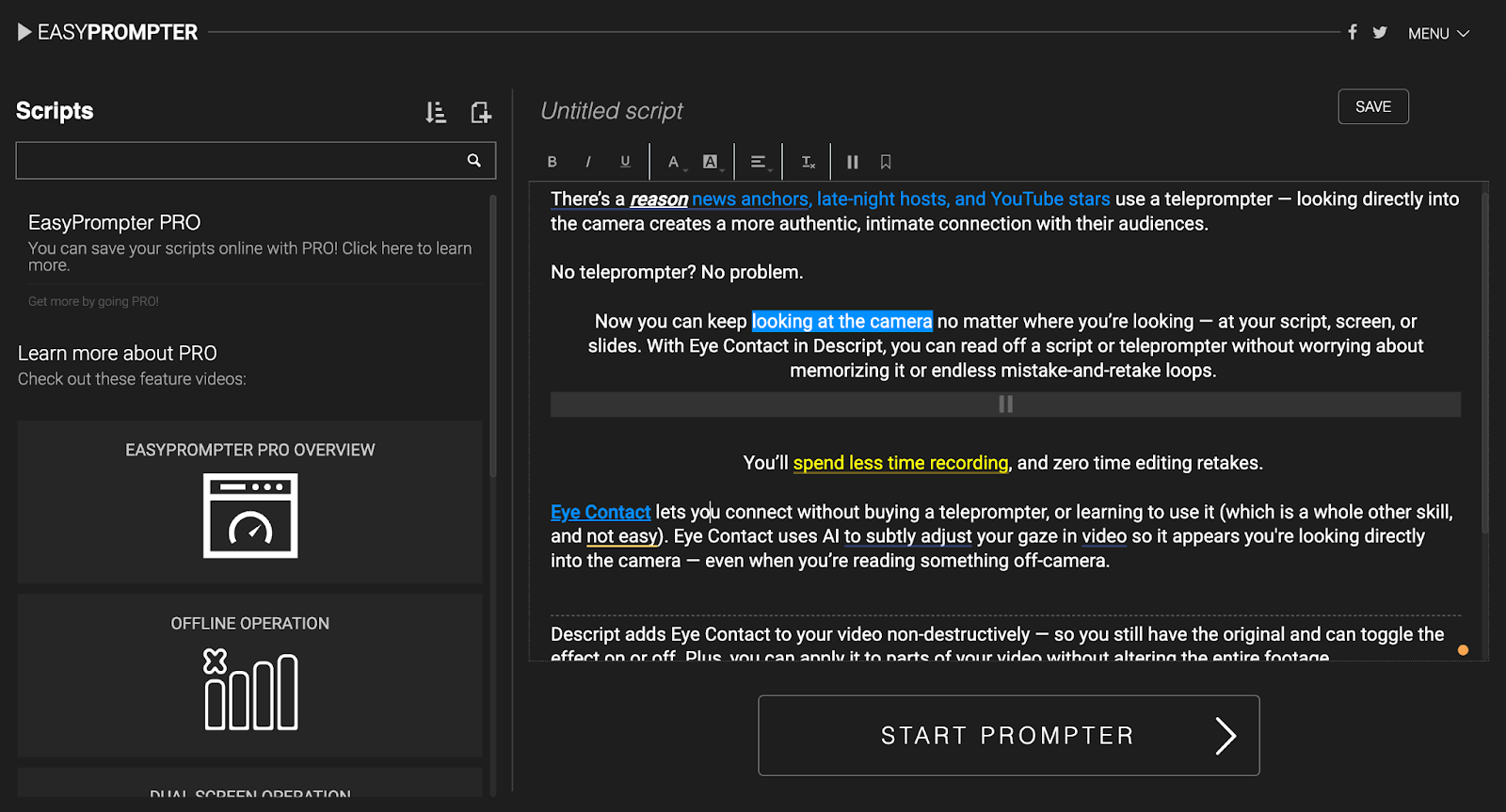
| Online Teleprompter | Web Browser (Any) | No | No | Free / Open Source | Quick, zero-install browser-based reads |
| Parrot Teleprompter | iOS, Android | No | No | Free with in-app upgrades | Smartphone users paired with hardware rigs |
Strategic Deployment Insight: When selecting a platform, evaluate your hardware ecosystem first. If your primary workflow relies on native Apple hardware integration, desktop-focused apps with native macOS optimization will yield lower latency during multi-monitor recording sessions.
Detailed Breakdown of Industry-Leading Teleprompter Applications
1. Bigvu: The All-in-One Social Video Studio
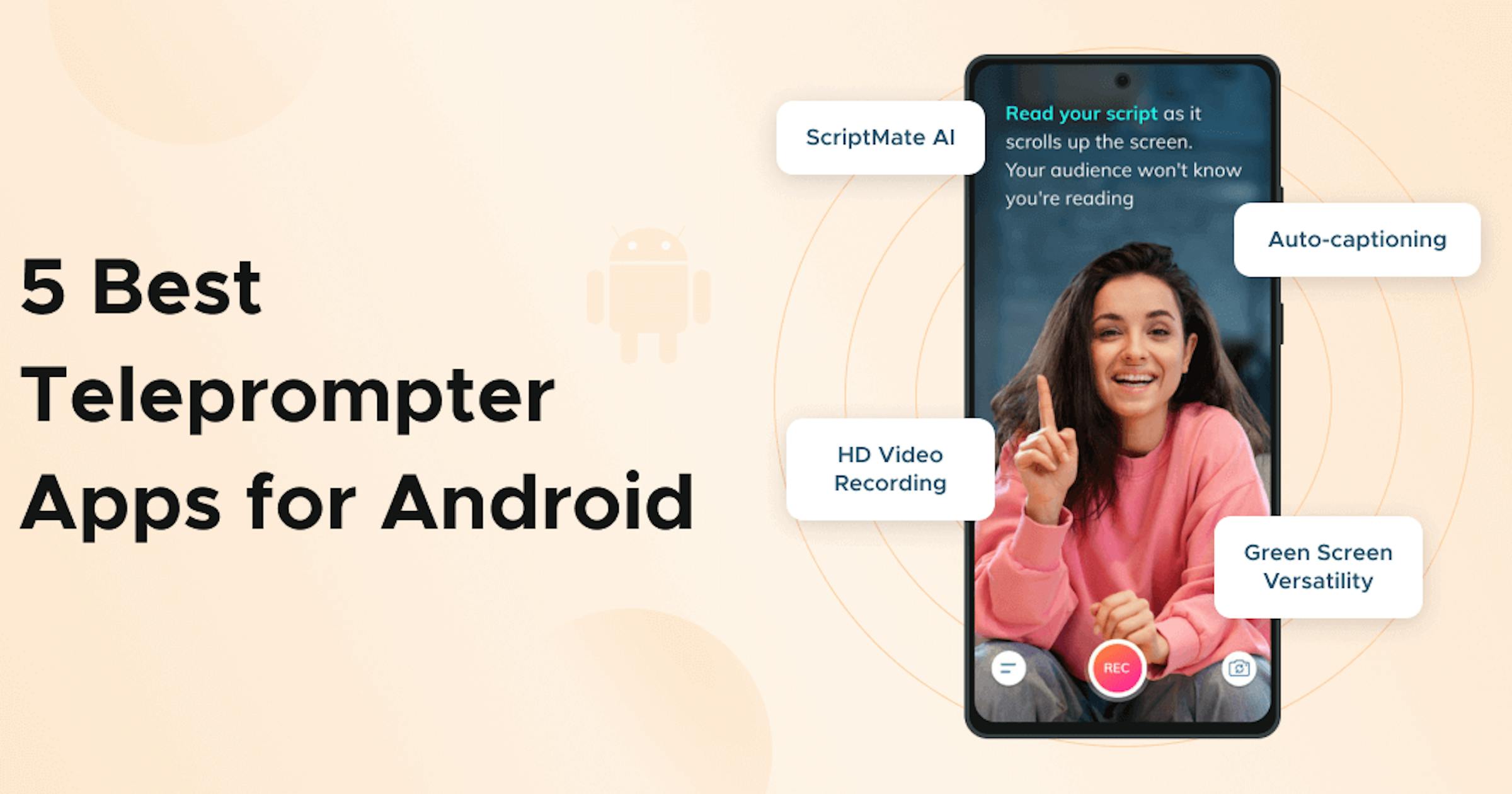
Bigvu has established itself as a powerhouse for content creators who manage scripts, shooting, captioning, and publishing from a single dashboard. Its standout capability is the AI-driven script generator combined with automatic captioning that burns styled subtitles directly into vertical video formats.
The mobile application turns any smartphone into an intelligent recording studio. It aligns the script directly beneath the front-facing camera lens, minimizing the noticeable eye drift that plagued older teleprompter setups. For teams collaborating across multiple time zones, Bigvu provides cloud script synchronization, allowing a copywriter to update a script in New York while the creator records in London within seconds.
2. PromptSmart Pro: The Pioneer of Voice-Tracking Technology
PromptSmart Pro differentiates itself through its patented VoiceTrack speech-recognition engine. Unlike time-based prompters that force you to match an unnatural mechanical reading speed, VoiceSmart listens to your voice in real-time. If you pause for dramatic effect, speed up, or improvise an extra line, the text instantly freezes or accelerates to match your exact cadence.
This makes it the preferred tool for live webinars, church sermons, and long-form educational lectures where rigid timing is impossible. It operates offline on local devices, ensuring data privacy and eliminating latency issues caused by unstable internet connections during critical live recordings.
3. Teleprompter Premium: Professional Grade for macOS and iOS
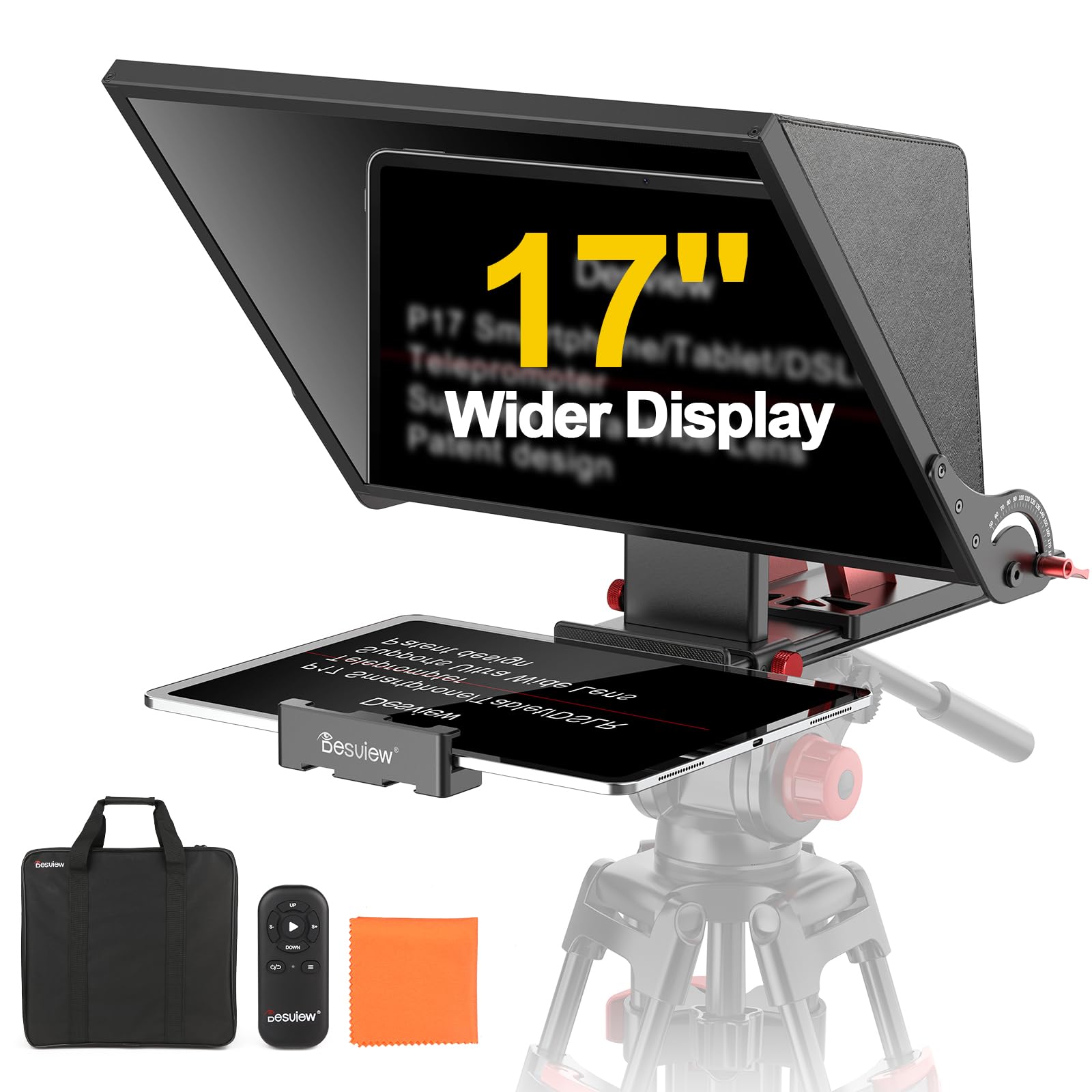
Designed specifically for the Apple ecosystem, Teleprompter Premium offers deep integration with iPadOS, macOS, and iOS. It supports external hardware controllers, Bluetooth remotes, and professional teleprompter glass rigs.
The software includes advanced customization options for mirrored text, custom background opacities, multi-script playlist management, and remote browser control. Creators can control the prompter from an iPhone while recording on an iPad mounted to a studio tripod, providing a clean, professional workflow for independent producers.
Step-by-Step Guide: Optimizing Your Workflow for Natural Delivery
Even the most advanced software cannot completely mask a robotic reading performance. Achieving a broadcast-quality presentation requires deliberate technical setup and scripting practices.
- Format Your Script for the Ear, Not the Eye: Write your scripts in conversational prose rather than formal academic writing. Use shorter sentences, active voice, and intentional paragraph breaks to give your eyes natural resting points.
- Adjust Font Size and Margin Padding: Set your font size large enough to read comfortably from a distance of three to four feet, but avoid making it so large that your eyes visibly dart back and forth across the screen. Keep the text centered in a narrow column directly beneath the camera lens.
- Calibrate Voice-Tracking Sensitivity: If using voice-activated software like PromptSmart, run a 30-second test recording in your actual acoustic environment. Adjust the microphone input level and noise suppression settings to prevent background fan noise or room echo from interfering with scroll tracking.
- Lighting and Eye Line Placement: Position your teleprompter screen or software overlay as physically close to the camera lens as possible. Ensure your face is evenly lit so viewers cannot detect downward eye movements.
- Rehearse with Natural Inflection: Practice reading through the script at least twice without recording to identify awkward phrasings, tongue-twisters, or unnatural transitions before capturing the final take.
Frequently Asked Questions
What is the best teleprompter software for beginners?
Bigvu is widely considered the best option for beginners due to its intuitive interface, built-in AI script assistance, and mobile-friendly recording tools. It streamlines the transition from script creation to final edited video without requiring complex technical configurations.
Can teleprompter software scroll automatically based on my voice?
Yes, advanced applications utilize specialized speech-recognition technology to match scrolling speed to your spoken voice in real-time. Programs like PromptSmart Pro excel in this category by pausing or accelerating the text dynamically as you speak.
Do I need special hardware to use teleprompter software?
No special hardware is required; you can run teleprompter software as an overlay on your computer monitor, tablet, or smartphone screen. However, physical glass beam-splitter rigs can be paired with tablet-based apps if you require absolute direct eye contact with the camera lens.
Is there free teleprompter software available?
Yes, there are several reliable browser-based options such as Online Teleprompter that require zero installation and cost nothing to use. Many mobile apps also offer robust free tiers with watermarked exports or time limits before requiring an upgrade.
How do I stop my eyes from looking back and forth when reading a teleprompter?
Position the text window as close to your camera lens as possible and increase the distance between your eyes and the screen. Narrowing the text block width also minimizes horizontal eye movement, making your delivery appear natural and direct.
Conclusion and Next Steps
Choosing the best teleprompter software ultimately depends on your specific production medium, hardware ecosystem, and comfort level with automated tools. Creators focusing on mobile-first social media will thrive with integrated studio apps like Bigvu, whereas professional speakers and live broadcasters benefit immensely from voice-tracking solutions like PromptSmart Pro. Evaluate your workflow requirements, test out available free trials, and refine your script preparation techniques to elevate your digital communication in 2026.
Image Gallery