A Comprehensive Guide to Accessing and Using the Peloton Free Account
A Peloton free account, officially categorized as a Peloton App Free tier, provides users with limited access to a curated selection of fitness classes without requiring a monthly subscription. By creating an account through the offici...
A Peloton free account, officially categorized as a Peloton App Free tier, provides users with limited access to a curated selection of fitness classes without requiring a monthly subscription. By creating an account through the official Peloton website or mobile application, users can explore a rotating library of sample classes—including strength, yoga, and cardio—to experience the platform's production quality and instructor style before committing to a paid membership.
Contents
Understanding the Peloton Ecosystem
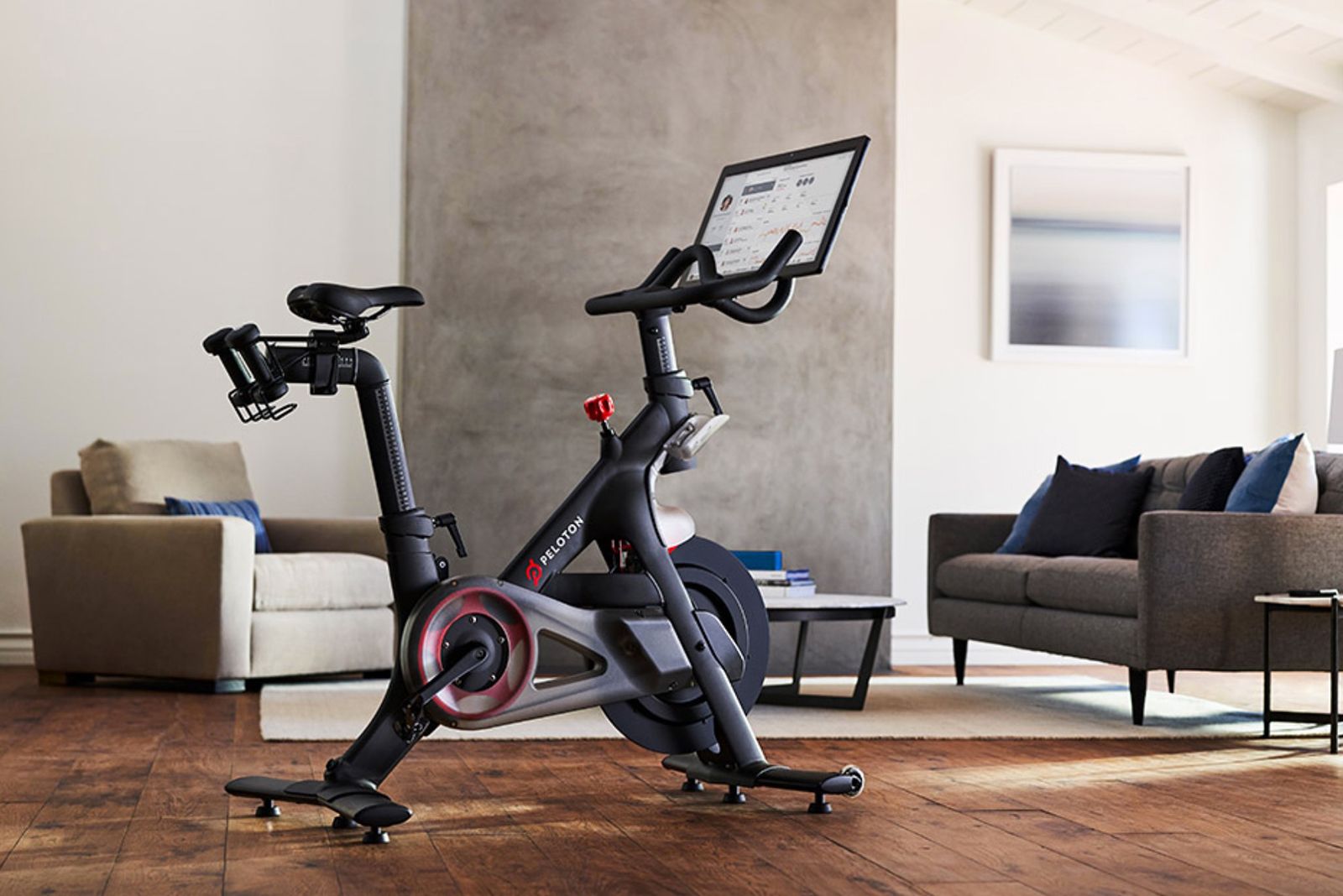
Peloton has evolved from a hardware-centric company into a comprehensive digital fitness platform. While the brand is synonymous with the stationary Bike and Tread, the "Peloton App" is the software interface that serves as the backbone for both hardware owners and digital-only members. The free account exists as a top-of-funnel entry point, allowing potential customers to test the user interface, browse the library structure, and engage with a specific, limited subset of the content catalog.
It is important to disambiguate the "Free Account" from the "App One" and "App+" subscription tiers. A free account does not provide full access to the thousands of classes available in the Peloton library, nor does it allow for unlimited participation in live-streamed events. Instead, it functions as a "freemium" gateway designed to familiarize new users with the Peloton ecosystem's mechanics, navigation, and pedagogical approach to fitness.
Prerequisites for Registration
To create a Peloton free account, you must have access to a compatible device. Peloton supports a wide array of hardware, but the software experience is optimized for specific platforms. Ensure your device meets the following criteria before attempting registration:
- Hardware Requirements: You need a smartphone (iOS or Android), a tablet (iPad or Android tablet), or a web-accessible desktop computer.
- Connectivity: A stable high-speed internet connection is required to stream video content. While low-resolution modes may exist, Peloton classes are high-definition video productions that require consistent bandwidth to avoid buffering.
- Account Credentials: You will need a valid email address that has not previously been associated with an active Peloton membership.
- Regional Availability: The Peloton App is not available in every jurisdiction globally. Ensure that your current location supports Peloton services by checking the official store listings in your region.
Step-by-Step Registration Process
Setting up your account is a straightforward process, but it requires intentional selection to ensure you are accessing the free tier rather than a trial of the paid subscription.
- Navigate to the Source: Visit the official Peloton website or download the Peloton App from the Apple App Store or Google Play Store.
- Initiate Sign-Up: Select the "Sign Up" or "Get Started" option.
- Profile Creation: Enter your email address and create a secure, unique password. You will also be prompted to provide basic profile information.
- Subscription Selection: During the account creation phase, the platform will present various subscription tiers. Look for the "Free" option, which is distinct from the "Free Trial" of the App+ or App One services. Selecting a trial will trigger a request for payment information, whereas the free tier typically does not.
- Verification: Confirm your account via the email verification link sent to your registered address.
Navigating the Free Account Interface
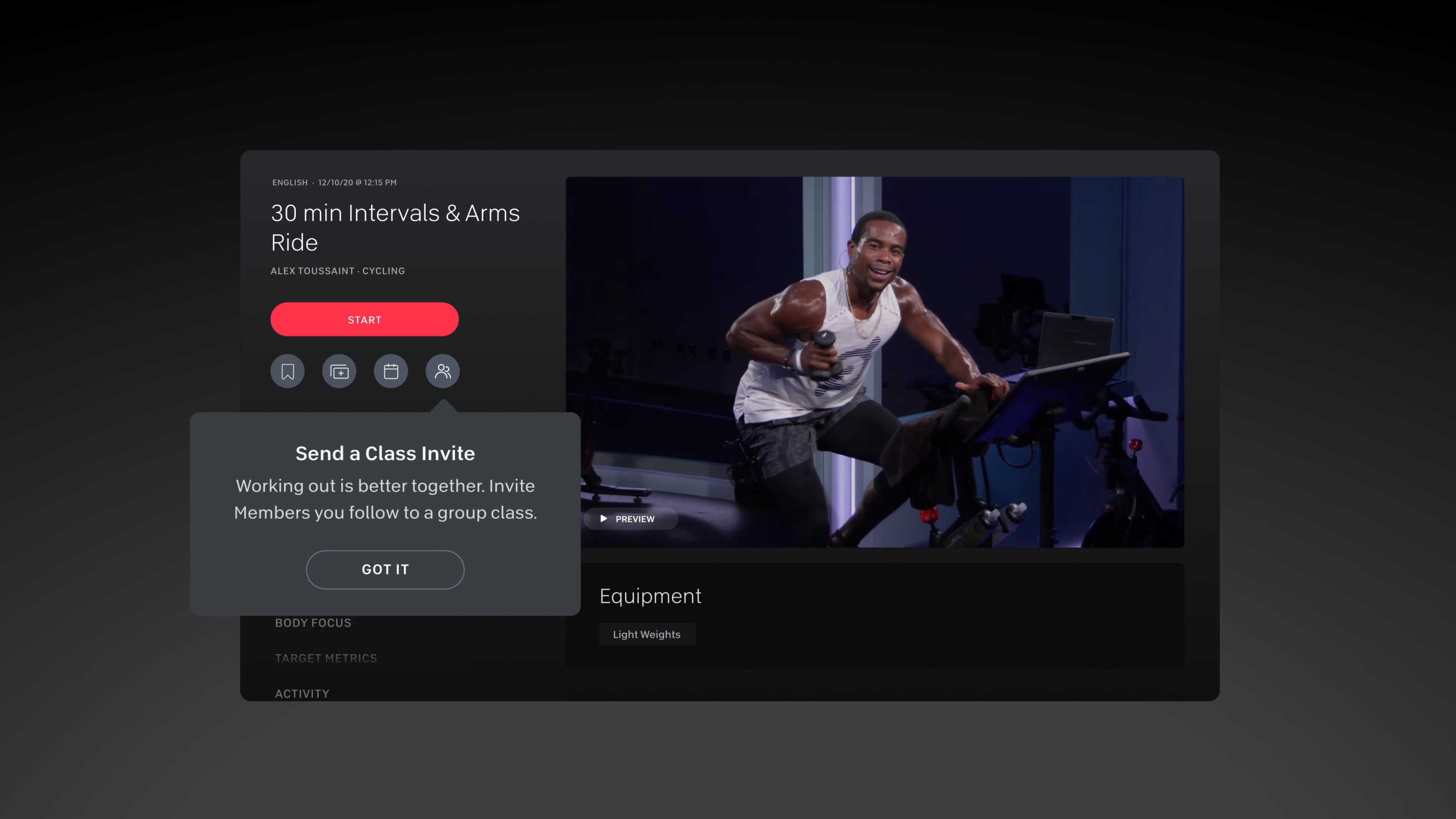
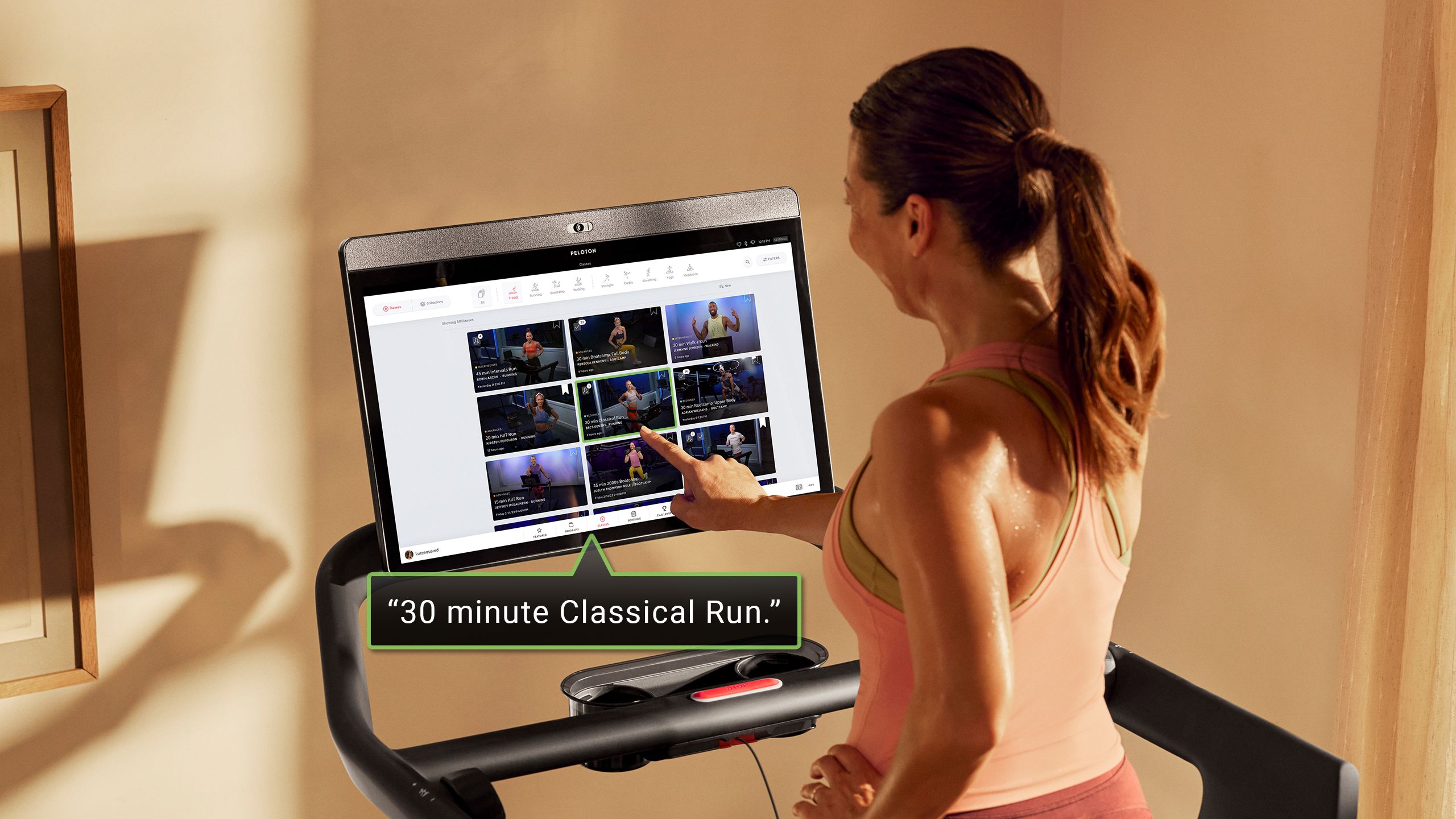
Once you have gained access, the user interface will look nearly identical to that of a paid subscriber, but you will notice "locked" icons on most classes. The free tier allows you to browse the entire library, but you will only be able to launch the classes explicitly marked as available for the free tier.
The dashboard is organized by modality—such as Strength, Yoga, Stretching, and Cardio. As you explore these categories, you can use the filter tools to narrow down options by instructor, duration, and class type. While the selection for free users changes periodically, it typically features "teaser" content designed to showcase the diversity of the Peloton instructor team.
Comparison of Peloton Access Levels
| Feature | Peloton Free Account | App One / App+ Subscription |
|---|---|---|
| Class Library | Limited rotating selection | Unlimited access |
| Live Classes | Restricted/None | Full access |
| Hardware Integration | Basic metrics only | Full performance tracking |
| Cost | $0 | Monthly/Annual fee |
| Multi-device usage | Limited | Supported |
Managing Limitations and Troubleshooting
The primary limitation of the free account is the restriction on content variety and the inability to participate in the full social and performance-tracking features that define the paid experience. If you find that your selected class is not playing, ensure that your application is updated to the latest version. Older software versions often lose compatibility with the streaming protocols used by Peloton’s content delivery network.
Common troubleshooting steps include:
- Clearing Cache: If the app is sluggish, clearing the cache in your device settings can often resolve temporary data conflicts.
- Network Stability: If you experience frequent buffering, toggle your Wi-Fi off and on, or switch to a wired connection if using a desktop browser.
- Account Status: If you previously had a paid subscription that expired, you may be automatically downgraded to a "restricted" account. If you cannot access the free content, you may need to reach out to Peloton support to reset your account status.
Frequently Asked Questions
Does the Peloton free account require a credit card? No, a standard free account does not require a payment method. If you are prompted for a credit card, you are likely signing up for a free trial of a paid subscription, which will transition to a recurring charge after the trial period expires.
How often does the free content rotate? Peloton updates the library of free classes periodically. There is no fixed schedule, but the goal of the rotation is to provide a representative sample of the various instructors and class formats available on the platform.
Can I use the free account on my Peloton Bike? The free account is primarily designed for the app-based fitness experience. If you own a Peloton Bike or Tread, you generally require an All-Access Membership to unlock the hardware's full tracking, leaderboard, and live-class capabilities.
Is my progress saved on a free account? While you can complete the classes provided in the free tier, the deep analytical data—such as personal records, heart rate zones, and long-term activity history—is generally a feature associated with paid memberships.
Can I upgrade from a free account to a paid subscription later? Yes, you can upgrade at any time through the account settings within the app or on the website. Your profile history and saved preferences will carry over to the new subscription level.
Next Steps and Recommendations
To maximize your experience with the Peloton free account, start by selecting one class from each available category (e.g., one Yoga class, one Strength class). This will help you determine which instructors' teaching styles resonate with your fitness goals and personal preferences.
If you find that the free content satisfies your fitness needs, there is no pressure to upgrade. However, if you find yourself wanting more variety or the ability to join live community classes, you may consider evaluating the monthly subscription tiers. Before committing, check if your health insurance provider offers any wellness reimbursements or if your corporate benefits program provides access to discounted digital fitness memberships.
Image Gallery