Choosing the Best Project Manager App for iPad in 2026
The definition of a mobile workstation has shifted dramatically. Professionals no longer rely solely on desktop computers or bulky laptops to orchestrate complex corporate initiatives. Utilizing a project manager app for iPad in 2026 o...
The definition of a mobile workstation has shifted dramatically. Professionals no longer rely solely on desktop computers or bulky laptops to orchestrate complex corporate initiatives. Utilizing a project manager app for iPad in 2026 offers a distinct operational advantage, blending the tactile precision of Apple Pencil input with the desktop-class performance powered by modern M-series processors and iPadOS multitasking environments. Whether you are managing software sprints on a construction site, reviewing Gantt charts in an executive board meeting, or coordinating creative deliverables remotely, selecting the right platform determines whether your workflow scales efficiently or encounters persistent bottlenecks.
Contents
Evaluating the 2026 iPadOS Project Management Landscape
Modern iPadOS hardware handles resource-intensive workloads that rival traditional desktop environments. However, successful project management on this form factor requires applications specifically optimized for touch interfaces, split-screen multitasking, Stage Manager, and external display support.
When evaluating software options for your team, several critical technical specifications must be prioritized:
- Native Apple Silicon Optimization: Applications must take full advantage of M-series chips to render complex timelines and resource allocation charts without frame drops or latency.
- Offline Sync Architecture: Field teams frequently encounter erratic cellular connectivity. Reliable local caching and background synchronization protocols prevent data corruption when moving offline and online.
- Universal Peripheral Support: Seamless integration with Magic Keyboards, trackpads, and Apple Pencil allows for fluid drag-and-drop task manipulation and direct schematic markup.
- Role-Based Access Control (RBAC): Enterprise-grade security frameworks ensure that client stakeholders, internal contributors, and external contractors view only authorized project phases.
Comparative Breakdown of Top iPad Project Management Solutions
Choosing a centralized command center requires weighing feature sets against platform limitations. The following matrix contrasts the industry-leading solutions available on iPadOS for 2026, highlighting how each application manages collaborative workloads, user interfaces, and file storage limits.
| Application Name | Primary Interface Strength | Apple Pencil Support | Offline Capabilities | Best Suited For |
|---|---|---|---|---|
| OmniPlan 4 | Advanced Gantt charts and dependency tracking | Native vector markup on task dependencies | Full local file storage and offline sync | Enterprise engineering and complex construction projects |
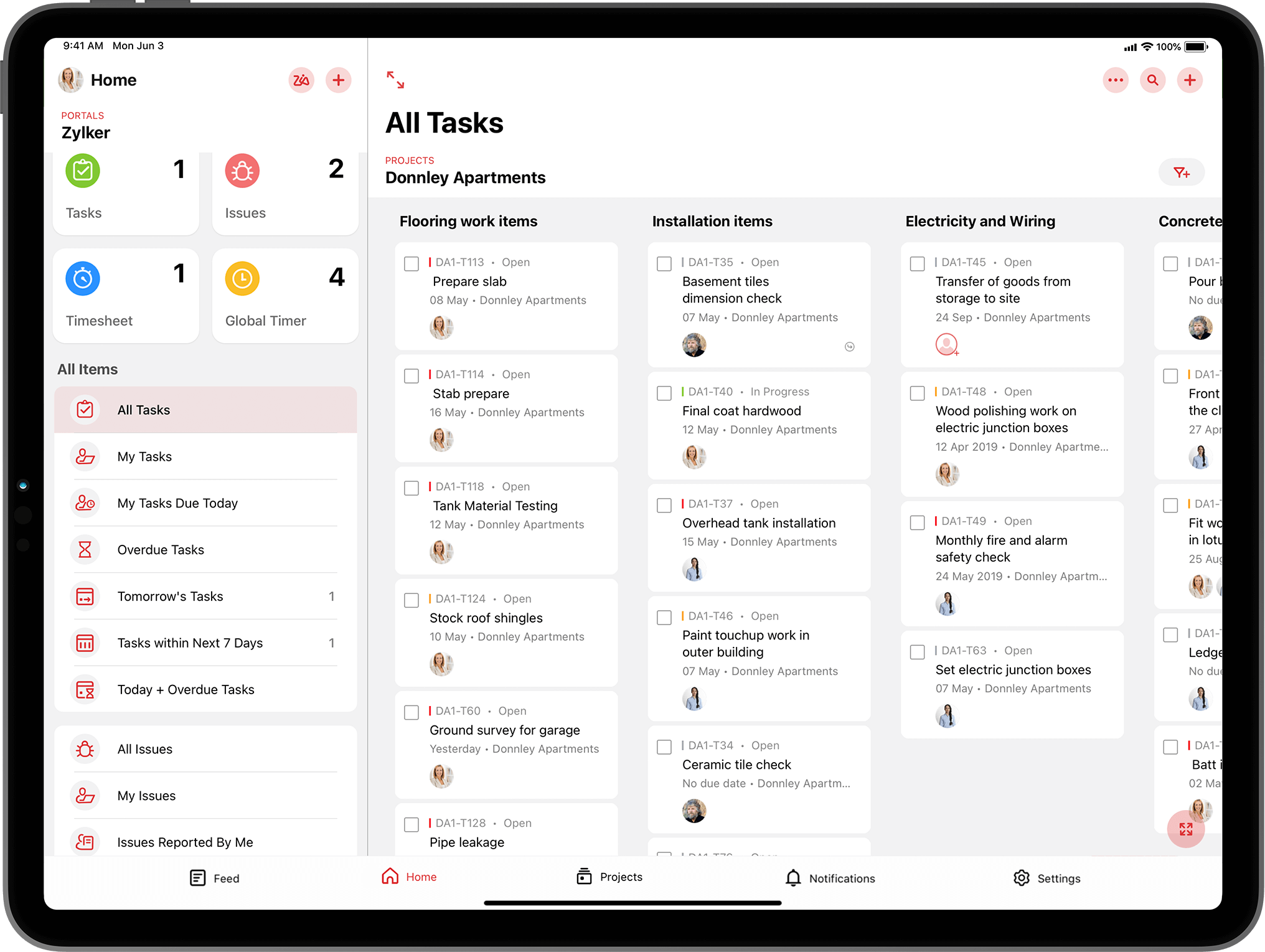
| Asana | Streamlined list and Kanban board views | Basic annotation via system share sheet | Partial caching (requires active session) | Cross-functional marketing and creative agencies |
| Monday.com | Highly customizable visual dashboards | Limited stylus integration | Cloud-dependent with sync queues | Operations teams requiring flexible automations |
| ClickUp 3.0 | All-in-one workspace with docs and time tracking | Moderate sketching via whiteboard mode | Selective offline document viewing | Tech startups and agile software development squads |
| Trello | Intuitive drag-and-drop card systems | Minimal touch optimization | Basic read-only offline access | Lightweight task tracking and personal workflows |
Maximizing Productivity with Apple-Specific Ecosystem Features
Deploying a tablet-centric workflow unlocks unique hardware capabilities that traditional desktop operating systems cannot replicate. Leveraging these native features transforms passive task monitoring into active, hands-on administration.
Precision Markup and Visual Collaboration
During client reviews or architectural design sprints, the ability to annotate blueprints, wireframes, and project briefs directly on the screen eliminates unnecessary communication loops. Apps that support Apple Pencil integration allow project managers to sketch feedback, highlight schedule variances, and sign off on budget adjustments directly inside the project record. This eliminates the friction of exporting files to separate markup utilities.
Stage Manager and External Display Integration
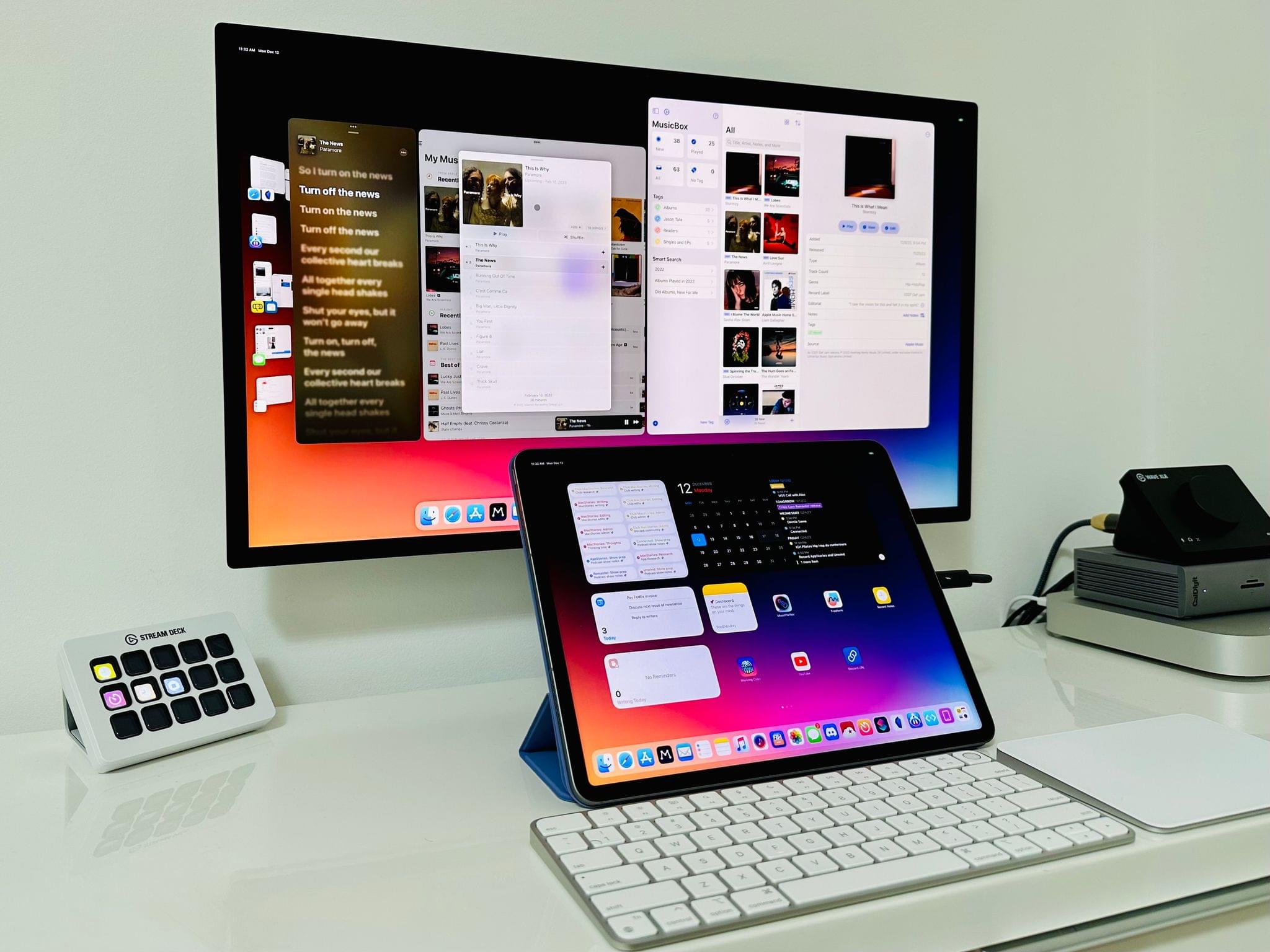
Managing multiple concurrent initiatives demands screen real estate. iPadOS Stage Manager enables project managers to run their primary scheduling dashboard side-by-side with communication channels like Slack or Microsoft Teams. When docked to an external 4K monitor via USB-C, applications scale their interface density to display comprehensive Kanban boards or multi-tiered WBS (Work Breakdown Structure) diagrams simultaneously without crowding the workspace.
Core Features to Demand in Your Enterprise Workflow
Implementing a new operational framework requires strict adherence to standardization. If your organization operates within regulated industries such as healthcare, finance, or government contracting, your chosen iPad application must support specific compliance guardrails.
- Audit Trails and Activity Logs: Every modification to deadlines, budget allocations, or task assignments must be timestamped and attributed to a specific user identity to satisfy internal governance standards.
- Resource Utilization Heatmaps: Look for native views that highlight team over-allocation, ensuring no single resource bears an unsustainable workload during critical project milestones.
- Automated Notification Filtering: To prevent notification fatigue, the application should allow granular control over push alerts, restricting interruptions to high-priority dependency roadblocks or direct mentions.
Implementation Guide for Transitioning Teams to iPad-First Management
Migrating an organization or a dedicated department to a mobile-first project management methodology requires a structured rollout plan. Follow this sequential framework to minimize adoption friction and ensure long-term data integrity:
- Conduct a Technical Audit: Verify that all target iPads are running the latest version of iPadOS and possess sufficient internal storage to cache active project assets locally.
- Define Role Hierarchies in Sandbox Mode: Before importing live company data, establish permission groups, custom field definitions, and approval workflows in a staging environment.
- Train Key Stakeholders First: Onboard project leads and department heads to master gesture controls, keyboard shortcuts, and offline synchronization protocols before rolling the software out to general contributors.
- Establish Data Hygiene Protocols: Standardize naming conventions, tag usage, and milestone definitions to prevent clutter and maintain search relevance across all active boards.
- Monitor Sync Performance: Review network utilization logs during the first two weeks of deployment to ensure background synchronization does not strain corporate bandwidth or drain device batteries prematurely.
Frequently Asked Questions
Can an iPad completely replace a laptop for professional project management?
For the vast majority of tracking, communication, scheduling, and review tasks, a modern iPad paired with a keyboard folio and Apple Pencil fully replaces a traditional laptop. However, developers or financial analysts handling massive local databases or legacy macro-heavy spreadsheets may still require desktop environments for specific edge-case operations.
How do offline changes synchronize when internet connectivity is restored?
Most enterprise-grade iPad project management apps utilize local SQLite databases or secure local caching. When your device reconnects to Wi-Fi or cellular data, background synchronization protocols push your offline edits to the cloud server and resolve merge conflicts based on strict timestamp hierarchies.
Does Apple Pencil support work across all project management applications?
No, stylus support varies significantly between platforms. While dedicated planning tools offer native vector-based markup and whiteboard integration, web-wrapped applications relying on browser interfaces often treat the Apple Pencil merely as a standard mouse click substitute.
Are there security risks when using cloud-based project management apps on mobile devices?
Security risks are mitigated when utilizing applications that support enterprise-grade encryption in transit and at rest, alongside Multi-Factor Authentication (MFA) and Mobile Device Management (MDM) profile enforcement. IT administrators can remotely wipe workspace data if an iPad is lost or stolen.
What hardware specifications are recommended for heavy project management workloads?
To ensure smooth multitasking with Stage Manager and complex Gantt rendering, an iPad Air or iPad Pro powered by an M-series processor (M1, M2, or M4) with at least 8GB of RAM and 256GB of onboard storage is strongly recommended for 2026 deployments.
Streamlining Your Operations Today
Selecting and configuring the optimal project manager app for iPad elevates your team's agility, ensuring critical milestones are met regardless of physical location. Begin your transition by auditing your current workflow bottlenecks, testing two shortlisted platforms in a sandbox environment, and empowering your team with tools optimized for modern mobile performance.
Image Gallery