How to Use a SMART Goal Worksheet Effectively
Using a SMART goal worksheet effectively requires transforming broad ambitions into specific, actionable steps by completing all five criteria—Specific, Measurable, Achievable, Relevant, and Time-bound—while mapping concrete action ite...
Using a SMART goal worksheet effectively requires transforming broad ambitions into specific, actionable steps by completing all five criteria—Specific, Measurable, Achievable, Relevant, and Time-bound—while mapping concrete action items and potential obstacles. Rather than filing the worksheet away, integrate it into regular weekly reviews to monitor progress, adjust timelines, and sustain accountability.
Contents
What Is a SMART Goal Worksheet and Why Does It Matter?
A SMART goal worksheet is a structured template designed to refine vague intentions into rigorous, operational targets. The SMART acronym—originally articulated by George T. Doran in a 1981 issue of Management Review—stands for Specific, Measurable, Achievable, Relevant, and Time-bound. While the concept is widely known, many individuals and organizations fail to achieve their desired outcomes because they treat goal setting as an isolated exercise rather than a systematic planning process.
A dedicated worksheet serves as a cognitive scaffold. It forces you to clarify details, audit resources, establish baseline metrics, and anticipate risks before committing time and effort. Without a worksheet, goals frequently remain ambiguous (e.g., "improve team productivity" or "increase sales"), leaving room for misinterpretation, scope creep, and inconsistent effort.
By committing a goal to a structured worksheet, you achieve three primary operational advantages:
- Cognitive Clarity: Translating unformed ideas into written responses forces precise thinking and exposes hidden assumptions or gaps in logic.
- Execution Roadmap: Worksheets bridge the gap between high-level vision and tactical execution by breaking long-term objectives down into measurable sub-tasks and milestones.
- Objective Accountability: A completed worksheet provides an unvarnished benchmark against which actual performance can be measured, minimizing moving targets and narrative rationalizations when progress lags.
Deconstructing the SMART Framework within a Worksheet
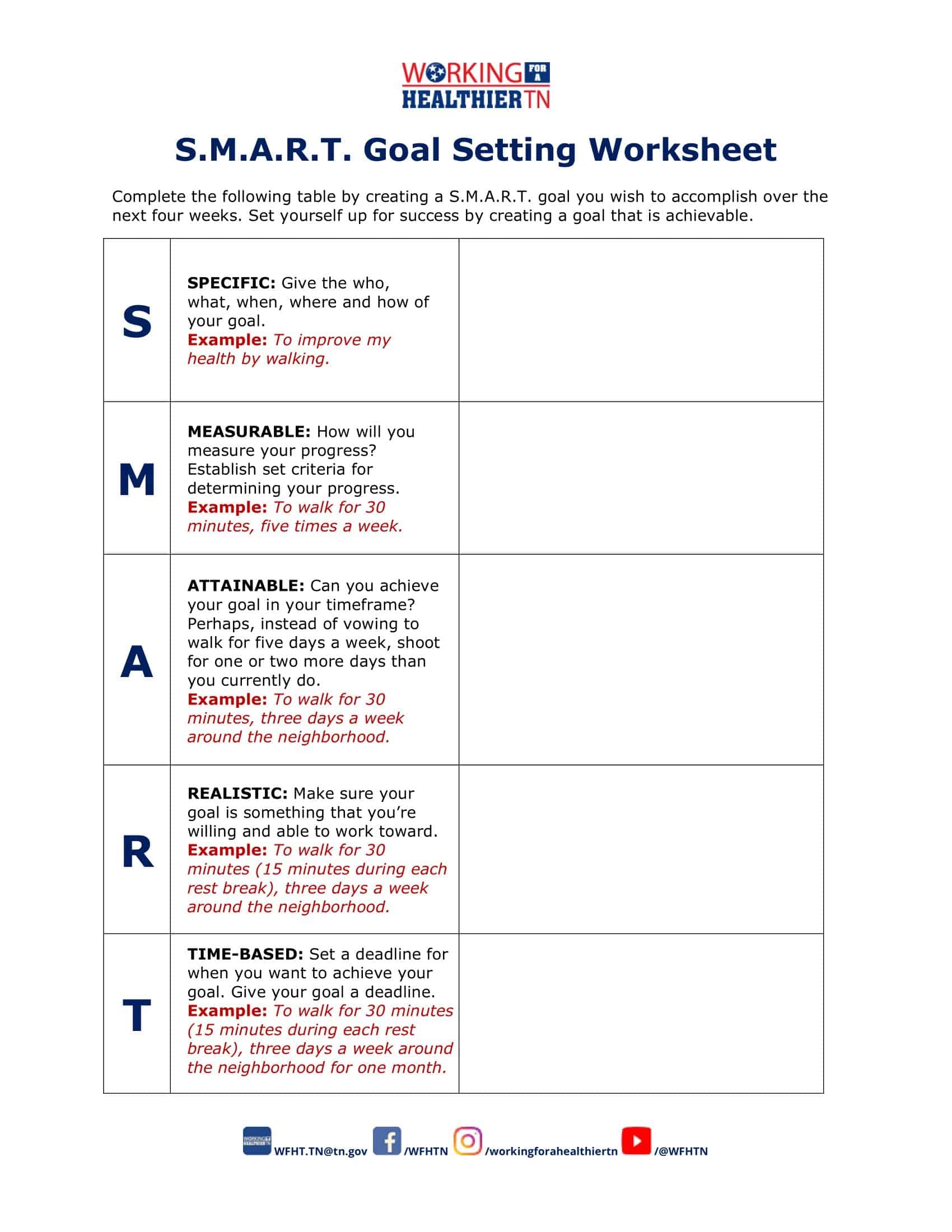
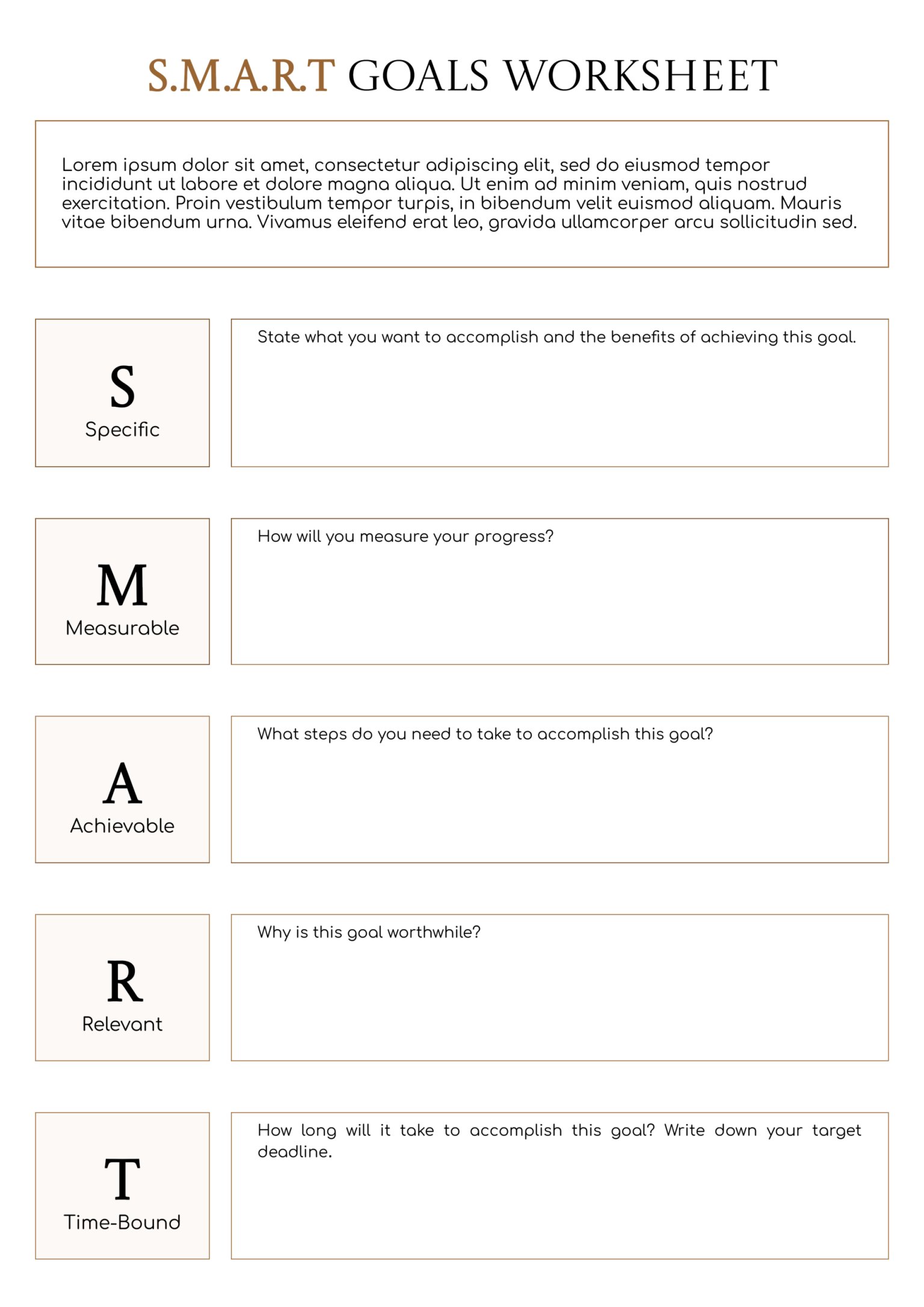
To fill out a goal worksheet effectively, each field must be completed with rigorous detail rather than superficial summaries. Understanding what each dimension demands prevents the goal from degrading into a wish list.
| Dimension | Description |
|---|---|
| S - Specific | What exact outcome will be accomplished? Who is involved? |
| M - Measurable | How will progress be quantified? What are the key metrics? |
| A - Achievable | Do you possess the skills, capacity, and budget to succeed? |
| R - Relevant | How does this align with broader personal or organizational priorities? |
| T - Time-bound | What is the hard deadline? What are the intermediate checkpoints? |
Specific: Defining the Boundaries of Success
The "Specific" section of your worksheet must address the classic interrogatives: Who, What, Where, Why, and Which. Vague statements invite unfocused execution.
- Weak Prompt Response: "We want to generate more leads."
- Effective Worksheet Input: "The inbound marketing team will build a targeted lead-generation funnel focusing on mid-market enterprise SaaS buyers to increase qualified sales opportunities."
Specificity removes ambiguity. When completing this portion of your worksheet, define the exact scope, target audience, technical deliverables, and key stakeholders involved.
Measurable: Establishing Metrics and Baselines
A goal without concrete metrics cannot be managed or evaluated. The "Measurable" field requires two key components: the baseline metric (where you stand currently) and the target metric (where you intend to arrive).
- Quantitative Indicators: Target revenue figures, conversion rates, customer acquisition cost (CAC), percentage reductions in error rates, or completed sprint units.
- Qualitative Milestones converted to Quantitative Benchmarks: If the goal involves qualitative improvement (such as user satisfaction), establish measurable proxies, such as achieving a Net Promoter Score (NPS) above 50 or maintaining a user rating of 4.5 out of 5 stars across 500 reviews.
Ensure your worksheet explicitly lists how data will be collected, where it will be logged, and how frequently it will be evaluated.
Achievable: Conducting Capacity and Resource Audits
The "Achievable" component prevents goal setter’s bias—the tendency to plan for optimal conditions while ignoring real-world constraints. This section of the worksheet acts as a reality check on resources, constraints, and operational capacity.
When filling out this section, perform a systematic assessment:
- Skill Availability: Does the team possess the technical competencies required, or is training needed?
- Resource Allocation: Is adequate budget, software tooling, or headcount secured?
- Historical Velocity: Has a comparable goal been achieved under similar conditions, or is the target mathematically improbable based on historical throughput?
If the goal relies on external dependencies or assumptions that cannot be guaranteed, adjust the scope on your worksheet before proceeding.
Relevant: Aligning with Strategic Priorities
A goal can be specific, measurable, achievable, and time-bound while remaining fundamentally useless if it does not advance strategic objectives. The "Relevant" section ensures that achieving the goal yields meaningful return on effort.
Evaluate alignment by answering three diagnostic questions on your worksheet:
- Does this goal directly support higher-level quarterly key results or personal career objectives?
- Is this the right time to prioritize this objective over competing demands?
- Will achieving this target resolve an urgent bottleneck or create demonstrable value?
If the goal fails to align with broader strategic direction, it should be revised or discarded.
Time-Bound: Structuring Milestones and Deadlines
Without fixed time boundaries, tasks tend to expand to fill all available time (Parkinson’s Law). The "Time-bound" field establishes a hard completion deadline, supplemented by intermediate cadence dates.
A well-constructed worksheet avoids vague deadlines like "end of Q3" in favor of specific calendar dates (e.g., "September 30, 2026, at 5:00 PM EST"). Furthermore, it incorporates milestone review checkpoints (e.g., 30-day, 60-day, and 90-day progress audits) to detect schedule slippage early enough to implement corrective measures.
Step-by-Step Guide: How to Complete and Execute Your Worksheet
To extract maximum value from a SMART goal worksheet, follow a structured sequence from initial drafting to post-achievement evaluation.
| Phase | Description |
|---|---|
| Phase 1: Pre-Work | Gather historical data, review capacity, define constraints. |
| Phase 2: Draft | Complete S.M.A.R.T. fields; synthesize a core goal statement. |
| Phase 3: Breakdown | Map micro-tasks, assign deadlines, assign ownership. |
| Phase 4: Risk Audit | Conduct a pre-mortem; build contingency mitigation plans. |
| Phase 5: Cadence | Establish weekly review schedules and metric logging routines. |
Phase 1: Pre-Work and Contextual Gathering
Do not start writing directly on the template without preliminary research. Gather relevant operational data, historical performance reports, capacity schedules, and organizational strategic plans. Reviewing baseline numbers ensures that target values entered into the worksheet are grounded in evidence rather than wishful thinking.
Phase 2: Draft and Refine the SMART Statement
Complete each section of the worksheet independently before consolidating them into a unified, one-sentence core statement.
- Drafting Process: Complete the Specific, Measurable, Achievable, Relevant, and Time-bound fields individually.
- Synthesis: Combine the fields into a clear target statement.
Example Synthesis: "By December 15, 2026, the content operations team will publish 20 optimized technical white papers (Specific/Measurable) to boost organic enterprise inbound leads from 150 to 300 per month (Relevant), utilizing existing editorial staff and a secured $15,000 freelance budget (Achievable/Time-bound)."
Phase 3: Deconstruct into Actionable Milestones
The primary reason SMART goal worksheets fail after creation is the gap between setting a high-level goal and defining daily tasks. A complete worksheet must include an operational Work Breakdown Structure (WBS).
Divide the macro-goal into three to five sequential phases. For each phase:
- List specific micro-tasks required to clear the milestone.
- Assign an individual owner for each task (crucial for team environments).
- Attach explicit deadline dates for each task.
Phase 4: Conduct a Pre-Mortem and Risk Analysis
Advanced goal implementation requires evaluating failure modes before work begins. Include a section on your worksheet for risk management.
Ask: "Assuming it is six months from now and this goal has failed completely, what caused the failure?"
Common failure points include single-point dependencies (e.g., waiting on third-party approval), resource re-allocations, and technical debt. Document mitigation strategies directly on the worksheet next to each identified risk factor.
Phase 5: Establish the Review Cadence
A SMART worksheet is a living management document, not a static archive. Define an explicit review cadence directly on the sheet:
- Weekly Check-Ins: 15-minute review of task completions and milestone velocity.
- Monthly Metrics Audits: Detailed tracking of quantifiable progress against targets.
- Quarterly Recalibration: Evaluating whether underlying assumptions (relevance, resource availability) remain valid.
Evaluating SMART Goal Worksheet Formats
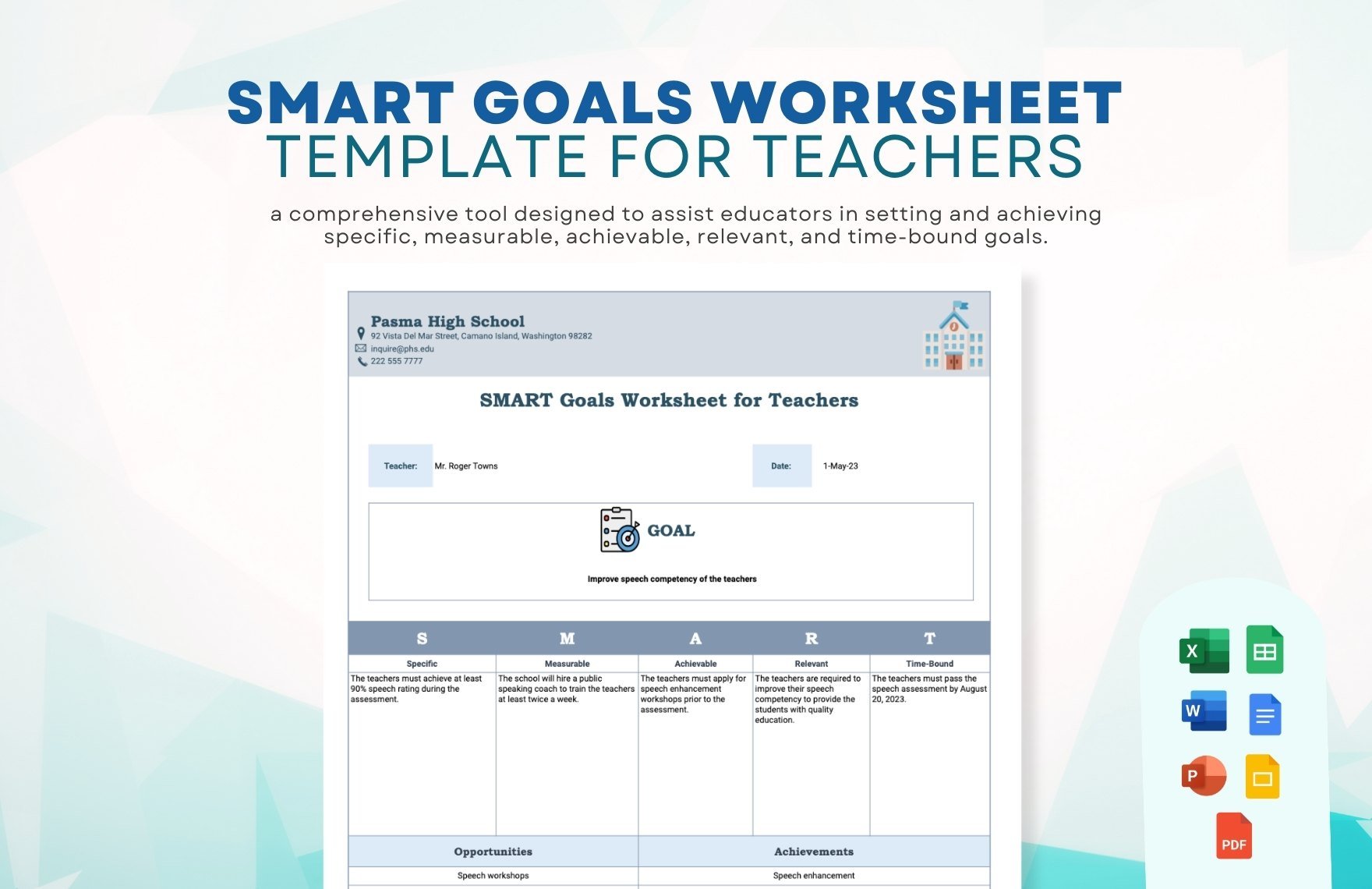
Choosing the right format for your SMART goal worksheet depends on operational context, team structure, and software ecosystems. The table below outlines the trade-offs across common document formats:
| Format Type | Key Advantages | Primary Limitations | Best Suited For |
|---|---|---|---|
| Printable PDF / Physical Paper | High tactile engagement; zero software distraction; easy to keep physically visible on a desk. | Difficult to update dynamically; no automated progress calculation; limited space for detailed task tracking. | Individual productivity goals; personal habit building; executive strategy brainstorming sessions. |
| Digital Spreadsheets (Excel, Google Sheets) | Built-in mathematical formulas; custom data visualization (charts/graphs); robust progress tracking. | Can become visually cluttered; lacks native task-management features like kanban boards or dependency trees. | Quantitative metrics tracking; financial goals; operational throughput goals requiring calculated KPIs. |
| Interactive Docs (Notion, Coda, Confluence) | Rich formatting options; seamless embedding of databases, multimedia, and external links; easy team collaboration. | Requires initial template configuration effort; risk of over-customization spending time on design over execution. | Cross-functional project goals; knowledge management initiatives; team SOP and goal repositories. |
| Dedicated PM Tools (Asana, Jira, ClickUp) | Automated milestone alerts; direct link between high-level goals and daily task tickets; dependency tracking. | High complexity; requires software licensing; can obscure high-level strategy under hundreds of micro-tickets. | Technical engineering teams; complex software development sprints; multi-departmental corporate rollouts. |
Common Mistakes When Using SMART Goal Worksheets
Even structured frameworks can be mismanaged. Avoid these common mistakes when working with goal templates:
1. The "Set and Forget" Mistake
Filling out a SMART goal worksheet and storing it in a cloud folder or drawer without recurring review guarantees drift. If the worksheet is not integrated into daily task managers or weekly status meetings, execution stalls.
- Fix: Calendar a recurring 10-minute slot every Monday morning to review the worksheet, log progress metrics, and adjust upcoming weekly deliverables.
2. Confusing Vanity Metrics with Actionable Indicators
Measurability is useless if you track metrics that do not correlate with real outcomes. Tracking pageviews or registered accounts without evaluating active usage yields misleading data.
- Fix: Ensure the "Measurable" field emphasizes outcome-based KPIs (e.g., conversion rate, net expansion revenue, active usage retention) over top-of-funnel activity indicators.
3. Setting Unrealistic "Achievable" Targets (Over-Optimism)
Goal setters often overestimate team capacity and underestimate system friction, leading to unrealistic targets. This introduces goal fatigue, demotivating teams when targets slip early in the cycle.
- Fix: Apply a 20% buffer to estimated timelines and resource costs. If a task is expected to take four weeks, budget five weeks on your worksheet to account for unexpected delays.
4. Ignoring the "Relevant" Filter
It is easy to create goals that are specific, measurable, achievable, and time-bound, but completely disconnected from strategic performance. Doing work that should not be done at all remains inefficient, regardless of how well it is structured.
- Fix: Before finalizing the worksheet, verify that completing the goal directly moves a core business metric or critical personal priority. If it does not, archive the sheet.
Integrating SMART Worksheets into Organizational Systems
For business teams and enterprise environments, individual SMART worksheets should not exist in isolation. They must link directly into the broader management architecture, such as Objectives and Key Results (OKRs) or corporate balanced scorecards.
- Enterprise Strategy (3-5 Year Vision)
- Annual Corporate OKRs / Key Results
- Departmental SMART Goal Worksheets
- Weekly Sprint Tasks & Daily Work Items
- Departmental SMART Goal Worksheets
- Annual Corporate OKRs / Key Results
When structuring worksheets across teams:
- Cascading Alignment: Ensure departmental worksheets support company-level OKRs. The "Relevant" section of a department's worksheet should explicitly cite the corporate OKR it helps fulfill.
- Cross-Functional Dependencies: If Goal A on Team X’s worksheet requires technical deliverables from Team Y, ensure Team Y's worksheet explicitly accounts for that work in their capacity planning.
- Single-Point Accountability: While tasks can be delegated across team members, every SMART goal worksheet should list exactly one ultimate owner responsible for tracking progress and clearing blockers.
Frequently Asked Questions
What is the difference between a SMART goal worksheet and a standard goal tracker?
A standard goal tracker typically logs ongoing habits or binary task completions (e.g., checking off daily activities). A SMART goal worksheet is a comprehensive planning framework designed to define, validate, scope, risk-audit, and schedule a complex target before and during execution.
How often should a SMART goal worksheet be updated or revised?
The underlying SMART target (the end outcome) should remain stable unless external business conditions or strategy change significantly. However, the action plans, milestone logs, risk registers, and progress metrics on the worksheet should be updated weekly or bi-weekly to reflect current execution data.
Can SMART goal worksheets be used for subjective or qualitative goals?
Yes. For subjective goals (such as improving team communication or leadership capabilities), use proxy metrics in the "Measurable" field. These can include structured survey scores, 360-degree review feedback ratings, frequency of 1-on-1 coaching sessions, or completion of specific training certifications.
What should you do if you miss a deadline specified on your SMART worksheet?
If a milestone date passes without completion, conduct a immediate root-cause analysis on the worksheet. Determine whether the miss was driven by inaccurate initial estimation, resource constraints, or scope expansion. Recalibrate the remaining timeline and adjust future resource allocations, rather than abandoning the goal entirely.
Should individual team members have separate SMART worksheets for shared projects?
Yes. While a project manager may maintain a master SMART goal worksheet for the overarching deliverable, individual team members should maintain sub-worksheets for their specific work streams. This maintains personal ownership and provides clear boundaries for individual accountability.
Next Steps for Execution
To apply this framework effectively, follow this structured launch sequence:
- Select Your Template Format: Choose a format aligned with your workflow—a digital spreadsheet for numeric targets, an interactive doc for collaborative projects, or dedicated PM software for software workflows.
- Schedule a Dedicated Drafting Session: Block 45–60 minutes to complete the initial pre-work, resource auditing, and SMART field entries without interruptions.
- Conduct a Peer Review: Share your completed worksheet draft with a colleague or manager to validate whether your target metrics are realistic and aligned with broader goals.
- Establish a Recurring Review Habit: Add a weekly 15-minute goal review event to your calendar to log metrics, evaluate progress, and update action items.
By transforming your SMART goal worksheet from a static record into an active execution tool, you turn abstract intentions into systematic, predictable achievements.
Image Gallery