Why Your Watch Not Charging May Be Simple: Troubleshooting Steps and Solutions
When your smartwatch fails to power up or take a charge, the issue is often a minor maintenance hurdle rather than a catastrophic hardware failure. In most cases, simple debris, misaligned pins, or outdated firmware are the culprits pr...
When your smartwatch fails to power up or take a charge, the issue is often a minor maintenance hurdle rather than a catastrophic hardware failure. In most cases, simple debris, misaligned pins, or outdated firmware are the culprits preventing a successful energy transfer. By performing a systematic check of your charging environment, cables, and device interface, you can frequently restore functionality without requiring professional repair services or costly replacements.
Contents
Understanding the Charging Mechanism
Modern smartwatches utilize two primary methods for charging: inductive (wireless) charging or physical pogo-pin contact charging. Understanding which method your device employs is the first step in diagnosing why your watch is not charging.
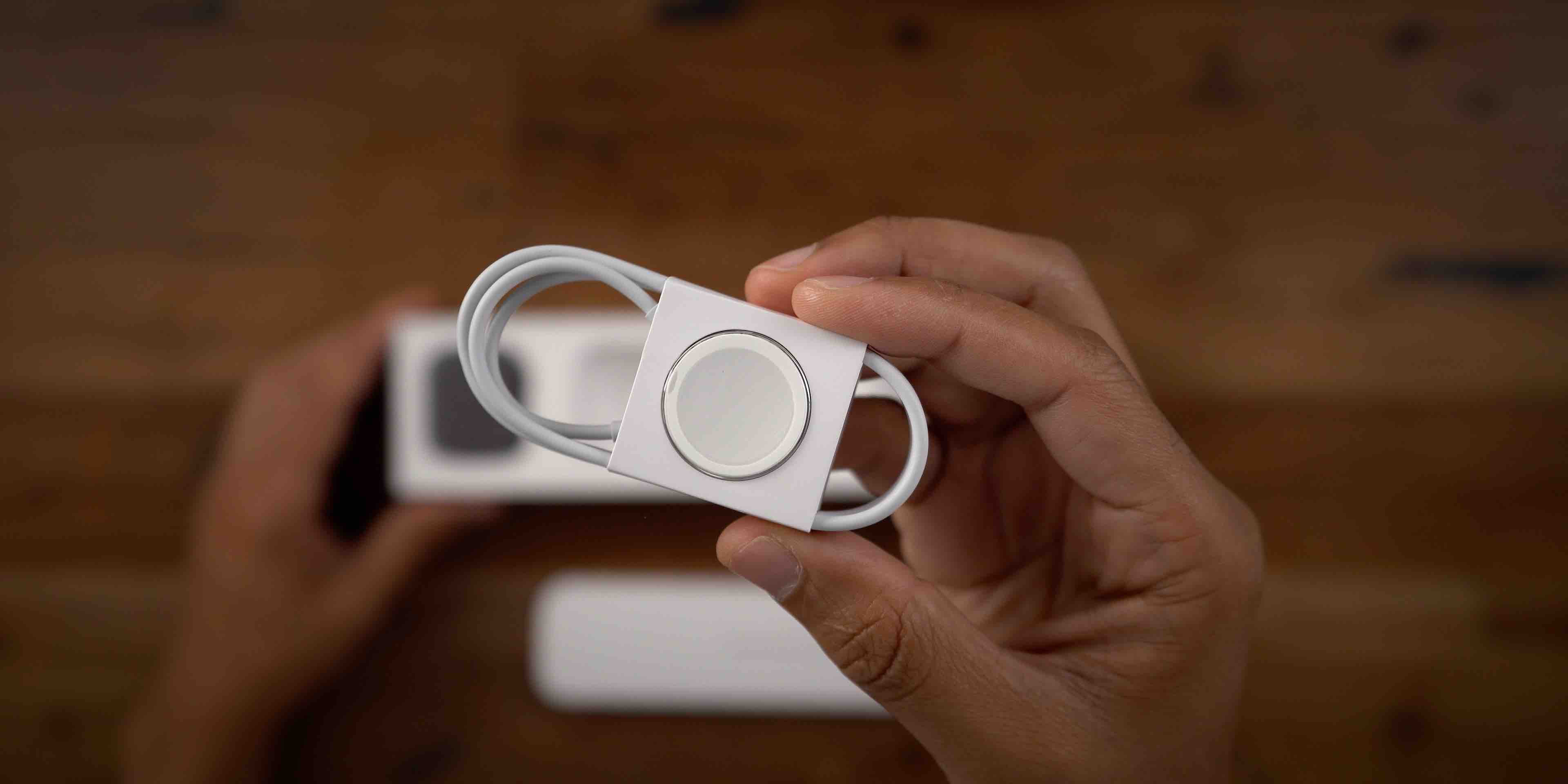
Inductive charging relies on magnetic coils located within both the watch back and the charging puck. This method is sensitive to distance and alignment. If the magnetic connection is weak or if there is a barrier—such as a thick, non-compatible protective case—the energy transfer will not initiate. Conversely, pogo-pin charging uses physical metal contacts that must align perfectly with the pins on your charging cradle. Because these pins are exposed, they are prone to corrosion or being blocked by physical debris, such as lint, sweat, or skin oils.
The Immediate Checklist: Clearing Common Obstacles
Before assuming a battery failure, address the physical environment where charging occurs. Many users overlook the simplest impediments that break the electrical circuit.
- Debris and Oxidation: Inspect the gold or silver contact points on both the watch and the charger. Over time, microscopic layers of sweat, salt, and dead skin cells form an insulating barrier that prevents current flow. Use a soft, lint-free cloth lightly dampened with isopropyl alcohol (70% or higher) to gently wipe these surfaces. Do not use metal objects or abrasive materials, which can permanently scratch the protective coating of the pins.
- Cable Integrity: Inspect the charging cable for fraying, bends, or exposed wires. Charging cables for wearables are often thin and delicate; internal breaks can occur even if the outer shielding appears intact. If you have access to a second, identical charging cable, test it with your watch. If the device charges, the original cable is damaged.
- Power Source Verification: Do not assume the wall adapter is functioning. Plug your cable into a different USB port or a known-working wall brick. Some smartwatches require a specific voltage and amperage; if you are plugged into a low-power source, such as a computer USB 2.0 port that is currently in sleep mode, it may not provide enough wattage to trigger the charging sequence.
Alignment and Thermal Management
Heat is a significant factor in battery management systems. Most modern watches feature thermal protection circuits that prevent the battery from charging if the internal temperature is outside of the safe operating range (typically between 0°C and 35°C, or 32°F to 95°F).
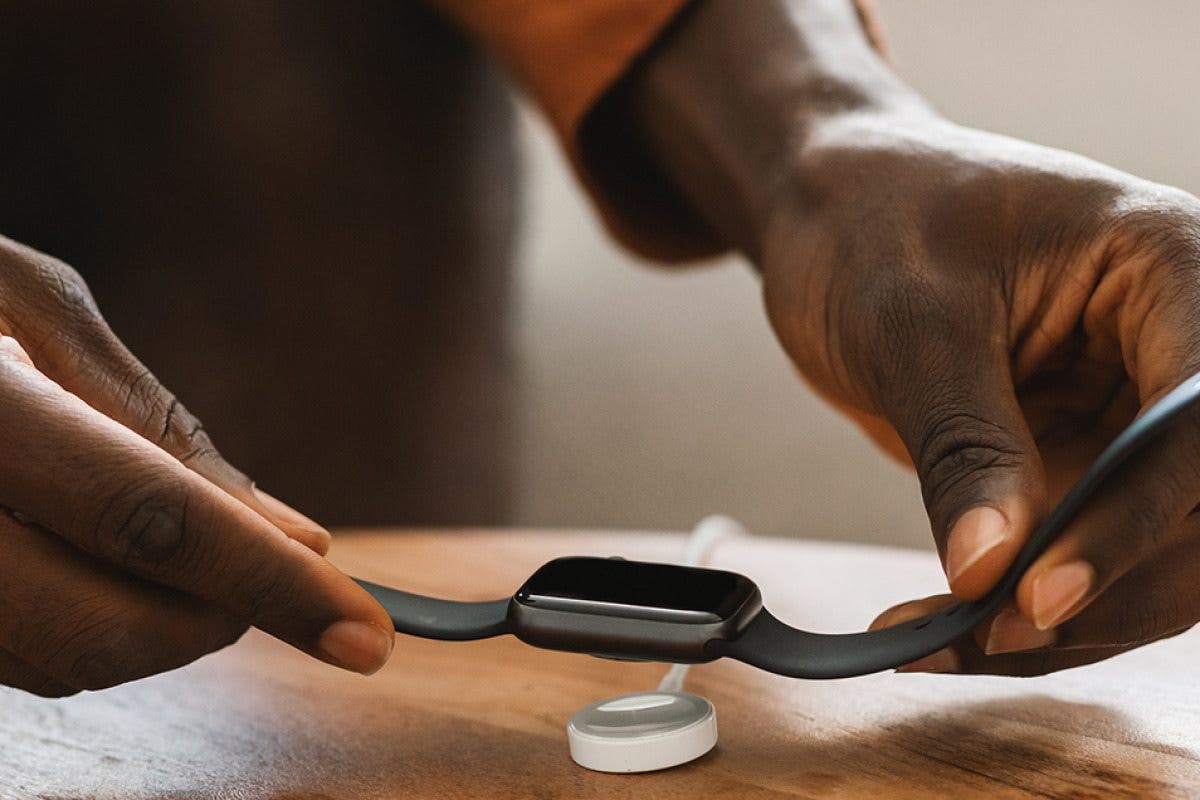
If you have been exercising or the watch has been sitting in direct sunlight, the device may refuse to charge to protect the lithium-ion battery. Move the watch to a cool, shaded area and allow it to sit for at least 30 minutes before attempting to charge again. Additionally, ensure the watch sits flush on the charger. For devices with magnetic alignment, verify that the magnets are pulling the watch into the correct center point. A watch positioned slightly off-center may register a "connected" status but fail to actually pull current.
Software and Firmware Troubleshooting
Occasionally, the watch software may encounter a "hang" where the power management controller stops responding to the charger. This is a common software glitch that can often be resolved with a forced restart.
To perform a forced restart, look up the specific key combination for your model (typically holding the crown and the side button simultaneously for 10 to 15 seconds). Once the device reboots, place it back on the charger. In some instances, the battery might be "deeply discharged." If a watch has been left unused for several months, it may take up to an hour of being on the charger before the display shows any sign of life. During this period, the device is drawing a trickle current to reach a minimum voltage threshold necessary to wake the processor.
Comparison of Charging Issues
| Potential Cause | Symptom | Immediate Fix |
|---|---|---|
| Physical Debris | Device fails to recognize charger | Clean pins with 70% isopropyl alcohol |
| Thermal Limit | Watch is hot to touch | Move to a cool area for 30 minutes |
| Deep Discharge | No response after long storage | Leave on charger for 1-2 hours |
| Cable Fault | Intermittent connection | Swap with a known-good cable |
| Software Hang | Frozen screen/black display | Perform a hard system reset |
Professional Evaluation vs. DIY Repairs
If you have cleaned the contacts, tested multiple power sources, and allowed for deep-discharge recovery, but the watch still does not charge, you may be facing a hardware-level failure.
Common hardware issues include:
- Battery Degradation: Lithium-ion batteries have a finite lifespan. If your watch is several years old and was regularly kept at 100% or 0%, the battery chemistry may have reached its cycle limit, preventing it from holding a charge.
- Internal Component Corrosion: If the watch was recently exposed to water or high humidity, moisture may have bypassed the internal seals, causing short circuits on the charging controller board.
- Broken Charging Port: In devices with physical pins, the spring-loaded mechanism can fail or break off entirely.
In these cases, avoid attempting to open the watch casing. Modern smartwatches are hermetically sealed; opening them usually destroys the water resistance rating and often damages delicate ribbon cables connected to the display or sensors. Consult the manufacturer’s support portal or visit an authorized service provider for a battery health diagnostic.
Frequently Asked Questions
How long should I leave a dead watch on the charger before I give up? If a device has been completely depleted, it can take up to 2 hours of continuous connection to show an icon on the screen. Always try at least a full 2-hour window using a wall adapter, not a computer port, before concluding the battery is dead.
Can using a third-party charger cause damage? While many third-party chargers are safe, low-quality replacements may provide inconsistent voltage, which can confuse the watch’s power management system. If you are experiencing charging issues, reverting to the original manufacturer-supplied charger is a mandatory step in troubleshooting.
Why does my watch charge to 80% and stop? Many modern smartwatches utilize "optimized charging" features. These algorithms learn your usage patterns and hold the charge at 80% to reduce the amount of time the battery spends at 100%, thereby extending the overall lifespan of the chemical cells. This is a feature, not a fault.
Is it safe to charge my watch overnight? Yes. All modern smartwatches contain integrated power management circuits that cut off current flow once the battery reaches 100%. Leaving the device on the charger overnight will not "overcharge" the battery.
Does a firmware update affect charging? Rarely, a bug in a firmware update can cause battery drain or charging errors. Always ensure your watch is running the latest software available for your model. If you cannot charge the watch to at least 50%, you may be unable to initiate an update, reinforcing the need to resolve physical charging issues first.
Next Steps for Resolution
If you have exhausted all the steps above, the most logical next action is to isolate the point of failure. If you own a device that uses a proprietary base (like many high-end smartwatches), bring both the watch and the charging puck to a retail location that sells the brand. Ask an associate to place your watch on one of their display units. If it charges there, your personal charging cable is the issue. If it fails on their charger as well, the issue resides within your device’s hardware, and you should initiate a warranty claim or battery replacement request through the manufacturer's official support channel.
Image Gallery