Understanding Enterprise DLP: A Comprehensive Overview for Security Leaders
Enterprise Data Loss Prevention (DLP) refers to a collection of tools, processes, and strategic policies designed to ensure that sensitive or critical information within an organization remains secure, compliant, and under authorized c...
Enterprise Data Loss Prevention (DLP) refers to a collection of tools, processes, and strategic policies designed to ensure that sensitive or critical information within an organization remains secure, compliant, and under authorized control. By monitoring, detecting, and blocking unauthorized data transfers across network endpoints, cloud environments, and storage systems, enterprise DLP systems help mitigate risks associated with data exfiltration, accidental exposure, and regulatory non-compliance.
Contents
The Core Objectives of Enterprise DLP
At its fundamental level, enterprise DLP seeks to prevent the unauthorized disclosure of data. This covers three primary states of information: data at rest (stored on servers, databases, or cloud buckets), data in motion (transmitting across networks), and data in use (accessed by applications or endpoints).
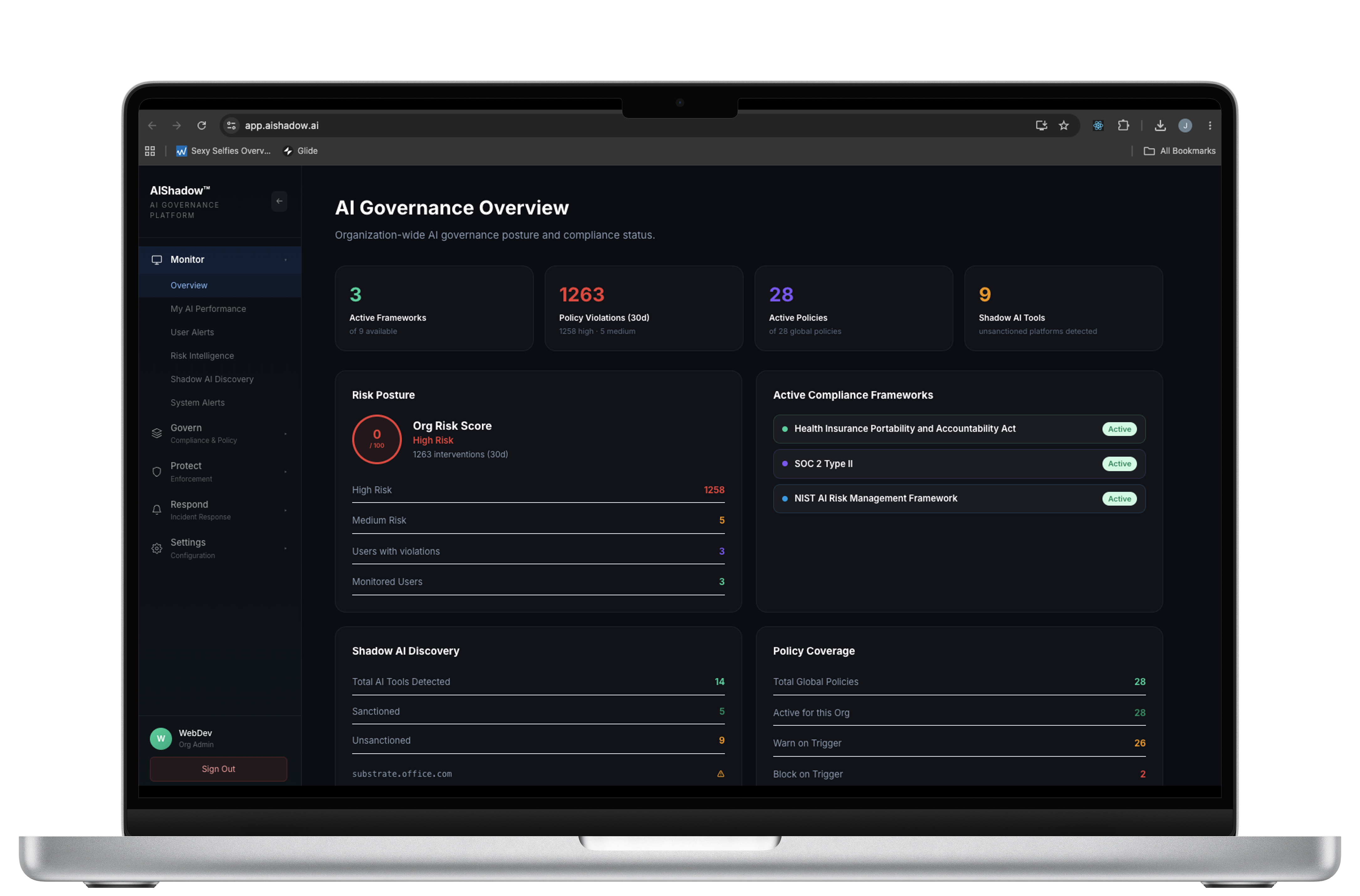
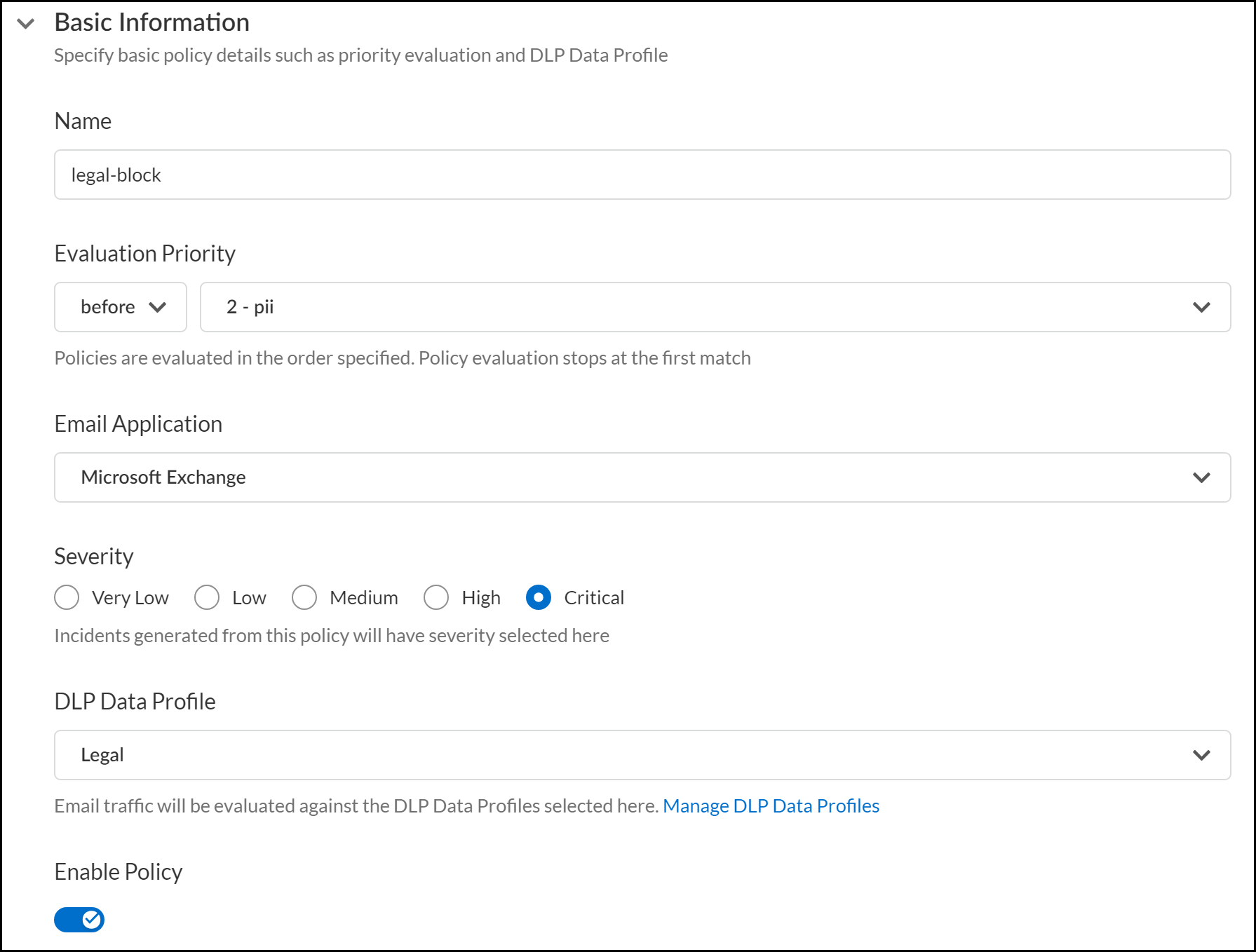
Organizations implement DLP to solve the "visibility gap." Without a structured approach, administrators often lack insight into where sensitive data—such as PII (Personally Identifiable Information), intellectual property, or trade secrets—resides and how it moves through the infrastructure. A robust DLP strategy provides a centralized console to define "data-in-motion" policies that detect patterns like credit card numbers or internal project codenames and triggers automated responses, ranging from simple user alerts to full-scale block actions.
Key Components of an Enterprise DLP Architecture
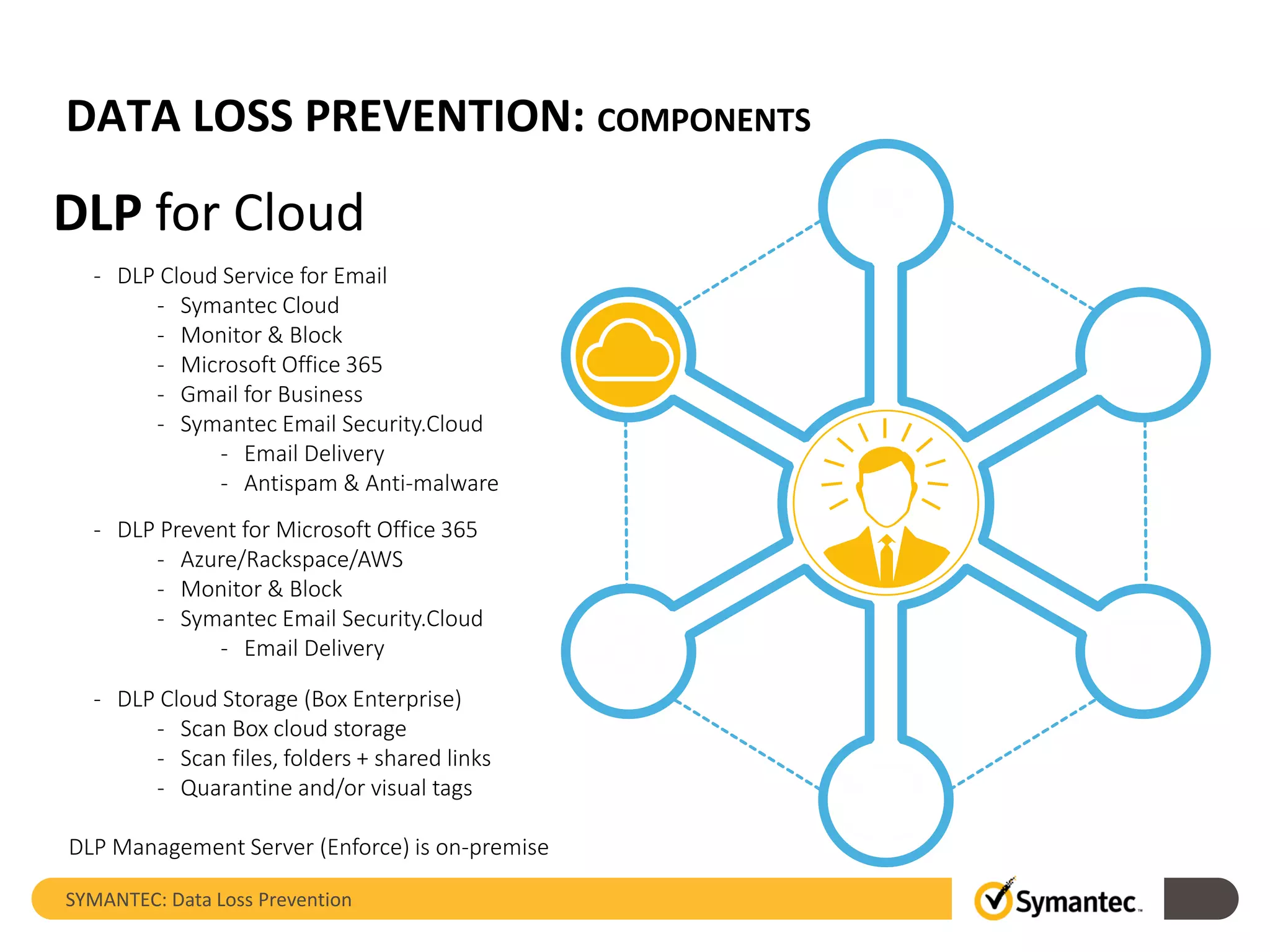
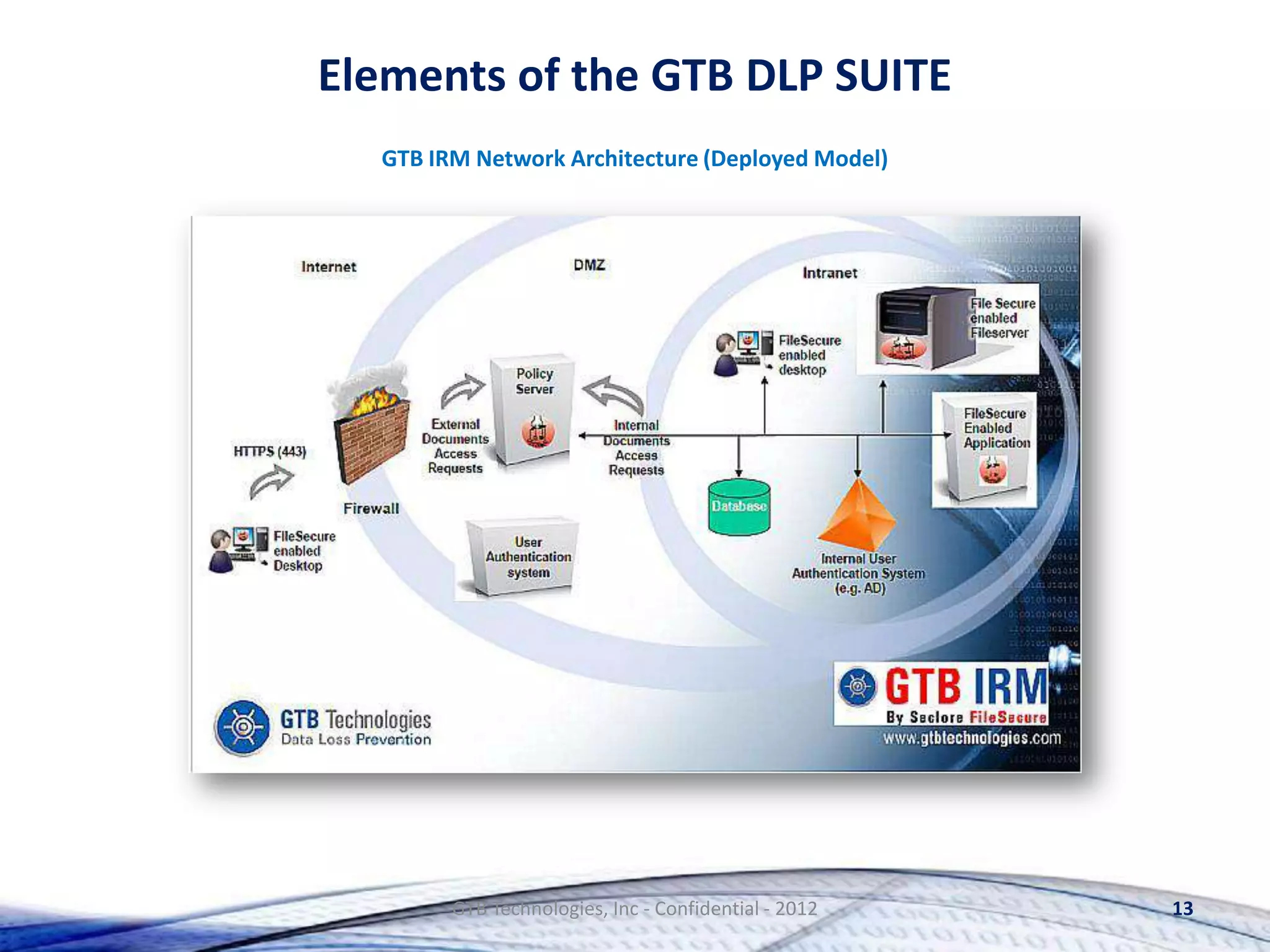
A standard enterprise DLP deployment consists of three primary enforcement points:
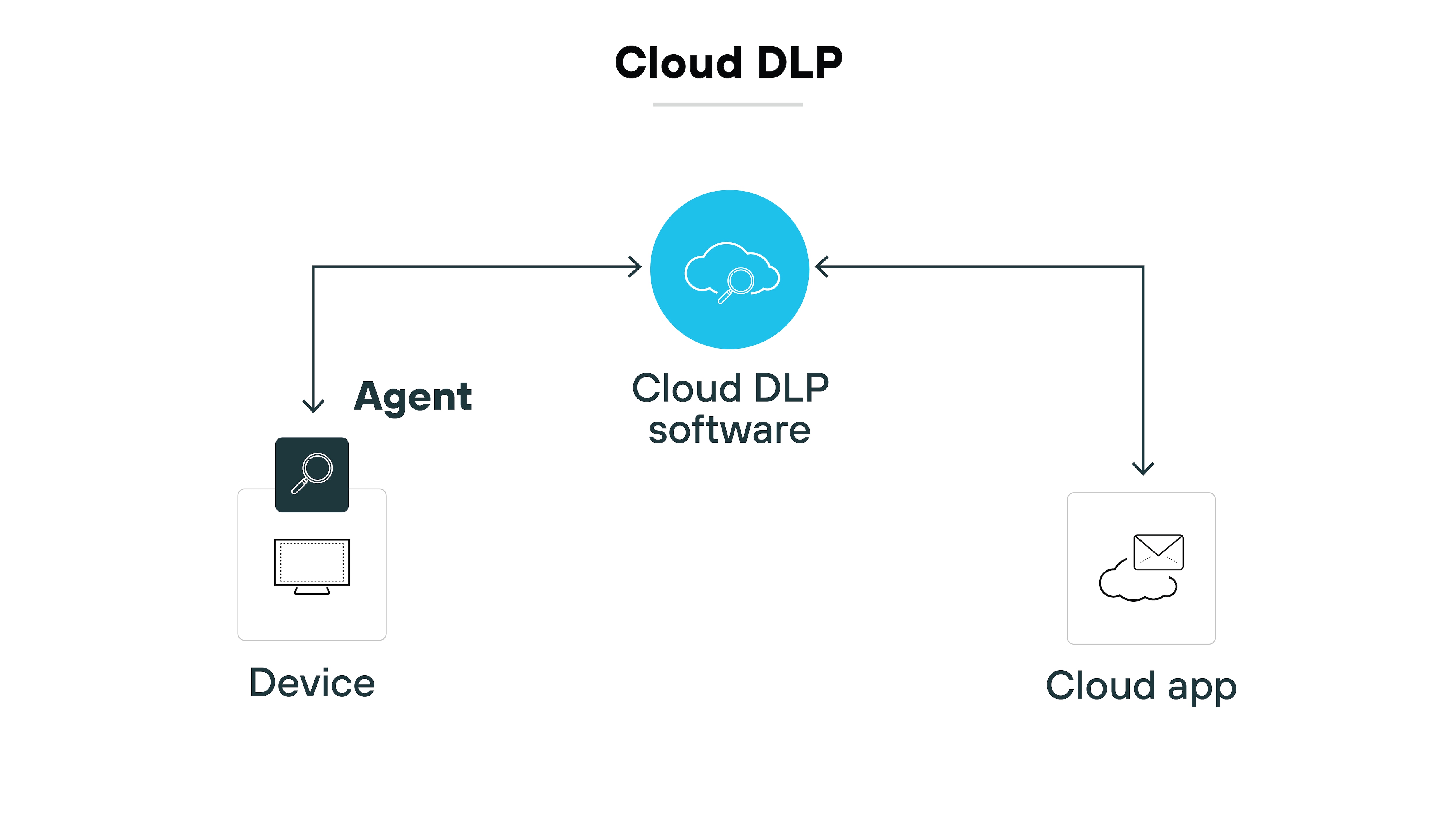
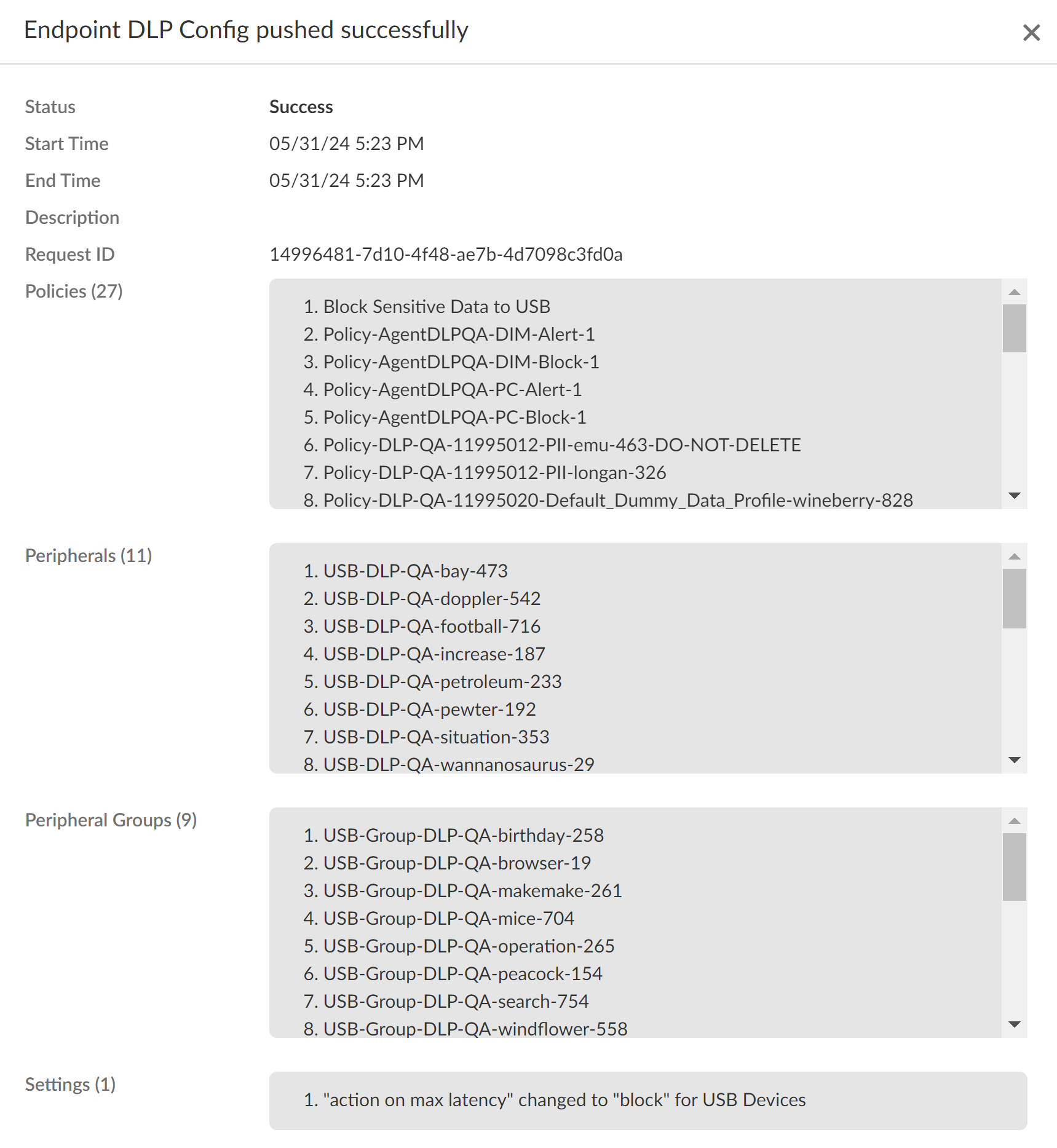
- Endpoint DLP: This component resides directly on individual devices, such as laptops or workstations. It monitors local activities, including file copying to removable USB storage, printing sensitive documents, or uploading files to personal webmail services. It is essential for a remote or hybrid workforce where devices operate outside the corporate network perimeter.
- Network DLP: Deployed at the network edge, these tools monitor traffic moving across the corporate network. They inspect packets for sensitive data patterns leaving the environment via email, web uploads, or FTP transfers. This acts as a final checkpoint before data exits the internal ecosystem.
- Discovery (Data at Rest) DLP: This involves periodic scanning of file shares, SharePoint sites, and cloud storage repositories. Its purpose is to locate "dark data"—sensitive information that has been abandoned or forgotten in unsecured locations—allowing security teams to apply proper classification labels or encryption.
Integration with Data Classification and Governance
DLP is rarely effective in isolation. It relies heavily on data classification to distinguish between public information and highly sensitive intellectual property. Organizations that lack a formal data classification scheme often struggle with high false-positive rates in their DLP solutions.
Effective enterprise DLP projects typically follow this implementation workflow:
- Discovery and Assessment: Identifying where sensitive data resides and who currently has access to it.
- Policy Definition: Creating clear rules based on business requirements. For example, a policy might restrict all HR personnel from uploading files to non-approved cloud storage providers.
- Monitoring (Audit Mode): Running the system in "log-only" mode for the first 30–90 days to tune policies, reduce noise, and identify the baseline of legitimate business traffic.
- Enforcement: Transitioning to active prevention, where the system blocks high-risk actions.
- Continuous Improvement: Regularly updating policies to account for new applications, changing regulatory requirements, and shifts in organizational risk tolerance.
Comparison of DLP Deployment Strategies
| Feature | Endpoint DLP | Network DLP | Cloud/SaaS DLP |
|---|---|---|---|
| Primary Scope | Local device activity | Traffic exiting the LAN/WAN | API-based cloud application access |
| Visibility | High (screen grabs, print) | Moderate (packet inspection) | High (internal file sharing) |
| Performance | High impact on device CPU | Minimal impact on performance | Near-zero performance overhead |
| Best For | Remote/Mobile users | Bulk data movement | SaaS-to-SaaS file sharing |
Addressing Operational Challenges
The most frequent hurdle in enterprise DLP is the balance between security and productivity. If a system is configured too aggressively, it may block legitimate business workflows, leading to "DLP fatigue" where employees attempt to bypass the security measures entirely.
To mitigate this, successful organizations use a "Notify and Educate" approach. Instead of a hard block, the user receives an automated pop-up explaining that their action violates company policy, providing a link to the relevant internal security standard. This transforms the DLP system into a tool for security awareness, fostering a culture of compliance rather than a punitive environment.
Regulatory and Compliance Requirements
For many firms, enterprise DLP is not optional but a requirement for legal compliance. Regulations such as the GDPR (General Data Protection Regulation), HIPAA (Health Insurance Portability and Accountability Act), and the PCI DSS (Payment Card Industry Data Security Standard) mandate the protection of sensitive data.
DLP provides the technical evidence required during compliance audits. By maintaining logs of blocked attempts and demonstrating the presence of automated controls, organizations can provide auditors with tangible proof of their information security management system. However, organizations must ensure their DLP configuration aligns with regional privacy laws, particularly regarding the monitoring of employee communications, which may require consultation with legal and HR departments.
FAQ: Common Questions on Enterprise DLP
Q: Does DLP prevent all data breaches? A: No. DLP is a component of a defense-in-depth strategy. While it is highly effective at preventing accidental data leaks and identifying unauthorized exfiltration, it does not stop threats like sophisticated external hacking, phishing, or social engineering that bypasses data controls.
Q: How do I reduce the false-positive rate in my DLP system? A: Use "Exact Data Matching" (EDM) or "Fingerprinting" instead of relying solely on pattern-based regex (regular expressions). EDM allows the system to recognize the specific structure of your internal database records, drastically reducing alerts triggered by random strings of numbers that coincidentally look like credit card or social security numbers.
Q: What is the difference between CASB and DLP? A: A Cloud Access Security Broker (CASB) focuses on securing the interaction between your users and cloud-based applications (like Microsoft 365 or Salesforce). While modern CASBs include DLP features, pure DLP is broader and encompasses the endpoint, network, and on-premises storage.
Q: Can DLP monitor encrypted traffic? A: Yes, through SSL/TLS inspection. The DLP gateway acts as a proxy, decrypting traffic, inspecting it for sensitive content, and re-encrypting it before sending it to the destination. Note that this requires deploying security certificates to all managed endpoints to prevent browser errors.
Q: How long does a typical DLP deployment take? A: A full-scale enterprise deployment is a phased, multi-month project. Most organizations spend the first few months on discovery and policy tuning. A rushed implementation typically leads to excessive alerts and significant operational disruption.
Recommended Next Actions
Before investing in new technology, perform an inventory of your current data assets. Identify which high-risk business processes represent the greatest threat of data loss. If you are starting from scratch, begin with a focused pilot program targeting a specific department or data type (e.g., financial records) before expanding the scope to a company-wide implementation.
Image Gallery