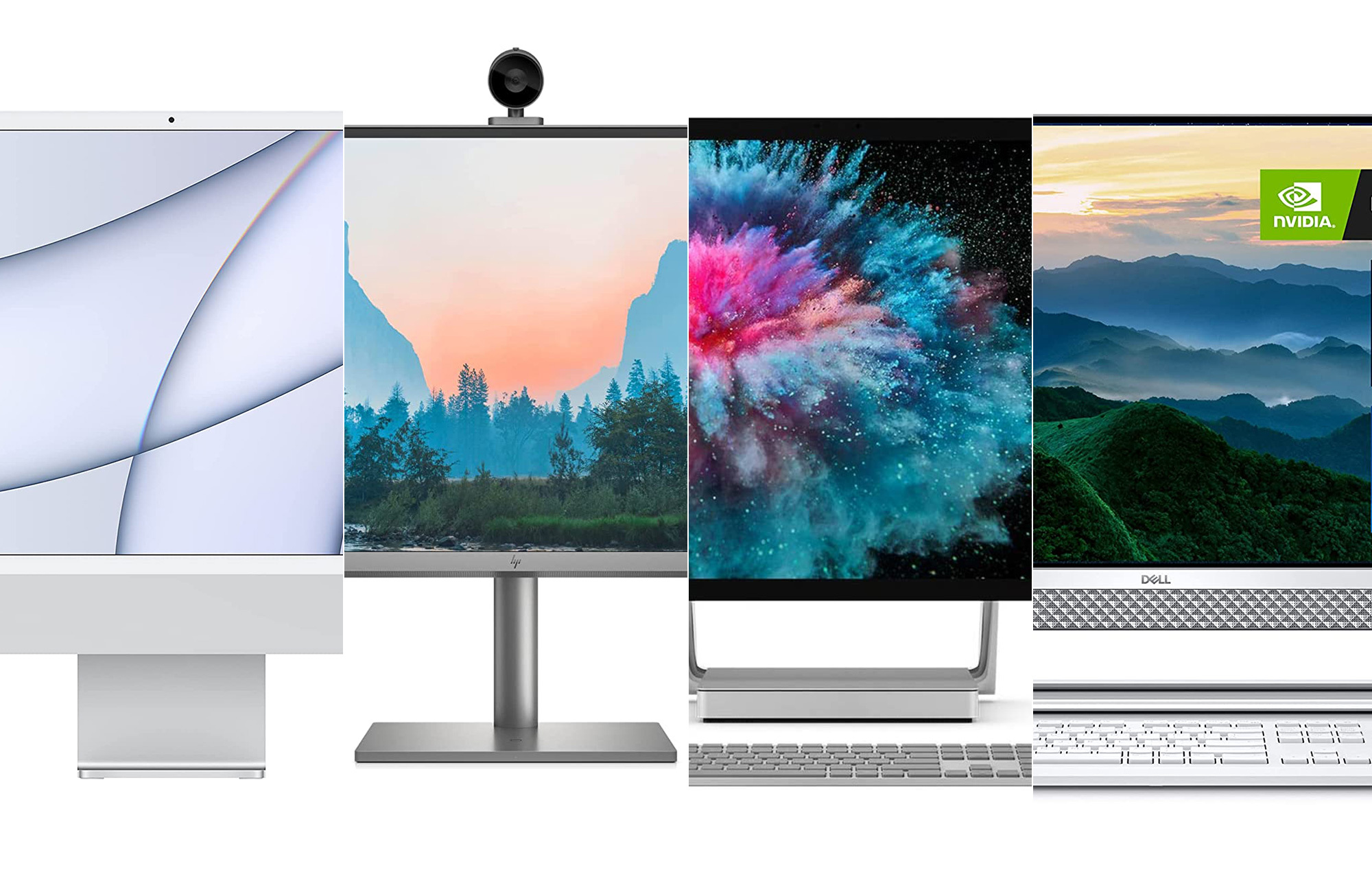
Comprehensive Guide to All-in-One Computers in 2026: Performance, Design, and Value
All-in-one (AIO) computers integrate the system's internal components—processor, memory, storage, and motherboard—directly into the display housing. This unified design eliminates the need for a separate desktop tower, reducing cable c...
All-in-one (AIO) computers integrate the system's internal components—processor, memory, storage, and motherboard—directly into the display housing. This unified design eliminates the need for a separate desktop tower, reducing cable clutter and physical footprint while providing a streamlined, plug-and-play computing experience for home offices, creative studios, and corporate environments.
Contents
Understanding the All-in-One (AIO) Architecture
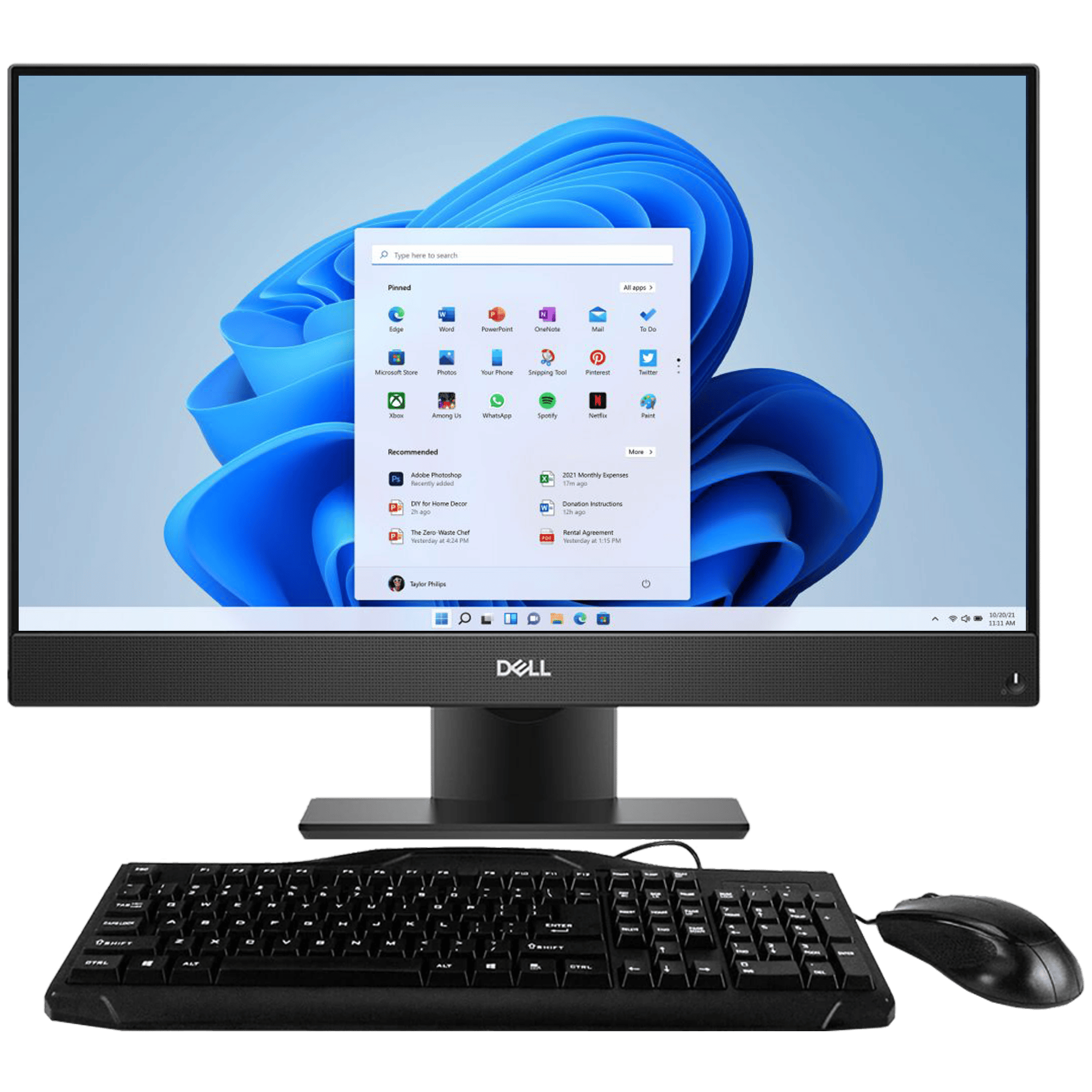
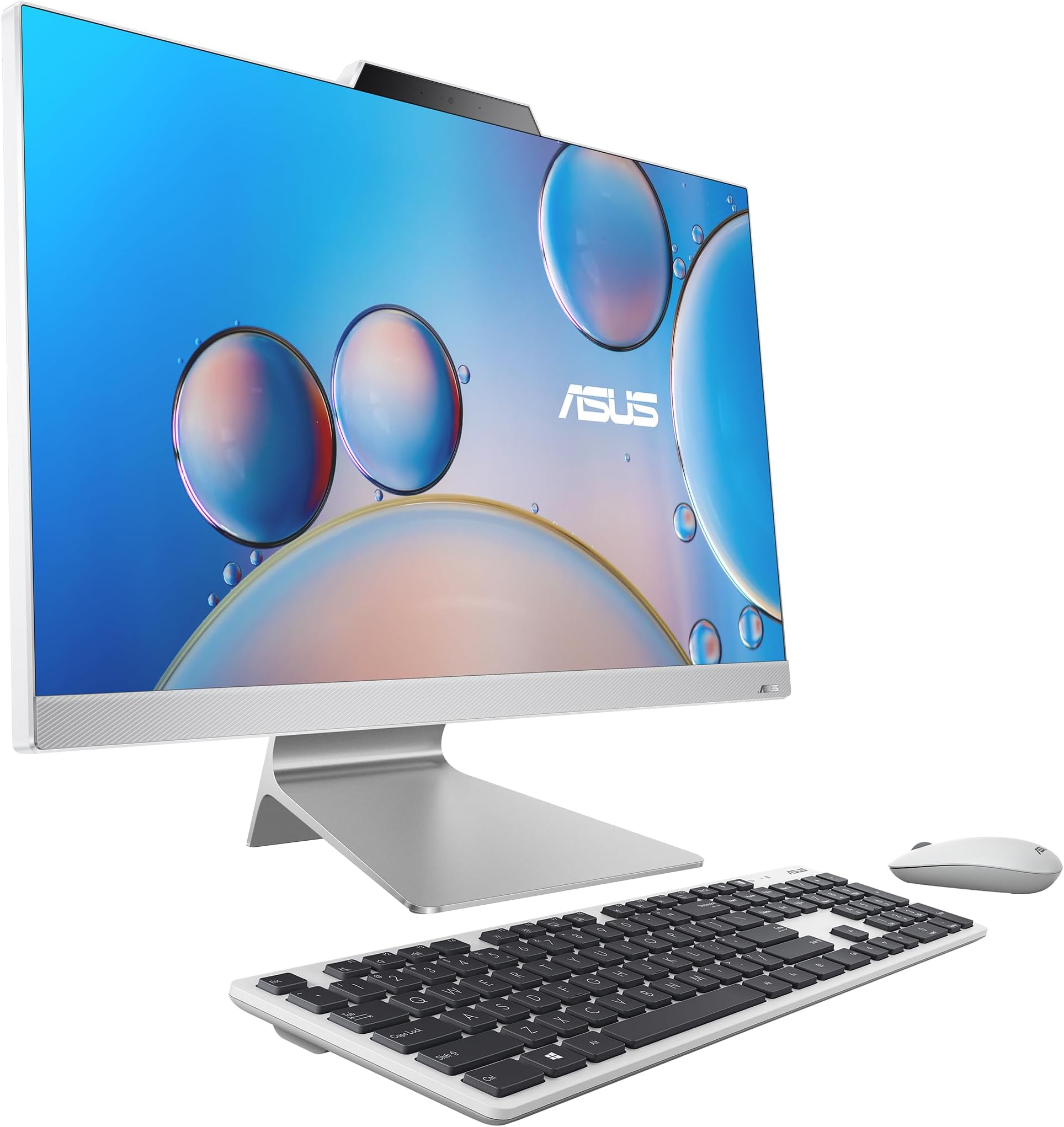
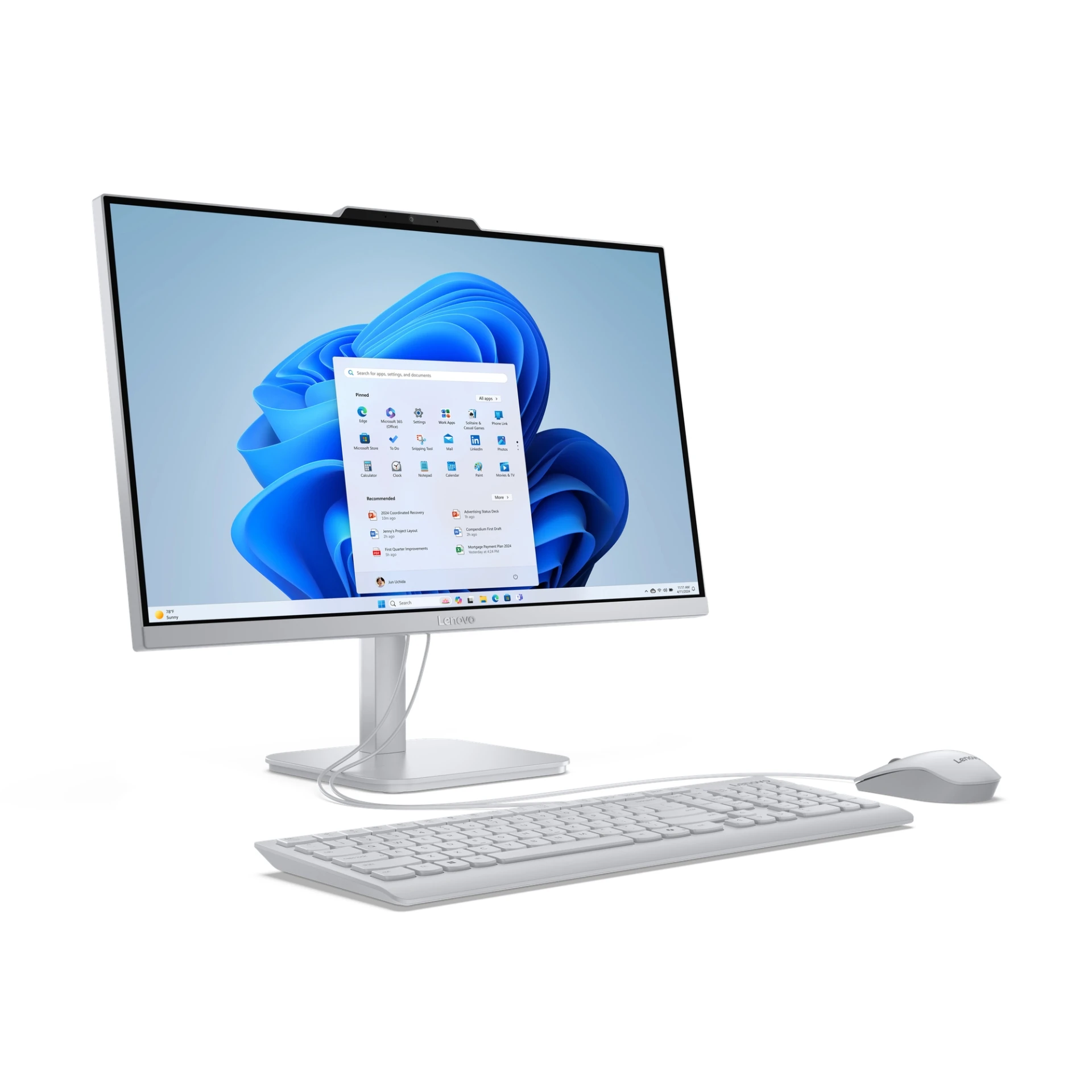
The fundamental appeal of the all-in-one computer is the convergence of form and function. By 2026, the architectural gap between mobile and desktop hardware has narrowed significantly, allowing AIO systems to house powerful components within chassis that are often no thicker than a high-end standalone monitor. Unlike traditional desktop towers, which require separate cables for video, power, and peripherals, an AIO typically requires only a single power cord to function.
The internal layout of a modern AIO often resembles that of a high-performance laptop but utilizes the larger surface area behind the screen to improve thermal management. This allows the hardware to maintain higher "boost" clock speeds for longer durations compared to ultra-thin laptops. For users, this means a "ready-to-use" experience where the monitor, webcam, speakers, and microphone are pre-calibrated and integrated into a single aesthetic unit.
Core Advantages of Choosing an AIO System
When evaluating a transition to an AIO system, it is essential to consider the specific benefits that set these machines apart from both traditional desktops and portable laptops.
Space Efficiency and Aesthetics
The primary driver for AIO adoption remains the optimization of workspace. In urban environments or modern minimalist offices, the absence of a bulky tower creates a cleaner visual profile. This is particularly valuable in front-facing roles, such as reception desks, retail points of sale, or clinical settings, where a cluttered desk can project a lack of organization.
Simplified Setup and Maintenance
For users who are not technically inclined, the setup process for an AIO is unmatched. Most systems are "out-of-the-box" ready, requiring the user to simply connect a keyboard and mouse (often included and pre-paired via Bluetooth) and plug in the power supply. This integration also extends to the software level, as drivers for the integrated webcam, speakers, and display are managed through a single manufacturer update utility.
High-Quality Integrated Displays
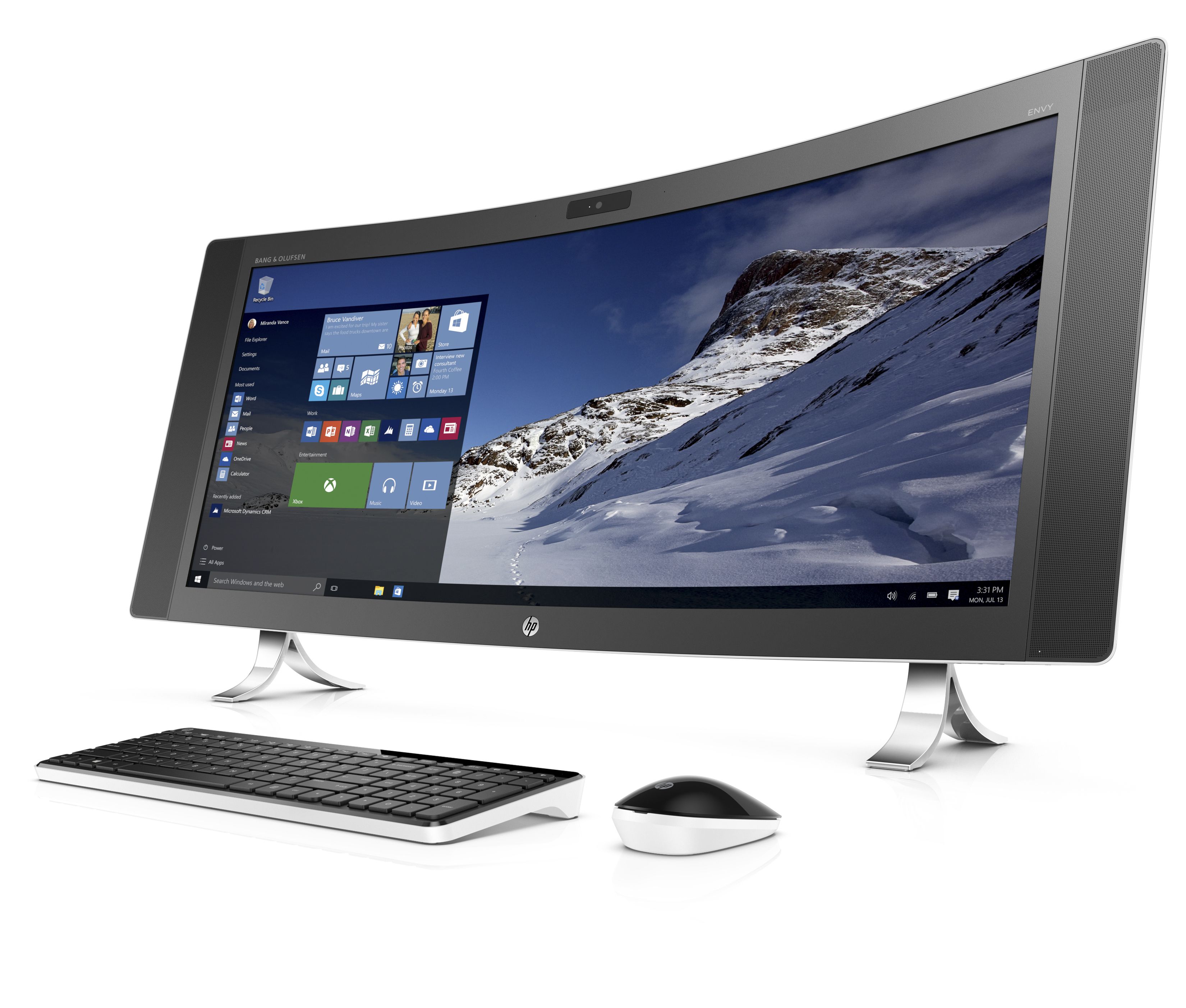
Because the computer is built into the screen, manufacturers often prioritize display quality. In 2026, it is standard to find AIOs equipped with 4K or 5K resolutions, high refresh rates (120Hz+), and professional-grade color gamuts such as DCI-P3. For creative professionals, this ensures that the hardware driving the pixels is perfectly matched to the panel's capabilities.
Key Technical Specifications for 2026
To ensure a purchase remains viable for the next five years, certain technical thresholds must be met. As of 2026, the standard for a mid-to-high-range AIO has evolved to accommodate more intensive artificial intelligence (AI) processing and higher data throughput.
The Role of the NPU (Neural Processing Unit)
In 2026, a computer's "speed" is no longer defined solely by its CPU or GPU. Modern AIOs now feature dedicated Neural Processing Units (NPUs) designed to handle background tasks such as real-time video background blur, voice noise cancellation, and localized AI assistants. When selecting an AIO, ensure the chipset—whether from Intel, AMD, or Apple’s M-series—includes a high-performance NPU to support evolving software features.
Display Technology: OLED vs. Mini-LED
The choice between OLED and Mini-LED is a critical decision point. OLED panels offer perfect black levels and instantaneous response times, making them ideal for media consumption and design. However, for productivity tasks involving static windows (like Excel or web browsers), Mini-LED is often preferred due to its higher peak brightness and immunity to "burn-in" over long workdays.
Connectivity and Port Standards
A common limitation of older AIOs was the lack of expandability. In 2026, look for systems that offer:
- Thunderbolt 5 or USB4: These provide the bandwidth necessary for external high-speed storage or daisy-chaining an additional 6K monitor.
- HDMI-In Capability: This is a vital feature that allows you to use the AIO’s high-quality screen as a monitor for a separate device (like a laptop or gaming console) even after the internal computer becomes obsolete.
- Wi-Fi 7 Support: Ensures the system can handle the multi-gigabit wireless speeds now standard in modern office routers.
Performance Comparison: AIO vs. Desktop vs. Laptop
Understanding where the AIO sits in the performance hierarchy helps manage expectations regarding longevity and power.
| Feature | All-in-One (AIO) | Traditional Desktop | High-End Laptop |
|---|---|---|---|
| Space Required | Minimal; fits on small desks | Significant; requires floor/desk space | Portable; smallest footprint |
| Upgradability | Very Limited (usually RAM/SSD only) | High; every component is replaceable | Extremely Limited |
| Display Size | Large (24" to 34") | Dependent on external monitor | Small (13" to 17") |
| Cooling/Noise | Moderate; optimized for silence | High; can handle high heat | Limited; fans can be loud |
| Initial Cost | Mid-Range (includes monitor) | High (if buying quality monitor separately) | High (due to miniaturization) |
| Typical Lifespan | 5–7 Years | 7–10 Years (with upgrades) | 3–5 Years (battery/wear issues) |
Identifying the Ideal User Profile
AIO computers are not a universal solution; their fixed nature makes them unsuitable for certain workflows while making them the perfect choice for others.
The Professional Home Office
For those working remotely, an AIO provides a psychological boundary between work and home. The large, high-resolution screen reduces eye strain compared to a laptop, while the integrated high-definition webcam (often 5MP or higher in 2026) ensures professional presence in video conferences without the need for external peripherals.
Creative Professionals and Designers
Graphic designers and video editors benefit from the color-calibrated displays found in premium AIOs like the Apple iMac or HP Envy series. These machines often feature 10-bit color depth, which is essential for accurate photo grading. However, for heavy 3D rendering, a traditional desktop remains superior due to better thermal dissipation for high-end GPUs.
Education and Student Use
Students often operate in cramped environments like dorm rooms. An AIO provides a full desktop experience for research and paper writing while doubling as a high-end television for streaming media, effectively saving space by combining two essential devices.
Practical Considerations: Maintenance and Longevity
The most significant risk with an AIO is "coupled failure." If the display panel breaks, the entire computer is often rendered unusable. To mitigate this risk and extend the life of the machine, consider the following:
- Thermal Management: Dust accumulation is the primary enemy of AIOs. Because the components are packed tightly, cooling vents can clog easily. Use compressed air every six months to clear the intake and exhaust ports.
- External Storage Strategy: Since internal storage upgrades can be difficult (requiring the removal of the screen in some models), utilize high-speed external SSDs for large media libraries.
- Warranty and Support: Given the integrated nature of the hardware, an extended warranty (such as AppleCare+ or Dell ProSupport) is highly recommended. On-site repair is a major plus, as shipping a 27-inch glass-fronted machine for repair is both risky and expensive.
Common Pitfalls to Avoid
When shopping for an all-in-one computer, do not be swayed solely by the "starting price." Entry-level models often compromise on the two most important components: the display and the storage type.
- Avoid Mechanical Hard Drives: Even in 2026, some budget "bulk" models may use older storage technologies. Always ensure the system uses an NVMe SSD.
- Check the Stand Ergonomics: Many AIOs have fixed stands that only tilt. If you are tall or have a specific desk height, look for models with "VESA mount" compatibility or height-adjustable stands to avoid neck strain.
- Verify Memory Configuration: Some manufacturers solder the RAM to the motherboard. If you plan to keep the machine for several years, buy a configuration with at least 16GB (preferably 32GB for 2026 standards) or ensure there is an accessible expansion slot.
Frequently Asked Questions
Can I use my all-in-one computer as a second monitor for my laptop?
Many modern AIOs include an "HDMI-In" or "DisplayPort-In" feature specifically for this purpose. This allows the internal display to function as a standalone monitor. However, this is not a universal feature; you must verify that the specific model supports "Target Display Mode" or has a dedicated input port before purchasing.
Are all-in-one computers good for gaming?
AIOs can handle casual and mid-tier gaming comfortably. However, because they use mobile-optimized GPUs to manage heat, they typically cannot match the performance of a dedicated gaming desktop with a full-sized graphics card. For 4K gaming at ultra settings, a traditional tower is still the better investment.
Is it possible to upgrade the processor in an AIO?
In almost all modern AIO designs, the processor is soldered to the motherboard (BGA socket) to save space and improve thermal efficiency. This means the CPU cannot be upgraded. You should choose a processor that is slightly more powerful than what you currently need to ensure the machine remains fast as software requirements increase.
How do I clean the screen of an AIO without damaging it?
Since the screen is the "face" of your entire computer, maintenance is key. Use a clean, dry microfiber cloth for dust. For smudges, use a small amount of distilled water or a screen-specific cleaner that does not contain ammonia or alcohol, as these chemicals can strip the anti-reflective coatings found on high-end displays.
Why are AIOs often more expensive than laptops with similar specs?
The price premium of an AIO is usually attributed to the display. While a laptop has a 13-16 inch screen, an AIO features a 24-34 inch panel. The cost of manufacturing a large, high-resolution, color-accurate panel—integrated with a computer—is significantly higher than the smaller panels used in portable devices.
Final Recommendation
For most users in 2026, an all-in-one computer represents the most balanced path between performance and lifestyle integration. If you prioritize a clean workspace, require a large high-quality display for productivity, and do not intend to perform frequent internal hardware upgrades, the AIO is your ideal choice. When purchasing, prioritize a model with at least 16GB of RAM, a dedicated NPU for AI tasks, and a VESA-compatible stand or height adjustability to ensure long-term ergonomic comfort.
Image Gallery