How the External IR Blaster Works: Technical Principles and Functionality
An external infrared (IR) blaster functions as a signal bridge that translates digital commands from a host device—such as a smartphone, tablet, or PC—into modulated infrared light pulses. These pulses mimic the specific frequency patt...
An external infrared (IR) blaster functions as a signal bridge that translates digital commands from a host device—such as a smartphone, tablet, or PC—into modulated infrared light pulses. These pulses mimic the specific frequency patterns of a remote control, allowing the host device to communicate with and command legacy consumer electronics like televisions, audio receivers, and air conditioners.
Contents
The Physics of Infrared Transmission
Infrared technology relies on the electromagnetic spectrum, specifically the region just below visible red light, typically ranging from 700 nanometers to 1 millimeter in wavelength. Consumer electronics predominantly operate in the near-infrared range, roughly between 850 and 950 nanometers.
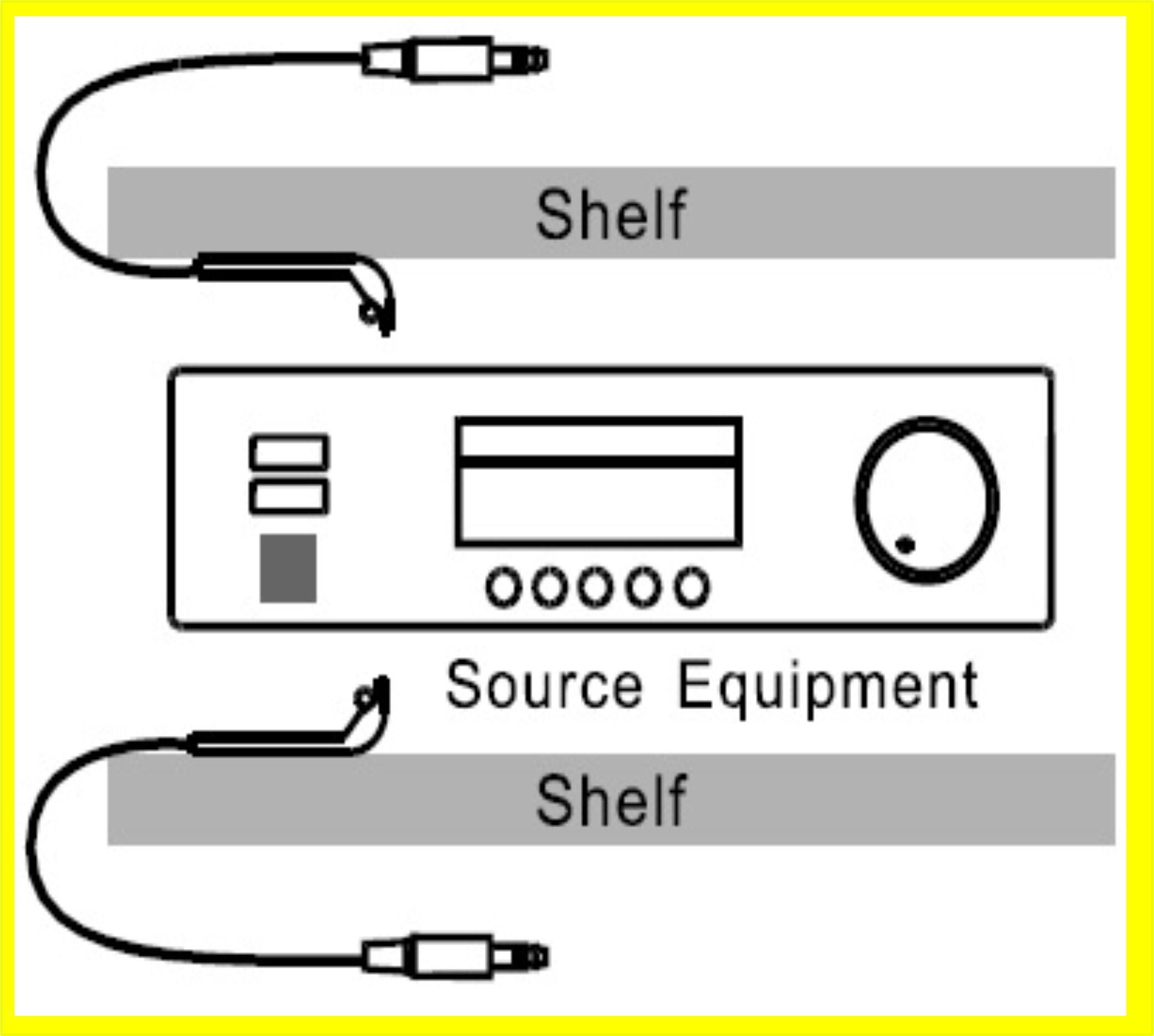
When you press a button on a standard remote, the internal integrated circuit (IC) creates a binary code corresponding to that command. This code is converted into a series of flashes by an infrared Light Emitting Diode (LED). An external IR blaster replicates this process by utilizing a connected hardware peripheral that includes its own infrared diode and, in many cases, an onboard microcontroller. The "blasting" aspect refers to the wide-angle, high-intensity output of these diodes, which ensures that the light reaches the infrared receiver on the target appliance without requiring perfect line-of-sight precision.
Components of an External IR Blaster System
To understand how these devices function, one must look at the three primary components involved in the signal chain:
- The Host Interface: This is the software running on your phone or computer. It acts as the database of remote codes (often stored as HEX codes) and the user interface for sending commands.
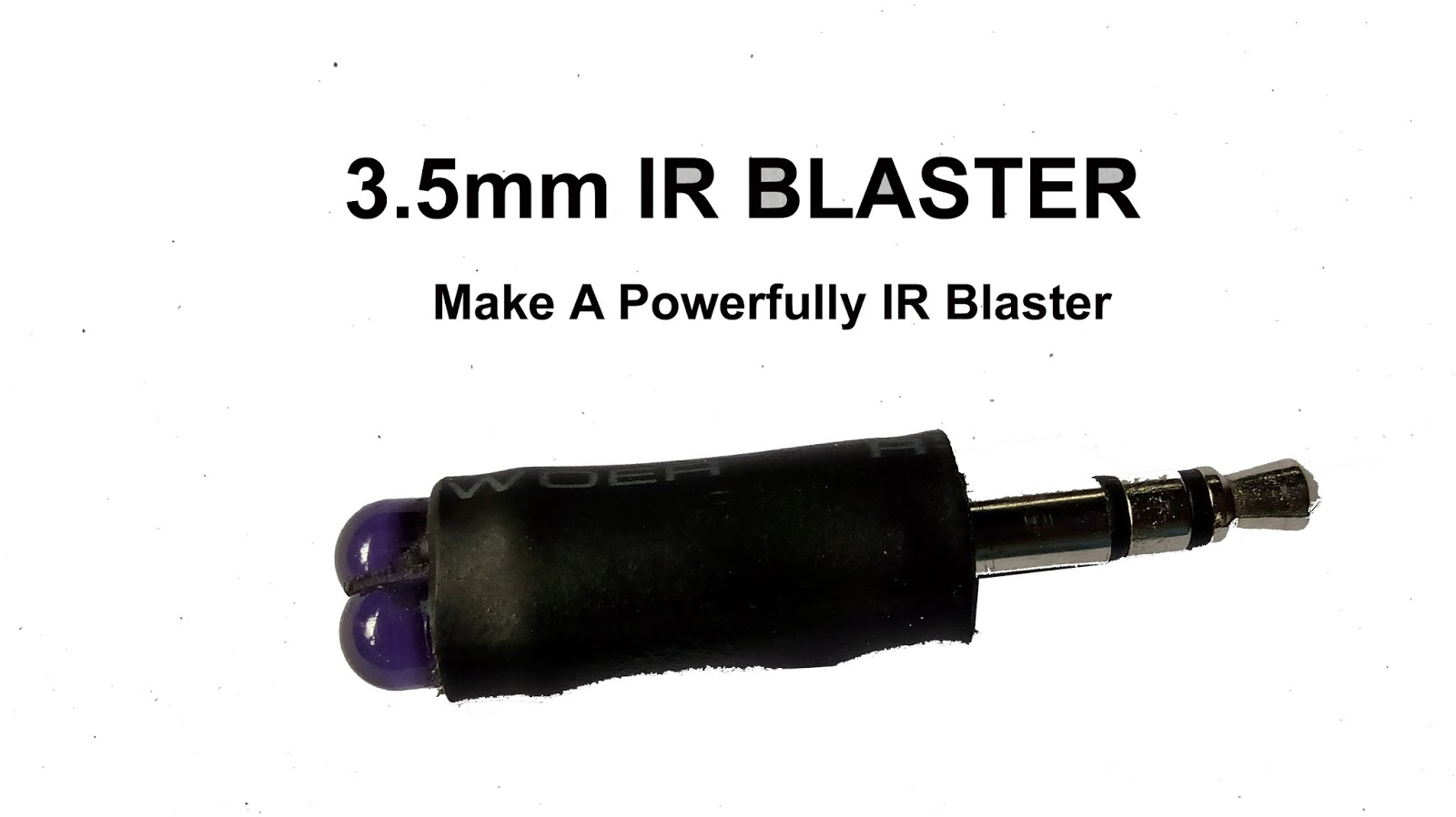
- The Communication Bridge: Whether the blaster connects via a 3.5mm headphone jack, USB-C, or Bluetooth, this component facilitates the transfer of data from the host to the hardware emitter.
- The Infrared Emitter: This is the physical bulb that pulses. The signal is modulated to prevent interference from ambient light sources, such as sunlight or fluorescent bulbs, which also emit infrared radiation. By pulsing at a specific frequency—most commonly 38 kHz—the receiver can distinguish the command from background noise.
Signal Modulation and Protocol
The effectiveness of an external IR blaster is entirely dependent on its ability to match the specific "language" of the receiving device. Manufacturers like Sony, Samsung, and LG utilize distinct protocols for their hardware. These protocols define the pulse-width modulation (PWM) of the infrared beam.
If a host device sends a raw signal without the correct modulation, the receiving appliance will simply ignore the input. Modern external blasters utilize software databases to identify the make and model of the target device, ensuring that the modulated pulse duration and carrier frequency align with the manufacturer's specifications. This is why a "universal" remote blaster must have access to an extensive library of IR codes to function effectively.
Comparison of Connection Methods
The way an external blaster connects to your host device significantly impacts its performance and portability.
| Connection Type | Pros | Cons | Best Use Case |
|---|---|---|---|
| 3.5mm Jack | Low latency, no battery needed | Blocks audio port, range limited | Simple mobile control |
| USB-C/Micro-USB | Reliable, higher power output | Can drain device battery | Fixed installations |
| Bluetooth/Wi-Fi | High range, multi-room support | Requires external power/battery | Smart home integration |
Practical Implementation: From Signal to Action
The process of operating an external IR blaster involves a sequence of signal translation that occurs in milliseconds. When a user taps a button on an application, the software selects the corresponding HEX string from its database.
- Request: The application sends the digital command to the peripheral.
- Modulation: The peripheral's controller modulates the light pulse at the specific carrier frequency (e.g., 38 kHz).
- Transmission: The IR LED flashes in a specific sequence representing the binary data.
- Reception: The phototransistor on the target device detects these rapid pulses.
- Decoding: The appliance's processor filters out the carrier frequency and interprets the pulses as a valid command, triggering the action (e.g., volume increase or power toggle).
Common Limitations and Troubleshooting
Even with a functioning blaster, users often encounter issues due to physical or environmental variables. The most common hurdle is line-of-sight degradation. While IR light can bounce off reflective surfaces like walls or mirrors, it cannot penetrate opaque materials like cabinets or walls. If your external IR blaster is not working, consider these troubleshooting steps:
- Verify Obscruction: Ensure there is a clear path between the emitter and the target device.
- Check Battery Levels: If the blaster uses Bluetooth or a battery-powered hub, voltage drops can lead to weak signal strength.
- Update Code Libraries: Manufacturers occasionally update protocols for newer hardware; ensure your control application is running the latest database version.
- Ambient Light Interference: Extremely bright sunlight or high-intensity halogen lights can "drown out" the infrared signal. Move the blaster closer to the receiver in these environments.
The Role of Software Databases
The hardware itself is only as intelligent as the software driving it. Because there are thousands of unique infrared protocols in use globally, an external IR blaster relies heavily on its database of "Remote Profiles." Many mobile applications allow for "learning," where the external blaster uses its own infrared receiver to record the pulses from an original remote control. By capturing the carrier frequency and the specific pulse pattern, the blaster can clone almost any standard IR signal, effectively digitizing a legacy remote.
Next Steps for Implementation
If you are looking to integrate an external IR blaster into your 2026 setup, start by identifying the interface required for your primary host device. If you are using a mobile device for home control, a compact USB-C or 3.5mm plug-in is the most portable solution. For centralized home automation, look for an IR bridge that connects to your local Wi-Fi, allowing you to use your smartphone as a remote from anywhere in your home. Before committing to a specific hardware purchase, verify that the associated application supports the specific brand and model of the equipment you intend to control.
Frequently Asked Questions
Does an external IR blaster require a constant internet connection? No. Once the database of IR codes is downloaded to your host device or the blaster's internal memory, the transmission process works offline. An internet connection is generally only needed during the initial setup to download the necessary remote profiles.
Can an external IR blaster control smart home devices? Generally, no. Smart home devices (like smart bulbs or Wi-Fi plugs) usually communicate via Radio Frequency (RF), Zigbee, or Matter, whereas IR blasters are exclusively for infrared-based legacy hardware.
Why does my phone not have an IR blaster built-in? While some smartphones included IR blasters in the past, most manufacturers transitioned away from them to improve device water resistance and save internal space, leading to the rise of external plug-in solutions.
How do I know if my device uses Infrared? If your current remote control requires you to point it directly at the television or audio system to function, it almost certainly uses infrared technology.
Is there a difference in range between blasters? Yes. Larger, wall-powered IR hubs usually have much wider coverage and higher intensity LEDs than small, device-powered dongles, making them better for controlling equipment across a large living room.
Image Gallery