How to Play Detroit: Become Human on PS5
You can play Detroit: Become Human on your PlayStation 5 through the console’s built-in backward compatibility feature. Because the game is a PlayStation 4 title, it runs natively on the PS5 hardware without needing a specific "next-ge...
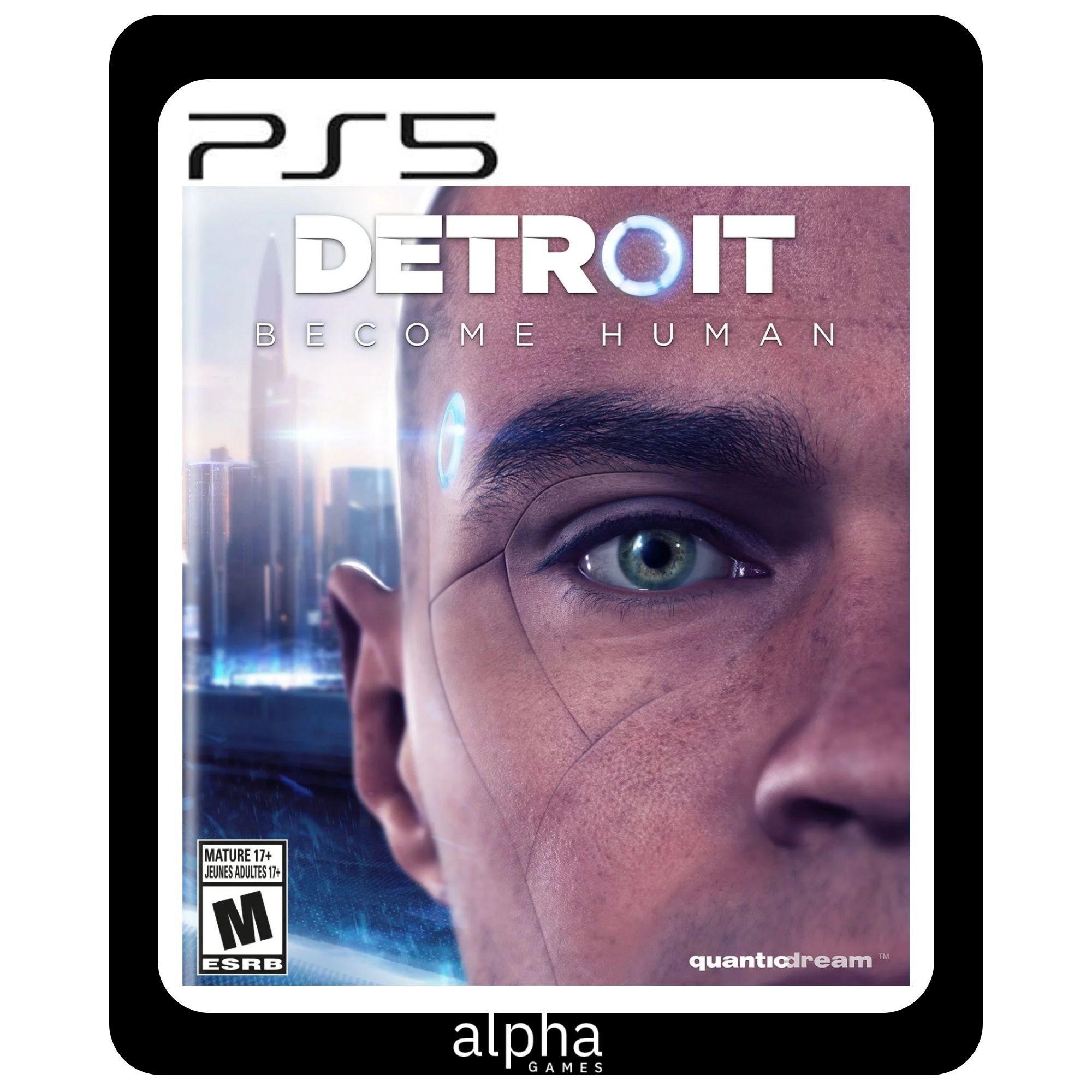
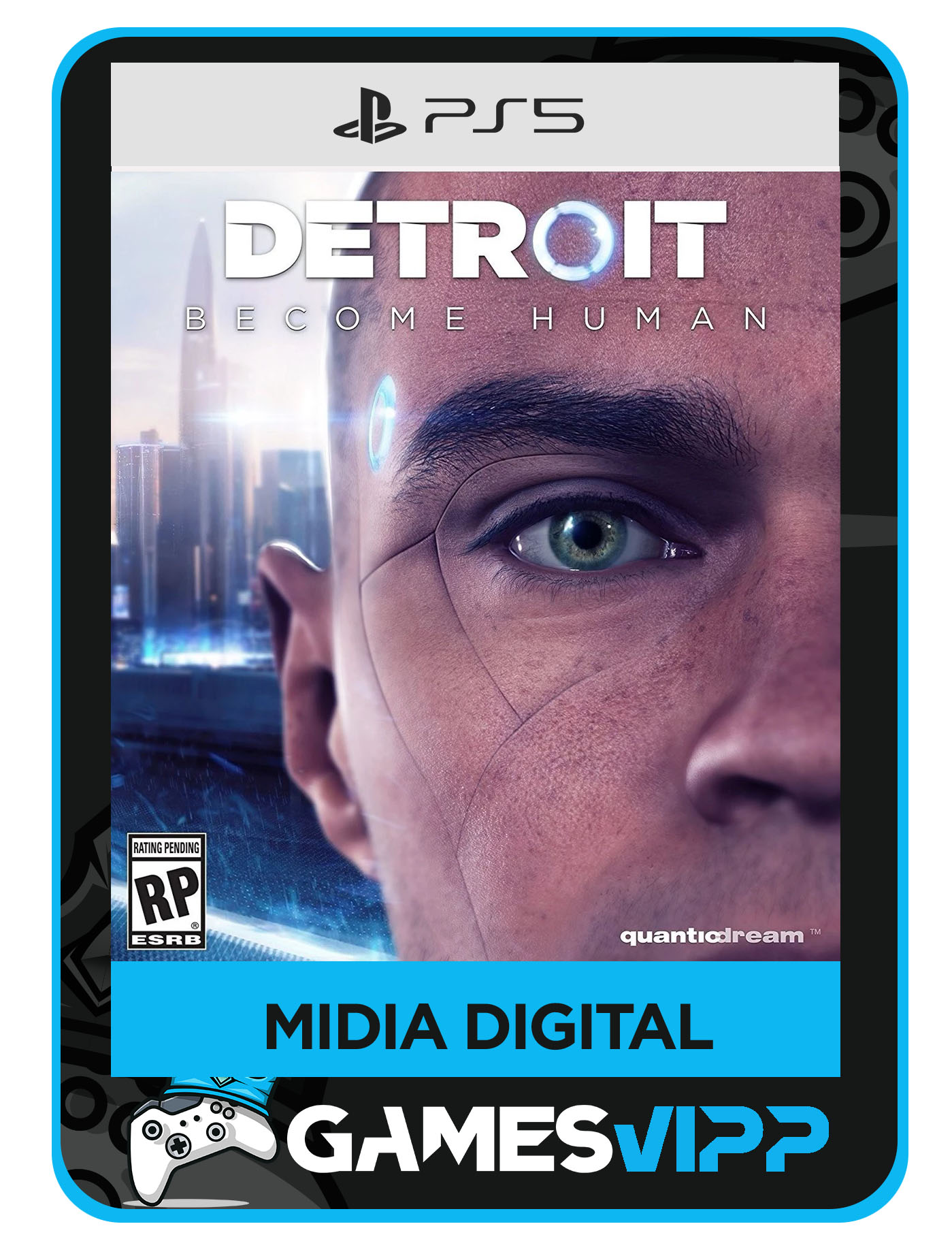
You can play Detroit: Become Human on your PlayStation 5 through the console’s built-in backward compatibility feature. Because the game is a PlayStation 4 title, it runs natively on the PS5 hardware without needing a specific "next-gen" upgrade patch. You can access it by inserting your physical PS4 disc or by downloading your digital copy directly from your PlayStation Library.
Contents
Compatibility and Hardware Requirements
The PlayStation 5 was designed with backward compatibility as a core feature, supporting the vast majority of the PlayStation 4’s library. Detroit: Become Human, developed by Quantic Dream and published by Sony Interactive Entertainment, is fully compatible with the PS5 hardware. You do not need to purchase a separate version of the game; your existing PS4 license or physical disc will function seamlessly on the newer console.
When playing the game on a PS5, you benefit from the console’s "Game Boost" technology, which can provide more stable frame rates and faster loading times compared to the original PS4 or PS4 Pro hardware. While the game does not feature native 4K resolution or specific PS5 DualSense controller haptic feedback features (as it was developed before these technologies were integrated into the platform), the experience remains identical or superior to the intended original release.
Accessing the Game: Physical vs. Digital
The method for installation depends on the edition of the game you own.
For Physical Disc Owners:
- Ensure you are using a PlayStation 5 console equipped with an Ultra HD Blu-ray disc drive (the PS5 Digital Edition cannot read physical discs).
- Insert your Detroit: Become Human PS4 disc into the console.
- The console will automatically detect the disc and prompt you to install the game data to your internal SSD.
- Once the installation process is complete, keep the disc inside the drive whenever you wish to play, as it serves as the license key for the software.
For Digital Edition Owners:
- Log in to your PlayStation Network (PSN) account on your PS5.
- Navigate to your "Game Library" on the home screen.
- Select the "Your Collection" tab.
- Locate Detroit: Become Human in your list of purchased titles.
- Select the game and initiate the download. Once the progress bar reaches the "playable" threshold, you may launch the game, though full installation is recommended for optimal performance.
Performance Expectations and Technical Considerations
Detroit: Become Human runs on the Quantic Dream proprietary engine. On the PlayStation 5, the game maintains its locked frame rate settings, but the overall experience is smoother due to the system’s robust processing power. Because the game utilizes the PS5’s high-speed internal SSD, you will notice significantly reduced loading times when transitioning between scenes or chapters compared to the mechanical hard drives found in the original PS4.
It is important to note that because this is a PS4 application, you will still navigate the game using the standard functionality of your DualSense controller. While the controller’s ergonomic design is compatible with the game, you will not experience adaptive triggers or advanced haptic feedback, as these are features that require specific developer integration within the game code itself.
Comparison of Installation and Gameplay Experience
| Feature | Physical Edition (PS4 Disc) | Digital Edition (PSN Store) |
|---|---|---|
| Console Requirement | PS5 Disc Console | PS5 or PS5 Digital Edition |
| Installation | Requires Blu-ray drive | Internet connection required |
| License Check | Disc must be in drive | Account-based (online/offline) |
| Loading Speeds | Improved (SSD usage) | Improved (SSD usage) |
| Storage Needs | Matches PS4 requirements | Matches PS4 requirements |
Troubleshooting Common Issues
If you encounter issues while playing Detroit: Become Human on your PS5, most problems are related to data installation or system updates.
- Disc Read Errors: If the console fails to recognize your disc, ensure the disc surface is clean and free of scratches. Eject the disc and perform a hard reset of your PS5 by holding the power button until the console beeps twice, then try re-inserting it.
- Missing Saves: If you are transitioning from a PS4, ensure your save data has been uploaded to the PlayStation Plus Cloud or transferred via USB drive. You must download this data to your PS5 console storage through the "Saved Data and Game/App Settings" menu in your console settings to resume your progress.
- Screen Tearing or Glitches: While rare, if you experience visual anomalies, check the game’s "Options" menu to ensure your resolution settings match your monitor or TV capabilities. Updating your PS5 system software to the latest version as of 2026 is also recommended to ensure the highest level of compatibility with legacy titles.
Frequently Asked Questions
Does Detroit: Become Human have a free PS5 upgrade? No. There is no native PlayStation 5 version of the game. It runs exclusively as a PlayStation 4 title via backward compatibility. You do not need to upgrade, as the game performs well in its original format.
Will my PS4 save files transfer to the PS5? Yes. You can move your save files using the PlayStation Plus Cloud sync feature if you have an active subscription, or by transferring them manually using an external USB drive. Ensure you select the correct save data files from the PS4 storage menu before moving them.
Can I play the game if I have the PlayStation Plus Extra or Premium subscription? If Detroit: Become Human is currently included in the PlayStation Plus Game Catalog for your region, you can stream or download it directly to your PS5 console without an additional purchase. Verify your regional library, as game availability in the catalog can rotate over time.
Are there any known controller issues with the DualSense? The DualSense controller is fully compatible with the game. While it does not support advanced features like haptic feedback or adaptive triggers, all basic inputs and navigation work as intended. If you experience drift or unresponsive buttons, ensure your controller is updated via the PS5 settings.
Is 4K resolution supported on the PS5? The game renders at the maximum resolution supported by the PS4 version (typically 1080p or upscaled 4K on the PS4 Pro). The PS5 will continue to output at these parameters. It does not automatically "upscale" the game to native 4K, but the stability of the output is generally consistent.
Next Steps for Players
If you have not yet started your journey in Detroit, ensure your console’s system software is fully updated to the latest 2026 version to avoid potential compatibility snags. If you are returning to the game, double-check that your save data is synced to the cloud before starting a new session to preserve your previous branching narrative choices. Enjoy the experience of this narrative-driven adventure; the improved hardware of the PlayStation 5 ensures that your exploration of the game's choice-heavy world is smoother and more responsive than ever before.
Image Gallery