What is the MT4 Market? A Comprehensive Guide to the MQL5 Marketplace
The MT4 Market is an integrated digital storefront within the MetaTrader 4 trading platform that allows users to browse, download, and purchase automated trading software. It serves as a centralized hub for Expert Advisors (EAs), techn...
The MT4 Market is an integrated digital storefront within the MetaTrader 4 trading platform that allows users to browse, download, and purchase automated trading software. It serves as a centralized hub for Expert Advisors (EAs), technical indicators, and trading utilities developed by the global MQL5 community for retail traders.
Contents
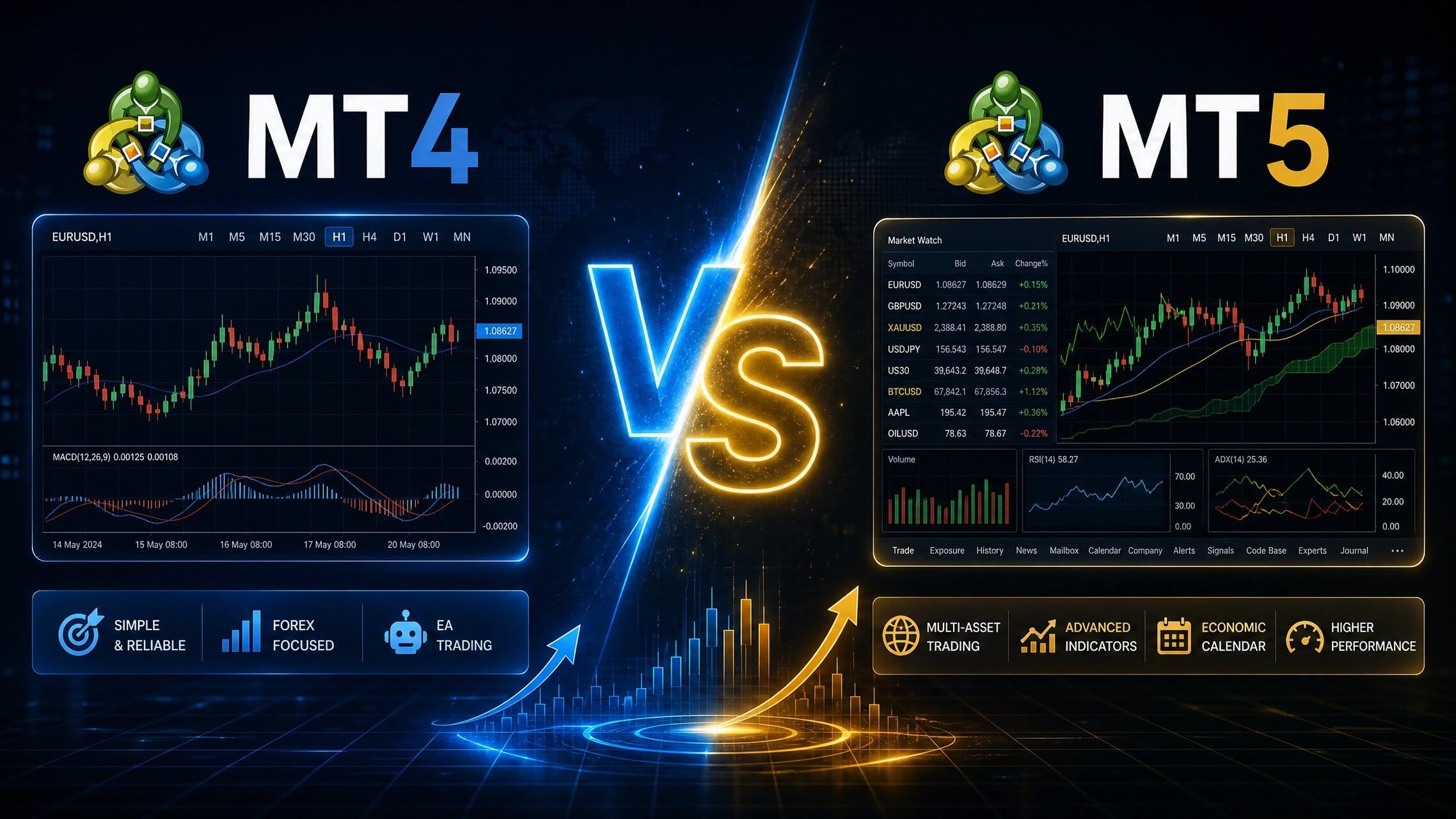
While the term "market" often refers to the global foreign exchange or CFD markets where assets are traded, the MT4 Market specifically refers to the application store built directly into the MetaTrader 4 interface. In 2026, despite the presence of newer versions like MetaTrader 5, the MT4 Market remains a critical ecosystem for millions of traders who rely on legacy systems, custom-built indicators, and algorithmic strategies that have been optimized over decades.
The Architecture of the MT4 Market
The MT4 Market is not an independent entity but a specialized interface for the MQL5.com Marketplace. MetaQuotes Software Corp., the developer of the MetaTrader suite, created this environment to standardize how trading tools are distributed. By integrating the store directly into the "Terminal" window of the platform, they bridged the gap between third-party developers and end-users.
The Role of MQL4 and MQL5
Although the platform is MetaTrader 4, the marketplace itself is managed through the MQL5.com infrastructure. To use the market, a trader must register an MQL5 account and link it to their MT4 terminal. The scripts and programs sold here are written in MQL4 (MetaQuotes Language 4), a C++ based language specifically designed for financial trading.
Security and Sandboxing
One of the primary reasons traders use the official MT4 Market rather than downloading files from random internet forums is security. Every product uploaded to the market undergoes rigorous automated testing by MetaQuotes. This includes:
- Security Checks: Ensuring the code does not contain malicious scripts or "spyware" that could steal account credentials.
- Performance Verification: Checking that the code does not cause the terminal to crash or consume excessive CPU/RAM.
- Sandboxing: Market products run in a protected environment. This means an indicator purchased from the market cannot access files outside of the MT4 directory or interfere with other system processes.
Key Product Categories in the MT4 Market
The MT4 Market is categorized into four main sections, each serving a distinct purpose in a trader's workflow. Understanding these categories is essential for navigating the thousands of available options.
1. Expert Advisors (EAs)
Expert Advisors are automated trading robots. They are designed to monitor markets and execute trades based on pre-defined mathematical logic without human intervention.
- Scalping Robots: Focus on high-frequency, small-profit trades.
- Trend Following: Identify long-term market movements.
- Grid and Martingale: Use specific mathematical progressions (often considered high-risk).
2. Indicators
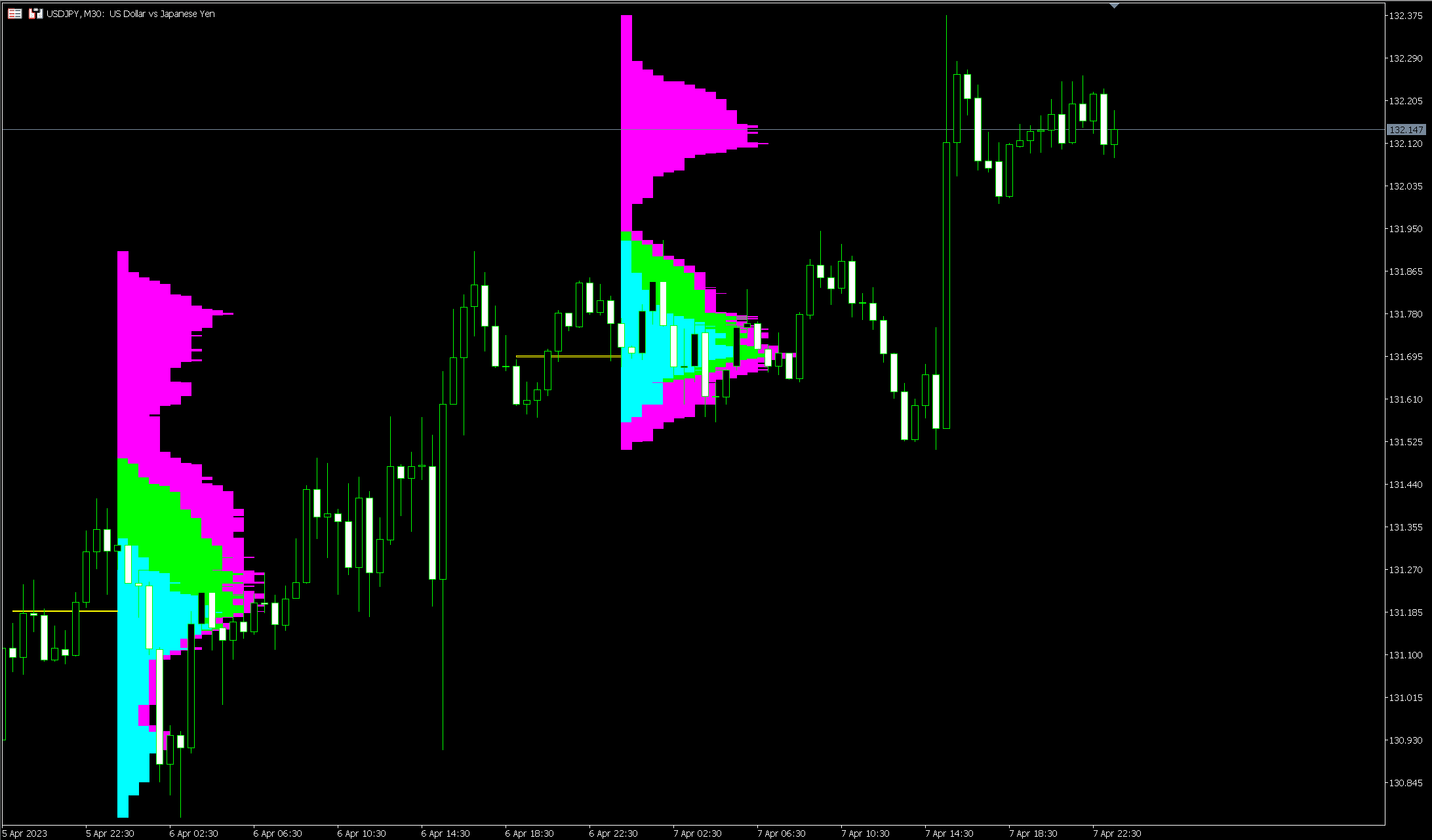
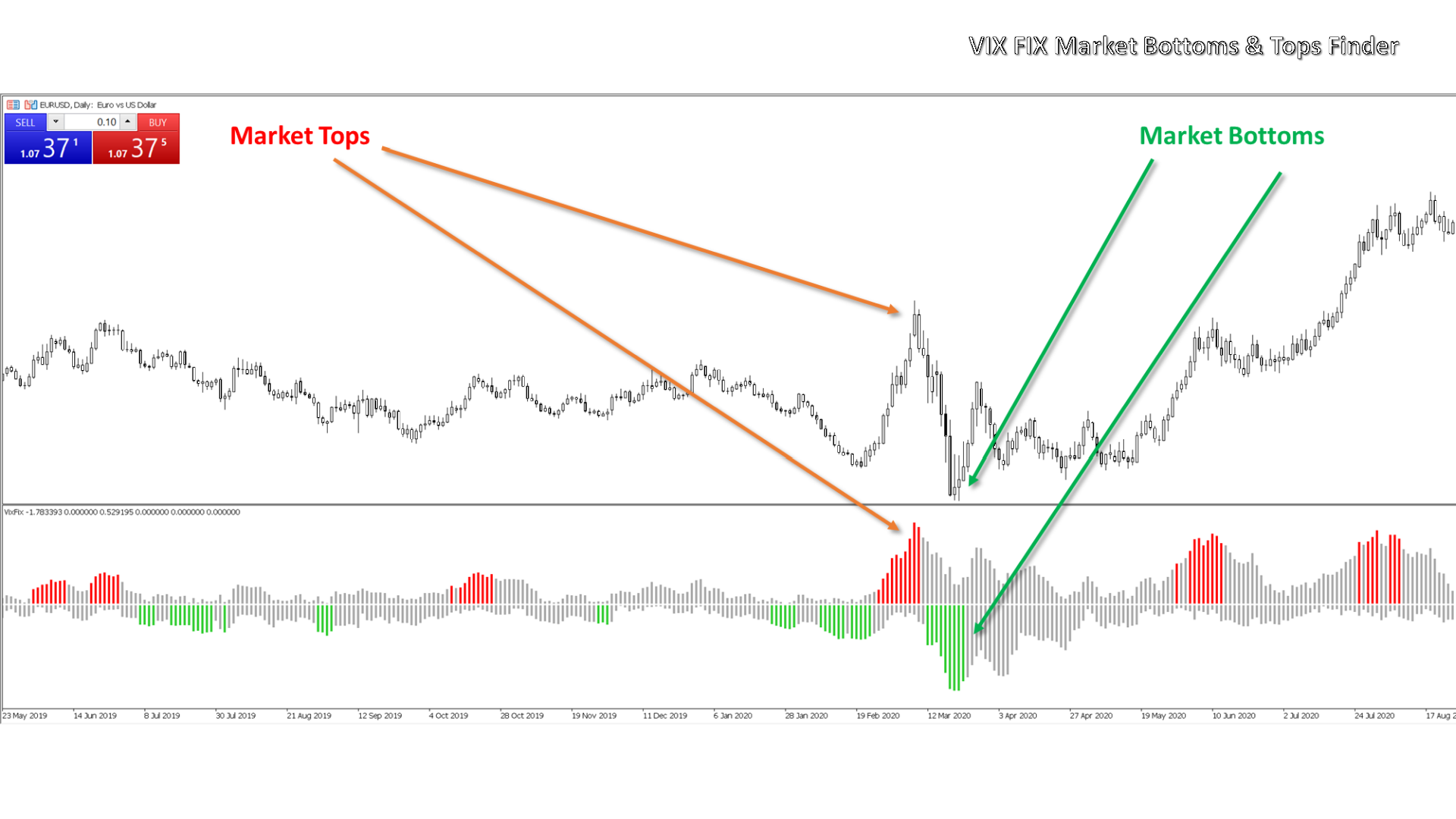
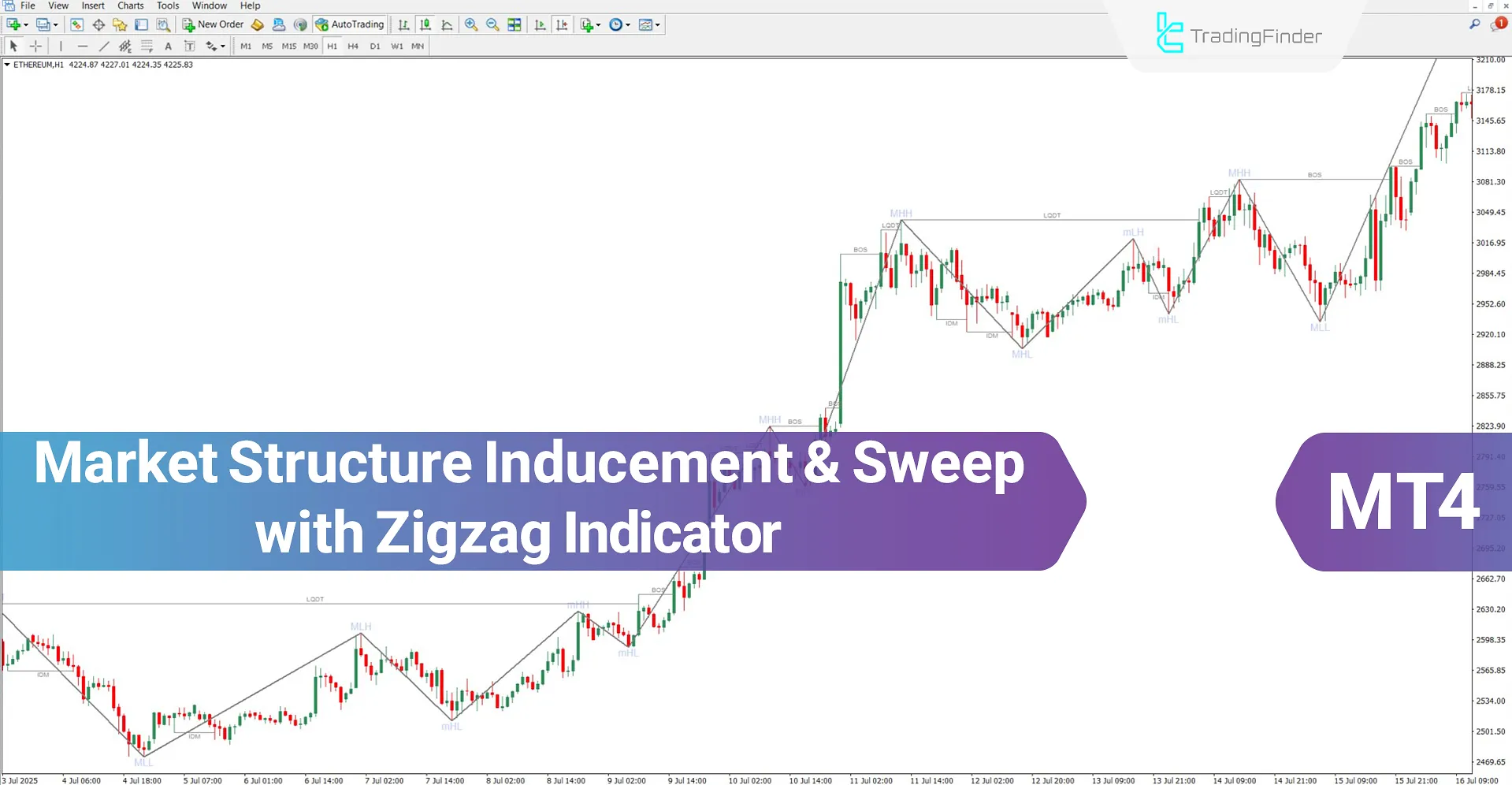
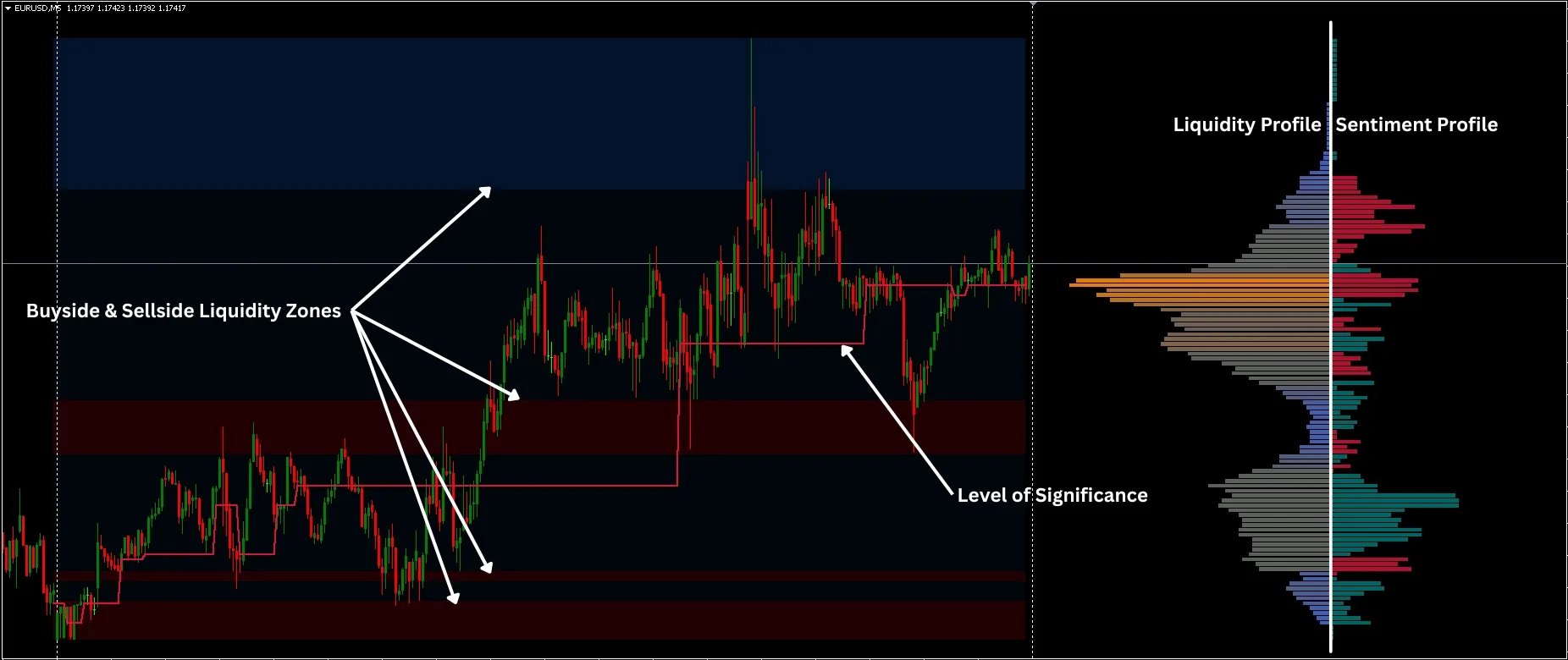
Indicators are visual tools that sit on top of or below your price charts. They do not execute trades but provide signals or data visualization to help a manual trader make decisions. Common types include advanced Fibonacci tools, multi-timeframe RSI overlays, and supply/demand zone mappers.
3. Utilities
Utilities are programs designed to simplify the trading experience. They don't analyze the market or execute strategies; instead, they provide functional support.
- Trade Managers: Tools that automatically set Stop Loss and Take Profit levels the moment you open a trade.
- Risk Calculators: Panels that calculate lot sizes based on a specific percentage of your account balance.
- News Feeds: Integrated calendars that display upcoming economic events directly on the chart.
4. Libraries and Scripts
Scripts are designed for single-use actions. For example, a script might close all open positions with one click or delete all pending orders. Libraries are blocks of code used by developers to enhance their own programs.
How to Access and Use the MT4 Market
Navigating the market in 2026 is streamlined, but it requires a specific set of prerequisites to ensure that purchases are synchronized correctly across devices.
Step 1: Account Synchronization
To access the market, you must open your MetaTrader 4 terminal and navigate to Tools > Options > Community. Here, you enter your MQL5.com login credentials. This link is vital because your purchases are tied to your MQL5 account, not your specific broker account.
Step 2: Browsing the Market Tab
At the bottom of the MT4 terminal, look for the "Market" tab within the "Terminal" window (where your Trade and History tabs are located). This will open the storefront. You can filter by "Main," "Paid," "Free," and "New."
Step 3: Testing with Demo Versions
Every paid product in the MT4 Market offers a free demo version. These demos are limited; they usually only work in the Strategy Tester (the backtesting module). This allows you to verify the logic of an Expert Advisor against historical data before committing any capital.
Step 4: Installation and Activation
When you buy a product, it is automatically downloaded into the Market folder of your Navigator window. It is important to note the concept of "Activations." Most products allow for at least 5 activations. An activation is used when you install the product on a new computer or change significant hardware components (like a CPU or motherboard).
Comparison of MT4 Market Product Types
| Feature | Expert Advisors (EAs) | Technical Indicators | Trading Utilities |
|---|---|---|---|
| Primary Goal | Automated execution | Decision support/Analysis | Operational efficiency |
| User Input | Low (once configured) | High (trader decides entry) | Variable (tool dependent) |
| Testing | Requires Backtesting | Visual confirmation | Functional testing |
| Typical Cost | $50 - $2,000+ | $20 - $500 | $10 - $100 |
| Risk Level | High (controls capital) | Low (info only) | Medium (controls orders) |
The Economics of the Market: Pricing and Licensing
The MT4 Market operates on a proprietary licensing model managed by MetaQuotes. In 2026, the pricing remains highly competitive due to the sheer volume of developers.
Renting vs. Buying
Many developers offer a rental model. Instead of paying $500 for a lifetime license, a trader might pay $30 for one month. This is particularly useful for testing a strategy in live market conditions without a significant upfront investment.
The "Free" Section
The market contains thousands of free tools. While some are "lite" versions of paid software, many are high-quality open-source projects provided by the community to build reputation. It is often recommended that beginners start with the free section to learn how to attach and configure programs.
Payment Methods
Purchases are handled via the MQL5.com website using various methods including credit cards, PayPal, and cryptocurrency. Funds are held in a "MQL5 Cloud" wallet, which can also be used to pay for Virtual Private Server (VPS) hosting.
Technical Requirements and Limitations
Using the MT4 Market requires an understanding of the platform's technical constraints. Because MT4 is a 32-bit application, there are limits to how much data a market-bought indicator can process before slowing down the terminal.
- Operating System: Windows 10/11 or Windows Server for VPS usage. Mac users must use WINE or a Virtual Machine.
- Internet Stability: For EAs, a constant connection is required. This is why many market users also subscribe to the MetaTrader VPS service, which is also accessible via the market interface.
- Terminal Build: The MT4 Market only supports the latest "Builds" of the platform. If your broker has not updated their terminal in several years, the Market tab may fail to load.
Common Mistakes to Avoid
- Chasing "Holy Grail" EAs: Many products in the market show spectacular "backtest" results. However, these are often "curve-fitted"—meaning they were designed to look good on past data but fail in real-time trading.
- Ignoring Activations: If you plan on moving your trading setup between multiple computers or VPS providers, keep track of your remaining activations. Once they hit zero, you must purchase the product again.
- Over-Optimizing: Loading too many market indicators simultaneously can lead to "Analysis Paralysis" or lag within the terminal, potentially resulting in slippage during execution.
Frequently Asked Questions
Is the MT4 Market the same as the MQL5 Market?
Yes, they are the same marketplace. The MT4 Market is simply the version of the store that filters for products written in the MQL4 language. If you log into the MQL5 website, you will see products for both MT4 and MT5, but only MT4-compatible tools will show up inside your MT4 terminal.
Can I use MT4 Market products on MetaTrader 5?
No. MQL4 and MQL5 are different programming languages. A tool purchased for MT4 will not run on MT5. Most popular developers sell separate versions for both platforms, but they are considered separate purchases.
Are the products in the MT4 Market guaranteed to make money?
No. MetaQuotes verifies the code for security and technical performance, but they do not guarantee the financial profitability of any strategy. Trading involves significant risk, and even a "top-rated" EA can lose money in volatile or changing market conditions.
Can I get a refund for a purchase?
Generally, no. Because the products are digital and come with free demo versions for testing, the MQL5 Market has a strict no-refund policy. This is why it is critical to use the Strategy Tester and the demo version before clicking "Buy."
What happens if a developer disappears?
If a developer leaves the platform, you still retain the product and your remaining activations. However, you will no longer receive updates. Since MT4 is a stable, legacy platform, products rarely "break" due to platform updates, but they may become less effective if the market regime changes.
Final Recommendations for New Users
The MT4 Market is an incredibly powerful resource, but it should be approached with a "test-first" mentality. Before spending money on a high-priced Expert Advisor, spend time in the Free section of the market to understand how to load programs and manage settings. Always use a Virtual Private Server (VPS) if you plan to run automated robots, ensuring that your MT4 Market tools remain online 24/5 without interruption. For further information on the platform's technical capabilities, refer to the official MetaTrader 4 documentation or the MQL5 community portal.
Image Gallery