Understanding What a Spark App Does: A Comprehensive Guide
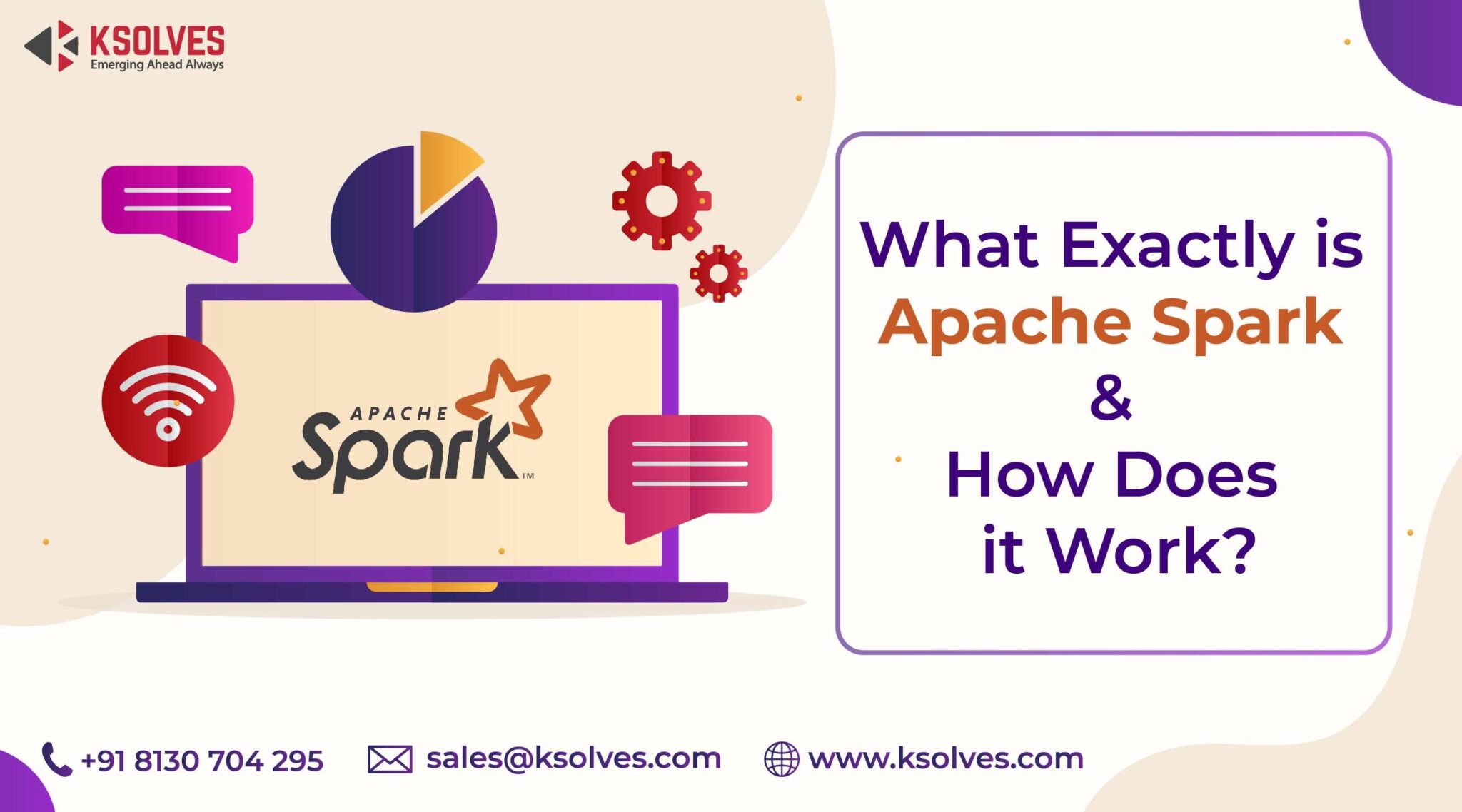
A Spark app is a software application built on the Apache Spark framework, designed to process, analyze, and transform massive datasets across distributed computing clusters. It leverages in-memory computation to perform high-speed dat...
A Spark app is a software application built on the Apache Spark framework, designed to process, analyze, and transform massive datasets across distributed computing clusters. It leverages in-memory computation to perform high-speed data engineering, machine learning, and real-time streaming tasks, enabling organizations to gain insights from large-scale data far faster than traditional disk-based systems.
Contents
The Core Functionality of Apache Spark
At its most fundamental level, Apache Spark serves as a unified analytics engine. Unlike earlier big data frameworks that relied heavily on reading from and writing to hard drives during every step of a calculation, Spark performs the bulk of its operations in RAM (Random Access Memory). This architectural choice is the primary reason for its efficiency.
When you run a "Spark app," you are executing a program written in one of Spark’s supported languages—typically Scala, Java, Python (PySpark), or R—that tells a cluster of computers how to manipulate a collection of data. The application converts these instructions into a "Directed Acyclic Graph" (DAG), which serves as a roadmap. The Spark scheduler then optimizes this map, breaks the data into smaller chunks, and distributes the workload across the cluster's nodes.
The Role of the Spark Driver and Executors
To understand what a Spark app does, one must distinguish between its two primary components: the Driver and the Executors.
- The Driver: This is the "brain" of the operation. It hosts the
SparkContext, maintains information about the application, and orchestrates the work. When you submit an app, the Driver converts your high-level commands into tasks. - The Executors: These are the "workers." They reside on the worker nodes of the cluster. Their job is to execute the individual tasks assigned by the Driver and store the data in memory or on local disks if necessary.
The Spark app manages the communication between these two, ensuring that tasks are distributed evenly and that the data stays localized to the machine processing it whenever possible, reducing network latency.
Primary Use Cases for Spark Applications
A Spark app is rarely a "one-size-fits-all" tool; its power lies in its specialized libraries. Depending on the library being invoked, the application might be performing vastly different functions:
- Data Transformation (Spark SQL): Many Spark apps are essentially ETL (Extract, Transform, Load) pipelines. They ingest raw data from data lakes or databases, clean it, filter it, and store it in a structured format like Parquet or Delta Lake.
- Machine Learning (MLlib): These apps perform heavy statistical lifting, such as training regression models, clustering customers, or performing recommendation tasks on datasets too large for a single machine.
- Real-time Processing (Structured Streaming): Unlike batch processing, which runs on a finished dataset, a streaming Spark app remains active. It consumes data as it arrives—such as server logs or financial transactions—and updates results in near-real-time.
- Graph Processing (GraphX): Specialized apps use this component to analyze relationships, such as social network connections or supply chain dependencies.
Comparing Spark App Architectures
Not all Spark applications are designed to run the same way. The following table highlights common configurations.
| Execution Mode | Description | Best For |
|---|---|---|
| Local Mode | The driver and executor run in the same JVM on a single machine. | Development, debugging, and testing small datasets. |
| Standalone | A simple cluster manager included with Spark to manage resources. | Small-to-medium clusters and basic deployments. |
| YARN / Kubernetes | Spark runs on top of an existing cluster manager (e.g., Hadoop YARN or K8s). | Enterprise-scale production environments with shared resources. |
The Lifecycle of a Spark Job
Understanding the lifecycle of a Spark app is critical for debugging and performance tuning. The process generally follows these stages:
- Session Initialization: The app starts by creating a
SparkSession. This is the entry point to all Spark functionality. - Transformation: The app creates "transformations" (e.g.,
.map(),.filter(),.groupBy()). Importantly, these are lazy. Spark records the transformation but does not execute it yet. - Action: When an "action" (e.g.,
.collect(),.count(),.saveAsTextFile()) is called, Spark triggers the actual execution. The DAG is finalized, tasks are sent to executors, and data is processed. - Termination: Once the action is complete and the results are returned or written to storage, the application finishes its life cycle, and resources are released back to the cluster manager.
Prerequisites and Technical Requirements
Before deploying a Spark app, you must satisfy several environmental prerequisites. While the framework is flexible, it requires a well-configured cluster.
- JVM Environment: Since Spark is written in Scala, all executor nodes must have a compatible Java Virtual Machine installed. Even when using Python (PySpark), the underlying engine runs on the JVM.
- Cluster Management: You need a mechanism to allocate resources. If you are not using a managed cloud service (such as Databricks or Amazon EMR), you will need to manage a Kubernetes cluster or a Hadoop YARN environment.
- Memory Management: Spark is memory-intensive. An improperly configured app will crash with an
OutOfMemoryError. You must tune the executor memory and overhead settings based on the size of your input data.
Troubleshooting Common Issues
Even well-written Spark apps encounter bottlenecks. The most common "symptom" of an inefficient app is data skew. This occurs when one executor is assigned significantly more data than others, causing it to run for hours while other nodes sit idle.
Another common issue is the small file problem. If your app is designed to read thousands of tiny files, the overhead of opening and closing files can take longer than the actual processing. The solution is usually to coalesce or repartition the data during the transformation phase to optimize the number of partitions.
Practical Recommendations for Development
If you are developing your first Spark application, follow these guidelines to ensure success:
- Test Locally: Always start by running your app in Local Mode on a small sample of your data. This allows you to catch syntax errors and logic bugs without consuming expensive cluster resources.
- Monitor the Spark UI: Every Spark app provides a built-in web interface (usually at port 4040). This UI is your most valuable tool. It shows exactly how long each stage took and which tasks were slow.
- Use DataFrames: Unless you have a highly specialized requirement, stick to the DataFrame API rather than the low-level RDD (Resilient Distributed Dataset) API. The DataFrame API allows Spark's Catalyst Optimizer to automatically reorganize your query for maximum speed.
- Handle Failures Gracefully: In a distributed system, individual nodes will fail. Ensure your application logic is idempotent—meaning it can be re-run safely without producing duplicate or corrupted data if a job restarts due to a network glitch.
When building or managing a Spark app, remember that you are not just writing code; you are defining a distributed workflow. Focus on data partitioning, minimize shuffling (the movement of data between nodes), and always leverage the built-in optimization tools to maximize the efficiency of your cluster.
Image Gallery