How to Find Yahoo Email Addresses and Recover Your Account
Finding a Yahoo email address typically refers to two distinct scenarios: recovering an account you own but have forgotten the details for, or attempting to locate the email address of another person for professional or personal contac...
Finding a Yahoo email address typically refers to two distinct scenarios: recovering an account you own but have forgotten the details for, or attempting to locate the email address of another person for professional or personal contact. Whether you are locked out of your own inbox or searching for a contact, the process involves navigating Yahoo’s official security protocols or utilizing legitimate directory and network resources.
Contents
Recovering Your Own Forgotten Yahoo Email Address
If you have forgotten your own Yahoo email address, the company provides an automated recovery tool designed to identify your account using verified secondary contact information. This is the only official method to retrieve an address associated with your personal data.
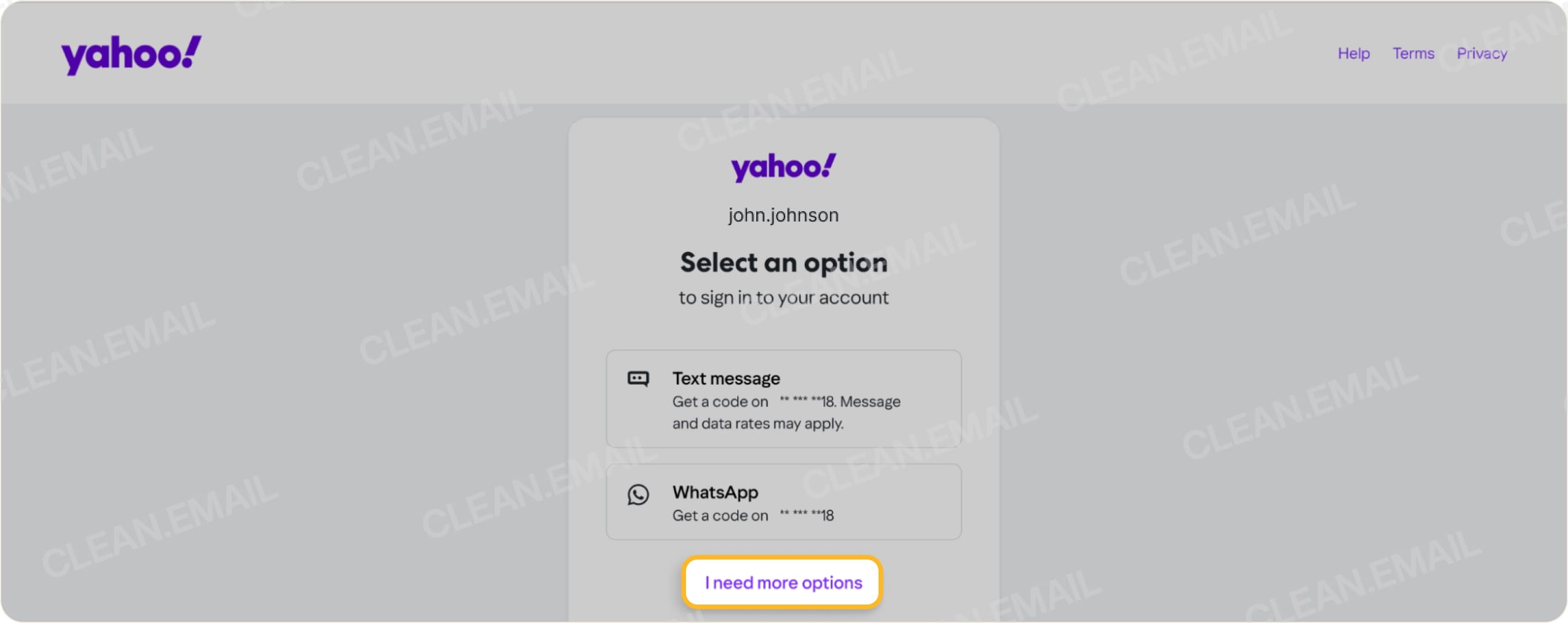
To begin the recovery process, navigate to the official Yahoo Sign-in Helper. You will be prompted to enter a recovery method that you previously linked to the account. This usually consists of:
- A recovery mobile phone number.
- An alternative recovery email address.
Once you input the secondary contact information, Yahoo will send a verification code to that device or inbox. Upon entering this code correctly, the system will display a list of usernames associated with that specific recovery method. If you have multiple accounts linked to one phone number, they will all be presented, allowing you to identify the specific email address you were trying to locate.
If you no longer have access to the recovery phone number or the backup email address, you may face significant challenges. Yahoo’s security infrastructure prioritizes account privacy, meaning there is no manual "search" function for users to look up their own historical accounts without these verified credentials. In such cases, checking your browser’s password manager or looking for saved login details in your operating system's settings is often the most effective secondary strategy.
Searching for Someone Else’s Yahoo Email Address
Locating another person's email address requires a different approach, as Yahoo does not maintain a public directory of its users. Privacy regulations and Yahoo’s Terms of Service strictly prohibit the company from disclosing user contact information to third parties. Therefore, you must rely on public-facing information or professional networking platforms.
Leveraging Professional and Social Networks
The most reliable way to find a contact's email address is through their professional footprint. If the person is a professional, search platforms like LinkedIn. Many users include their contact information in their profile’s "Contact Info" section. Additionally, if the person owns a business or operates a website, their contact email is often listed under the "Contact" or "About" pages.
Using Search Engine Operators
Advanced search operators in standard search engines can help narrow down results to find an email address if it has been published publicly. By using specific syntax, you can filter results to exclude unrelated information.
- Quotation marks: Search for the person’s name followed by "Yahoo" or "@yahoo.com" in quotes (e.g., "John Doe" "yahoo.com").
- Site-specific searches: Use the
site:operator to search for an email address within specific domains (e.g.,site:linkedin.com "John Doe" @yahoo.com).
Evaluating Email Verification Tools
There are third-party services that claim to find email addresses. These tools scan public web data to aggregate contact information. While these can be useful for legitimate business outreach, their accuracy varies, and they often rely on dated or scraped data. When using these services, ensure you are in compliance with relevant data privacy regulations, such as the GDPR or CCPA, depending on your jurisdiction.
Comparison of Email Discovery Methods
| Method | Target Audience | Effectiveness | Privacy Risk |
|---|---|---|---|
| Yahoo Sign-in Helper | Personal recovery | High | Low (Official) |
| Password Managers | Personal recovery | High | Low (Local) |
| Professional Networks | Business/Professional | Medium | Low (Public) |
| Search Engine Operators | General public | Low/Medium | Low |
| Third-Party Data Tools | Sales/Outreach | Variable | High (Policy Dependent) |
Troubleshooting Access and Common Mistakes
When attempting to find or recover your own Yahoo email, users frequently encounter specific hurdles. Addressing these proactively can save significant time.
- Recovery Info Mismatch: Often, users try to recover an account using a phone number or email that was never actually linked to the target account. If you have multiple phone numbers or old email accounts, systematically try each one in the Sign-in Helper.
- Browser Cache Issues: If the page fails to load or loops during the recovery process, clear your browser’s cache and cookies. Outdated session data can interfere with the authentication handshake required for account recovery.
- Security Software Interference: High-security settings, VPNs, or browser extensions that block scripts can prevent the Yahoo recovery tool from functioning. Disable these temporarily to see if the interface populates correctly.
- Typographical Errors: It is surprisingly common to search for an email address that contains a simple typo. If you are searching for a friend’s email, consider that they might use a common variation or a period in their username.
Legal and Ethical Considerations for Contact Discovery
When searching for the email address of another individual, it is essential to distinguish between legitimate networking and intrusive behavior. Sending unsolicited emails to individuals who have not opted into contact can be categorized as spam and may violate the terms of service of the email provider.
If you are a business, ensure that your outreach adheres to the CAN-SPAM Act or similar international regulations. This means providing a clear way for the recipient to unsubscribe from future communications and ensuring that your subject lines are not misleading. Always prioritize respect for the individual's digital privacy; if an email address is not publicly disclosed, it is generally best to assume the user does not wish to be contacted through that channel.
Frequently Asked Questions
Can Yahoo customer support tell me my email address if I call them? No. Yahoo does not provide customer support over the phone for the purpose of revealing account names or bypassing security protocols. All account recovery must be performed through the automated online tools to ensure the security of user data.
Is there a way to search Yahoo’s database for a specific name? No. Yahoo does not maintain a public-facing database or white pages directory. For security and privacy reasons, searching for a user by name to retrieve their email address is not possible within the Yahoo platform.
What should I do if I have the right recovery info but the code never arrives? Check your spam or junk folder in your recovery email account. If using SMS, ensure that your carrier does not block short-code messages. Sometimes, a network delay causes the code to arrive several minutes after the request; do not request multiple codes in quick succession, as this can trigger a temporary security lockout.
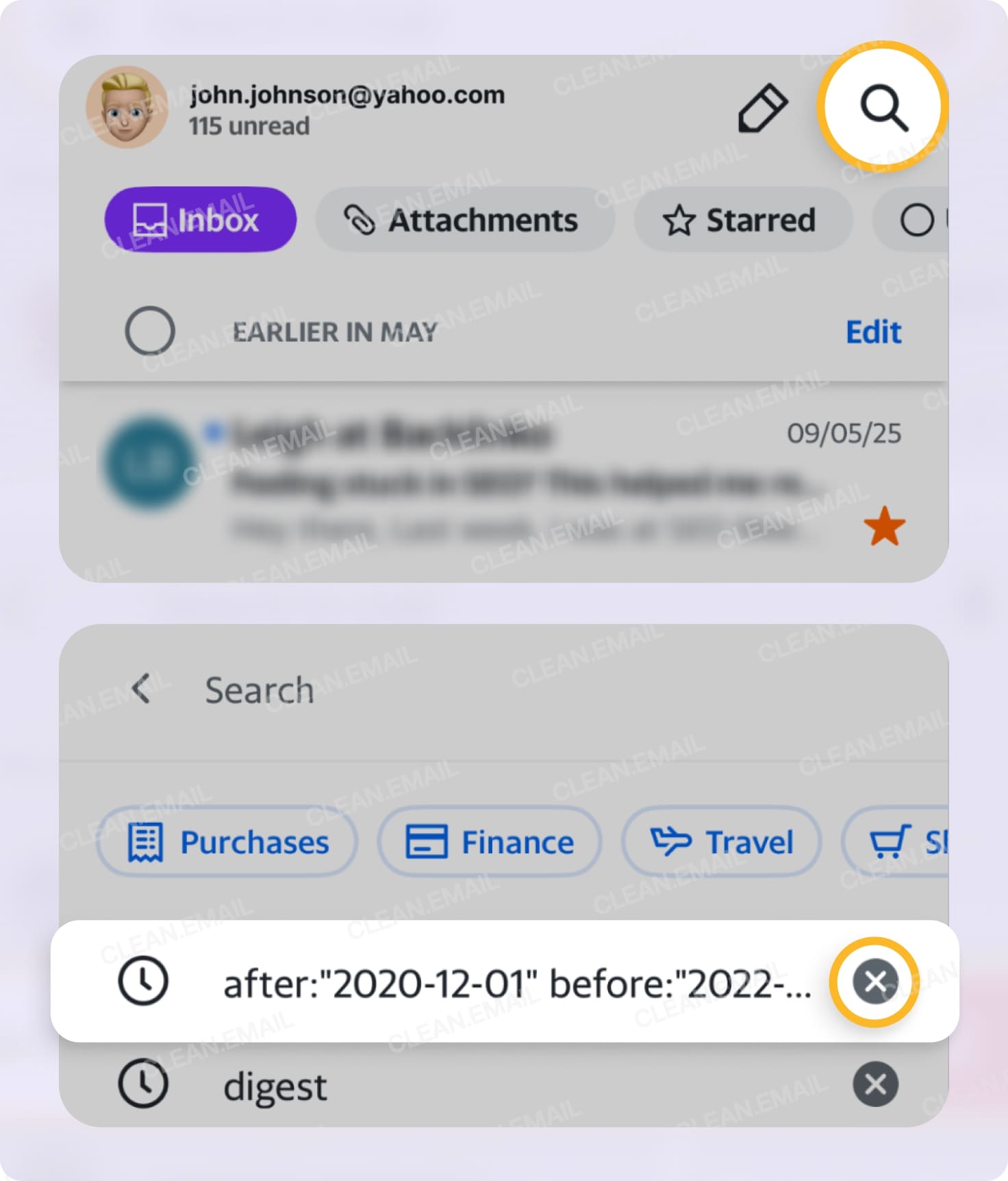
How do I find an email address from an old conversation? If you have access to a device that previously synced your emails, check the mail application’s search history. Often, the email address is stored locally in the application's cache or contact database, even if you are currently logged out of the web interface.
Can I find an account by its recovery phone number? Yes. When you use the Sign-in Helper, entering your phone number will prompt the system to show you all account usernames masked in a way that allows you to recognize the full address (e.g., j***@yahoo.com). This is the most efficient way to identify an account you have lost access to.
Final Recommendation
If you are trying to regain access to your own account, the Yahoo Sign-in Helper is your primary and most secure path. If you are attempting to find an email address for someone else, focus your efforts on their professional public presence. Use search engines effectively, respect privacy boundaries, and always ensure your intent for contacting others aligns with standard professional etiquette. If your situation involves a forgotten account that cannot be recovered through the official portal, consider this a permanent loss of that specific inbox and plan to set up a new account with updated, well-documented recovery information.
Image Gallery