Understanding Blood Pressure Monitoring Capabilities on Apple Watch
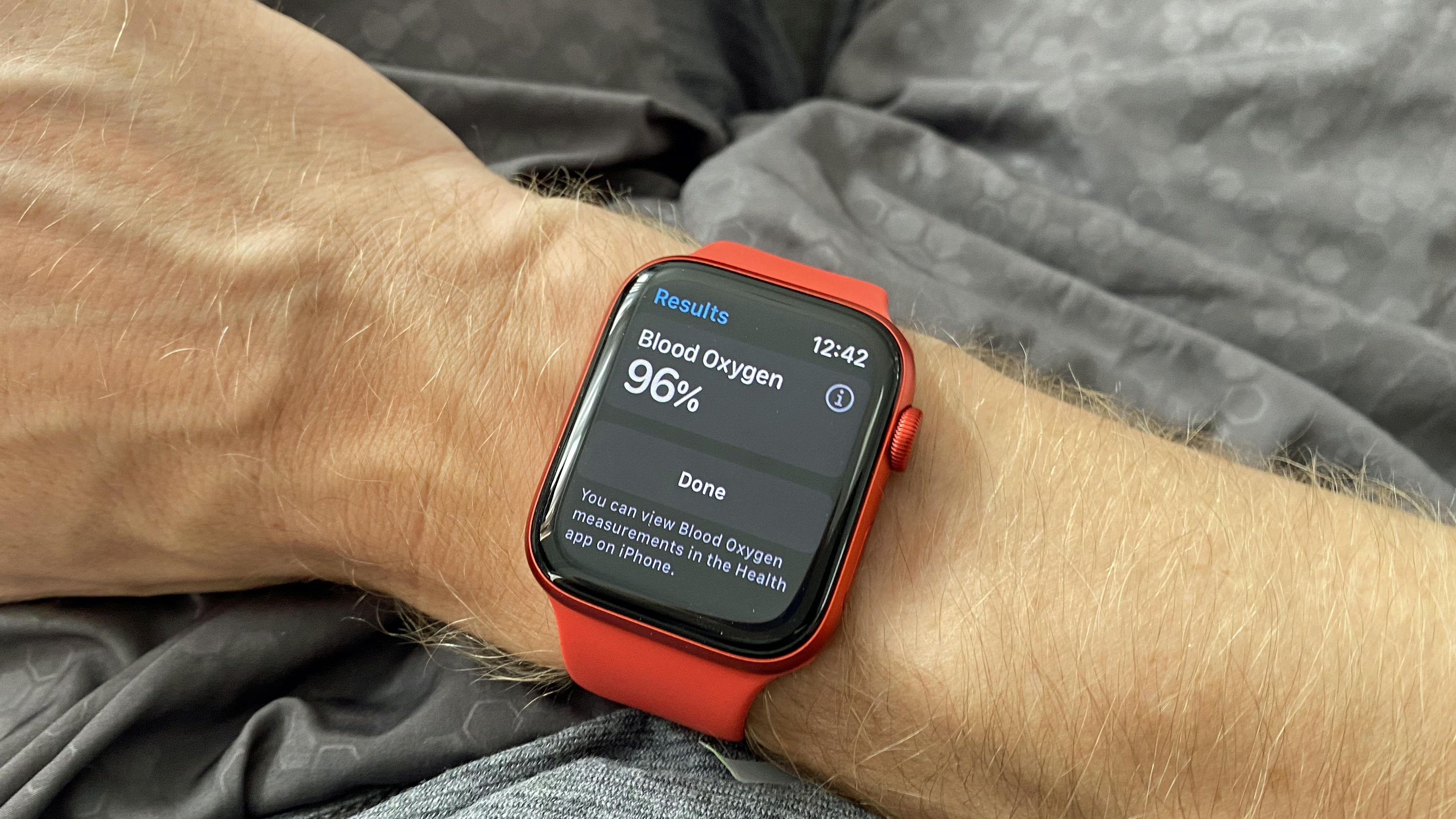
As of 2026, the Apple Watch does not contain a built-in blood pressure sensor or a native "blood pressure app" capable of measuring systemic arterial blood pressure independently. While the device excels at tracking heart rate, blood o...
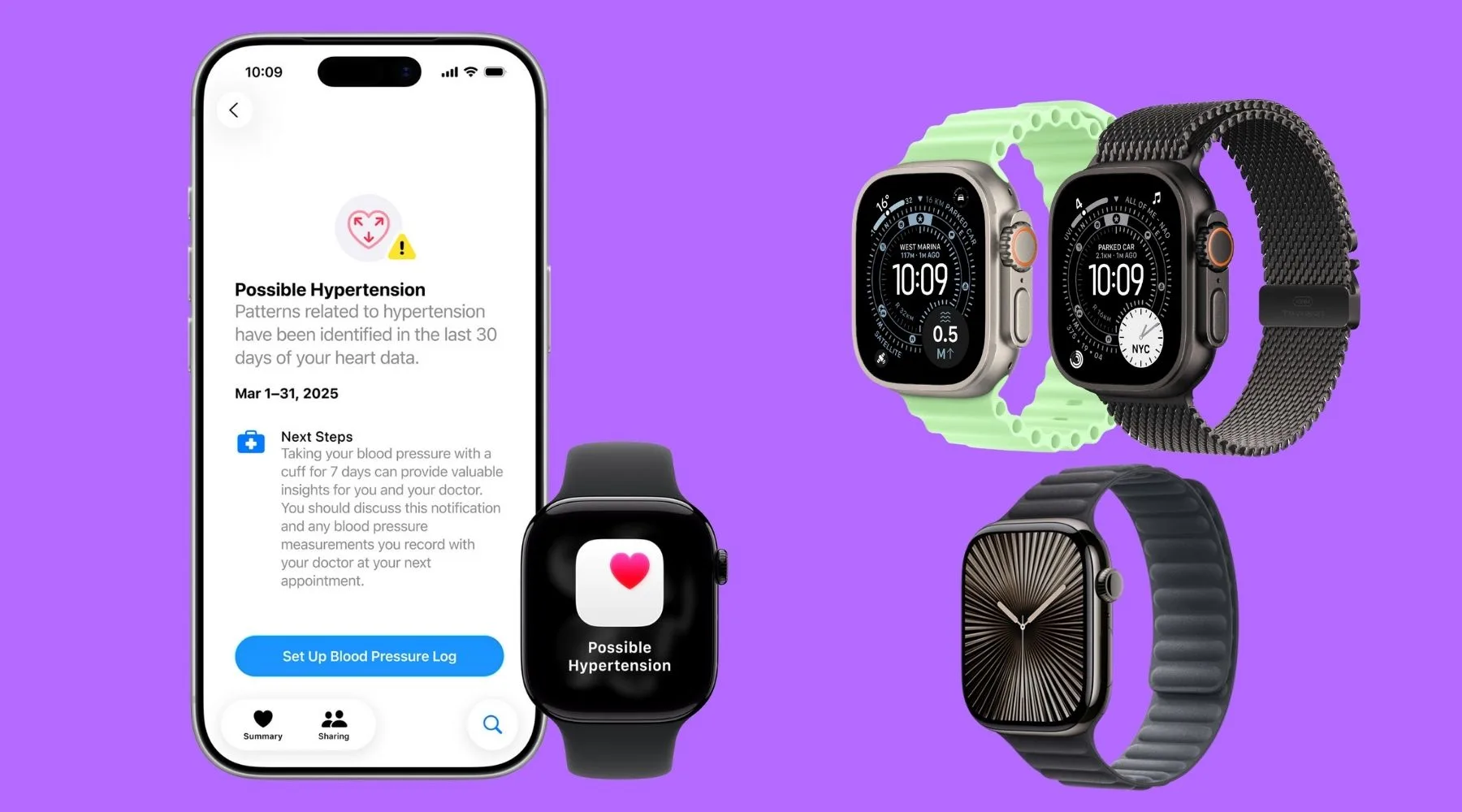
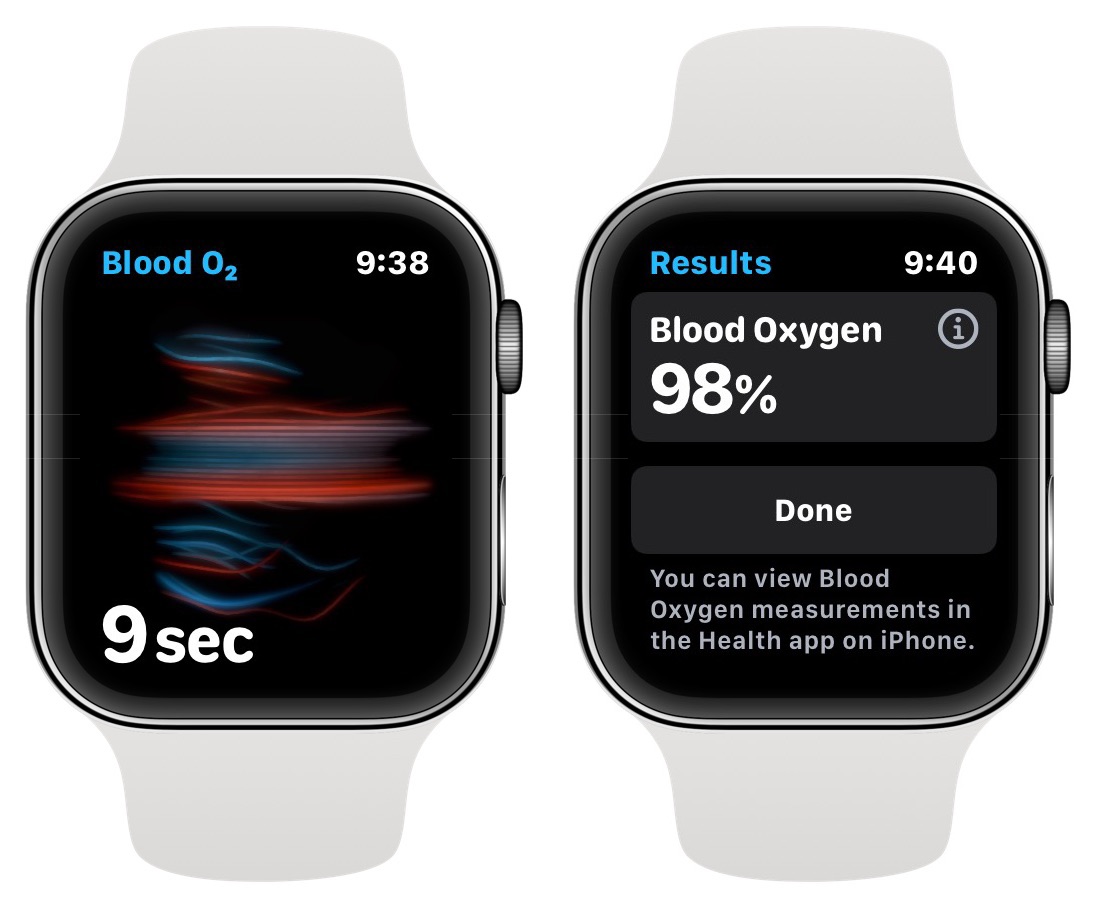
As of 2026, the Apple Watch does not contain a built-in blood pressure sensor or a native "blood pressure app" capable of measuring systemic arterial blood pressure independently. While the device excels at tracking heart rate, blood oxygen levels, and ECG readings, users seeking to track blood pressure must rely on validated, external medical devices that sync with the Apple Health ecosystem through third-party applications.
Contents
Technical Realities of Blood Pressure Monitoring
It is essential to distinguish between heart rate monitoring and blood pressure monitoring. Heart rate measures the number of times your heart beats per minute, which the Apple Watch accomplishes via photoplethysmography (PPG)—using green LED lights and light-sensitive photodiodes.
Blood pressure, however, measures the force of circulating blood against the walls of your arteries. Standard clinical measurement requires an occlusive cuff (sphygmomanometer) to temporarily restrict blood flow and listen for Korotkoff sounds or detect oscillations as the cuff deflates. Because the Apple Watch lacks a built-in inflatable cuff, it cannot physically perform a traditional blood pressure measurement. While various companies continue to research optical techniques for blood pressure estimation, no such technology has been integrated into the current consumer lineup of Apple Watch models.
How to Integrate External Data into Apple Health
If your healthcare provider has recommended monitoring your blood pressure, you can use the Apple Health app to aggregate data from external, medically approved blood pressure monitors. This creates a centralized hub for your health metrics without requiring the watch itself to perform the measurement.
Steps to Sync Blood Pressure Data
- Acquire a Compatible Device: Purchase a blood pressure monitor that explicitly lists "Apple Health" or "HealthKit" compatibility. Reputable brands like Omron, Withings, or Qardio produce monitors that sync via Bluetooth to their own proprietary mobile apps.
- Install the Manufacturer’s App: Download the specific app associated with your blood pressure monitor from the App Store.
- Connect to Apple Health: Within the manufacturer's app, locate the settings menu to enable "Health" or "Apple Health" syncing. You will be prompted to grant permissions for the app to write "Blood Pressure" data to the Apple Health database.
- Authorize Access: Open the Apple Health app on your iPhone. Go to Sharing or Apps & Services to confirm that the manufacturer's app appears under the list of authorized sources.
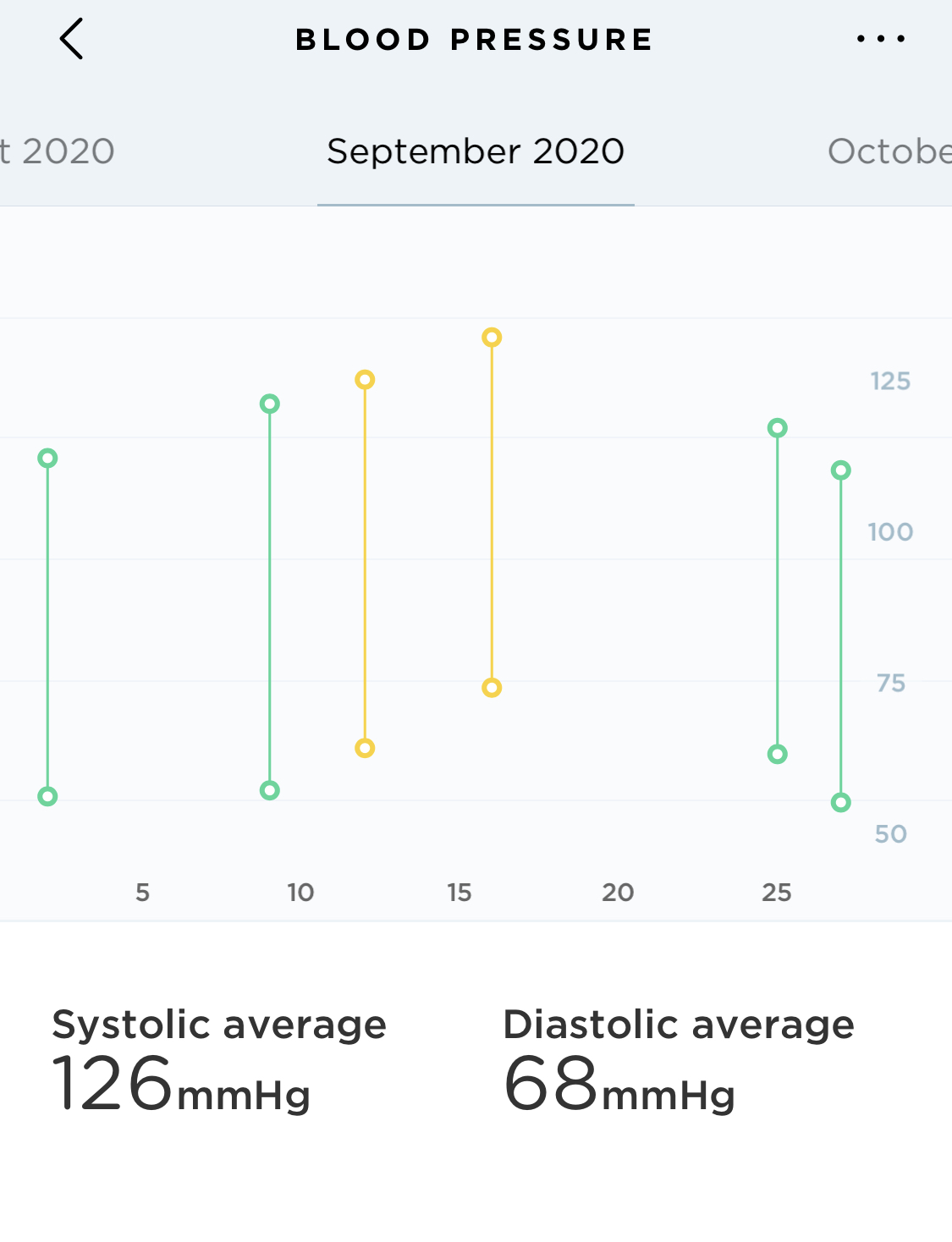
- Periodic Verification: Whenever you take a reading with your external device, the data will automatically push to the manufacturer's app and subsequently update your Apple Health charts.
Comparing Measurement Methods
To help determine the best approach for your health needs, consider the differences between the metrics monitored natively by your Apple Watch and those requiring external hardware.
| Metric | Native Apple Watch Support | Required Hardware |
|---|---|---|
| Heart Rate | Yes (Optical Sensor) | None |
| Blood Oxygen (SpO2) | Yes (Select Models) | None |
| ECG/EKG | Yes (Digital Crown) | None |
| Blood Pressure | No | External Cuff Monitor |
| Blood Glucose | No | External CGM/Meter |
Important Medical Limitations and Safety
When interpreting data on any health-related application, you must prioritize clinical accuracy over consumer-grade convenience.
- Clinical Validation: Always ensure that any blood pressure monitor you purchase is validated by recognized medical organizations, such as the American Heart Association (AHA) or equivalent national health bodies.
- Avoid Self-Diagnosis: Apps are intended to assist with health tracking and trends, not to serve as a diagnostic tool. Do not adjust prescribed medications or ignore symptoms based on readings from a home monitor without explicit consultation with your physician.
- Consistency is Key: Blood pressure fluctuates significantly throughout the day based on activity, stress, caffeine consumption, and time of day. Consistency in measurement—such as taking readings at the same time each morning after resting for five minutes—is more important than the frequency of random checks.
Frequently Asked Questions
Can I use a third-party app to turn my Apple Watch into a blood pressure monitor?
No. Any app on the App Store claiming to measure blood pressure directly using only the Apple Watch’s sensors is not performing a true medical measurement. These apps may use algorithms based on heart rate variability or fingertip contact, but they are not accurate substitutes for an inflatable cuff and should not be relied upon for medical decision-making.
Is there a workaround for Apple Watch to track blood pressure?
The only validated "workaround" is the use of a peripheral Bluetooth-enabled blood pressure monitor. By syncing a dedicated medical monitor with an app that supports Apple Health, you effectively use the iPhone and Apple Watch ecosystem as a digital logbook for your readings.
Why doesn't Apple include this feature yet?
Integrating a blood pressure sensor requires hardware capable of providing physical resistance (occlusion) against the skin. Current watch designs prioritize form factor, water resistance, and battery life, which are difficult to balance with the mechanical requirements of an automated cuff system.
How do I check if my monitor is compatible with Apple Health?
Check the packaging or the manufacturer’s website for the "Works with Apple Health" badge or mention of "HealthKit integration." If the product does not explicitly state it writes data to the Apple Health database, it will not populate your health records automatically.
Next Actions for Users
If you need to monitor your blood pressure for health management, follow these steps:
- Contact your primary care physician to confirm which type of home blood pressure monitor is appropriate for your specific clinical needs.
- Invest in a medically validated, Bluetooth-enabled monitor from a trusted medical device manufacturer.
- Set up the device's companion app and authorize full read/write access to Apple Health.
- Use the Health app on your iPhone to view trends over time, and export these reports (via the PDF export feature) to share with your doctor during your next visit.
Image Gallery