Comprehensive Guide to Modern Home Access Control Systems in 2026
(Note: While the query "home acsess" contains a common typographical error, this guide exclusively addresses physical and digital residential access control systems, smart locks, and property entry technologies for modern homes.) The l...
(Note: While the query "home acsess" contains a common typographical error, this guide exclusively addresses physical and digital residential access control systems, smart locks, and property entry technologies for modern homes.)
Contents
The landscape of residential entry has shifted dramatically. Property security is no longer defined solely by a heavy brass cylinder and a physical ring of keys. In 2026, homeowners demand integrated, multi-layered entry solutions that balance frictionless convenience with enterprise-grade cybersecurity. Modern home access technology encompasses biometric scanners, proximity fobs, remote-managed mobile applications, and encrypted cloud architectures. Understanding these systems requires evaluating both their mechanical reliability and their digital defense mechanisms.
Selecting the appropriate entry infrastructure for a residential property involves balancing convenience, architectural compatibility, and resistance to forced or digital entry. This manual explores the technical specifications, architectural requirements, operational workflows, and security frameworks defining residential access technology in 2026.
Evolution of Residential Entry Infrastructure
Traditional mechanical deadbolts are increasingly augmented or replaced by smart hardware that communicates via secure wireless protocols. The primary driver of this evolution is the need for granular access management. Homeowners can no longer rely on physical copies handed out to dog walkers, contractors, or family members. Instead, modern hardware architectures utilize cryptographic tokens and dynamic authorization lists.
The core technology relies on electromechanical assemblies housed within standard or mortise lock bodies. When an authorized credential is presented, an internal motor or solenoid engages the cam, allowing the exterior thumb turn or lever to retract the latch.
Core Wireless Communication Protocols
Modern smart entry systems depend on reliable, low-latency communication standards to interface with smartphones, home automation hubs, and cloud servers. Choosing the right protocol dictates battery life, range, and integration capability.
- Thread and Matter: The reigning standard for 2026, creating low-power mesh networks that ensure local communication between smart devices without routing every command through an external cloud server.
- Bluetooth Low Energy (BLE): Utilized primarily for proximity unlocking via smartphone. Devices detect the handset at a specific received signal strength indication (RSSI) threshold to trigger automatic entry.
- Near Field Communication (NFC): Powers tap-to-unlock interactions using smartphones and smartwatches, offering secure, encrypted handshake protocols similar to digital payment systems.
- Wi-Fi: Integrated directly into the lock or through a dedicated bridge, enabling remote management, video streaming from built-in cameras, and instant push notifications. However, it typically consumes more battery power than mesh alternatives.
Technical Specifications and Hardware Architecture
Deploying reliable residential entry systems requires an understanding of standard door preparations and power requirements. Unlike commercial environments that often utilize continuous low-voltage wiring and magnetic shear locks, residential systems must fit standard backsets (typically 2-3/8 inches or 2-3/4 inches) and run on independent power sources.
Power management remains a critical engineering consideration. Most smart entry devices utilize rechargeable lithium-ion battery packs or high-capacity alkaline arrays (AA or CR123A cells). Advanced energy-harvesting door handles and kinetic generation mechanisms are also gaining market share in 2026, reducing maintenance overhead.
Comparative Analysis of Entry Technologies
| Technology Type | Primary Authentication Method | Typical Power Source | Vulnerability Vector | Best Suited For |
|---|---|---|---|---|
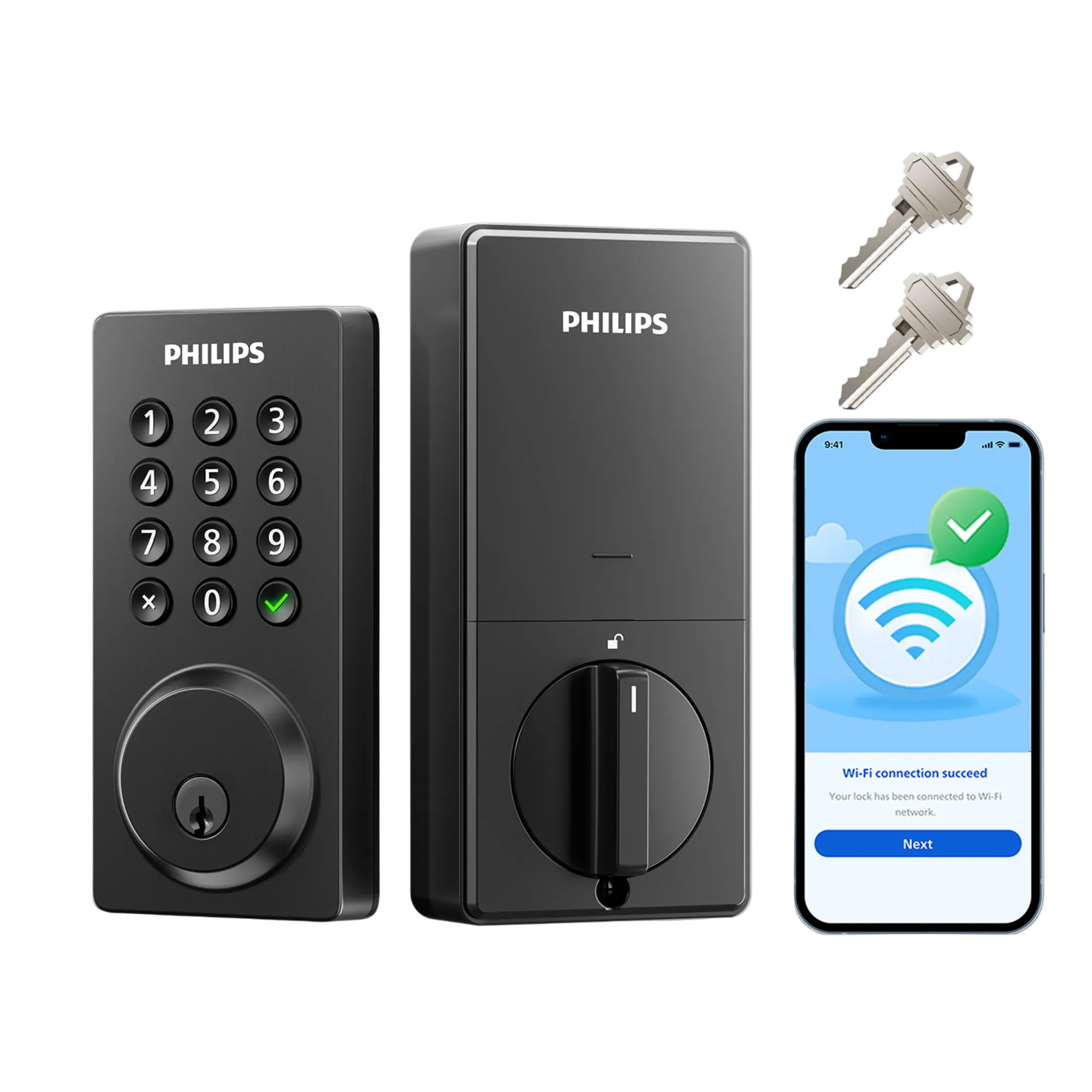
| Biometric Smart Lock | Capacitive Fingerprint, 3D Facial Mapping | AA Batteries / Rechargeable Pack | Smudge collection, sensor spoofing via high-res molds | Primary household entry points requiring keyless convenience |
| Keypad Deadbolt | Numeric PIN Codes, Temporary Guest Codes | 9V Backup Terminal + AA Cells | Shoulder surfing, mechanical override bypass | Rental properties, multi-user family homes |
| Mobile Credential Lock | BLE Handshake, Cloud App Token | Hardwired Low-Voltage or Lithium Pack | Device theft, app spoofing, cloud API interception | Tech-forward homeowners seeking remote access logs |
| Traditional Mechanical | Cut Brass Key, Pin-Tumbler Cylinder | Fully Mechanical (No Power Required) | Lock bumping, picking, physical forced entry | Low-traffic utility doors, historical preservation properties |
Step-by-Step Installation and Calibration Workflow
Improper mechanical installation is the leading cause of premature motor failure and bolt binding in smart locks. When retrofitting a deadbolt, alignment tolerances must be exact to prevent friction against the strike plate.
- Site Assessment and Measurement: Verify the door thickness (standard is 1-3/4 inches), backset distance, and edge bore hole dimensions. Ensure the existing strike plate is securely anchored into the door frame stud with minimum 3-inch structural screws.
- Mechanical Disassembly: Remove the existing interior thumb turn and exterior cylinder. Inspect the bore hole for splintering or misalignment caused by warping wood.
- Latch Bolt Placement: Install the new drive-in or faceplate latch bolt, ensuring the bevel faces the direction of the door swing. Test manual retraction to guarantee smooth movement without binding.
- Exterior Assembly Routing: Feed the data cable through the bore hole below or beside the latch spindle. Mount the exterior keypad or escutcheon plate, ensuring the tailpiece aligns vertically with the latch cam.
- Interior Mounting Plate and Cable Connection: Secure the interior mounting bracket using machine screws. Connect the data cable from the exterior assembly to the interior housing, taking care not to pinch the ribbon cable.
- Motor and Handing Calibration: Power up the device by inserting batteries. Execute the automated handing process through the device firmware or companion mobile application, allowing the lock to measure motor resistance and determine whether the door swings left or right.
Cybersecurity Realities and Threat Mitigation
As residential entry systems become nodes on the Internet of Things (IoT), they introduce potential attack surfaces that traditional locks bypass. Securing a smart home ecosystem requires proactive configuration and adherence to digital hygiene standards.
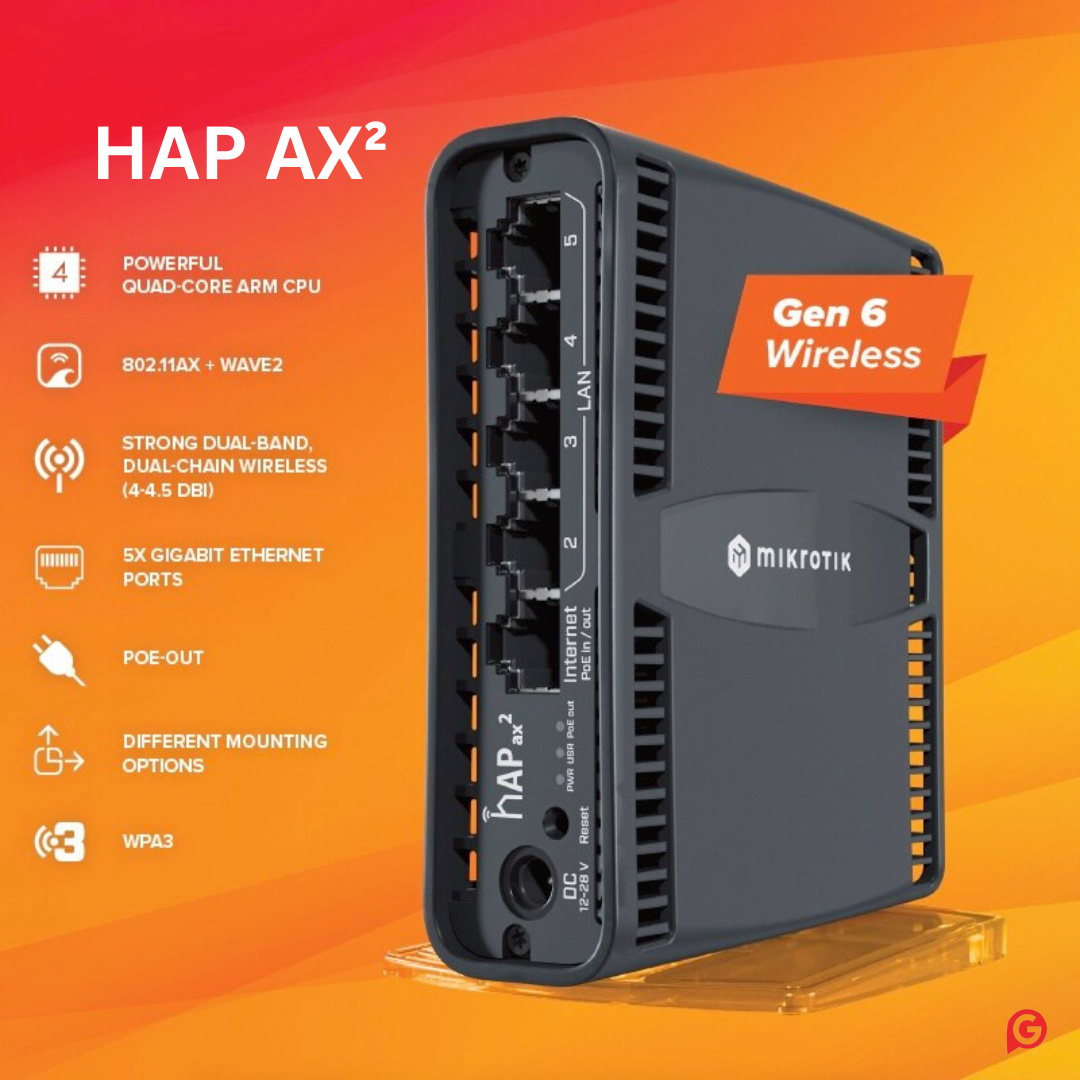
Manufacturers in 2026 implement robust end-to-end encryption (AES-128 or AES-256) for all communication between mobile devices, hubs, and cloud infrastructure. However, homeowners must secure their local Wi-Fi networks by utilizing separate Virtual Local Area Networks (VLANs) for IoT devices, ensuring that a compromised smart bulb or thermostat cannot serve as a pivot point to access the front door lock.
Security Best Practice: Always disable legacy administration protocols and universal plug-and-play (UPnP) on your home router. Regularly audit shared access credentials, and immediately revoke temporary PINs or digital mobile keys once guest visits conclude.
Frequently Asked Questions
What happens if the smart lock batteries die while I am away from home?
Most smart locks feature external 9V battery terminals or concealed physical key override cylinders allowing emergency power input or manual entry. When voltage drops below a critical threshold, the device issues visual and audible low-battery warnings days in advance alongside smartphone push notifications.
Can smart locks withstand extreme weather conditions?
High-end residential locks feature Weatherproof IP ratings (typically IP55 to IP65) indicating resistance to dust, driving rain, and sub-zero temperatures. Homeowners in harsh climates should verify operating temperature ranges before purchasing exterior-facing biometric hardware.
Are biometric fingerprints stored locally or on a cloud server?
Enterprise-grade locks store biometric template data strictly within a secure local hardware enclave on the device itself. This prevents biometric hashes from being intercepted during cloud transmissions or exposed during data breaches.
How do I integrate my smart entry system with an existing security alarm?
Modern systems support universal integration protocols like Apple Home, Google Home, Amazon Alexa, and specialized security panels via Z-Wave or Zigbee modules. This allows unlocking the front door to automatically disarm the interior alarm system.
Is professional installation required for electronic deadbolts?
Most retrofit smart locks are designed for DIY installation using a standard Phillips screwdriver in under twenty minutes. However, mortise locks or integrated handle sets with complex electronic latches often require professional locksmithing to ensure structural integrity.
Securing Your Property Infrastructure
Transitioning to modern entry systems enhances daily convenience while providing auditable trails of who enters and exits your property. To ensure optimal performance and long-term security, evaluate your door's physical alignment, upgrade your home network's firewall settings, and select hardware backed by robust manufacturer warranties and regular firmware updates. Upgrade your residential entry framework today to experience frictionless, highly secure property management.
Image Gallery