Why Google Chat Is Encrypted But Not End-to-End: Understanding Your Privacy in 2026
Google Chat uses industry-standard encryption to protect data in transit and at rest, but it does not employ end-to-end encryption (E2EE) by default. This means while your messages are shielded from external hackers, Google retains the...
Google Chat uses industry-standard encryption to protect data in transit and at rest, but it does not employ end-to-end encryption (E2EE) by default. This means while your messages are shielded from external hackers, Google retains the decryption keys. Only organizations using Google Workspace’s "Client-side encryption" feature can achieve true E2EE.
Contents
The distinction between "encrypted" and "end-to-end encrypted" is one of the most misunderstood concepts in digital communication. For users of Google Chat in 2026, whether for personal use or corporate collaboration, understanding this technical nuance is essential for managing data privacy and meeting regulatory compliance requirements. While Google provides robust security measures, the "who holds the keys" question determines the ultimate boundary of your privacy.
Defining the Encryption Gap: Transit vs. End-to-End
To understand why Google Chat is described as "encrypted but not end-to-end," we must look at how data travels from a sender to a recipient. Google employs a security model known as encryption in transit and encryption at rest.
Encryption in Transit
When you type a message in Google Chat and hit send, the data is encrypted using Transport Layer Security (TLS) before it leaves your device. This ensures that if a malicious actor intercepts the data while it is moving across the internet—a "man-in-the-middle" attack—they would see only unreadable gibberish. This is the same level of security used for online banking and credit card transactions.
Encryption at Rest
Once the message arrives at Google’s servers, it is decrypted so that Google’s systems can process it (for features like search, smart replies, and spam filtering) and then re-encrypted for storage. This "at rest" protection typically uses AES-256, an advanced encryption standard that protects the data stored on Google’s physical hard drives in their data centers.
The Missing Link: The Decryption Keys
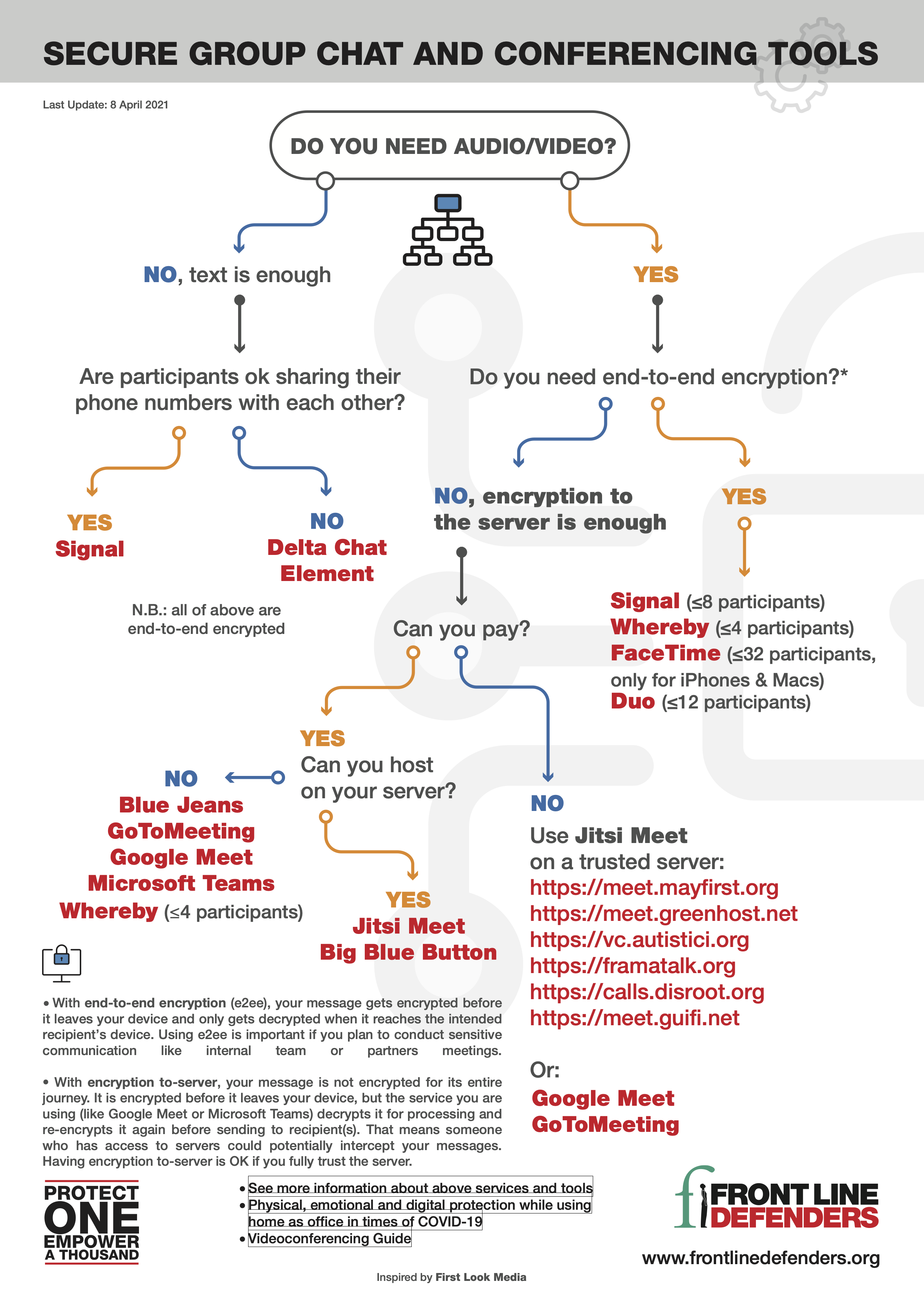
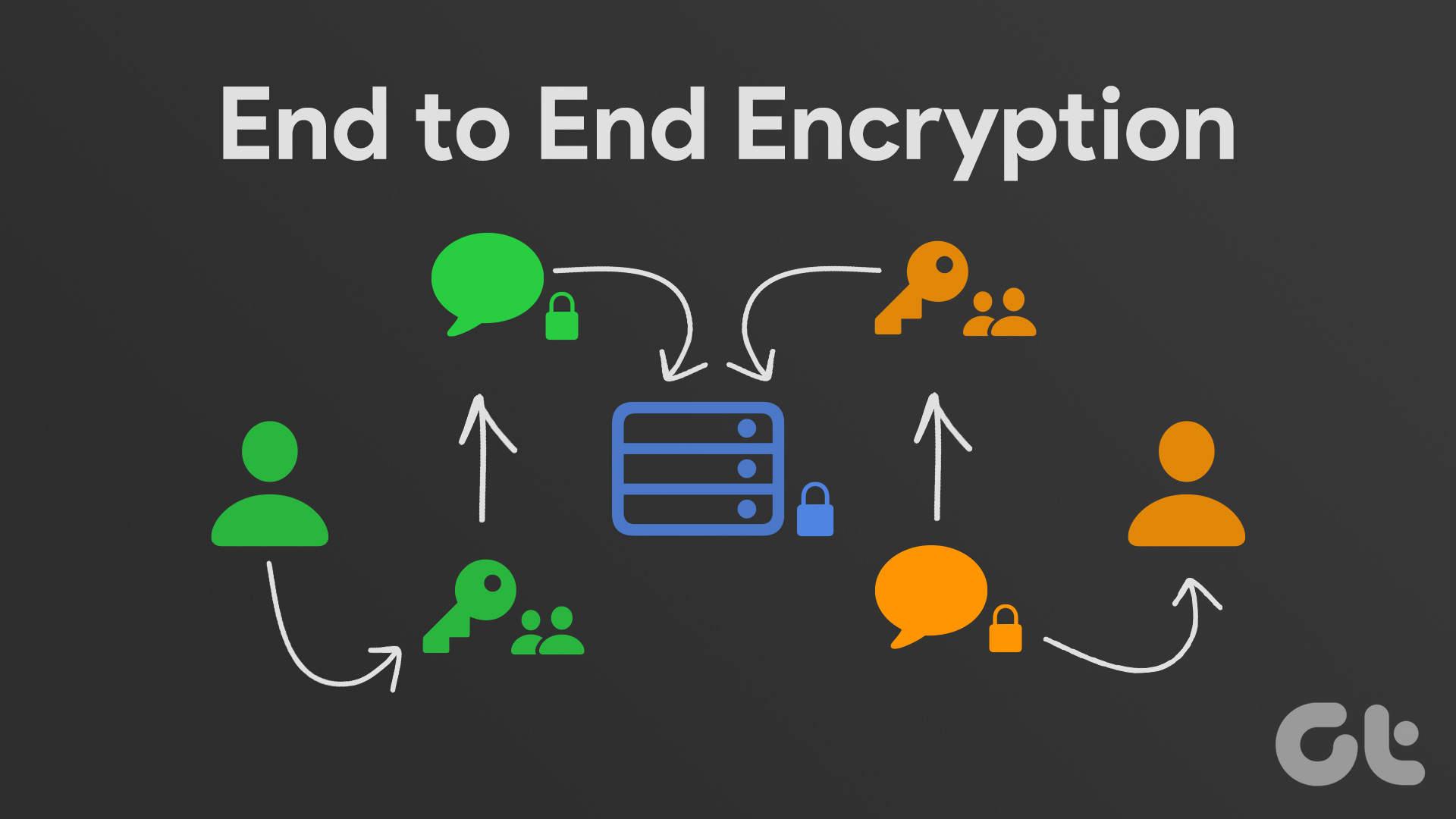
The critical difference in a standard Google Chat environment is that Google manages the encryption keys. Because Google holds the keys, it has the technical ability to decrypt your messages. In a true end-to-end encrypted environment (like Signal or WhatsApp), the keys are generated and stored only on the users' devices. The service provider acts as a "blind" postman, delivering a locked box for which they have no key. In Google Chat, Google acts as a trusted courier who has a master key to the box.
Why Doesn't Google Chat Use E2EE by Default?
Many users wonder why a tech giant like Google doesn't implement E2EE across its entire ecosystem. The answer lies in the balance between absolute privacy and functional utility. Google Chat is designed primarily as a productivity and collaboration tool, and several of its core features are incompatible with default E2EE.
- Server-Side Search: One of Google Chat's strongest features is the ability to search through years of conversation history instantly. For the server to index your messages so they are searchable, the server must be able to "read" the content. If the data were end-to-end encrypted, Google's servers could not index the text.
- Smart Features and AI Integration: As of 2026, Google’s AI-driven tools, such as Gemini integration and Smart Replies, rely on analyzing message context to provide helpful suggestions. E2EE would block these algorithms from functioning.
- Regulatory and Corporate Compliance: For Google Workspace customers, organizations are often legally required to archive communications for eDiscovery and audits (using tools like Google Vault). Default E2EE would prevent company administrators from accessing their own organization's data when required by law or internal policy.
- Anti-Spam and Malware Scanning: By having access to the data as it passes through their infrastructure, Google can scan for malicious links, phishing attempts, and malware, protecting the user from cyber threats before they reach the endpoint.
Google Workspace and Client-Side Encryption (CSE)
While standard Google Chat is not E2EE, Google introduced a solution for high-security environments: Client-side encryption (CSE). This is the primary exception to the "no E2EE" rule in Google Chat.
CSE allows organizations to take control of their encryption keys. Instead of Google managing the keys, the organization uses a third-party key management service (KMS). When CSE is enabled, the data is encrypted on the user's device before it ever reaches Google's servers.
How CSE Changes the Dynamic
With CSE, Google loses the ability to decrypt the data. This effectively turns Google Chat into an E2EE platform for that specific organization. However, this feature is not available to everyone. It is currently limited to specific enterprise and education tiers, such as:
- Google Workspace Enterprise Plus
- Google Workspace Education Standard and Plus
- Google Workspace Public Sector
For personal "gmail.com" accounts, CSE is generally not available, leaving these users on the standard "encrypted but not E2EE" model.
Comparing Encryption Models Across Popular Platforms
To help visualize where Google Chat stands in the broader landscape of 2026 communication tools, the following table compares the encryption standards of major messaging platforms.
| Platform | Encryption in Transit | Encryption at Rest | E2EE by Default | Key Holder |
|---|---|---|---|---|
| Google Chat (Standard) | Yes (TLS) | Yes (AES-256) | No | |
| Google Chat (with CSE) | Yes | Yes | Yes (Optional) | User/Organization |
| Google Messages (RCS) | Yes | Yes | Yes (1:1 & Group) | User |
| Signal | Yes | Yes | Yes | User |
| Yes | Yes | Yes | User | |
| Microsoft Teams | Yes | Yes | No (Optional) | Microsoft |
| Slack | Yes | Yes | No | Slack/Salesforce |
Privacy Implications for the Average User
If Google holds the keys to your chats, what does that actually mean for your daily life? For most users, the risk is not that a Google employee is reading their private jokes. Google has strict internal access controls and auditing to prevent unauthorized personnel from accessing user data.
The real implications involve legal and government requests. Because Google has the technical capacity to decrypt your data, they can be compelled by law enforcement or government agencies to provide chat logs through subpoenas or search warrants. In an E2EE environment, even if a company receives a legal order, they literally cannot provide the content of the messages because they do not have the keys.
Furthermore, being "encrypted but not E2EE" means your data is subject to Google’s automated scanning for Terms of Service violations. While this is primarily used to catch child sexual abuse material (CSAM) or extreme spam, it represents a layer of oversight that does not exist in E2EE applications.
Technical Requirements for Enhanced Privacy in Google Chat
If you are an administrator looking to implement the highest level of privacy in Google Chat using Client-side encryption, there are several prerequisites:
- Subscription Level: You must have a supported Google Workspace edition (Enterprise Plus or Education Plus).
- Key Access Service (KAS): You must choose and configure a third-party KAS provider (such as Thales, Fortanix, or Virtru) or build your own using Google’s KAS API.
- Identity Provider (IdP): You must have an identity provider to manage user authentication for the encryption keys.
- Endpoint Support: Users must use supported browsers or the latest version of the Google Chat mobile app to engage with CSE-enabled conversations.
It is important to note that when CSE is active, some features—including searching message content, previewing links, and certain Gemini AI features—will be disabled for those specific messages because Google’s servers cannot read the content.
Frequently Asked Questions
Does Google Chat encrypt my images and files?
Yes. All media, including images, videos, and documents sent via Google Chat, are encrypted in transit and at rest using the same protocols as text messages. However, like the messages themselves, they are not end-to-end encrypted unless you are using a Workspace account with Client-side encryption enabled.
How is Google Chat different from Google Messages?
Google Messages is the default SMS/RCS app for Android. Google has implemented E2EE by default for one-on-one and group RCS chats in Messages. Google Chat, conversely, is a separate platform built for Workspace collaboration and does not use E2EE by default for the architectural and functional reasons mentioned above.
Can a Google employee read my chats?
Technically, Google has the keys, but practically, access is heavily restricted. Google uses automated systems to manage data, and human access is governed by strict "privileged access" logs. Unauthorized access by employees is a fireable offense and, in many jurisdictions, a legal violation.
Is Google Chat "secure enough" for business?
For the vast majority of businesses, Google Chat is highly secure. It meets major compliance standards like SOC 2, ISO 27001, and HIPAA (with a Business Associate Agreement). Only organizations handling extremely sensitive data (like state secrets or high-level intellectual property) typically require the additional layer of E2EE/CSE.
Why does Google say they use "industry-standard encryption"?
Google uses TLS for transit and AES-256 for storage, which are indeed the industry standards. "End-to-end" is an additional layer of privacy architecture, not necessarily a "stronger" form of the encryption algorithm itself. The algorithms used by Google are virtually unbreakable by modern computing; the "gap" refers only to who controls the keys.
Final Recommendation
If your primary concern is preventing hackers from stealing your data while it travels over Wi-Fi, Google Chat is perfectly secure. Its encryption in transit and at rest is robust and prevents the vast majority of external cyberattacks.
However, if your priority is absolute privacy from the service provider or protection against government data requests, Google Chat’s default settings are insufficient. In those cases, you should either use a dedicated E2EE platform like Signal for sensitive conversations or, if you are a corporate user, work with your IT department to enable Google Workspace Client-side encryption. For the average user in 2026, the most practical approach is to remain mindful that "encrypted" does not mean "invisible to the platform owner."
Image Gallery