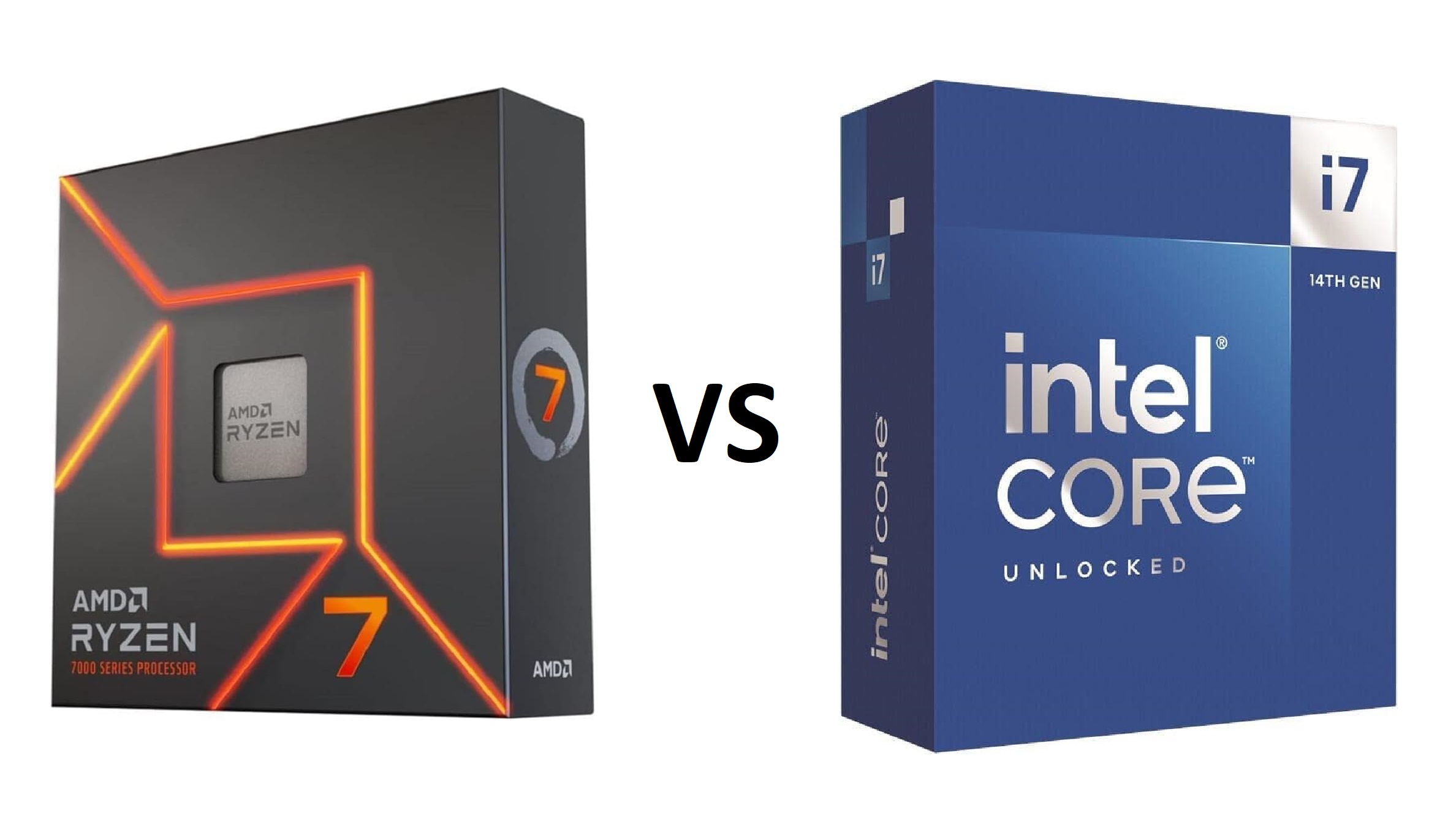
Why the Ryzen 7 or Intel i7 Choice Matters: Performance, Longevity, and Value in 2026
The choice between an AMD Ryzen 7 and an Intel Core i7 (now often branded as Core Ultra 7) determines your system's efficiency, upgrade path, and performance ceiling for the next five years. While both occupy the high-end consumer "swe...
The choice between an AMD Ryzen 7 and an Intel Core i7 (now often branded as Core Ultra 7) determines your system's efficiency, upgrade path, and performance ceiling for the next five years. While both occupy the high-end consumer "sweet spot," they offer divergent approaches to multitasking, thermal management, and specialized AI processing.
Contents
The Strategic Importance of the Mid-High Tier
In the 2026 computing landscape, the Ryzen 7 and Intel i7/Ultra 7 series represent the most critical segment of the market. These processors are designed for users who have outgrown the limitations of entry-level quad-core or hex-core chips but do not require the extreme core counts and price premiums of the Ryzen 9 or i9 flagships. This "Tier 7" category is the standard for professional content creation, high-refresh-rate gaming, and local AI development.
Choosing between them is no longer just about raw clock speed. In 2026, the decision involves weighing architectural philosophy, socket longevity, and the integration of Neural Processing Units (NPUs). Because the CPU is the most foundational component of a build, selecting the wrong ecosystem can lead to premature obsolescence or unnecessary secondary costs in cooling and power delivery.
Architectural Philosophies: Hybrid vs. Homogeneous
The most significant technical difference between these two lines remains how they handle workloads. Intel has doubled down on its Performance Hybrid Architecture, while AMD continues to refine its Chiplet-based Homogeneous design.
Intel’s Hybrid Approach
The Intel Core i7 (and Core Ultra 7) utilizes a mix of Performance-cores (P-cores) and Efficient-cores (E-cores). In 2026 architectures like Arrow Lake and its successors, this division allows the system to offload background tasks—such as Windows updates, browser tabs, or streaming software—to the E-cores, leaving the high-frequency P-cores entirely available for the primary application (like a game or video editor). This is managed by the Intel Thread Director, which works with the operating system to move threads in real-time. The advantage here is exceptional burst performance and superior responsiveness in cluttered multitasking environments.
AMD’s Homogeneous Design
Conversely, the Ryzen 7 series, built on the Zen 5 and Zen 6 architectures, typically features eight identical, high-performance cores. Unlike Intel’s mix, every core in a Ryzen 7 is capable of handling the most demanding instructions. This often results in more predictable performance in professional software that may not yet be perfectly optimized for hybrid scheduling. AMD’s use of TSMC’s advanced lithography nodes (often 3nm or 2nm by 2026) allows these cores to remain highly power-efficient without needing to relegate tasks to "lesser" cores.
Performance Benchmarks in 2026 Applications
Gaming and Single-Threaded Tasks
For gaming, the choice often hinges on cache and clock speed. Intel i7 processors historically hold a slight edge in "1% low" frame rates due to their high P-core frequencies and aggressive memory controllers. However, AMD’s 3D V-Cache variants (the Ryzen 7 "X3D" models) have redefined gaming performance by stacking massive amounts of L3 cache directly on the CPU die. In 2026, a Ryzen 7 9800X3D or its successor remains the gold standard for gaming, effectively neutralizing Intel's frequency advantage by reducing the time the CPU spends waiting for data from the RAM.
Productivity and Multi-Threaded Workloads
In multi-threaded tasks like 8K video rendering, 3D modeling, and code compilation, the gap has narrowed. Intel’s high E-core count gives it a theoretical advantage in "all-core" workloads, but AMD’s architectural efficiency means it often completes the same tasks while consuming 30-40% less power. For professionals who run their machines 24/7, this power efficiency translates to lower electricity costs and a quieter working environment due to reduced fan noise.
The AI Factor: NPU Integration
By 2026, the "AI PC" is no longer a marketing buzzword but a functional reality. Both the Ryzen 7 and Intel Core Ultra 7 now feature dedicated NPUs (Neural Processing Units). These are specialized circuits designed to handle low-power AI tasks like background blur in video calls, local language model (LLM) acceleration, and AI-assisted photo editing (e.g., Adobe Lightroom’s Denoise).
- Intel: Generally leads in software ecosystem partnerships, ensuring that their AI accelerators are "plug-and-play" with a wide range of Windows-based AI features.
- AMD: Focuses on raw TOPS (Tera Operations Per Second) throughput, often providing a more powerful NPU for users who intend to run open-source AI models or local development environments.
Platform Longevity and Motherboard Ecosystems
One of the most compelling reasons the Ryzen 7 vs. i7 choice matters is the socket. This determines whether you can upgrade your CPU in three years without buying a new motherboard.
| Feature | AMD Ryzen 7 (AM5 Platform) | Intel Core i7 / Ultra 7 (LGA 1851+) |
|---|---|---|
| Current Socket | AM5 | LGA 1851 |
| Typical Core Count | 8 Cores / 16 Threads | 20+ Cores (Combined P+E) |
| Memory Support | DDR5 only | DDR5 only |
| PCIe Support | Gen 5.0 (Standard) | Gen 5.0 (Standard) |
| Power Consumption | Low to Moderate (65W - 120W TDP) | Moderate to High (125W - 253W PL2) |
| Upgradability | High (Support through 2027+) | Low to Moderate (Usually 2 generations) |
AMD has a historical commitment to socket longevity. The AM5 platform, which houses the Ryzen 7, is slated for support well into 2027 and beyond. This means a user buying a Ryzen 7 today could theoretically drop a 2027 or 2028 flagship CPU into the same motherboard later. Intel, however, typically changes sockets every two generations. Buying an i7 in 2026 often means you are at or near the "end of the line" for that specific motherboard's compatibility.
Power Consumption and Thermal Management
In 2026, thermal efficiency is a primary concern for small-form-factor (SFF) builders and those who prefer quiet systems.
Intel’s i7 chips, particularly when pushed to their limits, can exceed 250 watts of power draw. This requires substantial cooling solutions, often necessitating 360mm All-In-One (AIO) liquid coolers. If you choose an i7, you must also budget for a high-end power supply (PSU) and a robust cooling setup.
AMD’s Ryzen 7 chips are generally more thermally efficient. Many Ryzen 7 models can be cooled effectively with a high-quality air cooler, which simplifies the build process and reduces the risk of mechanical failure in the cooling system. For users looking to minimize their carbon footprint or heat output in a small room, the Ryzen 7 is the more logical choice.
Cost Considerations: The Total Cost of Ownership (TCO)
The "sticker price" of the CPU is only one part of the equation. Because the choice matters for your total budget, you must consider the following:
- Motherboard Costs: Intel Z890 or equivalent boards often command a premium due to complex power delivery requirements. AMD B650 or X870 boards offer high performance at a wider range of price points.
- Memory (RAM): Both platforms now exclusively use DDR5. However, Intel's platform is often more tolerant of ultra-high-speed memory kits (8000MT/s+), while AMD's "sweet spot" is usually lower (6000-6400MT/s), which can be cheaper to purchase.
- Cooling: As mentioned, the i7 often requires an extra $100–$150 in cooling hardware that the Ryzen 7 might not need.
Identifying the Right Fit: Use Case Scenarios
The Creative Professional
If your workflow involves Adobe Creative Cloud, CAD software, or heavy multitasking with hundreds of browser tabs and background applications, the Intel i7’s hybrid architecture provides a snappier, more responsive experience. The E-cores handle the "noise" while the P-cores focus on your render.
The Competitive Gamer
If your primary goal is the highest possible FPS in titles like Counter-Strike, Valorant, or simulation games like Microsoft Flight Simulator, the Ryzen 7 9800X3D (or its 2026 successor) is nearly unbeatable. The massive L3 cache significantly improves minimum frame rates, leading to a smoother gaming experience.
The "Build and Forget" User
For users who want a stable system that is easy to cool and offers an easy upgrade path in four years, the Ryzen 7 is the superior choice. The AM5 platform's maturity and efficiency make it a lower-maintenance option.
Frequently Asked Questions
Is the Ryzen 7 3D V-Cache worth the extra cost over an i7?
For gamers, yes. The 3D V-Cache significantly reduces latency between the CPU and memory, which is the most common bottleneck in modern gaming. For productivity-heavy users, however, the standard Ryzen 7 or Intel i7 is a better value, as the extra cache provides little benefit in video editing or file compression.
Do I need to buy a new motherboard if I switch from i7 to Ryzen 7?
Yes. Intel and AMD use entirely different socket designs (LGA vs. PGA/LGA variations) and different chipsets. Switching between the two brands always requires a motherboard replacement.
Can an i7 handle 2026 AI software better than a Ryzen 7?
Intel currently has a broader range of optimizations through its "AI PC" initiative, but AMD's NPUs are often more powerful in raw specifications. For most users, both will perform similarly for common tasks like AI noise cancellation or image generation, but Intel has a slight edge in software compatibility for niche enterprise AI tools.
Is DDR4 still an option for these CPUs in 2026?
No. By 2026, both the Intel Core Ultra (LGA 1851) and AMD AM5 platforms have completely transitioned to DDR5. High-speed DDR5 is now the industry standard, and DDR4 is relegated to legacy or budget-tier hardware.
Which CPU is better for streaming while gaming?
The Intel i7 is generally better for single-PC streaming setups because its E-cores can handle the video encoding (via OBS or similar software) without taking resources away from the P-cores running the game.
Final Recommendation
The choice between a Ryzen 7 and an Intel i7 matters because it defines the lifecycle of your computer.
Choose the Intel i7/Ultra 7 if you are a professional who values immediate multitasking responsiveness, works heavily with Intel-optimized software (like the Adobe suite), and does not mind the higher power consumption and limited future motherboard compatibility.
Choose the AMD Ryzen 7 if you are a gamer looking for the best possible frame rates (via X3D models), a user who prioritizes power efficiency and low heat, or someone who wants the option to upgrade their CPU in 2028 without rebuilding the entire system.
Image Gallery