How to Add a Supplemental Life Insurance Policy at MetLife: A Step-by-Step Guide
To add a supplemental life insurance policy through MetLife, you typically enroll during your employer’s annual open enrollment period or within 31 to 60 days of a qualifying life event using your company’s HR portal or MetLife’s MyBen...
To add a supplemental life insurance policy through MetLife, you typically enroll during your employer’s annual open enrollment period or within 31 to 60 days of a qualifying life event using your company’s HR portal or MetLife’s MyBenefits platform. Depending on the elected coverage amount, you may need to complete an Evidence of Insurability form.
Contents
Understanding MetLife Supplemental Life Insurance
MetLife is one of the nation's largest providers of employee group benefits. While MetLife transitioned its U.S. retail individual life insurance portfolio to Brighthouse Financial in 2017, it remains a premier insurer for employer-sponsored group life insurance. Through group benefit plans, employees can secure foundational coverage as well as voluntary, supplemental policies.
Employer plans usually provide a baseline layer of coverage called Basic Group Life Insurance. Basic life coverage is typically funded entirely or substantially by the employer, offering a fixed payout (such as $50,000) or a low multiple of your base annual salary (such as 1x salary). Because basic life coverage is designed as a standard safety net, it rarely provides enough financial protection for households with dependents, mortgages, or long-term financial obligations.
Supplemental Life Insurance (also referred to as Voluntary Life Insurance) allows employees to purchase additional life coverage on top of their basic policy. These plans are optional, employee-paid through payroll deductions, and highly customizable.
MetLife generally offers several categories of supplemental coverage:
- Supplemental Employee Term Life: Additional term insurance purchased in increments of annual salary (e.g., 1x, 2x, up to 8x earnings) or flat dollar amounts (e.g., $10,000 increments up to $50,000 or $1,000,000).
- Spousal / Domestic Partner Life: Voluntary term coverage extending to your legally married spouse or registered domestic partner, usually capped at a percentage (e.g., 50%) of the employee's total coverage amount.
- Dependent Child Life: Flat-rate coverage for unmarried dependent children, typically covering dependents from birth or 14 days of age up to age 26.
- Group Universal Life (GUL) or Variable Universal Life (GVUL): Select employer plans offer supplemental permanent protection that builds cash value alongside flexible death benefits.
Eligibility and Key Enrollment Windows
Because MetLife supplemental coverage is issued as a group policy administered through an employer or association, you cannot simply add coverage at any arbitrary time without meeting specific eligibility rules and timing windows.
- New Hire Window: 30 to 60 Days from Start Date (Guaranteed Issue Available)
- Annual Open Enrollment: Once per Year via HR (Subject to Plan Rules/Limits)
- Qualifying Life Event: 31 Days from Date of Event (Marriage, Birth, Adoption, etc.)
1. Initial Hire Enrollment Window
When you are newly hired by an organization offering MetLife benefits, you enter an initial enrollment window (commonly 30 to 60 days from your employment start date or benefits-eligible date). During this window, MetLife offers coverage up to a predetermined Guaranteed Issue (GI) limit without requiring medical underwriting or health questionnaires.
2. Annual Open Enrollment
If you pass your initial hire window without selecting supplemental coverage, your primary opportunity to add or increase coverage is during your company’s annual open enrollment period. Open enrollment typically occurs in the fall for plans taking effect on January 1 of the following year.
3. Qualifying Life Events (QLE)
Life transitions alter your insurance needs. Under IRS guidelines and MetLife plan rules, a Qualifying Life Event allows you to add or modify your supplemental policy outside open enrollment. You must typically submit your request within 31 days (or 60 days under specific plan rules) of the event. Qualifying events include:
- Marriage or entry into a recognized civil union/domestic partnership
- Divorce, legal separation, or annulment
- Birth, adoption, or placement of a child
- Death of a spouse or dependent
- A significant change in your spouse’s employment status resulting in a loss or gain of coverage
Step-by-Step Process to Add Supplemental Coverage
Adding a MetLife supplemental life policy requires coordinating between your employer’s HR benefits management system and MetLife’s medical underwriting platform (if applicable).
Step 1: Confirm Eligibility and Plan Options
Before starting the application, check your employee handbook, benefits guide, or intranet portal. Confirm:
- The maximum supplemental coverage multiple permitted by your employer.
- The Guaranteed Issue (GI) threshold for your age and job classification.
- Whether your plan offers optional add-ons, such as Accidental Death and Dismemberment (AD&D) rider coverage.
Step 2: Determine Your Needed Coverage Amount
Financial planners often recommend maintaining total life insurance equal to 7 to 10 times your annual gross income. Subtract existing individual policies and employer basic life coverage to determine the gap that MetLife supplemental insurance must fill.
Step 3: Access Your Employer’s Benefits Portal or MetLife MyBenefits
Most organizations use integrated Single Sign-On (SSO) human resource management platforms (such as Workday, ADP, Benefitfocus, or bSwift).
- Log in to your corporate HR self-service portal.
- Navigate to Benefits or Enrollment.
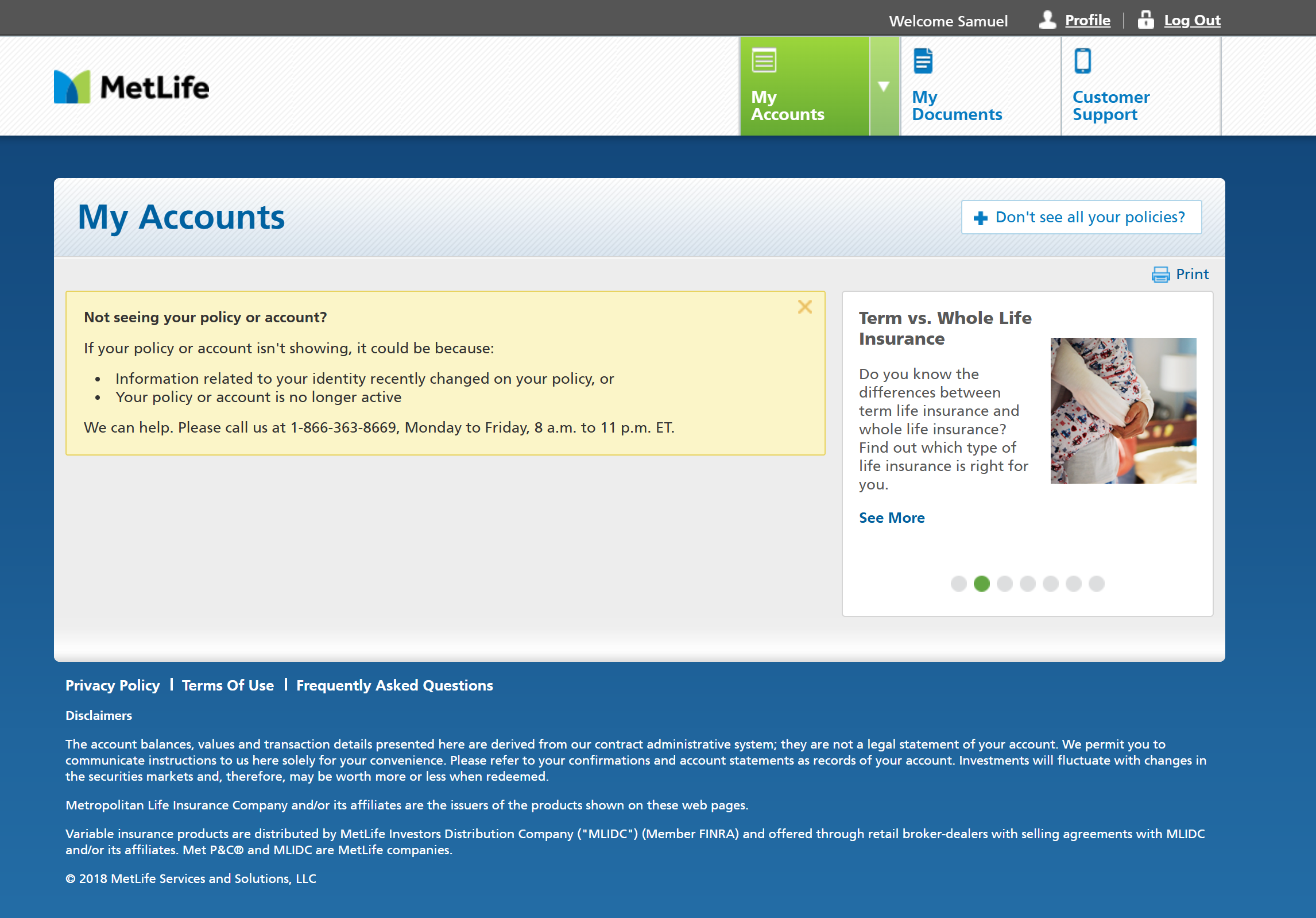
- If your company uses direct administration through MetLife, navigate to MetLife MyBenefits or the dedicated portal link provided by your human resources department.
- Select Group Life Insurance and choose Add/Increase Supplemental Coverage.
Step 4: Designate Your Beneficiaries
When electing supplemental coverage, you must designate primary and contingent beneficiaries. Be prepared to provide:
- Full legal name of each beneficiary
- Social Security Number (SSN) or Tax Identification Number (TIN)
- Date of birth
- Relationship to the insured
- Percentage distribution (must total 100% for primary beneficiaries)
Step 5: Complete Evidence of Insurability (If Required)
If your elected coverage exceeds the Guaranteed Issue limit, or if you are adding coverage as a late entrant outside your initial hire window, MetLife requires an Evidence of Insurability (EOI) form, also known as a Statement of Health (SOH).
Step 6: Review and Submit Premium Payroll Deductions
Review your elected policy amounts and the calculated per-pay-check premium costs. Submit your election. Your employer’s payroll department will automatically deduct premiums from your gross or net salary according to your company’s payroll schedule.
Evidence of Insurability (EOI) and Underwriting Requirements
Understanding the Evidence of Insurability process prevents unexpected delays or gaps in your financial plan.
When is EOI Mandatory?
MetLife requires medical underwriting under the following circumstances:
- Exceeding the Guaranteed Issue Limit: If your plan’s GI limit is $200,000 and you select $350,000 of supplemental insurance, the additional $150,000 requires EOI approval.
- Late Entrant Requests: Electing supplemental coverage during open enrollment when you previously declined it during your initial hire window.
- Increases Beyond Plan Step Limits: Increasing coverage by more than one incremental tier during open enrollment without a qualifying life event.
- Spousal Coverage Limits: Spousal coverage frequently carries lower GI thresholds (e.g., $30,000 to $50,000), meaning higher requests require health disclosure.
Completing the Statement of Health
MetLife offers a streamlined online Statement of Health portal. The process typically takes 10 to 15 minutes and asks detailed health history questions covering:
- Personal medical history (cardiovascular health, cancer, diabetes, neurological disorders).
- Prescription medication history over the past 5 to 10 years.
- Tobacco and nicotine usage.
- Height and weight measurements.
- Upcoming surgeries, tests, or un-diagnosed symptoms.
- Submitting Request
- GI Portion Approved Immediately
- EOI Form Sent to MetLife
- Path 1: Standard Approval (Medical records acceptable)
- Full Supplemental Coverage Active
- Path 2: Additional Information Requested
- Paramedical Exam / Attending Physician Statement (APS)
- Final Underwriting Decision:
- Approved
- Approved with Rating
- Declined
- Path 1: Standard Approval (Medical records acceptable)
Underwriting Outcomes and Partial Approval
While MetLife processes the EOI request, your basic coverage and any portion of supplemental coverage below the Guaranteed Issue limit take effect immediately. The conditional portion requiring EOI remains pending until MetLife’s medical underwriters issue a decision:
- Approved: Coverage is bound as of the date of approval, and payroll deductions adjust accordingly.
- Additional Information Requested: MetLife may request medical records (Attending Physician Statement) from your doctors or order a complementary paramedical exam (blood, urine, vitals).
- Declined: The additional requested amount above the Guaranteed Issue limit is rejected. You retain all coverage up to the initial Guaranteed Issue amount without penalty.
MetLife Supplemental Coverage Options Comparison
The following table breaks down common MetLife group supplemental life insurance structures to help you compare rules, medical underwriting requirements, and portability options.
| Policy Type | Target Insured | Guaranteed Issue (GI) Availability | Underwriting (EOI) Trigger Points | Payment Method | Portability & Conversion Rights |
|---|---|---|---|---|---|
| Supplemental Employee Term | Primary Active Employee | High (e.g., $150k–$500k during new-hire window) | Exceeding GI limit; late enrollment; multi-tier increases | Automated Payroll Deduction | Portable or Convertible upon job separation |
| Spouse / Partner Supplemental | Insured Employee's Spouse / Partner | Moderate (e.g., $25k–$50k initial window) | Coverage above GI; late enrollment after marriage | Automated Payroll Deduction | Portable or Convertible upon separation/divorce |
| Dependent Child Supplemental | Unmarried Children up to age 26 | Guaranteed (No EOI required for eligible children) | None under standard plan parameters | Automated Payroll Deduction | Convertible to individual policy upon age limit |
| Group Universal Life (GUL) | Primary Employee & Dependents | Varies by employer plan contract | Exceeding GI limit; requesting higher cash value options | Payroll Deduction or Direct Bill | Fully Portable with continued cash value access |
Note: Specific coverage tiers, GI maximums, and policy provisions depend on your employer's master contract with MetLife.
Maintaining and Managing Your MetLife Supplemental Policy
Once added, your MetLife supplemental life policy remains active as long as you maintain employment with the sponsoring organization and premiums are paid. However, changes in life circumstances require proactive management.
Updating Beneficiaries
You should review your beneficiary designations annually. Major life milestones—such as remarriage, birth of additional children, or establishing a revocable living trust—warrant updating your designations. In most modern group plans, beneficiary changes are processed online via your employer’s HR portal or directly at MetLife MyBenefits.
Portability and Conversion Rights
If you change employers, retire, or drop below benefits-eligible working hours, you usually do not have to lose your MetLife supplemental coverage. MetLife offers two primary continuation mechanisms:
- Portability (Portable Group Term Coverage): Allows you to continue group term insurance under a separate group contract directly billed by MetLife. Rates are age-banded and generally lower than individual retail conversion rates, though health requirements or age caps (e.g., under age 70 or 75) may apply.
- Conversion (Conversion to Individual Whole Life): Guaranteed right to convert your group term coverage into a MetLife permanent individual whole life policy without providing evidence of insurability. This option must be exercised within 31 days of group coverage termination. Conversion rates are based on standard individual policy tables for your attained age.
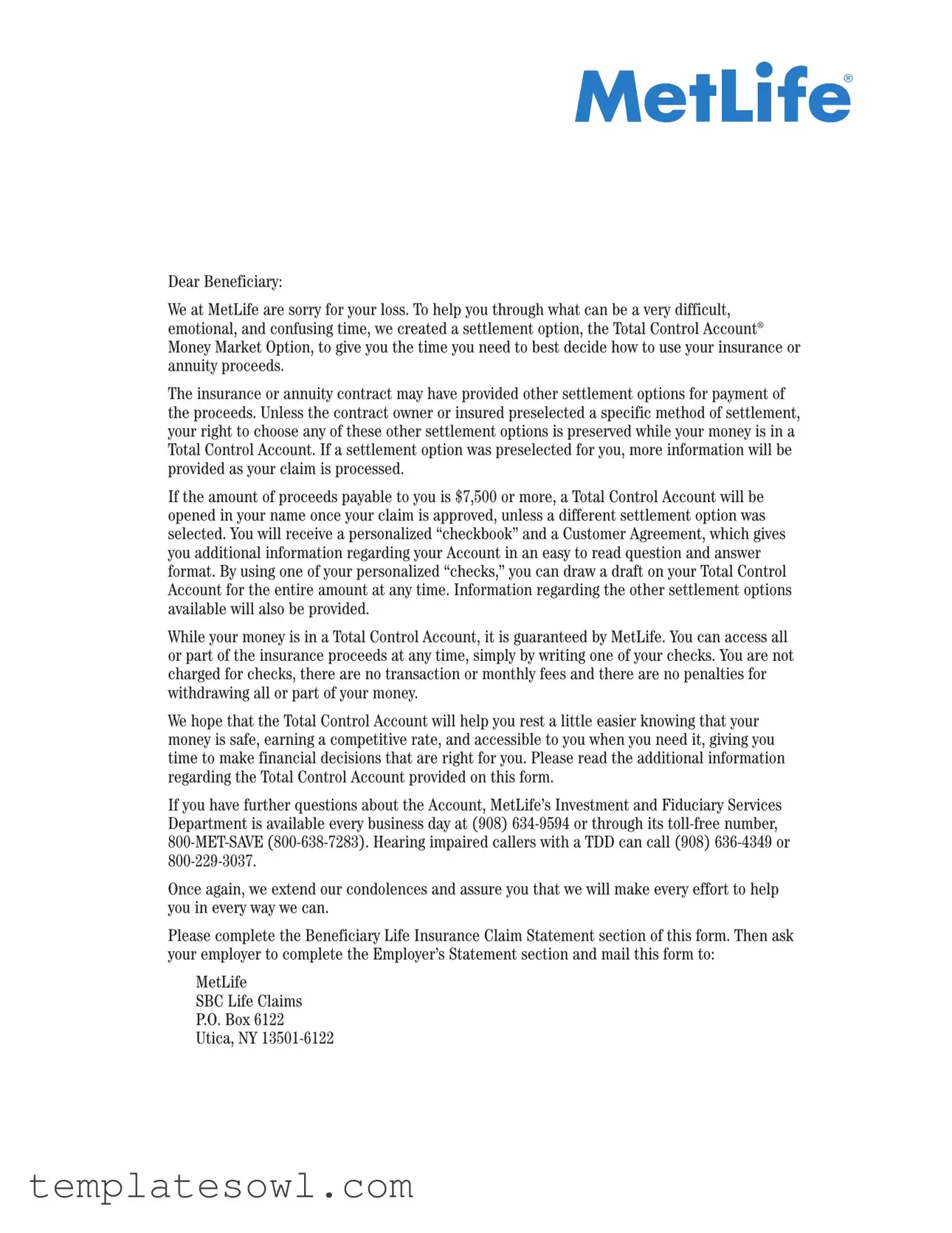
To exercise Portability or Conversion rights, request the official Notice of Election / Enrollment Form from your employer’s HR department immediately upon notice of termination, or download it via MetLife's Portability portal.
Common Mistakes and Troubleshooting
- Missing the 31-Day Window Following a Life Event: Failing to submit a supplemental coverage request within 31 days of a marriage or birth forces you to wait until the next annual open enrollment period, at which point full Evidence of Insurability (EOI) will likely be required.
- Assuming EOI Approval Is Automatic: Increasing your coverage from 1x to 4x salary during open enrollment does not guarantee the increase will take effect immediately. Watch your mail and portal notifications for Statement of Health completion requests.
- Failing to Verify Guaranteed Issue Limits: Attempting to elect maximum coverage without reviewing GI limits can lead to unexpected coverage delays if you fail to complete required EOI paperwork promptly.
- Overlooking Primary vs. Contingent Beneficiaries: If you name a single primary beneficiary without listing contingent options and that individual predeceases you, policy proceeds may end up tied up in your estate's probate court proceedings.
Frequently Asked Questions
Can I add MetLife supplemental life insurance at any time of year?
No. Under standard employer group plan rules, you can only add or increase supplemental life insurance during your initial employment eligibility window (first 30–60 days), during your employer’s annual open enrollment period, or within 31 days of a qualifying life event (such as marriage, birth of a child, or divorce).
What is the primary difference between MetLife Basic Life and Supplemental Life?
Basic Life insurance is typically provided automatically by your employer at no cost to you, offering a baseline coverage amount (e.g., 1x annual salary). Supplemental Life insurance is optional coverage you choose to purchase beyond the basic limit, funded through convenient payroll deductions to fit your specific family protection needs.
What happens if my MetLife Evidence of Insurability (EOI) application is denied?
If MetLife’s medical underwriters decline your EOI application due to pre-existing conditions or medical history, you do not lose existing coverage. You retain all basic coverage and any supplemental insurance up to the Guaranteed Issue limit that was approved prior to underwriting. Only the additional requested amount is denied.
Can I keep my MetLife supplemental life insurance policy if I leave my job?
Yes, in most cases. MetLife group plans feature Portability and Conversion options. Portability allows you to keep your term coverage by paying premiums directly to MetLife, while Conversion allows you to transition your policy into a permanent individual whole life insurance policy within 31 days of leaving your job without undergoing a medical exam.
How long does MetLife take to process an Evidence of Insurability form?
If you complete the Statement of Health online and have no complex medical conditions, approval can take place within 24 to 48 hours. If MetLife requires medical records from your doctors or a basic health screening exam, underwriting processing typically takes between 2 to 6 weeks.
Next Steps and Recommendations
If you decide to add supplemental life insurance through MetLife, follow these actionable steps to ensure continuous coverage:
- Calculate Your Total Need: Review your current assets, debt obligations, mortgage balances, and future education needs to select an appropriate supplemental coverage multiple.
- Contact HR or Log into MyBenefits: Determine whether your current enrollment status falls within an Open Enrollment window or a 31-day Qualifying Life Event timeframe.
- Gather Beneficiary Details: Collect the Social Security numbers, birth dates, and mailing addresses of your chosen primary and contingent beneficiaries before starting the online application.
- Complete the EOI Immediately (If Prompted): If your requested election exceeds Guaranteed Issue limits, complete the MetLife Statement of Health questionnaire immediately to prevent underwriting stalls.
- Review Premium Deductions on Your Paystub: Once approved, verify your first earnings statement to ensure payroll deductions match your elected coverage amounts.
For complex financial situations, consider consulting a certified financial planner (CFP) to ensure your employer-provided MetLife policy aligns seamlessly with your overall estate plan and long-term financial security goals.
Image Gallery