HDIntranet Portal Login Guide 2026: Access, Security, and Troubleshooting
Navigating enterprise internal networks securely requires understanding the exact authentication mechanisms, credential requirements, and network protocols established for the system. The hdintranet portal serves as the primary central...
Navigating enterprise internal networks securely requires understanding the exact authentication mechanisms, credential requirements, and network protocols established for the system. The hdintranet portal serves as the primary centralized gateway for authorized personnel to access internal resources, administrative dashboards, payroll records, and operational applications. Designed specifically for employees and designated contractors, the portal enforces strict security baselines to protect proprietary corporate data against unauthorized access. This guide provides a comprehensive overview of how to access the portal efficiently, troubleshoot common authentication errors, and maintain strict compliance with enterprise security protocols in 2026.
Contents
Understanding the Enterprise Gateway Infrastructure
The hdintranet platform operates within a secured corporate network perimeter. Unlike public-facing web applications, this portal relies on multi-layered security controls, including Single Sign-On (SSO) frameworks, directory services integration, and contextual risk-based authentication.
Authorized users typically connect through standard web browsers, though mobile access may require specialized device enrollment. Maintaining a seamless connection depends heavily on utilizing modern, up-to-date web browsers that support the latest Transport Layer Security (TLS) encryption standards and cryptographic ciphers mandated by corporate IT security teams.
Core Architecture Components
- Directory Services Integration: User identities are verified against centralized identity management databases, ensuring that credential updates propagate instantly across all enterprise tools.
- Session Management: Idle timeouts are enforced automatically to safeguard sensitive sessions from unauthorized viewing on unattended workstations.
- Endpoint Compliance Checks: The gateway may evaluate device posture before granting access, verifying that endpoint protection software is active and updated.
Step-by-Step Authentication Workflow for 2026
Accessing the portal requires following a structured sign-in procedure. Enterprise security policies updated for 2026 mandate phishing-resistant multi-factor authentication (MFA) for all administrative and standard user accounts.
- Verify Network Connectivity: Ensure your device is either connected directly to the corporate local area network (LAN) or actively bridged via the authorized enterprise Virtual Private Network (VPN) client.
- Launch the Portal URL: Open your designated modern browser and navigate to the official internal portal address provided by your system administrator. Avoid using unverified bookmarks or search engine links to prevent phishing exposure.
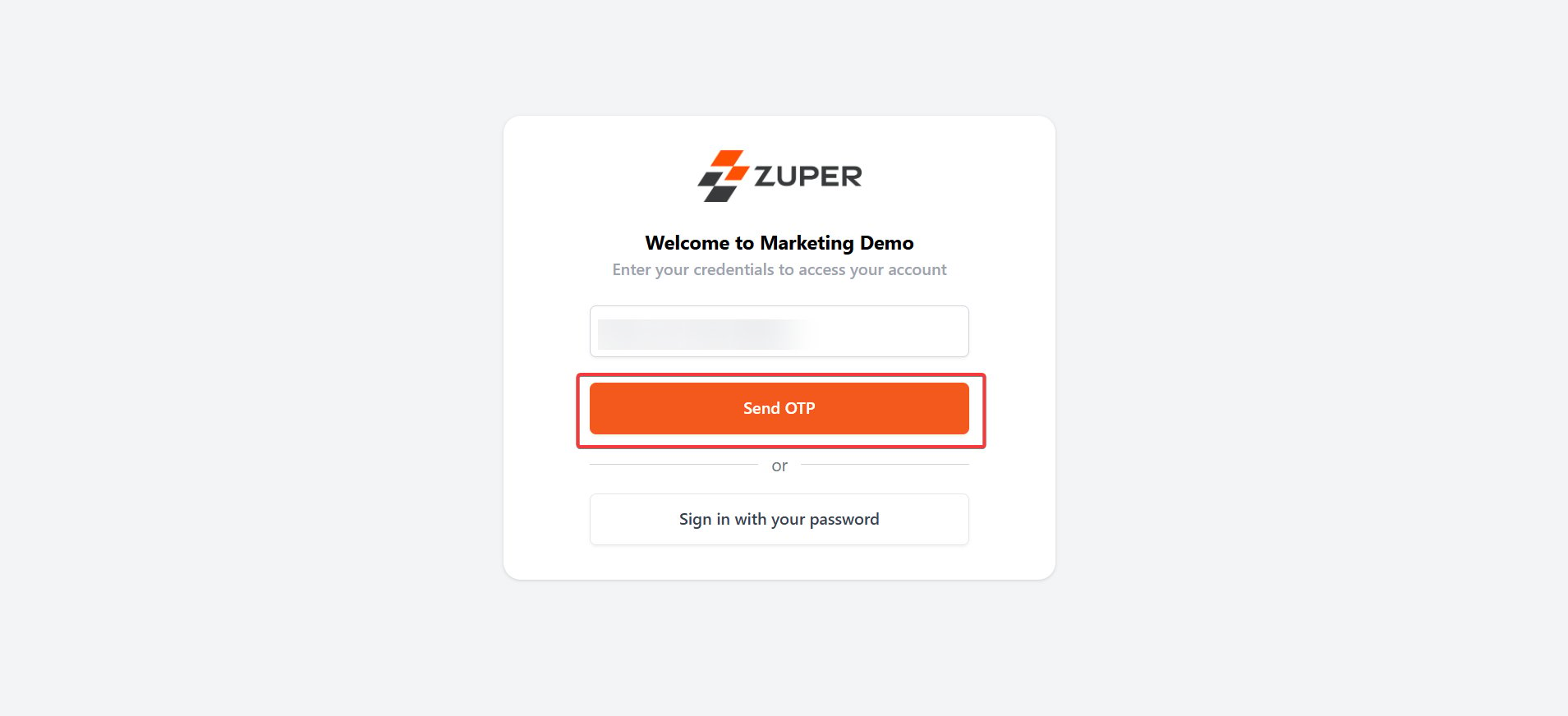
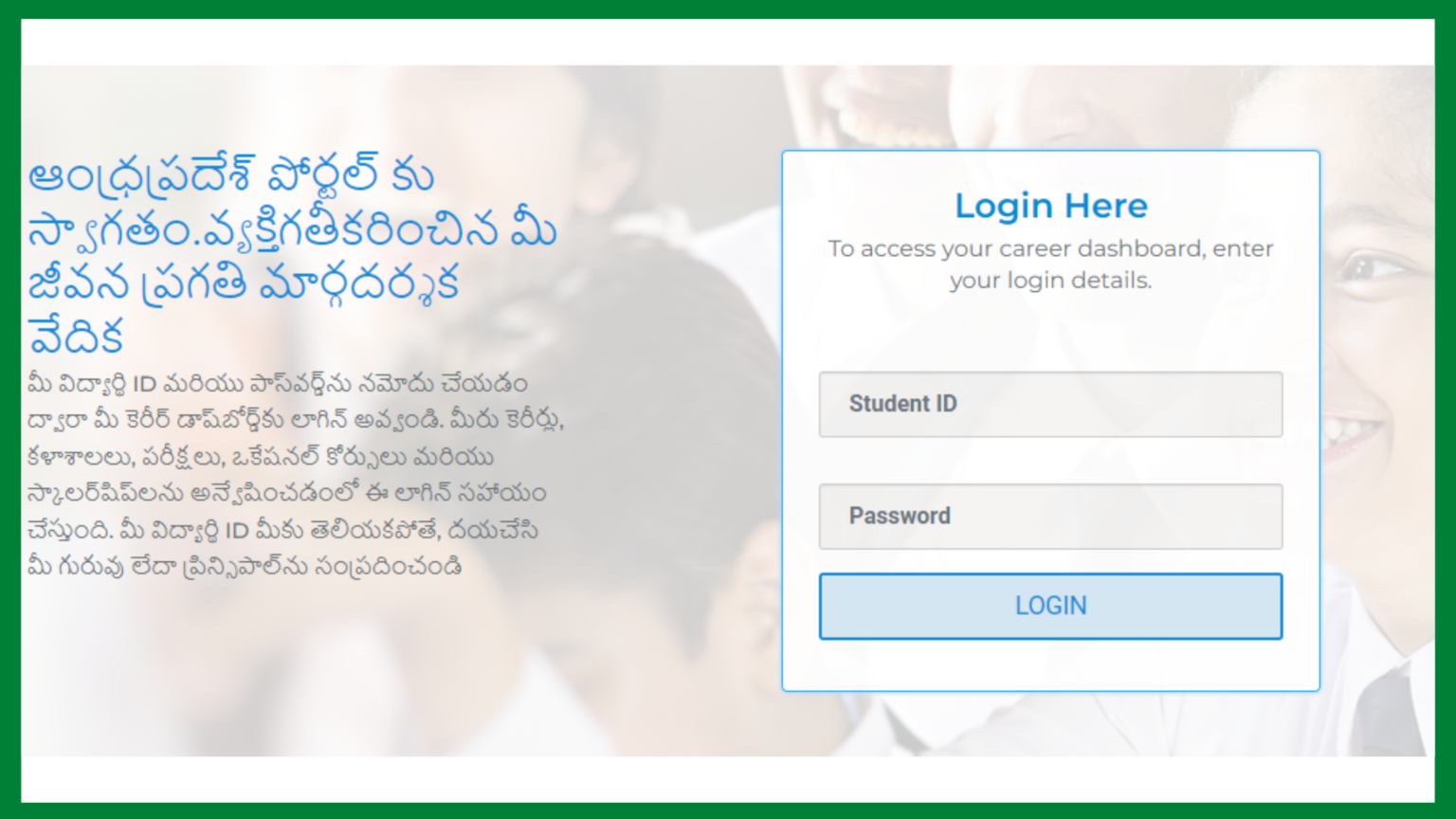
- Enter Primary Credentials: Input your assigned corporate username and your temporary or permanent password into the designated authentication fields.
- Complete Multi-Factor Authentication: Approve the secondary verification prompt sent via your registered authenticator application, hardware security key, or SMS token.
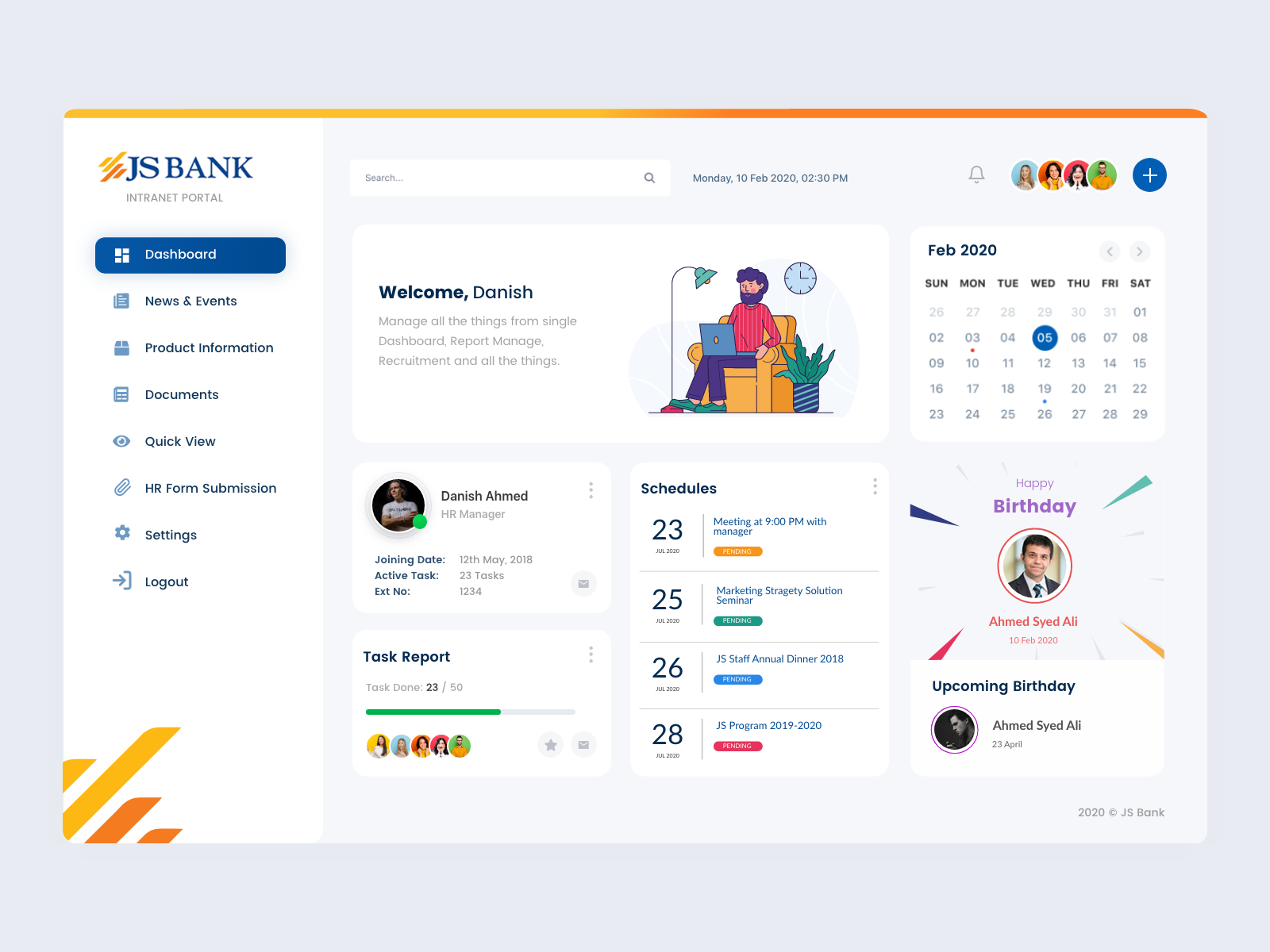
- Establish Secure Session: Once validated, the system redirects your browser to your personalized dashboard containing your role-based application links.
Common Access Barriers and Troubleshooting Protocols
Users frequently encounter authentication roadblocks due to expired credentials, browser cache corruption, or VPN routing misconfigurations. Reviewing standardized troubleshooting steps can resolve the majority of connection failures without requiring a formal IT support ticket.
- Credential Synchronization Delays: If you recently reset your enterprise network password, ensure you wait a few moments for directory synchronization to complete before attempting portal login.
- Browser Cache and Cookie Conflicts: Stored session tokens from previous browsing sessions can cause redirection loops. Clearing browser cache and cookies or opening an incognito window often resolves persistent loading errors.
- VPN Split-Tunneling Issues: Certain external networks conflict with corporate routing tables. Verify that your VPN client is fully established and connected to the correct gateway region.
Security Advisory: Enterprise administrators will never request your password, PIN, or MFA verification codes via email, instant messaging, or phone calls. If you receive suspicious communications claiming to originate from IT support, report them immediately through official internal channels.
Technical Specifications and Comparative Access Methods
Different work environments require distinct approaches to reaching the portal infrastructure. The matrix below outlines the primary methods, technical prerequisites, and security validation layers applicable in 2026.
| Access Method | Technical Prerequisite | Security Validation Layer | Recommended Environment |
|---|---|---|---|
| Direct LAN Connection | Active corporate Ethernet or secure Wi-Fi | Active Directory Domain Authentication | On-Premises Office Locations |
| Enterprise VPN Tunnel | Configured client software & digital cert | Multi-Factor Authentication + Token | Remote Work / Traveling |
| Managed Mobile Device | MDM profile enrollment & biometric lock | Device Posture Check + PIN/Bio | Field Operations / Mobile Staff |
| Web-Based Portal Gateway | Modern browser supporting TLS 1.3 | Risk-Based SSO + Conditional Access | Emergency / Temporary Workstations |
Frequently Asked Questions
What should I do if my hdintranet portal login credentials are locked out?
Account lockouts typically occur after multiple consecutive failed password attempts. You must use the official self-service password reset utility provided by your enterprise helpdesk or contact your local IT system administrator to verify your identity and restore access.
Is it necessary to use a VPN to access the hdintranet portal?
External access from outside the physical corporate network perimeter strictly requires an authorized and active enterprise VPN connection to establish a secure tunnel before authentication.
Why does the portal login page fail to load or display certificate warnings?
Certificate warnings usually indicate an outdated browser, an incorrect URL, or network interception by unauthorized proxies. Ensure you are using the exact verified internal URL and that your system clock is synchronized correctly.
How often are enterprise portal passwords required to be updated?
Password expiration policies vary by organizational risk tier, though standard accounts typically require rotation every 90 days alongside compliance with complex character requirements.
Can I save my login credentials in a third-party password manager?
Enterprise security policy mandates the use of approved corporate password vaults rather than unverified consumer extensions to protect sensitive authentication tokens from compromise.
Optimizing Your Daily Enterprise Workflow
Maintaining consistent productivity while interacting with internal enterprise systems requires adopting disciplined digital hygiene habits. Always ensure your workstation locks automatically when unattended, keep your browser software updated to patch vulnerabilities, and verify that your multi-factor authentication devices remain fully charged and accessible. By adhering strictly to established security guidelines and operational protocols, you ensure uninterrupted access to the essential tools housed within the hdintranet network.
Image Gallery