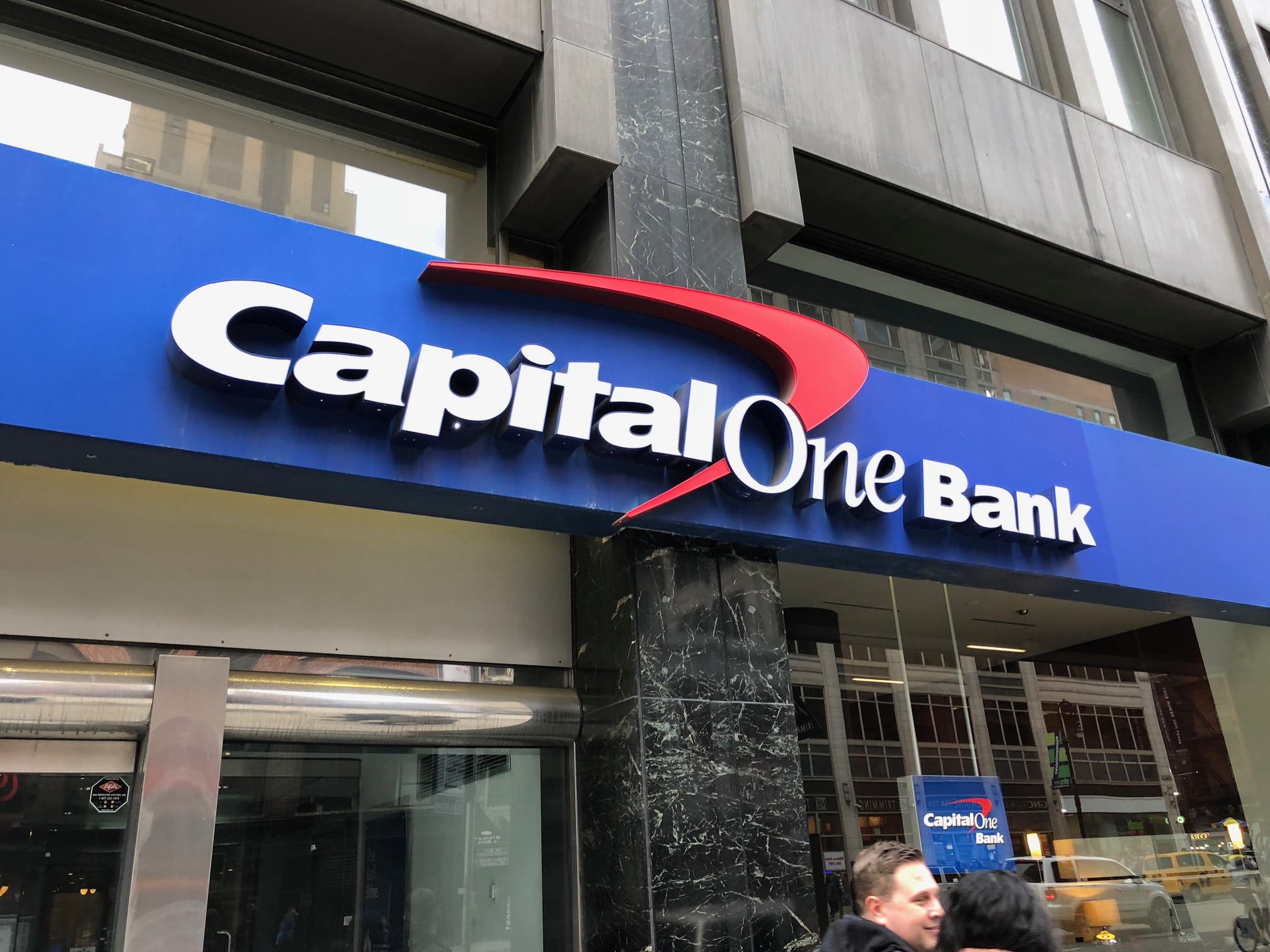
Finding the Nearest Capital One Bank: Locations, Cafés, and ATM Networks
To find the nearest Capital One bank location, use the official Capital One Location Finder online or open the Capital One Mobile app on your smartphone. These tools allow you to filter results by full-service brick-and-mortar branches...
To find the nearest Capital One bank location, use the official Capital One Location Finder online or open the Capital One Mobile app on your smartphone. These tools allow you to filter results by full-service brick-and-mortar branches, Capital One Cafés, fee-free partner ATMs, and retail locations that accept cash deposits for digital accounts.
Contents
Understanding Capital One's Physical Location Types
Capital One operates a hybrid retail banking infrastructure that combines traditional full-service branches, community-focused Cafés, and extensive partner ATM networks. Knowing the distinction between these facility types prevents unnecessary trips and ensures the location you choose can execute your specific financial transaction.
- Capital One Access Points
- Full Service Branch
- Cash Tellers
- Medallion Sign.
- Wire Transfers
- Capital One Cafés
- Fee-Free ATMs
- Peet's Coffee Discount
- Financial Ambassadors
- Fee-Free Partner ATMs
- Allpoint
- MoneyPass
- Cash-at-Till Retailers
- CVS
- Walgreens
- App Barcode
- Full Service Branch
1. Full-Service Traditional Branches
Traditional Capital One branches provide comprehensive, face-to-face banking services. These facilities feature automated teller machines, walk-up or drive-thru cash tellers, customer service desks, and private offices for specialized account consultations.
You should visit a full-service branch if you require high-value transactions, specialized documents, or legal account actions. Typical branch-only services include:
- Purchasing cashier's checks or official bank drafts.
- Initiating domestic or international wire transfers in person.
- Obtaining Medallion Signature Guarantees or notary services (where available).
- Accessing safety deposit boxes.
- Depositing coin currency or handling complex currency exchanges.
Capital One's traditional branch network is primarily concentrated in specific regional markets: New York, New Jersey, Virginia, Maryland, Washington D.C., Texas, and Louisiana.
2. Capital One Cafés
Capital One Cafés are modern, open-concept spaces designed to blur the line between a neighborhood coffee shop and a financial hub. Cafés do not have traditional teller lines, bank vaults, or cash boxes behind desks. Instead, they offer a relaxed setting staffed by Capital One Ambassadors equipped with mobile tablets.
Key features of Capital One Cafés include:
- Interactive Financial Guidance: Ambassadors can assist with opening new accounts, setting up online bill pay, or navigating mobile app features.
- On-Site Fee-Free ATMs: Cafés host advanced Capital One ATMs capable of dispensing cash, accepting paper check deposits, and taking cash deposits into eligible Capital One accounts.
- Community Workspaces: Public seating, free Wi-Fi, and private nook areas for independent work or financial coaching sessions.
- Cardholder Perks: Capital One debit or credit cardholders receive a 50% discount on all handcrafted beverages purchased at the on-site Peet's Coffee counter.
Cafés are situated in major urban centers and university markets nationwide, offering physical touchpoints outside the primary branch footprint.
3. Partner ATM Networks (Allpoint and MoneyPass)
For everyday cash management outside regional branch markets, Capital One partners with major surcharge-free ATM networks, including Allpoint and MoneyPass.
- Allpoint Network: Provides access to over 55,000 surcharge-free ATMs located within major national retail chains such as Target, CVS, Walgreens, and Kroger.
- MoneyPass Network: Expands access to tens of thousands of additional ATMs across banks, credit unions, and retail sites.
At these partner ATMs, Capital One 360 Checking and Savings customers can perform balance inquiries and cash withdrawals without paying out-of-network ATM fees. However, most partner ATMs do not accept cash or paper check deposits for Capital One accounts.
4. Retail Cash Deposit Partner Locations ("Add Cash at Till")
Because digital checking accounts frequently require cash deposit capabilities, Capital One provides a service called Add Cash at Till. This arrangement allows account holders to deposit physical currency directly into their 360 Checking accounts at checkout registers of participating retail partner locations nationwide, such as CVS and Walgreens.
Step-by-Step Methods for Finding a Capital One Location
Finding the appropriate location requires using filtering criteria to align your destination with the service you need.
- Locate Destination
- Filter by Service Need
- Confirm Operating Hours
- Verify Required ID & Docs
Method 1: Using the Official Capital One Location Finder
The Web-based location finder is accessible via any desktop or mobile browser without logging into an account.
- Navigate to the official search page at
capitalone.com/locations. - Enter your current City, State, or 5-Digit ZIP Code in the search bar.
- Apply filters based on your immediate need:
- Branches: Restricts results strictly to traditional full-service locations with teller counters.
- Cafés: Restricts results to Capital One Café locations.
- ATMs: Shows Capital One ATMs and surcharge-free partner network machines (Allpoint/MoneyPass).
- Add Cash at Till: Shows participating retail checkout registers accepting cash deposits.
- Review the generated list or interactive map. Click on a specific location pin to display essential details, including drive-thru availability, wheel-chair accessibility, standard business hours, and holiday closures.
Method 2: Locating Branches and ATMs via the Capital One Mobile App
If you are on the go, the native mobile application utilizes your device's real-time GPS location to find the closest access point.
- Open the Capital One Mobile App on iOS or Android.
- Prior to logging in (or from the profile menu once logged in), select the Profile or Help/Support icon.
- Tap Find Us or Locations.
- Allow the app permission to access your device's location services, or manually type a location into the search field.
- Filter by location type: Branch, Café, Deposit-Taking ATM, or Cash Deposit Retailer.
- Tap a location to get turn-by-turn driving, walking, or public transit directions integrated directly into Apple Maps or Google Maps.
Method 3: Third-Party Navigation Apps (Google Maps, Apple Maps, Waze)
While third-party mapping applications quickly find physical addresses, caution is necessary:
- Use Specific Keywords: Search for terms like "Capital One Café" or "Capital One Branch" rather than just "Capital One" to avoid navigating to corporate office buildings, auto financing call centers, or non-interactive corporate offices.
- Cross-Verify ATM Surcharges: Mapping applications frequently label generic independent ATMs as "Capital One Fee-Free." Always cross-reference standalone ATMs with the official app or ensure the ATM screen displays the Allpoint or MoneyPass logo prior to inserting your debit card.
Location Capabilities and Available Services Comparison
Not every physical location provides the same transaction capabilities. Review this matrix before planning your visit to avoid service mismatches:
| Service / Feature | Full-Service Branch | Capital One Café | Partner ATM (Allpoint/MoneyPass) | Retail Cash-at-Till (CVS/Walgreens) |
|---|---|---|---|---|
| Cash Withdrawals | Yes (Tellers & ATMs) | Yes (ATMs Only) | Yes | No (Purchases/Cash Back Only) |
| Cash Deposits | Yes (Tellers & ATMs) | Yes (ATMs Only) | No | Yes (At Register via Mobile App) |
| Paper Check Deposits | Yes (Tellers & ATMs) | Yes (ATMs Only) | No | No |
| Cashier's Checks | Yes | No | No | No |
| Wire Transfers (In-Person) | Yes | No | No | No |
| Account Opening Support | Yes | Yes (Ambassadors) | No | No |
| Notary / Medallion Service | Varies (Appointment Req.) | No | No | No |
| Peet's Coffee Discount | No | Yes (50% w/ Card) | No | No |
| Transaction Fees | Free for Account Holders | Free for Account Holders | Surcharge-Free for Cardholders | Free (Subject to Account Limits) |
How to Deposit Cash at Non-Branch Retailers (Add Cash at Till)
For customers living outside Capital One's core branch states, depositing physical paper cash into a digital 360 Checking account is accomplished through retail partner integration. Capital One partners with retail clearing networks to facilitate secure cash deposits at checkout registers.
Prerequisites for Retail Cash Deposits
- An active Capital One 360 Checking account in good standing.
- A smartphone with the Capital One Mobile App installed and active cellular data or Wi-Fi connectivity.
- Physical government-issued photo ID (retail clerks may verify identity).
- US Currency (paper bills only; coins are not accepted at retail tills).
Step-by-Step Deposit Process
- Locate a Partner: Use the mobile app location finder to locate an eligible Add Cash at Till merchant (e.g., CVS, Walgreens, or Duane Reade).
- Generate a Secure Barcode: Open your app, select your 360 Checking account, tap Add Cash at Till, and enter the specific dollar amount you wish to deposit. The app will generate a single-use barcode valid for a limited time (typically 30 to 60 minutes).
- Present Code to Retail Cashier: Inform the retail cashier that you are making a barcode-based cash deposit. Present the barcode on your phone screen to be scanned.
- Hand Over Cash: Give the cashier the exact cash amount specified in the app.
- Collect Receipt: Retain the paper store receipt printed by the register. Funds are generally posted to your 360 Checking account immediately or within minutes.
Operational Limits and Rules
- Daily and Monthly Limits: Capital One imposes rolling daily and monthly deposit thresholds (e.g., maximum dollar limits per 24-hour period and maximum total deposits per calendar month). Always check your app's specific account limits before arriving at the register.
- No Fee Structure: Capital One does not charge a fee for utilizing the Add Cash at Till service at approved partner merchants.
Common Challenges and Troubleshooting
| Issue | Resolution Strategy |
|---|---|
| Out-of-Footprint Region | Use Cafés, Allpoint ATMs, or Retail "Add Cash at Till" |
| Unexpected ATM Surcharge Fee | Verify Allpoint/MoneyPass logo on machine screen before submitting PIN |
| Café Cannot Complete Special Request (e.g., Wire Transfer / Official Check) | Request online execution or schedule full-service branch appointment |
1. Living Outside Primary Branch Footprint States
If you live outside NY, NJ, TX, LA, VA, MD, or Washington D.C., you will likely not find a traditional full-service branch.
- Alternative Solution: Perform routine transactions digitally via the mobile app (Mobile Check Deposit, ACH Transfers, Zelle). Use Cafés for in-person account help, and utilize partner retail locations or Cafés for cash handling.
2. Unexpected Out-of-Network ATM Surcharge Prompts
If an ATM screen prompts you to accept an optional terminal fee (e.g., "$3.50 surcharge"):
- Stop the Transaction: Surcharge-free partner ATMs (Allpoint/MoneyPass) should not assess a terminal fee to Capital One debit cardholders.
- Verification: Ensure the physical machine features an explicit Allpoint or MoneyPass logo sticker on the exterior housing or on the digital welcome screen. If the machine lacks these logos, it is an out-of-network terminal, and the fee will be billed to your account.
3. Attempting Complex Transactions at a Capital One Café
Cafés cannot perform cash-handling operations outside automated ATMs.
- Limitations: Café Ambassadors cannot accept physical checks over the counter, issue certified cashier's checks, execute wire transfers, process legal name changes requiring medallion seals, or accept foreign currency exchanges.
- Alternative Solution: Digital cashier's checks can frequently be ordered through the Capital One website for delivery via mail. For wire transfers, use the secure online banking portal or mobile app.
Preparing Before You Visit a Physical Location
To ensure your visit is productive, gather necessary documentation based on your planned transaction:
For Account Opening or In-Person Servicing (Branch or Café)
- Primary Identification: Valid, unexpired government-issued photo ID (U.S. Driver's License, State Identification Card, or U.S. Passport).
- Secondary Identification: Social Security Card, voter registration card, utility bill matching your current address, or a major debit/credit card.
- Tax Information: Social Security Number (SSN) or Individual Taxpayer Identification Number (ITIN).
For Teller-Mediated High-Value Transactions (Branch Only)
- Cashier's Checks: Precise payee name details, written memo requirements, and secondary account verification on your mobile app to authorize large withdrawals.
- Wire Transfers: Full recipient details, including beneficiary legal name, physical address, destination bank name, domestic routing number (ABA), or international SWIFT/BIC code.
Frequently Asked Questions
Can I deposit cash at any ATM using my Capital One card?
No. You can only deposit cash at official Capital One branded ATMs, which are situated inside traditional branches and Capital One Cafés. Third-party partner ATMs (such as standalone Allpoint or MoneyPass machines in gas stations or grocery stores) generally only support cash withdrawals and balance inquiries, not cash deposits.
Is there a fee to use a Capital One Café if I am not a customer?
No. Capital One Cafés are open to the general public. Anyone can enter, use the workspace, access free Wi-Fi, and purchase food or Peet's Coffee beverages. However, presenting an active Capital One debit or credit card at checkout entitles you to a 50% discount on handcrafted Peet's beverages.
How do I locate a Capital One ATM that dispenses $10 or $50 bills?
Select advanced Capital One ATMs inside branches and Cafés permit custom bill selection, allowing users to choose specific denominations ($10, $20, $50, or $100). You can check machine features by selecting a specific location pin within the Capital One Mobile App location finder.
What should I do if a partner ATM keeps my card or fails to dispense cash?
If a third-party ATM (like an Allpoint machine) experiences a mechanical error or retains your card, the terminal owner cannot access your account records to refund funds directly. Immediately contact Capital One Customer Support via the phone number listed on the back of your card or within the app to initiate an ATM transaction dispute and request a replacement debit card.
Can I get a notary public or Medallion Signature Guarantee at a Capital One Café?
No. Capital One Cafés do not offer notary or Medallion Signature Guarantee services. These legal validation services require trained, authorized branch officers and are restricted exclusively to select traditional full-service branches. Call the specific branch in advance to confirm notary availability and schedule an appointment.
Practical Next Steps
- Download and Update the App: Install the official Capital One Mobile App on your smartphone to access real-time location mapping and generate cash deposit barcodes.
- Filter by Functionality: Before traveling, double-check whether your intended transaction requires a Branch (cashier's checks, wire transfers), a Café (in-person support, coffee, fee-free ATM), or a Retail Partner (cash deposit at checkout).
- Confirm Operating Hours: Review branch or Café operating schedules, noting that holiday hours and weekend drive-thru availability differ from standard weekday operational schedules.
Disclaimer: Financial policies, ATM network agreements, and retail partner deposit limits are subject to change by institutions and third-party network operators. Always check current terms and verify specific facility capabilities directly through official Capital One communications or regulatory resources such as the Consumer Financial Protection Bureau (CFPB) and the Federal Deposit Insurance Corporation (FDIC).
EDITORIAL CATEGORY METADATA:
Image Gallery