Understanding the Roku Channel: Access, Content, and Platform Integration
The Roku Channel is a free, ad-supported streaming service available to users both on Roku hardware devices and across a wide range of third-party platforms. It provides a curated selection of live linear television, on-demand movies,...
The Roku Channel is a free, ad-supported streaming service available to users both on Roku hardware devices and across a wide range of third-party platforms. It provides a curated selection of live linear television, on-demand movies, television series, and original programming, functioning as a primary content hub within the broader Roku ecosystem.
Contents
Overview of the Roku Channel Ecosystem
The Roku Channel was introduced to provide a streamlined, integrated viewing experience for consumers. Unlike traditional subscription services that require a monthly fee for access, this service operates on an advertising-supported video-on-demand (AVOD) model. This means that while viewers do not pay a subscription fee, the content is periodically interrupted by commercials.
The platform serves two primary purposes within the streaming landscape. First, it acts as a central aggregator for various content providers. Second, it serves as a distribution point for "Roku Originals," which are exclusive programs produced, commissioned, or acquired specifically for the platform. By housing these assets in one location, Roku creates a unified interface that simplifies content discovery for users who might otherwise struggle to locate specific titles across fragmented streaming apps.
Accessibility and Compatibility
One of the defining features of the Roku Channel is its broad compatibility. While the service is deeply embedded into the Roku Operating System (Roku OS), it is not exclusive to Roku-branded hardware. As of 2026, the service is accessible through several avenues:
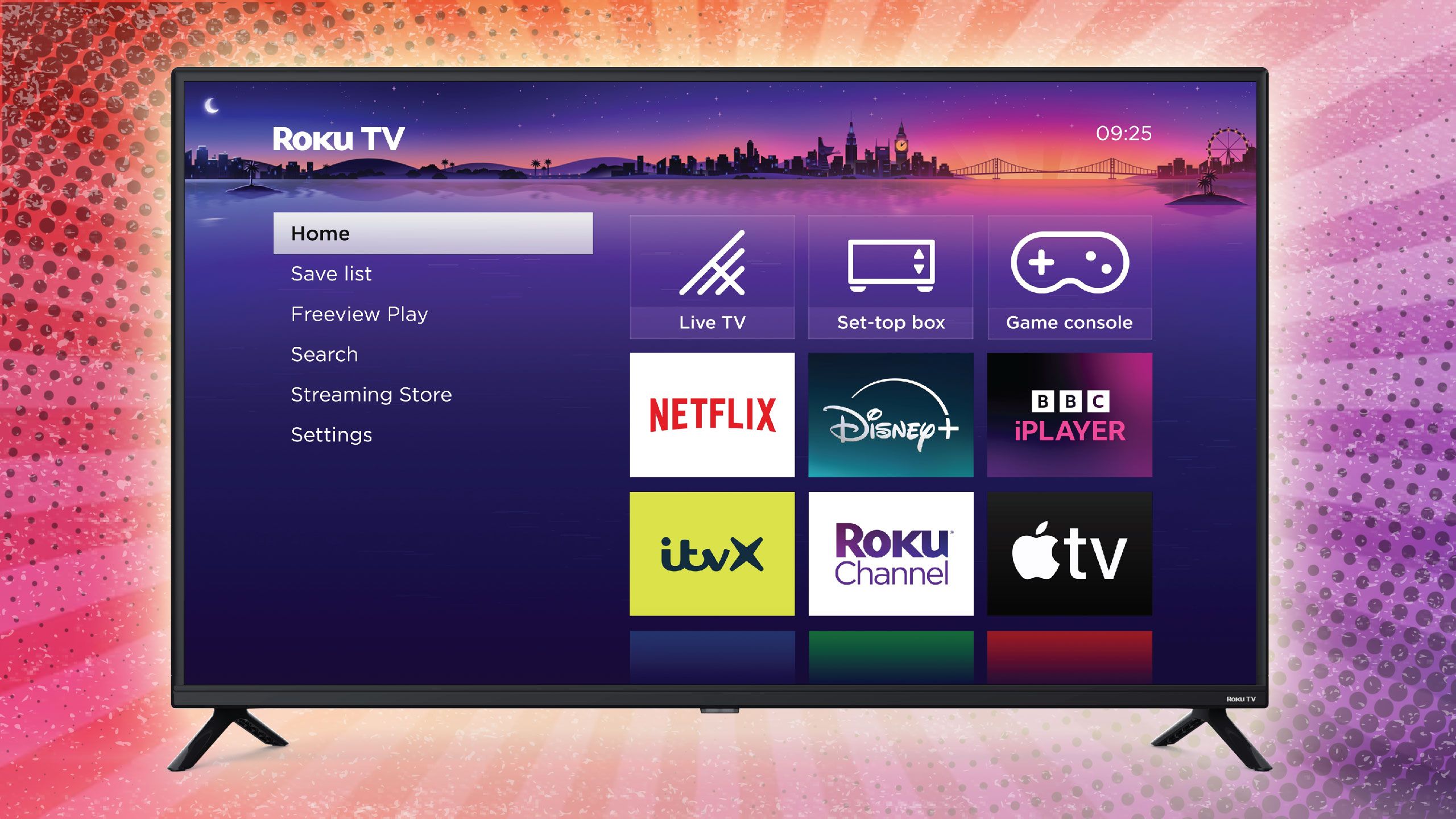
- Roku Hardware: On Roku streaming players, Roku TVs, and Roku-powered soundbars, the channel is often pre-installed or easily accessible from the home screen.
- Web Browsers: Users can stream content directly via a compatible web browser on a computer or laptop by visiting the official Roku website.
- Mobile Devices: The Roku mobile app provides a gateway to the channel on smartphones and tablets, allowing for portable viewing.
- Third-Party Streaming Devices: The service is available as a standalone application on various third-party streaming hardware, including Amazon Fire TV, Google TV, and certain smart TV platforms.
This multi-platform strategy is intentional, aiming to maintain engagement with users regardless of their chosen hardware. By allowing access on non-Roku devices, the company ensures that their advertising inventory reaches the widest possible audience.
Content Library and Programming Structure
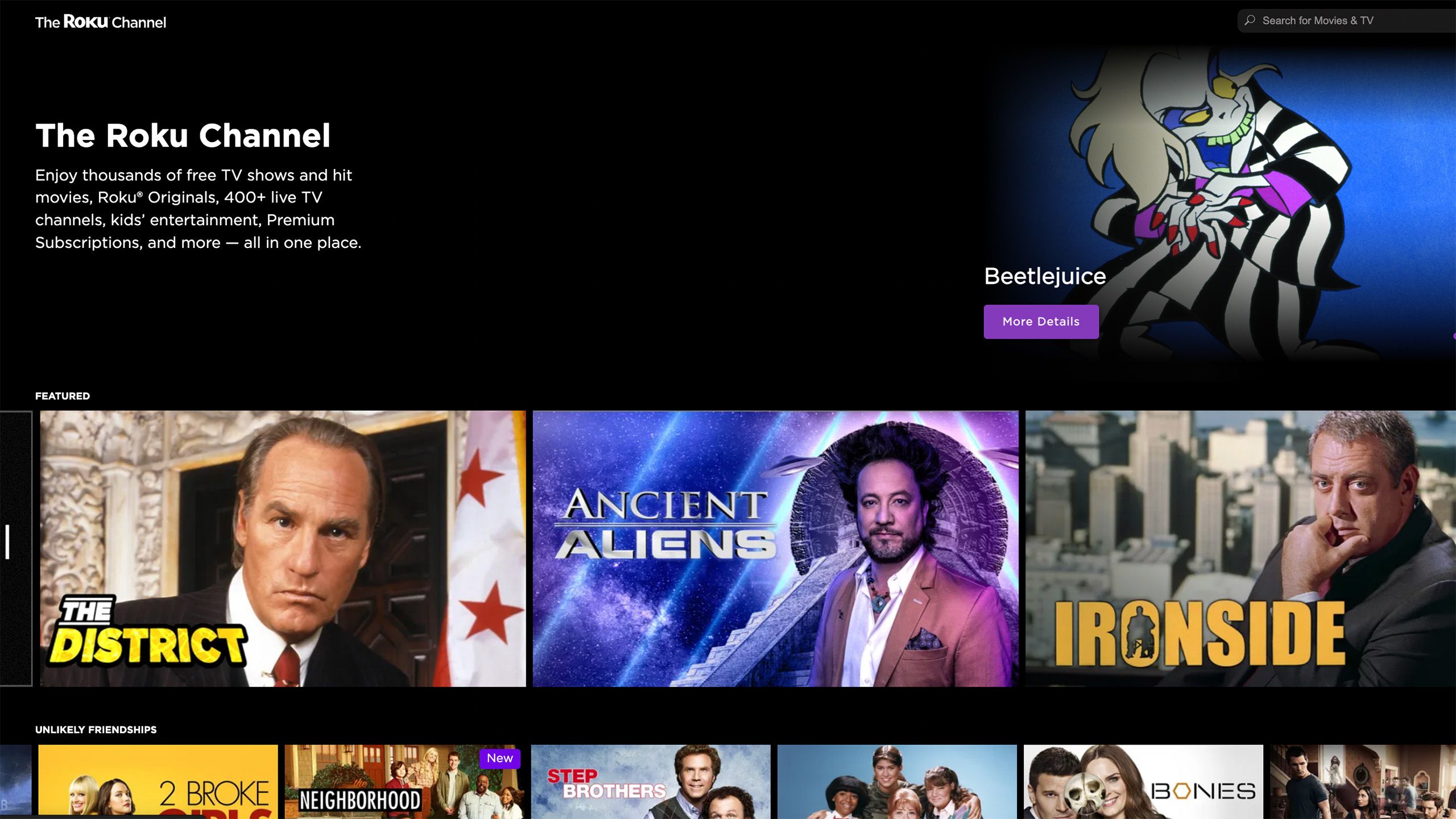
The library hosted on the Roku Channel is diverse, covering a wide range of genres including reality television, classic cinema, news, and documentaries. The content is generally organized into three main categories:
1. On-Demand Movies and Series
This segment includes licensed content from major studios and independent distributors. Because the licensing agreements for these titles rotate frequently, the specific library is dynamic, with titles entering and exiting the platform based on contract terms.
2. Live Linear Channels
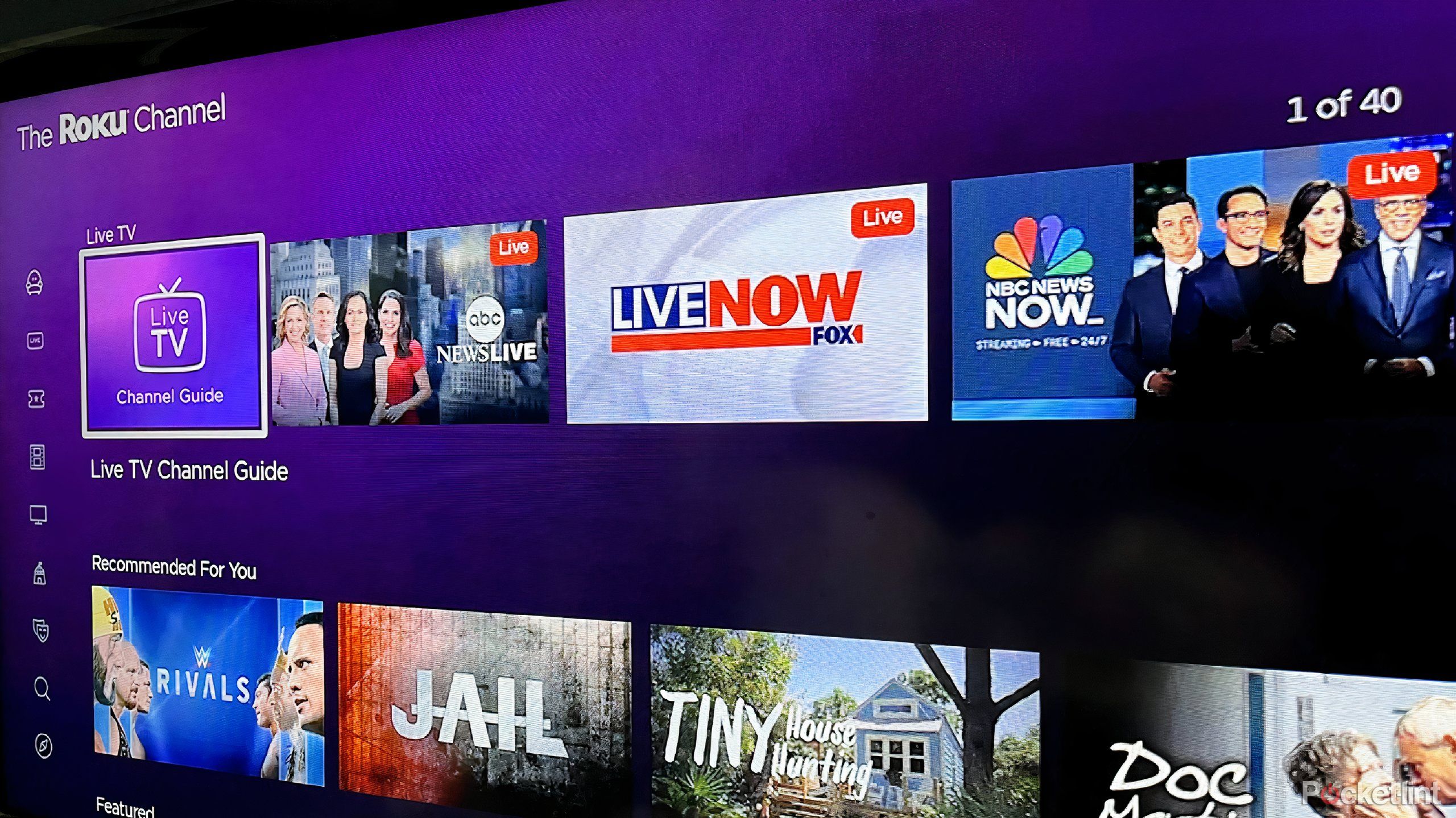
To simulate the "cable" experience, the service includes a grid-based guide featuring hundreds of live channels. These channels broadcast content continuously, ranging from specific news outlets and lifestyle programming to genre-specific hubs (e.g., dedicated channels for home improvement, true crime, or classic sitcoms).
3. Roku Originals
These programs are exclusive to the platform. They include both scripted and unscripted series, as well as feature-length films. Roku produces or acquires these titles to differentiate its service from other free, ad-supported television (FAST) competitors.
Content Comparison Table
| Feature | Roku Channel | Traditional Subscription (SVOD) |
|---|---|---|
| Monthly Cost | Free ($0) | Variable ($10 - $25+) |
| Ad Presence | Yes (Ad-supported) | Often None (or Ad-free tiers) |
| Content Exclusive | Roku Originals | Studio Originals |
| Device Access | Universal | Universal |
| Live TV | Extensive Free Guide | Limited or Cable-add-on |
Prerequisites for Optimal Viewing
While the service does not require a subscription, there are technical prerequisites to ensure a high-quality viewing experience. Because the service relies on streaming video over the internet, a stable and sufficiently fast connection is the most critical requirement.
- Internet Speed: While SD content may function on lower speeds, HD and 4K streaming generally require a consistent download speed of at least 5 to 25 Mbps, depending on the stream quality.
- Account Requirements: While much of the content is available without logging in, creating a free Roku account provides benefits such as the ability to save "Watch Lists," resume playback across different devices, and manage personalized recommendations.
- System Updates: Users on third-party devices should ensure their hardware firmware is up to date to maintain compatibility with the latest version of the application.
Troubleshooting Common Issues
Despite the relative simplicity of the platform, users may occasionally encounter technical hurdles. The most common issues typically relate to playback quality or application errors.
- Buffering and Lag: If playback is stuttering, the first step is to perform a speed test on the network. If the connection is stable, check if other background applications are consuming bandwidth. In many cases, power-cycling the streaming device or the router resolves these issues.
- App Performance: If the channel interface becomes unresponsive or fails to load, clearing the cache (on supported devices) or uninstalling and reinstalling the application can reset the local data that may have become corrupted.
- Ad-Blocker Interference: For users accessing the service via a web browser, strict ad-blocking software can sometimes prevent the video player from initializing, as the player requires the ad-insertion mechanism to function correctly. Disabling these extensions is usually necessary for the service to play content.
Strategic Considerations for Users
For the end user, the Roku Channel represents a trade-off: a vast library of free entertainment in exchange for engagement with advertisements. It serves as an excellent entry point for cord-cutters looking to reduce their monthly digital expenses without sacrificing access to a diverse range of shows and movies.
When navigating the service, it is helpful to treat it as an evolving library rather than a static catalog. Because licensing deals change, viewers should use the "Watch List" feature to track shows they are interested in, which ensures that they do not lose track of titles before they rotate off the platform. Furthermore, the integration of the live TV guide within the app makes it a viable replacement for the traditional cable linear guide for those who prefer passive, "lean-back" viewing rather than manually selecting every individual episode.
Frequently Asked Questions
Does the Roku Channel require a Roku device?
No, it does not. While the experience is most tightly integrated into Roku hardware, the service is available via web browsers, the Roku mobile app, and as a downloadable application on many competing streaming devices and smart TVs.
Is the Roku Channel truly free?
Yes, it is a free service. There are no monthly subscription fees, trial periods, or hidden costs associated with watching the standard library. The revenue model is entirely supported by the commercials displayed during playback.
Can I skip ads on the Roku Channel?
Because the service is ad-supported and free to use, it does not offer an option to remove or skip advertisements. The presence of these ads is the primary financial mechanism that keeps the content free for the viewer.
What are "Roku Originals"?
Roku Originals are exclusive films and series commissioned or acquired by Roku. These titles are proprietary to the platform and cannot be found on other major streaming services, serving as a key differentiator for the brand.
How do I report issues with the channel?
If you experience persistent technical difficulties, check the official Roku support website. Most issues regarding playback errors or account problems are documented in their searchable help database, which includes steps for troubleshooting specific hardware configurations.
Next Actions and Recommendations
To get the most out of the platform, start by creating a free account if you have not already done so. This enables the cross-device sync feature, allowing you to begin a movie on your television and finish it on your mobile device during a commute. If you are a new user, spend time exploring the "Live TV" guide; it is often an overlooked feature that offers a vast array of specialized content that is not easily discoverable through the standard on-demand search.
Image Gallery