Free Financial Management Tool: Comprehensive Guide to Personal Budgeting Software in 2026
A free financial management tool is a digital application or software program designed to help individuals track income, monitor expenses, build budgets, and analyze spending habits without incurring subscription fees or upfront licens...
A free financial management tool is a digital application or software program designed to help individuals track income, monitor expenses, build budgets, and analyze spending habits without incurring subscription fees or upfront license costs. These tools typically aggregate bank accounts, categorize transactions automatically, and generate visual reports to support informed money management.
Contents
Managing personal finances effectively requires more than just willpower; it demands clear visibility into where money flows each month. Navigating the modern economic landscape can quickly become overwhelming due to subscription creep, fluctuating utility bills, and diverse investment accounts. Fortunately, individuals no longer need to rely entirely on manual spreadsheets or expensive, premium desktop software to maintain control over their wealth. The market features a wide array of options that deliver robust capabilities at zero cost. Understanding how these applications work, evaluating their security features, and selecting the right option for individual requirements can transform long-term fiscal health.
Understanding the Landscape of Free Financial Software
The market for personal finance applications has evolved significantly over the past decade. Historically, consumers had to choose between tedious manual entry in spreadsheet templates or paying substantial upfront fees for desktop ledger installations. Today, cloud-based architectures and mobile ecosystems have introduced freemium business models. Under this framework, companies offer a core set of powerful tracking and budgeting features completely free of charge, monetizing their platforms instead through optional premium upgrades, financial product referrals, or targeted advertisements.
Adopting a software-based approach offers distinct advantages over traditional pen-and-paper or basic spreadsheet methods. Automated transaction syncing eliminates the human error inherent in manual data entry. Furthermore, real-time alerts help users catch fraudulent charges or unexpected fees immediately. However, users must also understand the trade-offs. Free tiers often restrict advanced investment tracking, limit custom categorization rules, or display promotional offers for credit cards and loans within the user interface.
Core Features to Look For in a Zero-Cost Platform
Evaluating options requires looking beyond marketing claims to examine the specific capabilities included in the free tier. Not all applications handle data synchronization or user privacy with the same level of rigor.
Account Aggregation and Automated Syncing
The foundation of modern money software is the ability to securely connect checking accounts, savings accounts, credit cards, and loan portfolios into a single dashboard. Automated aggregation imports transactions as they clear, sparing users the friction of manual downloads. When selecting a platform, examine which financial data aggregators—such as Plaid or Finicity—the tool utilizes, as this determines how many banking institutions are supported and how stable the connection remains.
Expense Categorization and Budgeting Engines
Once transactions populate the dashboard, the software must organize them logically. Effective systems feature intelligent categorization engines that learn user habits over time, automatically sorting grocery purchases, utility payments, and entertainment expenses. A quality budgeting tool should also allow users to establish flexible monthly spending limits per category, sending visual warnings or push notifications when approaching predefined thresholds.
Reporting and Financial Health Dashboards
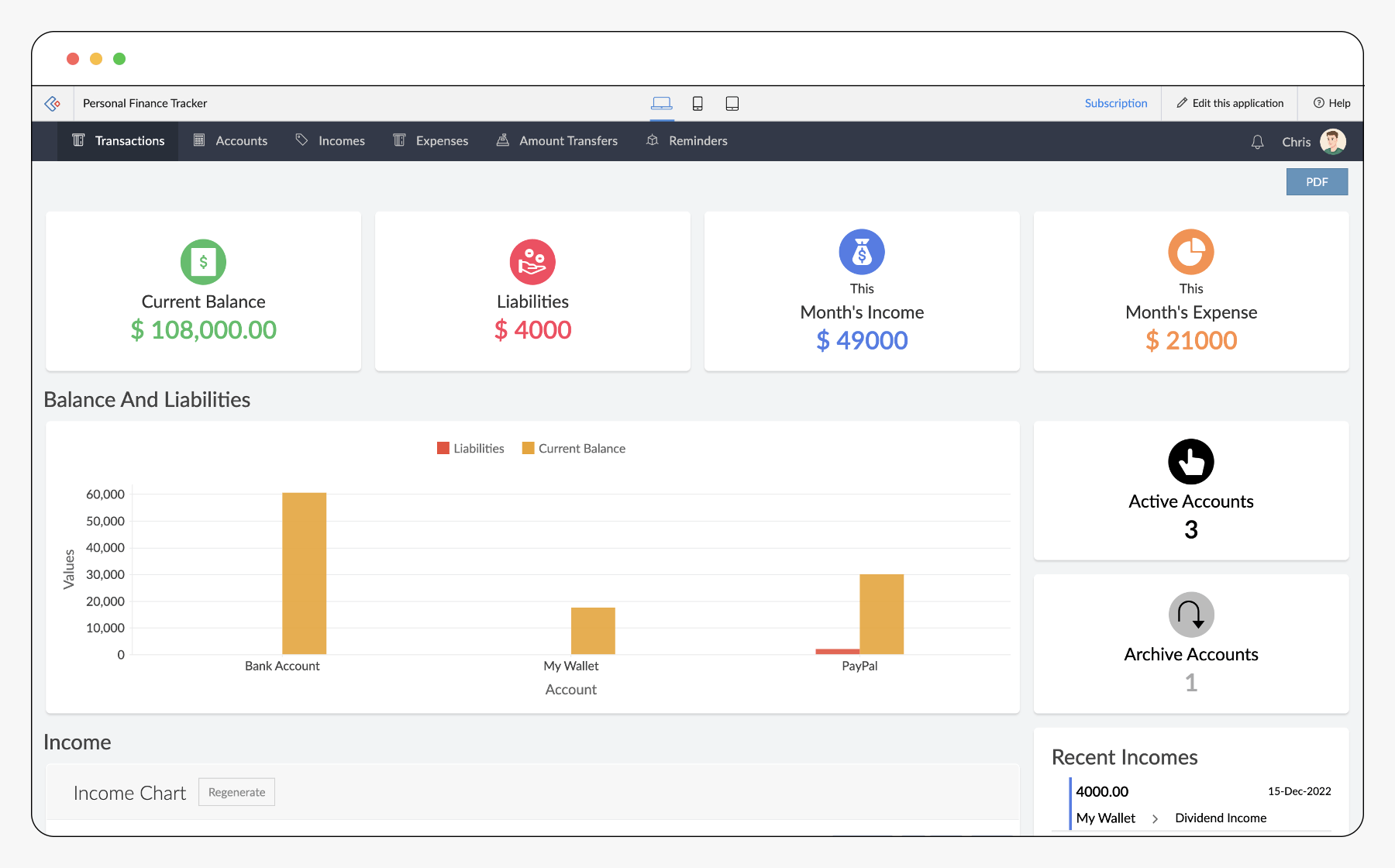
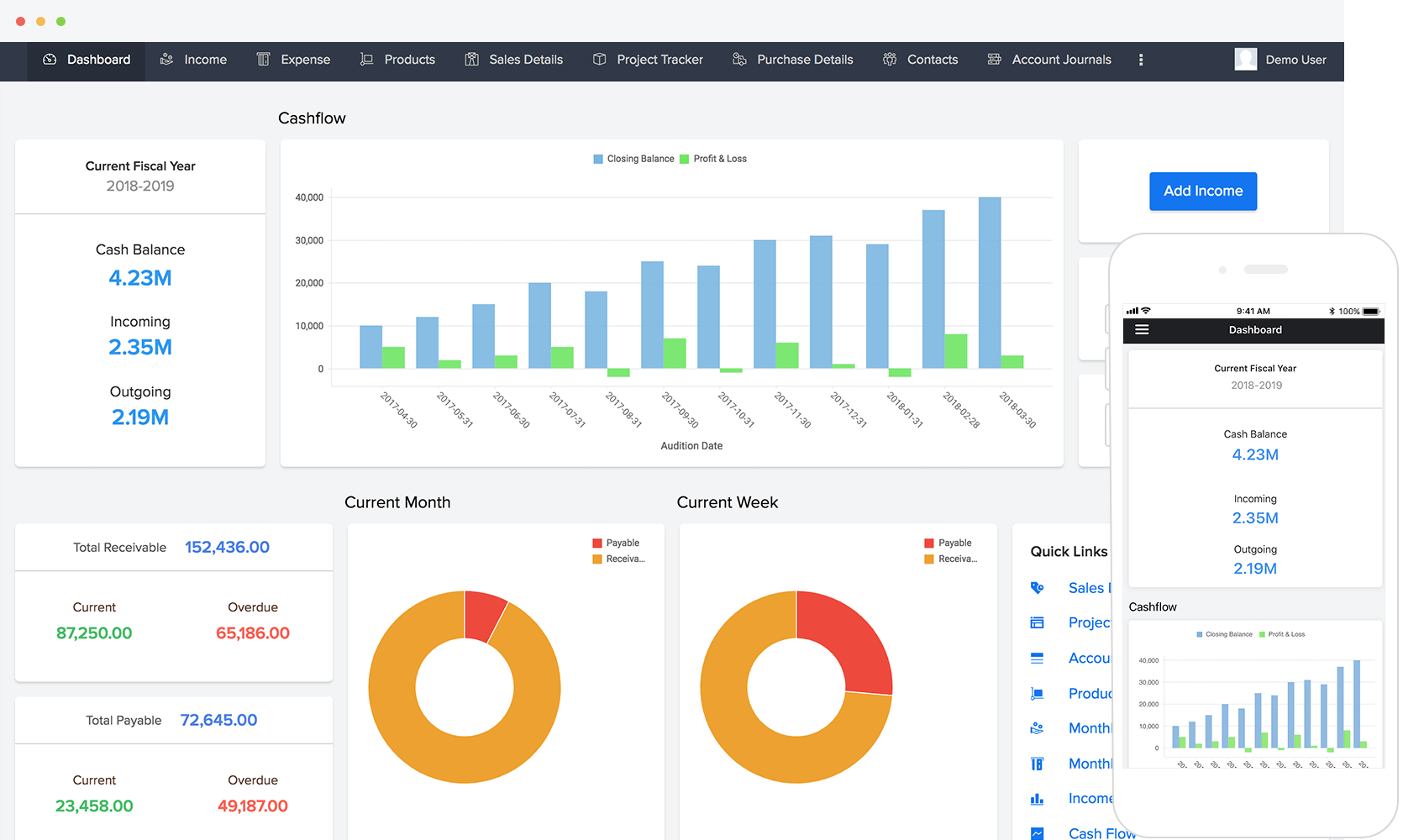
Data collection is only valuable if it yields actionable insights. The best free platforms translate raw numbers into clean, intuitive charts and graphs. Look for cash flow summaries, net worth trackers, and spending trend analyses that reveal historical patterns over 30, 90, or 365-day periods.
Security, Privacy, and Data Protection Standards
Entrusting software with bank logins, account numbers, and transaction histories requires strict adherence to security protocols. Because free tools do not charge subscription fees, users must verify that the provider does not compromise security or monetize personal data in unacceptable ways.
Reputable platforms employ bank-level security measures, including 256-bit Advanced Encryption Standard (AES) for data transmission and storage. Additionally, applications should support Multi-Factor Authentication (MFA) and biometric sign-ins, such as fingerprint or facial recognition on mobile devices. Users should also review privacy policies to confirm whether the platform sells anonymized spending data to third-party market research firms or utilizes read-only access protocols that prevent the software from executing financial transfers.
Comparison of Popular Free Personal Finance Options
The following table compares key attributes of prominent free personal finance options available in 2026. Each platform utilizes a freemium model, offering foundational tracking and budgeting capabilities without requiring a financial commitment.
| Platform Name | Primary Focus | Account Syncing | Monetization Strategy | Notable Free Limitation |
|---|---|---|---|---|
| Empower Dashboard | Net Worth & Investment Tracking | Automated via Aggregator | Wealth management upsells | Limited granular budgeting rules |
| NerdWallet | Credit Monitoring & Spending Overview | Automated via Aggregator | Credit card and loan referrals | Heavy focus on financial product ads |
| Goodbudget | Envelope System Budgeting | Manual Entry (Free Tier) | Premium upgrade for automation | No automatic bank syncing in free tier |
| EveryDollar | Zero-Based Budgeting | Manual Entry (Free Tier) | Paid annual subscription for sync | Basic tracking requires manual entry |
Step-by-Step Implementation Guide
Transitioning personal finances into a centralized digital tool involves a deliberate setup process. Executing these steps methodically ensures accurate data and minimizes frustration during the initial learning curve.
- Audit Current Accounts: Compile a complete list of all checking accounts, savings accounts, credit cards, investment portfolios, and outstanding debt obligations.
- Select and Install the Platform: Choose a tool that aligns with personal priorities—such as automated investment tracking versus manual envelope budgeting—and download the mobile application or create a secure desktop account.
- Establish Secure Connections: Link financial institutions using multi-factor authentication credentials. If opting for a manual-entry tool, prepare initial starting balances for each account.
- Configure Categories and Budgets: Review default spending categories, customize them to match household habits, and assign realistic dollar limits for the current calendar month.
- Establish a Maintenance Routine: Schedule weekly 15-minute review sessions to approve categorized transactions, investigate anomalies, and adjust spending allocations as needed.
Common Pitfalls and Troubleshooting Strategies
Even the most sophisticated software cannot resolve fiscal challenges if approached with unrealistic expectations or poor maintenance habits. Users frequently encounter specific hurdles during their first few months of digital tracking.
Broken Bank Connections and Sync Errors
Financial institutions frequently update their security protocols, which can temporarily disrupt automated data feeds between banks and third-party software. When a sync failure occurs, users should avoid deleting the account entirely, as this can erase historical transaction data. Instead, navigate to the account settings menu within the application and select the re-authenticate or refresh credential option, entering the multi-factor authentication code when prompted by the banking institution.
Categorization Drift
Intelligent categorization algorithms are remarkably accurate, but they occasionally mislabel ambiguous merchants—such as warehouse clubs or online superstores that sell both groceries and electronics. Relying entirely on automated settings without periodic reviews leads to distorted budget reports. Users should manually recategorize mislabeled transactions and create custom merchant rules to train the platform for future accuracy.
Feature Fatigue and Abandonment
Attempting to track every penny across dozens of hyper-specific categories often leads to burnout. Experts recommend starting with broad categories—housing, food, transportation, savings, and discretionary spending—before introducing granular sub-categories. Simplicity fosters long-term consistency.
Frequently Asked Questions
Are free financial management tools completely safe to use?
Reputable free tools utilize the same encryption standards as major retail banks, such as 256-bit AES encryption and read-only access protocols. However, safety also depends on user behavior, such as using strong, unique passwords and enabling multi-factor authentication. Users should also read privacy policies to understand how free platforms monetize their services.
How do free financial tools make money if the software is free?
Most free platforms operate on a freemium business model or a referral revenue structure. They may offer advanced features—such as deep investment analysis or unlimited custom rules—behind a paid subscription tier. Alternatively, they may recommend financial products like mortgages, credit cards, or insurance policies, earning a commission when users sign up for those services.
Can I use a financial management tool without linking my bank account?
Yes. Several popular budgeting applications, such as Goodbudget and EveryDollar, rely on manual entry for their free tiers. This approach appeals to privacy-conscious users who prefer not to share banking credentials with third-party software aggregators, though it requires more active daily maintenance.
What is the difference between budgeting software and net worth trackers?
Budgeting software focuses primarily on cash flow, monitoring monthly income against daily expenses to help users live within their means. Net worth trackers, conversely, focus on long-term wealth accumulation by aggregating total assets (cash, real estate, investments) and subtracting liabilities (mortgages, student loans, credit card balances).
How often should I check my financial management dashboard?
Reviewing the dashboard two to three times per week helps maintain awareness of spending velocity and catches unauthorized transactions quickly. A comprehensive review should take place at the end of each month to analyze variances, evaluate savings goals, and adjust the upcoming month's budget.
Next Actions and Strategic Recommendations
Selecting a free financial management tool represents a foundational step toward long-term fiscal organization. Begin by identifying whether automated bank syncing or manual tracking best suits personal privacy preferences and lifestyle habits. Next, test one or two platforms using a limited set of accounts to evaluate user interface ergonomics and report clarity. Consistent weekly maintenance combined with an intuitive software dashboard will yield sustainable clarity and control over personal financial outcomes.
Image Gallery