How to Delete an Elite Singles Account: A Complete Step-by-Step Guide
To delete your Elite Singles account, log in via a web browser, navigate to Account Settings by clicking the gear icon, and select "My Membership." Scroll to the bottom of the page to find the "Delete my account" link. If you have an a...
To delete your Elite Singles account, log in via a web browser, navigate to Account Settings by clicking the gear icon, and select "My Membership." Scroll to the bottom of the page to find the "Delete my account" link. If you have an active premium subscription, you must cancel it first to avoid further billing.
Contents
The process of leaving a dating platform like Elite Singles involves more than just removing an app from your smartphone. Because Elite Singles caters to a professional demographic and operates under the Spark Networks umbrella, its account management protocols are strict regarding billing cycles and data retention. As of 2026, consumer protection laws have streamlined some of these processes, but users must still follow specific sequences to ensure they are not charged for renewals after they intend to leave the platform.
Whether you have found a partner, decided to try a different service, or simply want to reduce your digital footprint, this guide provides a comprehensive walkthrough of the technical and administrative steps required to close your Elite Singles presence permanently.
Understanding the Difference Between Cancellation and Deletion
Before initiating the deletion process, it is critical to distinguish between canceling a premium subscription and deleting a profile. These are two distinct technical actions with different consequences for your wallet and your data.
Subscription Cancellation refers to the termination of the billing agreement. If you are a Premium member, your contract typically involves an auto-renewal clause. Canceling the subscription ensures that once your current paid term ends, you will not be charged again. However, your profile, photos, and message history remain on the Elite Singles servers, and you revert to a "Basic" (free) membership.
Account Deletion is the permanent removal of your profile from the platform. This action wipes your photos, matches, and messages from public view. Crucially, deleting your account does not always automatically trigger a refund for a pre-paid subscription. In fact, if you delete your account while a subscription is active without first following the cancellation protocol, you may find it difficult to manage billing disputes later, as your login credentials will no longer work to access the payment portal.
In 2026, best practices dictate that you should verify your subscription status first. If you are a paying member, you must satisfy the notice period—often 24 hours before renewal—before proceeding to the final deletion of the account.
Prerequisites for a Smooth Exit
Before you click the final "delete" link, there are several housekeeping tasks you should perform to protect your privacy and ensure you have any information you might need later.
- Check Your Subscription Status: Log in and navigate to the "My Membership" section. Note the expiration date of your current term. If you cancel mid-month, you generally retain access to premium features until the end of that billing cycle.
- Retrieve Important Contacts: If you have developed a connection with someone but haven't exchanged phone numbers or alternative contact methods, do so now. Once the account is deleted, your message history is unrecoverable.
- Audit Your Payments: If you subscribed via a third-party service like the Apple App Store or Google Play Store, Elite Singles cannot cancel the subscription for you. You must manage this through your device's subscription settings.
- Clear Your Profile Manually (Optional): While deletion should remove your data, some users prefer to manually delete their photos and change their profile text to "Deleted" before hitting the final button as an extra layer of privacy.
How to Cancel an Elite Singles Premium Subscription
The method for canceling a subscription depends entirely on how you originally paid. Elite Singles uses different payment gateways, and the "owner" of the transaction is the only one who can stop it.
Via the Website (Direct Credit Card or PayPal)
If you signed up through the Elite Singles website, you must use the web interface to cancel.
- Log in to your account on a desktop or mobile browser.
- Click the Gear Icon (Settings) at the top of the screen.
- Select My Membership.
- Look for the "Cancel" link. In 2026, this is often titled "Change" or "Cancel Renewal."
- Follow the prompts. The system may offer a discount to stay; you must continue through all screens until you receive a confirmation message.
Via iOS (Apple App Store)
If you subscribed through the Elite Singles app on an iPhone, your contract is with Apple.
- Open the Settings app on your iPhone.
- Tap your Name/Apple ID at the top.
- Tap Subscriptions.
- Find Elite Singles in the list and select Cancel Subscription.
Via Android (Google Play Store)
For subscriptions started on Android devices:
- Open the Google Play Store app.
- Tap your profile icon at the top right.
- Select Payments & subscriptions > Subscriptions.
- Select Elite Singles and tap Cancel subscription.
| Feature | Basic Deactivation | Premium Cancellation | Full Account Deletion |
|---|---|---|---|
| Profile Status | Hidden from others | Remains visible | Permanently removed |
| Future Billing | May continue if Premium | Stops after current term | Stops (if canceled first) |
| Data Retention | Saved for future login | Saved for future login | Purged (subject to law) |
| Message Access | Retained | Retained | Lost permanently |
| Action Required | Toggle "Hide" | Cancel renewal link | "Delete account" link |
Step-by-Step Guide to Deleting the Account (Web)
Once your subscription is handled (or if you are a Basic member), you can proceed to delete the profile. Elite Singles requires this to be done through a web browser; the mobile app often redirects you to the web portal for security and verification purposes.
- Log In: Enter your credentials at the official Elite Singles homepage.
- Access Settings: Click the Gear Icon usually located in the top navigation bar or within the "Account" menu.
- Navigate to My Membership: This section contains all details regarding your account status.
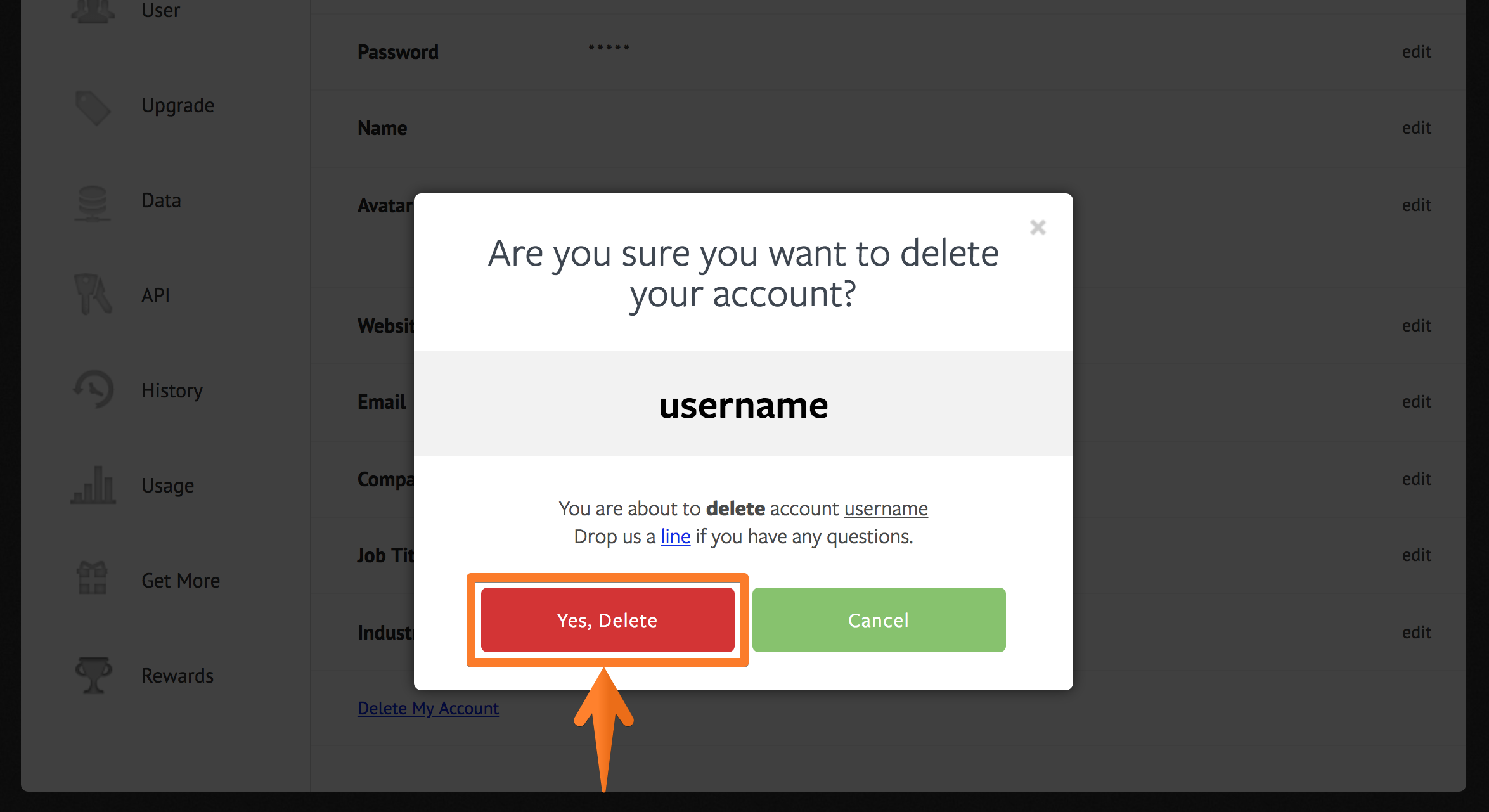
- Find the Deletion Link: Scroll to the very bottom of the "My Membership" page. You will see a text-based link that says, "To delete your account, please click here." Note that this is frequently less prominent than other buttons.
- Provide a Reason: The platform will ask why you are leaving. Common options include "I found someone on Elite Singles," "I found someone elsewhere," or "The service is too expensive." Your choice here does not affect the deletion but is used for their internal analytics.
- Verify Password: You will likely be asked to re-enter your password to confirm that you are the authorized user making this permanent change.
- Final Confirmation: Click the final "Delete" or "Confirm" button. You should receive an automated email confirming that your account has been closed.
Managing Data Retention and Privacy
In 2026, data privacy regulations such as the GDPR (General Data Protection Regulation) in Europe and the CCPA (California Consumer Privacy Act) in the United States have forced companies like Spark Networks to be more transparent about what happens after you click "delete."
When you delete an Elite Singles account, your profile is "de-indexed" from the search results and match lists immediately. However, the company may retain certain data for a specific period. This is typically done for:
- Legal Compliance: Keeping financial records of transactions for tax purposes.
- Safety and Fraud Prevention: Ensuring that banned users do not immediately create new accounts with the same data.
- Technical Backups: Data may persist in encrypted server backups for 30 to 90 days before being completely overwritten.
If you are a resident of a jurisdiction with "Right to Erasure" laws, you can send a formal request to the Elite Singles Data Protection Officer to ensure all non-essential personal information is purged immediately upon account closure.
Troubleshooting Common Issues
Despite a straightforward process, technical or administrative hurdles can arise.
The "Delete" Link is Missing
If you cannot find the "Delete my account" link in the My Membership section, it is almost always because you have an active, un-canceled premium subscription. The platform's logic prevents account deletion while a financial contract is still "active" to prevent users from accidentally losing access to a service they've paid for. Cancel the renewal first, then refresh the page to see the deletion link.
Forgotten Password
You cannot delete an account you cannot log into. If you have lost your password, use the "Forgot Password" link on the login page. If you no longer have access to the email address associated with the account, you will need to contact Elite Singles Customer Care and provide proof of identity or billing details to regain access and close the account.
Account Reappearing
Elite Singles occasionally sends "We miss you" emails. If you receive these after deletion, check if you accidentally "Deactivated" or "Hid" the profile instead of deleting it. A truly deleted account cannot be "re-activated" by simply logging in; you would have to create a brand-new profile.
Alternatives to Deletion
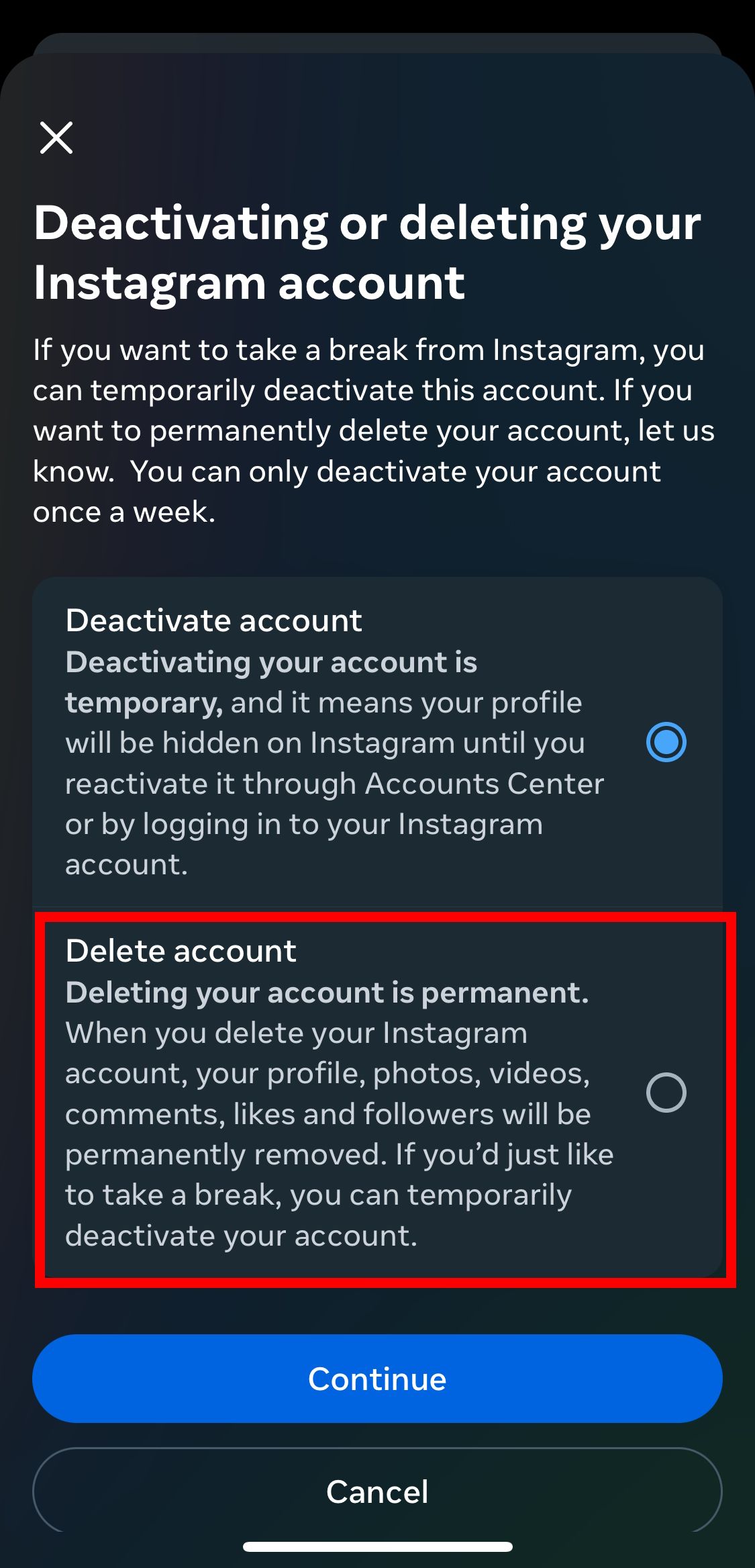
If you aren't sure you want to leave forever, consider hiding your profile. This is a "soft exit" that allows you to take a break without losing your matches or personality profile data.
- How to Hide: Go to Account Settings > Profile Visibility. Switch your status to "Invisible."
- Benefits: You won't appear in "Have you met?" or search results, but you can return later and pick up where you left off.
- Warning: Hiding your profile does not stop premium billing. You will continue to be charged unless you cancel the subscription renewal separately.
FAQs
Can I delete my account through the mobile app?
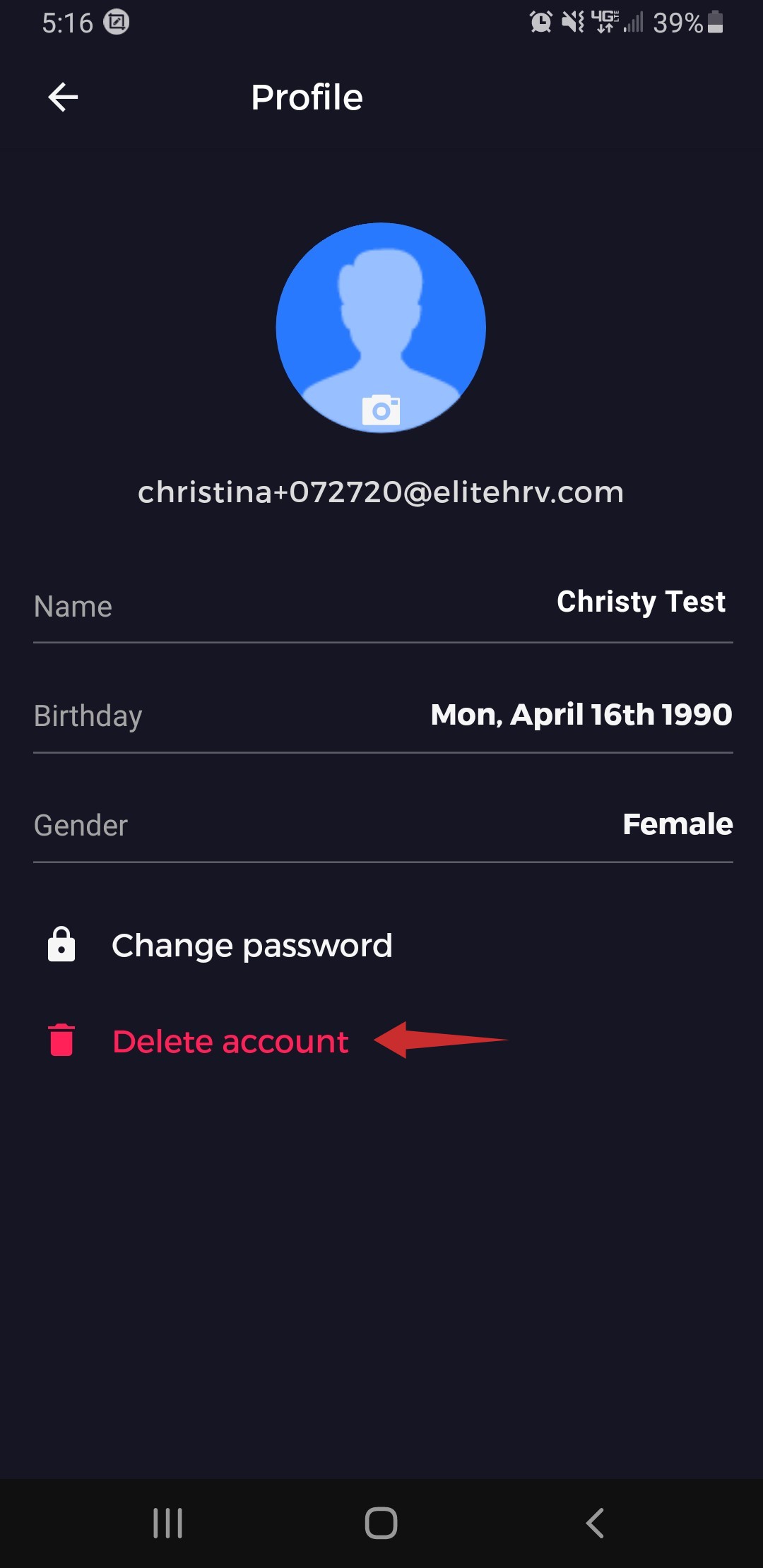
As of 2026, most versions of the Elite Singles app allow you to initiate the process, but many will still open an in-app browser window to the web-based "My Membership" page. It is generally more reliable to perform this task on a desktop or laptop to ensure all scripts and confirmation pop-ups load correctly.
Will I get a refund if I delete my account halfway through a subscription?
Standard policy for Elite Singles is that subscriptions are non-refundable. If you delete your account with three months remaining on a six-month plan, you typically forfeit that remaining time. There are exceptions for residents of certain states or countries (like the 14-day "cooling-off" period in the UK/EU), but these usually require contacting support directly rather than just clicking delete.
What happens to my messages if I delete the account?
Once the account is deleted, your messages disappear from the inboxes of your matches. Usually, your name will be replaced with "Deleted User" or a similar placeholder, and the content of the conversation will no longer be accessible to either party.
Can I use the same email to sign up again later?
Yes. Once an account is fully purged from the system, that email address becomes "available" again. However, you will have to retake the personality test and upload new photos, as none of your previous data will be saved.
How long does it take for the profile to disappear?
The profile is removed from the matching algorithm instantly. However, if a user has already cached your profile page in their browser or if your profile was indexed by a search engine (though Elite Singles generally blocks this), it might take a few days for the "ghost" of the profile to vanish entirely from external views.
Final Recommendation
When closing your Elite Singles account, the most important step is verifying the confirmation email. Whether you are canceling a subscription or deleting the entire profile, the platform generates an automated receipt of the action. Save this email. If a stray charge appears on your bank statement in the future, this confirmation is your primary evidence for a chargeback or refund request. For maximum security, after deleting your account, remove the Elite Singles app from your device and clear your browser's cookies to ensure all session data is wiped.
Image Gallery